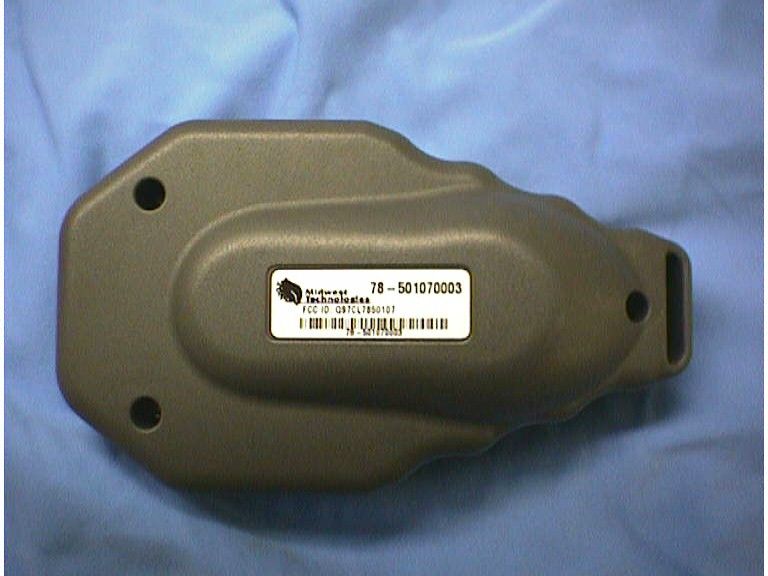
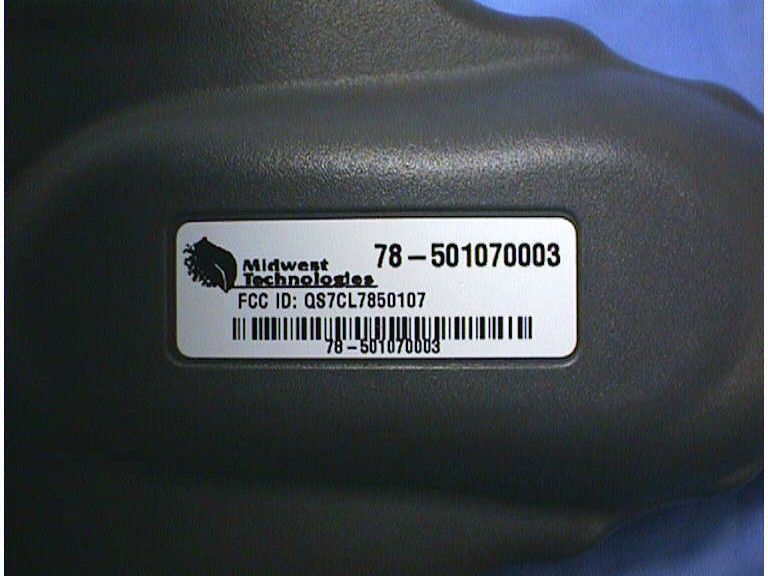
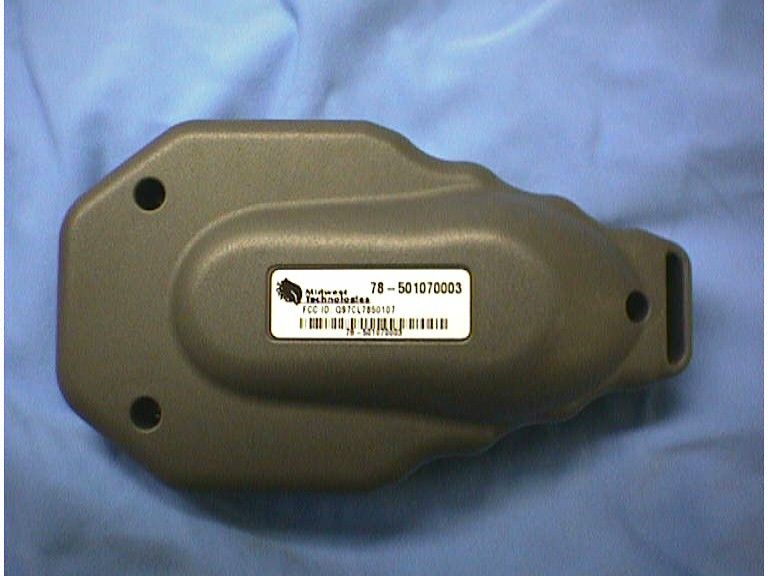
QS7CL7850107Remote Control Transmitter
Midwest Technologies Illinois, LLC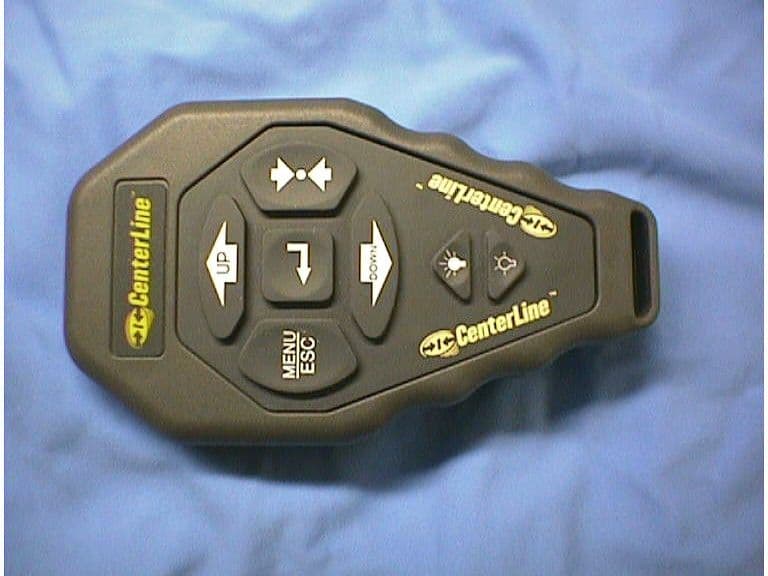
Click to zoom
Application Details
- Equipment Class
- DSC - Part 15 Security/Remote Control Transmitter
- Date of Grant
- Mar 11, 2003
- Application Purpose
- Original Equipment
- Date of Application
- Mar 11, 2003
- Equipment Note
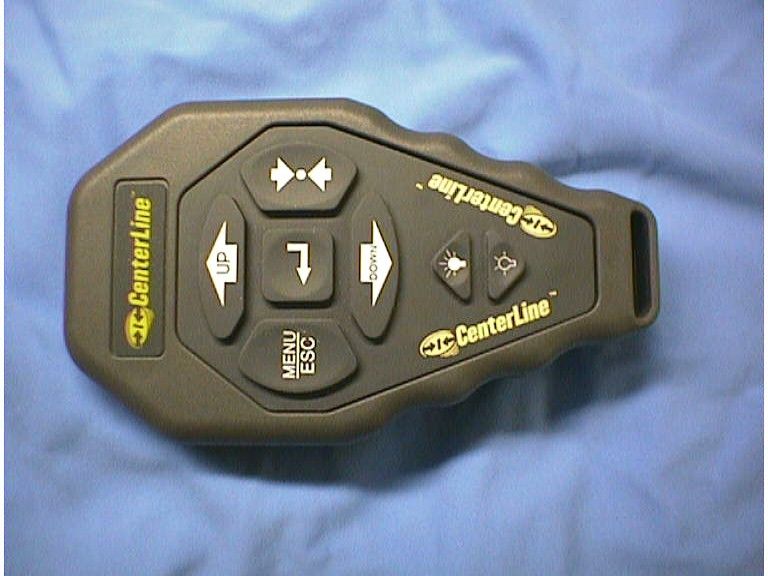
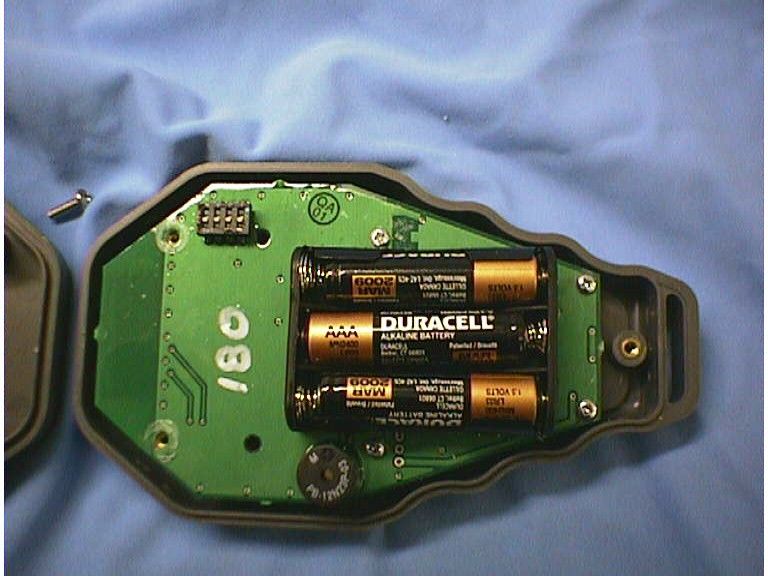
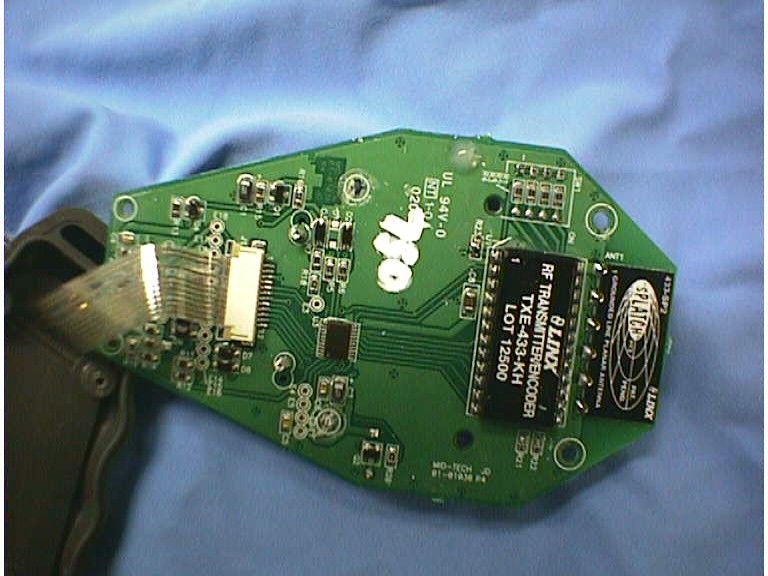
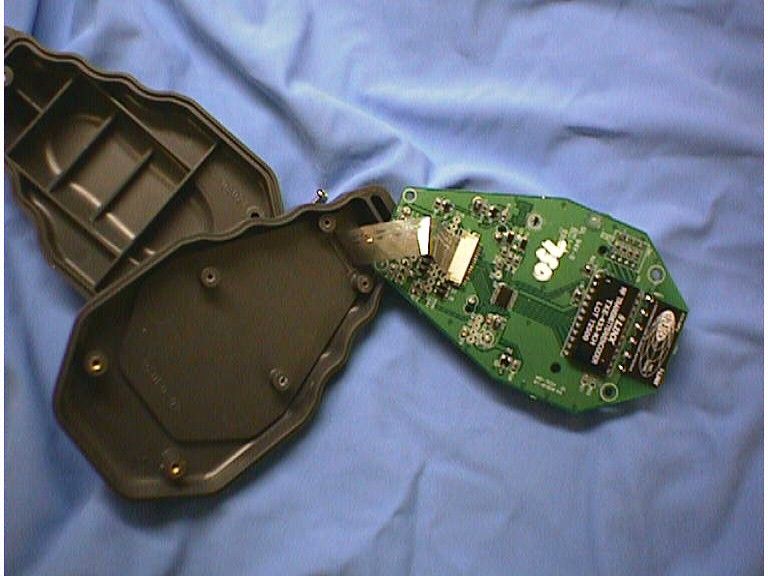
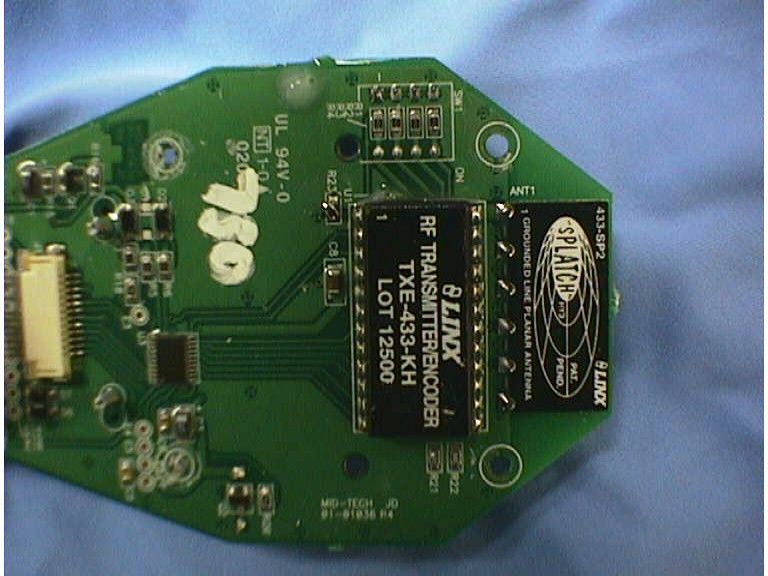
- Remote Control Transmitter
- Frequency Range
- 433.00000000 - 433.00000000
- Country
- United States
Documents & Files
Document Text
Text extracted from the exhibit documents filed with the FCC. Open a document above to read the original.
Users Manual
Midwest Technologies Inc. CenterLine - 01/02/2003 CenterLine (Draft User’s Guide) A lightbar guidance system with wireless remote control. Software Version 1 2CenterLine (Draft User’s Guide) Introduction CenterLine Software Version 1 Introduction Abou t Ce nte r Line CenterLine is a low-cost lightbar guidance system controlled by a wireless remote. CenterLine pro- vides accurate straight-line and curved guidance, for use in spraying, seeding and other related jobs at a cost that rivals foam markers. The CenterLine product comes with a WAAS DGPS receiver providing sub-meter pass to pass positioning accuracy. The wireless remote control is used to set-up and operate the system through menus and options displayed on the lightbar. CenterLine’s attractive design combines a compact size with easy to see LEDs that are fully adjustable using dedicated buttons on the wireless remote. The lightbar can be dimmed to effi- ciently run at night and brightened to be easily seen in full sunlight. St ra ig ht o r C u rved Gui da nce CenterLine will guide you along swaths of all kinds with sub-meter pass to pass accuracy. You select the driving pattern and CenterLine determines the closest swath to guide you next to. There’s no need to decide a guidance pattern ahead of time, or to commit to a pattern for the entire job. Centerline allows you to switch patterns in real-time. Centerline determines when you are using a new pattern and keeps you informed of your current status. Wireless Remote Control Unit CenterLine’s ergonomic, handheld remote control is easier to use than most TV remotes. Seven easy to read keys allow you to scroll through menus displayed on the lightbar. The remote keypad is backlit for night-time operation, and one set of AA batteries (included) will power the unit for an entire season. The small, powerful remote permits mounting the weather-resistant lightbar outside on the hood or in the cab. When mounted outside, wireless communication permits easy operation while the cab stays clean and sealed from dust and contaminants. Lightbar Shows you the Information You Want A text display on the lightbar reports the guidance information of your choice. It also warns you when you enter an area of the field that has been already applied. Guidance text information can be turned off, if you choose not to see this data. You choose two of these guidance messages to monitor progress in real-time: •Cross-Track Error, •Current Swath Number, •Vehicle Speed, •Applied Area, •Vehicle course on the ground. CenterLine Software Version 1 CenterLine (Draft User’s Guide)3 Introduction A b o u t th is U s e r ’s G u i d e This is the CenterLine user’s guide version 1 and will cover CenterLine software versions 1.00 to 1.99. Some software versions may come with a supplement to this user’s guide. M enu I tems an d Pi ck Li s t Text Throughout this user’s guide, menu item text will be displayed between the <> characters. EG <START>. Keys on the remote, (Figure 4) will be denoted in bold italics, such asEnter. Most of the figures in this user’s guide are of menu items that would be displayed in the text win- dow of the lightbar (Figure 5). This text will represent either a menu item such as <GUIDANCE> or a pick-list item, such as <METRIC>. The lightbar text window can only display a single line of text up to ten characters long. Figure 1 shows an example of a single text line that would be displayed on the lightbar. The enter symbol on the right hand side of the text window means that you can press theEnter key on the remote and move to a sub-menu or a pick-list. The up and down arrows on the left hand side of the text display indicate that there are menu items or pick-list values above and below the currently shown menu or pick-list item, and they can be accessed by using theUpandDown arrow keys on the remote. Figures with multiple menu items are depicting the menu items that are above, below, left and right of the text line currently in view. Figure 2 shows several menu items. The current menu item in view is <SETUP> and is denoted with a black arrow to the right side of the text. This figure is showing that if you use theUpandDownarrow keys you can scroll between <START>, <SETUP> and <TOOLS>. If you press theEnterkey on the remote, you will move to the <GUIDANCE> setup menu item. This figure also shows you that if you are at the <GUIDANCE> menu item, you can scroll between the <GUIDANCE>, <LIGHTBAR> and <SYSTEM> setup menus using theUp andDownarrow keys. Figure 1: Example of Text Displayed on Lightbar Figure 2: Displaying Multiple Text Lines 4CenterLine (Draft User’s Guide) Introduction CenterLine Software Version 1 M enu I tems B ack an d To Sta rt There are two additional menu items that are found in almost every menu, <BACK> and <TO START>. Figure 3 shows the <BACK> and <TO START> menu items in the System Setup menu list. Selecting <BACK> will take you back a menu heading. In this example pressing back would take you to <SETUP>. Selecting <TO START> will automatically take you to the <START> menu; from here you can begin real-time guidance. Using <TO START> is useful when you need to quickly change one setting and then go right back into real-time operation. Software Components CenterLine software can be broken into three components, Setup (“CenterLine Setup” on page 12), Real-Time (“CenterLine Real-Time Operation” on page 27) and Tools. Setup will allow you to configure the CenterLine to best suit their requirements and the Real-Time component will handle all of the real-time guidance operations. The Tools component will provide basic diagnostics for the lightbar and also the attached GPS receiver. Figure 3: Back and To Start Menu Items CenterLine Software Version 1 CenterLine (Draft User’s Guide)5 Introduction Wire les s Rem ote Con tro l Gen eral Op erati on Operation of CenterLine software is via remote keypad input and menu items displayed in the text display area, (Figure 5), of the CenterLine lightbar.…
Text truncated - open the document above for the full version.
Cover Letter(s)
FCC ID: QS7CL7850107 Request for Confidentiality In accordance with 47 C.F.R. Section 0.459, we, Midwest Technologies Illinois, LLC, hereby request confidentiality for the photographs, block diagrams, schematics and product description presented for certification. In support of the Request for Confidentiality, the following is stated: Enclosed within this application is technical information which we deem to be trade secrets and proprietary. If made public, the information might be used to our disadvantage. To assist in assuring that we receive the full value of our product and protect its competitive posture, we respectfully request this grant of confidentiality. W. William Rudolph (signed, 2/25/2003) Technical Director Midwest Technologies Illinois, LLC
Contact Information
Applicant
William Rudolph(Technical Director)
Test Firm
Elite Electronic Engineering Co.Daniel Crowder
Technical Specifications
| # | Rule Parts | Frequency Range | Power Output |
|---|---|---|---|
| 1 | 15.231 | 433 MHz - 433 MHz | - |
Other Applications from Midwest Technologies Illinois, LLC
QS7CL7850094
Jan 27, 2003Remote Control Device
Equipment Class
DSC - Part 15 Security/Remote Control Transmitter