RLGTFTV420942 Inch LCD TV
Phyls FNC Co., Ltd.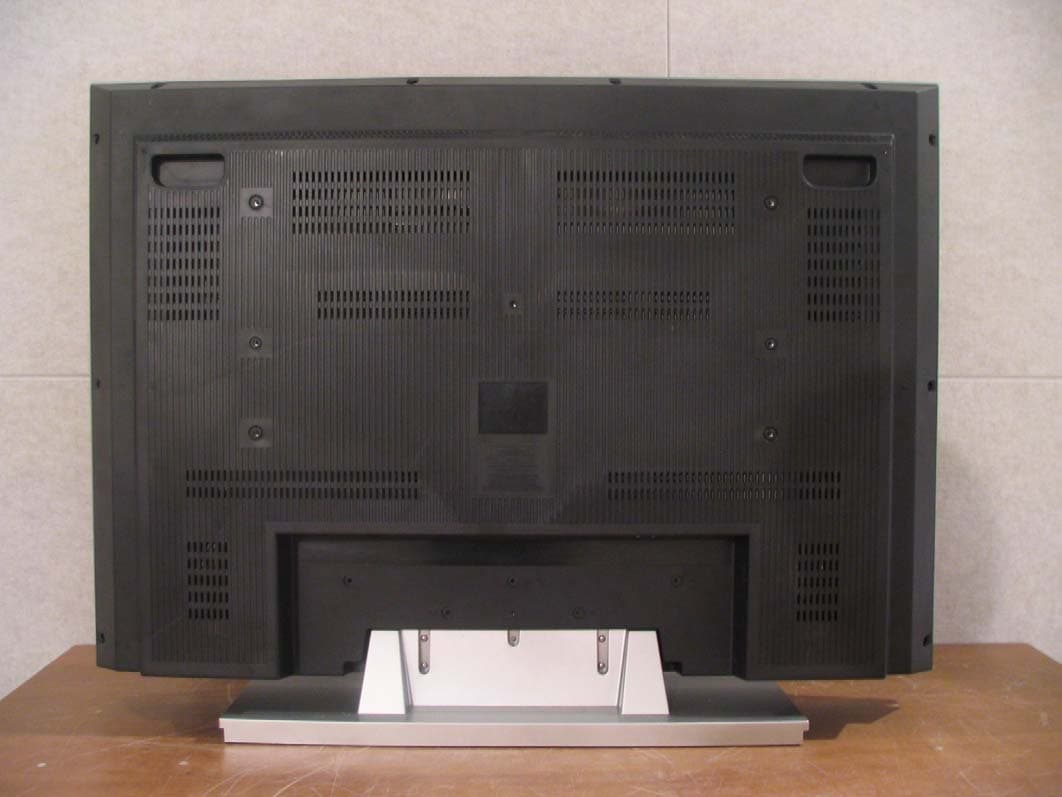
Click to zoom
Application Details
- Equipment Class
- JBP - Part 15 Class B Computing Device Peripheral
- Date of Grant
- Jul 24, 2006
- Application Purpose
- Original Equipment
- Date of Application
- May 02, 2006
- Equipment Note
- 42 Inch LCD TV
- Company
- Phyls FNC Co., Ltd.
- Country
- South Korea
Documents & Files
Document Text
Text extracted from the exhibit documents filed with the FCC. Open a document above to read the original.
Users Manual
21 ENGLISH Screen Color Settings From step 4 above, pressing number ‘0’ [ ] will change the value to ‘0’ and automatically make minor channel adjustments. If minor channel adjustment is on manual, then changing to the current channel will not perform automatic channel adjustment. 1 2 Undoing a channel adjustment Press [MENU]. -The menu will appear. Press [] to move to <Channel>, then press [OK]. -The <Channel> Menu will appear. Press [] to move to <Fine Tune>, then press [OK]. -The <Fine Tune> Menu will be selected. Press [ ] to adjust. Press [EXIT] to exit the menu. 1 2 3 4 5 Unstable Screen If a dashed line or no color appears, the screen is unstable, therefore try channel adjustments. (This is only available for analog broadcasting.) Press [MENU]. -The menu will appear. Press [] to move to <Picture>, then press [OK]. -The <Picture> Menu will appear. Press []to move to <Color Temperature>, then press [OK]. -The <Color Temperature> Menu will appear. Press [] to move to a menu. -Press [] to move to <Normal>, <Cool> or <Warm>. Press [EXIT] to exit the menu. 1 2 3 4 5 Useful Tips ☛ TThhee PPCC aanndd HHDDMMII iinnppuuttss ssuuppppoorrtt nnoott oonnllyy ssccrreeeenn ccoolloorr mmooddee bbuutt aallssoo RR,,GG,,BB ccuussttoom m mmooddee ffuunnccttiioonnss.. ☛ TThhee ssccrreeeenn ccoolloorr mmooddee aanndd ccuussttoomm aaddjjuussttmmeenntt vvaalluuee ((PPCC,,HHDDMMII)) a arree ssaavveedd iinnddiivviidduuaallllyy ((TTVV,,AAVV11,,22,, SS--VVIIDDEEOO eettcc)).. 22 Set your selection to <ON> to watch your movies titles at the best quality. You will be able to watch with a more realistic movie screen. Film Mode Settings Press [MENU]. -The menu will appear. Press [] to move to <Picture>, then press [OK]. -The <Picture> Menu will appear. Press [] to move to <Film Mode>, then press [OK]. -The <Film Mode> Menu will appear. Press [] to move to <On>. -Press []to toggle <Film Mode> between <Off> and <On>. Press [EXIT] to exit the menu. 1 2 3 4 5 Useful Tips ☛ EEvveenn iiff ffiillmm mmooddee iiss aaccttiivvaatteedd,, tthhee ssiiggnnaall ssttaattuuss mmaayy ttaakk pprreecceeddeennccee.. Useful Tips ☛ Depending on the input signal, the screen size may not be selected. ☛ The screen size may be saved individually according to the input signal (digital TV, analog TV, external input1,2, S-video etc). You can select the size of the screen depending on the type of program. Adjusting the Screen Size Press [MENU]. -The menu will appear. Press [] to move to <Picture>, then press [OK]. -The <Picture> Menu will appear. Press [] to move to <Screen Format>, then press [OK]. -The <Screen Format> Menu will appear. Press [] to select a <Screen Format>.-The screen size will be selected. Press [EXIT] to exit the menu. 1 2 3 4 5 ■ 16 : 9: The screen size for DVDs or wide broadcast programs. ■ Panorama: A 16:9 screen shown as naturally as a 4:3 screen. ■ Expansion :Expands the 4:3 screen sideways and shows only the center area. ■ Caption Expansion: A 16:9 screen shown as naturally as a 4:3 screen. ■ 4 : 3: For video and the current broadcast screen ratio. Screen Size Menu Press [ASPECT] Each press switches between <16 : 9>, <Panorma>,<Zoom1>, <Zoom2> and <4:3>. If you force a still picture or use the basic (4:3) screen over a long time, then the LCD TV can show some residual images. These problems are not covered by the warranty. If possible try to utilise full screen mode. Useful Tips ☛ Some screen modes might not be selectable depending on the input signal. ☛ While watching digital broadcasting or if the input mode is HDMI or via PC, only the 4:3 or 16:9 screens can be selected. ☛ For HDMI input, the screen size selection can be either PC mode or TV mode. The difference is the ratio of the amount cut left, right, at the top and below. 23 ENGLISH Capturing a Still screen You can pause a scene on the screen. Dolby Digital This product is under licence of Dolby Laboratories. The “Dolby” or D symbol is a trademark of Dolby Laboratories. Digital Audio Output Settings You can select your digital audio output as <Dolby Digital> or <PCM>. Press [MENU]. -The menu will appear. Press [] to move to <Sound>, then press [OK]. -The <Sound> Menu will appear. Press [] to move to <Digital Output>, then press [OK]. -The <Digital Output> Menu will appear. Press []to move to <Dolby digital> or <PCM>, then press [OK]. -With Digital sound, <Dolby digital> or <PCM> will be output. Press [EXIT] to exit the menu. 1 2 3 4 5 Useful Tips ☛ <<DDoollbbyy ddiiggiittaall>> ccaann bbee sseelleecctteedd wwhhiillee aa ddiiggiittaall broadcast is on or HDMI is connected. ☛ HHDDMMII ccaann oonnllyy bbee uusseedd wwhheenn ddoollbbyy ddiiggiittaall aauuddiioo iiss aalllloowweedd.. IIff nnoott,, PPCCMM wwiilll l bbee oouuttppuutt nnoo mmaatttteerr wwhhaatt mmooddee hhaass bbeeeenn sseett.. ☛ PCM (Pulse Coded Modulation): A digital signal without compression; with optical output you r sound output will be used for the AV Amp that cannot support Dolby Digital 5.1 channel. Press [STILL]. Each press of the button will capture a still image. Useful Tips ☛ AAuuddiioo wwiillll ccoonnttiinnuuee ttoo ooppeerraattee wwhhiillee tthhee ssccrreeeenn iiss ppaauusseedd.. ☛ PPrreessssiinngg aa cchhaannnneell nnuummbbeerr oorr iinnppuutt ssiiggnnaall wwiillll aauuttoommaattiiccaallllyy ccaanncceell tthhee ffuunnccttiioonn.. 24 You can adjust the mode to Music, Movie, Sports, or News depending on the type of program you are watching. Sound Mode Settings Press [MENU]. -The menu will appear. Press [] to move to <Sound>, then press [OK]. -The <Sound> Menu will appear. Press [] to move to <Mode>, then press [OK]. -The <Mode> Menu will appear. Press [] to select a sound mode. -Pressing []will change the settings to <Standard>, <Music>, <Movie>, <News>, <Sports> or <Manual>. Press [EXIT] to exit the menu. 1 2 3 4 5 You can adjust low/high sound as required. Custom Sound Mode Settings Sound mode ■ Standard: Basic sound mode. ■ Music: Experience live a…
Text truncated - open the document above for the full version.
Users Manual
LCD TV A Wide Array of Screen Settings You can choose different screen settings depending on the type of program you are watching or the surrounding conditions (the lighting or the outside weather conditions). You can switch among the Sport, Movie, Music and Normal options , or you can configure the screen settings yourself. A Wide Array of Sound Settings You can choose an optimal sound setting for the type of program you are watching. You can switch among the Music, Movie, News and Normal options , or you can configure the settings yourself. Favorite Channel Memory You can store your favorite channels in the order of preference for easy channel selection. Captions When you watch a captioned program, you can turn the caption option on to see English text on the screen. This feature also works with video CDs or videotapes with captions. NOTICE If the same pattern is continuously displayed on the Monitor / TV for a long period of time,it can be the situation when the image “Sticks” to screen. This apparatus shall not be exposed to dripping or splashing and no object filled with liquids, such as vases, shall be place on the apparatus. This symbol is intended to alert the user to the presence of uninsulated “dangerous voltage” within the product’s enclosure that may be of sufficient magnitude to constitute a risk of electric shock to persons. This symbol is intended to alert the user to the presence of important operating and maintenance (servicing) instructions in the literature accompanying the appliance. WARNING -To reduce the risk of fire or shock hazard, do not expose the TV to rain or moisture. CAUTION WARNING HIGH-VOLTAGE RISK OF ELECTRIC SHOCK DO NOT OPEN WARNING AVERTISSEMENT RISQUE DE CHOC ELECTRIQUE-NE PAS OUVRIR. ́ TO PREVENT FIRE OR SHOCK HAZARD DO NOT REMOVE COVER. NO USER SERVICEABLE PARTS INSIDE. REFER ALL SERVICE QUERIES TO QUALIFIED PERSONNEL. DO NOT EXPOSE THIS RECEIVER TO RAIN OR MOISTURE. REMOVE MAINS PLUG FROM WALL SOCKET WHEN NOT IN USE. CARE SHOULD BE TAKEN WHEN REMOVING BACK CABINET FOR SERVICING, SUB CHASSIS MAY BE DAMAGED IF ALLOWED TO BECOME UNSUPPORTED. 3 ENGLISH Note :This equipment has been tested and found to comply with the limits for a Class B digital device, pursuant to part 15 of the FCC Rules. These limits are designed to provide reasonable protection against harmful interference in a residential installation. This equipment generates, uses and can radiate radio frequency energy and, if not installed and used in accordance with the instructions, may cause harmful interference to radio communications. However, there is no guarantee that interference will not occur in a particular installation. If this equipment does cause harmful interference to radio or television reception, which can be determined by turning the equipment off and on, the user is encouraged to try to correct the interference by one or more of the following measures: Warning:Your are cautioned that any change or modifications to the equipment not expressly approved by the party responsible for compliance could void your authority to operate such equipment. Reorient or relocate the receiving antenna Increase the separation between the equipment and receiver. Connect the equipment into an outlet on a circuit different from that to which the receiver is connected. Consult the dealer or an experienced radio / TV technician for help. FCC Compliance Statements 1 ) Read these instructions. 2 ) Keep these instructions. 3 ) Heed all warnings. 4 ) Follow all instructions. 5 ) Do not use this apparatus near water. 6 ) Clean only with dry cloth. 7 ) Do not block any ventilation openings. Install in accordance with the manufacturer's instructions. 8 ) Do not install near any heat sources such as radiators, heat registers, stoves, or other apparatus (including amplifiers) that produce heat. 9 ) Do not defeat the safety purpose of the polarized or grounding-type plug. A polarized plug has two blades with one wider than the other. A grounding type plug has two blades and a third grounding prong. The wide blade or the third prong are provided for your safety. If the provided plug does not fit into your outlet. Consult an electrician for replacement of the obsolete outlet. 10 ) Protect the power cord from being walked on or pinched particularly at plugs, convenience receptacles, and the point where they exit from the apparatus. 11 ) Only use attachments/accessories specified by the manufacturer. 12 ) Use only with the cart, stand, tripod, bracket, or table specified by the manufacturer, or sold with the apparatus. When a cart is used, use caution when moving the cart/apparatus combination to avoid injury from tip-over. 13 ) Unplug this apparatus during lightning storms or when unused for long periods of time. 14 ) Refer all servicing to qualified service personnel. Servicing is required when the apparatus has been damaged in any way, such as power-supply cord or plug is damaged, liquid has been moisture, does not operate normally, or has been dropped. 15 ) The apparatus shall not be exposed to dripping or splashing and that no objects filled with liquids, such as vases, shall be placed on the apparatus. Precaution 4 Important Safety Instructions The unit should not be placed in a built-in installation such as a book-case, limited space rack unless proper ventilation is provided. - This may cause fire by overheating or damage the unit by falling. Do not use the unit near water, oil or inflammables. - This may cause a fire. Do not use a damaged plug and do not let the power cord touch a heat source. - This may cause an electric shock or fire. Place the unit on a flat and stable surface. - The unit can cause injury or damage the unit by falling. Do not place any things(vase, stc) on the top of the unit. - This may cause the damage of the unit by falling. Do not use the unit in direct sunlight and keep it away from heaters, stoves, and other sources of heat. - This may cause a fire. During storm conditions (esp…
Text truncated - open the document above for the full version.
Block Diagram
Report No: BWS-06-EF-0029 FCC ID : RLGTFTV4209 Date of Test : March 22, 2006 BWS TECH Inc. Phyls FNC Co., Ltd. Appendix 5 Appendix 5. Block Diagram
Cover Letter(s)
Report No: BWS-06-EF-0029 FCC ID : RLGTFTV4209 Date of Test : March 22, 2006 BWS TECH Inc. Phyls FNC Co., Ltd. Appendix 7 Appendix 7. Photographs of EUT modification Insert shield gasket Aluminum shielding tape Report No: BWS-06-EF-0029 FCC ID : RLGTFTV4209 Date of Test : March 22, 2006 BWS TECH Inc. Phyls FNC Co., Ltd. Appendix 7 Aluminum shielding tape Report No: BWS-06-EF-0029 FCC ID : RLGTFTV4209 Date of Test : March 22, 2006 BWS TECH Inc. Phyls FNC Co., Ltd. Appendix 7 Insert ferrite core (TDK, ZCAT2035-0930)
External Photos
Report No: BWS-06-EF-0029 FCC ID : RLGTFTV4209 Date of Test : March 22, 2006 BWS TECH Inc. Phyls FNC Co., Ltd. Appendix 3 Appendix 3. Photographs of EUT Front of EUT Report No: BWS-06-EF-0029 FCC ID : RLGTFTV4209 Date of Test : March 22, 2006 BWS TECH Inc. Phyls FNC Co., Ltd. Appendix 3 Rear of EUT Report No: BWS-06-EF-0029 FCC ID : RLGTFTV4209 Date of Test : March 22, 2006 BWS TECH Inc. Phyls FNC Co., Ltd. Appendix 3 Left of EUT Report No: BWS-06-EF-0029 FCC ID : RLGTFTV4209 Date of Test : March 22, 2006 BWS TECH Inc. Phyls FNC Co., Ltd. Appendix 3 Right of EUT Ports
ID Label/Location Info
Report No: BWS-06-EF-0029 FCC ID : RLGTFTV4209 Date of Test : March 22, 2006 BWS TECH Inc. Phyls FNC Co., Ltd. Appendix 2 Appendix 2. FCC ID Label and location Product Label Sample with FCC ID Label information Following is a sample copy of the label that will be placed on the rear cabinet of the product. The FCC identifier is marked in the product label. The warning statement and Information to the User are described in the user manual. Label Location The label shown above shall be permanently affixed at a conspicuous location on the device and be readily visible to the user at the time purchase.(Labeling requirements per 2.925) FCC Label
Internal Photos
Report No: BWS-06-EF-0029 FCC ID : RLGTFTV4209 Date of Test : March 22, 2006 BWS TECH Inc. Phyls FNC Co., Ltd. Appendix 4 Appendix 4. Internal Photographs of EUT Report No: BWS-06-EF-0029 FCC ID : RLGTFTV4209 Date of Test : March 22, 2006 BWS TECH Inc. Phyls FNC Co., Ltd. Appendix 4 Top of main board Report No: BWS-06-EF-0029 FCC ID : RLGTFTV4209 Date of Test : March 22, 2006 BWS TECH Inc. Phyls FNC Co., Ltd. Appendix 4 Bottom of main board Report No: BWS-06-EF-0029 FCC ID : RLGTFTV4209 Date of Test : March 22, 2006 BWS TECH Inc. Phyls FNC Co., Ltd. Appendix 4 Top of high voltage board Report No: BWS-06-EF-0029 FCC ID : RLGTFTV4209 Date of Test : March 22, 2006 BWS TECH Inc. Phyls FNC Co., Ltd. Appendix 4 Bottom of high voltage board Report No: BWS-06-EF-0029 FCC ID : RLGTFTV4209 Date of Test : March 22, 2006 BWS TECH Inc. Phyls FNC Co., Ltd. Appendix 4 Top of high voltage board Report No: BWS-06-EF-0029 FCC ID : RLGTFTV4209 Date of Test : March 22, 2006 BWS TECH Inc. Phyls FNC Co., Ltd. Appendix 4 Bottom of high voltage board Top of tuner board Report No: BWS-06-EF-0029 FCC ID : RLGTFTV4209 Date of Test : March 22, 2006 BWS TECH Inc. Phyls FNC Co., Ltd. Appendix 4 Bottom of tuner board Report No: BWS-06-EF-0029 FCC ID : RLGTFTV4209 Date of Test : March 22, 2006 BWS TECH Inc. Phyls FNC Co., Ltd. Appendix 4 Report No: BWS-06-EF-0029 FCC ID : RLGTFTV4209 Date of Test : March 22, 2006 BWS TECH Inc. Phyls FNC Co., Ltd. Appendix 4 Top of interface board Report No: BWS-06-EF-0029 FCC ID : RLGTFTV4209 Date of Test : March 22, 2006 BWS TECH Inc. Phyls FNC Co., Ltd. Appendix 4 Bottom of interface board Report No: BWS-06-EF-0029 FCC ID : RLGTFTV4209 Date of Test : March 22, 2006 BWS TECH Inc. Phyls FNC Co., Ltd. Appendix 4 Top of power board Bottom of power board Report No: BWS-06-EF-0029 FCC ID : RLGTFTV4209 Date of Test : March 22, 2006 BWS TECH Inc. Phyls FNC Co., Ltd. Appendix 4 Report No: BWS-06-EF-0029 FCC ID : RLGTFTV4209 Date of Test : March 22, 2006 BWS TECH Inc. Phyls FNC Co., Ltd. Appendix 4 Top of LCD panel board Report No: BWS-06-EF-0029 FCC ID : RLGTFTV4209 Date of Test : March 22, 2006 BWS TECH Inc. Phyls FNC Co., Ltd. Appendix 4 Bottom of LCD panel board Report No: BWS-06-EF-0029 FCC ID : RLGTFTV4209 Date of Test : March 22, 2006 BWS TECH Inc. Phyls FNC Co., Ltd. Appendix 4 LCD panel label
Operational Description
Report No: BWS-06-EF-0029 FCC ID : RLGTFTV4209 Date of Test : March 22, 2006 BWS TECH Inc. Phyls FNC Co., Ltd. Appendix 6 Appendix 6. Operational Description Report No: BWS-06-EF-0029 FCC ID : RLGTFTV4209 Date of Test : March 22, 2006 BWS TECH Inc. Phyls FNC Co., Ltd. Appendix 6 Report No: BWS-06-EF-0029 FCC ID : RLGTFTV4209 Date of Test : March 22, 2006 BWS TECH Inc. Phyls FNC Co., Ltd. Appendix 6 Report No: BWS-06-EF-0029 FCC ID : RLGTFTV4209 Date of Test : March 22, 2006 BWS TECH Inc. Phyls FNC Co., Ltd. Appendix 6 Report No: BWS-06-EF-0029 FCC ID : RLGTFTV4209 Date of Test : March 22, 2006 BWS TECH Inc. Phyls FNC Co., Ltd. Appendix 6 Report No: BWS-06-EF-0029 FCC ID : RLGTFTV4209 Date of Test : March 22, 2006 BWS TECH Inc. Phyls FNC Co., Ltd. Appendix 6 Report No: BWS-06-EF-0029 FCC ID : RLGTFTV4209 Date of Test : March 22, 2006 BWS TECH Inc. Phyls FNC Co., Ltd. Appendix 6 Specifications
Test Report
Report No: BWS-06-EF-0029 FCC ID : RLGTFTV4209 Date of Test : March 22, 2006 This report only responds and may not be reproduced, except in full, without written approval of the BWS TECH,Inc. Page 1 of 16 Electromagnetic Emission FCC MEASUREMENT REPORT CERTIFICATION OF FCC PART15 Subpart B COMPLIANCE PRODUCT : 42 Inch LCD TV MODEL/TYPE NO : TF-TV4209 FCC ID : RLGTFTV4209 TRADE NAME : - APPLICANT : Phyls FNC Co., Ltd. 704 KICOX Center, 188-5, Guro-Dong, Guro-Gu, Seoul, Korea FCC CLASSIFICATION : JBP : Part 15 Class B Computer Device Peripheral FCC RULE PART(S) : FCC Part 15 Subpart B Class B FCC PROCEDURE : Certification DATES OF TEST : March 22, 2006 DATES OF ISSUE : April 6, 2006 TEST REPORT No. : BWS-06-EF-0029 TEST LAB. : BWS TECH Inc. (Registration No. : 553281) This 42 Inch LCD TV has been tested in accordance with the measurement procedures specified in ANSI C63.4-2003 at the BWS TECH/EMC Test Laboratory and has been shown to be complied with the electromagnetic emission limits specified in FCC Rule Part15 Subpart B Section15.107 and 15.109 Manufacturer complies with the TV receiver requirements under FCC Verification according to the report NO. BWS-06-EF-0028 issued by BWS TECH Inc. I attest to the accuracy of data. All measurement herein were performed by me or were made under my supervision and are correct to the best of my knowledge and belief. I assume full responsibility for the completeness of these measurements and vouch for the qualifications of all persons taking them. The results of testing in this report apply to the product/system which was tested only. Other similar equipment will not necessarily produce the same results due to production tolerance and measurement uncertainties. BWS TECH Inc. www.bws.co.kr 2611-1, Maesan-ri, Mohyeon-myeon, Cheoin-gu, Yongin-si, Gyeonggi-do 449-853, Korea TEL: +82 31 333 5997 FAX: +82 31 333 0017 April 6, 2006 (Date) Nam, Tae-Hyun Chief Engineer Laborator y Division Report No: BWS-06-EF-0029 FCC ID : RLGTFTV4209 Date of Test : March 22, 2006 BWS TECH Inc. Phyls FNC Co., Ltd. 2 of 16 TABLE OF CONTENTS Pages 1. General Information 3 2. Description of Test Facility 4 3. Product Information 5 4. Description of Tests 6~7 5. Test Condition 8~9 6. Test Results 10~14 7. Sample Calculation and Other Information 15 8. Test Equipment List 16 Appendix 1. Test Setup Photos Appendix 2. FCC ID Label and location Appendix 3. External Photos of EUT Appendix 4. Internal Photos of EUT Appendix 5. Block Diagram Appendix 6. Operational Decription Appendix 7. Photographs of EUT Modification Report No: BWS-06-EF-0029 FCC ID : RLGTFTV4209 Date of Test : March 22, 2006 BWS TECH Inc. Phyls FNC Co., Ltd. 3 of 16 FCC TEST REPORT Scope – Measurement and determination of electromagnetic emission(EME) of radio frequency devices including intentional radiators and/or unintentional radiators for compliance with the technical rules and regulations of the U.S Federal Communications Commission(FCC). 1. General Information Applicant Name : Phyls FNC Co., Ltd. Applicant Address : 704 KICOX Center, 188-5, Guro-Dong, Guro-Gu, Seoul, Korea Manufacturer Name : L&D Co., Ltd. Manufacturer Address : 270-2, Hunshin-Dong, Sangju-City, Kyungsangbuk-Do, Korea Contact Person : Yoon, Byung-joon / Manager Phone/Fax : Phone : +82-2-6300-6317 Fax : +82-2-6300-6309 z EUT Type : 42 Inch LCD TV z Model Number : TF-TV4209 z FCC Identifier : RLGTFTV4209 z S/N : Prototype z FCC Rule Part(s) : Part 15 Subpart B Class B z Test Procedure : ANSI C63.4-2003 z Date of Tests : March 22, 2006 z Place of Tests : BWS TECH Inc. EMC Testing Lab (FCC Registration Number : 553281) 611-1, Maesan-ri, Mohyeon-myeon, Cheoin-gu, Yongin-si, Gyeonggi-do 449-853, Korea TEL: +82 31 333 5997 FAX: +82 31 333 0017 z Test Report No. : : BWS-06-EF-0029 Report No: BWS-06-EF-0029 FCC ID : RLGTFTV4209 Date of Test : March 22, 2006 BWS TECH Inc. Phyls FNC Co., Ltd. 4 of 16 2. Description of Test Facility The measurement for radiated emission test were practiced at the open area test site of BWS TECH Inc. Measurement for conducted emission test were practiced at the semi EMC Anechoic Chamber test site of BWS TECH Inc. facility located at 611-1, Maesan-ri, Mohyeon-myeon, Cheoin-gu, Yongin-si, Gyeonggi-do 449-853, Korea. The site is constructed in conformance with the requirements of the ANSI C63.4-2003 and CISPR Publication 16. The BWS TECH measurement facility has been filed to the Commission with the FCC for 3 and 10 meter site configurations. Detailed description of test facility was found to be in compliance with the requirements of Section 2.948 FCC Rules according to the ANSI C63.4-2003 and registered to the Federal Communications Commission(Registration Number : 553281 ). The measurement procedure described in American National Standard for Method of Measurement of Radio-Noise Emission from Low-Voltage Electrical and Electronic Equipment in the Range of 9 kHz to 40 GHz (ANSI C.63.4-2003) was used in determining radiated and conducted emissions from the Phyls FNC Co., Ltd. 42 Inch LCD TV Model : TF-TV4209. Report No: BWS-06-EF-0029 FCC ID : RLGTFTV4209 Date of Test : March 22, 2006 BWS TECH Inc. Phyls FNC Co., Ltd. 5 of 16 3. Product Information 3.1 Equipment Description Specifications 3.2 Variations covered by this report Model Difference : N/A Technical Deviation : N/A 3.3 Additional Information Related to Testing Test results apply only to the particular sample tested and functionality described in this test report. This report may be reproduced in full. Partial reproduction may only be made with the written permission of the BWS TECH Inc. Report No: BWS-06-EF-0029 FCC ID : RLGTFTV4209 Date of Test : March 22, 2006 BWS TECH Inc. Phyls FNC Co., Ltd. 6 of 16 4. Description of Tests 4.1 Conducted Emission Measurement Conducted emissions measurements were made in accordance with section 11, "Measurement of Information Technology Equipment" of ANSI C63.4-2003. The measurement were performed over the frequency range of 0.15M…
Text truncated - open the document above for the full version.
Test Setup Photos
Report No: BWS-06-EF-0029 FCC ID : RLGTFTV4209 Date of Test : March 22, 2006 BWS TECH Inc. Phyls FNC Co., Ltd. Appendix 1 Appendix 1. Test Setup Photographs Conducted Emission Test Setup Report No: BWS-06-EF-0029 FCC ID : RLGTFTV4209 Date of Test : March 22, 2006 BWS TECH Inc. Phyls FNC Co., Ltd. Appendix 1 Radiated Emission Test Setup
Contact Information
Applicant
BYUNG JOON YOON(Manager)
Test Firm
BWS TECH INCCheol-Ho Lee
Technical Specifications
| # | Rule Parts | Frequency Range | Power Output |
|---|---|---|---|
| 1 | 15B | - | - |
Other Applications from Phyls FNC Co., Ltd.
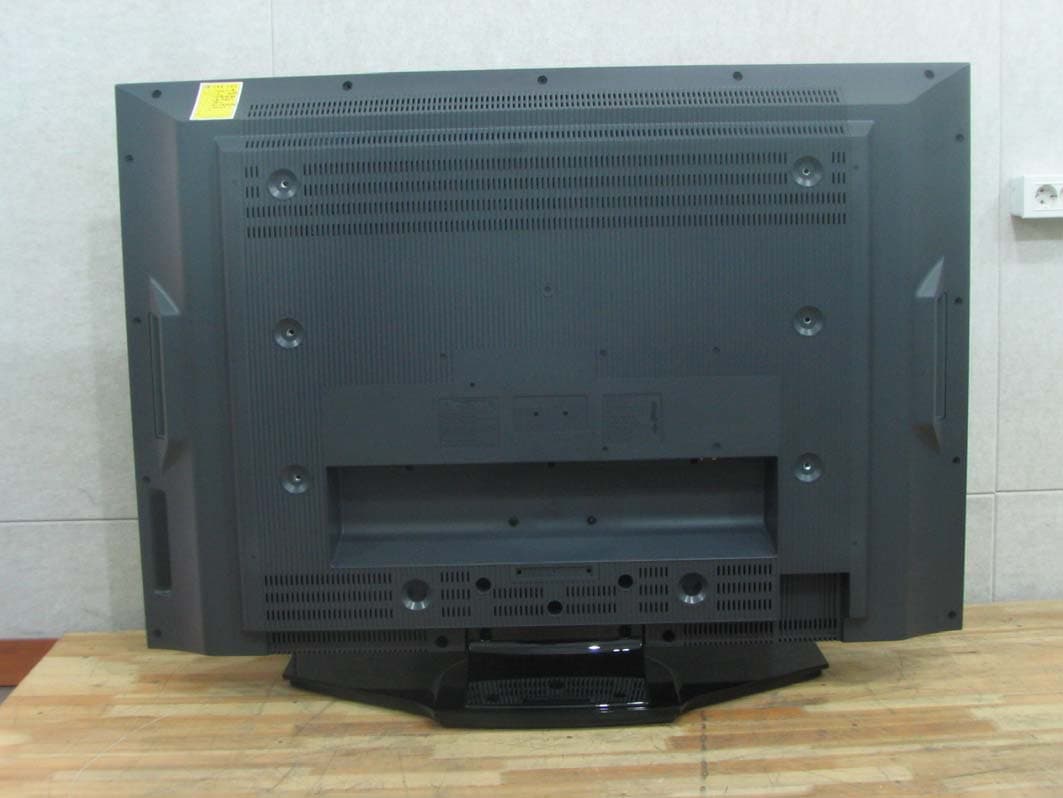
RLGTFTV4708
Mar 26, 200742 Inch LCD TV Monitor
Equipment Class
JBP - Part 15 Class B Computing Device Peripheral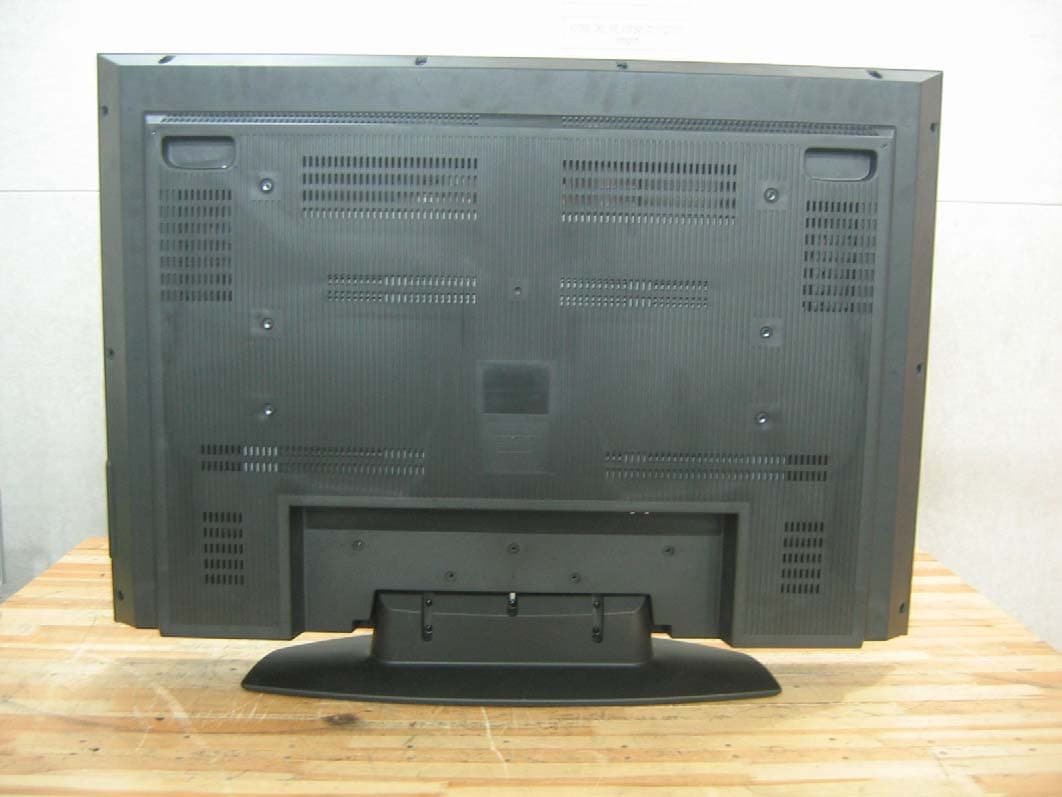
RLGTFTV4208
Feb 14, 200742 Inch LCD TV Monitor
Equipment Class
JBP - Part 15 Class B Computing Device Peripheral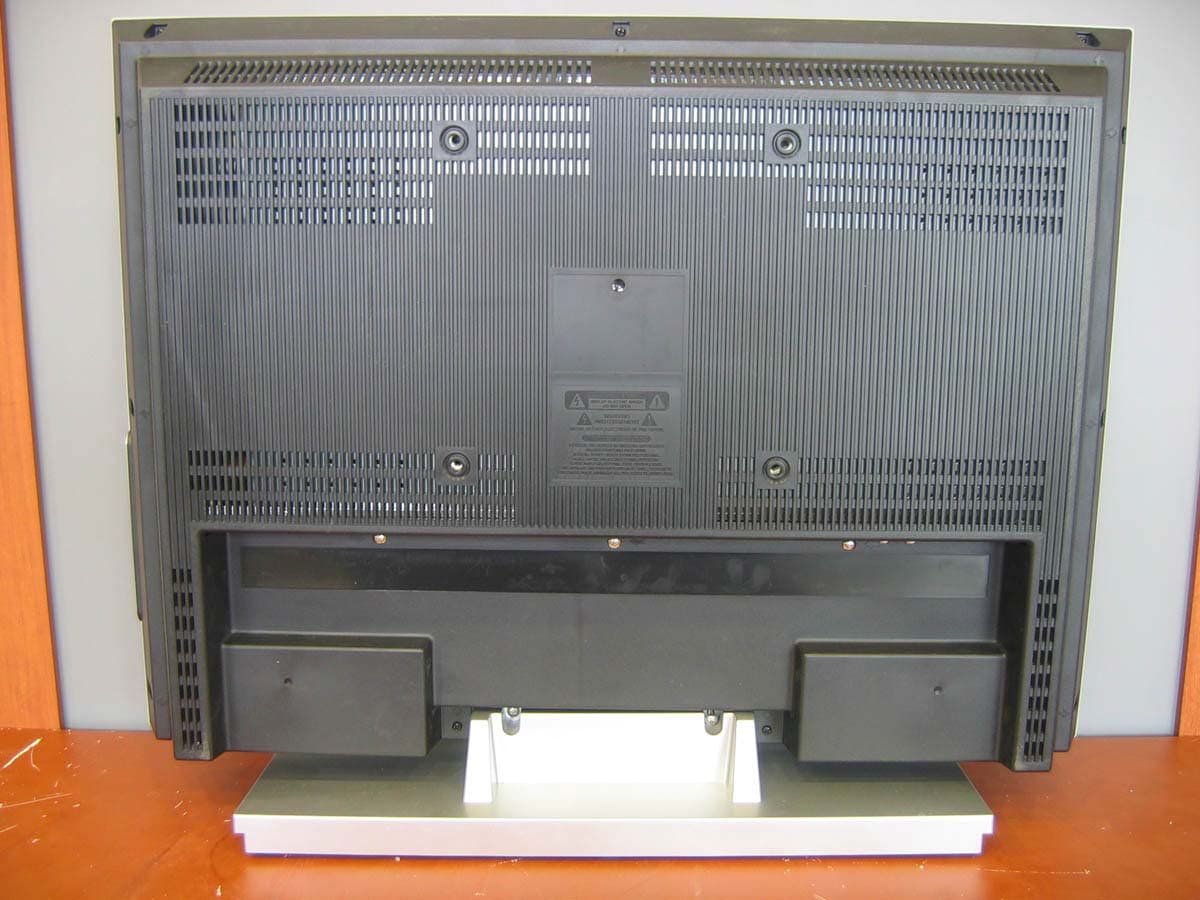
RLGTFTV2609
Jul 24, 200626 Inch LCD TV
Equipment Class
JBP - Part 15 Class B Computing Device Peripheral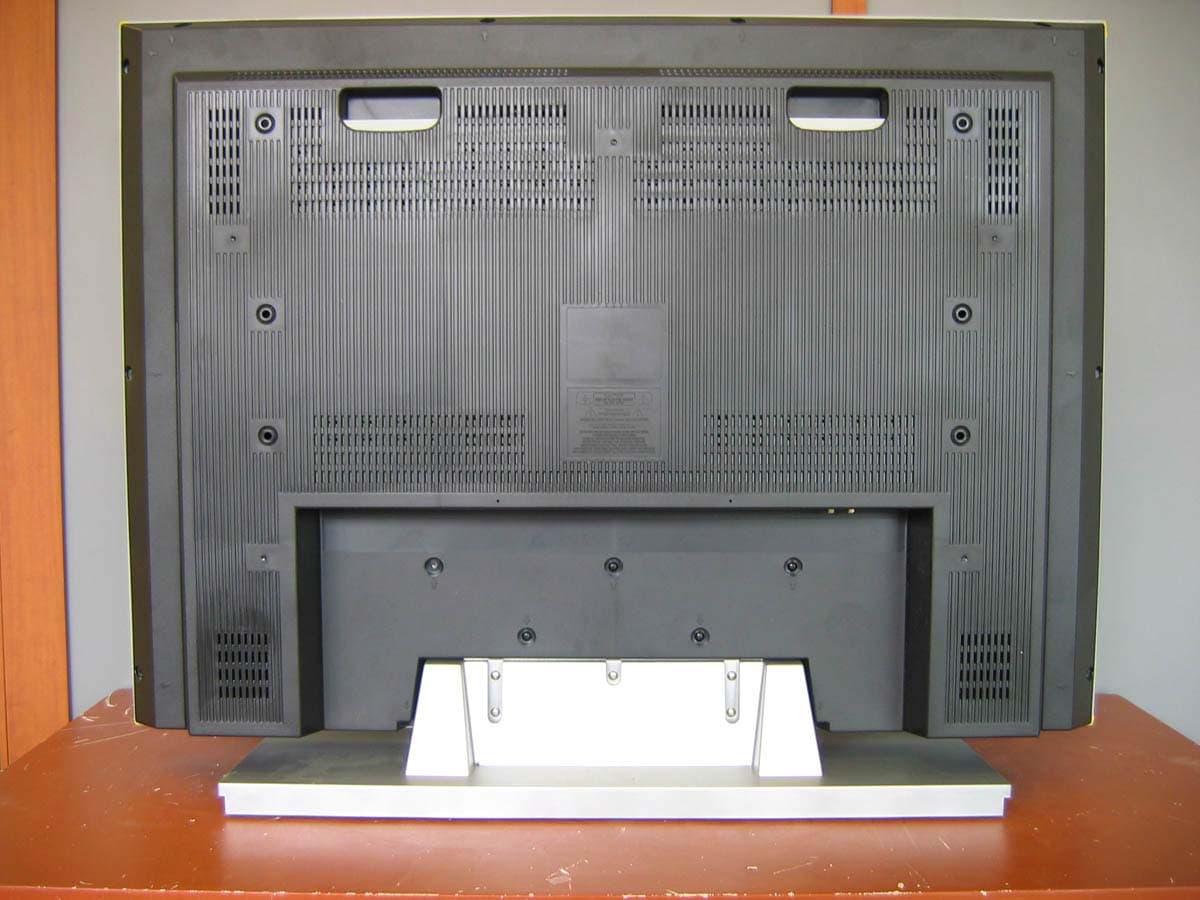
RLGTFTV3709
Jul 24, 200637 Inch LCD TV
Equipment Class
JBP - Part 15 Class B Computing Device Peripheral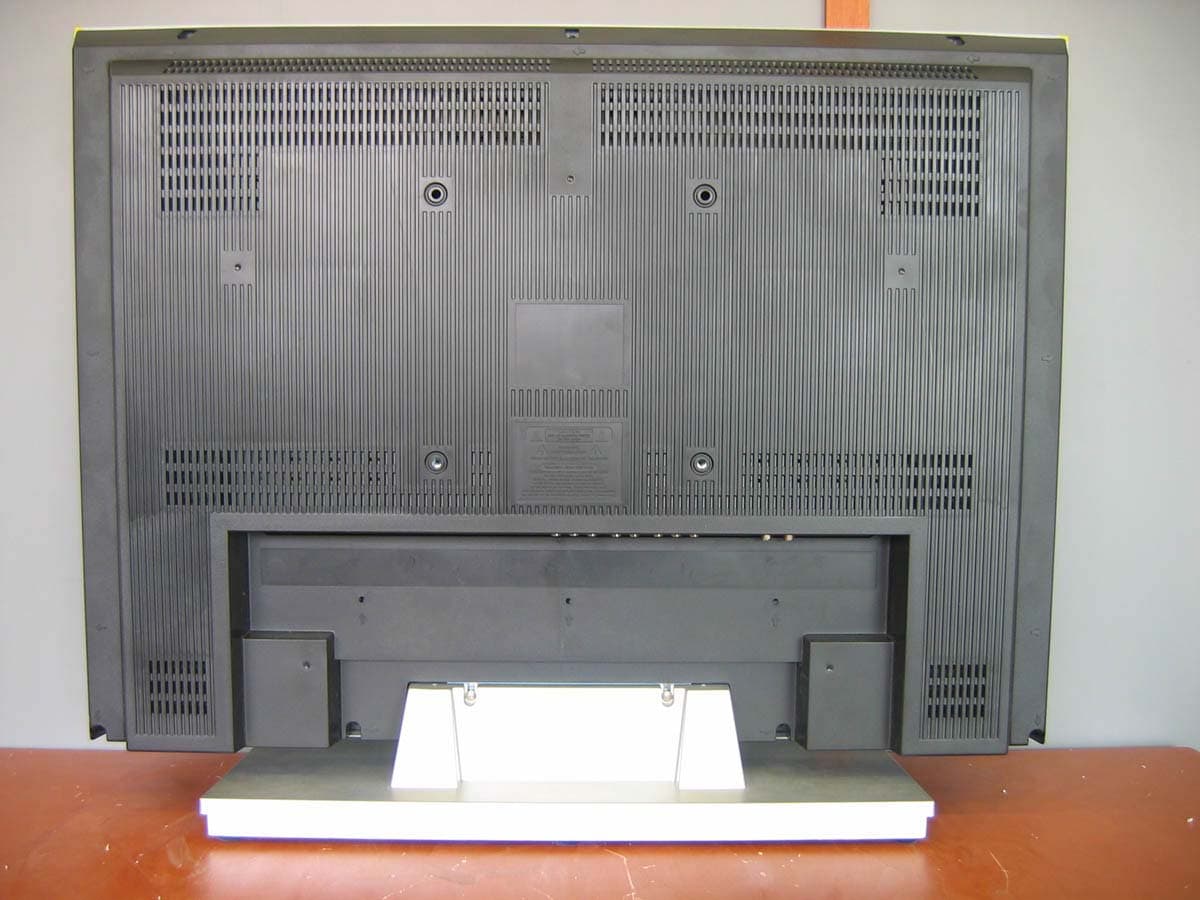
RLGTFTV3209
Jul 24, 200632 Inch LCD TV
Equipment Class
JBP - Part 15 Class B Computing Device Peripheral