Text extracted from the exhibit documents filed with the FCC. Open a document above to read the original.
1 USER GUIDE OEM TRIPLEPLAY ® www.fishman.com 23 Table of Contents Welcome ________________________________________________________________________________ System Requirements _____________________________________________________________________ What is TriplePlay __________________________________________________________________________ What’s Included _____________________________________________________________________________ In a Hurry? Basic MIDI Controller Mode _________________________________________________________ TriplePlay Package Contents ________________________________________________________________ Basic Concepts ________________________________________________________________________________ A Different Kind of Pickup MIDI Guitar vs. Traditional Guitar Virtual Instruments Virtual Guitar Rigs Plug-Ins and Hosts Typical TriplePlay Setups ___________________________________________________________________________ Installation and Setup ___________________________________________________________________________ Final Setup Steps ___________________________________________________________________________ Calibrating TriplePlay ________________________________________________________________________ Scanning for Installed Plug-Ins __________________________________________________________________ Add Traditional Guitar ___________________________________________________________________________ Controlling TriplePlay Software via External MIDI Device________________________________________ TriplePlay Hardware, Software, Features and Controls ____________________________________________ Hardware Only Functionality, Basic Mode and Optional Controller Boot Functions ____________________ Basic Mode System Reinitialize Boot in Hardware Mode Hardware Mode _________________________________________________________________________ Hardware Mode Patches Load Controller: Loading Hardware Mode Patches from TriplePlay Standalone Software The Menu Tree ____________________________________________________________________________ TriplePlay Software ___________________________________________________________________________ The Perform Window The Patch Readout Area The Save Patch Dialogs The Sensitivity/Tuner Area The Mixer Area __________________________________________________________________________________ Plug-In Select Window ___________________________________________________________________________ Plug-In Edit Window ___________________________________________________________________________ The TriplePlay Parameters Panel ____________________________________________________________________ Synth View Pedal View External Synth View External Synth + Pedal View The Fretboard/Edit Splits Area _________________________________________________________________ Plug-In Version of TriplePlay ____________________________________________________________________ Pull Down Menus _____________________________________________________________________________ Patches Menu Options Menu View Menu Window Menu Help Menu Glossary ______________________________________________________________________________________ Page 3 Page 3 Page 3 Page 3 Page 3 Page 4 Page 5 Page 6 Page 8 Page 9 Page 11 Page 11 Page 12 Page 13 Page 13 Page 14 Page 14 Page 16 Page 18 Page 20 Page 21 Page 22 Page 23 Page 25 Page 26 Page 27 Page 29 3 Page 3 Page 3 Page 3 Page 3 Page 3 Page 4 Page 5 Page 6 Page 8 Page 9 Page 11 Page 11 Page 12 Page 13 Page 13 Page 14 Page 14 Page 16 Page 18 Page 20 Page 21 Page 22 Page 23 Page 25 Page 26 Page 27 Page 29 Welcome Thank you for making Fishman a part of your music making experience. We are proud to offer you high-quality professional-grade tools to empower you to sound your very best. We are confident that with TriplePlay, you now own a remarkable musical tool that will transform the way you play guitar. System Requirements Standard Broadband connection for software downloads Computer Hardware: 4GB of RAM and 40GB of free HD space Apple Mac: OS X Snow Leopard (10.6.8) or higher Windows: Win 7 or 8 both 32bit and 64bit *iOS is not officially supported by TriplePlay software at this time Refer to fishman.com for detailed system requirements. What is TriplePlay? TriplePlay is like a musical interpreter, translating your guitar performance into MIDI, a language understood by most music software and hardware. With TriplePlay, a guitar can sound like any instrument, real or imagined. TriplePlay doesn’t change what you love about your guitar, nor will you sacrifice any of your current sounds. In fact, you’ll probably find yourself combining traditional and synthesized sounds in exciting new ways. MIDI guitars have existed for decades, but they’ve never been this powerful, affordable, or easy to use. What’s Included? TriplePlay includes a factory installed pickup and controller mounted on your guitar, a small wireless USB receiver that plugs into your computer, a charging cable and power supply. You also get a library of software for recording, performance and notation, featuring stunning collections of sounds and virtual instruments. You need no addi- tional music software and no music software experience, to get started. But if you are an experienced computer musician, you’ll appreciate how well TriplePlay performs with your favorite music software, including synths, samplers, drum machines, and digital DJ rigs. TriplePlay also integrates well with most popular DAW software compatible with AU or VST format plug-ins. *Please consult the Pickup and Controller Installation Guide at www.fishman.com/tripleplay for more information before attempting to install any TriplePlay hardware on your instrument. In a Hurry? Basic MIDI Controller Mode Fishman’s TriplePlay controller and USB receiver will likely be usable as a basic MIDI controller, without any additional software, when connected to systems and applications that support MIDI input. To determine capability, simply connect your USB receiver to you…
Text truncated - open the document above for the full version.
www.fishman.com 513-300-205_12.17 Technical support, troubleshooting tips and other product information can be found at www.fishman.com/tripleplay INTRO GUIDE TRIPLEPLAY ® OEM 215 Legal © 2013 FISHMAN TRANSDUCERS. All rights reserved. Printed in USA. TriplePlay ® is a registered trademark of FISHMAN TRANSDUCERS. OS X, Mac and the Mac logo and AU Audio Units are registered trademarks of Apple Inc. in the US and other countries. Windows and the Windows logo are registered trademarks of Microsoft Inc. in the US and other countries. VST is a trademark of Steinberg Media Technologies GmbH. ASIO is a trademark and software of Steinberg Media Technologies GmbH. Komplete Elements and Guitar Rig are registered trademarks of Native Instruments GmbH. SampleTank and AmpliTube are registered trade- marks of IK Multimedia Production. Studio One is a registered trademark of PreSonus Audio Electronics, Inc. PROGRESSION is a registered trademark of Notion Music Inc. FISHMAN TRANSDUCERS is not affiliated with any of the aforementioned companies or their respective trademarks, registered trademarks, product models or copyrights. FCC Notice (for U.S. Customers): This device complies with FCC Part 15 and Industry Canada licence-exempt RSS standard(s): Operation is subject to the following two conditions: (1) this device may not cause interference, and (2) this device must accept any interference, including interference that may cause undesired operation of the device. NOTE: This equipment has been tested and found to comply with the limits for a Class B digital device, pursuant to Part 15 of the FCC Rules. These limits are designed to provide reasonable protection against harmful interference in a residential installation. This equipment generates, uses and can radiate radio frequency energy and, if not installed and used in accordance with the instruc- tions, may cause harmful interference to radio communications. However, there is no guarantee that interference will not occur in a particular installation. If this equipment does cause harmful interference to radio or television reception, which can be determined by turning the equipment off and on, the user is encouraged to try to correct the interference by one or more of the following measures: -- Reorient or relocate the receiving antenna. -- Increase the separation between the equipment and receiver. -- Connect the equipment into an outlet on a circuit different from that to which the receiver is connected. -- Consult the dealer or an experienced radio/TV technician for help. Changes and modifications not expressly approved by FISHMAN TRANSDUCERS can void your authority to operate this equipment under Federal Communications Commissions rules. M/N: OEM-TRP-P01 FCC ID: RMU-OEMTRPP01 IC: 10812A-OEMTRPP01 EU Declaration of Conformity CE: Hereby, Fishman declares that this Triple Play Wireless Guitar Controller is in compliance with the essential requirements and other relevant provisions of Directive 1999/5/EC., 2004/108/EC, 2006/95/EC. This device complies with Industry Canada licence-exempt RSS standard(s): Operation is subject to the following two condi- tions: (1) this device may not cause interference, and (2) this device must accept any interference, including interference that may cause undesired operation of the device. 143 TriplePlay Software (continued) Calibrating string sensitivity: In the center of the interface is a set of meters for adjusting the dynamic sensitivity for each string. As you play, each string’s corresponding meter lights up. Using the up and down arrows beneath the word “Strong,” set the sensitivity for each string so that only your loudest notes send the meter to the top of its range. These settings are scaled from 1 to 16, with 16 representing maximum sensitivity. Don’t be surprised if your settings vary from string to string. Tuning up: This area doubles as a tuner. Just click the switch beneath the word “Sustain” to tune up, and then click it again when you’re done. Audio hardware settings: If you’re using a dedicated audio interface, go to TriplePlay’s pull-down Options menu and select Preferences to verify that your interface is selected as the input and output device. Make some sounds: To audition the factory sounds, simply click the up/down arrows in the upper-left corner of the interface, next to the patch name and then press the “Audition” button. Next Steps: There’s much more to TriplePlay than we can cover in this brief overview. See our online documentation at www.fishman.com/tripleplay for more details. Welcome Thank you for making Fishman a part of your musical experience. We are proud to offer the finest products available; high-quality professional-grade tools which empower you to sound your very best. You now own a remarkable musical tool that will transform the way you play guitar! Note that this guide is for factory installed TriplePlay products used as original equipment on new instruments (OEM). This guide will help get you up and running with TriplePlay. If you don’t have experience installing software, please consult our online documentation for step-by-step instructions. Find detailed info about TriplePlay at www.fishman.com/tripleplay 413 TriplePlay Software Once you’ve paired the controller and receiver, open the TriplePlay application and you will see the Perform window. What is TriplePlay? TriplePlay is like a musical interpreter, translating your guitar performance into MIDI, a language understood by most music software and hardware. With TriplePlay, a guitar can sound like any instrument, real or imagined. TriplePlay doesn’t change what you love about your guitar, nor will it eliminate any of your current sounds. In fact, you’ll probably find yourself combining traditional and synthesized sounds in exciting new ways. In a Hurry? Basic MIDI Controller Mode Fishman’s TriplePlay controller and USB receiver will likely be usable with any software that supports MIDI input. This may even include hardwar…
Text truncated - open the document above for the full version.
[1.5] 38.12 [0.416] 10.58 BLACK Background color PANTONE 8402 C Text color
Antenna
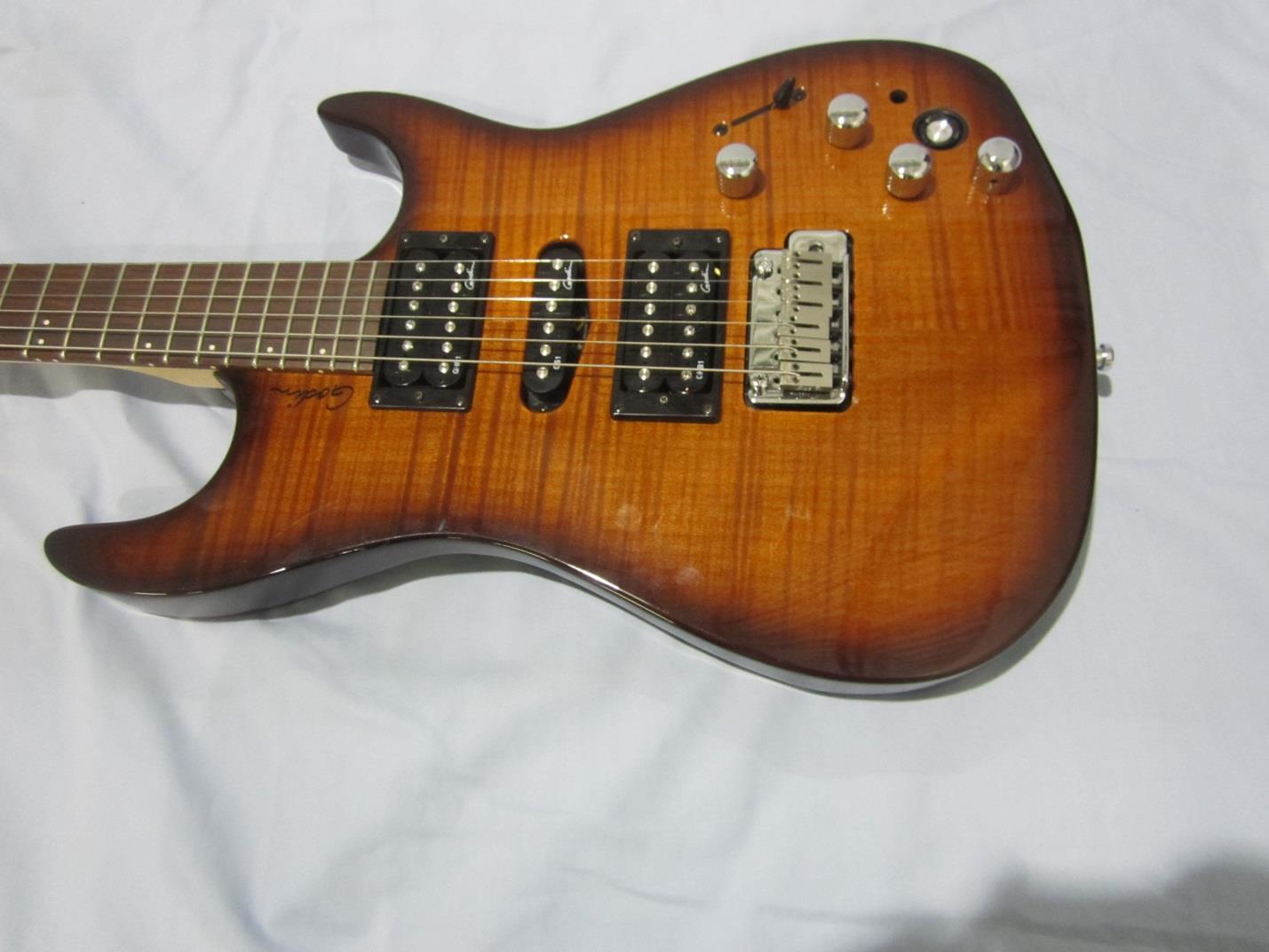
Curtis-Straus LLC is accredited by the American Association for Laboratory Accreditation for the specific scope of accreditation under Certificate Number 1627-01. This report may contain data which is not covered by the A2LA accreditation. ____________________________________________________________ Curtis-Straus LLC, a wholly owned subsidiary of BV CPS One Distribution Center Circle, #1 Littleton, MA TEL (978) 486-8880 FAX (978) 486-8828 page 1 of 17 Test Report Curtis-Straus LLC, a wholly owned subsidiary of BV CPS Report No EN2660-1 Client Fishman Michael Hoffer Address 6 Riverside Drive Andover, MA 01810 Phone (978) 988 - 9199 Items tested OEM Triple Play FCC ID RMU-OEMTRPP01 IC 10812A-OEMTRPP01 FRN 0022326151 Equipment Type Low Power Communication Device Transmitter Equipment Code DXX Standards 47CFR 15.249,RSS 210 issue 8, RSS GEN issue 3 Test Dates Oct 9, 18, 25 of 2013 Results As detailed within this report Prepared by Tuyen Truong – Test Engineer Authorized by Mairaj Hussain – EMC Supervisor Issue Date 11/25/13 Conditions of Issue This Test Report is issued subject to the conditions stated in the ‘Conditions of Testing’ section on page 16 of this report. Test Report for Fishman Report No. EN2660-1 October 23, 2013 ______________________________________________________________________ ____________________________________________________________ Curtis-Straus LLC, a wholly owned subsidiary of BV CPS One Distribution Center Circle, #1 Littleton, MA TEL (978) 486-8880 FAX (978) 486-8828 page 2 of 17 Contents Contents .................................................................................................................................. 2 Product Tested - Configuration Documentation ....................................................................... 3 Summary ................................................................................................................................. 4 Test Methodology ................................................................................................................ 4 Compliance Statement ............................................................................................................ 5 Test Results ............................................................................................................................ 6 Fundamental Measurements................................................................................................ 6 Radiated Spurious Emissions .............................................................................................. 9 Occupied Bandwidth .......................................................................................................... 13 Duty Cycle ......................................................................................................................... 14 Measurement Uncertainty...................................................................................................... 15 Conditions Of Testing ............................................................................................................ 16 Form Final Report REV 2-16-07 (DW) Test Report for Fishman Report No. EN2660-1 October 23, 2013 ______________________________________________________________________ _____________________________________________________________ Curtis-Straus LLC, a wholly owned subsidiary of BV CPS One Distribution Center Circle, #1 Littleton, MA TEL (978) 486-8880 FAX (978) 486-8828 page 3 of 17 Product Tested - Configuration Documentation EUT Configuration Work Order: N2660 Company: Fishman Company Address: 6 Riverside Drive Andover, MA 01810 Contact: Michael Hoffer MN SN EUT (OEM Unit): OEM-TRP-P01 Sample 1 EUT Description: OEM Triple Play EUT Max Frequency: 16MHz EUT Min Frequency: 12.28MHz EUT TX Frequency: 2404-2480MHz Support Equipment: MN SN Fishman AC to USB power supply BX-0501000 -- ACER Latop E1-571-6811 1 Godin Guitar -- -- EUT Ports: Port Label Port Type No. of ports No. Populated Cable Type Shielded Ferrites Length Max Length In/Out NEBS Type Unpopulated Reason USB USB 1 1 USB Yes None 2.5m 2.5m Indoor Software / Operating M ode Description: EUT is transmitting on Low, Mid or High channels. Test Report for Fishman Report No. EN2660-1 October 23, 2013 ______________________________________________________________________ _____________________________________________________________ Curtis-Straus LLC, a wholly owned subsidiary of BV CPS One Distribution Center Circle, #1 Littleton, MA TEL (978) 486-8880 FAX (978) 486-8828 page 4 of 17 Summary This test report supports an application for certification of a transmitter operating pursuant to 47 CFR 15.249. The product is OEM Triple Play. It is a transmitter that operates in the range 2404 – 2480 MHz. We found that the product met the above requirements. The test sample was received in good condition. Test Methodology Radiated emission testing was performed according to the procedures specified in ANSI C63.4 (2003) and RSS-GEN. Radiated Emissions were maximized by rotating the device around three orthogonal axes as well as varying the test antenna’s height and polarity. The device antenna cannot be maximized separately. AC Main conducted emission was not done because the EUT is battery powered. The product was tested with modulation on and peak readings were compared against the average limit presented in section CFR 15.249. The EUT operating voltage is 3.7VDC.(Fresh battery were used during testing.) The following bandwidths were used during radiated spurious and line conducted emissions. Frequency RBW VBW 0.15-30MHz 9kHz 30kHz 30-1000MHz 120kHz 1MHz 1-25GHz 1MHz 3MHz >1GHz* 1MHz 30Hz *Average readings Test Report for Fishman Report No. EN2660-1 October 23, 2013 ______________________________________________________________________ _____________________________________________________________ Curtis-Straus LLC, a wholly owned subsidiary of BV CPS One Di…
Text truncated - open the document above for the full version.
| # | Rule Parts | Frequency Range | Power Output |
|---|---|---|---|
| 1 | 15C | 2.40 GHz - 2.48 GHz | - |

TRIPLY PLAY WIRELESS GUITAR CONTROLLER
Equipment Class
DXX - Part 15 Low Power Communication Device Transmitter
