RTXM-9038Wireless Mouse
Comat Electronic (Shenzhen) Co., Ltd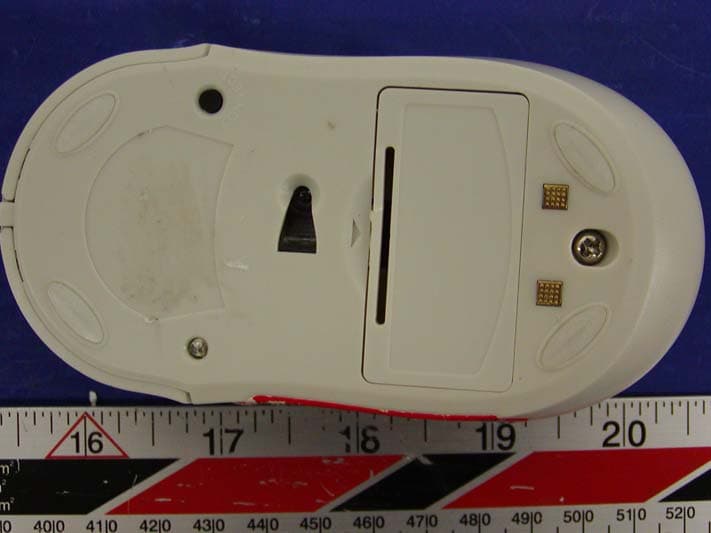
Click to zoom
Application Details
- Equipment Class
- DXX - Part 15 Low Power Communication Device Transmitter
- Date of Grant
- Feb 04, 2004
- Application Purpose
- Original Equipment
- Date of Application
- Feb 04, 2004
- Equipment Note
- Wireless Mouse
- Frequency Range
- 26.96000000 - 27.28000000
- Country
- China
Documents & Files
Document Text
Text extracted from the exhibit documents filed with the FCC. Open a document above to read the original.
Users Manual
INSTRUCTION MANUAL FOR WIRELESS OPTICAL MOUSE Introduction Single-channel Wireless optical mouse is designed for office employees, because this device does not need too long connection cables, and it is unnecessary to always keep the rolling ball clean and tidy. This device make it into reality that several Wireless mice are used in the same office. The latest Wireless mouse saves energy significantly, and it will let you into around freely. Safety Precautions Warnings This mark indicates topics that could lead to serious injury of your body or damage of the product if ignored or handled incorrectly. Warnings 1. Do not attempt to disassemble or alter any part of the product that is not described in this guide. 2. Do not allow the product to come into contact with water or other liquids. In the event that water or other liquids enter the interior, immediately unplug the product from the computer. Continued use of the product may result in fire or electrical shock. Please consult your product distributor or the closest support center. 3. Do not handle the product to do the plug and unplug operation if your hands are wet. Otherwise it will cause electrical shock. 4. Do not place the product near a heat source or expose them to direct flame or heat. 5. Never place the product close to equipment generating strong electromagnetic fields. Exposure to strong magnetic fields may cause malfunctions or corrupt data. Packing list 1 Wireless optical mouse 1 receiver 2 AAA Ni-MH rechargeable batteries 1 CD-ROM for drive program and instructions 1 USB-PS/2 adaptor (Combo type only) (Illustrations only. See physical parts for details.) System Requirements 1 1. Computer Model IBM PC/AT Compatible, Power Macintosh, PowerBook, iMAC or iBook 2. OS Windows 98 Second Edition, Windows Millennium Edition (Windows ME), Windows 2000, Windows XP 3. Interface USB/PS2 Installing the batteries The Wireless optical mouse uses two rechargeable AAA Ni-MH batteries for power supply: 1. Open the battery compartment lid. 2. Insert the two rechargeable AAA Ni-MH batteries. For correct installation, see the illustration on the bottom cover. 3. Close the battery compartment lid. 4. It is recommended to use rechargeable Ni-MH batteries. Connecting the receiver 1. Firstly ensure that your PC is turned off. 2. Insert the connection cable of the receiver into the USB port or PS/2 port of your PC. 3. Place the connected equipment in a place far from other electrical equipment, such as the monitor or other external storage devices, etc. 4. Turn on your PC. Signal code connection 1. Turn on your PC. 2. Press the CONNECT button on the receiver, and at the same time the "RCV" LED indicator flashes continuously. RECEIVER MOUSE 2 3. Then press the code connection button on the mouse, and the code connection LED indicator on the mouse will light up once, and while moving the mouse, the "RCV" LED indicator on the receiver will flash when the mouse works, which indicates that the connection is normal. Note: After replacing the batteries or when using the mouse for the first time, repeat Step 2 and 3. Changing the connection signal codes To avoid interference between equipment, one PC corresponds to the relevant desktop connection signal codes. In case that there is interference between equipment, change the signal codes. The interference between equipment only happens when several mice are used at the same time. 1. Press the "CONNECT" button on the mouse for code connection. 2. Then press the "CONNECT" button on the receiver. 3. Press any button on the mouse, or move the mouse. (The time interval is 1~2 seconds when connecting the codes of several mice.) Software installation WIN95/98/ME/2000/XP has the drive program, and it is unnecessary to install the drive program. To achieve the best performance of the mouse, install the supplied drive program. 1. Turn on the PC and run "WINDOWS". 2. Insert the CD-ROM, and run " F:\Wireless Mouse Driver\Setup.exe" program. 3. Follow the screen messages for the operation procedures step by step. Using the mouse Press the code connection button on the mouse and the receiver to ensure that the signal of the mouse and the receiver is connected. Your mouse has three buttons: the left button, the right button and the third button. 1. The usage of the scroll wheel is the same as the one on the common mice. 2. Before installing the drive program of the mouse, the function of the third button is the same as that of the scroll wheel. 3. After installing the drive program, the third button can be set. 4. Energy saving technique is used for our mice, and there are 4 energy saving modes. 3 Checking the battery level On the bottom of the mouse there is a code connection indicator (RCV). When the LED indicator is on, it tells the user that the batteries must be replaced or recharged. (During normal use, the LED indicator is off.) t light up when the batteries are used up, replace the batteries.) Recharging 1. e battery compartment on the base of the receiver for recharging. (See the illustration.) 2. e recharged. When the batteries are fully recharged, the "CH" LED indicator will go out. 3. charging compartment on the receiver. Otherwise there is a hazard of battery explosion. The mouse cannot be detected. 1. Ensure that the battery level is full enough. 2. receiver in a place 8 inches or 20mm away from the monitor and the peripheral devices. Note: In case that the LED indicator does no A battery charger for placing on the receiver is designed by us. Place the batteries in th Insert the rechargeable batteries into the battery compartment on the receiver, and th recharging "CH" LED indicator will light up, indicating that the batteries are being Do not insert alkaline batteries and non-rechargeable batteries (batteries that cannot be recharged) in the re To reach the maximum performance during use, place the 4 3. Reduce the distance between the mouse and the receiver. f the mouse and the receiver). for misuse of the …
Text truncated - open the document above for the full version.
Block Diagram
M 9038 Block Diagram Agilent Sensor A2030 Controller IC MA60H221S7K 76.8KHz 27.042 MHz ANTENNA FREQ:27.045MHz Rf Amplifier Coupling LED Optical LENS
External Photos
APPENDIX C - EUT PHOTOGRAPHS EUT - Front View EUT - Rear View
ID Label/Location Info
APPENDIX A - FCC PRODUCT LABELING AND WARNING STATEMENT FCC ID Label this device must accept any interference received, including interference that may cause undesired operation. (1) this device may not cause harmful interference, and (2) Operation is subject to the following two conditions: This device complies with Part 15 of the FCC Rules. FCC ID: RTXM-9038 1.0" 2.1875" Specifications: Text is black in color and is left justified. Labels are printed in indelible ink on permanent adhesive backing and shall be affixed at a conspicuous location on the EUT. Proposed Label Location on EUT Bottom of EUT, FCC ID Label Proposed Location Label Here
Internal Photos
EUT - Component View EUT - Solder View
Operational Description
CIRCUIT DESCRIPTION OF OPTICAL MOUSE This circuit includes mouse control IC (MA6221-S7K) and optical respondent IC (A2030), The optical respondent IC is used to collect the moving signal of mouse, which is transmitted to Ma6221-s7k by SDIO port after encoder processing. Ma6221-s7k is a Wireless Mouse Control IC. The receiver circuit includes control IC Ma6062 and FM IF Receiver IC Mc3361, Ma6062 is a USB wireless mouse interface IC, which uses USB1.1 standard and communicate with computer, because it has button and turning over function , plus the moving signal of optical respondent IC from wireless Mouse . LED1 is a high brightness red LED, which supply the lamp-house to optical Sensor IC, when the mouse is in resting condition , LED is in the sleeping mode (The time is less than 8 min), thereby to save the electricity.
Schematics
SCHEMATICS
Test Report
FCC PART 15.227 EMI MEASUREMENT AND TEST REPORT For Comat Electronic (Shenzhen) Co., Ltd NO.2 LANE 1,XIN’AN 3 RD 28 DISTRICT BAOAN SHENZHEN CHINA FCC ID: RTXM-9038 2004 -02-03 Note: This test report is specially limited to the above client company and product model only. It may not be duplicated without prior written consent of Bay Area Compliance Laboratory Corporation. This report must not be used by the client to claim product endorsement by NVLAP or any agency of the U.S. Government. This Report Concerns: Original Report Equipment Type: Transmitter, Wireless Mouse Test Engineer: Jerry Wang/ Report No.: R0401062(T) Test Date: 2004-01-15 Reviewed By: Ling Zhang / Prepared By: Bay Area Compliance Laboratory Corporation 230 Commercial Street Sunnyvale, CA 94085 Tel: (408) 732-9162 Fax: (408) 732-9164 Comat Electronic (Shenzhen) Co., Ltd FCC ID: RTXM-9038 Report # R0401062(T) Page 2 of 13 FCC ID Per 15.227 Report TABLE OF CONTENTS GENERAL INFORMATION.......................................................................................................................................3 PRODUCT DESCRIPTION FOR EQUIPMENT UNDER TEST (EUT) ....................................................................................3 OBJECTIVE...................................................................................................................................................................3 RELATED SUBMITTAL(S)/GRANT(S).............................................................................................................................3 TEST METHODOLOGY..................................................................................................................................................3 TEST FACILITY.............................................................................................................................................................3 SYSTEM TEST CONFIGURATION ..........................................................................................................................5 JUSTIFICATION.............................................................................................................................................................5 SCHEMATICS AND BLOCK DIAGRAM............................................................................................................................5 EQUIPMENT MODIFICATIONS.......................................................................................................................................5 TEST SETUP CONFIGURATION......................................................................................................................................5 SUMMARY OF TEST RESULTS ...............................................................................................................................6 §15.203 - ANTENNA REQUIREMENT......................................................................................................................7 STANDARD APPLICABLE..............................................................................................................................................7 §15.205, §15.209, §15.227(B) - RADIATED EMISSIONS TEST ..............................................................................8 MEASUREMENT UNCERTAINTY....................................................................................................................................8 EUT SETUP..................................................................................................................................................................8 SPECTRUM ANALYZER SETUP......................................................................................................................................8 TEST EQUIPMENT LIST AND DETAILS...........................................................................................................................9 TEST PROCEDURE........................................................................................................................................................9 CORRECTED AMPLITUDE & MARGIN CALCULATION.................................................................................................11 SUMMARY OF TEST RESULTS.....................................................................................................................................11 RADIATED EMISSIONS TEST RESULT DATA...............................................................................................................12 §15.227(B) - OUT OF BAND EMISSION .................................................................................................................13 Comat Electronic (Shenzhen) Co., Ltd FCC ID: RTXM-9038 Report # R0401062(T) Page 3 of 13 FCC ID Per 15.227 Report GENERAL INFORMATION Product Description for Equipment Under Test (EUT) The Comat Electronic(Shenzhen) Co., Ltd ’s product, model number: M9038 or the "EUT" as referred to in this report is a Wireless Mouse Transmitter. The EUT is measured approximately 4.75” L x 2.25” W x 1.25” H. * The test data gathered are from production sample, serial number:0001, provided by the manufacturer. Objective This Type approval report is prepared on behalf of Comat Electronic(Shenzhen) Co., Ltd in accordance with Part 2, Subpart J, and Part 15, Subparts A, B and C of the Federal Communication Commissions rules. The objective is to determine compliance with FCC rules, sec 15.203, 15.205, 15.209 and sec 15.227. Related Submittal(s)/Grant(s) No Related Submittals. Test Methodology All measurements contained in this report were conducted with ANSI C63.4-2001, American National Standard for Methods of Measurement of Radio-Noise Emissions from Low-Voltage Electrical and Electronic Equipment in the range of 9 kHz to 40 GHz. All radiated and conducted emissions measurement was performed at Bay Area Compliance Laboratory, Corp. The radiated testing was performed at an antenna-to-EUT d…
Text truncated - open the document above for the full version.
Test Setup Photos
APPENDIX B - TEST SETUP PHOTOGRAPHS Radiated Emission - Front View Radiated Emission - Rear View
Contact Information
Applicant
Xiaowen Zhang(General Manager)
Test Firm
Bay Area Compliance LaboratoryJohn Chan
Technical Specifications
| # | Rule Parts | Frequency Range | Power Output |
|---|---|---|---|
| 1 | 15C | 26.96 MHz - 27.28 MHz | - |
Other Applications from Comat Electronic (Shenzhen) Co., Ltd

RTX-A5
Nov 06, 20122.4G Wireless Mouse
Equipment Class
DXX - Part 15 Low Power Communication Device Transmitter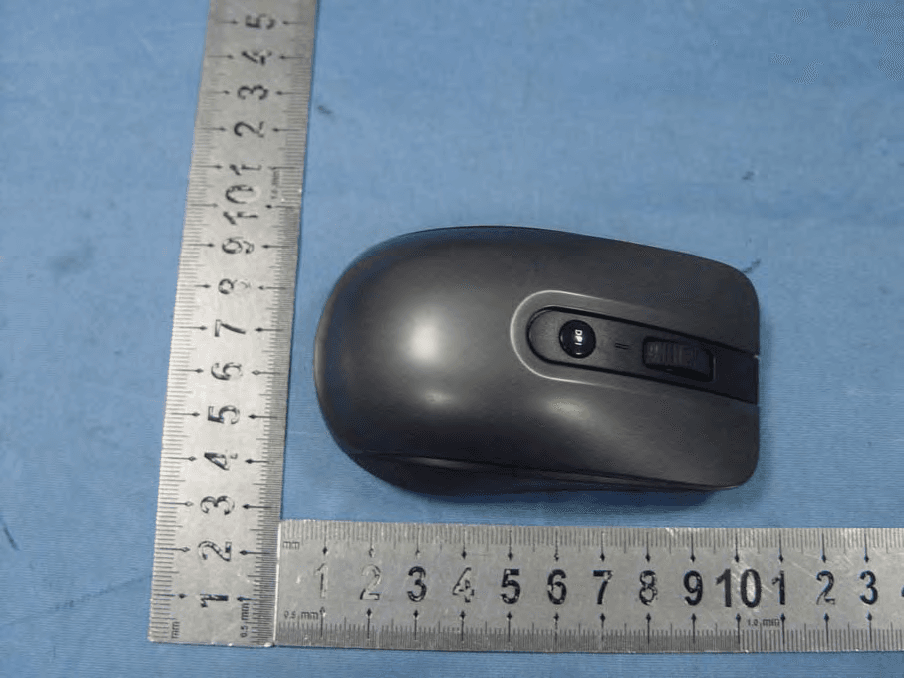
RTX-CM9025G
Sep 11, 20122.4G Wireless Mouse
Equipment Class
DXX - Part 15 Low Power Communication Device Transmitter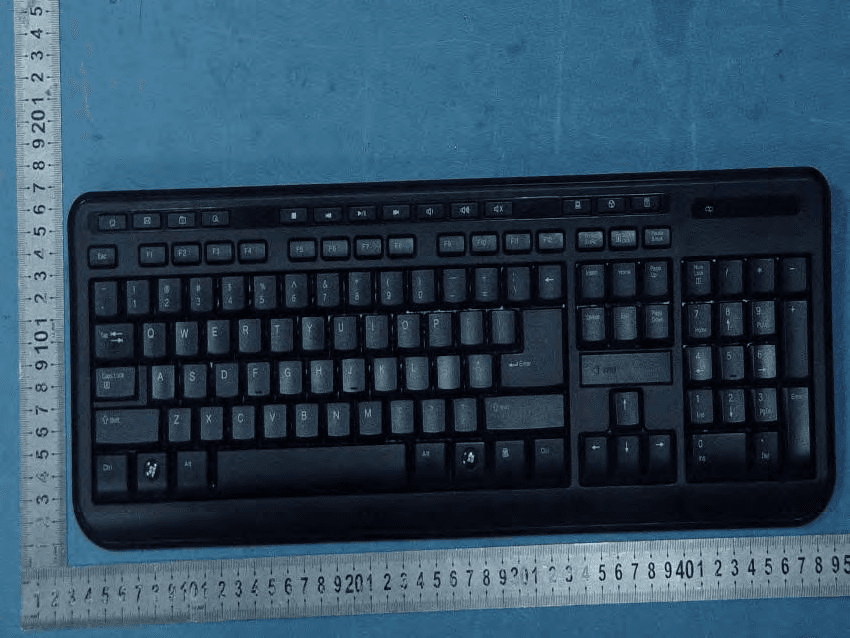
RTX-CK356G
Sep 11, 20122.4G Wireless Keyboard
Equipment Class
DXX - Part 15 Low Power Communication Device Transmitter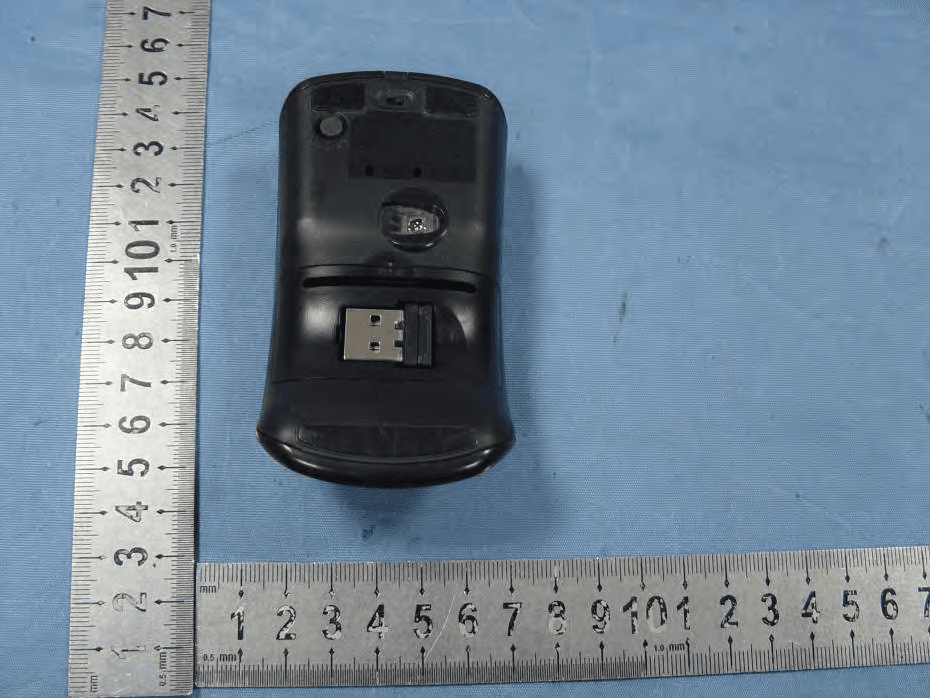
RTX-CM9090G
Sep 11, 20122.4G Wireless Mouse
Equipment Class
DXX - Part 15 Low Power Communication Device Transmitter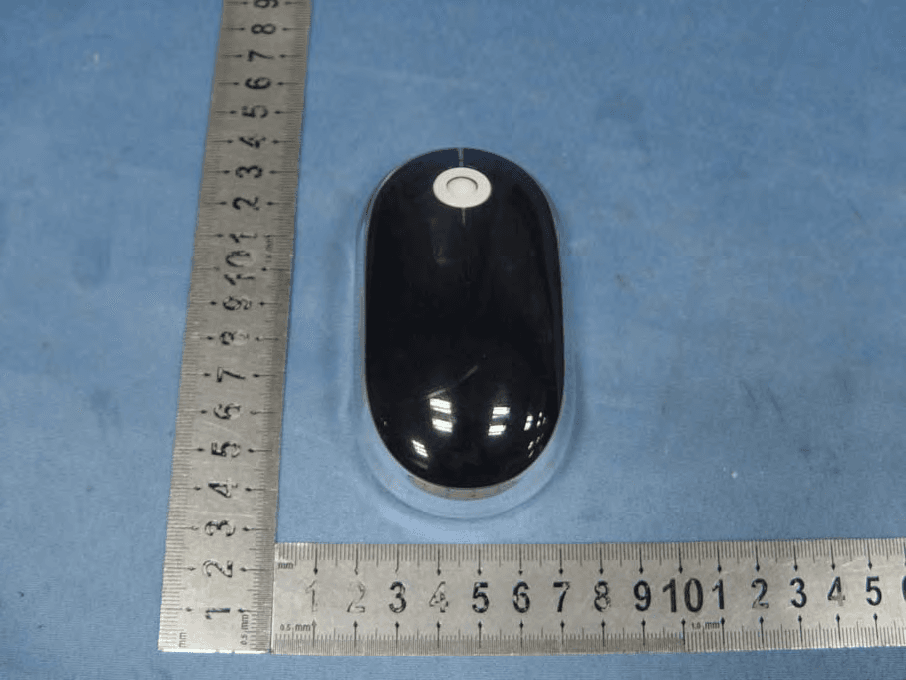
RTX-CM9002G
Sep 11, 20122.4G Wireless Mouse
Equipment Class
DXX - Part 15 Low Power Communication Device Transmitter