RYP23391Sporting watch with GPS
Suunto Oy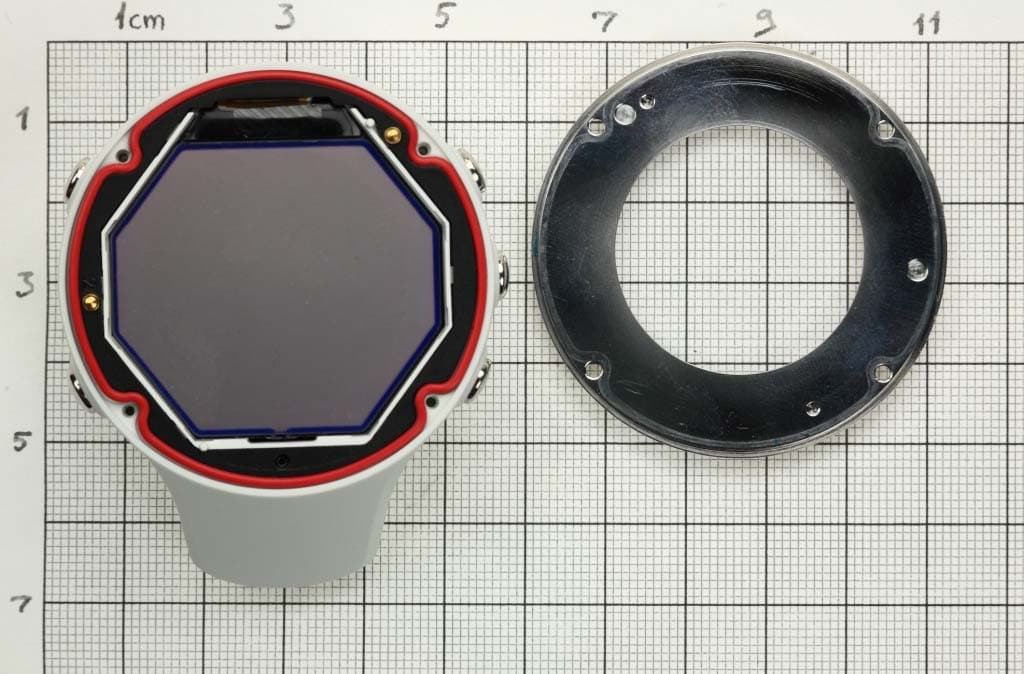
Click to zoom
Application Details
- Equipment Class
- DXT - Part 15 Low Power Transceiver, Rx Verified
- Date of Grant
- Aug 26, 2014
- Application Purpose
- Original Equipment
- Date of Application
- Aug 26, 2014
- Equipment Note
- Sporting watch with GPS
- Frequency Range
- 2402.00000000 - 2480.00000000
- Company
- Suunto Oy
- Country
- Finland
Documents & Files
Document Text
Text extracted from the exhibit documents filed with the FCC. Open a document above to read the original.
Users Manual
1 SUUNTO AMBIT3 PEAK USER GUIDE 2 Contents SUUNTO AMBIT3 PEAK............................................................................ 1 1 SAFETY .............................................................................................. 6 2 USING BUTTONS ............................................................................... 8 3.1 Using backlight and button lock ......................................................... 10 3 GETTING STARTED ......................................................................... 11 4 CUSTOMIZING YOUR SUUNTO AMBIT3 PEAK .............................. 14 5.1Connecting to Movescount ................................................................... 14 5.2Updating your Suunto Ambit3 Peak ..................................................... 15 5.3Custom sport modes ............................................................................ 16 5.4Suunto Apps ........................................................................................ 18 5.5Inverting display ................................................................................... 19 5.6Adjusting display contrast .................................................................... 20 5.7Using Movescount mobile app ............................................................. 21 6 USING TIME MODE .......................................................................... 23 6.1Changing time settings......................................................................... 23 6.2Timekeeping ........................................................................................ 28 7 TIMERS ............................................................................................. 30 7.1Activating stopwatch ............................................................................ 30 7.2Using stopwatch .................................................................................. 31 7.3Countdown timer .................................................................................. 32 3 8 NAVIGATION .................................................................................... 34 8.1Using GPS ........................................................................................... 34 8.2Checking your location ......................................................................... 37 8.3POI navigation ..................................................................................... 38 8.4Route navigation .................................................................................. 46 9 USING ALTI & BARO MODE ............................................................ 54 9.1How Alti & Baro works.......................................................................... 54 9.2Getting correct readings ....................................................................... 55 9.3Getting incorrect readings .................................................................... 56 9.4Matching profile to activity .................................................................... 57 9.5Using Altimeter profile .......................................................................... 59 9.6Using Barometer profile ....................................................................... 60 9.7Using Automatic profile ........................................................................ 62 9.8FusedAlti .............................................................................................. 63 9.9Weather indicators ............................................................................... 66 10 USING 3D COMPASS ................................................................. 69 10.1 Calibrating compass..................................................................... 69 10.2 Setting declination value .............................................................. 71 10.3 Setting bearing lock ..................................................................... 72 11 USING SPORT MODES .............................................................. 74 11.1 Sport modes ................................................................................ 74 11.2 Additional options in sport modes ................................................. 75 11.3 Using heart rate belt ..................................................................... 77 11.4 Putting on heart rate belt .............................................................. 78 11.5 Starting exercise .......................................................................... 79 11.6 During exercise ............................................................................ 82 11.7 Viewing logbook after exercise ........................................................ 94 4 11.8 Using planned moves ..................................................................... 99 12 Activity monitoring .................................................................. 101 13 MULTISPORT TRAINING .......................................................... 102 13.1 Switching sport modes manually during exercise ....................... 102 13.2 Using preconfigured multisport mode ......................................... 103 14 SWIMMING ................................................................................ 105 14.1 Pool swimming ........................................................................... 105 14.2 Openwater swimming ................................................................. 106 14.3 Teaching swimming styles to Suunto Ambit3 Peak..................... 108 14.4 Swimming drills .......................................................................... 110 15 FUSEDSPEED........................................................................... 112 16 ADJUSTING SETTINGS............................................................ 115 15.1 Service menu ................................................................................ 120 17 PAIRING POD/HEART RATE BELT ......................…
Text truncated - open the document above for the full version.
Attestation Statements
1 Attention: Application Examiner Re: Request for confidentiality Applicant: Suunto Oy FCC ID: RYP23391 To whom it may concern, Permanent Confidentiality Request is hereby submitted by Suunto Oy to withhold permanently from public review certain portions of the application for equipment certification for the referenced FCC identifiers. This request for confidentiality is made pursuant to 47 CFR 0.457(d) and 0.459 of the FCC Rules. In particular, the following sections of the application are to be kept permanently confidential: Schematics Detailed Block diagrams Detailed Operational/Functional Description Parts list NOTE : Scanning receiving internal photos are always held permanently confidential. Rationale for request for confidentiality: Suunto Oy has invested considerable time and materials in research and development to produce the referenced product. [Permanent confidentiality: Disclosure of the permanently confidential portions of this application to competitors would not only give them significant competitive advantages in developing similar products, but would also disclose successful implementation of unpublished, leading edge technology developed by us.] Sincerely, Heikki Puuri RF-engineer Suunto Oy _________________________________________
Attestation Statements
16.6.2014 Federal Communications Commission 445 12 th Street SW Washington, DC 20554 Subject: Limited Agency Agreement Re: We, Suunto Oy, hereby authorized Intertek Testing Services to act as our agent for the purpose of preparing application for FCC ID number RYP23391 under all applicable parts of the FCC rules and regulations. The effective date of this limited agency agreement is16.6.2014. The limited agency agreement expires on 12.12.2014, unless sooner terminated or extended by written notice to Intertek Testing Services and the Federal Communications Commission. This is to advise that we are in full compliance with the Anti-Drug Abuse Act. The applicant is not subject to a denial of federal benefits pursuant to Section 5301 of the Anti-Drug Act of 1988, 21 U.S.C. 862, and no party to the application is subject to a denial of federal benefits pursuant to that section. If you have any questions or comments, please do not hesitate to contact me. Sincerely, ____________________ RF-engineer Suunto Oy
Test Report
Test report no. 1407843STO-001 Ed. 2 Page 2 (37) Revision History Edition Date Description 1 2014-07-09 First release 2 2014-08-13 Added rf-exposure analysis and more accurate calibration due date for test instruments. Test report no. 1407843STO-001 Ed. 2 Page 3 (37) CONTENTS Page 1 CLIENT INFORMATION .................................................................................................................... 5 2 EQUIPMENT UNDER TEST (EUT) .................................................................................................. 5 2.1 IDENTIFICATION OF THE EUT ACCORDING TO THE MANUFACTURER DECLARATION ..................... 5 2.2 ADDITIONAL HARDWARE INFORMATION ABOUT THE EUT .............................................................. 6 2.3 ADDITIONAL SOFTWARE INFORMATION ABOUT THE EUT .............................................................. 6 2.4 TEST SIGNALS ................................................................................................................................ 6 2.5 MODIFICATION DURING THE TESTS ................................................................................................ 6 3 TEST SPECIFICATIONS ................................................................................................................... 7 3.1 STANDARDS ................................................................................................................................... 7 3.2 ADDITIONS, DEVIATIONS AND EXCLUSIONS FROM STANDARDS AND ACCREDITATION .................. 7 3.3 TEST SITE ....................................................................................................................................... 7 3.4 TEST SET-UP .................................................................................................................................. 7 3.5 TEST CONDITIONS .......................................................................................................................... 7 4 TEST SUMMARY ................................................................................................................................ 8 5 RADIATED EMISSIONS MEASUREMENTS FROM 30 MHZ TO 1000MHZ ............................ 9 5.1 REQUIREMENT ............................................................................................................................... 9 5.2 TEST SETUP DETAILS ..................................................................................................................... 9 5.3 TEST DATA .....................................................................................................................................10 5.4 TEST EQUIPMENT ..........................................................................................................................12 6 RADIATED EMISSIONS MEASUREMENTS ABOVE 1 GHZ ....................................................13 6.1 REQUIREMENT ..............................................................................................................................13 6.2 TEST SETUP DETAILS ....................................................................................................................14 6.3 TEST DATA .....................................................................................................................................16 6.4 EIRP AND ANTENNA GAIN .............................................................................................................21 6.5 TEST EQUIPMENT ..........................................................................................................................21 7 RF EXPOSURE ANALYSYIS ..........................................................................................................22 7.1 REQUIREMENT ..............................................................................................................................22 7.2 DATA .............................................................................................................................................22 OCCUPIED BANDWIDTH ........................................................................................................................23 7.3 REQUIREMENT ..............................................................................................................................23 7.4 TEST SET-UP .................................................................................................................................23 7.5 TEST DATA .....................................................................................................................................23 7.6 TEST EQUIPMENT ..........................................................................................................................25 8 CONDUCTED PEAK OUTPUT POWER .......................................................................................26 8.1 REQUIREMENT ..............................................................................................................................26 8.2 TEST SET-UP .................................................................................................................................26 8.3 TEST DATA .....................................................................................................................................26 8.4 TEST EQUIPMENT ..........................................................................................................................28 9 PEAK POWER SPECTRAL DENSITY...........................................................................................29 9.1 REQUIREMENT ..............................................................................................................................29 9.2 TEST SET-UP .................................................................................................................................29 9.3 TEST DATA ..............................................................................…
Text truncated - open the document above for the full version.
Test Setup Photos
Test report no. 1407843STO-001 Ed. 1 Page 9 (36) 5 RADIATED EMISSIONS MEASUREMENTS FROM 30 MHZ TO 1000MHZ Date of test: 2014-7-3 Test location: 5m chamber EUT Serial: P5423025 Ambient temp. 22 Tested by: Matti Virkki Relative humidity 35 Test result: Pass Margin: >20 dB 5.1 Requirement In restricted bands Reference: FCC §15.209, IC RSS-210 Table 3 Outside the restricted bands: FCC 15.247 (d), RSS-210 A8.5 Frequency (MHz) Field strength (dBV/m) Measurement distance (m) 30 – 88 40.0 3 88 – 216 43.5 3 216 – 960 46.0 3 960 – 54.0 3 5.2 Test setup details EUT was placed on non-conductive table 80 cm above the ground plane. Preliminary sweep was made in EUT position 1 Test set-up photo: Test report no. 1407843STO-001 Ed. 1 Page 14 (36) 6.2 Test setup details EUT was placed on non-conductive table 80 cm above the ground plane. Absorbers were placed on floor between EUT and antenna. Carrier level and all harmonics were measured in 3 different EUT positions Test set-up photo: Test report no. 1407843STO-001 Ed. 1 Page 15 (36) EUT pos 1 EUT pos 2 EUT pos 3 Test report no. 1407843STO-001 Ed. 1 Page 35 (36) 12 PHOTO OF THE EUT Test report no. 1407843STO-001 Ed. 1 Page 36 (36)
Contact Information
Applicant
Michael Vilen(Compliance Manager)
Technical Contact
Non-Technical Contact
Suunto OyHeikki Puuri
[email protected]+358401805769
Test Firm
Intertek Semko ABHenriki Wikstroem
[email protected]+46 8 750 0000
Technical Specifications
| # | Rule Parts | Frequency Range | Power Output |
|---|---|---|---|
| 1 | 15C | 2.40 GHz - 2.48 GHz | 1.00 mW |
Other Applications from Suunto Oy
RYPOW245
Apr 27, 2026Outdoor Watch
Equipment Class
DTS - Digital Transmission SystemRYPHS252
Dec 08, 2025Headphones
Equipment Class
DTS - Digital Transmission System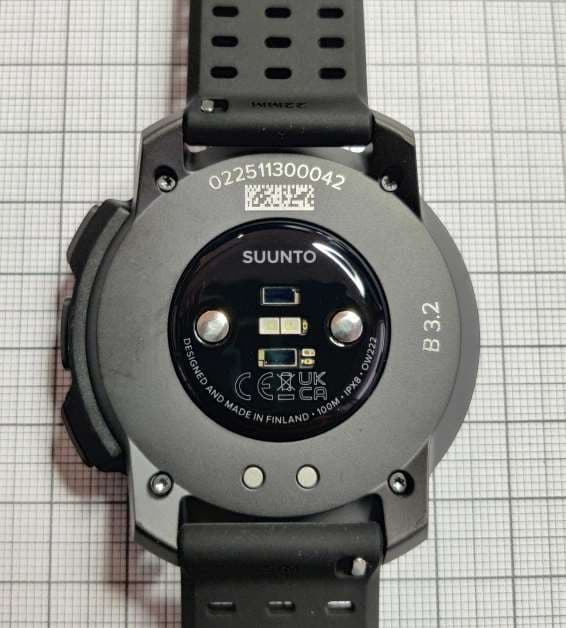
RYPOW222
Apr 23, 2023Sports Watch with GNSS and BLE and WLAN Connectivity
Equipment Class
JAB - Part 15 Class B Digital Device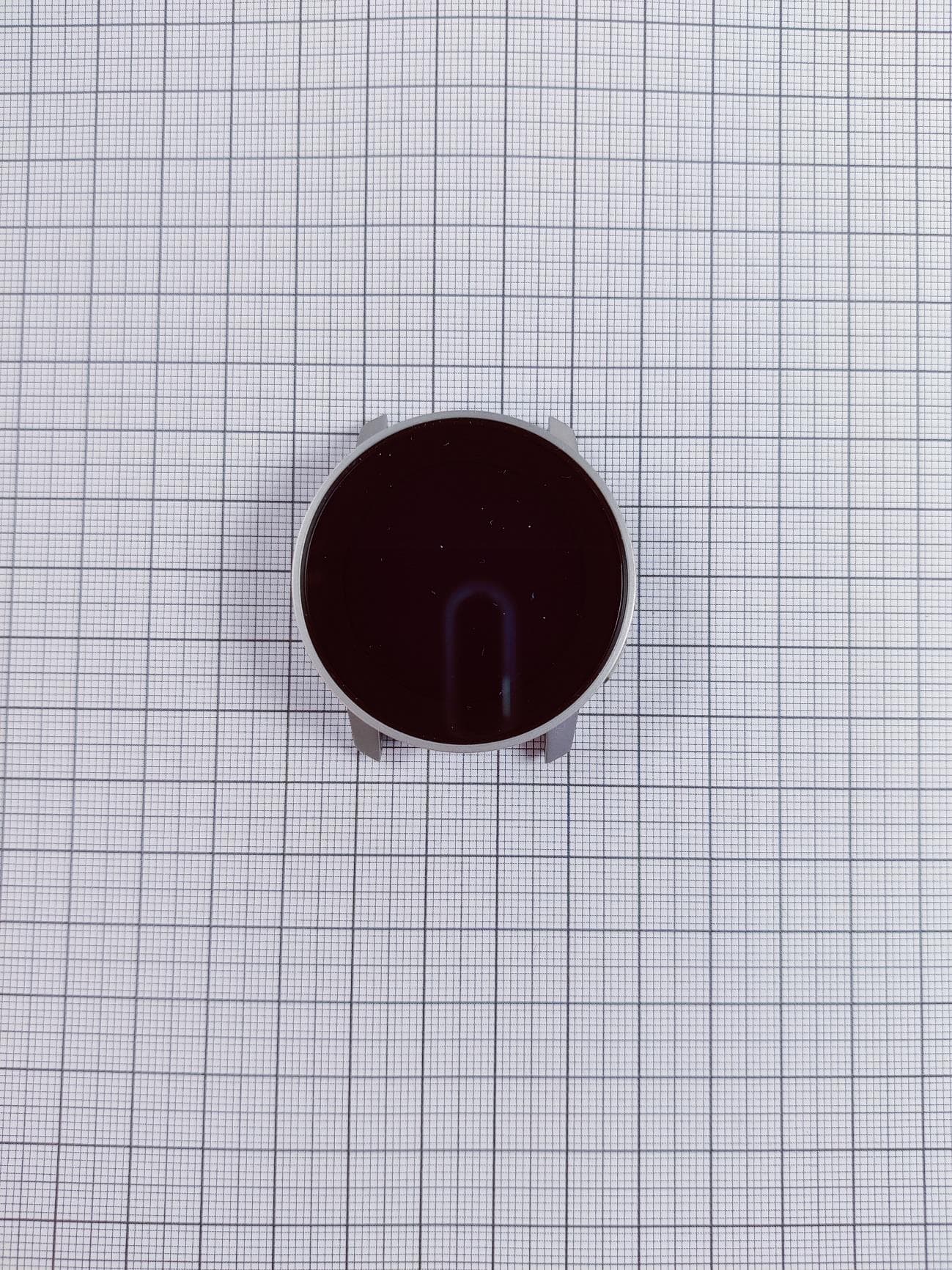
RYP2609
Mar 04, 2021Sports watch with GPS and BLE Connectivity
Equipment Class
JAB - Part 15 Class B Digital Device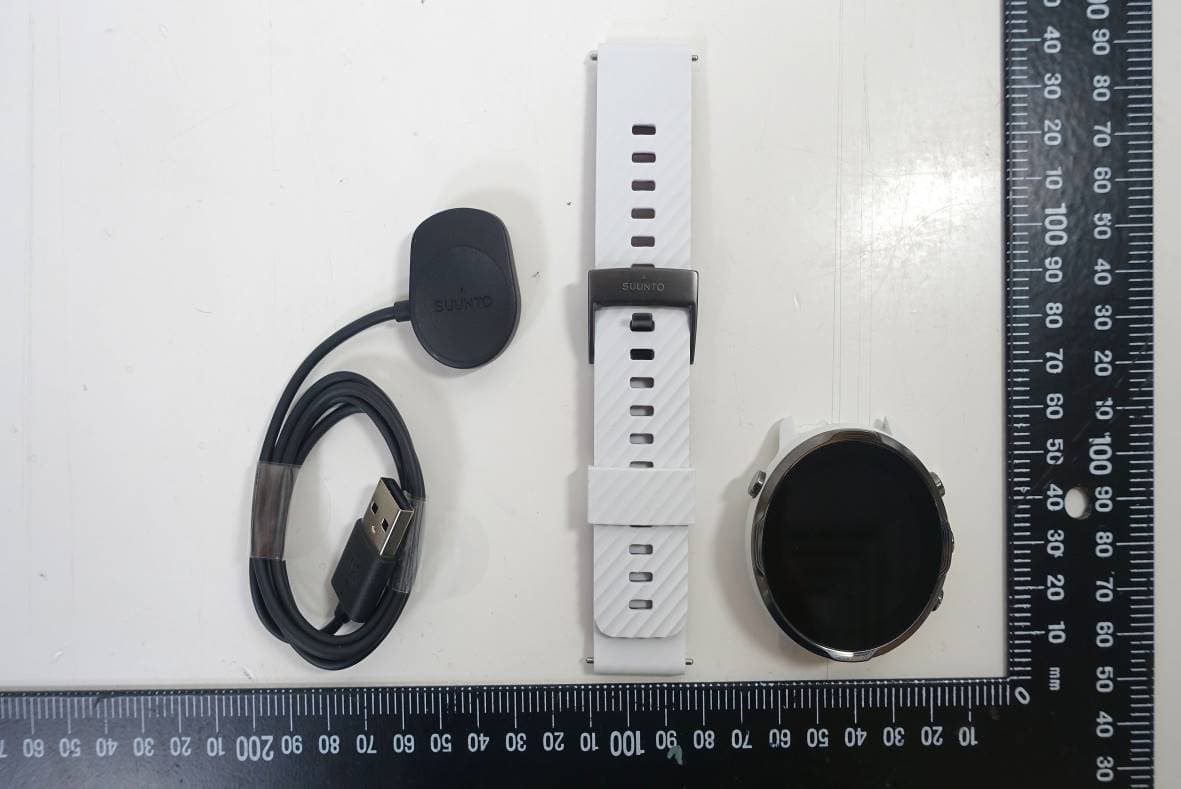
RYP2540
Jan 06, 2020SUUNTO 7
Equipment Class
DTS - Digital Transmission System