SGP-M800DBWireless mouse
Shenzhen Delux Industry Co., Ltd.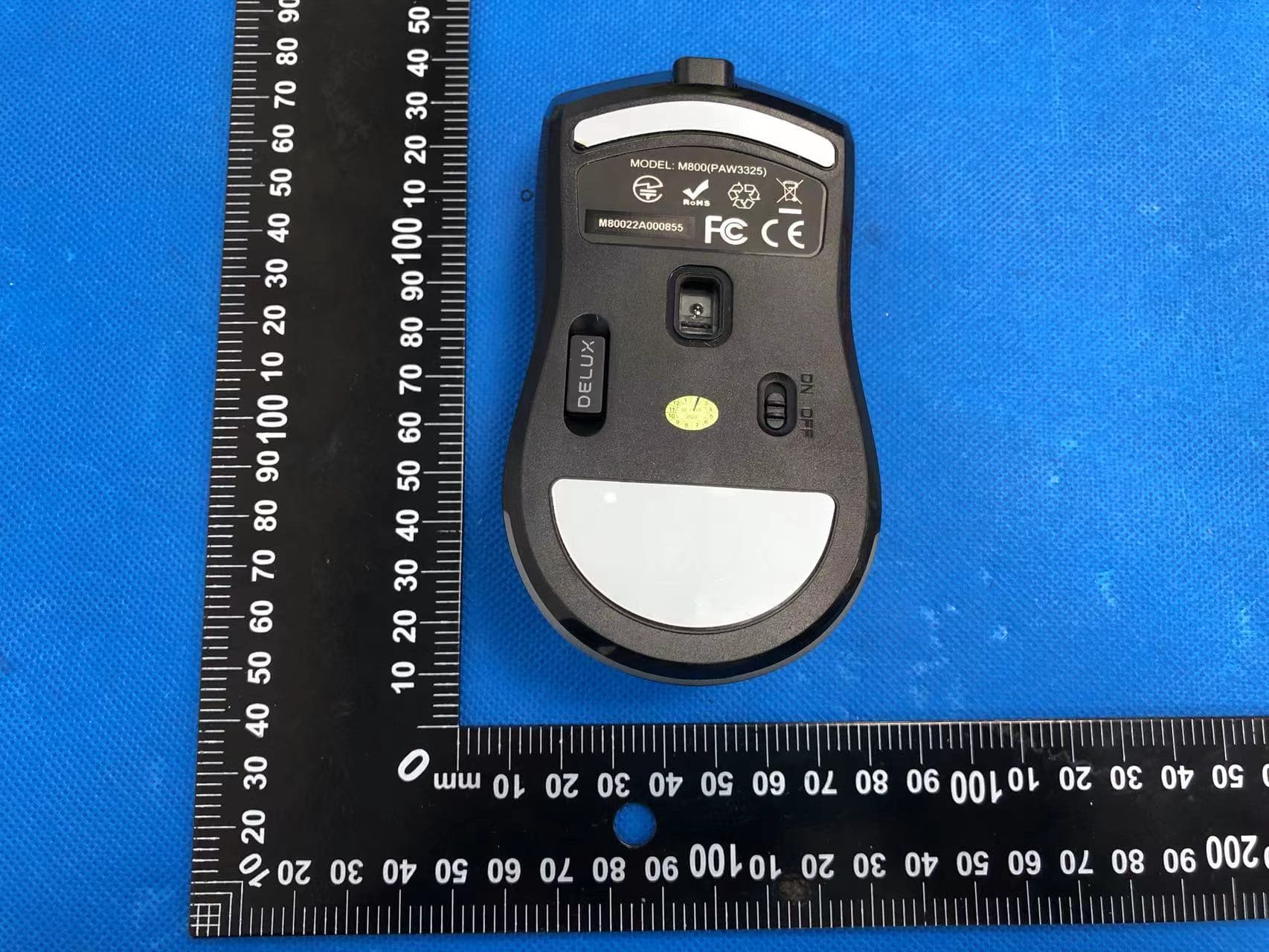
Click to zoom
Application Details
- Equipment Class
- DTS - Digital Transmission System
- Date of Grant
- Apr 11, 2022
- Application Purpose
- Original Equipment
- Date of Application
- Apr 11, 2022
- Equipment Note
- Wireless mouse
- Frequency Range
- 2405.00000000 - 2470.00000000
- Country
- China
Documents & Files
Document Text
Text extracted from the exhibit documents filed with the FCC. Open a document above to read the original.
Users Manual
Mouse size123.6x63.8x38.3mm 400-800(default)-1600-3200-5000DPI Working Current 60millionLR Key Switch 5VWorking Voltage Mouse Usage 1. Power Charging Connecting the cable and mouse, when charging the indicator turn red, after full charged the indicator turn off. 2. Wired/Wireless mode When connected the device with cable, the mouse will enter wired mode automatically; while only insert the USB receiver, the mouse will enter wireless mode. 3. Wireless Pairing Press the left button, right button and the scroll wheel at the same time for 3s entering 2.4G pairing mode, the whole mouse light will turn blue and flash. Then plug receiver to device, when the blue light off and turn Neon mode, the mouse pairing successfully. If the pairing failed, try it again. 4. Light mode switch Press scroll wheel + backward key at the same time to switch among 4 lighting modes: Neon, Steady, Breathing, Led off. Specification Battery Foot pad material 70g Weight Teflon 2. ----- Wireless Keys Function Thank you for choosing our gaming mouse. Please read the user manual carefully before and when you use this product. 1. Compatibility Packaqe content Compatible with Windows 7, Windows 8, Windows 10, Mac OS (Only basic function, no software available) Mouse x 1Manual x 1 1.6m Type-C cable x 1 Scroll Wheel Light Color----DPI Red--------------------------400DPI Green-----------------------800DPI Purple---------------------3200DPI Blue-----------------------1600DPI Yellow---------------------5000DPI 5. DPI Press the DPI key switch among 5 gear DPI. 6. Low battery When low power occurs, the light of mouse turns red and flashes, please charge in time. 3. 1. Installation Download the driver from https://www.deluxworld.com/en/service/download/ and install the driver. Note: Please make sure this mouse is already connected to you can proceed button setting, lighting setting, DPI setting, Macro setting and so on. Driver setting 2. Settings Open driver setting interface (mouse must be connected, otherwise driver software unable to be opened): a.Multi-group setting are available to be proceeded; b.The battery power can be displayed in wireless mode, and the charging status can be displayed in wired mode; c.The default state can be restored after clicking the “Restore” button. A.Button Setting Click button list to set the button function, proceeding left button, right button,middle button, forward, backward, three click, fire key, key combination, DPI level, multimedia function, etc. Click it to load automatically to complete the setting. 4. B.Power Manager you need to click the button to wake up the mouse; click,the decorative light will automatically turn off when the mouse moves. When the mouse stops moving, the light keeps on for 1 minute, and then enter hibernation mode. C.DPI Setting Click “DPI Setting” to proceed DPI gear, DPI value modification, lighting color for different DPI value. 5. D.Lighting Setting Click "Lighting " to set the overall lighting effect of the mouse and select different lighting modes to make the mouse display different lighting effects. Color and speed are adjustable. 6. E.Polling Rate Setting F.LOD Setting setting, adjusting height low gear to be 1mm or 2mm. 7. G.Parameter Setting Click “Mouse Parameter” to enter the system mouse setting interface. H.Macro Setting Click “Macro Editor”, entering the macro setting interface, click “new”, input macro name, select “start record”, during the recording process, you can enter the required keys on the keyboard, then click “stop record”; Operation instructions after entering Macro edition interface: select the key you want to set, click “macro” in the drop-down list, select and click the macro name to set successfully. 8. 9. FCC Caution: This device complies with part 15 of the FCC Rules. Operation is subject to the following two conditions: (1) This device may not cause harmful interference, and (2) this device must accept any interference received, including interference that may cause undesired operation. Any Changes or modifications not expressly approved by the party responsible for compliance could void the user's authority to operate the equipment. Note: This equipment has been tested and found to comply with the limits for a Class B digital device, pursuant to part 15 of the FCC Rules. These limits are designed to provide reasonable protection against harmful interference in a residential installation. This equipment generates uses and can radiate radio frequency energy and, if not installed and used in accordance with the instructions, may cause harmful interference to radio communications. However, there is no guarantee that interference will not occur in a particular installation. If this equipment does cause harmful interference to radio or television reception, which can be determined by turning the equipment off and on, the user is encouraged to try to correct the interference by one or more of the following measures: -Reorient or relocate the receiving antenna. -Increase the separation between the equipment and receiver. -Connect the equipment into an outlet on a circuit different from that to which the receiver is connected. -Consult the dealer or an experienced radio/TV technician for help. The device has been evaluated to meet general RF exposure requirement. The device can be used in portable exposure condition without restriction.
Cover Letter(s)
Shenzhen Delux Industry Co., Ltd. Model Difference 2022-04-02 Federal Communications Commission 7435 Oakland Mills Road Columbia, MD 21046 USA RE: LETTER OF MODEL DIFFERENCE EUT NAME: Wireless mouse FCC ID: SGP-M800DB MODEL : M800DB, M800DB, M800DC, M629DB, M625PD All the model are the same circuit and RF module, except model names. Regards Sincerely Client’s signature Client’s name / title : Feiyun Zhang/ Manager Assistant Contact information / address: Delux Industrial Park, Lanzhu Street, New Pingshan District, Shenzhen City, China
Cover Letter(s)
Shenzhen Delux Industry Co., Ltd. Authorization Company: Shenzhen Delux Industry Co., Ltd. Address: Delux Industrial Park, Lanzhu Street, New Pingshan District, Shenzhen City, China Product Name: Wireless mouse Model Number(s): M800DB, M800DB, M800DC, M629DB, M625PD Product Description: Wireless mouse We authorize MiCOM Labs Inc., 575 Boulder Court, Pleasanton, California 94566, USA, to act on our behalf on all matters concerning the certification of above named equipment. We declare that MiCOM Labs Inc. is allowed to forward all information related to the approval and certification of equipment to the regulatory agencies as required and to discuss any issues concerning the approval application. Any and all acts carried out by MiCOM Labs on our behalf shall have the same effect as acts of our own. Signature: Date: 2022/04/02 Name: Feiyun Zhang Title: Manager Assistant Company: Shenzhen Delux Industry Co., Ltd.
Cover Letter(s)
Shenzhen Delux Industry Co., Ltd. Office of Engineering Technology Federal Communications Commission 7435 Oakland Mills Road Columbia, MD 21046 USA Date: 2022/04/02 Subject; Request for Confidentiality FCC ID: SGP-M800DB To Whom It May Concern, Pursuant to the provisions of the Commission’s rules Title 47 Sections §0.457 and §0.459, we are requesting the Commission to withhold the following attachment(s) as confidential documents from public disclosure indefinitely. These documents contain detailed system and equipment descriptions and are considered as proprietary information in operation of the equipment. The public disclosure of these documents might be harmful to our company and would give competitors an unfair advantage in the market. Schematic Diagram Block Diagram Operational Description In additional to above mentioned documents, in order to comply with the marketing regulations in Title 47 CFR §2.803 and the importation rules in Title 47 CFR §2.1204, while ensuring that business sensitive information remains confidential until the actual marketing of newly authorized devices, we request Short Term Confidentiality of the following attachment(s); User Manual For 45 days, pursuant to Public Notice DA 04-1705. OR For 180 days pursuantto KDB 726920 D01. It is our understanding that all measurement test reports, FCC ID label format and correspondence during the certification review process cannot be granted as confidential documents and this information will be available for public review once the grant of equipment authorization is issued. Sincerely, Signature: Name: Feiyun Zhang Title: Manager Assistant
External Photos
External Photos
ID Label/Location Info
Label & label location Size: 20mm*10mm Wireless mouse FCC ID: SGP-M800DB Label location
Internal Photos
Internal Photos Antenna
RF Exposure Info
RF EXPOSURE EVALUATION METHOD FCC ID: SGP-M800DB Applicable standard: In accordance with FCC 47 CFR part 2 (2.1093) this device has been defined as a portable device which is defined as a transmitting device designed to be used so that the radiating structure(s) of the device is/are within 20 centimeters of the body of the user. Portable devices must be evaluated using the specified in FCC 47 CFR part 2 (2.1093) and ANSI/IEEEC95.1-1992. and had been tested in accordance with the measurement methods and procedures specified in IEEE 1528-2003. Per FCC KDB 447498 D01 v06, the 1-g and 10-g SAR test exclusion thresholds for 100 MHz to 6 GHz at test separation distances s 50 mm are determined by: SAR Test Exclusion Thresholds for 100 MHz – 6 GHz and ≤ 50 mm Approximate SAR Test Exclusion Power Thresholds at Selected Frequencies and Test Separation Distances are illustrated in the following Table. The 1-g and 10-g SAR test exclusion thresholds for 100 MHz to 6 GHz at test separation distances ≤ 50 mm are determined by: [(max. power of channel, including tune-up tolerance, mW)/(min. test separation distance, mm)] · [√f(GHz)] ≤ 3.0 for 1-g SAR and ≤ 7.5 for 10-g extremity SAR,where f(GHz) is the RF channel transmit frequency in GHz Power and distance are rounded to the nearest mW and mm before calculation The result is rounded to one decimal place for comparison The test exclusions are applicable only when the minimum test separation distance is ≤ 50 mm and for transmission frequencies between 100 MHz and 6 GHz. When the minimum test separation distance is < 5 mm, a distance of 5 mm is applied to determine SAR test exclusion. Modulation Test Channel Output Power (dBm) Limit (dBm) GFSK Low -13.28 30 GFSK Middle -12.78 30 GFSK High -12.94 30 max possible output power (PK,conducted):-12±1dBm 2.28dBi logarithmic terms convert to numeric result is nearly 1.690 -11dBm=0.08mW 2405MHz [(max. power of channel, including tune-up tolerance, mW)/(min. test separation distance,mm)] · [√f(GHz)]= 0.08/5*√2.405=0.02≤3.0 2430MHz [(max. power of channel, including tune-up tolerance, mW)/(min. test separation distance,mm)] ·[√f(GHz)]= 0.08/5*√2.43=0.02≤3.0 2470MHz [(max. power of channel, including tune-up tolerance, mW)/(min. test separation distance,mm)] · [√f(GHz)]= 0.08/5*√2.47=0.02≤3.0 Conclusion: 1. [(max. power of channel, including tune-up tolerance, mW)/(min. test separation distance, mm)] * [√f(GHz)] < 3.0. 2. SAR Test Exclusion Thresholds is 3.0 for separation distance 5mm. Therefore, SAR test is not required.
Test Report
No.:BCTC/RF-EMC-007 Page: 1 of 41 Edition:A.4 TEST REPORT Shenzhen BCTC Testing Co., Ltd. Report No.: BCTC2203363865E Applicant: Shenzhen Delux Industry Co., Ltd. Product Name: Wireless mouse Model/Type reference: M800DB Tested Date: 2022-03-09 to 2022-03-29 Issued Date: 2022-03-29 Report No.: BCTC2203363865E No.:BCTC/RF-EMC-007 Page: 2 of 41 Edition:A.4 FCC ID:SGP-M800DB The test report is effective only with both signature and specialized stamp.This result(s) shown in this report refer only to the sample(s) tested. Without written approval of Shenzhen BCTC Testing Co., Ltd, this report can’t be reproduced except in full.The tested sample(s) and the sample information are provided by the client. Product Name: Wireless mouse Trademark: DELUX Model/Type Ref.: M800DB M800DB, M800DC, M629DB, M625PD Prepared For: Shenzhen Delux Industry Co., Ltd. Address: Delux Industrial Park, Lanzhu Street, New Pingshan District, Shenzhen City, China Manufacturer: WUHU DELUX MOBILE INTERNET DEVICE CO.,Ltd Address: Delux Industrial Park, No.3 Xici Road, Xinwu District, Wanzhi Town, Wuhu City, Anhui Province, P.R. China Prepared By: Shenzhen BCTC Testing Co., Ltd. Address: 1-2/F., Building B, Pengzhou Industrial Park, No.158, Fuyuan 1st Road, Tangwei, Fuhai Subdistrict, Bao'an District, Shenzhen, Guangdong, China Sample Received Date: 2022-03-09 Sample tested Date: 2022-03-09 to 2022-03-29 Issue Date: 2022-03-29 Report No.: BCTC2203363865E Test Standards: FCC Part15.247 ANSI C63.10-2013 Test Results: PASS Remark: This is SRD-2.4GHz radio test report. Tested by: Approved by: Kelsey Tan/ Project Handler Zero Zhou/Reviewer Report No.: BCTC2203363865E No.:BCTC/RF-EMC-007 Page: 3 of 41 Edition:A.4 Table Of Content Test Report Declaration Page 1. Version .................................................................................................................. 5 2. Test Summary ....................................................................................................... 6 3. Measurement Uncertainty ..................................................................................... 7 4. Product Information And Test Setup ..................................................................... 8 4.1 Product Information ............................................................................................... 8 4.2 Test Setup Configuration ...................................................................................... 9 4.3 Support Equipment ............................................................................................... 9 4.4 Channel List ........................................................................................................ 10 4.5 Test Mode ........................................................................................................... 10 4.6 Table of parameters of text software setting ....................................................... 10 5. Test Facility And Test Instrument Used ............................................................... 11 5.1 Test Facility ......................................................................................................... 11 5.2 Test Instrument Used .......................................................................................... 11 6. Conducted Emissions .......................................................................................... 13 6.1 Block Diagram Of Test Setup .............................................................................. 13 6.2 Limit .................................................................................................................... 13 6.3 Test procedure .................................................................................................... 13 6.4 EUT Operating Conditions .................................................................................. 13 6.5 Test Result .......................................................................................................... 14 7. Radiated Emissions ............................................................................................. 16 7.1 Block Diagram Of Test Setup .............................................................................. 16 7.2 Limit .................................................................................................................... 17 7.3 Test procedure .................................................................................................... 18 7.4 EUT operating Conditions ................................................................................... 19 7.5 Test Result .......................................................................................................... 20 8. Radiated Band Emission Measurement And Restricted Bands Of Operation ..... 24 8.1 Block Diagram Of Test Setup .............................................................................. 24 8.2 Limit .................................................................................................................... 24 8.3 Test Procedure ................................................................................................... 25 8.4 EUT Operating Conditions .................................................................................. 26 8.5 Test Result .......................................................................................................... 26 9. Power Spectral Density Test ............................................................................... 27 9.1 Block Diagram Of Test Setup .............................................................................. 27 9.2 Limit .................................................................................................................... 27 9.3 Test procedure .................................................................................................... 27 9.4 EUT Operating Conditions ......................................................…
Text truncated - open the document above for the full version.
Test Setup Photos
Report No.: BCTC2203363865E No.:BCTC/RF-EMC-007 Page: 39 of 41 Edition:A.4 15. EUT Test Setup Photographs Conducted Emission Report No.: BCTC2203363865E No.:BCTC/RF-EMC-007 Page: 40 of 41 Edition:A.4 Radiated Measurement Photos
Contact Information
Applicant
Feiyun Zhang(Manager Assistant)
Technical Contact
Test Firm
Shenzhen BCTC Testing Co., Ltd.Sally He
[email protected]15999690624
Technical Specifications
| # | Rule Parts | Frequency Range | Power Output |
|---|---|---|---|
| 1 | 15C | 2.40 GHz - 2.47 GHz | 50.00 µW |
Other Applications from Shenzhen Delux Industry Co., Ltd.
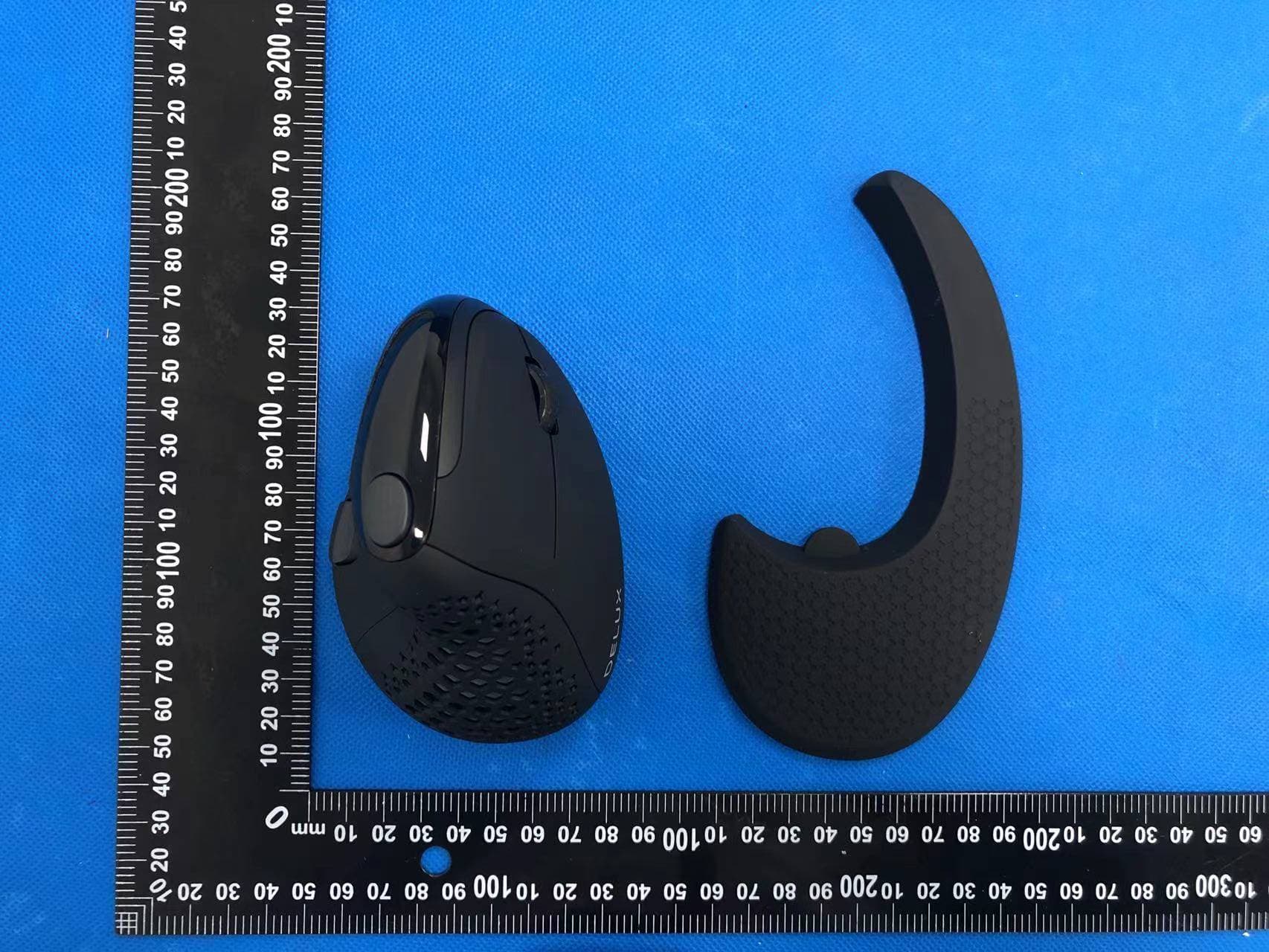
SGP-M618XSD
Apr 13, 2022Wireless mouse
Equipment Class
DTS - Digital Transmission System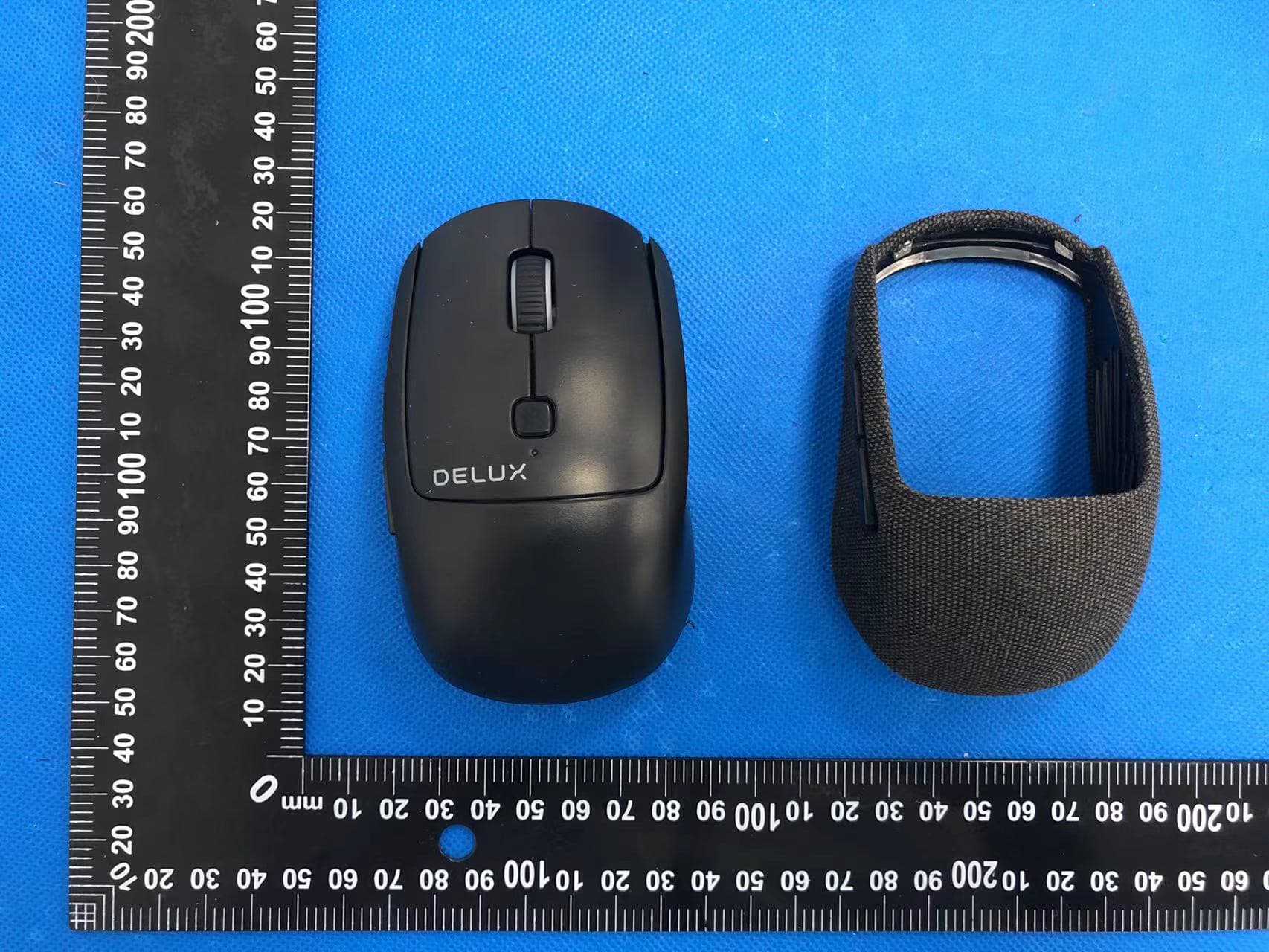
SGP-M520DB
Apr 13, 2022Wireless mouse
Equipment Class
DTS - Digital Transmission System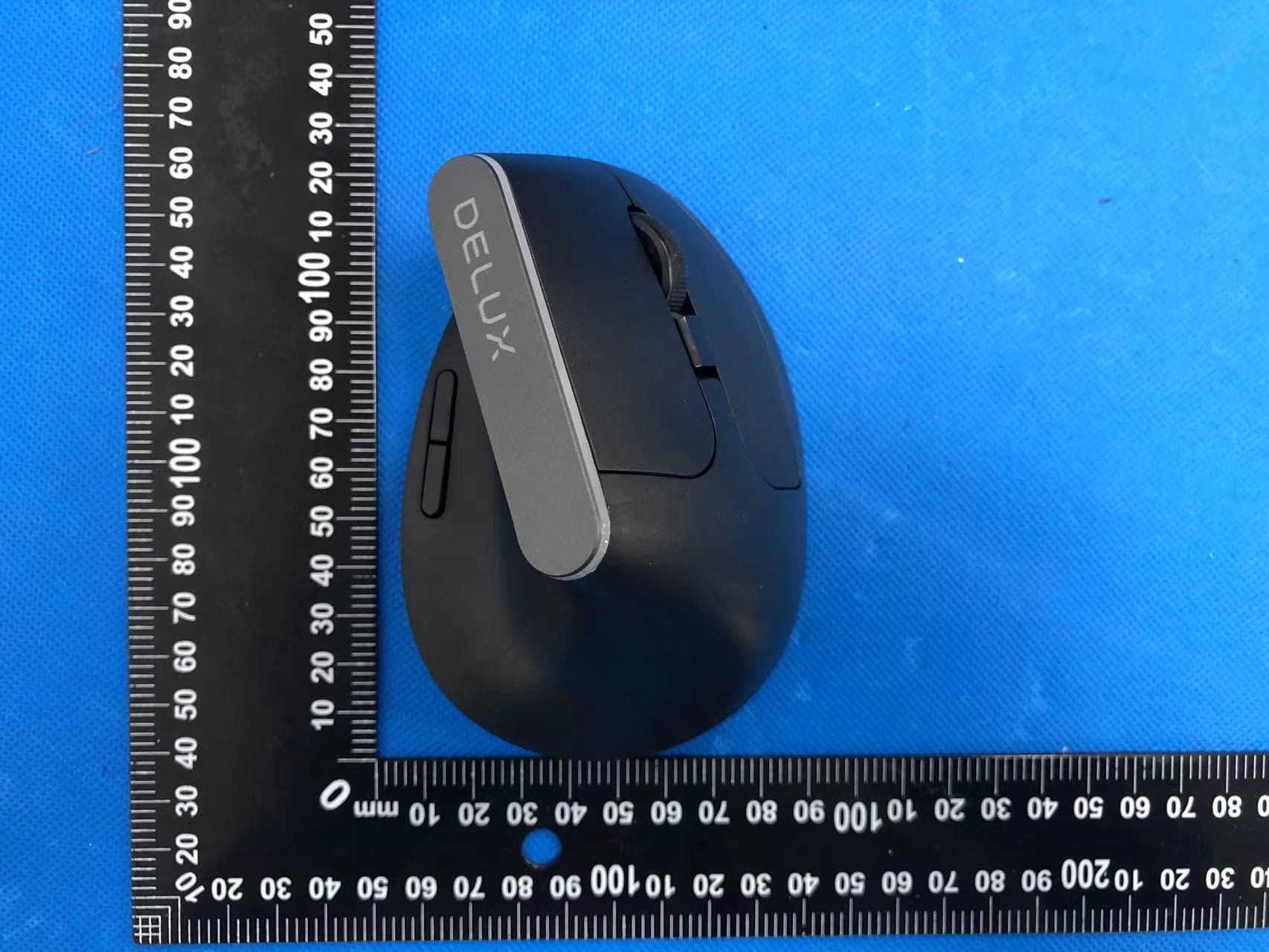
SGP-M618C
Apr 11, 2022Wireless mouse
Equipment Class
DTS - Digital Transmission System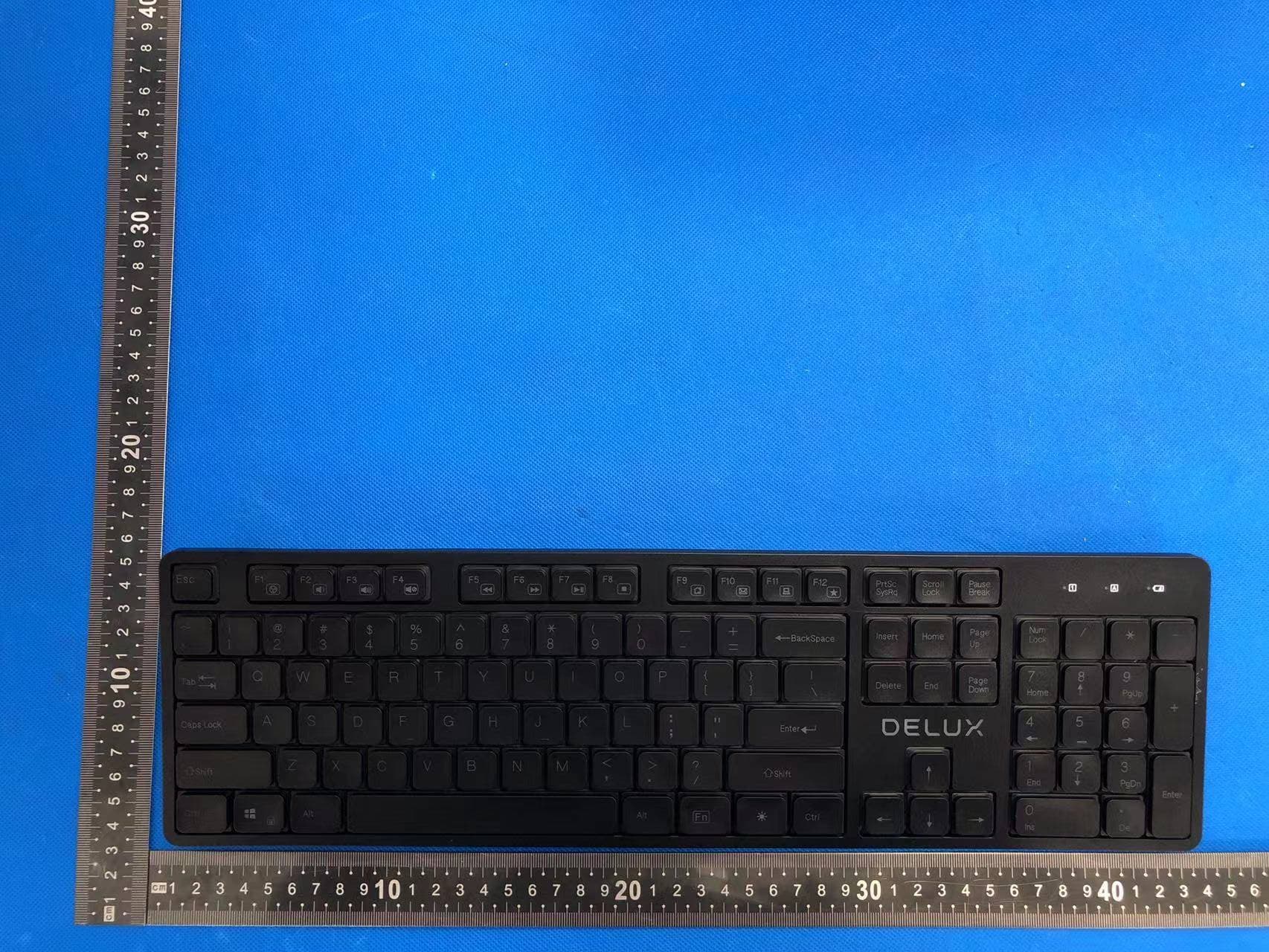
SGP-SK800
Apr 11, 2022Wireless keyboard
Equipment Class
DTS - Digital Transmission System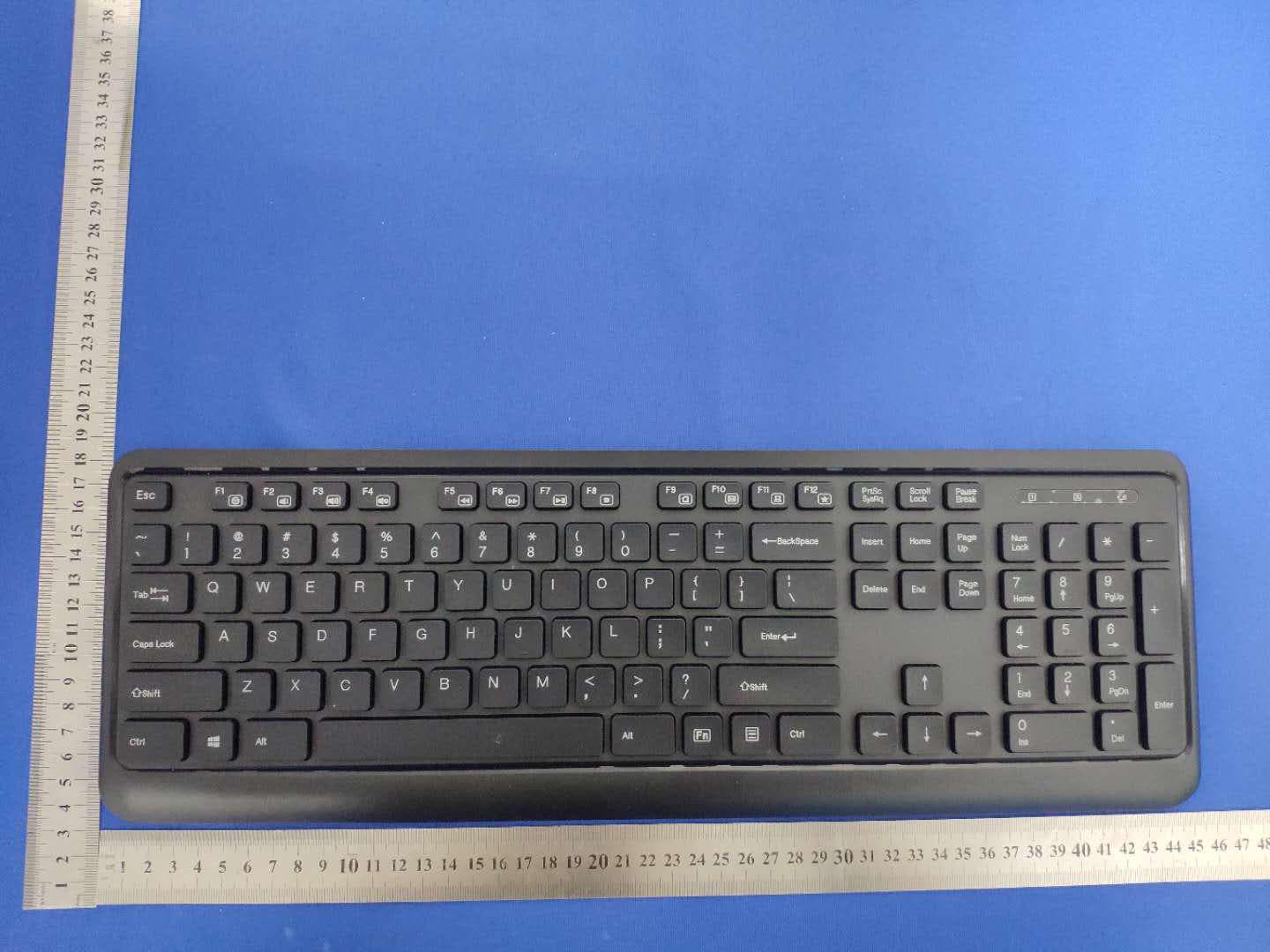
SGPKA19001
Nov 18, 2020Wireless keyboard
Equipment Class
DTS - Digital Transmission System