SI4-MBSHC32BLUETOOTH STEREO HEADSET
Mavin Technology Inc.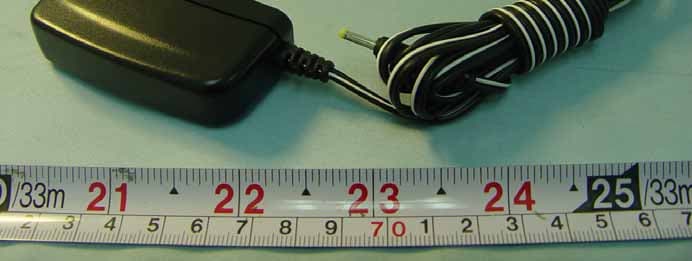
Click to zoom
Application Details
- Equipment Class
- DSS - Part 15 Spread Spectrum Transmitter
- Date of Grant
- Apr 20, 2006
- Application Purpose
- Original Equipment
- Date of Application
- Apr 20, 2006
- Equipment Note
- BLUETOOTH STEREO HEADSET
- Frequency Range
- 2402.00000000 - 2480.00000000
- Company
- Mavin Technology Inc.
- Country
- Taiwan
Documents & Files
Document Text
Text extracted from the exhibit documents filed with the FCC. Open a document above to read the original.
Users Manual
User Guide Bluetooth Stereo Headset Function of Buttons :Turning on or off/ Pairing/ Answer/ Ending/ Reject/ play/ pause/ stop Led :Volume-up, Redial :Volume-down, Voice-Dialing :Forward :Backward Charging Port Microphone 3.5mm audio connector Turning on or off Charging Port Led Status Button Duration LED Pattern Stereo Headset/ Stereo Adapter Power On Long (2~3 seconds) Blue Blinking Power Off Long (3~4 seconds) Red Off Enter Pairing Very Long (4 seconds) (PIN code: “0000”) Blue/ Red Blinking Pairing Successfully/ Standby Blue Blinking Answer / Ending Calls Short Redial Long (2 seconds) Voice Dial Long (2 seconds) Reject Long (3 seconds) Play/ Pause/ Stop Short (1 second) Volume Up/ Down Short (1 second) Forward/ Backward Short (1 second) Low Battery Red Blinking Charging 4 hours Red Fully Charged Red Off 1. Charging the battery Plug the travel charger into the AC outlet and then connect the charger into the DC input of the headset and adapter. The red indicator will light on. When the battery is full, the red indicator will be off, disconnect the power adapter. When the battery is new, it is not fully charged. It takes 4 hours to fully charge the battery. Afterwards, it will take nearly 3 hours to fully charge the battery. 2.1 Use with audio devices (1). Turning on or off (a). Press the button for 2~3 seconds. The blue indicator will begin to flash. The headset and adapter are now powered on. (b). Press the button for 3~4 seconds. The red indicator will begin to flash. Now the headset and adapter are turned off. (2). Plug the 3.5mm audio connector into the 3.5mm audio port device. Note: To use stereo adapter with DVD, TV or Hi-Fi system etc., please use the AV cable to audio device. (3). Pairing (a). Press the button of the headset and adapter for 4 seconds till the blue and red indicators begin to flash alternatively. The headset is now in pairing mode and it will connect to the stereo adapter automatic. If the blue and red indicators do not flash alternatively, press the button again. (b). When the pairing process is successfully completed, the blue indicator will flash. The headset is now in standby mode and will connect the stereo adapter automatically. Note: If no pairing is possible over a period of time (Aprox. 1 minute), the pairing process will be stopped. You have to repeat STEP 2.1(3) to successfully complete the pairing. (4). Wearing the headset Hold both sides of the headset 》》Ear hook the headset from the back of head 》》Gently adjust headset position. (5). Adjusting the volume of the headset for listening to music (a). Press the button of the headset to increase the listening volume of the headset. (b). Press the button to decrease the listening volume of the headset. Note: You want to listen to music (after initial pairing), just adjust the volume from your headset and audio device (ipod/ MP3/ CD player etc.) together and turn on both devices. They will automatically connect and listen the music. 2.2 Use with mobile phone Before start pairing, please refer to the manual of your mobile phone and read through the pairing chapter. (1). Turning on and pairing (a). Turn on the headset power, press the button of the headset for 4 seconds till the blue and red indicators begin to flash alternatively. The headset is now in pairing mode. (b). Turn on your Bluetooth mobile phone, follow the manual of your mobile phone to activate Bluetooth device pairing process. Your mobile phone will found the stereo headset device in the devices list. Select it for pairing. (c). The mobile phone display will prompt you for pairing pin-code during pairing, please enter “0000” to successfully complete the pairing process. (d). When the pairing process is successfully completed, the blue indicator will flash. The headset is now in standby mode and will connect your mobile phone automatically (e). Now you can put on the headset to play music. When the headset is receiving a phone call, ring tones will be heard on the headset. Note: (a). If no pairing is possible over a period of time (Aprox. 1 minute), the pairing process will be stopped. You have to repeat STEP 2.2(1) to successfully complete the pairing. (b). your Bluetooth mobile phone have to support A2DP and AVRCP profiles, and can play music function. (2). Adjusting the volume of the headset Please repeat STEP 2.1(5) to adjust the volume of the headset (3). Making calls Dial the phone number on you mobile phone as you normally do. The sound will be transmitted to the headset. (a). Receiving or ending calls When the headset is paired with your phone, and when there is an incoming call, you will hear a musical beep. Then press the button to receive the call. When there is a call in session, you can press the button to end the call. Note: Due to the different design of some mobile phones, an auto-disconnect may happen even when the headset is powered on. (b). Redialing the call Press the button and hold 2 seconds. After hearing a beep sound, say the name of the person you recorded on your phone. (The availability of this function depends on the design of the mobile phone you use. Please refer to the manual of your mobile phone for the voice-dialing function. ) (c). Voice-dialing After ending the call, you can press the button and hold 2 seconds to redial the call you just ended. (The availability of this function depends on the design of the mobile phone you use. Please refer to the manual of your mobile phone.) (d). Rejecting a call When there is a call in session, you can press the button for 3 seconds to reject a call. 2.3 Use with music player and mobile phone at the same time. (a). The stereo headset needs to be paired and connected with both devices. (b). When a phone call comes in while listening to music, the music will stop and you will hear ring tones on the headset, press the the button to answer the call. (b). Press the button for at least one second to terminate the call, and the music will automatically resume. 2.4 Use with Bluetoo…
Text truncated - open the document above for the full version.
External Photos
FCC TEST REPORT REPORT NO. : FR5D2803 SPORTON International Inc. Page Number : A1 OF A6 TEL : 886-2-2696-2468 Report Issued Date : Apr. 13, 2006 FAX : 886-2-2696-2255 Report Version : Rev. 01 APPENDIX A. Photographs of EUT FCC TEST REPORT REPORT NO. : FR5D2803 SPORTON International Inc. Page Number : A2 OF A6 TEL : 886-2-2696-2468 Report Issued Date : Apr. 13, 2006 FAX : 886-2-2696-2255 Report Version : Rev. 01 FCC TEST REPORT REPORT NO. : FR5D2803 SPORTON International Inc. Page Number : A3 OF A6 TEL : 886-2-2696-2468 Report Issued Date : Apr. 13, 2006 FAX : 886-2-2696-2255 Report Version : Rev. 01 FCC TEST REPORT REPORT NO. : FR5D2803 SPORTON International Inc. Page Number : A4 OF A6 TEL : 886-2-2696-2468 Report Issued Date : Apr. 13, 2006 FAX : 886-2-2696-2255 Report Version : Rev. 01 FCC TEST REPORT REPORT NO. : FR5D2803 SPORTON International Inc. Page Number : A5 OF A6 TEL : 886-2-2696-2468 Report Issued Date : Apr. 13, 2006 FAX : 886-2-2696-2255 Report Version : Rev. 01 FCC TEST REPORT REPORT NO. : FR5D2803 SPORTON International Inc. Page Number : A6 OF A6 TEL : 886-2-2696-2468 Report Issued Date : Apr. 13, 2006 FAX : 886-2-2696-2255 Report Version : Rev. 01
Internal Photos
FCC TEST REPORT REPORT NO. : FR5D2803 SPORTON International Inc. Page Number : B1 OF B5 TEL : 886-2-2696-2468 Report Issued Date : Apr. 13, 2006 FAX : 886-2-2696-2255 Report Version : Rev. 01 APPENDIX B. Photographs of EUT Internal FCC TEST REPORT REPORT NO. : FR5D2803 SPORTON International Inc. Page Number : B2 OF B5 TEL : 886-2-2696-2468 Report Issued Date : Apr. 13, 2006 FAX : 886-2-2696-2255 Report Version : Rev. 01 FCC TEST REPORT REPORT NO. : FR5D2803 SPORTON International Inc. Page Number : B3 OF B5 TEL : 886-2-2696-2468 Report Issued Date : Apr. 13, 2006 FAX : 886-2-2696-2255 Report Version : Rev. 01 FCC TEST REPORT REPORT NO. : FR5D2803 SPORTON International Inc. Page Number : B4 OF B5 TEL : 886-2-2696-2468 Report Issued Date : Apr. 13, 2006 FAX : 886-2-2696-2255 Report Version : Rev. 01 FCC TEST REPORT REPORT NO. : FR5D2803 SPORTON International Inc. Page Number : B5 OF B5 TEL : 886-2-2696-2468 Report Issued Date : Apr. 13, 2006 FAX : 886-2-2696-2255 Report Version : Rev. 01
RF Exposure Info
Document No.: 5D2803 RF Exposure Test Report Date: Apr. 18, 2006 FCC ID: SI4-MBSHC32 Sporton International Inc. This report man not be reproduced, expect in full, without the prior written consent of Sporton International Inc. RF Exposure Test Report for MAVIN TECHNOLOGY INC. MBSH-C3.2 Equipment : Bluetooth Stereo Headset Model No. : MBSH-C3.2 FCC ID : SI4-MBSHC32 Filing Type : Certification Applicant : MAVIN TECHNOLOGY INC. 3F, NO. 35, Hsin Tai Rd., Chupei City, Hsinchu County 302, Taiwan, R.O.C. Without written approval of SPORTON International Inc., the test report shall not be reproduced except in full. SPORTON International Inc. 6F, No.106, Sec. 1, Hsin Tai Wu Rd., Hsi Chih, Taipei Hsien, Taiwan, R.O.C. Document No.: 5D2803 RF Exposure Test Report Date: Apr. 18, 2006 FCC ID: SI4-MBSHC32 Sporton International Inc. Maximum Permissible Exposure Test Report for MBSH-C3.2 1.0 Introduction The report has been prepared on behalf of MAVIN TECHNOLOGY INC. Bluetooth Stereo Headset to show compliance with the RF Exposure. 1.1 Requirements Three different categories of transmitters are defined by the FCC in OET Bulletin 65. These categories are fixed installation, mobile and portable and are defined as follows: Fixed installation: fixed location means that the device, including its antenna, is physically secured at a permanent location and is not able to be easily moved to another location. Additionally, distance to humans form the antenna is maintained to at least 2 meters. Mobile Devices: a mobile device is defined as a transmitting device designed to be used in other than fixed locations and to be generally used in such a way that a separation distance of at least 20 centimeters is normally maintained between the transmitter’s radiating structures and the body of the user or nearby persons. Transmitters designed to be used by consumers or workers that can be easily re-located, such as a wireless modem operating in a laptop computer, are considered mobile devices if they meet the 20 centimeter separation requirement. The FCC rules for evaluating mobile devices for RF compliance are found in 47 CFR 2.1091. Portable Devices: a portable device is defined as a transmitting device designed to be used so that the radiating structure(s) of the device is/are within 20 centimeters of the body of the user. Portable device requirements are found in Section 2.1093 of the FCC’s Rules (47 CFR 2.1093) For this test report the MAVIN TECHNOLOGY INC. MBSH-C3.2 is being done as a mobile device and the MPE is evaluated at the 20cm test distance. The FCC also categorizes the use of the device as based upon the user’s awareness and ability to Document No.: 5D2803 RF Exposure Test Report Date: Apr. 18, 2006 FCC ID: SI4-MBSHC32 Sporton International Inc. exercise control over his or her exposure. The two categories defined are Occupational/Controlled Exposure and General Population/Uncontrolled Exposure. These two categories are defined as follows: Occupational/controlled Exposure: In general, occupational/controlled exposure limits are applicable to situation in which persons are exposed as a consequence of their employment, who have been made fully aware of the potential for exposure. Awareness of the potential for RF exposure in a workplcae or similar environment can be provided through specific training as part of a RF safety program. If appropriate, warning signs and labels can also be used to establish such awareness by providing prominent information on the risk of potential exposure and instructions on methods to minimize such exposure risks. General Population/Uncontrolled Exposure: The general population / uncontrolled exposure limits are applicable to situations in which the general public may be exposed or in which persons who are exposed as a consequence of their employment may not be made fully aware of the potential for exposure or cannot exercise control over their exposure. Members of the general public would come under this category when exposure is not employment-related; for example, in the case of a wireless transmitter that exposes persons in its vicinity. Warning labels placed on low-power consumer devices such as cellular telephones are not considered sufficient to allow the device to be considered under the occupational/controlled category, and the general population/uncontrolled exposure limits apply to these devices. Since there are no warnings or training associated with this unit and it can be used by anyone, Bluetooth Stereo Headset is evaluated to the General Population / Uncontrolled Exposure limits. 1.2 Radio Frequency Radiation Exposure Evaluation For this device, the calculation is as follows: ¾ No Evaluation Required if power is below this threshold: F (GHz) MW dBm 2.48 24.19 13.84 Maximum measured transmitter power for the EUT: Document No.: 5D2803 RF Exposure Test Report Date: Apr. 18, 2006 FCC ID: SI4-MBSHC32 Sporton International Inc. Pout (dBm) -0.19 Threshold for no RF Exposure evaluation is 13.84 dBm. Transmitter power of this device is -0.19 dBm Conclustion: No RF Exposure evaluation required since Transmitter Pout is below FCC threshold.
Test Report
SPORTON International Inc. TEL : 886-2-2696-2468 FAX : 886-2-2696-2255 Report Version: Rev. 01 FCC TEST REPORT Report No. : FR5D2803 FCC TEST REPORT for 47 CFR Part 15 Subpart C Equipment : Bluetooth Stereo Headset Model No. : MBSH-C3.2 FCC ID : SI4-MBSHC32 Filing Type : Certification Applicant : MAVIN TECHNOLOGY INC. 3F, NO. 35, Hsin Tai Rd., Chupei City, Hsinchu County 302, Taiwan, R.O.C. The test result refers exclusively to the test presented test model / sample. Without written approval of SPORTON International Inc., the test report shall not be reproduced except in full. Certificate or Test Report must not be used by the applicant to claim the product in this test report endorsement by NVLAP or any agency of U.S. government. The data shown in this test report were carried out on Apr. 08, 2006 at Sporton International Inc. LAB. Report No.: FR5D2803, Report Version: Rev. 01 Dr. Daniel Lee EMC/SAR Director SPORTON International Inc. 6F, No.106, Sec. 1, Hsin Tai Wu Rd., Hsi Chih, Taipei Hsien, Taiwan, R.O.C. SPORTON International Inc. Page No. : i TEL : 886-2-2696-2468 Report Issued Date : Apr. 13, 2006 FAX : 886-2-2696-2255 Report Version : Rev. 01 FCC ID : SI4-MBSHC32 FCC TEST REPORT Report No. : FR5D2803 Table of Contents History of this test report....................................................................................................................................ii 1. General Description of Equipment under Test.............................................................................................1 1.1 Applicant ........................................................................................................................................................................................1 1.2 Manufacturer ..................................................................................................................................................................................1 1.3 Basic Description of Equipment under Test ...................................................................................................................................1 1.4 Feature of Equipment under Test ..................................................................................................................................................1 2 Test Configuration of Equipment under Test ...............................................................................................2 2.1 Test Manner ...................................................................................................................................................................................2 2.2 Test Mode ......................................................................................................................................................................................2 2.3 Connection Diagram of Test System .............................................................................................................................................2 2.4 Ancillary Equipment List.................................................................................................................................................................3 3. RF Utility ...........................................................................................................................................................4 4. General Information of Test............................................................................................................................5 4.1 Test Voltage ...................................................................................................................................................................................5 4.2 Standard for Methods of Measurement..........................................................................................................................................5 4.3 Test in Compliance with .................................................................................................................................................................5 4.4 Frequency Range Investigated ......................................................................................................................................................5 4.5 Test Distance .................................................................................................................................................................................5 5. Test Data and Test Result...............................................................................................................................6 5.1 List of Measurements and Examinations .......................................................................................................................................6 5.2 Band Edges Measurement.............................................................................................................................................................7 5.3 Hopping Channel Separation .......................................................................................................................................................11 5.4 Number of Hopping Frequency ....................................................................................................................................................15 5.5 Hopping Channel Bandwidth........................................................................................................................................................17 5.6 Dwell Time of Each Frequency ....................................................................................................................................................21 5.7 Peak Output Power Measurement ...............................................................................................................................................41 5.8 Conducted Emission ..................................…
Text truncated - open the document above for the full version.
Test Setup Photos
FCC TEST REPORT Report No. : FR5D2803 SPORTON International Inc. Page No. : C1 of C3 TEL : 886-2-2696-2468 Report Issued Date : Apr. 13, 2006 FAX : 886-2-2696-2255 Report Version : Rev. 01 Conducted Emission FRONT VIEW REAR VIEW Appendix C. Set up Photograph FCC TEST REPORT Report No. : FR5D2803 SPORTON International Inc. Page No. : C2 of C3 TEL : 886-2-2696-2468 Report Issued Date : Apr. 13, 2006 FAX : 886-2-2696-2255 Report Version : Rev. 01 SIDE VIEW FCC TEST REPORT Report No. : FR5D2803 SPORTON International Inc. Page No. : C3 of C3 TEL : 886-2-2696-2468 Report Issued Date : Apr. 13, 2006 FAX : 886-2-2696-2255 Report Version : Rev. 01 Radiation Emission FRONT VIEW REAR VIEW
Contact Information
Applicant
Roger Hung(General Manager)
Test Firm
Sporton International Inc.W Huang
Technical Specifications
| # | Rule Parts | Frequency Range | Power Output |
|---|---|---|---|
| 1 | 15C | 2.40 GHz - 2.48 GHz | 1.00 mW |
Other Applications from Mavin Technology Inc.
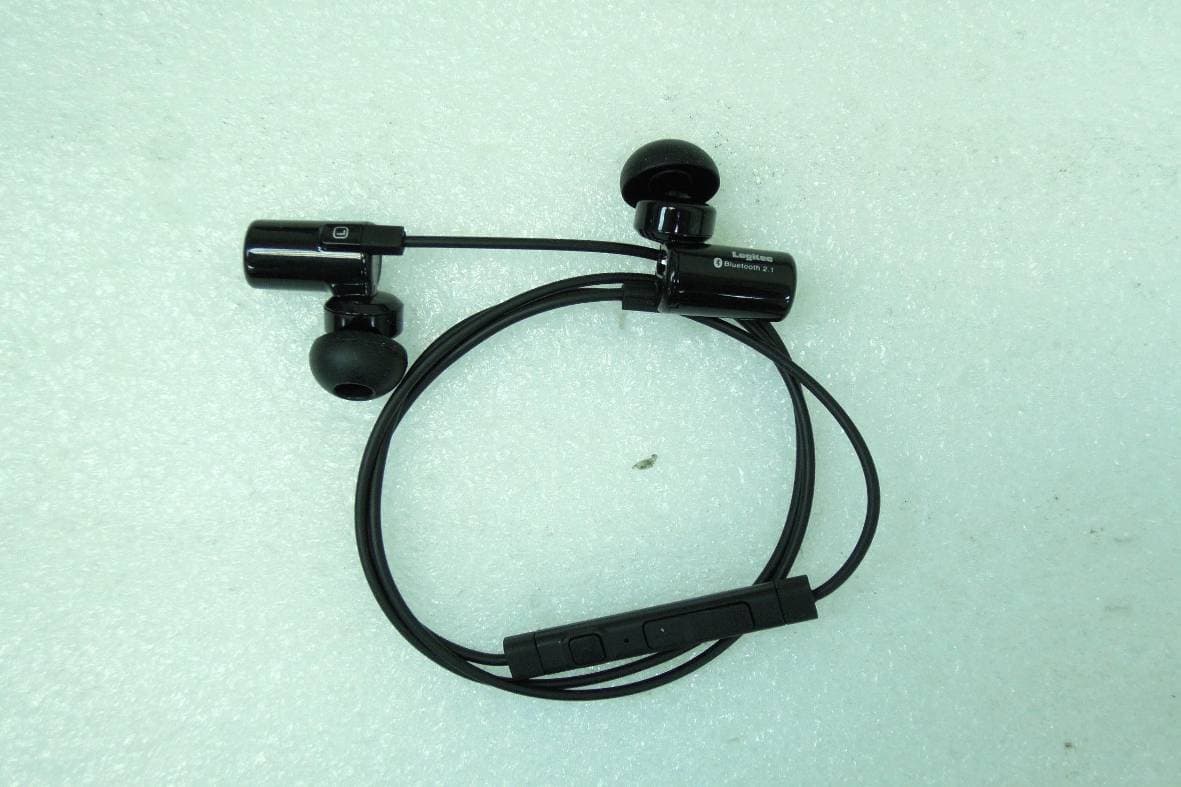
SI4LBT-HP06
Mar 06, 2012Wireless Stereo Headset
Equipment Class
DSS - Part 15 Spread Spectrum Transmitter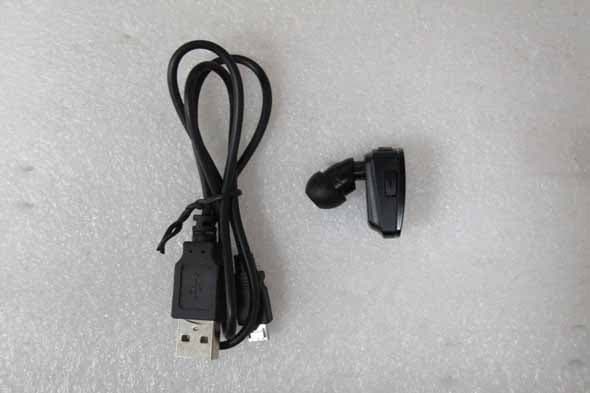
SI4LBTHS400
Dec 20, 2011Wireless mono Headset
Equipment Class
DSS - Part 15 Spread Spectrum Transmitter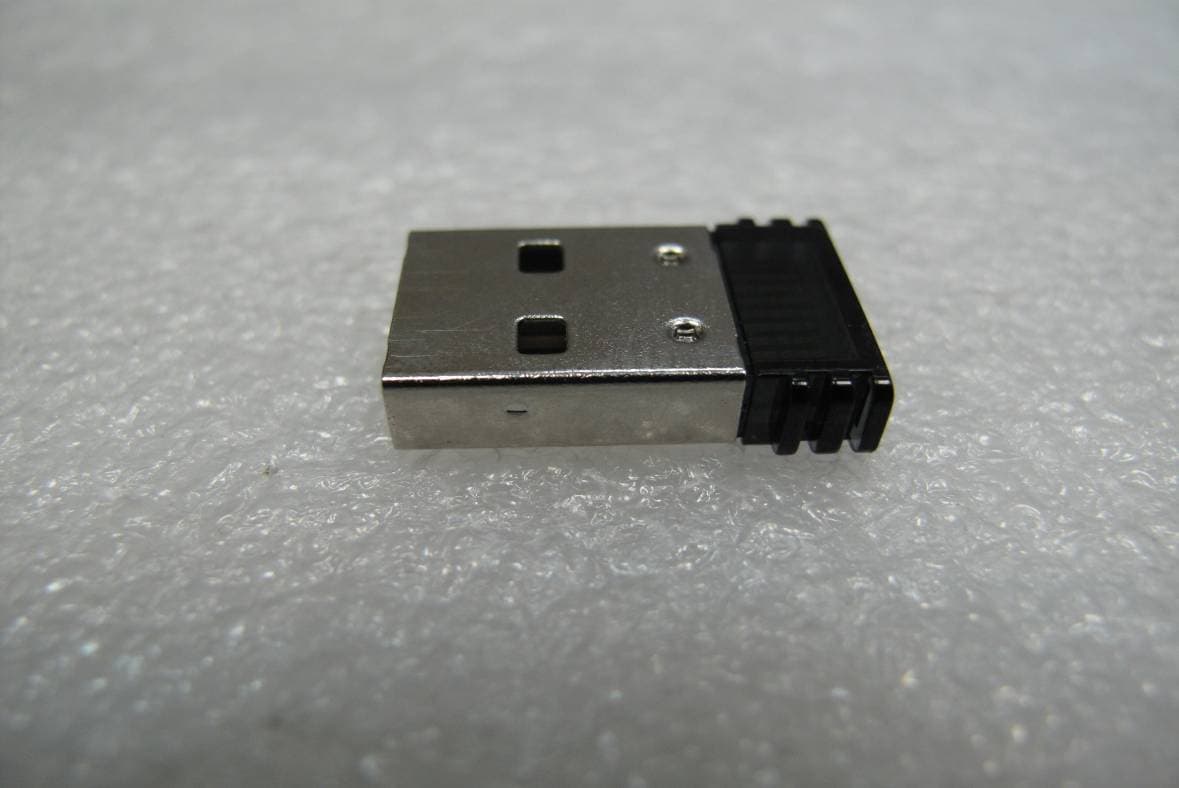
SI4-MBD-200B
Sep 08, 2010Bluetooth USB Adapter - V3.0
Equipment Class
DSS - Part 15 Spread Spectrum Transmitter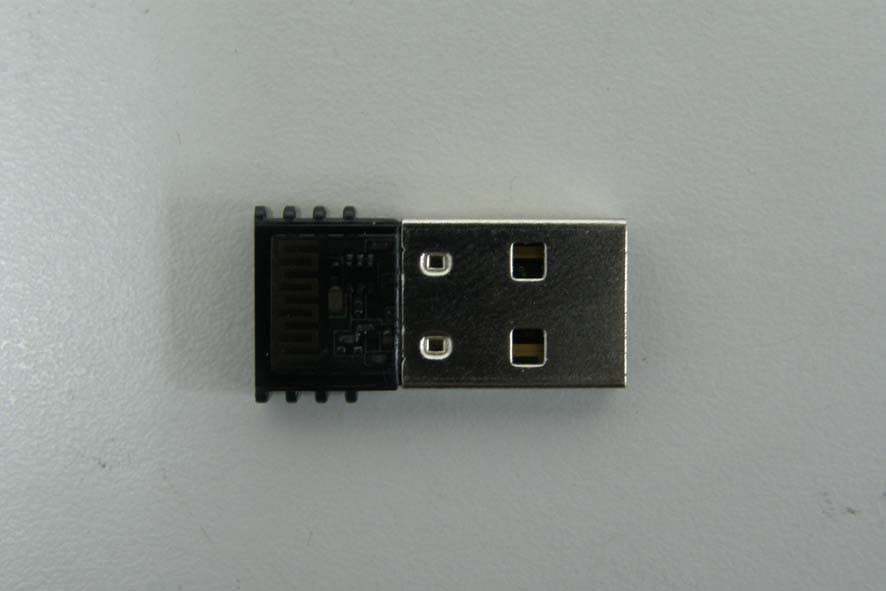
SI4-MBD-100X
Dec 22, 2009Bluetooth USB adapter - V2.0/V2.1+EDR, Class 1
Equipment Class
DSS - Part 15 Spread Spectrum Transmitter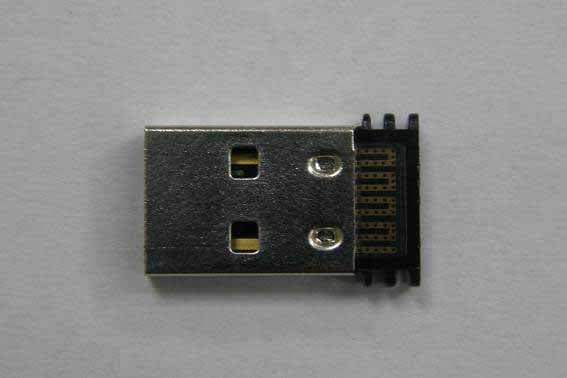
SI4-MBD-200X
Dec 15, 2009Bluetooth USB adapter - V2.0/V2.1+EDR, Class 2
Equipment Class
DSS - Part 15 Spread Spectrum Transmitter