SI5WUB321ASuper G USB 2.0 WLAN Adapter With Smart Antenna
U-MEDIA Communications, Inc.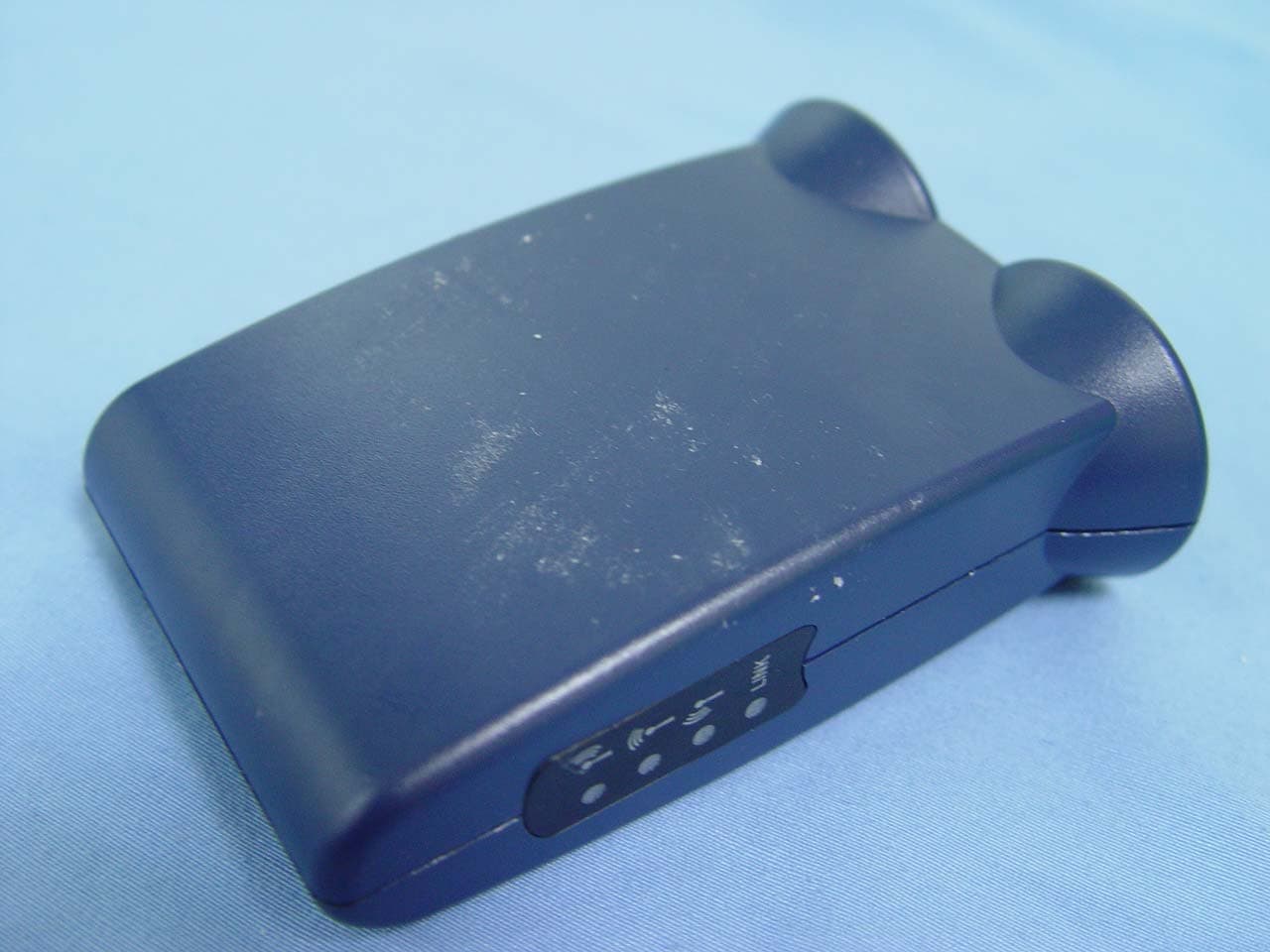
Click to zoom
Application Details
- Equipment Class
- DTS - Digital Transmission System
- Date of Grant
- Mar 28, 2006
- Application Purpose
- Original Equipment
- Date of Application
- Mar 28, 2006
- Equipment Note
- Super G USB 2.0 WLAN Adapter With Smart Antenna
- Frequency Range
- 2412.00000000 - 2462.00000000
- Company
- U-MEDIA Communications, Inc.
- Country
- Taiwan
Documents & Files
Document Text
Text extracted from the exhibit documents filed with the FCC. Open a document above to read the original.
Users Manual
Super G USB 2.0 WLAN Adapter with Smart Antenna User's Guide Version 0.8 2 FCC Warning statement: This equipment has been tested and found to comply with the limits for a Class B digital device, pursuant to part 15 of the FCC rules. These limits are designed to provide reasonable protection against harmful interference in a residential installation. This equipment generates, uses and can radiate radio frequency energy and, if not installed and used in accordance with the instructions, may cause harmful interference to radio communications. However, there is no guarantee that interference will not occur in a particular installation. If this equipment does cause harmful interference to radio or television reception, which can be determined by turning the equipment off and on, the user is encouraged to try to correct the interference by one or more of the following measures: -Reorient or relocate the receiving antenna. -Increase the separation between the equipment and receiver. -Connect the equipment into an outlet on a circuit different from that to which the receiver is connected. -Consult the dealer or an experienced radio/TV technician for help. This device complies with Part 15 of the FCC Rules. Operation is subject to the following two conditions: (1) This device may not cause harmful interference. (2) This device must accept any interference received, including interference that may cause undesired operation. 1. This Transmitter must not be co-located or operating in conjunction with any other antenna or transmitter. 2. This equipment complies with FCC RF radiation exposure limits set forth for an uncontrolled environment. This equipment should be installed and operated with a minimum distance of 20 centimeters between the radiator and your body. 3. Any changes or modifications (including the antennas) made to this device that are not expressly approved by the manufacturer may void the user’s authority to operate the equipment. U-MEDIA declares that WUB-321A, ( FCC ID: SI5WUB321A ) is limited in CH1~ CH11 for 2.4 GHz by specified firmware controlled in U.S.A. 3 CE Mark Warning This is a Class B product. In a domestic environment, this product may cause radio interference, in which case the user may be required to take adequate measures. This transmitter must not be co-located or operation in conjunction with any other antenna or transmitter. 4 Table of Contents Federal Communications Commission (FCC) Interference statement 2 CE Mark Warning 3 Chapter 1 – Wireless LAN Networking Transmission Rate 5 Type of Wireless Networks 5 Ad-Hoc (IBSS) Network 5 Infrastructure (BSS) Network 6 Wireless LAN Security 9 Data Encryption with WEP 10 Chapter 2 - Getting Started About Your Super G USB 2.0 WLAN Adapter 11 Package Content 11 System Requirement 11 LED Definition 11 Wireless Utility and Adapter Hardware Installation 12 Using the Utility to Configure Your Network 16 Link Information 16 Site Survey 17 Profile 19 Chapter 3 – Maintenance Uninstalling the Driver 24 Uninstall the Client Utility 24 Upgrading the Wireless Utility 24 Glossary 25 5 Chapter 1- Wireless LAN Networking This section provides background information on wireless LAN networking technology. T HE INFORMATION IN THIS SECTION IS FOR YOUR REFERENCE. CHANGING NETWORK SETTINGS AND PARTICULARLY SECURITY SETTTINGS SHOULD ONLY BE DONE BY AN AUTHORIZED ADMINISTRATOR. Transmission Rate (Transfer Rate) The adapter provides various transmission (data) rate options for you to select. Options include Fully Auto, 1 Mbps, 2 Mbps, 5.5 Mbps, 11 Mbps, 6 Mbps, 9 Mbps, 12 Mbps, 18 Mbps, 22 Mbps, 24 Mbps, 36 Mbps, 48 Mbps, 54 Mbps and 108 Mbps. In most networking scenarios, the factory default Fully Auto setting proves the most efficient. This setting allows your adapter to operate at the maximum transmission (data) rate. When the communication quality drops below a certain level, the adapter automatically switches to a lower transmission (data) rate. Transmission at lower data speeds is usually more reliable. However, when the communication quality improves again, the adapter gradually increases the transmission (data) rate again until it reaches the highest available transmission rate. Types of Wireless Networks Wireless LAN networking works in either of the two modes: ad-hoc and infrastructure. In infrastructure mode, wireless devices communicate to a wired LAN via access points. Each access point and its wireless devices are known as a Basic Service Set (BSS). An Extended Service Set (ESS) is two or more BSSs in the same subnet. In ad hoc mode (also known as peer-to-peer mode), wireless devices communicate with each other directly and do not use an access point. This is an Independent BSS (IBSS). To connect to a wired network within a coverage area using access points, set the adapter operation mode to Infrastructure (BSS). To set up an independent wireless workgroup without an access point, use Ad-hoc (IBSS) mode. A D-HOC (IBSS) NETWORK Ad-hoc mode does not require an access point or a wired network. Two or more wireless stations communicate directly to each other. An ad-hoc network may sometimes be referred to as an Independent Basic Service Set (IBSS). To set up an ad-hoc network, configure all the stations in ad-hoc mode. Use the same SSID and channel for each . When a number of wireless stations are connected using a single access point, you have a Basic Service Set (BSS). 6 7 In the ESS diagram below, communication is done through the access points, which relay data packets to other wireless stations or devices connected to the wired network. Wireless stations can then access resources, such as a printer, on the wired network. 8 In an ESS environment, users are able to move from one access point to another without losing the connection. In the diagram below, when the user moves from BSS (1) to BSS (2) the adapter automatically switches to the channel used in BSS (2). Roaming in an ESS network diagram 9 WIRELESS LAN SECURITY Because wireles…
Text truncated - open the document above for the full version.
External Photos
Compliance Certification Services Inc. Report No: 60301006 Date of Issue: March 27, 2006 Page 1 Total Page: 5 Rev. 00 EXTERNAL PHOTOGRAPHS OF EUT
ID Label/Location Info
59.50 +0.00-0.25 C3.0 16.50 +0. 0 0-0 . 25 This device complies with part 15 of the FCC Rules. Operation is subject to the following two conditions: (1) This device may not cause harmful interference, and (2) This device must accept any interference received, including interference that may cause undesired operation This device complies with part 15 of the FCC Rules. Operation is subject to the following two conditions: (1) This device may not cause harmful interference, and (2) This device must accept any interference received, including interference that may cause undesired operation WUB-321A Super G USB 2.0 WLAN Adapter With Smart Antenna FCC ID: SI5WUB321A WUB-321A_Bottom Label_RoHS
Internal Photos
Compliance Certification Services Inc. Report No: 60301006 Date of Issue: March 27, 2006 Page 2 Rev.00 INTERNAL PHOTOGRAPHS OF EUT Compliance Certification Services Inc. Report No: 60301006 Date of Issue: March 27, 2006 Page 3 Rev.00 Compliance Certification Services Inc. Report No: 60301006 Date of Issue: March 27, 2006 Page 4 Rev.00 Compliance Certification Services Inc. Report No: 60301006 Date of Issue: March 27, 2006 Page 5 Rev.00
Parts List/Tune Up Info
WUB-321A antenna Specification General Description The Single band PCB antenna have 3 sets print antenna specifically For USB Adapter . Application for operation In 2.4 GHz bands. Features 1)operating frequencies: 2.4 – 2.4835GHz for for IEEE802.11b/g 2)applications 3)Frequency range : 2.4 – 2.835GHz 4)VSWR: 2: 1 5) gain: ONMI(Center)/ Max 2.45dBi Right+OMNI / Max 2.73dBi Left+OMNI / Max 4.94dBi R+O-ANT R+O-ANT R+O-ANT R+O-ANT L+O-ANT L+O-ANT L+O-ANT L+O-ANT
Test Report
Compliance Certification Services Inc. Report No.: 60301006-RP1 FCC ID: SI5WUB321A Date of Issue: March 27, 2006 Note: This report shall not be reproduced except in full, without the written approval of Compliance Certification Services Inc. This document may be altered or revised by Compliance Certification Services Inc. personnel only, and shall be noted in the revision section of the document. Page 1 Total Page: 69 Rev. 00 FCC 47 CFR PART 15 SUBPART C TEST REPORT For Super G USB 2.0 WLAN Adapter With Smart Antenna Model: WUB-321A Trade Name: U-MEDIA Issued to U-MEDIA Communications, Inc. 9F, No. 1, Jin-Shan 7th ST., Hsinchu 300, Taiwan, R.O.C. Issued by Compliance Certification Services Inc. No. 81-1, Lane 210, Bade Rd. 2, Luchu Hsiang, Taoyuan Hsien, (338) Taiwan, R.O.C. http://www.ccsemc.com.tw [email protected] Compliance Certification Services Inc. Report No.: 60301006-RP1 FCC ID: SI5WUB321A Date of Issue: March 27, 2006 Page 2 Rev. 00 TABLE OF CONTENTS 1. TEST RESULT CERTIFICATION....................................................................................................3 2. EUT DESCRIPTION ...........................................................................................................................4 3. TEST METHODOLOGY ....................................................................................................................5 3.1 EUT CONFIGURATION........................................................................................................................5 3.2 EUT EXERCISE....................................................................................................................................5 3.3 GENERAL TEST PROCEDURES.............................................................................................................5 3.4 FCC PART 15.205 RESTRICTED BANDS OF OPERATIONS........................................................6 3.5 DESCRIPTION OF TEST MODES...........................................................................................................7 4. INSTRUMENT CALIBRATION........................................................................................................8 4.1 MEASURING INSTRUMENT CALIBRATION......................................................................................8 4.2 MEASUREMENT EQUIPMENT USED.........................................................................................8 5. FACILITIES AND ACCREDITATIONS ..........................................................................................9 5.1 FACILITIES .........................................................................................................................................9 5.2 EQUIPMENT........................................................................................................................................9 5.3 TABLE OF ACCREDITATIONS AND LISTINGS.....................................................................................10 6. SETUP OF EQUIPMENT UNDER TEST .......................................................................................11 6.1 SETUP CONFIGURATION OF EUT.......................................................................................................11 6.2 SUPPORT EQUIPMENT ...............................................................................................................11 7. FCC PART 15.247 REQUIREMENTS.............................................................................................12 7.1 6 DB BANDWIDTH.............................................................................................................................12 7.2 PEAK POWER....................................................................................................................................17 7.3 A VERAGE POWER............................................................................................................................22 7.4 BAND EDGES MEASUREMENT ................................................................................................27 7.5 PEAK POWER SPECTRAL DENSITY....................................................................................................40 7.6 SPURIOUS EMISSIONS ................................................................................................................46 7.7 POWERLINE CONDUCTED EMISSIONS...............................................................................................62 APPENDIX 1 RADIO FREQUENCY EXPOSURE ..............................................................................65 APPENDIX 2 PHOTOGRAPHS OF TEST SETUP ..............................................................................67 Compliance Certification Services Inc. Report No.: 60301006-RP1 FCC ID: SI5WUB321A Date of Issue: March 27, 2006 Page 4 Rev. 00 2. EUT DESCRIPTION Product Super G USB 2.0 WLAN Adapter With Smart Antenna Trade Name U-MEDIA Model Number WUB-321A Model Discrepancy N/A Power Supply Powered from host device. Frequency Range IEEE 802.11b/g Base mode: 2.412~2.462 GHz IEEE 802.11g Turbo mode: 2.437 GHz Transmit Power IEEE 802.11b mode: 19.35 dBm IEEE 802.11g Base mode: 18.67 dBm IEEE 802.11g Turbo mode: 18.37 dBm Modulation Technique IEEE 802.11b mode: DSSS (CCK, DQPSK, DBPSK) IEEE 802.11g Base mode: DSSS (CCK, DQPSK, DBPSK) + OFDM (QPSK, BPSK, 16-QAM, 64-QAM) IEEE 802.11g Turbo mode: OFDM (QPSK, BPSK, 16-QAM, 64-QAM) Transmit Data Rate IEEE 802.11b mode: 11, 5.5, 2, 1 Mbps IEEE 802.11g Base mode: 54, 48, 36, 24, 18, 12, 11, 9, 6, 5.5, 2, 1 Mbps IEEE 802.11g Turbo mode: 108, 54, 48, 36, 24, 18, 12Mbps Number of Channels IEEE 802.11b/g Base mode: 11 Channels IEEE 802.11g Turbo mode: 1 Channel Antenna Specification Left + Omni PCB Antenna / Gain: 4.94 dBi Center Omni PCB Antenna / Gain: 2.45dBi Right + Omni PCB Antenna / Gain: 2.73 dBi Remark: 1. The sample selected for test was engineering sample that approximated to production product and was provided by manuf…
Text truncated - open the document above for the full version.
Test Setup Photos
Compliance Certification Services Inc. Report No.: 60301006-RP1 FCC ID: SI5WUB321A Date of Issue: March 27, 2006 Page 67 Rev. 00 APPENDIX II PHOTOGRAPHS OF TEST SETUP Conducted Emissions Setup Photos Compliance Certification Services Inc. Report No.: 60301006-RP1 FCC ID: SI5WUB321A Date of Issue: March 27, 2006 Page 68 Rev. 00 Radiated Emissions Setup Photos Compliance Certification Services Inc. Report No.: 60301006-RP1 FCC ID: SI5WUB321A Date of Issue: March 27, 2006 Page 69 Rev. 00 Powerline Conducted Emissions Setup Photos
Contact Information
Applicant
Irving Liu(CEO)
Test Firm
Compliance Certification Services Inc.Harris Lai
Technical Specifications
| # | Rule Parts | Frequency Range | Power Output |
|---|---|---|---|
| 1 | 15C | 2.41 GHz - 2.46 GHz | 86.10 mW |
Other Applications from U-MEDIA Communications, Inc.
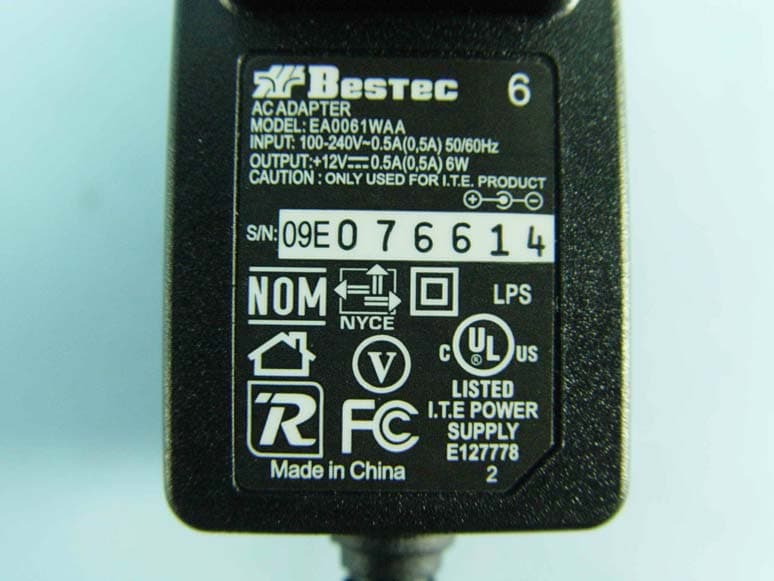
SI5WST385L
Dec 29, 20092.4GHz Wireless 802.11n Adapter
Equipment Class
DTS - Digital Transmission System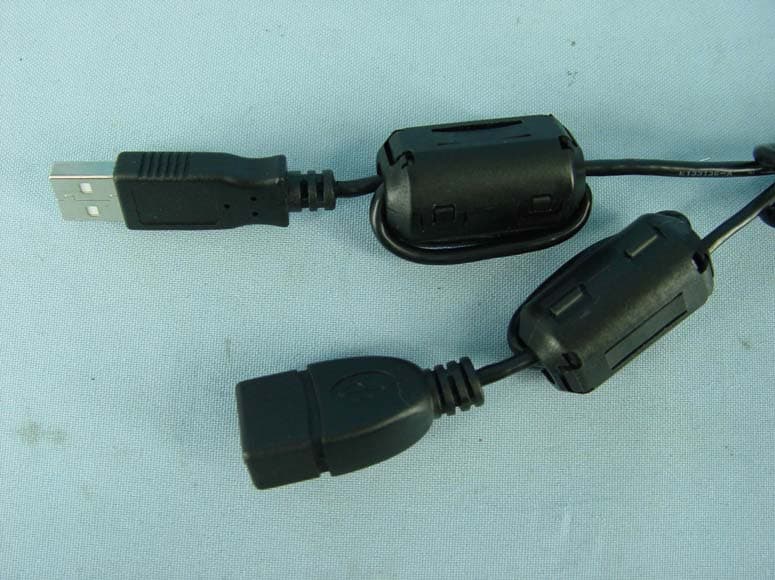
SI5WUB710A
Apr 01, 20082.4GHz/5GHz Wireless USB Adapter
Equipment Class
DTS - Digital Transmission System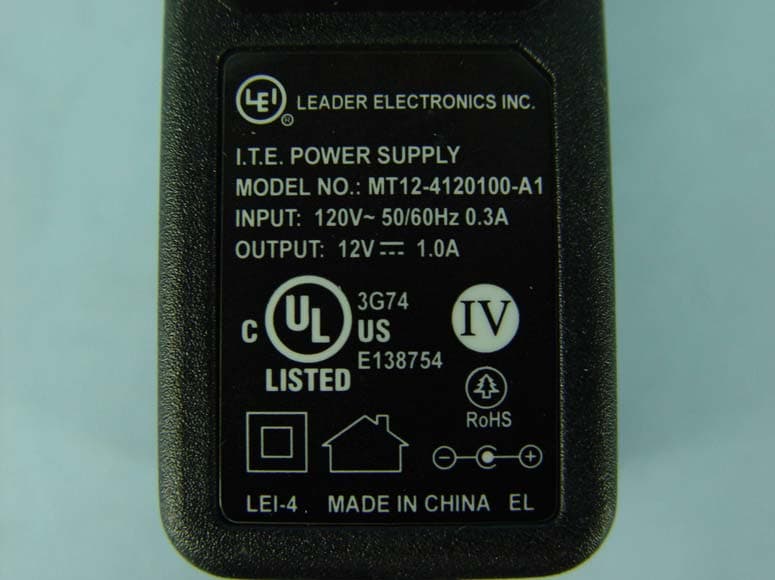
SI5WAP372L
Jan 15, 20082.4GHz 802.11n (draft 2.0) Wireless Access Point
Equipment Class
DTS - Digital Transmission System
SI5WPC370L
Aug 29, 20072.4GHz 802.11n (Draft 2.0) CardBus Card
Equipment Class
DTS - Digital Transmission System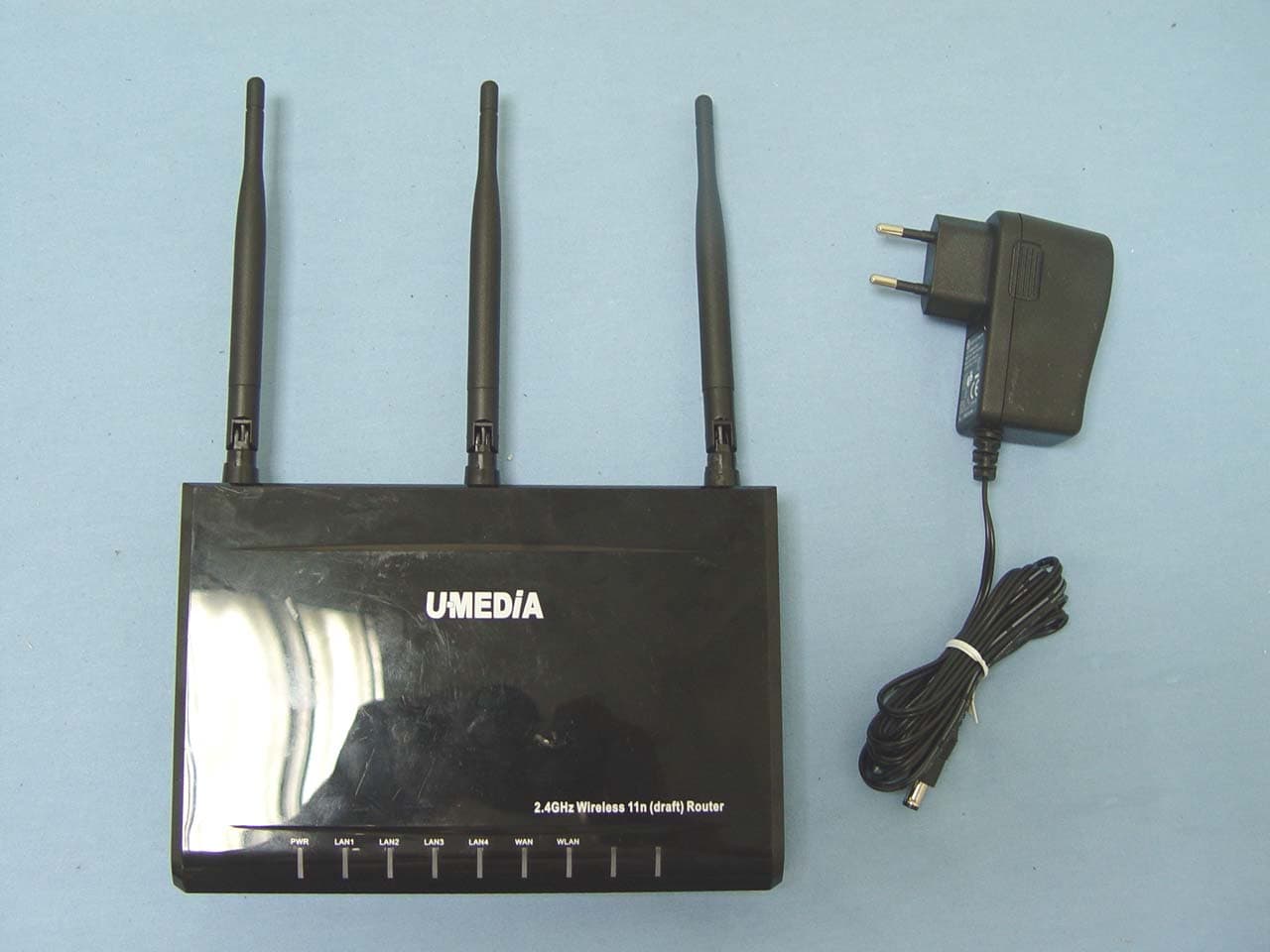
SI5WRT383U
Jul 29, 20072.4GHz 11n Draft 2.0 1+4 Port WLAN Router
Equipment Class
DTS - Digital Transmission System