SI9PRESTIGEPRO7D7inch TABLET
VISUAL LAND INC.
Click to zoom
Application Details
- Equipment Class
- DTS - Digital Transmission System
- Date of Grant
- May 14, 2013
- Application Purpose
- Original Equipment
- Date of Application
- May 14, 2013
- Equipment Note
- 7inch TABLET
- Frequency Range
- 2412.00000000 - 2462.00000000
- Company
- VISUAL LAND INC.
- Country
- United States
Documents & Files
Document Text
Text extracted from the exhibit documents filed with the FCC. Open a document above to read the original.
Users Manual
PRESTIGE 7 Android Tablet Guide Book ©2013 Visual Land Inc. Page | 1 Copyright © 2013 Visual Land I nc. All rights reserved. Google, Android, Gmail, Google Maps, Google Play, and other trademarks are property of Google Inc. Visual Land and the Visual Land logo are trademarks of Visual Land I nc. All other marks and trademarks are properties of their respective owners. The content of this guide including images/illustrations may differ in some details from the product or its software. All information in this document is subject to change without notice. For online Help and support, visit www.visual-land.com. PRESTIGE 7 Android Tablet Guide Book ©2013 Visual Land Inc. Page | 2 Table of Contents 1. Get Started............................................................Page 3 2. Play & Explore.......................................................Page 4 3. Tune Performance................................................Page 14 4. Enter & Edit T ext..................................................Page 18 5. Connect to Networks...........................................Page 21 6. Connect to Keyboards, Mice & Other Devices...Page 29 7. Connect to a Computer.......................................Page 31 8. Manage Accounts................................................Page 34 9.Change Backup & Reset Options.........................Page 37 10.Secure Your Tablet.............................................Page 39 11. Work With Certificates.....................................Page 43 PRESTIGE 7 Android Tablet Guide Book ©2013 Visual Land Inc. Page | 3 1 Getting S tarted Power O n & Sign In To turn on your Prestige 7, press the Power button on the right edge near the top for a few seconds, then release it. Charge the battery The battery may not be fully charged at first. It’s a good idea to fully charge it as soon as you can. The Prestige 7 can be charged 2 ways. With the power adapter, connect the power adapter to the Prestige 7 and to a power outlet. With a USB, connect the included USB cable to the Prestige 7 and to a computer that is powered on. (Note: charging via USB is slower than via power adapter.) PRESTIGE 7 Android Tablet Guide Book ©2013 Visual Land Inc. Page | 4 2 Play & Explore Browse Home Screens To move between Home screens, swipe left or right. To resize a widget, touch & hold, then let go and drag the blue dots. To remove it, touch & hold, then drag it to the Remove icon at the top of the screen. Tap Status Bar for Notifications Notifications alert you to the arrival of new messages, calendar events, and alarms, as well as ongoing events, such as video downloads. When a notification arrives, its icon appears at the bottom of the screen. Icons for pending notifications appear on the left, and system icons showing things like Wi-Fi signal or battery strength on the right. To open the notifications shade, swipe up from the bottom or tap the bar to expand it: PRESTIGE 7 Android Tablet Guide Book ©2013 Visual Land Inc. Page | 5 Certain notifications can be expanded to show more information, such as email previews or calendar events. To PRESTIGE 7 Android Tablet Guide Book ©2013 Visual Land Inc. Page | 6 expand or collapse a notification, use two fingers to either swipe vertically or twist together. To open the related app, touch the notification icon on the left. Some notifications also allow you to take specific actions by touching icons within the notification. For example, Calendar notifications allow you to Snooze (remind you later) or send email to other guests. When you’re finished with a notification, just swipe it away to the left or right. If you want to dismiss all notifications, touch the Dismiss icon at the top of the notification shade. drawer. Getting A round At the bottom of every Prestige 7 screen, no matter what you’re doing, you’ll always find these three navigation buttons: Back Opens the previous screen you were working in, even if it was in a different app. Once you back up to the Home screen, you can’t go back any further in your history. PRESTIGE 7 Android Tablet Guide Book ©2013 Visual Land Inc. Page | 7 Home Opens Home. If you’re viewing a left or right Home screen, opens the central Home screen. Recent Apps Opens a list of thumbnail images of apps you’ve worked with recently. To open an app, touch it. To remove a thumbnail from the list, swipe it left or right. After a short time without getting used, these buttons may shrink to dots or fade away, depending on the current app. To bring them back, touch their location. Touch & Type Use your fingers to manipulate icons, buttons, menus, the on-screen keyboard, and other items on the touch screen. You can also change the screen’s orientation. To select or activate something, touch it. To type something, such as a name, password, or search terms, just touch where you want to type. A keyboard pops up that lets you type into the field. PRESTIGE 7 Android Tablet Guide Book ©2013 Visual Land Inc. Page | 8 Other common gestures include: Touch & Hold: Touch & hold an item on the screen by touching it and not lifting your finger until an action occurs. Drag: Touch & hold an item for a moment and then, without lifting your finger, move your finger on the screen until you reach the target position. For example, you can move apps around on the Home screen. Swipe or Slide: Quickly move your finger across the surface of the screen, without pausing when you first touch (so you don’t drag something instead). For example, you can slide a Home screen left or right to view the other Home screens. Double-tap: Tap quickly twice on a webpage, map, or other screen to zoom. For example, double-tap a picture in browser to zoom in, and double-tap again to zoom out. Pinch: in some apps (such as Maps, browser, and Gallery), you can zoom in and out by placing two fingers on the screen at once and pinching them together (to zoom out) or spreading them apart (to zoom in). Rotate the Screen: on most screens, the orientation of the screen rotate…
Text truncated - open the document above for the full version.
Cover Letter(s)
VISUAL LAND INC. 17785 Center Court Dr. Suite 670, Cerritos, CA 90703 DATE :2013-5-08 Nemko Canada Inc 303 River Road Ottawa, Ontario, Canada K1V 1H2 Attn: Director of Certification Authority to Act as Agent On our behalf, I appoint Kavin Yu of Shenzhen EBO Technology Co., Ltd. to act as our agent in the preparation of this application for equipment certification. I certify that submitted documents properly describe the device or system for which equipment certification is sought. I also certify that each unit manufactured, imported or marketed, as defined in the Federal Communications Commission’s regulations will have affixed to it a label identical to that submitted for approval with this application. For instances where our authorized agent signs the application for certification on our behalf, I acknowledge that all responsibility for complying with the terms and conditions for certification, as specified by Nemko Canada Inc, still resides with VISUAL LAND INC. and 17785 Center Court Dr. Suite 670, Cerritos, CA 90703 ( applicant name and address). Dated this / Day of 5/08/2013 / Agency agreement expiration date: 5/08/2014 By: Joe Palanca Signature Printed Title: Product Manager On behalf of : VISUAL LAND INC. Telephone: 562-860-2600
Cover Letter(s)
VISUAL LAND INC. 17785 Center Court Dr. Suite 670, Cerritos, CA 90703 DATE :2013-5-08 Equipment Autorisation Division Federal Communications Commission 7435 Oakland Mills Road Columbia, MD 21046 FCC ID: SI9PRESTIGEPRO7D Product Name: 7inch TABLET Request for Long-term Confidentiality Pursuant to Sections 0.457 and 0.459 of the commission rules, we hereby request that the following documents be held confidential long term: Block diagram Schematics Operational Description These documents contain detailed system and equipment description and related information about the product which ARCHOS SA considers to be proprietary, confidential, and a custom design and, otherwise would not release to the general public. Since this design is a basis from which future technological products will evolve, Archos SA considers this information to be of benefit to its competitors, and that the disclosure of information in these documents would give competitors an unfair advantage in the market Dated this / Day of 05/08/2013 / By: Joe Palanca Signature Printed Title: Product Manager On behalf of : VISUAL LAND INC. Telephone: 562-860-2600
Cover Letter(s)
VISUAL LAND INC. 17785 Center Court Dr. Suite 670, Cerritos, CA 90703 DATE :2013-5-08 Equipment Autorisation Division Federal Communications Commission 7435 Oakland Mills Road Columbia, MD 21046 FCC ID: SI9PRESTIGEPRO7D Product Name: 7inch TABLET Request for Short-Term Confidentiality Pursuant to Sections 0.457 and 0.459 of the commission rules, and in accordance with the FCC Public notice dated June 15, 2004 (DA 04-1705), we hereby request short-term confidentiality for the following items prior to marketing the device. Test Setup Photos External Photos Internal Photos User Manual These documents contain detailed system and equipment description and related information about the product which VISUAL LAND INC. considers to be proprietary, confidential, and a custom design and, otherwise would not release to the general public. Since this design is a basis from which future technological products will evolve, VISUAL LAND INC. considers this information to be of benefit to its competitors, and that the disclosure of information in these documents would give competitors an unfair advantage in the market This request is being made retroactively due to an over site on our part. We understand that the information has been publicly available since the date of grant. Dated this / Day of 05/08/2013 / By: Joe Palanca Signature Printed Title: Product Manager On behalf of : VISUAL LAND INC. Telephone: 562-860-2600
RF Exposure Info
FCC ID:SI9PRESTIGEPRO7D The device has a standalone transmission. According to KDB 447498 section 4.3.1, the 1-g SAR test exclusion thresholds at test separation distances≤ 50 mm are determined by: [(max. power of channel, including tune-up tolerance, mW)/(min. test separation distance, mm)]·[√f(GHz)] ≤ 3.0 The maximum tune-up limit power is 7.03dBm(5.05mW) @ 2.412GHz For the head and body SAR, use 5mm as the conservative minimum test separation distance, [(max. power of channel, including tune-up tolerance, mW)/(min. test separation distance, mm)]·[√f(GHz)] =1.568≤ 3.0 So standalone SAR measurements are not required for both head and body.
Test Report
Shenzhen EBO Technology Co., Ltd . 1-4F, Huafeng Science Park, Xin’an Sixth Road, 82 th District, Bao’an, Shenzhen, China. Telephone: +86-755-29451282, Fax: +86-755-22639141 Report No.: FCC13-RTE042601 Page 1 of 65 Authorized Signature: Kavin Yu Laboratory Manager This report details the results of the testing carried out on one sample. The results contained in this test report do not relate to other samples of the same product and does not permit the use of the EBO product certification mark. The manufacturer should ensure that all products in series production are in conformity with the product sample detailed in this report. This report may only be reproduced and distributed in full. If the product in this report is used in any configuration other than that detailed in the report, the manufacturer must ensure the new system complies with all relevant standards. Any mention of EBO International Electrical Approvals or testing done by EBO International Electrical Approvals in connection with, distribution or use of the product described in this report must be approved by EBO International Electrical Approvals in writing. This document cannot be reproduced except in full, without prior written approval of the Company. Any unauthorized alteration, forgery or falsification of the content or appearance of this document is unlawful and offenders may be prosecuted to the fullest extent of the law. Unless otherwise stated the results shown in this test report refer only to the sample(s) tested and such sample(s) are retained for 90 days only.” FCC REPORT Applicant: VISUAL LAND INC. Address of Applicant: 17785 Center Count Dr. Suite 670, Cerritos, CA 90703 Equipment Under Test (EUT) Product Name: 7inch TABLET Model No.: ME-7-8GB Trade mark: VISUAL LAND FCC ID: SI9PRESTIGEPRO7D Applicable standards: FCC CFR Title 47 Part 15 Subpart C Section 15.247:2012 Date of sample receipt: April 07, 2013 Date of Test: April 07-26, 2013 Date of report issued: April 26, 2013 Test Result : PASS * * In the configuration tested, the EUT complied with the standards specified above. Shenzhen EBO Technology Co., Ltd . Report No.: FCC13-RTE042601 Page 2 of 65 “This document is issued by the Company subject to its General Conditions of Service printed overleaf, available on request or accessible at http://www.ebotek.cn and, for electronic format documents, subject to Terms and Conditions for Electronic Documents at http://www.ebotek.cn. Attention is drawn to the limitation of liability, indemnification and jurisdiction issues defined therein. Any holder of this document is advised that information contained hereon reflects the Company’s findings at the time of its intervention only and within the limits of Client’s instructions, if any. The Company’s sole responsibility is to its Client and this document does not exonerate parties to a transaction from exercising all their rights and obligations under the transaction documents. This document cannot be reproduced except in full, without prior written approval of the Company. Any unauthorized alteration, forgery or falsification of the content or appearance of this document is unlawful and offenders may be prosecuted to the fullest extent of the law. Unless otherwise stated the results shown in this test report refer only to the sample(s) tested and such sample(s) are retained for 90 days only.” 2 Version Version No. Date Description 00 April 26, 2013 Original Prepared By: Date: April 26, 2013 Project Engineer Check By: Date: April 26, 2013 Reviewer Shenzhen EBO Technology Co., Ltd . Report No.: FCC13-RTE042601 Page 3 of 65 “This document is issued by the Company subject to its General Conditions of Service printed overleaf, available on request or accessible at http://www.ebotek.cn and, for electronic format documents, subject to Terms and Conditions for Electronic Documents at http://www.ebotek.cn. Attention is drawn to the limitation of liability, indemnification and jurisdiction issues defined therein. Any holder of this document is advised that information contained hereon reflects the Company’s findings at the time of its intervention only and within the limits of Client’s instructions, if any. The Company’s sole responsibility is to its Client and this document does not exonerate parties to a transaction from exercising all their rights and obligations under the transaction documents. This document cannot be reproduced except in full, without prior written approval of the Company. Any unauthorized alteration, forgery or falsification of the content or appearance of this document is unlawful and offenders may be prosecuted to the fullest extent of the law. Unless otherwise stated the results shown in this test report refer only to the sample(s) tested and such sample(s) are retained for 90 days only.” 3 Contents Page 1 COVER PAGE ...........................................................................................................................................1 2 VERSION .................................................................................................................................................. 2 3 CONTENTS .............................................................................................................................................. 3 4 TEST SUMMARY ..................................................................................................................................... 4 5 GENERAL INFORMATION ...................................................................................................................... 5 5.1 Client Information ............................................................................................................................. 5 5.2 General Description of EUT ............................................................................................................. 5 5.3 Test mode ..................................................................................................…
Text truncated - open the document above for the full version.
Test Setup Photos
Radiated Emission Conducted Emission
Contact Information
Applicant
Joe Palanca(Product Manager)
Test Firm
Global United Technology Service Co., LtdRobinson Lo
Technical Specifications
| # | Rule Parts | Frequency Range | Power Output |
|---|---|---|---|
| 1 | 15C | 2.41 GHz - 2.46 GHz | 5.05 mW |
Other Applications from VISUAL LAND INC.
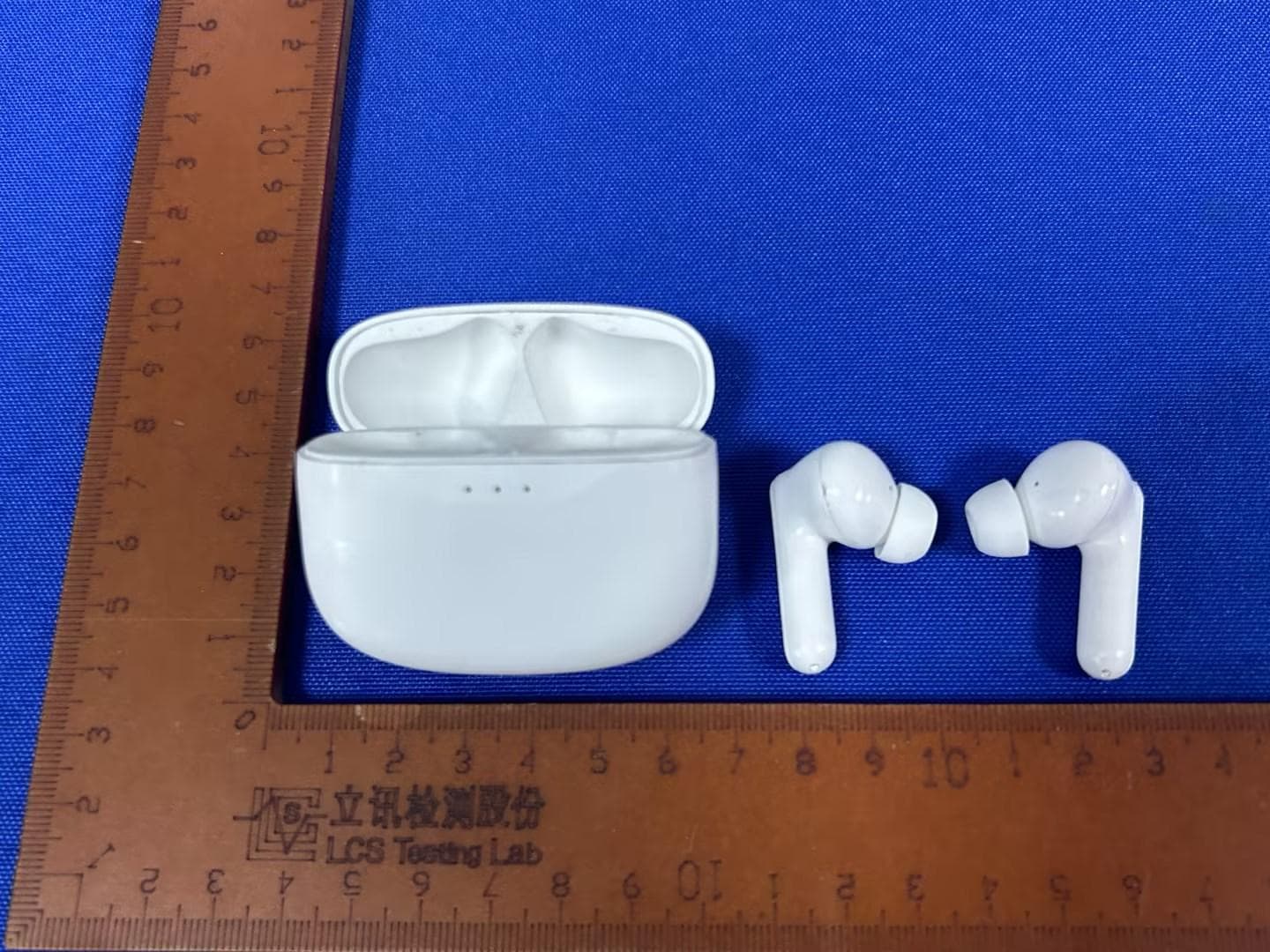
SI9SOUNDWAVEA1V2
Dec 09, 2023bluetooth headset
Equipment Class
DSS - Part 15 Spread Spectrum Transmitter
SI9-ER330B
Dec 21, 201511.6 inch TABLET
Equipment Class
DSS - Part 15 Spread Spectrum Transmitter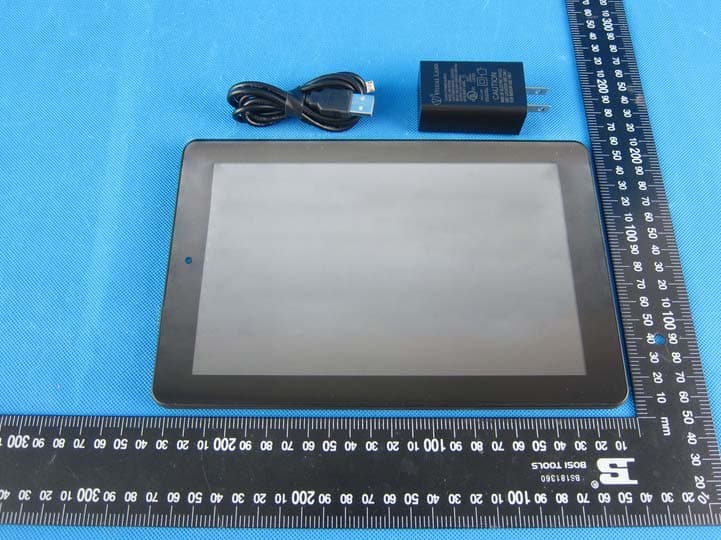
SI9PREMIER9W32
Nov 11, 20158.9 INCH TABLET
Equipment Class
DXX - Part 15 Low Power Communication Device Transmitter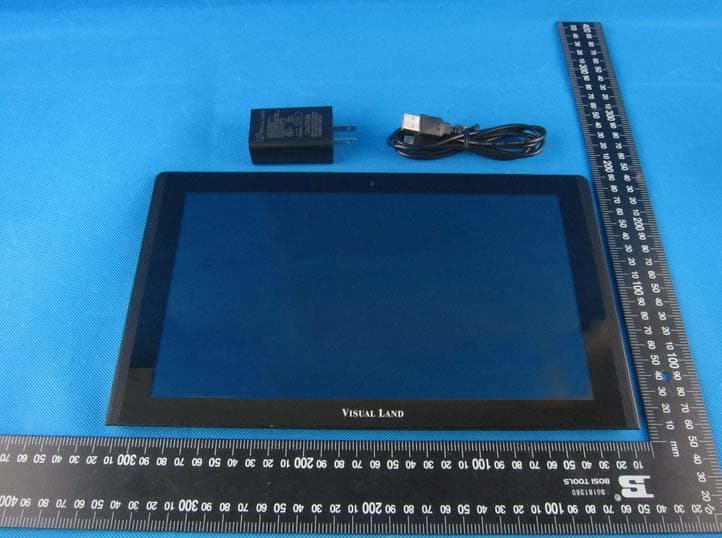
SI9PRESTIGE11Q
Aug 31, 201511.6 inch TABLET
Equipment Class
JBP - Part 15 Class B Computing Device Peripheral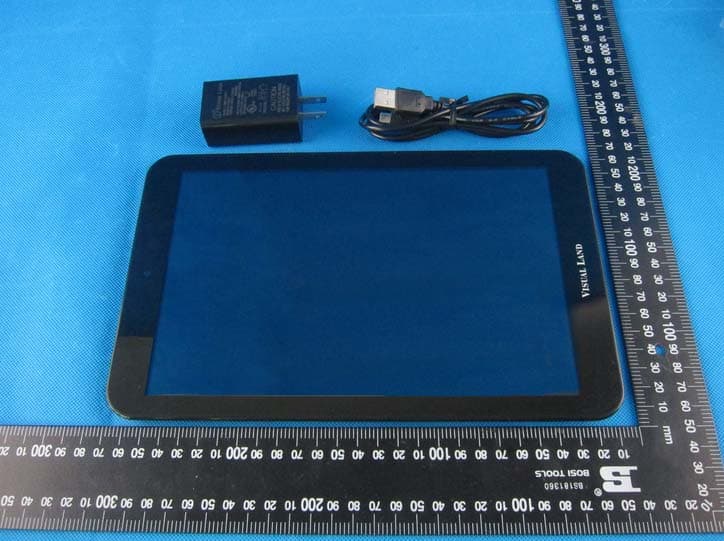
SI9PRESTIGE10ES
Aug 31, 201510.1 inch TABLET
Equipment Class
JBP - Part 15 Class B Computing Device Peripheral