SVNDH-SD2AXNETWORK PTZ CAMERA
Zhejiang Dahua Vision Technology Co., Ltd
Click to zoom
Application Details
- Equipment Class
- DTS - Digital Transmission System
- Date of Grant
- Jan 17, 2022
- Application Purpose
- Original Equipment
- Date of Application
- Jan 17, 2022
- Equipment Note
- NETWORK PTZ CAMERA
- Frequency Range
- 2412.00000000 - 2462.00000000
- Country
- China
Documents & Files
Document Text
Text extracted from the exhibit documents filed with the FCC. Open a document above to read the original.
Users Manual
Legal and Regulatory Information Legal Considerations Video surveillance can be regulated by laws that vary from country to country. Check the laws in your local region before using this product for surveillance purposes. Disclaimer Every care has been taken in the preparation of this document. Please inform your nearest Dahua office of any inaccuracies or omissions. Dahua Technology shall not be held responsible for any technical or typographical errors and reserves the right to make changes to the product and manuals without prior notice. Dahua Technology makes no warranty of any kind with regard to the material contained within this document, including, but not limited to, the implied warranties of merchantability and fitness for a particular purpose. Dahua Technology shall not be liable or responsible for incidental or consequential damages in connection with the furnishing, performance or use of this material. This product is only to be used for its intended purpose. Intellectual Property Rights Dahua Technology retains all intellectual property rights relating to technology embodied in the product described in this document. Equipment Modifications This equipment must be installed and used in strict accordance with the instructions given in the user documentation. This equipment contains no user-serviceable components. Unauthorized equipment changes or modifications will invalidate all applicable regulatory certifications and approvals. Trademark Acknowledgments , , are registered trademarks or trademark applications of Dahua Technology in various jurisdictions. All other company names and products are trademarks or registered trademarks of their respective companies. Regulatory Information European Directives Compliance This product complies with the applicable CE marking directives and standards: ⚫ Low Voltage (LVD) Directive 2014/35/EU. ⚫ Electromagnetic Compatibility (EMC) Directive 2014/30/EU. ⚫ Restrictions of Hazardous Substances (RoHS) Directive 2011/65/EU and its amending Directive (EU) 2015/863. A copy of the original declaration of conformity may be obtained from Dahua Technology. The most up to date copy of the signed EU Declaration of Conformity (DoC) can be downloaded from: www.dahuasecurity.com/support/notice/ CE-Electromagnetic Compatibility (EMC) This digital equipment is compliant with Class A according to EN 55032. Warning: This is a Class A product. In a domestic environment this product may cause radio interference, in which case the user may be required to take adequate measures. CE-Safety This product complies with IEC/EN/UL 62368-1: Audio/video, information and communication technology equipment Part 1: Safety requirements and IEC/UL 60950-1: Safety of Information Technology Equipment. Declaration of Conformity CE (Only for the product has RF function) Hereby, Dahua Technology declares that the radio equipment is compliant with Radio Equipment Directive (RED) 2014/53/EU. The full text of the EU declaration of conformity is available at the following internet address: www.dahuasecurity.com/support/notice/ Declaration of Conformity UKCA This device complies with UKCA relevant directives and standards. UK Declaration of Conformity (DoC) can be downloaded from: https://www.dahuasecurity.com/uk/newsEvents/DahuaNotice/572 USA Regulatory Compliance FCC This device complies with Part 15 of the FCC Rules. Operation is subject to the following two conditions: (1) This device may not cause harmful interference. (2) This device must accept any interference received, including interference that may cause undesired operation. Attention that changes or modification not expressly approved by the party responsible for compliance could void the user’s authority to operate the equipment. Note: This equipment has been tested and found to comply with the limits for a Class A digital device, pursuant to part 15 of the FCC Rules. These limits are designed to provide reasonable protection against harmful interference when the equipment is operated in a commercial environment. This equipment generates, uses, and can radiate radio frequency energy and, if not installed and used in accordance with the instruction manual, may cause harmful interference to radio communications. Operation of this equipment in a residential area is likely to cause harmful interference in which case the user will be required to correct the interference at his own expense. FCC SDOC Statement can be downloaded from: https://us.dahuasecurity.com/support/notices/ RF exposure warning (Only for the product has RF communication function) This equipment must be installed and operated in accordance with provided instructions and the antenna(s) used for this transmitter must be installed to provide a separation distance of at least 20 cm from all persons and must not be co-located or operating in conjunction with any other antenna or transmitter. End-users and installers must be provided with antenna installation instructions and transmitter operating conditions for satisfying RF exposure compliance. This equipment should be installed and operated with a minimum distance 20cm between the radiator and your body. Canada Regulatory Compliance ICES-003 This Class A digital apparatus complies with Canadian ICES-003. Cet appareil numérique de la Classe A est conforme à la norme NMB-003 du Canada. This device complies with Industry Canada licence-exempt RSS standard(s). Operation is subject to the following two conditions: (1) This device may not cause interference, and (2) This device must accept any interference, including interference that may cause undesired operation of the device. Le présent appareil est conforme aux CNR d'Industrie Canada applicables aux appareils radioexempts de licence. L'exploitation est autorisée aux deux conditions suivantes: (1) l'appareil ne doit pas produire de brouillage, et (2) l'utilisateur de l'appareil doit accepter tout brouillage radioélectrique subi, même si le brouillage est suscept…
Text truncated - open the document above for the full version.
Users Manual
Dahua Network Speed Dome & PTZ Camera Web 3.0 User’s Manual ZHEJIANG DAHUA VISION TECHNOLOGY CO., LTD. V3.0.2 User’s Manual I Foreword General This manual introduces the functions and operations of the network speed dome and PTZ camera (hereinafter referred to as "the Device"). Safety Instructions The following signal words might appear in the manual. Signal Words Meaning Indicates a high potential hazard which, if not avoided, will result in death or serious injury. Indicates a medium or low potential hazard which, if not avoided, could result in slight or moderate injury. Indicates a potential risk which, if not avoided, could result in property damage, data loss, reductions in performance, or unpredictable results. Electrostatic Sensitive Devices. Indicates a device that is sensitive to electrostatic discharge. Indicates dangerous high voltage. Take care to avoid coming into contact with electricity. Indicates a laser radiation hazard. Take care to avoid exposure to a laser beam. Provides methods to help you solve a problem or save time. Provides additional information as a supplement to the text. Revision History Revision Content Release Time Revision Content V3.0.2 ● Updated illuminator function. ● Added legal information function. September 2021 V3.0.1 Added Configuring User Group function. July 2021 User’s Manual II Revision Content Release Time Revision Content V3.0.0 ● Modified overlay, audio, network settings, and destination sections. ● Added Bluetooth settings, construction monitoring, battery exception, screen off settings, emergency maintenance, life statistics, and battery status sections. March 2021 V2.0.2 Added the note to provide international calling codes for 4G models. June 2020 V2.0.1 Updated OSD info, TCP/IP and smart plan,and delete life statistics. April 2020 V2.0.0 Added some functions of the Baseline, and refine the whole manual. January 2020 V1.1.1 Updated some functions of the Security Baseline. September 2019 V1.0.0 First release. May 2018 Privacy Protection Notice As the device user or data controller, you might collect the personal data of others such as their face, fingerprints, and license plate number. You need to be in compliance with your local privacy protection laws and regulations to protect the legitimate rights and interests of other people by implementing measures which include but are not limited: Providing clear and visible identification to inform people of the existence of the surveillance area and provide required contact information. Interface Declaration This manual mainly introduces the relevant functions of the device. The interfaces used in its manufacture, the procedures for returning the device to the factory for inspection and for locating its faults are not described in this manual. Please contact technical support if you need information on these interfaces. About the Manual ● The manual is for reference only. Slight differences might be found between the manual and the product. ● We are not liable for losses incurred due to operating the product in ways that are not in compliance with the manual. ● The manual will be updated according to the latest laws and regulations of related jurisdictions. For detailed information, see the paper user’s manual, use our CD-ROM, scan the QR code or visit our official website. The manual is for reference only. Slight differences might be found between the electronic version and the paper version. User’s Manual III ● All designs and software are subject to change without prior written notice. Product updates might result in some differences appearing between the actual product and the manual. Please contact customer service for the latest program and supplementary documentation. ● There might be errors in the print or deviations in the description of the functions, operations and technical data. If there is any doubt or dispute, we reserve the right of final explanation. ● Upgrade the reader software or try other mainstream reader software if the manual (in PDF format) cannot be opened. ● All trademarks, registered trademarks and company names in the manual are properties of their respective owners. ● Please visit our website, contact the supplier or customer service if any problems occur while using the device. ● If there is any uncertainty or controversy, we reserve the right of final explanation. User’s Manual IV Important Safeguards and Warnings This section introduces content covering the proper handling of the Device, hazard prevention, and prevention of property damage. Read carefully before using the Device, comply with the guidelines when using it, and keep the manual safe for future reference. Operation Requirements ● Make sure that the power supply of the device works properly before use. ● Do not pull out the power cable of the device while it is powered on. ● Only use the device within the rated power range. ● Transport, use and store the device under allowed humidity and temperature conditions. ● Prevent liquids from splashing or dripping on the device. Make sure that there are no objects filled with liquid on top of the device to avoid liquids flowing into it. ● Do not disassemble the device. Installation Requirements ● Connect the device to the adapter before power on. ● Strictly abide by local electrical safety standards, and make sure that the voltage in the area is steady and conforms to the power requirements of the device. ● Do not connect the device to more than one power supply. Otherwise, the device might become damaged. ● Observe all safety procedures and wear required protective equipment provided for your use while working at heights. ● Do not expose the device to direct sunlight or heat sources. ● Do not install the device in humid, dusty or smoky places. ● Install the device in a well-ventilated place, and do not block the ventilator of the device. ● Use the power adapter or case power supply provided by the device manufacturer. ● The power supply must conform to the …
Text truncated - open the document above for the full version.
Users Manual
User’s Manual 104 Figure 5-76 PowerUp settings Step 2 Select the Enable checkbox to enable power up motion. Step 3 Select power up motion from Preset , Tour , Scan , Pattern or Auto . Select Auto and the last motion before you shut down the Device last time will be performed. Step 4 Select the action number of the selected motion. Step 5 Click Save . 5.4.2.9 PTZ Limit After you set the PTZ limit, the Device can only move in the defined area. Step 1 Select Setting > PTZ > Function > PTZ Limit . Figure 5-77 PTZ limit settings Step 2 Adjust the PTZ direction, and then click Setting to set the Up Line . User’s Manual 105 Step 3 Adjust the PTZ direction, and then click Setting to set the Down Line . Step 4 Click Live to preview the already-set up line and down line. Step 5 Select the Enable checkbox to enable the PTZ limit function. 5.4.2.10 Time Task After you set time task, the Device performs the selected motions during the defined period. Set Preset , Tour , Scan or Pattern in advance. Step 1 Select Setting > PTZ > Function > Time Task . Figure 5-78 Time task settings Step 2 Select the Enable checkbox to enable time task function. Step 3 Set the time task number. Click Clear All to delete all set time tasks. Step 4 Select Time Task action such as Preset , Tour , Scan or Pattern . Step 5 Select the action number of the selected motion. Step 6 Set the time for AutoHome . AutoHome refers to the time needed to automatically recover the time task in case of manually calling the PTZ to stop the time task. Step 7 Click Period setting to set the period to perform time tasks. Step 8 Select the task number to copy settings to the selected task, and then click Copy . Step 9 Click Save . 5.4.2.11 PTZ Restart Step 1 Select Setting > PTZ > Function > PTZ Restart . User’s Manual 106 Figure 5-79 PTZ restart Step 2 Click PTZ Restart . The PTZ is restarted. 5.4.2.12 Default With the function, you can restore the PTZ to factory defaults. This function will restore the Device to defaults. Think twice before performing the operation. Step 1 Select Setting > PTZ > Function > Default . User’s Manual 107 Figure 5-80 Default setting Step 2 Click Default . The PTZ will be restored to factory defaults. 5.5 Event Management 5.5.1 Video Detection Video detection includes three event types: Motion Detection , Video Tamper and Scene Changing . 5.5.1.1 Motion Detection When the moving object appears and moves fast enough to reach the preset sensitivity value, alarms will be triggered. Step 1 Select Setting > Event > Video Detection > Motion Detection . User’s Manual 108 Figure 5-81 Motion detection settings Step 2 Select the Enable check box, and then configure motion detection parameters. ● Set arming and disarming period. 1. Click Setting , and then set the arming period on the page. Figure 5-82 Arming period settings 2. Set the alarm period to enable alarm events in the period you set. ◇ There are 6 time periods for each day. Select the check box for the time User’s Manual 109 period to enable it. ◇ Select the day of week ( Sunday is selected by default; If All is selected, the setting is applied to the whole week. You can also select the check box next to the day to set it separately). 3. After completing the settings, click Save . You will return to the Motion Detection page. ● Set the area. Click Setting , and the Area page is displayed. Refer to Table 5-25 and Table 5- 26 for parameters description. Each color represents a certain region, and you can set different motion detection regions for each area. The detection region can be irregular and discontinuous. Figure 5-83 Area setting Table 5-25 Description of area setting parameter Parameter Description Name The default names are Region1, Region2, Region3 and Region4, and the names can be customized. Sensitivity Sensitivity to brightness change. The higher the sensitivity is, the easier the motion detection event will occur. You can set different sensitivities for each region, with values ranging from 0 to 100, and 30 to 70 is recommended. Threshold Detect the relation between the object and the region. The smaller the threshold is, the easier the motion detection will occur. Set different thresholds for each region, with values ranging from 0 to 100, and 1 to 10 is recommended. Waveform graph The red line indicates that motion detection is triggered, and the green line indicates that it is not triggered. Remove All Remove all detection regions. Delete Delete the detection region of the selected color block. User’s Manual 110 ● Other parameters Table 5-26 Description of video detection parameter Parameter Description Anti-Dither The system records only one motion detection event within the defined period. The value range is 0–100 s. Enable Manual Control Trigger After you enable the function, the motion detection events that occur when you control the PTZ manually will be excluded. In this way, you can reduce the false alarm rate of such events. Record After you enable the function, when an alarm is triggered, the system will start recording automatically. Before using the function, you need to set the recording period of the alarm in Storage > Schedule , and select Auto for Record Mode on the Record Control page. Record Delay When the alarm is over, the alarm recording will continue for an extended period of time. The time unit is second, and the value range is 10–300. Relay-out Select the check box, and you can enable the alarm linkage output port, and link corresponding relay-out devices after an alarm is triggered. Alarm Delay When the alarm is over, the alarm will continue for an extended period of time. The time unit is second, and the value range is 10– 300. Send Email After you select the check box, when an alarm is triggered, the system sends email to the specified email address. You can configure the email address in "5.2.5 SMTP (Email)." PTZ Select PTZ , and then configure the linkage action. When an alarm is triggered, the system links PTZ to rotate t…
Text truncated - open the document above for the full version.
Cover Letter(s)
ZHEJIANG DAHUA VISION TECHNOLOGY Co.,LTD. No.1199, Bin'an Road, Binjiang District, Hangzhou, P.R. China Date: 2021/12/27 Federal Communications Commission 7435 Oakland Mills Road Columbia MD 21046 To whom it may concern: I, the undersigned, hereby authorize UL Verification Services Inc. to act on our behalf in all manners relating to application for equipment authorization, including signing of all documents relating to these matters. Any and all acts carried out by UL Verification Services Inc. on our behalf shall have the same effect as acts of our own. I, the undersigned, hereby certify that we are not subject to a denial of federal benefits, that includes FCC benefits, pursuant to Section 5301 of the Anti-Drug Abuse Act of 1988, 21 U.S.C. 853(a). In authorizing UL Verification Services Inc. as our representative, we still recognize that we are responsible to: a) comply with the relevant provisions of the certification program; b) make all necessary arrangements for the conduct of the evaluation, including provision for examining documentation and access to all areas, records (including internal audit reports) and personnel for the purposes of evaluation (e.g. testing, inspection, assessment, surveillance, reassessment) and resolution of complaints; c) make claims regarding certification only in respect of the scope for which certification has been granted; d) do not use our product certification in such a manner as to bring the Certification Division into disrepute and not make any statement regarding our product certification which the Certification Division may consider misleading or unauthorized; e) upon suspension or cancellation of certification, discontinue use of all advertising matter that contains any reference thereto and return any certification documents as required by the Certification Division; f) use certification only to indicate the products are certified as being in conformity with specified standards; g) endeavor to ensure that no certificate or report nor any part thereof is used in a misleading manner; h) ensure that any reference to our product certification in communication media such as documents, brochures or advertising, complies with the requirements of the Certification Division; i) keep a record of all complaints made known to us relating to the product’s compliance with requirements of the relevant standard and to make these records available to the when requested; j) take appropriate action with respect to such complaints and any deficiencies found in products or services that affect compliance with the requirements for certification; k) document the actions taken. This authorization is valid until further written notice from the applicant. Sincerely Yours, Signed by : Company Name: ZHEJIANG DAHUA VISION TECHNOLOGY Co.,LTD. Company Adress:No.1199, Bin'an Road, Binjiang District, Hangzhou, P.R. China Contact Name: Yolanda Chen Title of Person:certified manager Address: hangzhou
Cover Letter(s)
ZHEJIANG DAHUA VISION TECHNOLOGY Co.,LTD. No.1199, Bin'an Road, Binjiang District, Hangzhou, P.R. China Federal Communications Commission 7435 Oakland Mills Road Columbia MD 21046 Subject: Request for Confidentiality FCC ID: SVNDH-SD2AX To Whom It May Concern: Pursuant to the provisions of Sections 0.457 and 0.459 of the Commission’s rules (47 CFR §§ 0.457, 0.459), we are requesting the Commission to withhold the following attachments as confidential document from public disclosure indefinitely. Schematic Diagram Block Diagram Theory of Operation Above mentioned document contains detailed system and equipment description are considered as proprietary information in operation of the equipment. The public disclosure of above documents might be harmful to our company and would give competitor an unfair advantage in the market. It is our understanding that all measurement test reports, FCC ID label format and correspondent during certification review process cannot be granted as confidential documents and those information will be available for public review once the grant of equipment authorization is issued. Best Regards (Type name of signer) Yolanda Chen (Title of signer) certified manager (Applicant name) ZHEJIANG DAHUA VISION TECHNOLOGY Co.,LTD. Company Adress:No.1199, Bin'an Road, Binjiang District, Hangzhou, P.R. China (Date) 12-27-2021
Cover Letter(s)
ZHEJIANG DAHUA VISION TECHNOLOGY Co.,LTD. No.1199, Bin'an Road, Binjiang District, Hangzhou, P.R. China Confirmation Letter We , ZHEJIANG DAHUA VISION TECHNOLOGY Co.,LTD. th e product: DH-SD2A200-GN- AW- PV An d item No.: DH-SD2A500-GN-AW-PV ; SD2A200-GN-AW-PV ; SD2A500-GN- AW-PV; DH-SD2A#########################;SD2A#########################; 2A############(#=0-9 o r A- Z o r - or blank o r / or ()) hav e th e sam e technical construction including circuit diagram, PC B Layout, components and component layout, al l electrical construction and mechanical construction, with DH-SD2A200-GN-AW-PV. The differences between the main model are resolution, video formats, zoom rate. Name: Yolanda Chen Title: certified manager On behalf of:ZHEJIANG DAHUA VISION TECHNOLOGY Co.,LTD. Telephone: +886 571 28822025
External Photos
All View of EUT Top View of EUT Page 2 of 4 UL-CCIC COMPANY LIMITED This report shall not be reproduced except in full, without the written approval of UL-CCIC COMPANY LIMITED. Bottom View of EUT Front View of EUT Page 3 of 4 UL-CCIC COMPANY LIMITED This report shall not be reproduced except in full, without the written approval of UL-CCIC COMPANY LIMITED. Micro SD card slot Back View of EUT Page 4 of 4 UL-CCIC COMPANY LIMITED This report shall not be reproduced except in full, without the written approval of UL-CCIC COMPANY LIMITED. Left View of EUT Right View of EUT
Internal Photos
Internal View of EUT-1 Internal View of EUT-2 Page 2 of 3 UL-CCIC COMPANY LIMITED This report shall not be reproduced except in full, without the written approval of UL-CCIC COMPANY LIMITED. Internal View of EUT-3 Internal View of EUT-4 Page 3 of 3 UL-CCIC COMPANY LIMITED This report shall not be reproduced except in full, without the written approval of UL-CCIC COMPANY LIMITED. Antenna and RF Module Location-1 Antenna and RF Module Location-2
RF Exposure Info
The results reported herein have been performed in accordance with the laboratory’s terms of accreditation. This report shall not be reproduced except in full without the written approval of the Laboratory. The results in this report apply to the test sample(s) mentioned above at the time of the testing period only and are not to be used to indicate applicability to other similar products. FCC RF EXPOSURE REPORT For NETWORK PTZ CAMERA MODEL NUMBER: DH-SD2A200-GN-AW-PV ADDITIONAL MODEL NUMBER: DH-SD2A500-GN-AW-PV; SD2A200-GN-AW-PV;SD2A500-GN-AW-PV;DH- SD2A######################### ; SD2A######################### ; 2A############(#=0-9 or A-Z or - or blank or / or () ) PROJECT NUMBER: 4790181344 REPORT NUMBER: 4790181344-2 FCC ID: SVNDH-SD2AX ISSUE DATE: Jan 14, 2022 Prepared for ZHEJIANG DAHUA VISION TECHNOLOGY CO., LTD. Prepared by UL-CCIC COMPANY LIMITED No. 2, Chengwan Road, Suzhou Industrial Park, People’s Republic of China Tel: +86 512-6808 6400 Fax: +86 512-6808 4099 Website: www.ul.com REPORT No.: 4790181344-2 Page 2 of 7 UL-CCIC COMPANY LIMITED This report shall not be reproduced except in full, without the written approval of UL-CCIC COMPANY LIMITED. Revision History Rev. Issue Date Revisions Revised By V0 01/14/2022 Initial Issue REPORT No.: 4790181344-2 Page 3 of 7 UL-CCIC COMPANY LIMITED This report shall not be reproduced except in full, without the written approval of UL-CCIC COMPANY LIMITED. TABLE OF CONTENTS 1. ATTESTATION OF TEST RESULTS ................................................................................. 4 2. TEST METHODOLOGY ..................................................................................................... 5 3. FACILITIES AND ACCREDITATION ................................................................................. 5 4. REQUIREMENT ................................................................................................................. 6 REPORT No.: 4790181344-2 Page 4 of 7 UL-CCIC COMPANY LIMITED This report shall not be reproduced except in full, without the written approval of UL-CCIC COMPANY LIMITED. 1. ATTESTATION OF TEST RESULTS Applicant Information Company Name: ZHEJIANG DAHUA VISION TECHNOLOGY CO.,LTD. Address: No.1199 Bin’an Road, Binjiang District, Hangzhou, P.R.China Manufacturer Information Company Name: ZHEJIANG DAHUA VISION TECHNOLOGY CO.,LTD. Address: No.1199 Bin’an Road, Binjiang District, Hangzhou, P.R.China EUT Description Product Name NETWORK PTZ CAMERA Model Name DH-SD2A200-GN-AW-PV Additional No. DH-SD2A500-GN-AW-PV;SD2A200-GN-AW-PV;SD2A500-GN- AW-PV;DH-SD2A#########################, SD2A#########################, 2A############(#=0-9 or A-Z or - or blank or / or ()) Model Difference The model for this test is DH-SD2A200-GN-AW-PV, the main model and other models have the same technical construction including circuit diagram, PCB Layout, components and component layout, all electrical construction and mechanical construction; The differences between the main model are resolution, video formats, zoom rate. Sample Number 4383020 Data of Receipt Sample Nov 30, 2021 Test Date Nov. 30, 2021 ~ Jan. 14, 2022 APPLICABLE STANDARDS STANDARD TEST RESULTS FCC Guidelines for Human Exposure IEEE C95.1 Complies Prepared By: Reviewed By: Kitty Li Leon Wu Engineer Senior Project Engineer Authorized By: Chris Zhong Laboratory Leader REPORT No.: 4790181344-2 Page 5 of 7 UL-CCIC COMPANY LIMITED This report shall not be reproduced except in full, without the written approval of UL-CCIC COMPANY LIMITED. 2. TEST METHODOLOGY The tests documented in this report were performed in accordance with KDB 447498 D01 General RF Exposure Guidance v06 and FCC Guidelines for Human Exposure IEEE C95.1. 3. FACILITIES AND ACCREDITATION Accreditation Certificate A2LA (Certificate No.: 4829.01) UL-CCIC COMPANY LIMITED has been assessed and proved to be in compliance with A2LA. FCC (FCC Designation No.: CN1247) UL-CCIC COMPANY LIMITED has been recognized to perform compliance testing on equipment subject to the Commission's Declaration of Conformity (DoC) and Certification rules. IC (IC Designation No.: 25056 CAB No.: CN0073) UL-CCIC COMPANY LIMITED has been recognized to perform compliance testing on equipment subject to the Commission's Declaration of Conformity (DoC) and Certification rules. Note 1: All tests measurement facilities use to collect the measurement data are located at No. 2, Chengwan Road, Suzhou Industrial Park, Suzhou 215122, People’s Republic of China Note 2: For below 30MHz, lab had performed measurements at test anechoic chamber and comparing to measurements obtained on an open field site. These measurements below 30MHz had been correlated to measurements performed on an OFS. Note 3: The test anechoic chamber in UL-CCIC COMPANY LIMITED had been calibrated and compared to the open field sites and the test anechoic chamber is shown to be equivalent to or worst case from the open field site. REPORT No.: 4790181344-2 Page 6 of 7 UL-CCIC COMPANY LIMITED This report shall not be reproduced except in full, without the written approval of UL-CCIC COMPANY LIMITED. 4. REQUIREMENT LIMIT Limits for General Population/Uncontrolled Exposure Limits for General Population/Uncontrolled Exposure Frequency Range (MHz) Electric Field Strength (E) (V/m) Magnetic Field Strength (H) (A/m) Power Density (S) (mW/cm 2 ) Averaging Time |E| 2 , |H| 2 or S (minutes) 0.3-1.34 614 1.63 (100)* 30 1.34-30 824/f 2.19/f (180/f2)* 30 30-300 27.5 0.073 0.2 30 300-1500 -- -- f/150 30 1500-100,000 -- -- 1.0 30 Note 1: f = frequency in MHz, * means Plane-wave equivalent power density Note 2: General population/uncontrolled exposures apply in situations in which the general public may be exposed, or in which persons that are exposed as a consequence of their employment may not be fully aware of the potential for …
Text truncated - open the document above for the full version.
Contact Information
Applicant
Yolanda chen
Test Firm
UL-CCIC Company LimitedChris Zhong
[email protected]+86 512 68758596
Technical Specifications
| # | Rule Parts | Frequency Range | Power Output |
|---|---|---|---|
| 1 | 15C | 2.41 GHz - 2.46 GHz | 61.00 mW |
Other Applications from Zhejiang Dahua Vision Technology Co., Ltd
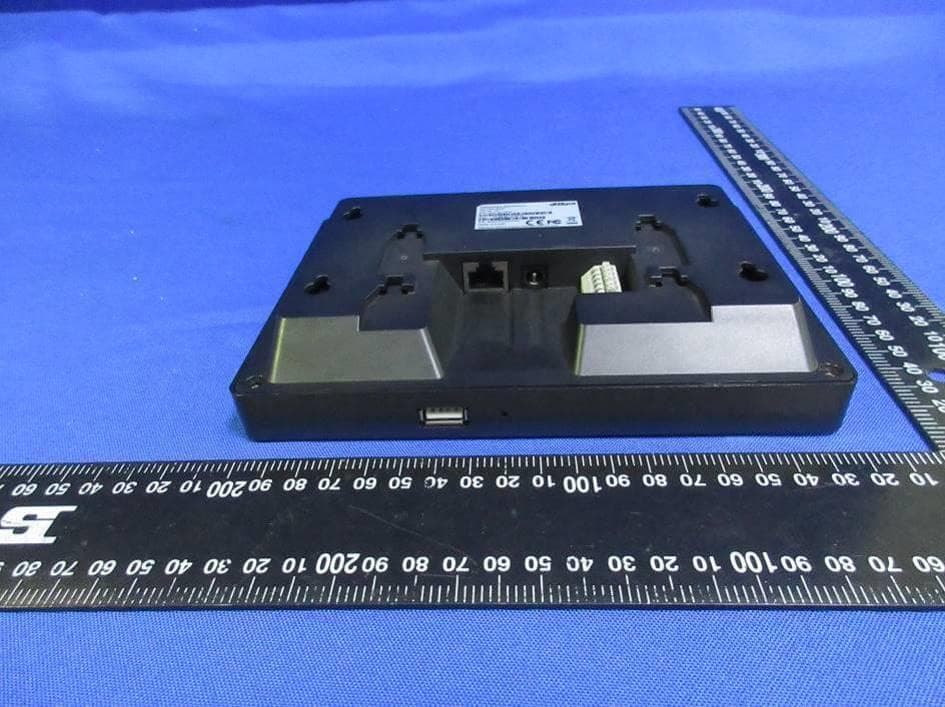
SVN-1222GL
Nov 23, 2022Attendance Standalone
Equipment Class
DXX - Part 15 Low Power Communication Device Transmitter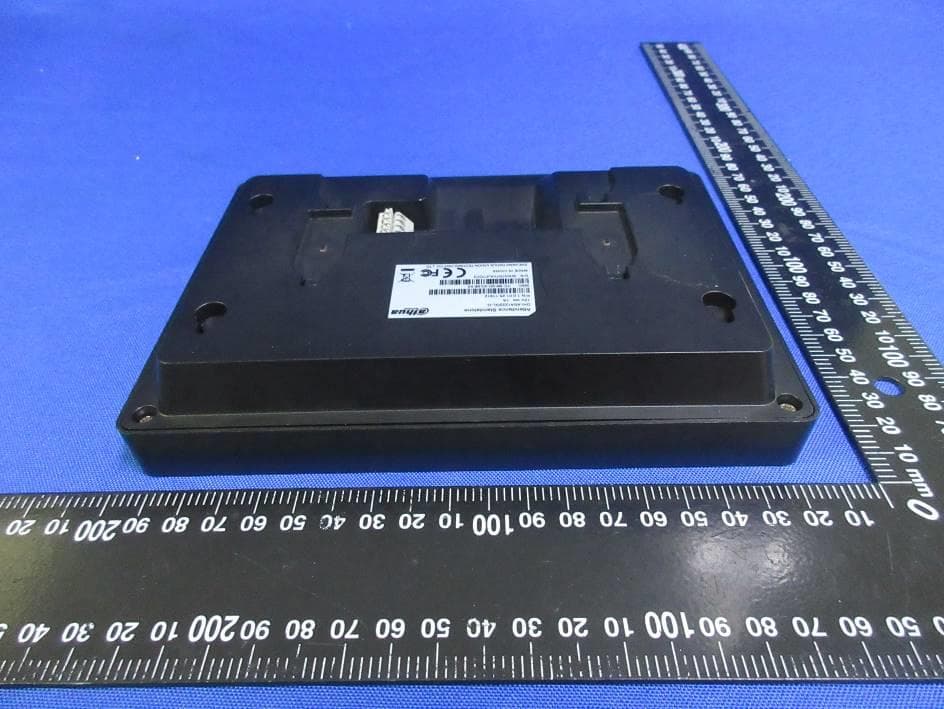
SVN-1222GL-D
Nov 22, 2022Attendance Standalone
Equipment Class
DCD - Part 15 Low Power Transmitter Below 1705 kHz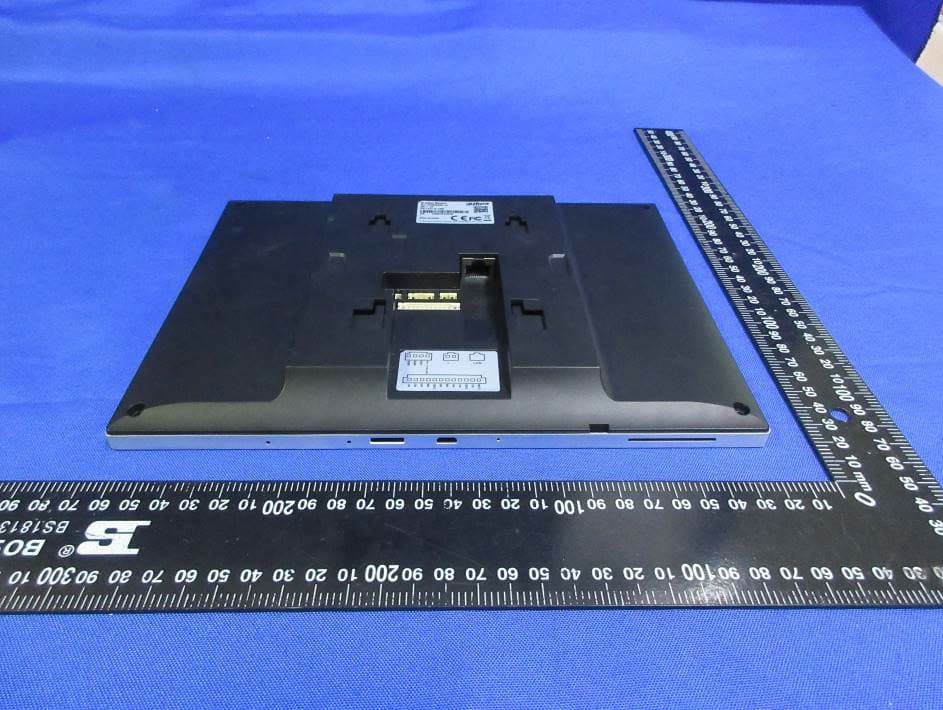
SVN-VTH8642KMSW
Nov 10, 2022IP Indoor Monitor
Equipment Class
DTS - Digital Transmission System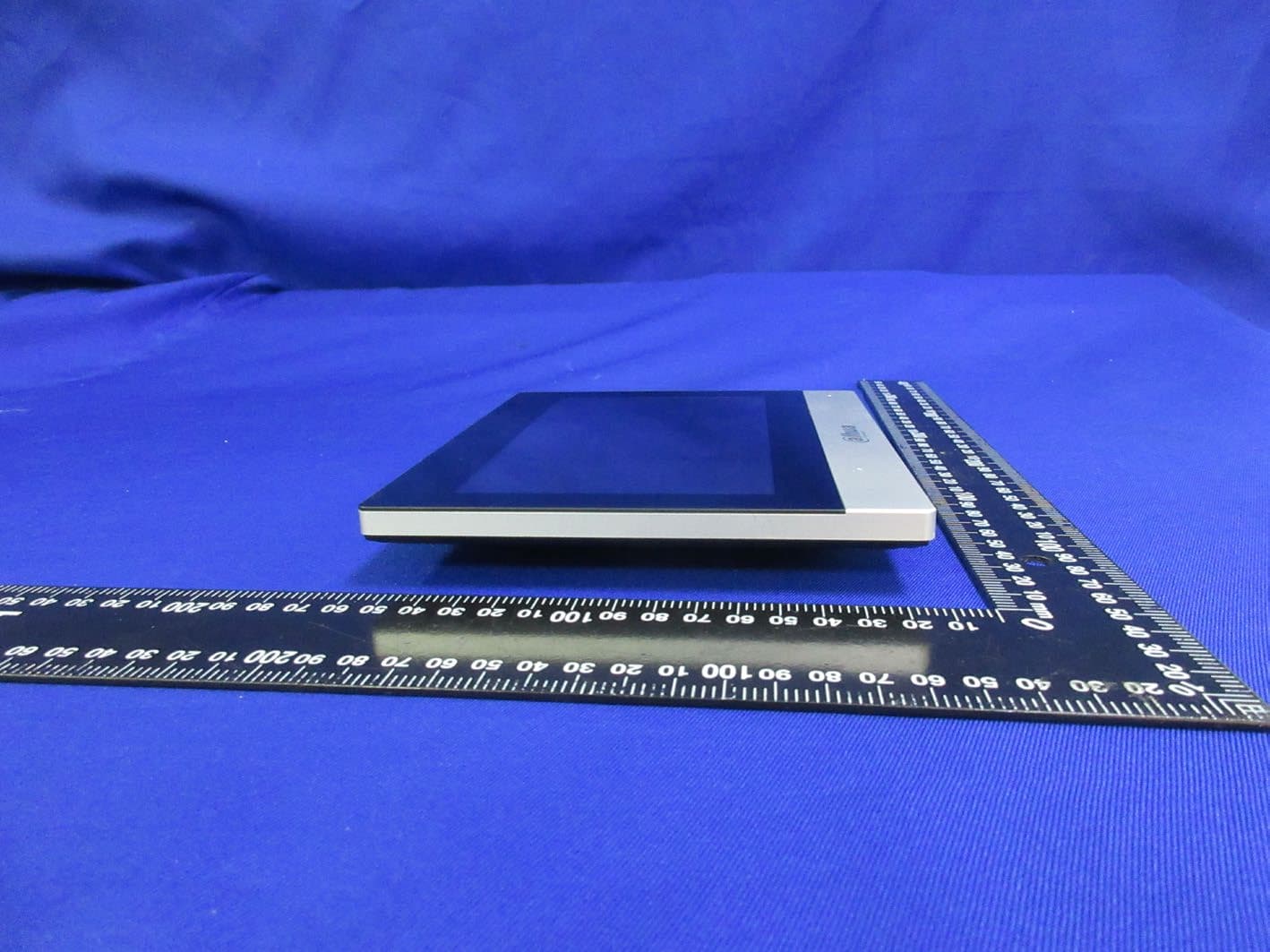
SVN-VTH8622KMSW
Nov 09, 2022IP Indoor Monitor
Equipment Class
DTS - Digital Transmission System
SVNDH-DS21
Nov 08, 2022Wireless Chime
Equipment Class
DTS - Digital Transmission System