T7HX4088DECT Base
RTX Hong Kong Ltd.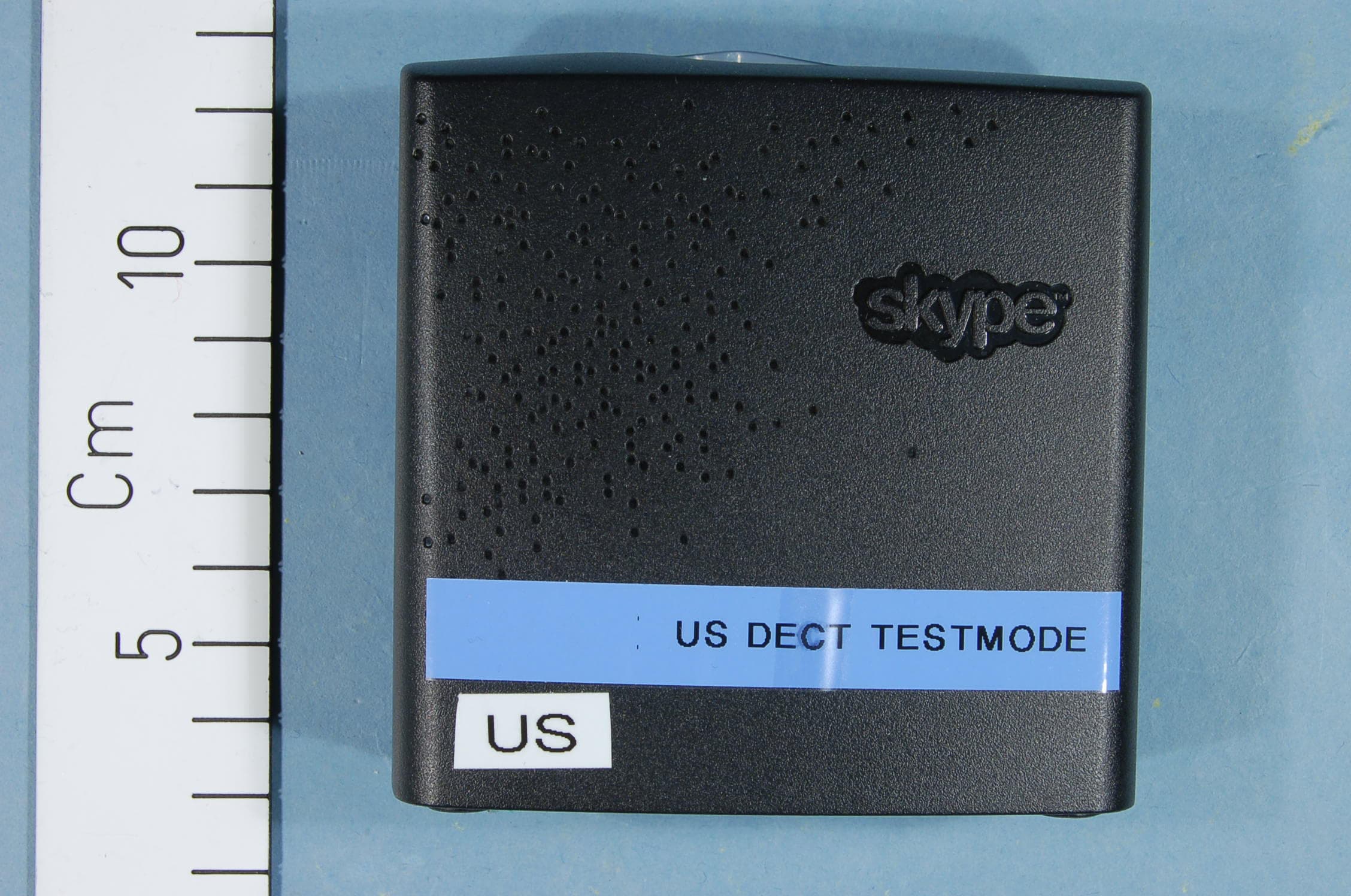
Click to zoom
Application Details
- Equipment Class
- PUB - Part 15 Unlicensed PCS Base Station
- Date of Grant
- Mar 26, 2012
- Application Purpose
- Original Equipment
- Date of Application
- Mar 26, 2012
- Equipment Note
- DECT Base
- Frequency Range
- 1921.53600000 - 1928.44800000
- Company
- RTX Hong Kong Ltd.
- Country
- Hong Kong
Documents & Files
Document Text
Text extracted from the exhibit documents filed with the FCC. Open a document above to read the original.
Users Manual
DUALphone 4088 and landline in one handset user manual No PC NeededHD Audio2 AccountsHandsfree DUALPHoNe 4088 User MANUAL v8 2 eNgLISh This is how The DUALphone works . . . . . . . . . . . . . . . . . . . . . . . . . . . . . . . . . . . . . . . . . . . . . . . 4 how The mAnUAL is orgAnizeD . . . . . . . . . . . . . . . . . . . . . . . . . . . . . . . . . . . . . . . . . . . . . . . . . . . 5 insTALLATion AnD bAsic fUncTions – secTion 1 n . . . . . . . . . . . . . . . . . . . . . . . . . . . . . . . . . . . 6 in the box . . . . . . . . . . . . . . . . . . . . . . . . . . . . . . . . . . . . . . . . . . . . . . . . . . . . . . . . . . . . . . . . . . . . 6 Your handset at a glance . . . . . . . . . . . . . . . . . . . . . . . . . . . . . . . . . . . . . . . . . . . . . . . . . . . . . . . . . 7 how to install the base station . . . . . . . . . . . . . . . . . . . . . . . . . . . . . . . . . . . . . . . . . . . . . . . . . . . . 8 how to install the handset . . . . . . . . . . . . . . . . . . . . . . . . . . . . . . . . . . . . . . . . . . . . . . . . . . . . . . . 9 first time start-up . . . . . . . . . . . . . . . . . . . . . . . . . . . . . . . . . . . . . . . . . . . . . . . . . . . . . . . . . . . . . . . 10 getting started with skype . . . . . . . . . . . . . . . . . . . . . . . . . . . . . . . . . . . . . . . . . . . . . . . . . . . . . . . 12 Create a new Skype account . . . . . . . . . . . . . . . . . . . . . . . . . . . . . . . . . . . . . . . . . . . . . . . . . . . . . . 12 Sign in to Skype . . . . . . . . . . . . . . . . . . . . . . . . . . . . . . . . . . . . . . . . . . . . . . . . . . . . . . . . . . . . . . . 13 Skype features supported by DUALphone . . . . . . . . . . . . . . . . . . . . . . . . . . . . . . . . . . . . . . . . . . . . 15 Main display . . . . . . . . . . . . . . . . . . . . . . . . . . . . . . . . . . . . . . . . . . . . . . . . . . . . . . . . . . . . . . . . . . 15 Main menu . . . . . . . . . . . . . . . . . . . . . . . . . . . . . . . . . . . . . . . . . . . . . . . . . . . . . . . . . . . . . . . . . . . 17 contacts . . . . . . . . . . . . . . . . . . . . . . . . . . . . . . . . . . . . . . . . . . . . . . . . . . . . . . . . . . . . . . . . . . . . . . . 18 Add a Skype contact . . . . . . . . . . . . . . . . . . . . . . . . . . . . . . . . . . . . . . . . . . . . . . . . . . . . . . . . . . . . 18 Add a SkypeOut or landline contact . . . . . . . . . . . . . . . . . . . . . . . . . . . . . . . . . . . . . . . . . . . . . . . . 20 Search for Skype users . . . . . . . . . . . . . . . . . . . . . . . . . . . . . . . . . . . . . . . . . . . . . . . . . . . . . . . . . . 21 make and receive calls . . . . . . . . . . . . . . . . . . . . . . . . . . . . . . . . . . . . . . . . . . . . . . . . . . . . . . . . . . . 22 Call a Skype contact . . . . . . . . . . . . . . . . . . . . . . . . . . . . . . . . . . . . . . . . . . . . . . . . . . . . . . . . . . . . 22 Dial a landline number . . . . . . . . . . . . . . . . . . . . . . . . . . . . . . . . . . . . . . . . . . . . . . . . . . . . . . . . . . 22 Receive a call . . . . . . . . . . . . . . . . . . . . . . . . . . . . . . . . . . . . . . . . . . . . . . . . . . . . . . . . . . . . . . . . . 23 Troubleshooting . . . . . . . . . . . . . . . . . . . . . . . . . . . . . . . . . . . . . . . . . . . . . . . . . . . . . . . . . . . . . . . . 24 ADvAnceD fUncTions – secTion 2 n . . . . . . . . . . . . . . . . . . . . . . . . . . . . . . . . . . . . . . . . . . . . . . . . 26 menu tree of your DUALphone . . . . . . . . . . . . . . . . . . . . . . . . . . . . . . . . . . . . . . . . . . . . . . . . . . . 26 emergency calls . . . . . . . . . . . . . . . . . . . . . . . . . . . . . . . . . . . . . . . . . . . . . . . . . . . . . . . . . . . . . . . . 28 skype settings . . . . . . . . . . . . . . . . . . . . . . . . . . . . . . . . . . . . . . . . . . . . . . . . . . . . . . . . . . . . . . . . . 29 Change your online status . . . . . . . . . . . . . . . . . . . . . . . . . . . . . . . . . . . . . . . . . . . . . . . . . . . . . . . 29 Choose auto or manual sign in . . . . . . . . . . . . . . . . . . . . . . . . . . . . . . . . . . . . . . . . . . . . . . . . . . . . 30 Change your Skype profile . . . . . . . . . . . . . . . . . . . . . . . . . . . . . . . . . . . . . . . . . . . . . . . . . . . . . . . 31 Change your password . . . . . . . . . . . . . . . . . . . . . . . . . . . . . . . . . . . . . . . . . . . . . . . . . . . . . . . . . . 32 Create a personal voicemail greeting . . . . . . . . . . . . . . . . . . . . . . . . . . . . . . . . . . . . . . . . . . . . . . . . 33 Listen to your voicemail . . . . . . . . . . . . . . . . . . . . . . . . . . . . . . . . . . . . . . . . . . . . . . . . . . . . . . . . . . 34 Privacy . . . . . . . . . . . . . . . . . . . . . . . . . . . . . . . . . . . . . . . . . . . . . . . . . . . . . . . . . . . . . . . . . . . . 36 Notification . . . . . . . . . . . . . . . . . . . . . . . . . . . . . . . . . . . . . . . . . . . . . . . . . . . . . . . . . . . . . . . . . . . 37 phone settings . . . . . . . . . . . . . . . . . . . . . . . . . . . . . . . . . . . . . . . . . . . . . . . . . . . . . . . . . . . . . . . . . 38 Tones . . . . . . . . . . . . . . . . . . . . . . . . . . . . . . . . . . . . . . . . . . . . . . . . . . . . . . . . . . . . . . . . . . . . 38 Change the call alert . . . . . . . . . . . . . . . . . . . . . . . . . . . . . . . . . . . . . . . . . . . . . . . . . . . . . . . . . 38 Change the ring tone . . . . . . . . . . . . . . . . . . . . . . . . . . . . . . . . . . . . . . . . . . . . . . . . . . . . . . . . . 39 Adjust the ringing volume . . . . . . . . . . . . . . . . . . . . . . . . . . . . . . . . . . . . . . . . . . . . . . . . . . . . . 39 Adjust the keypad tones . . . . . . . . . . . . . . . . . . . . . . . . . . . . . . . . . . . . . . . . . . . . . . . . . . . . . . . 40 In thIs user manual CONTeNTS 3 eNgLISh Set the time and date . . . . . . . . . . . . . . .…
Text truncated - open the document above for the full version.
Users Manual
31 2 Section change your skype profile In my profile you can tell other Skype users a bit about yourself . Please note that any Skype user can see all configurations you make in Details shown to all, even the Skype users you have not authorised . You must be signed into Skype to change your profile . 1) From the idle screen, press left to enter the main menu . 2) Press and left to select status. 3) Press and left to select my profile. 4) Press and left or just press left to select your preferred profile (Details shown to all, private) . 5) In Details shown to all, press and left to select your preferred setting (show my picture, skype name, full name, gender, birthdate, country/ region, state/province, city, Language, home phone, office phone, mobile, home page, About me, mood) . ADVANCeD FUNCTIONS 32 2 Section a) In show my picture, press left to select . b) In skype name, please note that you cannot change your Skype name here . c) In full name, use the keypad to enter your data . d) In gender, use left to select (male, female, Unspecified) . e) In birthday, enter the month using the keypad, press ARROWRIghT to go to the day and enter the day using the keypad, press ARROWRIghT again to go to the year and enter the year using the keypad . f) In country/region, use and left or just left to select (A ‡ z) . g) In state/province and city, use the keypad to enter your data . h) In Language, use and left or just left to select (A ‡ z) . i) In home phone, office phone, mobile, home page, About me and mood, use the keypad to enter your data . In private you can enter your e-mail address . The address will not be shown to other Skype users and is merely used for the search function: Save your private e-mail address in private, and users who know this address will be able to find you by searching for it on Skype . 1) In private, press left to select options (edit, remove, Add) . noTes: • In show my picture, the pictures for use with your profile must be edited on a computer with a Skype client . • All data regarding home phone, office phone and mobile supplied by a Skype user will be recorded in your Contact list when you add the user . change your password You can change the Skype password used for signing in to your Skype account . See create a new skype account in the installation and basic functions section for more information . 1) From the idle screen, press left to enter the main menu . 2) Presse and left to select status. ADVANCeD FUNCTIONS 33 2 Section 3) Press and left to select change password. 4) enter your password using the keypad, then press left . 5) enter your new password, then press the “Ok” softkey . 6) Repeat your new password, then press the “Change” softkey . create a personal voicemail greeting Skype voicemail has a default voicemail greeting . You can also create your personal welcome greeting, which will be played back to people calling you when you are unable to answer the call . 1) From the idle screen, press left to enter the main menu . 2) Press and left to select settings. 3) Presss and left to select call divert. ADVANCeD SeTTINgS 34 2 Section 4) Presss and left to select welcome message. 5) Press left to select options . 6) Press record new to record your welcome greeting, and press play to hear the recorded message . Listen to your voicemail Callers can leave a message for you . Whenever someone sends you a voicemail, the message You have 1 new voicemail will be displayed on your DUALphone . 1) From the idle screen, press left to enter the main menu . 2) Press and left to select history. ADVANCeD SeTTINgS 35 2 Section 3) Press and left to select voicemail. 4) Press and left or just press left to select the voicemail of your choice . 5) Press left to select options (play, call, send voicemail, Details, Delete, view profile, Add to contacts, my greeting) . play: Play back the voicemail . call: Call the person who has left the voicemail for you . send voicemail: Send the person who has left the message for you a voicemail . Details: View the details of the voicemail (Name, number, date, time, duration) . Delete: Remove the voicemail . view profile: View the profile of the person who has sent the voicemail . Add to contacts: Add the person who has left the voicemail for you to your Contact list . my greeting: Play back or record your personal welcome greeting . noTe: • If you activate your voicemail through Settings ‡ Divert ‡ Voicemail, the voicemail will work only with incoming Skype and Online Number calls, not with calls on your landline . ADVANCeD SeTTINgS 36 2 Section privacy You can make restrictions as to whom you wish to accept a Skype or a callto your online number from . Your choices are: 1) From the idle screen, press left to enter the main menu . 2) Press and left to select settings. 3) Press and left to select privacy. 4) Press left to select skype calls, then press and left or just press left to select your preferred privacy status for incoming Skype calls (Anyone, contacts, if details shared) . Anyone: All Skype users can call you, even users not on your Contact list . contacts: Skype users can call you only if they are on your Contact list . if details shared: Only Skype users authorised by you can call you . 5) Press and left to select online number calls, then press and left or just press left to select your preferred privacy status for incoming Online Number calls (Anyone, contacts, known numbers) . Anyone: You can receive calls from anyone calling your online number . contacts: Only SkypeOut contacts on your Contact list can call you . known numbers: Only online number calls providing a Caller ID will be accepted . ADVANCeD SeTTINgS 37 2 Section notification You can choose whether you want to be alerted by a tone whenever you receive a voicemail or an authorisation request . 1) From the idle screen, press left to enter the main menu . 2) Press and left to select settings. 3) Press and left to select Tones. 4) Press and left to select notificatio…
Text truncated - open the document above for the full version.
Users Manual
Regulatory Information Europe Declaration of Conformity Hereby, “RTX Products HK LTD”, declares that this “RTX4088” is in compliance with the essential requirements and other relevant provisions of Directive 1999/5/EC. United States Interference Information: This device complies with Part 15 of the FCC Rules. Operation is subject to the following two conditions: (1) this device may not cause harmful interference, and (2) this device must accept any interference received, including interference that may cause undesired operation. NOTE: This equipment has been tested and found to comply with the limits for a Class B digital device, pursuant to Part 15 of the FCC Rules. These limits are designed to provide reasonable protection against harmful interference in a residential installation. This equipment generates, uses and can radiate radio frequency energy and, if not installed and used in accordance with the instructions, may cause harmful interference to radio communications. However, there is no guarantee that interference will not occur in a particular installation. If this equipment does cause harmful interference to radio or television reception, which can be determined by turning the equipment off and on, the user is encouraged to try to correct the interference by one or more of the following measures: • Reorient or relocate the receiving antenna. • Increase the separation between the equipment and receiver. • Connect the equipment into an outlet on a circuit different from that to which the receiver is connected. • Consult the dealer or an experienced radio/TV technician for help. WARNING: Changes or modifications to this equipment not expressly approved by the party responsible for compliance could void the user’s authority to operate the equipment. Privacy of communications may not be ensured when using this phone. Exposure to Radio Frequency (RF) Signals: This wireless phone is a radio transmitter and receiver. It is designed and manufactured not to exceed the emission limits for exposure to radio frequency (RF) energy set by the Federal Communications Commission (FCC) of the U.S. Government. These limits are part of comprehensive guidelines and establish permitted levels of RF energy for the general population. The guidelines are based on the safety standards previously set by both U.S. and international standards bodies. These standards include a substantial safety margin designed to assure the safety of all persons, regardless of age and health. This device and its antenna must not be co-located or operating in conjunction with any other antenna or transmitter. This product has been shown to be capable of compliance for localized specific absorption rate (SAR) for uncontrolled environment/general population exposure limits specified in ANSI/IEEE Std. C95.1-1992 and had been tested in accordance with the measurement procedures specified in FCC/OET Bulletin 65 Supplement C (2001) and IEEE 1528-2003” . CAUTION: To maintain the compliance with the FCC’s RF exposure guideline, place the base unit at least 20 cm from nearby persons. For body worn operation, this handset has also been tested and meets the FCC RF exposure guideline. Use of other accessories may not ensure compliance with FCC RF exposure guidelines. Hearing Aid Compatibility (HAC/VC): This handset meets the FCC standard for Hearing Aid Compatibility. Canada Interference information This device complies with Industry Canada licence-exempt RSS standard(s). Operation is subject to the following two conditions: (1) this device may not cause interference, and (2) this device must accept any interference, including interference that may cause undesired operation of the device. Le présent appareil est conforme aux CNR d'Industrie Canada applicables aux appareils radio exempts de licence. L'exploitation est autorisée aux deux conditions suivantes : (1) l'appareil ne doit pas produire de brouillage, et (2) l'utilisateur de l'appareil doit accepter tout brouillage radioélectrique subi, même si le brouillage est susceptible d'en compromettre le fonctionnement. Privacy of communications may not be ensured when using this equipment. Exposure to Radio Frequency (RF) Signals L'exposition à la radiofréquence (RF) This wireless phone is a radio transmitter and receiver. It is designed and manufactured not to exceed the emission limit for exposure to radio frequency (RF) energy set by the Ministry of Health (Canada), Safety Code 6. These limits are part of comprehensive guidelines and established permitted levels of RF energy for the general population. These guidelines are based on the safety standards previously set by international standard bodies. These standards include a substantial safety margin designed to assure the safety of all persons, regardless of age and health. Ce téléphone sans fil est un émetteur-récepteur radio. Il est conçu et fabriqué pour ne pas dépasser la limite d'émission pour l'exposition aux radiofréquences (RF) établies par le ministère de la Santé (Canada), Code de sécurité 6. Ces limites font partie de directives complètes et établissent les niveaux autorisés d'énergie RF pour la population générale. Ces lignes directrices sont fondées sur les normes de sécurité précédemment établies par les organismes internationaux standard. Ces normes comprennent une marge de sécurité importante destinée à assurer la sécurité de toutes les personnes, indépendamment de l'âge et la santé. This device and its antenna must not be co-located or operating in conjunction with any other antenna or transmitter. Cet appareil et son antenne ne doivent pas être co-localisés ou fonctionner en conjonction avec une autre antenne ou transmetteur. This device has been shown to be capable of compliance for localized specific absorption rate (SAR) for uncontrolled environment / general public exposure limits specific in ANSI/IEEE C95.1-1992 and had been tested in accordance with the measurement procedures specified in IEEE 1528-2003”. For …
Text truncated - open the document above for the full version.
Attestation Statements
RTX Products Hong Kong Ltd. 11/F., CAC Tower, 165 Hoi Bun Road, Kwun Tong, Kowloon, Hong Kong Tel : +852 2487 3718 Fax : +852 2480 6121 Web : www.rtx.hk E-mail : [email protected] RTX Telecom A/S: Stroemmen 6, DK-9400 Nørresundby Tel : +45 9632 2300 Fax : +45 9632 2310 Press Release For immediate release Announcement of Corporate Name Change Hong Kong, September 09, 2008 - We are delighted to announce that RTX Consumer Products Hong Kong Limited which is headed by Mr. Peter Christensen, the Vice President of RTX Telecom A/S, has changed its corporate name to RTX Products Hong Kong Limited effective September 09, 2008. The change of the English name does not affect the Chinese name of the Company, which will remain unchanged as “愛創域香港有限公司”. The Board considers the new name of the Company provides a better identification of the Company’s development, which signifies towards the ever-present goal of delivering innovative quality products for the professional business market. The change of the company name will not affect any of the business with our existing customers and the board believes it is in the interest of the Company and its Shareholders as a whole. For accounting purpose, please take note that all payments should be made according to our invoice instructions and all transactions in regarding to RTX Consumer Products Hong Kong Limited will change to RTX Products Hong Kong Limited. About RTX Telecom A/S RTX Telecom is an internationally operating group which develops, produces and sells products, equipment and technological solutions within wireless communication and other telecom products. With headquarters located in Noerresundby, Denmark, RTX Telecom A/S is a listed company in the Copenhagen stock exchange since year 2000. About RTX Products Hong Kong Limited With base of operations in Hong Kong, RTX Products comprises development, production and sale of wireless products to OEMs and professional business market. The product range covers corded telephones, cordless telephones, and other wireless communication products. The RTX Products business unit is headed by Vice President Peter Christensen. RTX Products Hong Kong Limited Peter Christensen Vice President RTX Products Hong Kong Ltd. 11/F., CAC Tower, 165 Hoi Bun Road, Kwun Tong, Kowloon, Hong Kong Tel : +852 2487 3718 Fax : +852 2480 6121 Web : www.rtx.hk E-mail : [email protected] RTX Telecom A/S: Stroemmen 6, DK-9400 Nørresundby Tel : +45 9632 2300 Fax : +45 9632 2310 Press Contact: Fanny Wai, Marketing Manager Phone: +852 2487 3718 E-mail: [email protected] http://www.rtx.dk
External Photos
FCC ID: T7HX4088 Project no.: 187284 Page 1 of 3 EXTERNAL PHOTOS – RTX4088 Front and Back View FCC ID: T7HX4088 Project no.: 187284 Page 2 of 3 Label Position and Connectors FCC ID: T7HX4088 Project no.: 187284 Page 3 of 3 AC Adaptor
ID Label/Location Info
FCC ID: T7HX4088 Project no.: 187284 Page 1 of 3 EXTERNAL PHOTOS – RTX4088 Front and Back View FCC ID: T7HX4088 Project no.: 187284 Page 2 of 3 Label Position and Connectors FCC ID: T7HX4088 Project no.: 187284 Page 3 of 3 AC Adaptor
Internal Photos
FCC ID: T7HX4088 Project no.: 187284 Page 1 of 2 INTERNAL PHOTOS – RTX4088 PCB Internal View FCC ID: T7HX4088 Project no.: 187284 Page 2 of 2 Internal view without shielding
Parts List/Tune Up Info
Product:96101158RTX4088DUALphone HS+CH+GW W-USFALSE Version:C LevelRTX PartnumberVersionDescriptionManufacturerManufacturer PartnumberNumberUnit of measure 196201177FBS Elec. BOM for RTX4088 (US)1PCS 2 70100053V7RBRTX4088 SkypeDual BS PCBA US1PCS 3 02515100Capacitor 100nF X7R 10VMurataGRM155R71A104KA01x46PCS 3 02501100Capacitor 10p NP0 50VMurataGRM1555C1H100JA01x28PCS 3 02555330Capacitor 330nF X5R 6.3VMurataGRM155R60J334KE01x1PCS 3 02509999Capacitor N.M.13PCS 3 02514100Capacitor 10nF X7R 25VMurataGRM155R71E103KA01x13PCS 3 02233100Capacitor 1nF 630VMurataGRM31BR72J102KW01x2PCS 3 02513100Capacitor 1n X7R 50VMurataGRM155R71H102KA01x4PCS 3 02597101Capacitor 10uF X5R 6.3VMurataGRM188R60J106ME47D6PCS 3 02388486Capacitor ELLYT 470uF 10VI-SING ElectronicSS-series 470uF 10V 6.3x12mm +/-20%1PCS 3 02515101Capacitor 100nF X7R 16VMurataGRM155R71C104KA01x5PCS 3 02487221Capacitor 22uF X5R 6.3VMurataGRM21BR60J226ME39x4PCS 3 02556100Capacitor 1 uF 6.3V X5R HiCapMurataGRM155R60J105KE19x8PCS 3 02066470Capacitor 4.7uF X7R 25VMurataGRM31CR71E475KA88x1PCS 3 02195101Capacitor 100nF X7R 50VMurataGRM188R71H104KA93x1PCS 3 02388234Capacitor ELLYT 220uF 25V LowJamiconTLC221M1EFBBM1PCS 3 02596220Capacitor 2.2uF X5R 10VMurataGRM188R61A225KE34x5PCS 3 02555100Capacitor 100nF X5R 10VMurataGRM155R61A104KA01x2PCS 3 02596101Capacitor 1uF X5R 10VMurataGRM188R61A105KA61x1PCS 3 02500301Capacitor 3p0 NP0 50VMurataGRM1555C1H3R0BA01x2PCS 3 02500121Capacitor 1p2 NP0 50V ±0.1MurataGRM1555C1H1R2BA01x5PCS 3 02012220Capacitor 220pF X7R 250VYageo2238 830 156142PCS 3 02596102Capacitor 1uF X5R 25VMurataGRM188R61E105KA12x1PCS 3 02501150Capacitor 15p NP0 50VMurataGRM1555C1H150JA01x2PCS 3 02500181Capacitor 1P8 NP0 50V ±0.1MurataGRM1555C1H1R8BA01x1PCS 3 02500100Capacitor 1p0 NP0 50VMurataGRM1555C1H1R0CA01x1PCS 3 02016102Capacitor 1uF X7R 25VMurataGRM21BR71E105KA01x1PCS 3 02500270Capacitor 2p7 NP0 50VMurataGRM1555C1H2R7CA01x5PCS 3 02016222Capacitor 2.2uF X7R 25VMurataGRM21BR71E225KA731PCS 3 02555220Capacitor 220nF X5R 6.3VMurataGRM155R60J224KE01x4PCS 3 07240120Coil, chip 1n2 LQG15HSMurataLQG15HS1N2S02x2PCS 3 02500110Capacitor 1p1 NP0 50VMurataGRM1555C1H1R1BA01x4PCS 3 02500151Capacitor 1p5 NP0 50VMurataGRM1555C1H1R5BA01x1PCS 3 02500071Capacitor 0.70p NP0 50VMurataGRM1555C1HR70BA01x1PCS 3 02501220Capacitor 22p NP0 50VMurataGRM1555C1H220JA01x1PCS 3 02009999Capacitor Not Mounted2PCS 3 02189999Capacitor Not Mounted1PCS 3 02555103Capacitor 100nF X5R 16VMurataGRM155R61C104KA01x2PCS 3 02487101Capacitor 10uF X5R 6.3VMurataGRM21BR60J106ME19x1PCS 3 02388118Capacitor ELLYT 100uF 16VSanyo16SA100M1PCS 3 02500820Capacitor 8p2 NP0 50VMurataGRM1555C1H8R2DA01x1PCS 3 02501560Capacitor 56p NP0 50VMurataGRM1555C1H560JA01x2PCS 3 02502150Capacitor 150p NP0 50VMurataGRM1555C1H151JA01x2PCS 3 02473105Capacitor 1nF 250VAC 5mm for IMurataDE2E3KY102MA2BM011PCS 3 04350002Diode Switching Array MMBD3004Diodes Inc.MMBD3004BRM-7-F1PCS 3 04230229LED Blue SMD, 1608Wai Chi ElectronicsWE-SP194DNB74-5A-M1PCS 3 04320048Diode Transient Surge ArrestorDiodes Inc.TB3100H-13-F1PCS 3 04160004Diode Zener 1SMA5934BT3ON Semiconductor1SMA5934BT3G1PCS 3 04000070Diode double High speed BAV70NXP Semiconductor9331 849 102151PCS 3 04306405Diode PIN Bar 64-05WInfineonBAR 64-05W H63272PCS 3 21020025Fuse 2AG Surge Withstand TypeLittelfuse230.600P1PCS 3 05130218IC i.MX280 454MHz ARM926EJ-S PFreescaleMCIMX280DVM4B1PCS 3 05260164IC W25Q16CV QSPI Flash 16MbitWinbondW25Q16CVSSIG1PCS 3 05320049IC K4T51163QJ 512Mbit 32Mx16 DSamsungK4T51163QJ-BCF700001PCS 3 05260104IC W25Q128BV QSPI Flash 128MbiWinbondW25Q128BVEIG1PCS 3 05353116IC SC14441 DECT BB/RF with QSPDialog semiconductorSC14441B52RLT1PCS 3 05160298IC NCP1117 adj. Voltage RegulON SemiconductorNCP1117DTARKG1PCS 3 05130211IC LAN8720A RMII Ethernet TranSMSCLAN8720A-CP-TR1PCS 3 24018079Connector Side Entry Jack 8/8Kinsun Industries Inc.3004CF62001PCS 3 24018120Connector Side Entry Jack 6P2CKinsun3004BE01001PCS 3 24090052DC Power Jack 2.0mmSee-Plus IndustrialDC-2081PCS 3 07044150SMT Power Ind 15uH 1.6AMurataLQH5BPN150MT0X1PCS 3 07244181Coil, chip 18nH WirewoundMurataLQW15AN18NH00x2PCS 3 07092221Coil 220R Chip Ferrite BeatMurataBLM15BB221SN12PCS 3 07240330Coil, chip 3n3 LQG15HSMurataLQG15HS3N3S02x4PCS 3 07056100Axial Inductor 1mHSHENZHEN CENKER ENTERPRISCKL0412*1.0mH/K-CCA-U2PCS 3 07240680Coil, chip 6n8 LQG15HSMurataLQG15HS6N8J02x3PCS 3 07240160Coil, chip 1n6 LQG15HSMurataLQG15HS1N6S02x1PCS 3 07092220Coil 220R Chip Ferrite BeadMurataBLM21PG221SN1D1PCS 3 81902207PCB for RTX4088 Base V71PCS 3 01244121Resistor 12K1RohmMCR03 EZP FX12121PCS 3 01259999Resistor N.M.20PCS 3 01230100Resistor 1R0RohmMCR03 EZP J1R01PCS 3 01254100Resistor 10KRohmMCR01 MZP J10314PCS 3 01256100Resistor 1M0RohmMCR01 MZP J1051PCS 3 01263100Resistor 1K0RohmMCR01 MZP F10012PCS 3 01252180Resistor 180RRohmMCR01 MZP J1814PCS 3 01253100Resistor 1K0RohmMCR01 MZP J1023PCS 3 01250000Resistor 0R0RohmMCR01 MZP J00017PCS 3 01254330Resistor 33KRohmMCR01 MZP J3332PCS 3 01241750Resistor 75RRohmMCR03 EZP FX7502PCS 3 01254270Resistor 27KRohmMCR01 MZP J2731PCS 3 01239999Resistor N.M.2PCS 3 01261499Resistor 49R9RohmMCR01 MZP F49R910PCS 3 01253270Resistor 2K7RohmMCR01 MZP J2721PCS 3 01251220Resistor 22RRohmMCR01 MZP J2202PCS 3 01279999Resistor N.M.2PCS 3 01276680Resistor 6M8RohmMCR18 EZP J6852PCS 3 01020000Resistor 0R0RohmMCR10 EZP J0R04PCS 3 01251560Resistor 56RRohmMCR01 MZP J5602PCS 3 01255680Resistor 680KRohmMCR01 MZP J6843PCS 3 01255100Resistor 100KRohmMCR01 MZP J1042PCS 3 01272330Resistor 330RRohmMCR18 EZP J3311PCS 3 01272470Resistor 470RRohmMCR18 EZP J4711PCS 3 01371560Resistor 56RRohmMCR100 JZH F5602PCS 3 01263820Resistor 8K2RohmMCR01 MZP F82011PCS 3 01264330Resistor 33KRohmMCR01 MZP F33021PCS 3 01253150Resistor 1K5RohmMCR01 MZP J1521PCS 3 01254150Resistor 15KRohmMCR01 MZP J1531PCS 3 01253470Resistor 4K7RohmMCR01 MZP J4722PCS 3 01253220Resistor 2K2RohmMCR01 MZP J2221PCS 3 01252100Resistor 100RRohmMCR01 MZP J1011PCS 3 01263330Resistor 3K3RohmMCR01 MZP F33011PCS 3 01277100Resistor 10MRohmMCR18 EZP J1061…
Text truncated - open the document above for the full version.
RF Exposure Info
FCC ID: T7HX4088 MPE Calculation at 20 cm for Uncontrolled Environme nt Formula from page 18 of OET Bulletin 65, Edition 97 -01 where: S = power density P = power input to the antennaG = power gain of the antenna in the direction of i nterest relative to an isotropic radiator R = distance to the center of radiation of the ante nna Source Based Time Averaged Duty Cycle is 100% in ca lculation below Maximum peak output power at antenna input terminal : 18.10 (dBm) Maximum peak output power at antenna input terminal : 0.065 (W) Maximum antenna gain: 1.00 (dBi) Maximum antenna gain: 1.259 (numeric) Prediction distance: 20 (cm) Prediction frequency: 1925 (MHz) Time Averaged Duty Cycle 100 % MPE limit for uncontrolled exposure at prediction f requency: 10.00 (W/m^2) Power density at prediction frequency: 0.0162 (mW/cm^2) Power density at prediction frequency: 0.162 (W/m^2) Maximum allowable antenna gain: 18.91 (dBi) Margin of Compliance: 17.91 (dB) 2 4 R PG S π =
Test Report
Nemko AS, Gaustadalléen 30, P.O.Box 73 Blindern, NO-0314 Oslo Norway T +47 22 96 03 30 F +47 22 96 05 50 Enterprise number NO974404532 Visiting address: Nemko Kjeller, Instituttveien 6, P.O.Box 96, NO-2027 Kjeller Norway T +47 64 84 57 00 F +47 64 84 57 05 Test report no. : 187284-11 Item tested : RTX4088 Type of equipment : UPCS Base Station FCC ID : T7HX4088 Client : RTX Products Hong Kong Ltd. FCC Part 15, subpart D Isochronous UPCS Device 1920 - 1930 MHz Industry Canada RSS-213, Issue 2 2 GHz Licence-exempt Personal Communications Service Devices (LE-PCS) 17 February 2012 Authorized by : .............................................. G. Suhanthakumar Technical Verificator TEST REPORT FCC part 15D Report no.: 187284-11 FCC ID: T7HX4088 Nemko AS, N-2007 Kjeller Page 2 (48) CONTENTS 1 GENERAL INFORMATION ............................................................................................................... 3 1.1 Testhouse Info ................................................................................................................................... 3 1.2 Client Information .............................................................................................................................. 3 1.3 Manufacturer (if other than client) ...................................................................................................... 3 2 TEST INFORMATION ....................................................................................................................... 4 2.1 Tested Item........................................................................................................................................ 4 2.2 Description of Tested Device .......................................................................................…
Text truncated - open the document above for the full version.
Contact Information
Applicant
Erik Pedersen(Engineering Director)
Technical Contact
RTX Products Hong Kong LtdSoren Bove
[email protected]45 9362 2300
RTX Telecom A/S Strommen 6 · Denmark
Non-Technical Contact
RTX Products Hong Kong Ltd.Bill Lau
[email protected]852 2487 3718
Test Firm
Nemko ASFrode Sveinsen
Technical Specifications
| # | Rule Parts | Frequency Range | Power Output |
|---|---|---|---|
| 1 | 15D | 1.92 GHz - 1.93 GHz | 65.00 mW |
Other Applications from RTX Hong Kong Ltd.
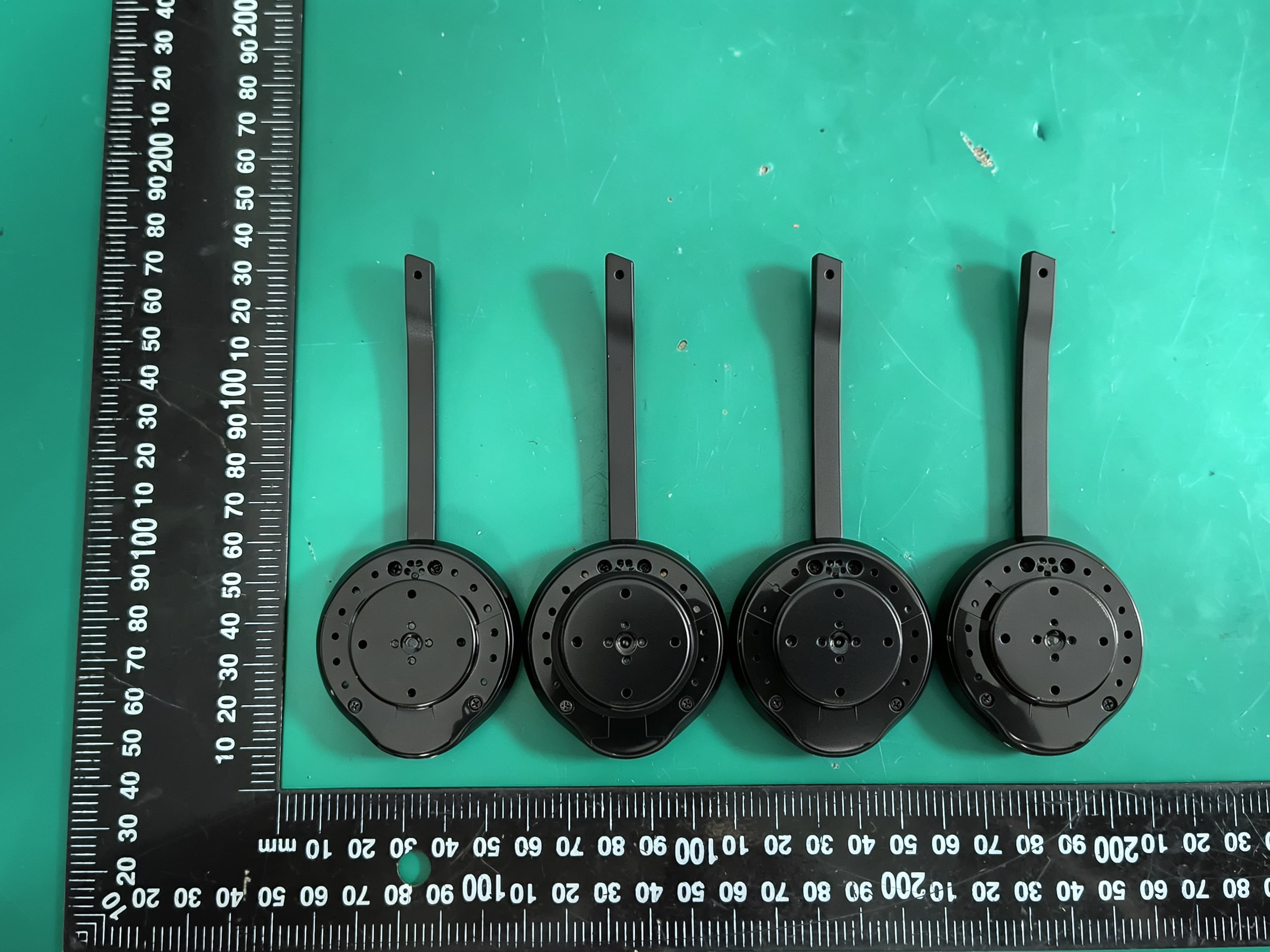
T7HCT8930A
Aug 03, 2026DECT Wireless Headset
Equipment Class
PUE - Part 15 Unlicensed PCS portable Tx held to ear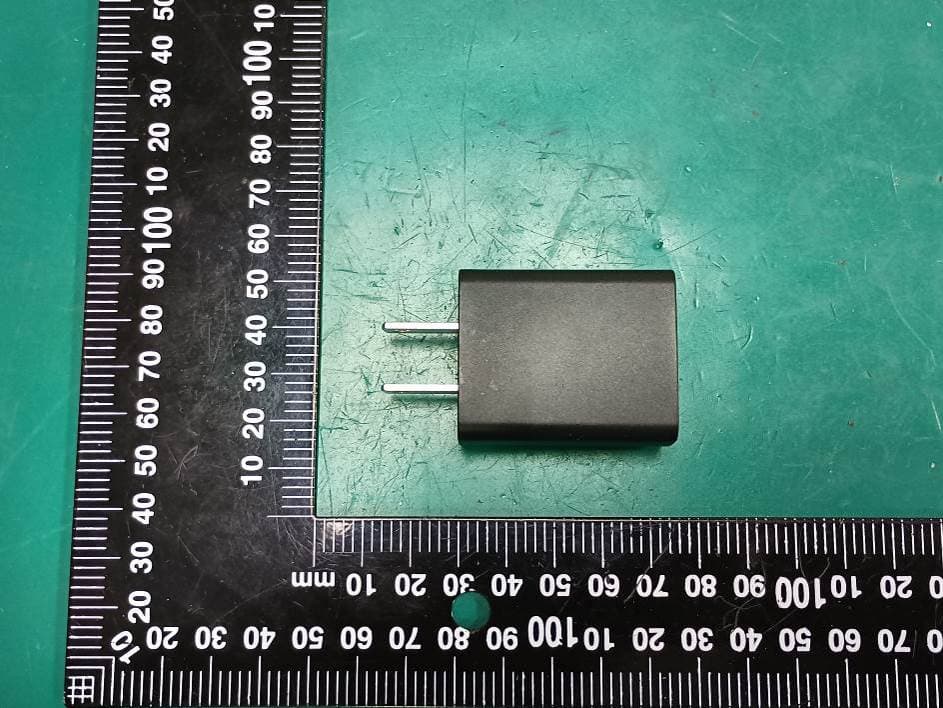
T7HXB700
Jul 10, 2026Base EU
Equipment Class
PUB - Part 15 Unlicensed PCS Base Station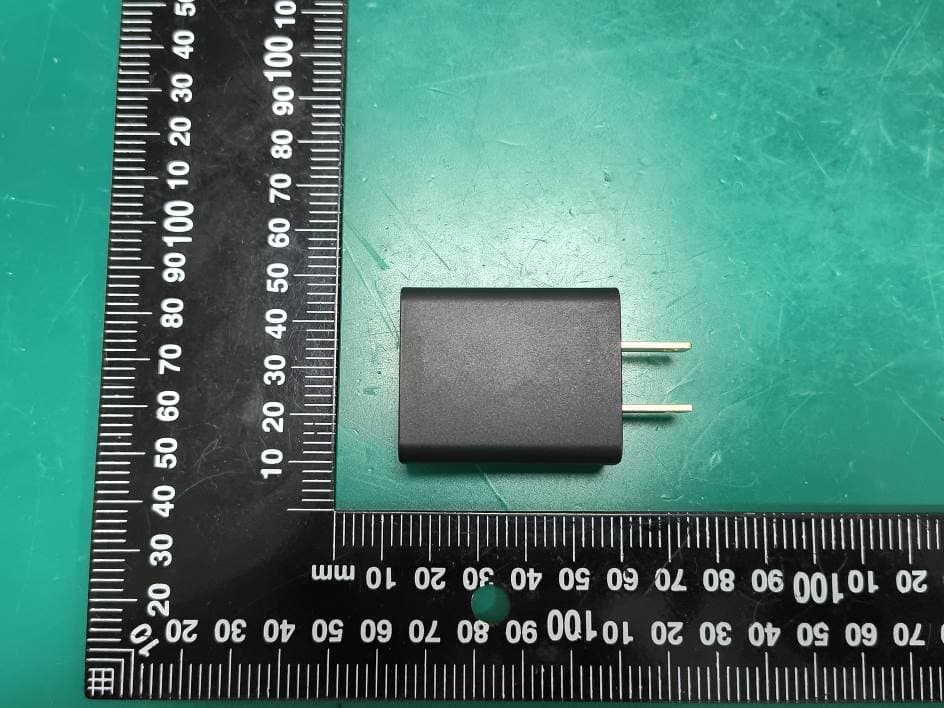
T7HCTH200
Jul 06, 2026Handset
Equipment Class
PUE - Part 15 Unlicensed PCS portable Tx held to ear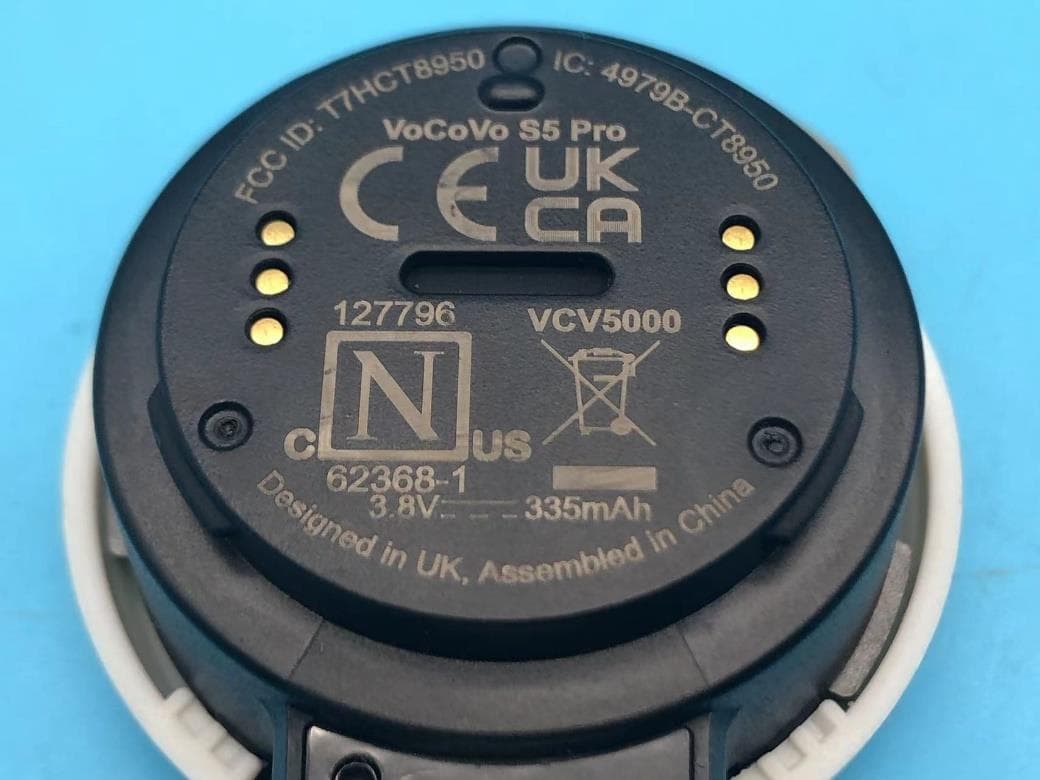
T7HCT8950
May 28, 2023DECT wireless Headset
Equipment Class
PUE - Part 15 Unlicensed PCS portable Tx held to ear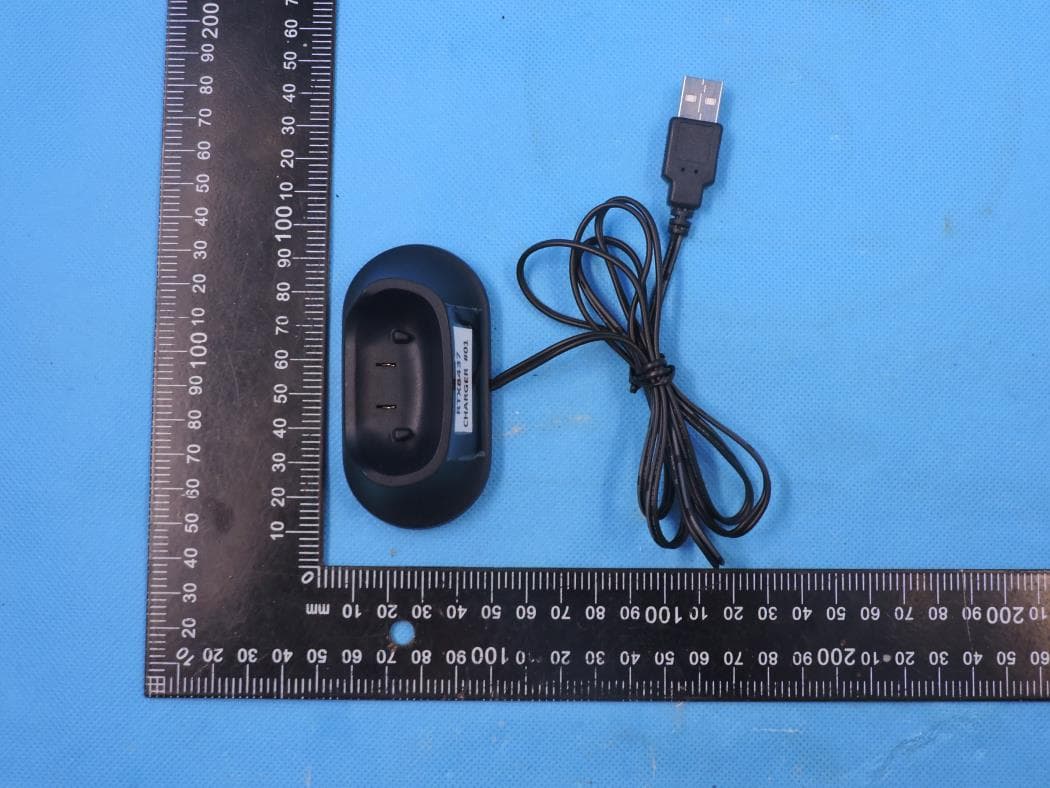
T7HCT8437
Mar 23, 2023Wireless Headset with DECT function
Equipment Class
PUE - Part 15 Unlicensed PCS portable Tx held to ear