VN5-N1Wireless Blood Glucose Monitoring System
Ascensia Diabetes Care US Inc.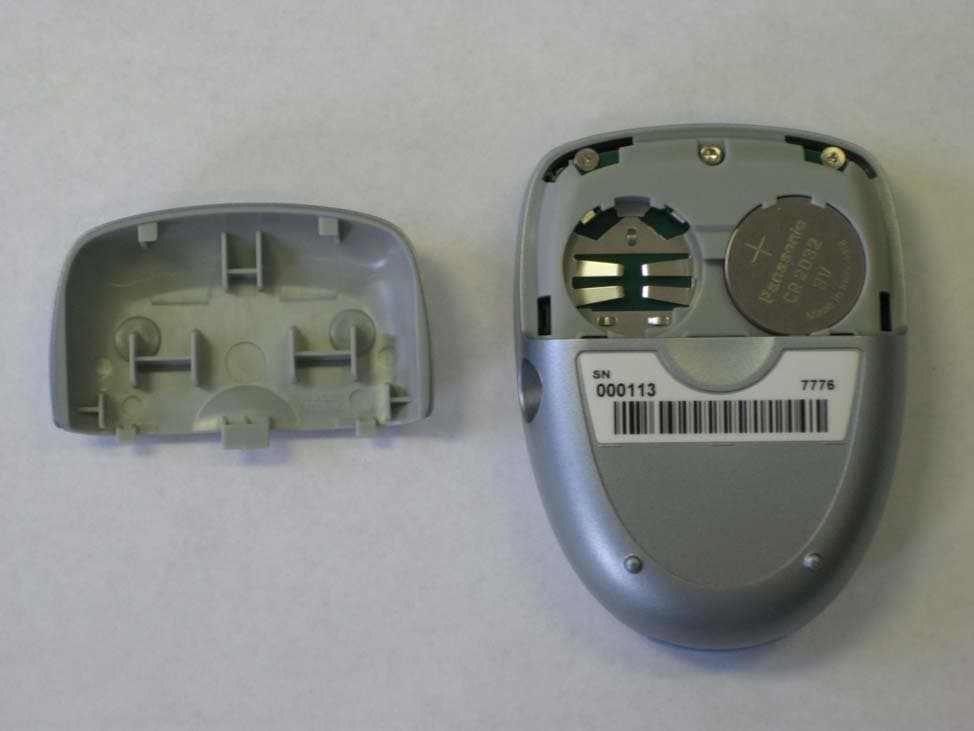
Click to zoom
Application Details
- Equipment Class
- DXX - Part 15 Low Power Communication Device Transmitter
- Date of Grant
- Mar 17, 2011
- Application Purpose
- Original Equipment
- Date of Application
- Mar 16, 2011
- Equipment Note
- Wireless Blood Glucose Monitoring System
- Frequency Range
- 916.50000000 - 916.50000000
- Country
- United States
Documents & Files
Document Text
Text extracted from the exhibit documents filed with the FCC. Open a document above to read the original.
Users Manual
LINK WIRELESS BLOOD GLUCOSE MONITORING SYSTEM USER GUIDE 1M 93 1600 Sherwin Ave. Des Plaines, IL 60018 T 847.296.6000 Contour Link User Guide Master Alt#1 - 12/02/10 Color and Copy Changes Alt#2 - 12/07/10 Copy Changes Alt#3 - 12/15/10 Repagination Alt#4 - 01/24/11 Copy Changes Alt#5 - 01/28/11 Copy Changes Alt#6 - 02/01/11 Copy Changes Alt#7 - 02/07/11 Copy Changes DATE: CLIENT: DESCRIPTION: SCHAWK JOB#: BAN#: SKU#: DIMENSIONS: PRINTER SPEC: V-7 ENGLISH PROCESS CYAN PROCESS MAGENTA PROCESS YELLOW PROCESS BLACK PANTONE 144 C P ANTONE 072 C PANTONE 201 C COLORS Frutiger, Helvetica, Times, Zapf Dingbats, Berthold Akzidenz Grotesk FONTS February 7, 2011 Bayer HealthCare Contour Link User Guide Master 905480 CTS-103 Rev. 11/10 N/A 6.0" (H) x 4.0" (W) PUSG0517 REV B CTS-103_CntrLINK_UG_Master_FpB4_v7.indd ofc1CTS-103_CntrLINK_UG_Master_FpB4_v7.indd ofc12/7/11 3:59:49 PM2/7/11 3:59:49 PM Important Testing Options Extras Help Thank you for choosing Bayer's CONTOUR ® LINK blood glucose monitoring system! We are proud to be your partner in helping you manage your diabetes. The C ONTOUR ® LINK meter does much more than test your blood glucose — it automatically sends your blood glucose result to compatible* designated Medtronic partner devices using a wireless, radio frequency transmission. The C ONTOUR LINK blood glucose monitoring system is intended for use by persons with diabetes in home settings for the measurement of glucose in whole blood, and is for single-patient use only. The C ONTOUR LINK blood glucose monitoring system is indicated for use with capillary whole blood samples drawn from the fi ngertip. Critically ill patients (e.g. those with severe hypoten- sion or shock, hyperglycemic-hyperosmolar state, hypoxia, severe dehydration, diabetic ketoacidosis) should not be tested with blood glucose meters because inaccurate results may occur. Additional Materials • C ONTOUR ® Test Strips—Use for blood glucose or control solution testing. Supplied in a handy bottle with an easy-to-open fl ip-top lid. • M ICROLET ® 2 Lancing Device —Use for fingertip puncture with Bayer's MICROLET lancet. • BATTERIES—Use two 3-volt (DL2032 or CR2032) lithium batteries. Replace when necessary. For short simple instructions, a quick reference guide is also provided. It can be more convenient when traveling. * For information on compatible Medtronic devices, contact Medtronic Customer Service at 1-800-646-4633. Important Information ......................................................................2 Your Testing Tools .............................................................................3 Your Meter Display............................................................................4 Important Safety Instructions ............................................................5 Your Meter Features ..........................................................................6 Important Things to Know ................................................................7 First Things First: Talking to Your Compatible Medtronic Device ........... 8 Before You Begin ..............................................................................9 Getting Ready to Test ......................................................................10 Getting the Blood Drop ...................................................................12 Fingertip Testing .....................................................................12 Testing Your Blood ..........................................................................13 Turning Off the Send Option for a Single Test Result........................15 Cleaning and Disinfection ...............................................................18 Control Solution Testing ..................................................................23 Setting Your Options .......................................................................26 Setting the Send Option, Time, Date, and Sound ....................26 Setting the Markers and Test Reminder Alarm ........................29 Setting the Test Reminder Alarm Time ....................................29 Using the Markers and Test Reminder Alarm ...................................30 Viewing Stored Results ....................................................................36 Error Codes and Symbols ................................................................38 Symptoms of High or Low Blood Glucose ........................................41 Changing the Batteries ...................................................................42 Caring for the System .....................................................................43 Transferring Results to a Computer .................................................44 Technical Information ......................................................................45 Specifi cations ..................................................................................46 Warranty ........................................................................................48 Service and Supplies ........................................................................50 Table of Contents CTS-103_CntrLINK_UG_Master_FpB4_v7.indd ifc2-1CTS-103_CntrLINK_UG_Master_FpB4_v7.indd ifc2-12/7/11 3:59:51 PM2/7/11 3:59:51 PM 2 Important Need Help ? Bayer Diabetes Care: 1-800-348-8100 3 Important www.bayerdiabetes.com/us Important Information Important Information Your Testing Tools When the Send option on the CONTOUR LINK meter is set to ON: This device complies with Part 15 of the FCC Rules. Operation is subject to the following two conditions: 1. This device may not cause harmful interference, and 2. This device must accept any interference received, including interference that may cause undesired operation. Warning: Changes or modifi cations not expressly approved by the party responsible for compliance could void the user’s authority to operate the equipment. FCC Statement This equipment has been tested and found to comply wit…
Text truncated - open the document above for the full version.
Users Manual
Options 28 Need Help ? Bayer Diabetes Care: 1-800-348-8100 Options 29 www.bayerdiabetes.com/us Setting the Markers and Test Reminder Alarm The fl ashing bell symbol will now appear on the display, along with the word “ .” This option controls whether you want to hear the “beeps” during testing. Press ▲ or ▼ to choose whether to turn the buzzer on or off. (You will hear a beep when you switch to the screen.) Press M to set. Setting the 12 or 24 Hour Clock: 12H will now fl ash on the display. Press ▲ or ▼ to choose the 12H or 24H setting. This option lets you set the meter to display the time as a 12 hour setting with AM and PM or as a 24 hour display (military time). Press M to set. Setting the Month and Day format: m/d will now fl ash on the display. Press ▲ or ▼ to choose how you want the date to appear (month/ day or day.month). Press M to set. Setting the Sound: Setting the Time, Date, and Sound Setting the Markers and Test Reminder Alarm: You will now see three markers displayed on your meter, along with the word “ .” Your C ONTOUR LINK meter can give you the option of marking your test results by turning this option on. (See pages 30–35 to learn how to use these options!) Press ▲ or ▼ to turn the marker option on or off. Press M to set. You can now select the timing for the alarm to sound. The default set- ting is 2.0 hours ( ) ; this can be changed to 1.0, 1.5 or 2.5 hours. Press ▲ or ▼ to change the alarm time. Press M to set. You have now completed the setup of your meter! The fi nal display will remain on for 3 seconds, showing all the options you have chosen. If you ever want to change the options you have chosen, simply go back to page 26 and follow the Setup instructions. Setting the Test Reminder Alarm Time: CTS-103_CntrLINK_UG_Master_FpB4_v7.indd 28-29CTS-103_CntrLINK_UG_Master_FpB4_v7.indd 28-292/7/11 4:00:25 PM2/7/11 4:00:25 PM Options 30 Need Help ? Bayer Diabetes Care: 1-800-348-8100 Options 31 www.bayerdiabetes.com/us Using the Markers and Test Reminder Alarm Using the Markers and Test Reminder Alarm: If you have set your meter with the marker option on (see page 29), your meter will display three markers next to your blood glucose test result. (If the Send option is on, the markers will not be displayed until after the result has been sent to the Medtronic device and the display stops fl ashing.) Pre-meal = Marks a test result that was taken before a meal. Post-meal = Marks a test result that was taken after a meal. Logbook = Marks any result as being unique or different in some way and for which you may want to make notes in your Clinilog ® logbook. Seeing a result with this symbol next to it in the memory will help remind you that there is more information recorded about this test result. Be sure to leave the used test strip in the meter until you have finished marking the results. Press M or remove the used test strip to automatically save the test result in the meter memory. OR Press ▲ or ▼ until all three markers disappear from the display. Press M and remove the used test strip. Dispose of the used test strip and lancet properly to prevent injury or contamination to others. If you want to mark the test result: If you do not want to mark the test result: Press ▲ or ▼ to move to the marker you want to set. You will know when you have chosen a marker when you see the box around it fl ashing on the display. Press M to set. If you mark a result with the , the will appear with a box fl ashing around it. This allows you to set an alarm that will go off in 2 hours (or whatever time you have selected in the Setup mode), to remind you to run a post-meal test. If you want to set the alarm, press M. If you do not want to set the alarm, press ▲ or ▼. The will disappear showing an empty fl ashing box. Press M to set. Using the Markers and Test Reminder Alarm CTS-103_CntrLINK_UG_Master_FpB4_v7.indd 30-31CTS-103_CntrLINK_UG_Master_FpB4_v7.indd 30-312/7/11 4:00:27 PM2/7/11 4:00:27 PM Options 32 Need Help ? Bayer Diabetes Care: 1-800-348-8100 Options 33 www.bayerdiabetes.com/us When the alarm sounds, the meter will auto- matically turn on, the alarm will sound, and the display will show the pre-meal test result you marked when you set the alarm. Pressing any but- ton will silence the alarm. You can now run another test by placing a test strip in the test strip port and following the testing instructions (page 10). When you have completed this test and the result is shown on the display, you may want to mark this test with the symbol to identify this test result as your post-meal result. If you do not want to run another test immediately after the alarm sounds, press any button to turn your meter off. The meter will only set one alarm. It will remember the last alarm set. Any previous alarm setting will be lost. Test Reminder Alarm: To Cancel a Test Reminder Alarm: Press M to enter the meter memory. The 14 day average will appear along with the . Press M again and a box will appear and flash around the . Press ▲ or ▼. The empty box ( ) will now indicate the alarm has been turned off. Press M to set. For example: An alarm has been set. You decide to re- test before that alarm goes off. If you mark the new test result with a pre-meal marker ( ) and set a new alarm ( ), the old alarm setting will be ignored and only the new setting will sound in 2 hours (or in the time you selected in the Setup mode). Using the Markers and Test Reminder Alarm Using the Markers and Test Reminder Alarm CTS-103_CntrLINK_UG_Master_FpB4_v7.indd 32-33CTS-103_CntrLINK_UG_Master_FpB4_v7.indd 32-332/7/11 4:00:29 PM2/7/11 4:00:29 PM Options 34 Need Help ? Bayer Diabetes Care: 1-800-348-8100 Options 35 www.bayerdiabetes.com/us TO MARK RESULTSYOU WILL SEETO SETYOU WILL SEE WHAT IT MEANS Pre-Meal Press ▲ or ▼ (ON) Press M Result is marked as a pre-meal test. You can now set an alarm. Alarm Press ▲ or ▼ (ON) Press M Alarm is set to go off after a set amount of time to remind you to run a post-meal test. Post-Meal …
Text truncated - open the document above for the full version.
External Photos
EXTERNAL PHOTOS Company Name Bayer Healthcare Diabetes Care Model # 9588 FCC ID # VN5‐N1 IC # 7347A‐1 Page 1 of 3 Front Side Back Side EXTERNAL PHOTOS Company Name Bayer Healthcare Diabetes Care Model # 9588 FCC ID # VN5‐N1 IC # 7347A‐1 Page 2 of 3 Side View #1 Side View #2 EXTERNAL PHOTOS Company Name Bayer Healthcare Diabetes Care Model # 9588 FCC ID # VN5‐N1 IC # 7347A‐1 Page 3 of 3
ID Label/Location Info
New Layout - Contour LINK Meter Back Label ALT#1 - 01.31.11 - Copy Change DATE: CLIENT: DESCRIPTION: SCHAWK JOB#: BAN #s: SKU #: BAYER SPEC: UPC CODE: January 31, 2010 Bayer HealthCare Contour LINK Meter Back Label - EN 942821A02 (Parent #) 83354039 (Material #) 83353806 Rev. 11/10 6159 PLBL0630 Rev. H LANGUAGE(S):ENGLISH V-1 Berthold Akzidenz-Grotesk Bold Berthold Akzidenz-Grotesk Regular Berthold Akzidenz-Grotesk Medium PMS-072 BLUE PMS-300 BLUE EN Market(s): US Cross Size is mm 2.487 1/6th of PDP Height (18.2mm) = 3.03mm 200% READ ONLY 6159 FCC ID: VN5-N1 Uses Bayer’s CONTOUR ® test strips. Distributed by: Bayer HealthCare LLC Mishawaka, IN 46544 Made in Japan BLOOD GLUCOSE METER mg/dL PS 800-348-8100 FPO 83354039 83353806 Rev. 11/10 33.74 mm 18.2 mm
Internal Photos
INTERNAL PHOTOS Company Name Bayer Healthcare Diabetes Care Model # 9588 FCC ID # VN5‐N1 IC # 7347A‐1 Page 1 of 3 Open for Review Close up of RF board INTERNAL PHOTOS Company Name Bayer Healthcare Diabetes Care Model # 9588 FCC ID # VN5‐N1 IC # 7347A‐1 Page 2 of 3 Close up Front side RF board INTERNAL PHOTOS Company Name Bayer Healthcare Diabetes Care Model # 9588 FCC ID # VN5‐N1 IC # 7347A‐1 Page 3 of 3 Close Up front side of main board
Test Report
W66 N220 Commerce Court ● Cedarburg, WI 53012 ● USA Phone: 262.375.4400 ● Fax: 262.375.4248 www.lsr.com TEST REPORT # 311063 LSR Job #: C-1127 Compliance Testing of: Bayer Healthcare’s Contour Link Glucose Meter (Ninja 1) Test Date(s): March 8 th to 9 th 2011 Prepared For: Bayer Healthcare, LLC. Diabetes Care, 430 South Beiger Street Mishawaka, IN 46544 In accordance with: Federal Communications Commission (FCC) Part 15, Subpart C, Section 15.249 Industry Canada (IC) RSS 210 Annex 2 Transmitters Operating in the Frequency Band 902 MHz – 928 MHz This Test Report is issued under the Authority of: Thomas T. Smith, Manager EMC Test Services Signature: Date: 3.11.2011 Test Report Reviewed by: Thomas T. Smith, Manager EMC Test Services Signature: Date: 3.11.2011 Tested by: Khairul Aidi Zainal, Senior EMC Engineer Signature: Date: 3.11.11 This Test Report may not be reproduced, except in full, without written approval of LS Research, LLC. Prepared For: Bayer Healthcare EUT: Contour Link LS Research, LLC Report # 311063 Model #:9588 and 9589 Template: 15.249 8-11-2010 LSR Job #: C-1127 Serial #: SN 000111 (modulated) SN 000113 (un-modulated) Page 2 of 28 TABLE OF CONTENTS (page 1 of 2) EXHIBIT 1: INTRODUCTION 1.1 Scope 4 1.2 Normative References 4 1.3 LS Research, LLC Test Facility 5 1.4 Location of Testing 5 1.5 Test Equipment Utilized 5 EXHIBIT 2: PERFORMANCE ASSESSMENT 2.1 Client Information 6 2.2 Equipment Under Test (EUT) Information 6 2.3 Associated Antenna Description 6 2.4 EUT’s Technical Specifications 7 2.5 Product Description 8 EXHIBIT 3: EUT OPERATING CONDITIONS & CONFIGURATIONS DURING TESTS 3.1 Climate Test Conditions 8 3.2 Applicability & Summary of EMC Emission Test Results 8 3.3 Modifications Incorporated in the EUT for Compliance Purposes 8 3.4 Deviations & Exclusions from Test Specifications 8 EXHIBIT 4: DECLARATION OF CONFORMITY 9 EXHIBIT 5: RADIATED EMISSIONS TESTING 5.1 Test Setup 10 5.2 Test Procedure 10 5.3 Test Equipment Utilized 11 5.4 Test Results 11 5.5 Calculation of Radiated Emissions Limits 12 5.6 Radiated Emissions Test Data Chart 14 5.7 Test Setup Photo(s) – Radiated Emissions Test 16 5.8 Screen Captures – Radiated Emissions Test 17 EXHIBIT 6: CONDUCTED EMISSIONS TEST, AC POWER LINE 20 6.1 Test Setup 6.2 Test Procedure 6.3 Test Equipment Utilized 6.4 Test Results 6.5 FCC Limits of Conducted Emissions at the AC Mains Ports 6.6 Conducted Emissions Test Data Chart 6.7 Test Setup Photo(s) – Conducted Emissions Test 6.8 Screen Captures – Conducted Emissions Test Prepared For: Bayer Healthcare EUT: Contour Link LS Research, LLC Report # 311063 Model #:9588 and 9589 Template: 15.249 8-11-2010 LSR Job #: C-1127 Serial #: SN 000111 (modulated) SN 000113 (un-modulated) Page 3 of 28 TABLE OF CONTENTS (Page 2 of 2) EXHIBIT 7: OCCUPIED BANDWIDTH 7.1 Limits 21 7.2 Method of Measurements 21 7.3 Test Data 21 7.4 Screen Captures – Occupied Bandwidth 21 EXHIBIT 8: BAND-EDGE MEASUREMENTS 8.1 Method of Measurements 22 EXHIBIT 9: FREQUENCY & POWER STABILITY OVER VOLTAGE VARIATIONS 23 EXHIBIT 10: MPE CALCULATIONS 24 APPENDICES APPENDIX A: TEST EQUIPMENT LIST 25 APPENDIX B: TEST STANDARDS – RADIO 27 APPENDIX C: UNCERTAINTY STATEMENT 28 Prepared For: Bayer Healthcare EUT: Contour Link LS Research, LLC Report # 311063 Model #:9588 and 9589 Template: 15.249 8-11-2010 LSR Job #: C-1127 Serial #: SN 000111 (modulated) SN 000113 (un-modulated) Page 4 of 28 EXHIBIT 1. INTRODUCTION 1.1 SCOPE References: FCC Part 15, Subpart C, Section 15.249 and 15.209 FCC Part 2, Section 2.1043 paragraph (b)1. RSS GEN Issue 3 and RSS 210 Issue 8 Title: FCC : Telecommunication – Code of Federal Regulations, CFR 47, Part 15. IC : Low-power License-exempt Radio-communication Devices (All Frequency Bands): Category I Equipment Purpose of Test: To gain FCC and IC Certification Authorization for Low- Power License-Exempt Transmitters. Test Procedures: Both conducted and radiated emissions measurements were conducted in accordance with American National Standards Institute ANSI C63.4 – American National Standard for Methods of Measurement of Radio-Noise Emissions from Low-Voltage Electrical and Electronic Equipment in the Range of 9 kHz to 40 GHz. Environmental Classification: Commercial, Industrial or Business Residential 1.2 NORMATIVE REFERENCES Publication Title 47 CFR, Parts 0-15 (FCC) Code of Federal Regulations - Telecommunications RSS 210 Issue 8 Low-power License-exempt Radio-communication Devices (All Frequency Bands): Category I Equipment ANSI C63.4 American National Standard for Methods of Measurement of Radio-Noise Emissions from Low-Voltage Electrical and Electronic Equipment in the Range of 9 kHz to 40 GHz. CISPR 16-1-1 Specification for radio disturbance and immunity measuring apparatus and methods. Part 1-1: Measuring Apparatus. CISPR 16-2-1 Specification for radio disturbance and immunity measuring apparatus and methods. Part 201: Conducted disturbance measurement. Prepared For: Bayer Healthcare EUT: Contour Link LS Research, LLC Report # 311063 Model #:9588 and 9589 Template: 15.249 8-11-2010 LSR Job #: C-1127 Serial #: SN 000111 (modulated) SN 000113 (un-modulated) Page 5 of 28 1.3 LS Research, LLC TEST FACILITY LS Research, LLC is accredited by A2LA (American Association for Laboratory Accreditation) to conform to ISO/IEC 17025, 2005 “General Requirements for the Competence of Calibration and Testing Laboratories”. LS Research, LLC’s scope of accreditation includes all test methods listed herein, unless otherwise noted. Accreditation status can be verified at A2LA’s web site: www.a2la2.net . 1.4 LOCATION OF TESTING All testing was performed at LS Research, LLC, W66 N220 Commerce Court, Cedarburg, Wisconsin, 53012 USA, utilizing the facilities listed below, unless otherwise noted. List of Facilities Located at LS Research, LLC: Compact Chamber Semi-Anechoic Chamber Open Area Test Site (OATS) 1.5 TEST EQUIPMENT UTILIZED A complete list of equipment utilized in testing is provided in Append…
Text truncated - open the document above for the full version.
Test Setup Photos
Test Setup Photos Company: Bayer Healthcare Diabetes Care FCC ID: VN5-N1 IC ID: 7347A-1 Page 1 of 2 Photos Taken During Radiated Emission Testing Setup for the Radiated Emissions Test Vertical Orientation Horizontal Orientation Test Setup Photos Company: Bayer Healthcare Diabetes Care FCC ID: VN5-N1 IC ID: 7347A-1 Page 2 of 2 Photos Taken During Radiated Emission Testing (continued) Side Orientation
Contact Information
Applicant
Ben Hostetler(Global Program Team - Quality Lead)
Test Firm
LS Research, LLCRyan Urness
Technical Specifications
| # | Rule Parts | Frequency Range | Power Output |
|---|---|---|---|
| 1 | 15C | 916.5 MHz - 916.5 MHz | - |
Other Applications from Ascensia Diabetes Care US Inc.
VN5-CPB
Sep 19, 2024Blood glucose monitoring system
Equipment Class
DTS - Digital Transmission System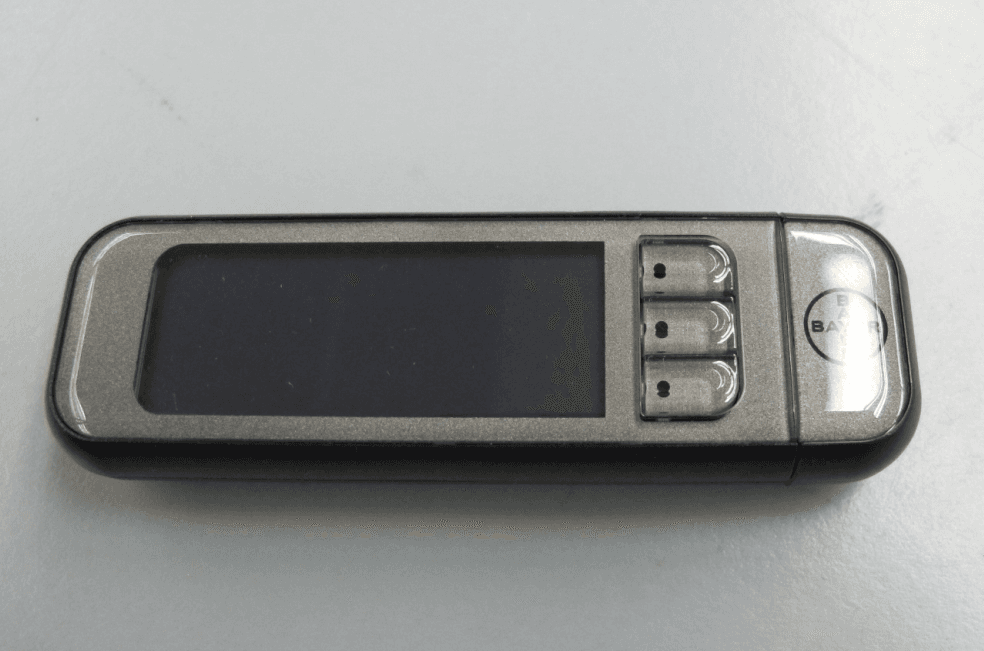
VN5-N3
Oct 30, 2014Contour Next Link 2.4 Wireless Blood Glucose Meter
Equipment Class
DXX - Part 15 Low Power Communication Device Transmitter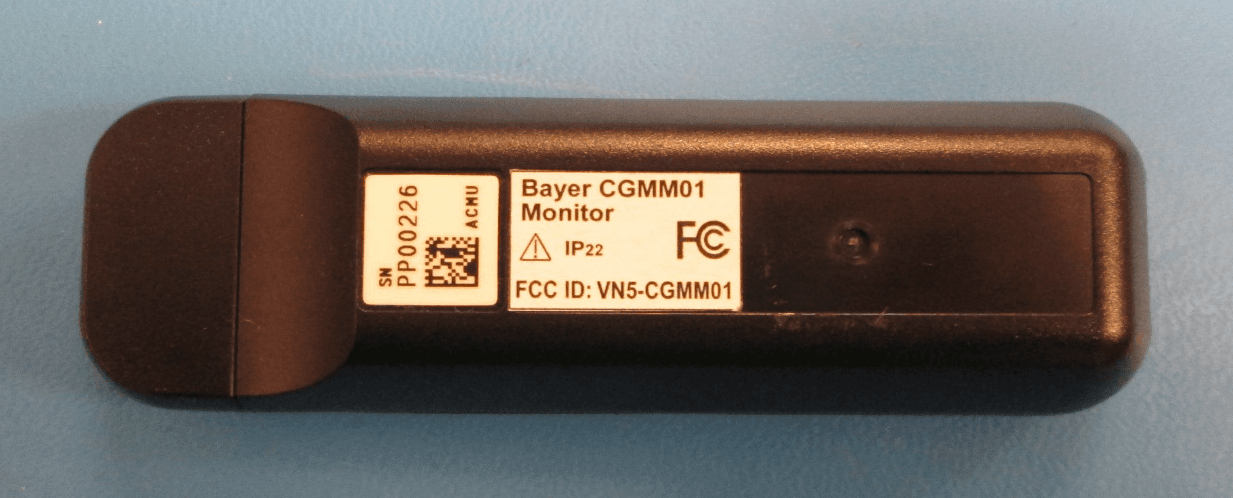
VN5-CGMM01
Oct 29, 2012CGMM01
Equipment Class
DXX - Part 15 Low Power Communication Device Transmitter
VN5-CGMT01
Oct 28, 2012CGMT01
Equipment Class
DXX - Part 15 Low Power Communication Device Transmitter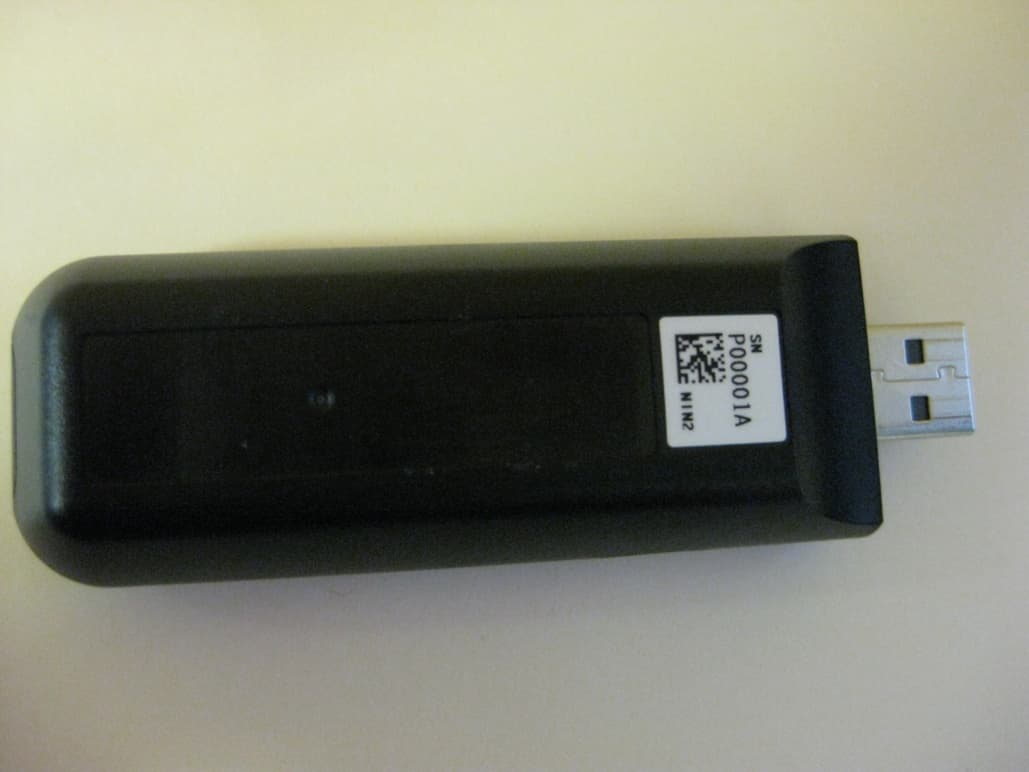
VN5-N2
May 22, 2011Contour Next Link Blood Glucose Meter
Equipment Class
DXX - Part 15 Low Power Communication Device Transmitter