VVXLM540-1LM540 CLASS 1 BLUETOOTH USB ADAPTER
LM Technologies Ltd.
Click to zoom
Application Details
- Equipment Class
- DSS - Part 15 Spread Spectrum Transmitter
- Date of Grant
- Nov 18, 2013
- Application Purpose
- Original Equipment
- Date of Application
- Nov 18, 2013
- Equipment Note
- LM540 CLASS 1 BLUETOOTH USB ADAPTER
- Frequency Range
- 2402.00000000 - 2480.00000000
- Company
- LM Technologies Ltd.
- Country
- United Kingdom
Documents & Files
Document Text
Text extracted from the exhibit documents filed with the FCC. Open a document above to read the original.
Users Manual
LM540 Class 1 Bluetooth USB Adapter Quick Guide 1. System Requirements At least 50MB of free disk space is required; Windows 7, Windows Vista or Windows XP operating systems are supported. 2. BlueSoleil Installation 2.1 Before installing • Uninstall any previous versions of BlueSoleil installed on your computer before installing this version. • Click Start -> Control Panel to open Control Panel • Choose Add or Remove Programs. Please note it does not matter whether the bluetooth adapter is plugged in or not into the USB port of your PC during installation. Select BlueSoleil from the program list and uninstall it. 2.2 Installing BlueSoleil • Insert the LM541 installation CD into your CD-ROM or DVD-ROM drive. If you did not receive a CD with your product, you can still download the latest version from LM Technologies website (LM540 Driver) and install it directly. • Double click setup.exe to start installation • Choose the setup language to use from the drop down box • Follow the instructions on the screen • Restart your computer Note: If you do not restart your computer after the installation is complete, some functions of the software may not be available or may work abnormally. 3. Getting Started 3.1 Plug in LM540 Plug in LM540 to the USB port of the PC. The license key for BlueSoleil is programmed in the LM540 hardware. So when you start the Bluesoleil software, the license key will be automatically detected. There is one license key corresponding to each Bluetooth Device Address. 3.2 Starting BlueSoleil When BlueSoleil starts and the LM540 is plugged in the PC, a notification message will appear in the system tray as shown below and the system tray Bluetooth icon will turn to BLUE Double click “Bluetooth Places” icon on the desktop or right-click the Bluetooth icon in the system tray and select “Explore Bluetooth Places”. 3.3 Search remote Bluetooth Devices • Make sure the device(s) are set discoverable. • Double-click Search Devices icon. This will initiate Bluetooth Device Search and then Bluetooth devices will appear in the window. 3.4 Search Services • Double-click the device icon to enter the device's subfolder. • Services supported by the device will appear in the window automatically. If not, double- click Search Services icon to refresh. 3.5 Establish a connection • Double click a service icon to initiate a connection. You might be prompted to enter a passkey for authenticate the remote device. Enter the same passkey on both sides, or enter the specific one provided by the remote device manufacturer on your computer side only. On BlueSoleil side, the dialog box as shown in the following picture will pop up to enter a passkey. In this case, a connection to a Serial Device is initiated. Once the pairing and connection is successful, the following message will appear in the system tray. The Bluetooth Icon in the system tray will also turn GREEN 3.6 Terminate a connection • Right-click the connected remote service icon and select Disconnect. On disconnection, the bluetooth icon in system tray will again turn BLUE. 4. Uninstalling BlueSoleil BlueSoleil can only be removed by using the Control Panel. For detailed instructions, please refer to Step 2.1 Before installing in this guide. NOTE BlueSoleil 6 is licensed under LM Technologies for the sole purpose of adding functionality of the LM540 Class 1 Bluetooth USB Adapter. It may not be used for any other purpose.If you have any issues with this software, please check the FAQ section of the BlueSoleil website, : www.BlueSoleil.com .If you have any issues with LM540 operation, please check the troubleshooting section of the LM Technologies support page, http://www.lm-technologies.com/business/troubleshooting.php Statement from IVT Corporation, owners of BlueSoleil Users within MAC ID range from 00:15:83:45:B2:C2 to 00:15:83:45:BC:85 can upgrade to BlueSoleil 8 from BlueSoleil 6, please download the version package from http://www.bluesoleil.com/products/SoftwareDetail.aspx?ProductID=S0001201005190001 2010-9-8 IVT Corporation All rights reserved LM Technologies Ltd 2010 LM540v2 Page 5 of 5 +44(0)207 428 2647 | www.lm-technologies.com | [email protected] 8 Revision History 6 FCC Warning Statement This device complies with Part 15 and 15C of the FCC Rules. Operation is subject to the following two conditions: 1) This device may not cause harmful interference, and 2) This device must accept any interference received, including interference that may cause undesired operation This equipment has been tested and found to comply with the limits for a class B digital device, pursuant to part 15 and 15C of the FCC Rules. These limits are designed to provide reasonable protection against harmful interference in a residential installation. This equipment generates, uses and can radiate radio frequency energy and, if not installed and used in accordance with the instructions, may cause harmful interference to radio communications. However, there is no guarantee that interference will not occur in a particular installation. If this equipment does cause harmful interference to radio or television reception, which can be determined by turning the equipment off and on, the user is encouraged to try to correct the interference by one or more of the following measures: • Reorient or relocate the receiving antenna. • Increase the separation between the equipment and receiver. • Connect the equipment into an outlet on a circuit different from that to which the receiver is connected. • Consult the dealer or an experienced radio/TV technician for help. Installation and use of this device must be in strict accordance with the instructions included in the user documentation provided with the product. Any changes or modifications (including the antennas) made to this device that are not expressly approved by the manufacturer may void the user’s authority to operate the equipment. The manufacturer is not responsible for any radio or television interferen…
Text truncated - open the document above for the full version.
Cover Letter(s)
LM Technologies Ltd. Date:2013-10-16 Federal Communications Commission Authorization and Evaluation Division Confidentiality Request regarding application for certification of FCC ID: VVXLM540-1. Pursuant to Sections 0.457 and 0.459 of the Commission’s Rules, we hereby request confidential treatment of information accompanying this application as outlined below: Exhibit Type File Name Schematics Block Diagram Operational Description VVXLM540-1 _SCH.pdf VVXLM540-1_BlockDiagram.pdf VVXLM540-1_CircuitDescription.pdf The above materials contain trade secrets and proprietary information not customarily released to the public. The public disclosure of these materials may be harmful to the applicant and provide unjustified benefits to its competitors. The applicant understands that pursuant to Section 0.457 of the Rules, disclosure of this application and all accompanying documentation will not be made before the date of the Grant for this application. Sincerely, [Signature] --------------------- Michael Sims/ Managing Director [It is necessary that the person listed on the FCC website signs this form.] LM Technologies Ltd.
Cover Letter(s)
LM Technologies Ltd. FCC ID:VVXLM540-1 POWER OF ATTORNEY Date:2013-10-16 Federal Communications Commission Authorization and Evaluation Division 7435 Oakland Mills Road Columbia, MD 21046 To Whom It May Concern: We, the undersigned, hereby authorize Shenzhen SEM.Test Technology Co., Ltd. (Jandy So) on our behalf, to apply to the Federal Communications Commission on our equipment. Any and all acts carried out by Shenzhen SEM.Test Technology Co., Ltd. ( Jandy So) on our behalf shall have the same effect as acts of our own. This authorization expires on 2014-10-15. This is to advise that we are in full compliance with the Anti-Drug Abuse Act. We, LM Technologies Ltd., are not subject to a denial of federal benefits pursuant to Section 5301 of the Anti-Drug Act of 1988, 21 USC853a, and no party to the application is subject to a denial of federal benefits pursuant to that section. Sincerely, [Signature] --------------------- Michael Sims/ Managing Director [It is necessary that the person listed on the FCC website signs this form.] LM Technologies Ltd.
External Photos
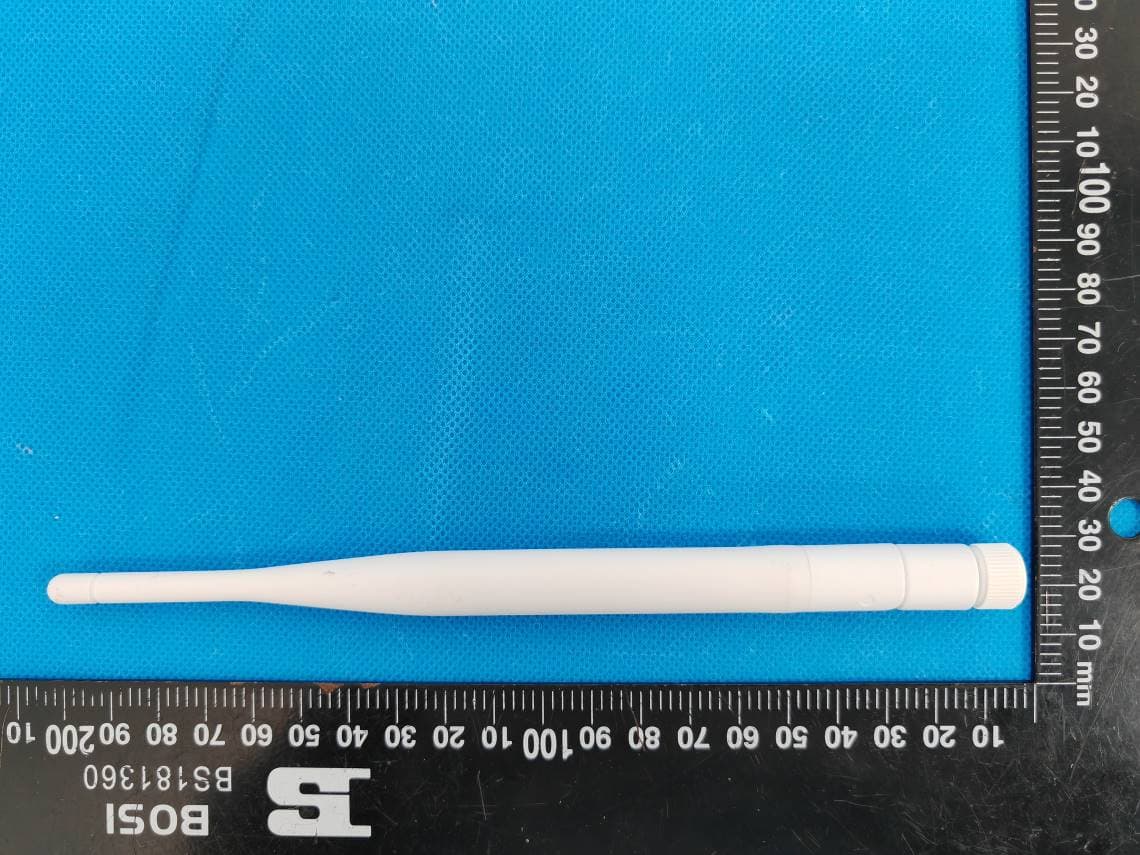
LM Technologies Ltd. Model: 540-0542 REPORT NO.: SEM13108076 FCC PART 15.247 EXHIBIT 2 - EUT EXTERNAL PHOTOGRAPHS EUT View 1 EUT View 2 LM Technologies Ltd. Model: 540-0542 REPORT NO.: SEM13108076 FCC PART 15.247 EUT View 3 EUT View 4 LM Technologies Ltd. Model: 540-0542 REPORT NO.: SEM13108076 FCC PART 15.247 EUT View 5 EUT View 6 LM Technologies Ltd. Model: 540-0542 REPORT NO.: SEM13108076 FCC PART 15.247 EUT View 7 EUT View 8 RF Antenna
ID Label/Location Info
LM Technologies Ltd. Model: 540-0542 REPORT NO.: SEM13108076-1 FCC PART 15.247 EXHIBIT 1 - PRODUCT LABELING Proposed FCC ID Label Format FCC ID: VVXLM540-1 Specifications: Text is Black in color and justified. Labels are printed in indelible ink on permanent adhesive silk-screened onto the EUT or shall be affixed at a conspicuous location on the EUT. Proposed Label Location on EUT FCC ID Label Location
ID Label/Location Info
LM Technologies Ltd. Model: 540-0542 REPORT NO.: SEM13108076-1 FCC PART 15.247 EXHIBIT 1 - PRODUCT LABELING Proposed FCC ID Label Format FCC ID: VVXLM540-1 Specifications: Text is Black in color and justified. Labels are printed in indelible ink on permanent adhesive silk-screened onto the EUT or shall be affixed at a conspicuous location on the EUT. Proposed Label Location on EUT FCC ID Label Location
Internal Photos
LM Technologies Ltd. Model: 540-0542 REPORT NO.: SEM13108076 FCC PART 15.247 EXHIBIT 3 - EUT INTERNAL PHOTOGRAPHS Solder Board-Component View 1 Solder Board-Component View 2
RF Exposure Info
RF Exposure Requirements Product Description: LM540 Class 1 Bluetooth USB Adapter Model No.: 540-0542 FCC ID: VVXLM540-1 According to the KDB 447498 D01 General RF Exposure, the following RF exposure evaluation shall to demonstrate RF exposure compliance. Conducted Output Power (mW) Antenna Gain (dBi) EIRP Output Power (mW) Source-based time-averaged maximum EIRP Output Power (mW) Minimum Distance (mm) SAR Test Exclusion Thresholds(mW) 55.59 2 88.10 4.72 5 10 Remark: Duty factor is 5.36%,refer to follow plots for more details. Calculation formula: Source-based time-averaged maximum EIRP Output Power (mW) = maximum EIRP Output Power (mW)*Duty factor=88.10 mW * 5.36%=4.72 mW < 10mW Duty cycle=(Ton/T)*100%=5.25/98*100%=5.36% So the transmitter complies with the RF exposure requirements and the SAR is not required. Plots: a period of transmitting(T)=98ms a slot of pulse=0.525ms,total pulse=10,T on =(0.525*10)=5.25ms
Test Report
LM Technologies Ltd. Model: 540-0542 REPORT NO.: STR13108076I-1 PAGE 1 OF 51 FCC PART 15.247 FCC Part 15C Measurement and Test Report For LM Technologies Ltd. Unit19, Spectrum House, 32-34, Gordon House Road, London, NW5 1LP, United Kingdom FCC ID: VVXLM540-1 FCC Rules: FCC Part 15.247 Product Description: LM540 Class 1 Bluetooth USB Adapter Tested Model: 540-0542 Report No.: SEM13108076 Tested Date: 2013-10-24 to 2013-11-12 Issued Date: 2013-11-12 Tested By: Susan Su / Engineer Reviewed By: Lahm Peng / EMC Manager Approved & Authorized By: Jandy so / PSQ Manager Prepared By: Shenzhen SEM.Test Technology Co., Ltd. 1/F, Building A, Hongwei Industrial Park, Liuxian 2nd Road, Bao'an District, Shenzhen, P.R.C.(518101) Tel.: +86-755-33663308 Fax.: +86-755-33663309 Website: www.semtest.com.cn Note: This test report is limited to the above client company and the product model only. It may not be duplicated without prior permitted by Shenzhen SEM.Test Technology Co., Ltd. LM Technologies Ltd. Model: 540-0542 REPORT NO.: STR13108076I-1 PAGE 2 OF 51 FCC PART 15.247 TABLE OF CONTENTS 1. GENERAL INFORMATION ................................................................................................................................... 4 1.1 PRODUCT DESCRIPTION FOR EQUIPMENT UNDER TEST (EUT) ............................................................................... 4 1.2 TEST STANDARDS ................................................................................................................................................... 5 1.3 TEST METHODOLOGY ............................................................................................................................................. 5 1.4 TEST FACILITY ....................................................................................................................................................... 5 1.5 EUT SETUP AND TEST MODE ................................................................................................................................. 6 2. SUMMARY OF TEST RESULTS ........................................................................................................................... 7 3. RF EXPOSURE ......................................................................................................................................................... 8 3.1 STANDARD APPLICABLE ......................................................................................................................................... 8 3.2 TEST RESULT.......................................................................................................................................................... 8 4. ANTENNA REQUIREMENT .................................................................................................................................. 9 4.1 STANDARD APPLICABLE ......................................................................................................................................... 9 4.2 EVALUATION INFORMATION .................................................................................................................................. 9 5. FREQUENCY HOPPING SYSTEM REQUIREMENTS ................................................................................... 10 5.1 STANDARD APPLICABLE ....................................................................................................................................... 10 5.2 FREQUENCY HOPPING SYSTEM............................................................................................................................. 10 5.3 EUT PSEUDORANDOM FREQUENCY HOPPING SEQUENCE .................................................................................... 11 6. QUANTITY OF HOPPING CHANNELS AND CHANNEL SEPARATION ................................................... 12 6.1 STANDARD APPLICABLE ....................................................................................................................................... 12 6.2 TEST EQUIPMENT LIST AND DETAILS ................................................................................................................... 12 6.3 TEST PROCEDURE ................................................................................................................................................. 12 6.4 ENVIRONMENTAL CONDITIONS ............................................................................................................................ 12 6.5 SUMMARY OF TEST RESULTS/PLOTS .................................................................................................................... 13 7. DWELL TIME OF HOPPING CHANNEL .......................................................................................................... 17 7.1 STANDARD APPLICABLE ....................................................................................................................................... 17 7.2 TEST EQUIPMENT LIST AND DETAILS ................................................................................................................... 17 7.3 TEST PROCEDURE ................................................................................................................................................. 17 7.4 ENVIRONMENTAL CONDITIONS ............................................................................................................................ 17 7.5 SUMMARY OF TEST RESULTS/PLOTS .................................................................................................................... 18 8. 20DB BANDWIDTH ............................................................................................................................................... 28 8.1 STANDARD APPLICABLE ....................................................................................................................................... 28 8.2 TEST EQUIPMENT LIST AND DETAILS ...............…
Text truncated - open the document above for the full version.
Test Setup Photos
LM Technologies Ltd. Model: 540-0542 REPORT NO.: SEM13108076 FCC PART 15.247 EXHIBIT 4 - TEST SETUP PHOTOGRAPHS Conducted Emission Test Setup Radiation Emission Test Setup (Below 30MHz) LM Technologies Ltd. Model: 540-0542 REPORT NO.: SEM13108076 FCC PART 15.247 Radiation Emission Test Setup (30MHz to 1GHz) Radiation Emission Test Setup (Above 1GHz)
Contact Information
Applicant
Penelope Victoria(CEO)
Test Firm
Shenzhen SEM.Test Technology Co., Ltd.Jandy So
Technical Specifications
| # | Rule Parts | Frequency Range | Power Output |
|---|---|---|---|
| 1 | 15C | 2.40 GHz - 2.48 GHz | 55.60 mW |
Other Applications from LM Technologies Ltd.
VVXLM3001
Feb 05, 2024LM3001 Bluetooth 5.0 Dual Mode Access Point
Equipment Class
DTS - Digital Transmission System
VVXLM961-1
Apr 27, 2021LM961 Bluetooth v5.0 Dual Mode Module
Equipment Class
DTS - Digital Transmission System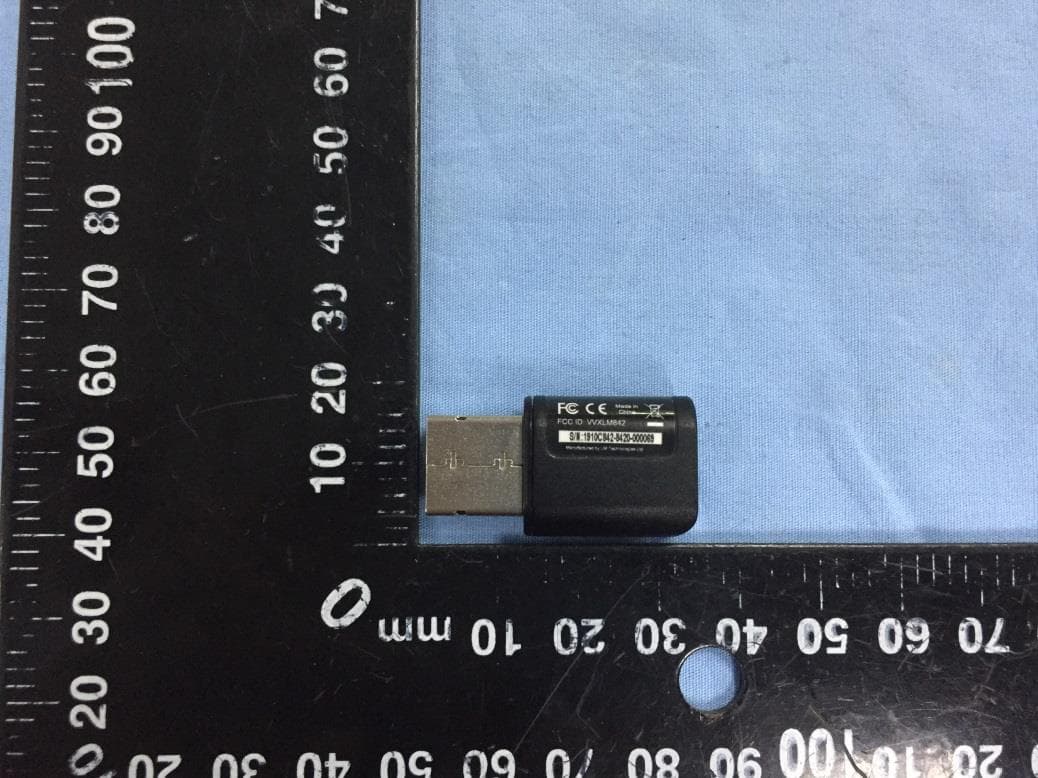
VVXLM842
Feb 18, 2020LM842 WiFi and Bluetooth 5.0 Dual Mode Combination USB Adapter
Equipment Class
DSS - Part 15 Spread Spectrum Transmitter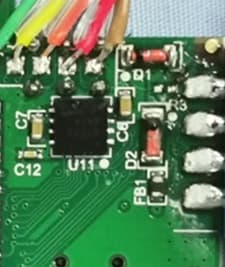
VVXLM074
Jan 02, 2020LM074 Bluetooth 5.0 Dual Mode Module
Equipment Class
DSS - Part 15 Spread Spectrum Transmitter
VVX-LM820-0462
Oct 25, 2015LM820 Wi-Fi SMT Module 802.11n 150Mbps
Equipment Class
DTS - Digital Transmission System