WA6M950HSPA USB Modem
VeryKool USA Inc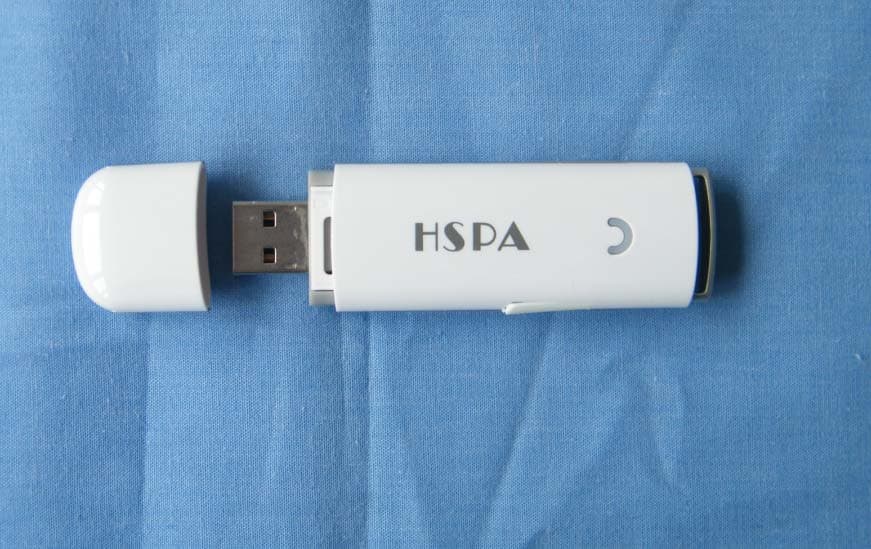
Click to zoom
Application Details
- Equipment Class
- JBP - Part 15 Class B Computing Device Peripheral
- Date of Grant
- May 11, 2010
- Application Purpose
- Original Equipment
- Date of Application
- May 11, 2010
- Equipment Note
- HSPA USB Modem
- Company
- VeryKool USA Inc
- Country
- United States
Documents & Files
Document Text
Text extracted from the exhibit documents filed with the FCC. Open a document above to read the original.
Users Manual
3.5G Connect m950 User Manual 1 Index Introduction m950.........................................................2 Internet Service..............................................................7 SMS Service....................................................................9 Contacts .......................................................................14 Voice Call......................................................................18 Settings ........................................................................20 FAQs.............................................................................27 2 INTRODUCTION M950 1. To launch the Network Connect, double‐click the shortcut icon on the desktop. It should be noted that: ¾ If the PIN code enabled, enter the correct one, then click OK. The (U)SIM will be locked after three retries of incorrect PIN code inputting; ¾ Enter the correct PUK to retrieve the default PIN code. After ten retries of incorrect PUK code inputting, please contact with your service provider; ¾ With the wrong PIN and PUK, all the network services are unavailable. 2. Main interface introduction 3 : Connect /disconnect to the internet : Access to the SMS service interface : Access to the Phonebook interface :Access to Voice call interface : Set items 3. Status information Status Description 4 New message New message(s) arrived. Message full Indicates the (U)SIM’s storage of SMS is full. No device Indicates that system cannot find the device. Initializing Indicates that the device is in the process of initializing. Searching The device is searching for the network. 5 No service No suitable network. No (U)SIM card (U)SIM card not inserted or the device cannot recognized the (U)SIM. Invalid (U)SIM card The (U)SIM is out of service. Network signal Indicate the signal strength of the network. Network type GSM/GPRS, UMTS. 6 Data service EDGE available, HSPA available. 4. Indicator light description State of indicator light Description Twist in multicolour circularly Device initialization Twist in red colour slowly Abnormality of device Twist in green/blue/purple/yellow slowly Registered HSPA/UMTS/EDGE/GPRS Luminous continuously Data transmitting 7 INTERNET SERVICE 1. Connecting with the default connection profile ¾ Click to set up the connection; 2. Connect to the internet with the user‐defined profile ¾ Click , select Connection Profile; ¾ Click New, fill in all the parameters, then click ok. ¾ Click Import, Select one item from the list and click OK. Note: Contact with your service provider to get the correct parameters. 8 3. Statistics information The following window will be displayed at lower right corner of main interface when connecting to the internet. 4. Disconnect from the internet Click to disconnect the internet connection. 9 SMS SERVICE Click to enter SMS (Short Message Service) service interface. 1. Creating and sending a message. Click : ¾ Input the recipient number by one of the following options: Enter the number directly; Click Send to, choose the recipient number from the phonebook and add to the sending list , then click OK. ¾ Enter the message content; 10 ¾ Click Send or Save to Draft. The message will be saved in the Draft when failed to send. Note: z You can group send a message at most 100 recipients; z Each number should be separated by “,”; z The message cannot expand 2,048 characters at most. 2. Inbox ¾ The following prompt box will be displayed when received a new message; 11 ¾ Reply : Access the edit interface, write the content, click Send or Save to Draft; ¾ Forward : Forward the selected message; ¾ Delete: Delete the selected message. Note: z The new message will be saved in PC when 3.5G Connect running only, else in (U)SIM instead; z You can use “Shift” or “Ctrl” to selected several messages; 12 3. Outbox The message in the Outbox can be deleted or forwarded. 4. Draft ¾ The MSG sent unsuccessfully will be saved in the Draft . ¾ Click the selected message; ¾ Confirm the recipient and the content, and click Send or Save to Draft. 5. Recycle All deleted information will be saved in the Recycle. 6. The selected SMS can be operated as follows: ¾ Save number 13 To save the sender’s information to the (U)SIM card or PC. ¾ Delete text message To delete the selected message. ¾ Move to To move the selected message to Outbox or Draft. ¾ Copy to To copy the selected message to Outbox or Draft. ¾ SMS Export z Right‐click the selected the message; z Click SMS Export ; z Specify the path and the file name, and click Save. Note: The exported message will be saved as a *.csv file. 14 CONTACTS Click to enter Contacts interface. 1. New ¾ Click ; ¾ Enter the Name and Mobile, and save it in the (U)SIM card or PC. 2. Search a contact ¾ Click ; 15 ¾ Enter the key characters of you want to find in the ; ¾ The result will be displayed in turn. 3. View a contact ¾ Click Local or (U)SIM to display the contacts interface accordingly; ¾ Select a contact, then you can operate as follows: Edit : Modify the selected contact; Delete : Delete the selected contact; Send SMS : Send a message to the selected contact; 16 Copy to: Copy the contact between (U)SIM card and PC. Note: The deleted contact information cannot be retrieved. 4. Import ¾ Right‐click the mouse; ¾ Click Contacts Import; ¾ Select the *.vcf or *.csv file and click Open; ¾ The import file will be saved in the current interface. 5. Export ¾ Right‐click the selected contact; 17 ¾ Click Contacts Export; ¾ You can saved the contact file as *.csv file or *.vcf file; ¾ Confirm the name and the path the file saved, then click Save. 18 VOICE CALL Click to enter voice call interface. 1. Dial operation Enter voice call interface, you can enter the call number by dial number pad, then click to dial, when connected you can click volume button to adjust the volume; when you click , you can hangup the current call. 2. Incoming call operation The following prompt box will be displayed when incoming call. 19 Click…
Text truncated - open the document above for the full version.
Cover Letter(s)
4350 Executive Drive, Suite 100 San Diego, CA 92121 Date: April 29, 2010 To: Federal Communications Commission, Authorization & Evaluation Division, 7435 Oakland Mills Road, Columbia, MD 21046 And American Telecommunications Certification Body, Inc. 6731 Whittier Avenue Suite C110 McLean, VA 22101 To Whom It May Concern: TA( TA Technology(Shanghai) Company, Limited) is authorized to act on our behalf, until otherwise notified, for applications to American Telecommunications Certification Body, Inc. (ATCB). We certify that we are not subject to denial of federal benefits, that includes FCC benefits, pursuant to Section 5301 of the Anti-Drug Abuse Act of 1988, U.S.C. 862. Further, no party, as defined in 47 CFR 1.2002 (b) to the application is subject to denial of federal benefits, that includes FCC benefits. Thank you. Regards, Yours Sincerely, Sunny Choi Director of Product Management Verykool USA, Inc. Tel: +1-858-373-1635 Fax: +1-858-373-1503 E-Mail:[email protected]
External Photos
m950 external photo
Internal Photos
m950 Internal photo
Test Report
Registration Num:428261 Report No.: RZA2010-0531_15B TESTING No. L2264 Part 15B TEST REPORT Product Name HSPA USB Modem FCC ID WA6M950 Type m950 Applicant Verykool USA, Inc. TA Technology (Shanghai) Co., Ltd. Registration Num:428261 GENERAL SUMMARY Product Name HSPA USB Modem Type m950 FCC ID WA6M950 Report No. RZA2010-0531_15B Client Verykool USA, Inc. Manufacturer Shanghai BroadMobi Communication Technology Co., Ltd. Reference Standard(s) FCC Part 15 Subpart B Radio frequency device. (December 17, 2009) ANSI C63.4 Methods of Measurement of Radio-Noise Emission from Low-Voltage Electrical and Electronic Equipment in the Range of 9 KHz to 40GHz. (2003) Conclusion This portable wireless equipment has been measured in all cases requested by the relevant standards. Test results in Chapter 2 of this test report are below limits specified in the relevant standards. General Judgment : Pass (Stamp) Date of issue: April 29 th , 2010 Comment The test result only responds to the measured sample. Approved by Yang Weizhong Revised by Song Ming Performed by Liu Wei TA Technology (Shanghai) Co., Ltd. Test Report Registration Num:428261 Report No.: RZA2010-0531_15B Page 3of 32 TABLE OF CONTENT 1. General Information...................................................................................................................... 4 1.1. Notes of the test report......................................................................................................... 4 1.2. Testing laboratory ................................................................................................................ 4 1.3. Applicant Information ...........................................................................................................5 1.4. Manufacturer Information ..................................................................................................... 5 1.5. Information of EUT ............................................................................................................... 6 1.6. Test Date ............................................................................................................................. 7 2. Test Information............................................................................................................................ 8 2.1. Summary of test results ....................................................................................................... 8 2.2. Radiated Emission ...............................................................................................................9 2.3. Conducted Emission.......................................................................................................... 19 3. Main Test Instruments ................................................................................................................ 29 ANNEX A: The EUT Appearance and Test Configuration .............................................................. 30 A.1 EUT and Auxiliary Appearance .......................................................................................... 30 A.2 Test Setup .............................................................................................................................. 31 TA Technology (Shanghai) Co., Ltd. Test Report Registration Num:428261 Report No.: RZA2010-0531_15B Page 4of 32 1. General Information 1.1. Notes of the test report TA Technology (Shanghai) Co., Ltd. guarantees the reliability of the data presented in this test report, which is the results of measurements and tests performed for the items under test on the date and under the conditions stated in this test report and is based on the knowledge and technical facilities available at TA Technology (Shanghai) Co., Ltd. at the time of execution of the test. TA Technology (Shanghai) Co., Ltd. is liable to the client for the maintenance by its personnel of the confidentiality of all information related to the items under test and the results of the test. This report only refers to the item that has undergone the test. This report standalone dose not constitute or imply by its own an approval of the product by the certification Bodies or competent Authorities. This report can not be used partially or in full for publicity and/or promotional purposes without previous written approval of TA Technology (Shanghai) Co., Ltd. and the Accreditation Bodies, if it applies. 1.2. Testing laboratory Company: TA Technology (Shanghai) Co., Ltd. Address: No.145, Jintang Rd, Tangzhen Industry Park, Pudong City: Shanghai Post code: 201201 Country: P. R. China Contact: Yang Weizhong Telephone: +86-021-50791141/2/3 Fax: +86-021-50791141/2/3-8000 Website: http://www.ta-shanghai.com E-mail: [email protected] TA Technology (Shanghai) Co., Ltd. Test Report Registration Num:428261 Report No.: RZA2010-0531_15B Page 5of 32 1.3. Applicant Information Company: Verykool USA, Inc. Address: 4350 Executive Drive. Suite 100, San Diego, CA 92121, USA City: San Diego Postal Code: 92121 Country: USA Contact: Sunny Choi Telephone: +1-858-373-1600 Fax: +1-858-373-1505 1.4. Manufacturer Information Company: Shanghai BroadMobi Communication Technology Co., Ltd. Address: Rm. 808, Bld. 9, No.1515 Gumei Rd, Xuhui District, Shanghai, P. R. China City: Shanghai Postal Code: 200233 Country: China Telephone: +86-21-60913308-833 Fax: +86-21-60913308-818 TA Technology (Shanghai) Co., Ltd. Test Report Registration Num:428261 Report No.: RZA2010-0531_15B Page 6of 32 1.5. Information of EUT General information Device type: Portable device Name of EUT: HSPA USB Modem Device operating configurations: SN or IMEI: 355189030026910 Operating mode(s): GSM 850:(tested) GSM 1900:(tested) WCDMA Band II:(tested) WCDMA Band V:(tested) Antenna type: internal antenna Power supply: Notebook( IBM T61) Rated Power Supply Voltage: 5V Extreme Voltage: Minimum: 4.75V Maximum: 5.25V Extreme Temperature: Lowest: -10°C Highest: +55°C Band Tx (MHz) Rx (MHz) GSM850 824.2 ~ 848.…
Text truncated - open the document above for the full version.
Test Setup Photos
m950 FCC test setup photo 1. RSE 2. P15B CE 3.P15B RE
Contact Information
Applicant
Sunny Choi
Technical Contact
Non-Technical Contact
TA Technology(Shanghai) Company
Test Firm
TA Technology (Shanghai) Co., Ltd.Zhihui Liu
Technical Specifications
| # | Rule Parts | Frequency Range | Power Output |
|---|---|---|---|
| 1 | 15B | - | - |
Other Applications from VeryKool USA Inc
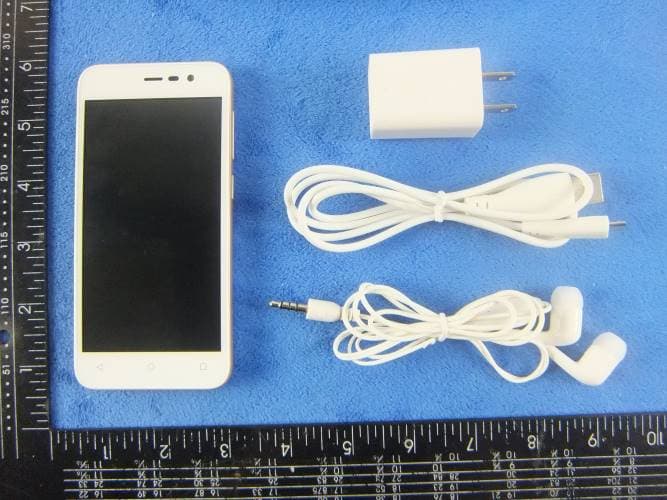
WA6S4512
Dec 23, 2015Mobile Phone
Equipment Class
DTS - Digital Transmission System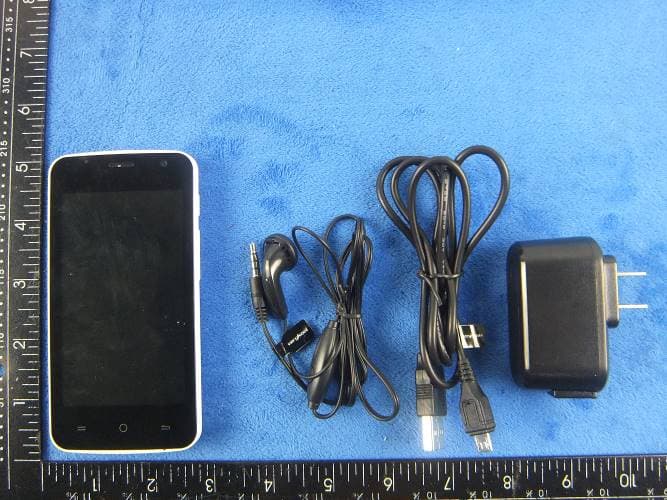
WA6SL4050
Dec 23, 2015Mobile Phone
Equipment Class
DTS - Digital Transmission System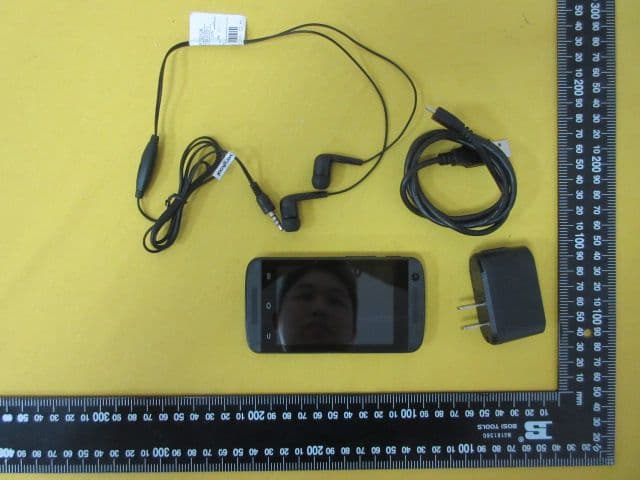
WA6S3502
Dec 07, 2015Mobile Phone
Equipment Class
DTS - Digital Transmission System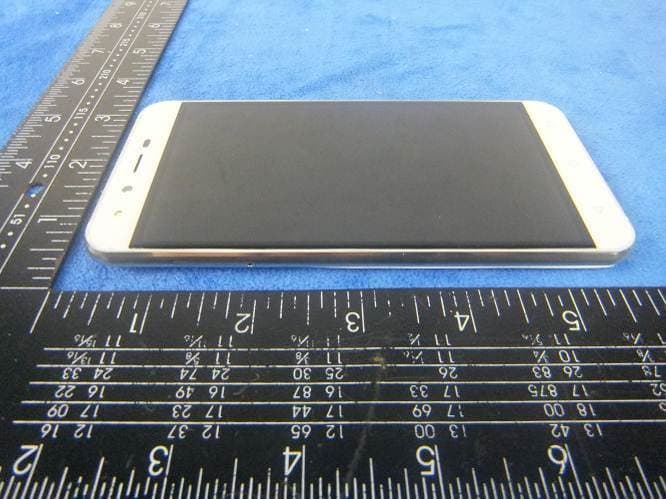
WA6SL5011
Dec 05, 2015Mobile Phone
Equipment Class
DTS - Digital Transmission System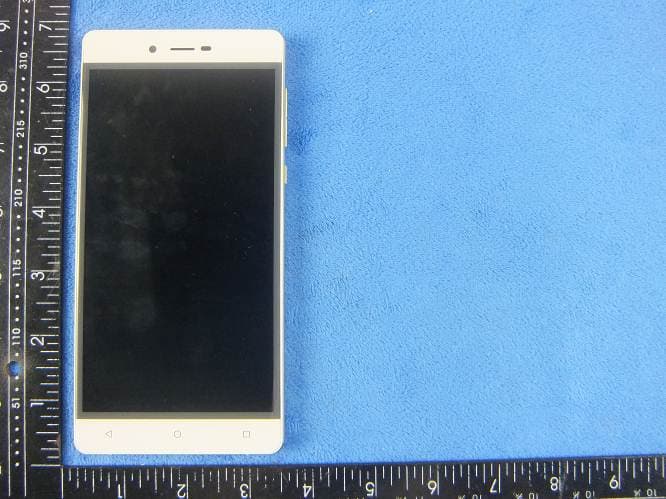
WA6SL6010
Nov 26, 2015Mobile Phone
Equipment Class
DTS - Digital Transmission System