WC2-CLOUDBOOKCloud book WiFi speaker system
Wonders Technology Co., Ltd.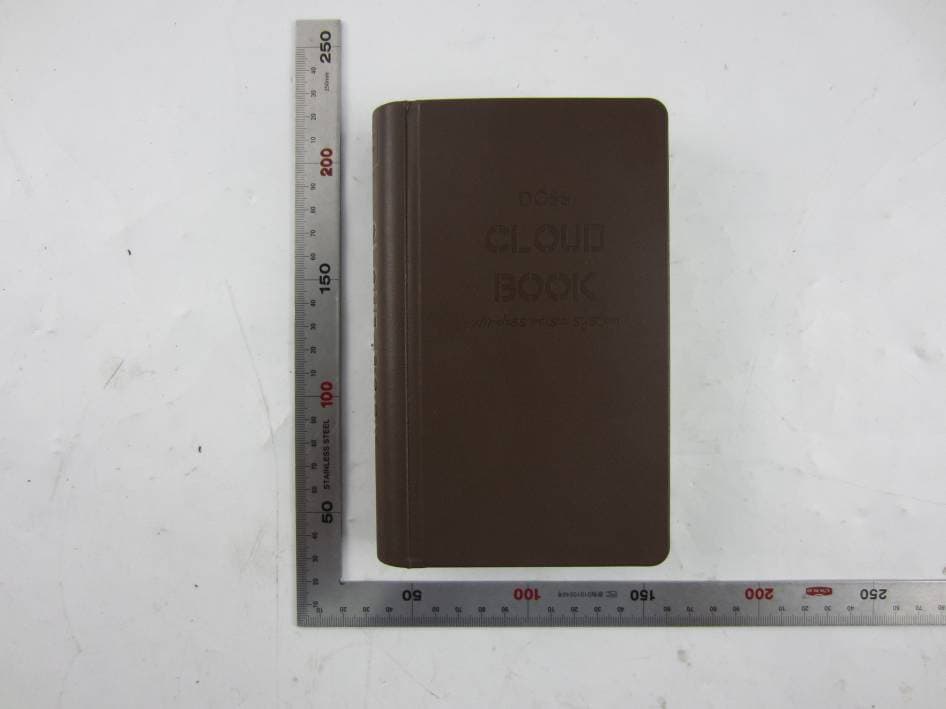
Click to zoom
Application Details
- Equipment Class
- DTS - Digital Transmission System
- Date of Grant
- Dec 06, 2015
- Application Purpose
- Original Equipment
- Date of Application
- Dec 06, 2015
- Equipment Note
- Cloud book WiFi speaker system
- Frequency Range
- 2412.00000000 - 2462.00000000
- Company
- Wonders Technology Co., Ltd.
- Country
- China
Documents & Files
Document Text
Text extracted from the exhibit documents filed with the FCC. Open a document above to read the original.
Users Manual
Tuneln Radio Spotify iHeartRadio My music My playlist Albumm Add to playlist Next to play Bluetooth Play TF Card Play Sleep Mode Recently Played Set as my favourite Remove from favorites Adjust the volume DLNA Repeat Play Shuffle Play List Play Current Playlists Play/Pause Skip Previous/Next The system shows information via Wi-Fi, Bluetooth, TF, Aux and charging indicator. Remark: 1. A fully charged battery provides approximately 12 hours of use at medium volume. The rate of battery discharge varies with the volume setting and music types. 2. To extend the battery playback time, reduce the volume. 3. When the battery charge drops bellow 10% capacity, please recharge it. 4. The speaker will automatically shut off when there is no audio input in 20 minutes. Wait while your network configures. Look for confirmation showing the speaker has been successfully added. 2. Pandora: Sign into your Pandora account and play music. 4. Spotify: Sign into your Spotify account and play music. 1. Sleep Mode: the speaker will automatically shut off when the set time has been reached. 2. Scroll down to check the last search result. 3. Change play mode between Cloud Play, Bluetooth Play and TF Card Play. Click to go back to the last page. presets. 6. My Music: Play music directly from your phone or tablet. Search After connecting the system to power, download and install the Cloud Book App to a smart-phone or tablet that is connected to your network. Note: The Cloud Book App is offered to all iOS and Android users for smart-phones and tablets only. 1. Download and install the Cloud Book App. If this is your first time setting up a Cloud Book system, you must first download and install the Cloud Book App. iOS user: Search uCloudBook and download from App Store. Android user: Search uCloud Book and download form Google Play. 2. Connect the system to your home Wi-Fi network. After you install the App,add the system to your network(2.4GHz). On your smart-phone or tablet,select to launch the App. Follow the instructions in the App to complete setup. Remark: Please connect your device to a 2.4GHz Router. If your router is double module,please connect your device to a 2.4GHz Wi-Fi SSID name. Blinking White Loading Solid White Successfully loaded Solid Red Charging Solid Green Fully charged Solid Blue TF card mode Solid Blue Auxiliary in mode Blinking Blue Connecting to Wi-Fi network Solid Blue Connected to Wi-Fi network Add Speaker Next Next Setting up the Cloud Book AppMessage on the display How to connect to Wi-FiApp home pagePlay pageDevice list pageAdd another speaker system deviceMulti-room playHow to set up the four presets : Set the song to my favorites list or cancel it. Click and check system information. 4. Wait while your network con gures. 5. Look for con rmation showing the speaker has been successfully added. Now you can choose between two speakers on the list. This function is Add Another Speaker uCloudBook uCloudBook set Wi-Fi direct connection TF card Play Requires a 3.5mm audio cable (included). 1. Connect any audio device to the system. 2. The system will switch to Auxiliary Line in Mode automatically. 3. Adjust a suitable volume to play music. Reminder: The speaker supports most media play Apps with DLNA and Apple Airplay protocols. Enter the Media play Apps and stream audio directly to the speaker system (Wi-Fi direct only). Trouble shootingTrouble shootingImportant safety instructions Make sure your system is on. Connect the system to power the battery if necessary. Select a correct network name and enter password. Connect your device and Cloud Book system to the same Wi-Fi network. Enable Wi-Fi on the device you are using for set up. Test your internet connection by loading www.dossaudio.com. Restart your mobile device and router (2.4GHz router only). Uninstall the app, reset the system, and restart set up. Move the system away from possible interference (microwaves, cordless phones, etc.) Stop other audio or video streaming Apps. Move system or audio source closer to the wireless router or access point. Ensure system volume is not too low. Unplug the power cord, reconnect after one minute to charge the system. Make sure your device and the speaker are synced to the same Wi-Fi network. Enter the Media play App that supports Airplay or DLNA. Select the speaker system in the Media Play App menu. Ensure the device is playing. Increase its volume. Stream audio to the speaker system with or without Wi-Fi network. Restart your mobile device. Reconnect your mobile device with the speaker system. Fail to stream audio to the speaker via Airplay, DLNA protocol Make sure your system is on. Connect the system to power the battery if necessary. Enabled Bluetooth function on your device. Select Bluetooth Mode on the system or App. Make sure the system and your device distance is within 10meters/33ft and there is no other obstacles to block the signal. Fail to connect Bluetooth Could not play TF card music Make sure a TF card is inserted into the system. Make sure there is at least one song on the TF Card. If the speaker does not enter TF mode automatically, press the M Button on the top of the system or select TF Card Play Mode in the Cloud Book App. Please make sure the system is well connected to your device. If the speaker does not enter Auxiliary Mode automatically, press the M Button on the top of the system or choose Auxiliary Mode in the Cloud Book App. Play music on your device and adjust a suitable volume. Restart the system, and retry. Turn o the system and restart. Press the M Button on the top of the system or select Play Mode in the Cloud Book App. Make sure the system power is not low. Recharge the battery if necessary. Adjust a suitable volume on both your device and App. Hold down the WPS Button for 10 seconds to restore the factory settings. Select Restore Factory Settings in the Cloud Book App. Cloud not play Auxiliary in music A lot of noise Music is weak Still not working properly User…
Text truncated - open the document above for the full version.
Cover Letter(s)
MET Laboratories TCB - Samples Agent Authorization Letter 2015-11-28 MET Laboratories, Inc. 914 West Patapsco Avenue Baltimore, MD 21230 RE: LETTER OF AGENT AUTHORIZATION To Whom It May Concern: We, the undersigned, hereby authorize Most Technology Service Co., Ltd. to act on our behalf in all matters relating to application for equipment authorization, including the signing of all documents relating to these matters. We also hereby certify that no party to the application authorized hereunder is subject to the denial of benefits, including FCC benefits, pursuant to Section 5301 of the Anti-Drug Abuse Act of 1988, 21 U.S.C.853(a). This agreement expires one year from the current date. Sincerely, Name: Liang bo Position: Manager Company Name: Wonders Technology Co., Ltd. Address: DOSS Industrial Zone, Qiping Kengdu Industrial Area Guihua Village, Guanlan Town Baoan District, Shenzhen, China E-Mail: [email protected]
Cover Letter(s)
MET Laboratories TCB - Samples Long Term Confidentiality Request Letter 2015-11-28 MET Laboratories, Inc. 914 West Patapsco Avenue Baltimore, MD 21230 RE: CONFIDENTIALITY REQUEST FOR (Cloud book WiFi speaker system / Cloud Book) To Whom It May Concern: This letter serves as an official request for confidentiality under sections 0.457 and 0.459 of CFR 47. We have requested that the - e.g. Block diagram - e.g. SCH - e.g. Operational Description required to be submitted with this application be permanently withheld from public review. SPECIFY REASON FOR REQUEST (i.e. the above documents are company proprietary information that could never get into the possession of your competition). Please contact me if there is any information you may need. Sincerely, Name: Liang bo Position: Manager Company Name: Wonders Technology Co., Ltd. Address: DOSS Industrial Zone, Qiping Kengdu Industrial Area Guihua Village, Guanlan Town Baoan District, Shenzhen, China E-Mail: [email protected]
External Photos
Model No.: Cloud Book FRONT VIEW OF SAMPLE BACK VIEW OF SAMPLE Model No.: Cloud Book UP VIEW OF SAMPLE DOWN VIEW OF SAMPLE Model No.: Cloud Book LEFT VIEW OF SAMPLE RIGHT VIEW OF SAMPLE Model No.: Cloud Book APPEARANCE VIEW PHOTO OF SAMPLE APPEARANCE VIEW PHOTO OF SAMPLE
ID Label/Location Info
DOSS Technology Co.,Ltd FCC ID: WC2-CLOUDBOOK Cloud Book
Internal Photos
Model No.: Cloud Book INTERNAL PHOTO OF SAMPLE - 1 INTERNAL PHOTO OF SAMPLE - 2 Model No.: Cloud Book INTERNAL PHOTO OF SAMPLE - 3 INTERNAL PHOTO OF SAMPLE - 4 Model No.: Cloud Book INTERNAL PHOTO OF SAMPLE - 5 INTERNAL PHOTO OF SAMPLE - 6 I Model No.: Cloud Book INTERNAL PHOTO OF SAMPLE - 7 INTERNAL PHOTO OF SAMPLE - 8 Model No.: Cloud Book INTERNAL PHOTO OF SAMPLE - 9 INTERNAL PHOTO OF SAMPLE - 10 Model No.: Cloud Book BATTERY PHOTO OF SAMPLE - 15
Test Report
Report No.: MTE/SNS/A15111639 Page 1 of 43 TEST REPORT For Applicant : Wonders Technology Co.,Ltd Address : DOSS Industrial Zone,Qiping Kengdu Industrial Area Guihua Village, Guanlan Town Baoan District, ShenZhen, China Product Name: Cloud book WiFi speaker system Model Name: Cloud Book, DS-1673 Brand Name : N/A FCC ID : WC2-CLOUDBOOK Report No. : MTE/SNS/A15111639 Date of Issue : Dec. 01, 2015 Issued by :Most Technology Service Co., Ltd. Address : No.5, 2nd Langshan Road, North District, Hi-tech Industrial Park, Nanshan, Shenzhen, Guangdong, China Tel : 86-755-8602 6850 Fax : 86-755-2601 3350 The report consists 43 pages in total. It may be duplicated completely for legal use with the approval of the applicant. It should not be reproduced except in full, without the written approval of our laboratory. The client should not use it to claim product endorsement by MOST. The test results in the report only apply to the tested sample. The test report shall be invalid without all the signatures of testing engineers, reviewer and approver. Report No.: MTE/SNS/A15111639 Page 2 of 43 TABLE OF CONTENTS 1.VERIFICATION OF CONFORMITY ..................................................................... 4 2. GENERAL INFORMATION................................................................................. 5 2.1 Product Information ................................................................................................................ 5 2.2 Objective ................................................................................................................................ 5 2.3 Test Standards and Results .................................................................................................... 6 2.4 Environmental Conditions....................................................................................................... 6 3. TEST METHODOLOGY ..................................................................................... 7 3. 1TEST FACILITY...................................................................................................................... 7 3.2 GENERAL TEST PROCEDURES .......................................................................................... 7 4. SETUP OF EQUIPMENT UNDER TEST ............................................................ 8 4.1 SETUP CONFIGURATION OF EUT....................................................................................... 8 4.2 SUPPORT EQUIPMENT ........................................................................................................ 8 4.3 TEST EQUIPMENT LIST........................................................................................................9 5. 47 CFR Part 15 C Requirements............................................................................................ 10 5.1 RF EXPOSURE.................................................................................................................... 10 5.1.1 Applicable Standard........................................................................................................... 10 5.2 ANTENNA REQUIREMENT ..................................................................................................11 5.2.1 Applicable Standard............................................................................................................11 5.2.2 Evaluation Criteria ..............................................................................................................11 5.2.3 Result: Compliance. ...........................................................................................................11 5.3 AC Power Line Conducted Emission .................................................................................... 12 5.3.1Requirement....................................................................................................................... 12 5.3.2 Block Diagram of Test Setup ............................................................................................. 12 5.3.3 Test procedure................................................................................................................... 12 5.3.4 Test Result......................................................................................................................... 12 5.4 Radiated Emission ............................................................................................................... 15 5.4.1Requirement....................................................................................................................... 15 5.4.2 Test Configuration.............................................................................................................. 15 5.4.3 Test Procedure: ................................................................................................................. 16 5.4.4 Test Result......................................................................................................................... 17 5.5 Conducted Peak Output Power ............................................................................................ 24 5.5.1 Requirement...................................................................................................................... 24 5.5.2 Block Diagram of Test Setup ............................................................................................. 24 5.5.3 Test Procedure .................................................................................................................. 24 5.5.4 Test Result......................................................................................................................... 24 5.6 6dB Emission Bandwidth......................................................................................................25 5.6.1 Test Requirement .............................................................................................................. 25 5.6.2 Block Diagram of Test Setup ..…
Text truncated - open the document above for the full version.
Test Setup Photos
Model No.: Cloud Book CE TEST SETUP RE TEST SETUP Model No.: PJGC002 SPURIOUS EMISSION TEST SETUP
Contact Information
Applicant
Bo Liang(Engineering Manager)
Technical Contact
Most Technology Service Co.,Ltd.Mark Wen
[email protected]86-755-86170306
No.5, 2nd Langshan Road, North District · Shenzhen, Guangdong · China
Test Firm
Most Technology Service Co., Ltd.Mark Wen
Technical Specifications
| # | Rule Parts | Frequency Range | Power Output |
|---|---|---|---|
| 1 | 15C | 2.41 GHz - 2.46 GHz | 8.60 mW |
Other Applications from Wonders Technology Co., Ltd.
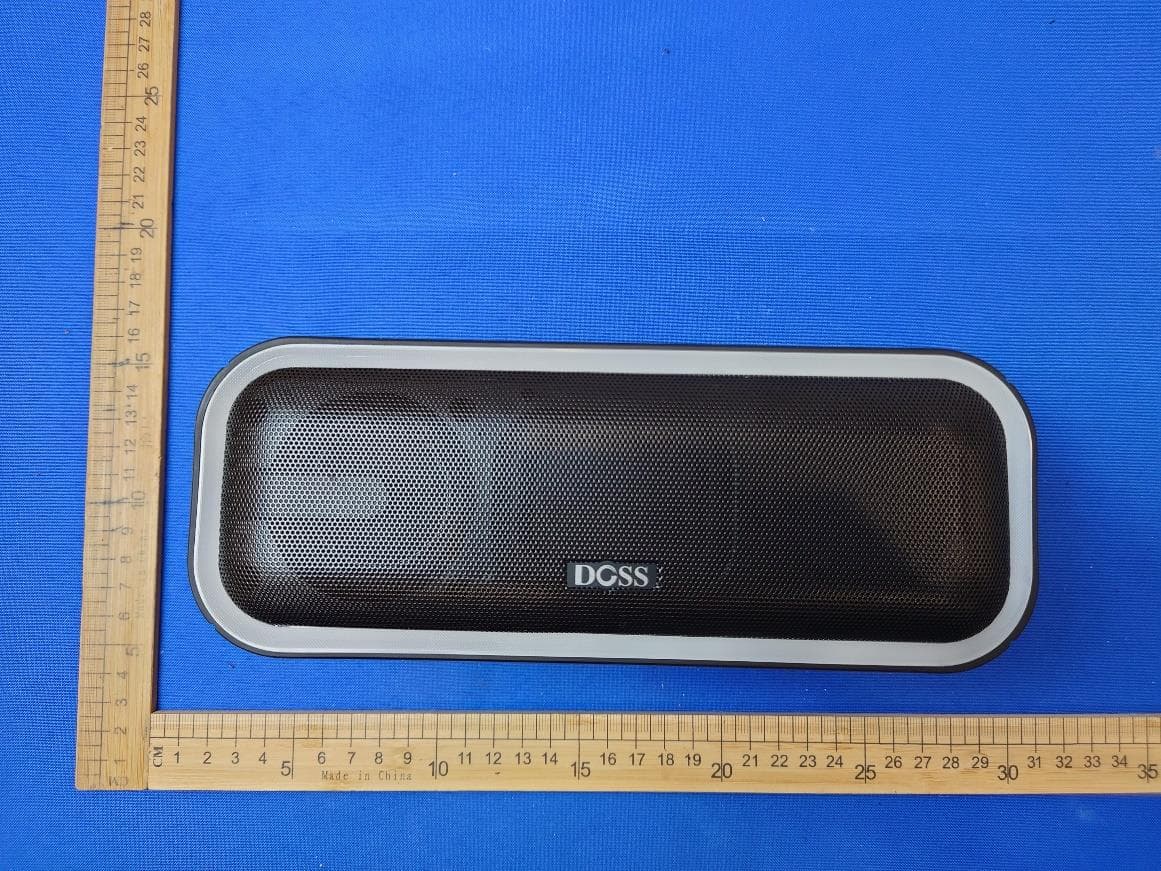
WC2-WB20
May 09, 2024Wireless Bluetooth Speaker
Equipment Class
DSS - Part 15 Spread Spectrum Transmitter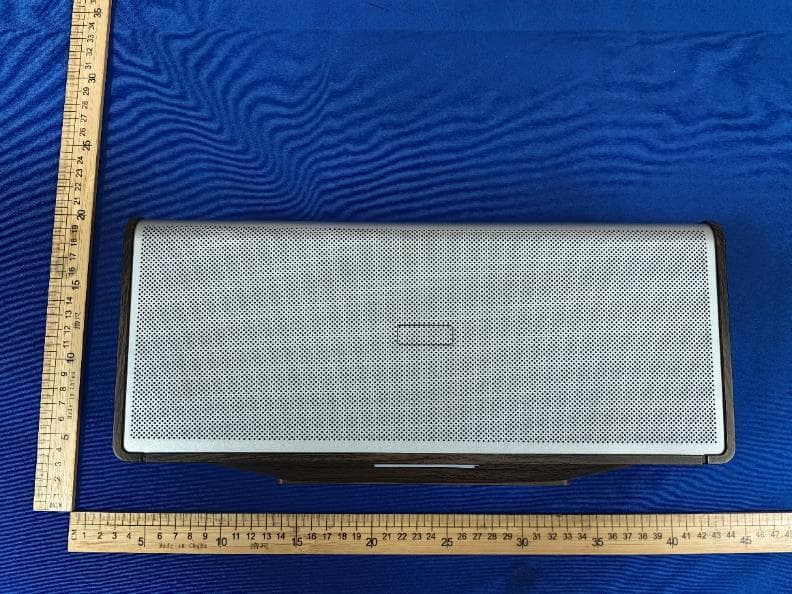
WC2-WB565
Dec 21, 2023Home Speaker
Equipment Class
DSS - Part 15 Spread Spectrum Transmitter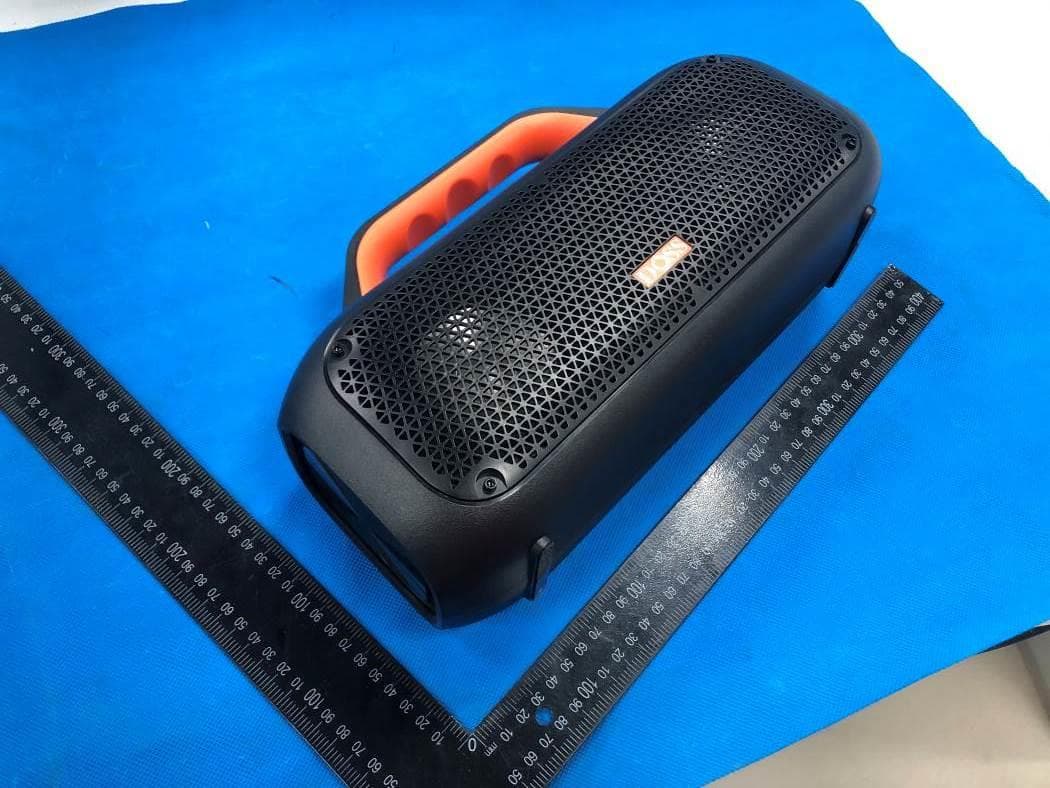
WC2-WB507
Jun 08, 2022Portable Waterproof Speaker
Equipment Class
DSS - Part 15 Spread Spectrum Transmitter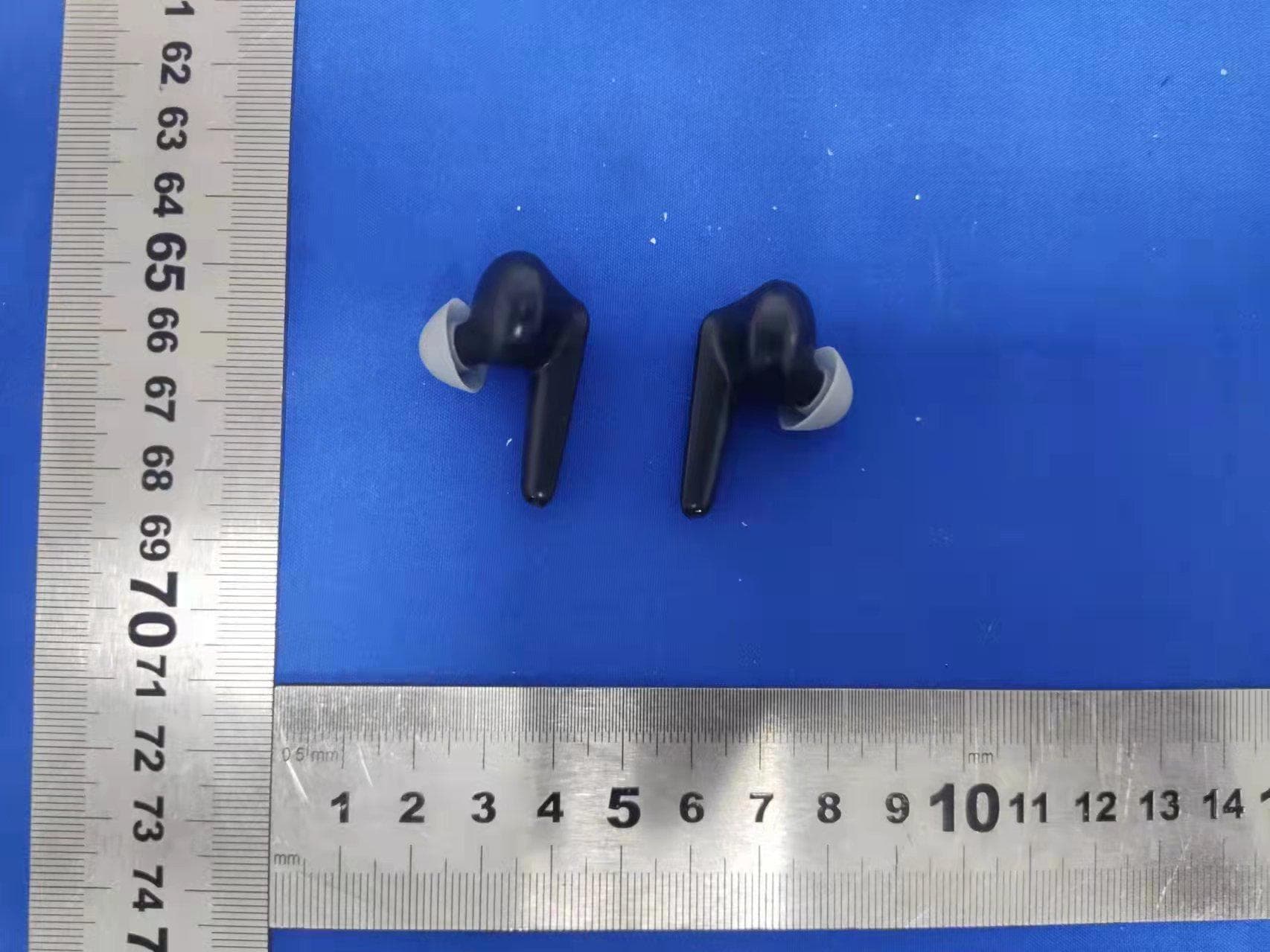
WC2-P1
Apr 07, 2022True Wireless Earbuds
Equipment Class
DXX - Part 15 Low Power Communication Device Transmitter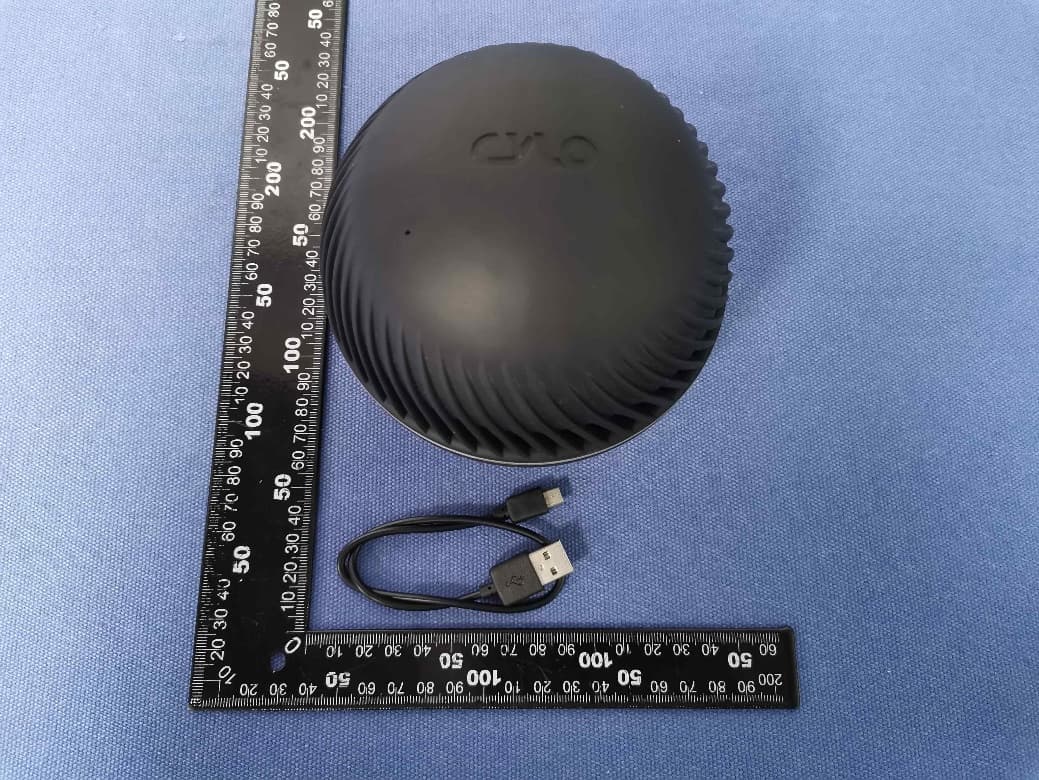
WC2-WB206
May 10, 2020Wireless Bluetooth Speaker
Equipment Class
DSS - Part 15 Spread Spectrum Transmitter