WC2-ISB223BBluetooth Speaker
Wonders Technology Co., Ltd.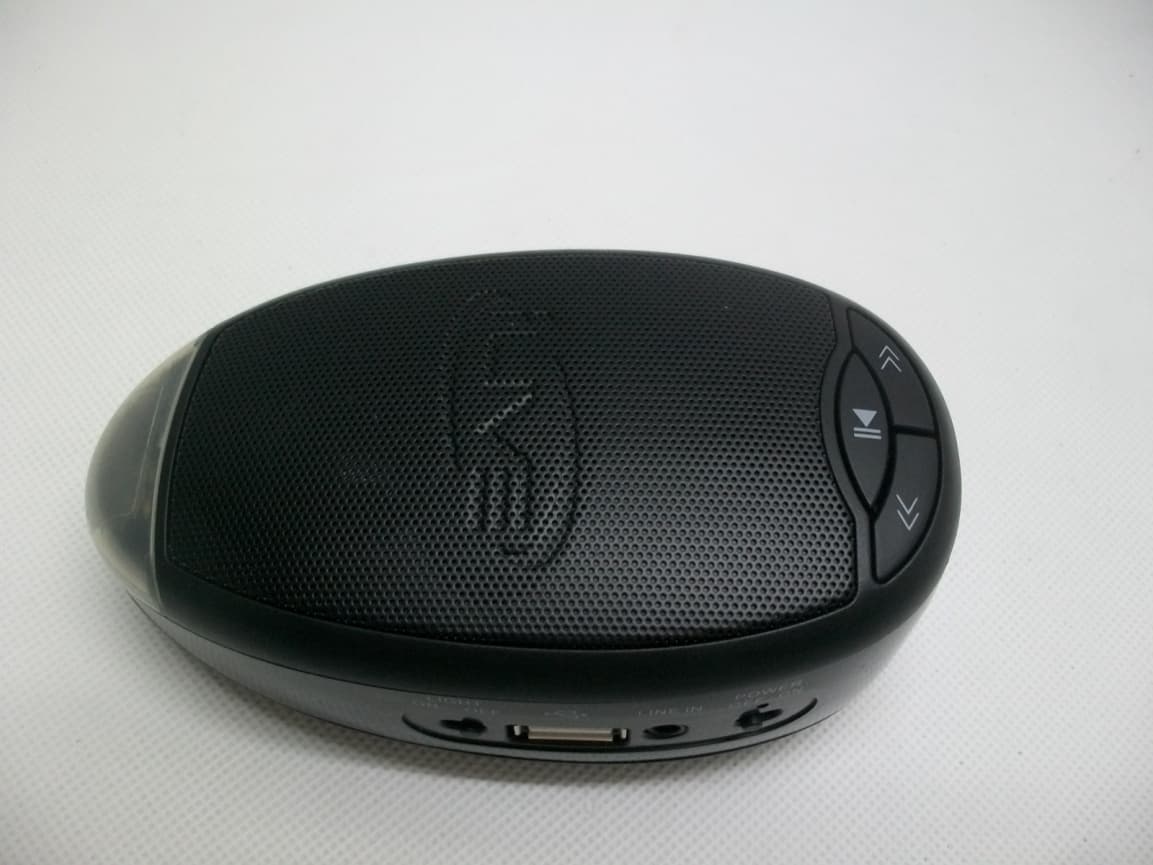
Click to zoom
Application Details
- Equipment Class
- DXX - Part 15 Low Power Communication Device Transmitter
- Date of Grant
- Feb 06, 2013
- Application Purpose
- Original Equipment
- Date of Application
- Feb 06, 2013
- Equipment Note
- Bluetooth Speaker
- Frequency Range
- 2402.00000000 - 2480.00000000
- Company
- Wonders Technology Co., Ltd.
- Country
- China
Documents & Files
Document Text
Text extracted from the exhibit documents filed with the FCC. Open a document above to read the original.
Users Manual
DS-1181 manual Introduction: A1 A2 A3 A1: Vol- A2: Play/Pause A3: Vol+ B2 B2: Pair button C1 C2 C3 C4 C1: Light button C2: USB port C3: Line In jack C4: Power switch Pairing a Bluetooth Device 1. Turn on the unit using the Power switch. The Pairing indicator will flash blue slowly. 2. Hold and press Pair button for 3s to go to pairing mode, the Pairing indicator will flash blue quickly. 3. Using the native controls on your Bluetooth device, select the “DS-1181” in your Bluetooth settings to pair. 3. When successfully paired and connected, the Pairing Indicator will display solid blue and a beep will sound from the unit. 4. To terminate bluetooth connection, hold Pair button for 3s. After initial pairing, the unit will stay paired unless unpaired manually by the user to hold and press Pair button for 3s. Playing Audio Wirelessly 1. Follow the instructions for Pairing a Bluetooth Device. 2. Use the native controls on the connected Bluetooth device to select a track. 3. To play, pause the selected track, use the native controls on the connected Bluetooth device or press the Play/Pause button on the unit. 4. Audio played through the connected Bluetooth device will now be heard through the speakers. 5. Press and hold the Vo l + / Vo l - buttons to adjust the volume. Using the 3.5mm Audio Input 1. Plug one end of a 3.5 mm audio input cable (included) into the 3.5 mm Audio Input on the unit. The Pairing/Line In Indicator will display a red light. 1. Plug the other end of the cable into the audio output/headphone output on an MP3 Player or other audio source. 2. Turn on the unit using the Power switch. 3. Audio played through the connected device will now be heard through the speakers. Note: Any audio being played through a connected Bluetooth Device will cease once the 3.5mm Audio source is connected. Charging Indicator Red: Charging Off: fully charged Flash red: lower battery Charging for external devices Speaker comes with USB port for charging external device such as smart phones, use a USB cable(not included) for charging. Lamp Speaker comes with White Lamp for lighting, switch LIGHT button to turn on/off lamp. FCC Statement: This device complies with part 15 of the FCC Rules. Operation is subject to the following two conditions: (1) This device may not cause harmful interference, and (2) this device must accept any interference received, including interference that may cause undesired operation. This equipment has been tested and found to comply with the limits for a Class B digital device, pursuant to part 15 of the FCC Rules. These limits are designed to provide reasonable protection against harmful interference in a residential installation. This equipment generates, uses and can radiate radio frequency energy and, if not installed and used in accordance with the instructions, may cause harmful interference to radio communications. However, there is no guarantee that interference will not occur in a particular installation. If this equipment does cause harmful interference to radio or television reception, which can be determined by turning the equipment off and on, the user is encouraged to try to correct the interference by one or more of the following measures: —Reorient or relocate the receiving antenna. —Increase the separation between the equipment and receiver. —Connect the equipment into an outlet on a circuit different from that to which the receiver is connected. Caution: Any changes or modifications not expressly approved by the party responsible for compliance could void the user's authority to operate the equipment.
Cover Letter(s)
Wonders Technology Co., Ltd. PHOENIX TEST-LAB GmbH Product Certification Königswinkel 10 D 32825 Blomberg Date: 06.02.2013 Authority to Act as an Agent We declare that the following representative (agent) Name Mark Wen Position General Manager Company Name Most Technology Service Co., Ltd. Address No.5, 2 nd Langshan Road, North District, Hi-Tech Industrial Park, Nanshan, Shenzhen, Guangdong, China Tel / Fax 86-755-86170306/86-755-86170310 E-Mail [email protected] to act on our behalf on all matters concerning the application and documents submitted to PHOENIX TEST-LAB for product certification below Product Name Bluetooth Speaker Model Name DS-1181, ISB223B Brand Name N/A We also authorize that PHOENIX TESTLAB, Köningswinkel 10, D-32825 Blomberg, Germany to process the application. Yours sincerely, Signatory Name Liang bo Position Manager Company Name Wonders Technology Co., Ltd. Address DOSS Industrial Zone, Qiping Kengdu Industrial Area Guihua Village, Guanlan Town Baoan District, Shenzhen, China Tel / Fax 86-755-2752-0683/86-755-2752-0228 E-Mail [email protected] In case of FCC, we certify that we are not subject to a denial of Federal benefits, that include FCC benefits, pursuant to Section 5301 of the Anti-Drug Abuse Act of 1988, 21 U.S.C. §862 because of a conviction for possession or distribution of a controlled substance.
Cover Letter(s)
Model difference letter February 02, 2013 Dear PHONIEX Reviewer, This is a new Application from Wonders Technology Co., Ltd. DS-1181 and ISB223B are the same in all respects, there is only different in model name. Thank you for your cooperation! Yours sincerely, Signatory: Name: Liang bo Position: Manager Company Wonders Technology Co., Ltd. Name: Address: DOSS Industrial Zone, Qiping Kengdu Industrial Area Guihua Village, Guanlan Town Baoan District, Shenzhen, China E-Mail: [email protected]
External Photos
FCC ID: WC2-ISB223B Model No.: DS-1181 FRONT VIEW OF SAMPLE BACK VIEW OF SAMPLE FCC ID: WC2-ISB223B Model No.: DS-1181 UP VIEW OF SAMPLE DOWN VIEW OF SAMPLE FCC ID: WC2-ISB223B Model No.: DS-1181 LEFT VIEW OF SAMPLE RIGHT VIEW OF SAMPLE FCC ID: WC2-ISB223B Model No.: DS-1181 PHOTO OF THE ENTIRE SAMPLE PHOTO OF THE ENTIRE SAMPLE
ID Label/Location Info
FCC ID: WC2-ISB223B This device complies with part 15 of the FCC rules.Operation is subject to the following two conditions:(1)this device may not cause harmful interference,and (2)this device must accept any interference received,including interference that may causeundesired operation
Internal Photos
FCC ID: WC2-ISB223B Model No.: DS-1181 INTERNAL PHOTO OF SAMPLE - 1 INTERNAL PHOTO OF SAMPLE - 2 FCC ID: WC2-ISB223B Model No.: DS-1181 INTERNAL PHOTO OF SAMPLE - 3 INTERNAL PHOTO OF SAMPLE - 4 FCC ID: WC2-ISB223B Model No.: DS-1181 INTERNAL PHOTO OF SAMPLE - 5 INTERNAL PHOTO OF SAMPLE - 6 FCC ID: WC2-ISB223B Model No.: DS-1181 INTERNAL PHOTO OF SAMPLE - 7 INTERNAL PHOTO OF SAMPLE - 8
Test Report
FCC 47 CFR PART 15 SUBPART C TEST REPORT For Applicant: Wonders Technology Co., Ltd. Address: DOSS Industrial Zone, Qiping Kengdu Industrial Area Guihua Village, Guanlan Town Baoan District, Shenzhen, China Product Name: Bluetooth Speaker Model Name: DS-1181, ISB223B Brand Name: N/A FCC ID: WC2-ISB223B Report No.: MTE/EAH/T13020138 Date of Issue: February 07, 2013 Issued by : Most Technology Service Co., Ltd. Address : No.5, Langshan 2nd Road, North District, Hi-tech Industrial Park, Nanshan, Shenzhen, Guangdong, China Tel : 86-755-8617 0306 Fax : 86-755-8617 0310 The report consists 50 pages in total. It may be duplicated completely for legal use with the approval of the applicant. It should not be reproduced except in full, without the written approval of our laboratory. The client should not use it to claim product endorsement by MOST. The test results in the report only apply to the tested sample. The test report shall be invalid without all the signatures of testing engineers, reviewer and approver. FCC ID: WC2-ISB223B Report No.: MTE/EAH/T13020138 Page 2 of 50 TABLE OF CONTENTS 4. VERIFICATION OF CONFORMITY ....................................................................................... 4 2. GENERAL INFORMATION....................................................................................................... 5 2.1 Product Information ................................................................................................................ 5 2.2 Objective ................................................................................................................................ 6 2.3 Test Standards and Results .................................................................................................... 6 2.4 Environmental Conditions....................................................................................................... 6 2.5 MEASUREMENT UNCERTAINTY ......................................................................................... 6 3. TEST FACILITY........................................................................................................................ 7 3.1TEST FACILITY....................................................................................................................... 7 3.2 Test Conditions ....................................................................................................................... 7 3.3 Channel List ........................................................................................................................... 8 3.4 Description of Test Modes ...................................................................................................... 8 3.5 Table of Parameters of Text Software Setting......................................................................... 9 3.6 FCC PART 15.205 RESTRICTED BANDS OF OPERATIONS............................................. 10 4. SETUP OF EQUIPMENT UNDER TEST.................................................................................11 4.1 SUPPORT EQUIPMENT .......................................................................................................11 4.2 TEST EQUIPMENT LIST...................................................................................................... 12 5. 47 CFR Part 15C 15.249 Requirements................................................................................. 13 5.1 Spurious Emission Test ........................................................................................................ 13 5.1.1 Requirement...................................................................................................................... 13 5.1.2 Test Description ................................................................................................................. 14 5.1.3 Test Description ................................................................................................................. 15 5.1.4 Test Result .....................................................................................................................16 5.2 Band Edge............................................................................................................................ 26 5.2.1 Requirement...................................................................................................................... 26 5.2.2 Test Description ................................................................................................................. 26 5.2.3 Test Result......................................................................................................................... 26 5.3 LINE CONDUCTED EMISSION TEST................................................................................. 39 5.3.1. LIMITS OF LINE CONDUCTED EMISSION TEST........................................................... 39 5.3.2. BLOCK DIAGRAM OF TEST SETUP............................................................................... 39 5.3.3. PRELIMINARY PROCEDURE OF LINE CONDUCTED EMISSION TEST ...................... 40 5.3.4. FINAL PROCEDURE OF LINE CONDUCTED EMISSION TEST .................................... 40 5.3.5. Test result ......................................................................................................................... 40 5.3.5. TEST RESULT OF LINE CONDUCTED EMISSION TEST .............................................. 40 5.4 20 dB Bandwidth .................................................................................................................. 43 5.4.1 Definition ........................................................................................................................... 43 FCC ID: WC2-ISB223B Report No.: MTE/EAH/T13020138 Page 3 of 50 5.4.2 Block Diagram Of Test Setup ............................................................................................ 43 5.4.3 Test Result................................................…
Text truncated - open the document above for the full version.
Test Setup Photos
FCC ID: WC2-ISB223B Model No.: DS-1181 CE TEST SETUP RE TEST SETUP FCC ID: WC2-ISB223B Model No.: DS-1181 SPURIOUS EMISSION TEST SETUP
Contact Information
Applicant
Bo Liang(Engineering Manager)
Test Firm
Most Technology Service Co., Ltd.Mark Wen
Technical Specifications
| # | Rule Parts | Frequency Range | Power Output |
|---|---|---|---|
| 1 | 15C | 2.40 GHz - 2.48 GHz | - |
Other Applications from Wonders Technology Co., Ltd.
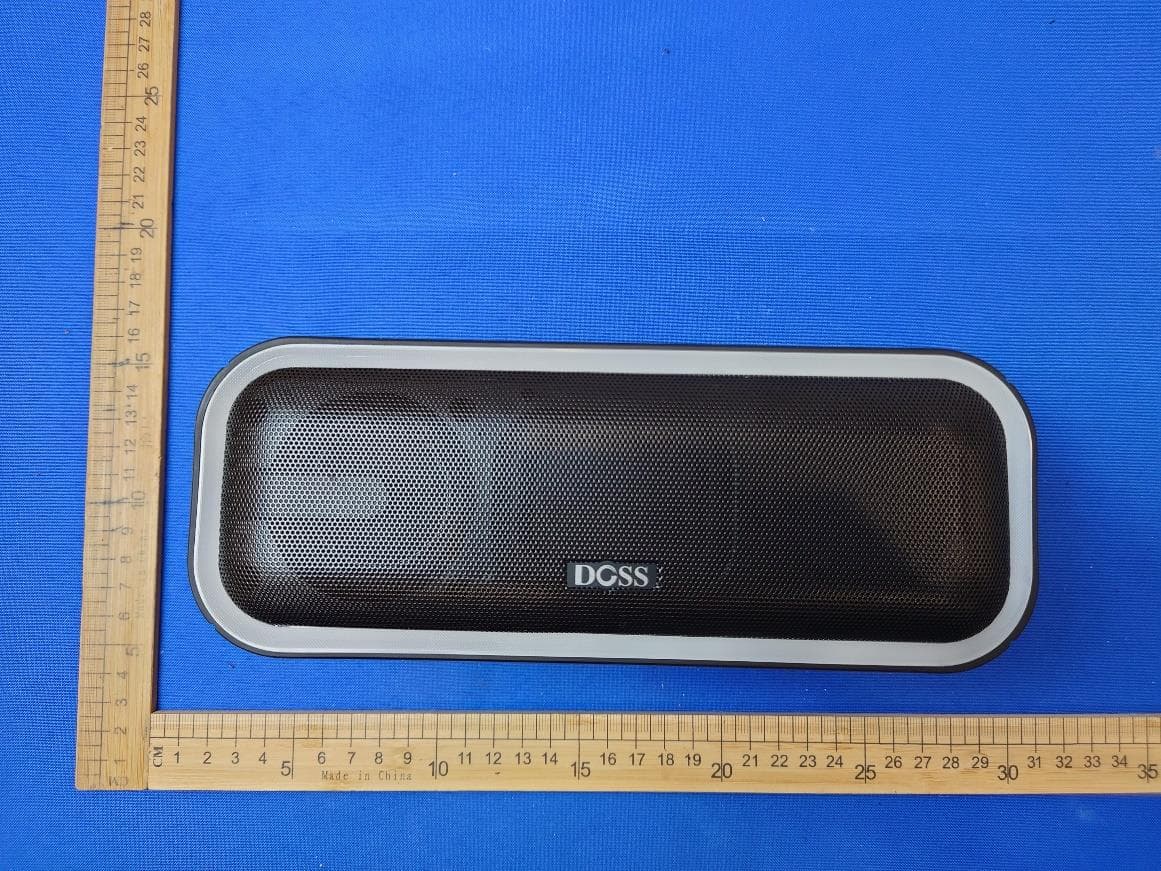
WC2-WB20
May 09, 2024Wireless Bluetooth Speaker
Equipment Class
DSS - Part 15 Spread Spectrum Transmitter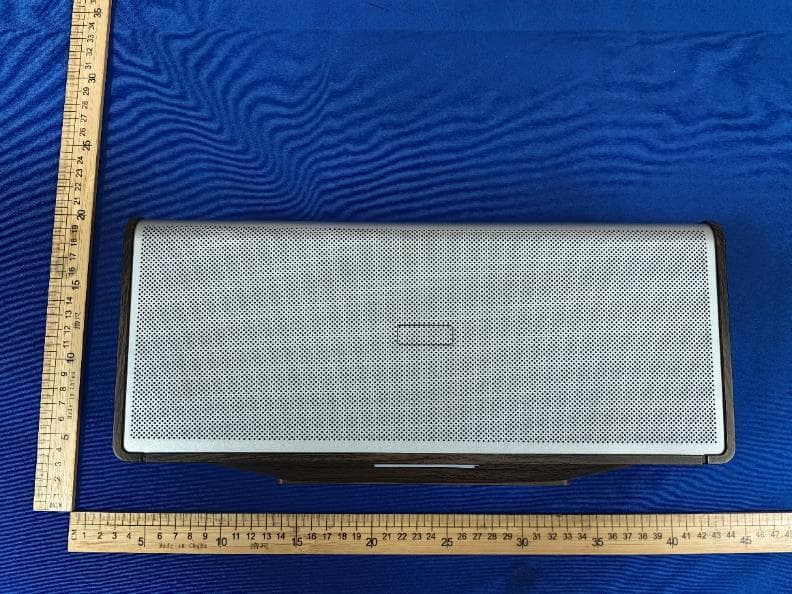
WC2-WB565
Dec 21, 2023Home Speaker
Equipment Class
DSS - Part 15 Spread Spectrum Transmitter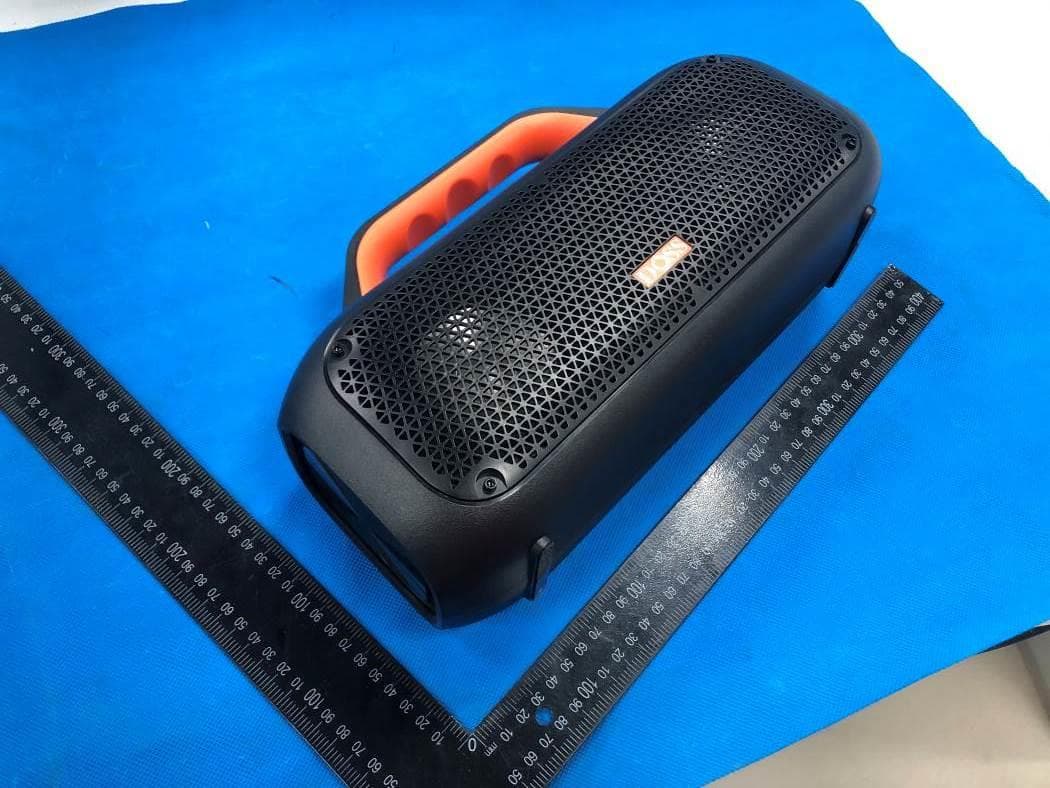
WC2-WB507
Jun 08, 2022Portable Waterproof Speaker
Equipment Class
DSS - Part 15 Spread Spectrum Transmitter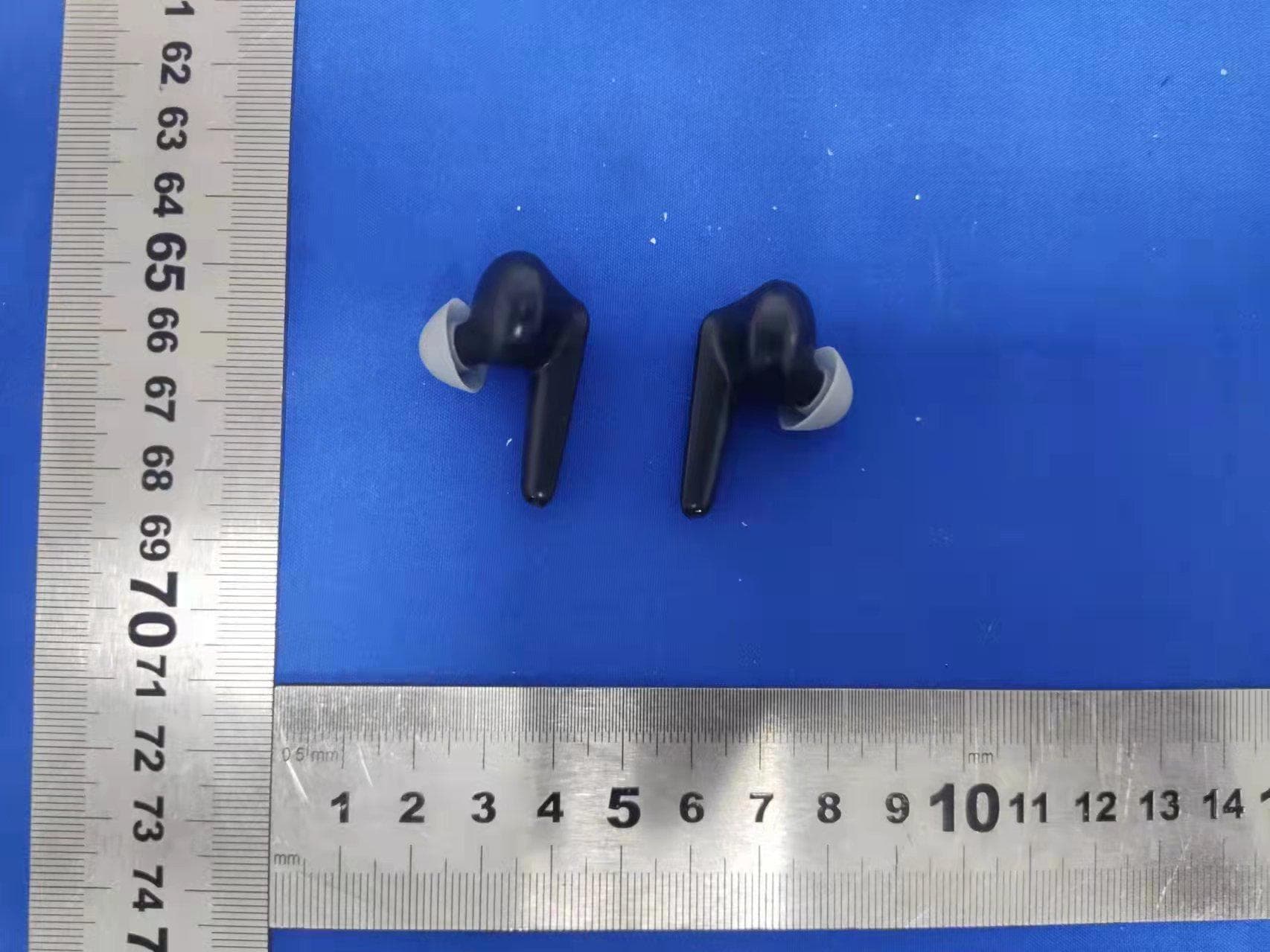
WC2-P1
Apr 07, 2022True Wireless Earbuds
Equipment Class
DXX - Part 15 Low Power Communication Device Transmitter
WC2-WB206
May 10, 2020Wireless Bluetooth Speaker
Equipment Class
DSS - Part 15 Spread Spectrum Transmitter