WC2DS-1116PORTABLE WIRELESS SPEAKER
Wonders Technology Co., Ltd.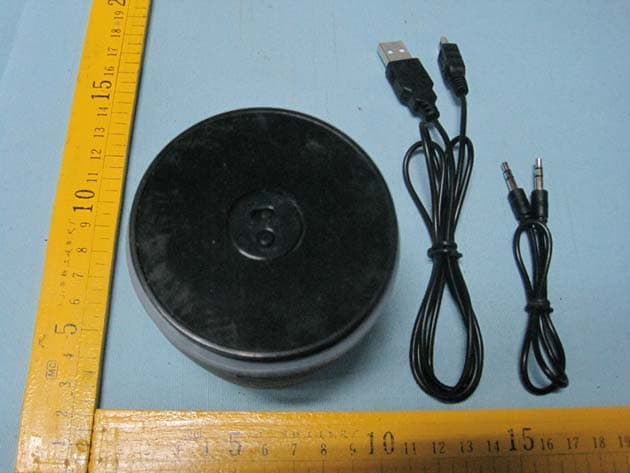
Click to zoom
Application Details
- Equipment Class
- DSS - Part 15 Spread Spectrum Transmitter
- Date of Grant
- Jul 09, 2012
- Application Purpose
- Original Equipment
- Date of Application
- Jul 09, 2012
- Equipment Note
- PORTABLE WIRELESS SPEAKER
- Frequency Range
- 2402.00000000 - 2480.00000000
- Company
- Wonders Technology Co., Ltd.
- Country
- China
Documents & Files
Document Text
Text extracted from the exhibit documents filed with the FCC. Open a document above to read the original.
Users Manual
USER’S GUIDE V: 633-02 For the most up-to-date version of this User’s Guide, go to www.iLiveElectronics.com DS-1116 Portable Wireless Speaker Pairing a Bluetooth Device 1. Turn on the unit using the Power switch. The Pairing/ Line In Indicator will flash blue quickly. 2. Press and hold the Pair button until a beep sounds. When pairing, remain within 3 feet of the unit. 3. Using the native controls on your Bluetooth device, select the “DS-1116” in your Bluetooth settings to pair. If your device requests a password, enter the default password “ 0 0 0 0 ”. Refer to the user’s manual for your specific device for instructions on pairing and connecting Bluetooth devices. 4. When successfully paired and connected, the Pairing Indicator will display a solid blue light and a beep will sound from the unit. After initial pairing, the unit will stay paired unless unpaired manually by the user. Playing Audio Wirelessly 1. Follow the instructions for Pairing a Bluetooth Device. 2. Use the native controls on the connected Bluetooth device to select a track. 3. To play, pause or skip the selected track, use the native controls on the connected Bluetooth device or press the Play/Pause button on the unit. 4. Audio played through the connected Bluetooth device will now be heard through the speakers. 5. Press and hold the Vol+/Vol- buttons to adjust the volume. Using the 3.5mm Audio Input 1. Plug one end of a 3.5 mm audio input cable (not included) into the 3.5 mm Audio Input on the unit. The Pairing/Line In Indicator will display a green light. 2. Plug the other end of the cable into the audio output/ headphone output on an MP3 Player or other audio source. 3. Turn on the unit using the Power switch. 4. Audio played through the connected device will now be heard through the speakers. Note: Any audio being played through a connected Bluetooth Device will cease once the 3.5mm Audio source is connected. Warnings and Precautions • WARNING: To prevent fire or shock hazards, do not expose this unit to rain or moisture. • WARNING: Do not place the unit on top of any soft, porous, or sensitive surfaces to avoid damaging the surface. Use a protective barrier between the unit and surface to protect the surface. • WARNING : Where the mains plug or appliance coupler is used as the disconnect device, such disconnect device shall remain readily operable. • Note : This device uses an internal rechargeable lithium-ion battery that should last the lifetime of the device. If you suspect your battery may be dead after several attempts to charge, please contact 1-888-999-4215 for support. • Never disassemble the unit or attempt to remove the battery as that could cause leakage of an electrolytic substance. Warranty Contact Information For Warranty Information and the most up-to-date version of this User’s Guide, go to: www.iLiveElectronics.com Email Support: [email protected] Email Parts: [email protected] Phone Support: 1-888-999-4215 Website: www.iLiveElectronics.com ISB212-633-02-IB.indd 1-66/8/2012 11:31:50 AM Features • Built-in Bluetooth speaker • 3.5mm audio input • DC battery power: built-in rechargeable lithium ion battery • Battery life: ~2 hours • Wireless range: 33 feet • Can be paired up to 6 mobile or audio players Introduction – + LINE IN / PAIR Pairing/Line In Indicator Volume Press and hold to increase or decrease the volume. Play/Pause Press to play or pause. POWER ON OFF PAIR Power Adjust the switch to turn the unit on or off. Always be sure to switch to the OFF position when not in use. Pair Press and hold to begin connecting a Bluetooth device. LINE IN DC INBATT. LOW Line Input Charging Indicator Mini USB Charging Port IntroductionIntroductionPower USB Power Requires a Mini USB to USB cable (included). Note: PC must not be in sleep mode. LINE IN DC INBATT. LOW Included • Mini USB to USB charging cable Status Indicator Power OffNo light ChargingRed light Fully ChargedGreen light Low batteryFlashing red light To download this User’s Guide in English, Spanish, or French, or to get answers to frequently asked questions, visit the support section at www.iLiveElectronics.com Para descargar este Manual del Usuario en inglés, español y francés, o para obtener respuestas a preguntas frecuentes, visite la sección de apoyo en www. iLiveElectronics.com Pour télécharger ce guide de l’utilisateur en anglais, espagnol ou français, ou pour obtenir des réponses à des questions fréquemment posées, consultez la rubrique d’assistance sur www.iLiveElectronics.com International Support ISB212-633-02-IB.indd 8-126/8/2012 11:31:52 AM
Block Diagram
2012.6.20 MATERIAL: COATING: N/A TITLE:SCHEMATIC Corporation DRAWER: NO.: REV A 1/1 SHEET UNIT: N/A MODEL: DATE: SCALE: 1:1 DESIGNCHECKEDAPPROVAL LONG QUAN DS-1116 AUX INPUT Bluetooth module IDS-BM5A Audio processing LM358 Power amplification HT6809 DC 5V INPUT Battery charging PDF 文件使用 "pdfFactory" 试用版本创建 www.fineprint.cn Serial Interfaces Memory management unit Microcontroller SystemRAM DSP Programmable I/O Flash Bluetooth Mode m Audio interfaces
External Photos
2.1 EUT – Produce View 2.2 EUT – Appearance View
ID Label/Location Info
Page:52 of 52 Wonders Technology Co., Ltd. FCC ID: WC2DS-1116 The results shown in this test report refer only to the sample(s) tested , This Test report cannot be reproduced, except in full, without prior written permission of the Company. WALTEK SERVICES Reference No.: WT12064160-D-S-F 17 FCC Label This device complies with Part 15 of the FCC Rules. Operation is subject to the following two conditions:(1)this device may not cause harmful interference,and (2) this device must accept any interference received, including interference that may cause undesired operation. The Label must not be a stick-on paper. The Label on these products must be permanently affixed to the product and readily visible at the time of purchase and must last the expected lifetime of the equipment not be readily detachable. Proposed Label Location on EUT EUT Bottom View/ proposed FCC Label Location FCC ID: WC2DS-1116 This device complies with Part 15 of the FCC Rules. Operation is subject to the following two conditions: (1) this device may not cause harmful interference, and (2) this device must accept any interference received, including interference that may cause undesired operation.
ID Label/Location Info
FCC ID Label Sample for modes: DS-1116, ISB212B, ISB212PR, ISB212GN, DS-1108, DS-843B, ISB182B, ISPB592B FCC ID: WC2DS-1116 This device complies with Part 15 of the FCC Rules. Operation is subject to the following two conditions: (1) this device may not cause harmful interference, and (2) this device must accept any
Internal Photos
2.1 EUT- Open View 2.2 EUT – PCB View
Operational Description
1.Power amplifier circuit 1,DS1116 is a mono bluetooth speaker。 2,This speaker can play music with Aux or bluetooth 3,When play the music with Aux,Audio L, R signal through the ST-IN1 (headphones socket) input to the op-amp IC LM358 (U2) sound processing, into IC HT6809 (U3) for power amplifier, sound output from the trumpet. 4,When play music through the bluetooth,after from bluetooth module IDS-BM5A(U1) output the signal through the op-amp IC IC LM358(U2) to process,into IC HT6809(U3) to power amplifier ,sound output from the trumpet. 2.Power supply circuit 1. Input DC 5V for battery charging. 1/2 2/2 2 The device is a standard bluetooth speaker, The working frequency of RF module IDS-BM5A is setted to 2402MHz ~ 2480MHz, the frequency separation is 1MHz and there are 79 channels. To make sure the communication stable, Bluetooth special design the fast acknowledge and frequency hopping plan to ensure that link stability. First link, between bluetooth devices will build a pseudorandom code, Only the pseudorandom code is same, the information transfer will be accepted. Other interference is not possible in the same sequence of interference. Bluetooth through the spread spectrum technology, Make the influence of interference may become very small. The working procedures are: 1. Power on,.The DS-1116 will do the frequency hopping according to a certain sequence, and then send the connection command. 2. If there is a Device response, the DS-1116 will judge whether it can be permitted to connect. Prompt enter a passkey. 3. If the passkey is right, then can be permitted to connect, send the connection command to build up the connection. 4. While the connection build up successfully, the data transmission is beginning. At the same time, the DS-1116 and device will shift frequencies in synchronization per a same pseudo randomly ordered list of hopping frequencies, the hopping rate is 1600 times per second. 5. The bandwidth of the receiver, which is set to a fix width by the software, match the hopping channel bandwidth of their corresponding transmitter.
Schematics
2012.6.20 MATERIAL: COATING: N/A TITLE:SCHEMATIC Corporation DRAWER: NO.: REV A 1/1 SHEET UNIT: N/A MODEL: DATE: SCALE: 1:1 DESIGNCHECKEDAPPROVAL LONG QUAN MUTE DS-1116 PAIR PLAY/STOP REDGREEN REDBLUE V0L- V0L+ D3 IN4148 C1 104P C22 105P 3 2 1 U2-A LM358 5 6 7 U2-B LM358 8 4 U2-C LM358 C2 224P C3 224P R2 10K R3 10K R4 10K R610K R7 22K R8 33KR9 33K R10 100K C5 NC 1 GND 3 SW 2 L 4 R J1 C8 471P C9 104P R12 15K R13 33K R14 10K R15 20K C10 104P C13 224P C6 104P 18 INR+ 19 INR- 20 UP/NC 17 DN/GO 9 MUTE 3 INL+ 2 INL- 1 AGND 7 PGND/L 14 PGND/R 4 ACRC 8 OUTL- 5 OUTL+ 13 OUTR- 16 OUTR+ 10 /SDL 11 /SDR 12 AVDD 6 PVDD/L 15 PVDD/R 21 GND U3 HT6809 12 FB1 600R/100MHZ 12 FB2 600R/100MHZ C7 102P C14 102P C15 105P R11 100K C16 104P C17 105P R16 10R C18 104P C19 106P R18 100R R19 100R C20 105P C21 104P C23 104P R20 NC R22 100R R23 NC C24 NC C25 NC 1 VCC 2 D- 3 D+ 4 GND 5 G 6 USB1 USB-MIN C26 104P C27 106P 1 CHRG 3 BAT 5 PROG 4 VCC 2 GND U4 HX6001 D1 IN5819 2 1 3 LED2 R25 2K R26 220R R27 10K 2 1 3 Q1 3904 R28 5.6K R29 22K R30 2.7K 1 2 3 4 5 6 SW1 SK/MSK-04D C28 104P C29 106P 1 2 FB3 600R/100MHZ C30 NC R31 47K R32 22K R33 36K C31 104P C32 105P C33 104P C34 106P R34 10R 2 1 3 Q4 3904 R37 1K R38 220R R21 100R C11 100P 1 MIC+ 1 MCI- 1 BAT+ 1 BAT- 1 SPK+ 1 SPK- 1 J2 1 J3 1 J4 1 J5 1 J6 1 J7 1 SPKL- 2 SPKL+ 3 SPKR- 4 SPKR+ 5 GND 6 MICL+ 7 MICL- 8 MICR+ 9 MICR- 10 1.8V 11 PCM-IN 12 PCM-SYNC 13 PCM-CLK 14 PCM-OUT 15 AI00 16 AI01 17 AI03 18 GND1 19 3.3V 20 USB-D+ 21 USB-D- 22 RTS 23 CTS 24 TX 25 RX 26 RESET 27 GND2 28 PI04 29 PI05 30 PI06 31 PI07 32 MOSI 33 CSB 34 CLK 35 MISO 36 PI010 37 PI011 38 PI03 39 PI02 40 PI01 41 PI00 42 PI08 43 PI09 44 GND3 45 GND4 46 ANT 47 GND5 U1 ISD-BM5A C4 100P 1 ANT1 ANT-PIFA L1 0R C12 NC C35 NC R5 47K R42 47K 2 1 3 LED1 C36 105P R39 100K 3 IN 1 GND 2 OUT U5 MX2606 C37 104P C38 105P R45 150K R46 82K C39 105P C40 NC R47 NC R48 NC C41 NC C42 NC C43 NC R49 NC R50 NC C44 NC C45 NC 2 1 3 Q5 NC R51 NC R52 NC 12 FB4 NC C47 106P 12 TS1 1 2 K1 12 K2 1 2 K3 C46 471P C48 106P EC1 100uF R1 NC R17 NC 1 ANT2 ANT-PIFA R24 200K R35 200K AUX/DET 3.7V MUTE 3.7V AUX/DET 3.3V MUTE 3.3V 3.3V 3.7V PDF 文件使用 "pdfFactory" 试用版本创建 www.fineprint.cn
Test Report
Page: 1 of 54 FCC TEST REPORT The results shown in this test report refer only to the sample(s) tested , This Test report cannot be reproduced, except in full, without prior written permission of the Company. WALTEK SERVICES Reference No.: WT12064160-D-S-F FCC ID : WC2DS-1116 Applicant : Wonders Technology Co., Ltd. Address : Doss Industrial Zone, Qiping Kengdu Industrial Area Guihua Village, Guanlan Town, Baoan District, Shenzhen, China. Equipment Under Test (EUT) : Product Name : Portable Wireless Speaker Model No. : DS-1116, ISB212B, ISB212PR, ISB212GN, DS-1108, DS-843B, ISB182B, ISPB592B Standards : FCC CFR47 Part 15 Section 15.247:2010 Date of Test : June 21 ~ June 28, 2012 Date of Issue : June 29, 2012 Tested By : Zero Zhou / Engineer Reviewed By : Philo zhong / Manager Test Result : PASS Prepared By: Waltek Services (Shenzhen) Co., Ltd. 1/F, Fukangtai Building, West Baima Rd., Songgang Street, Baoan District, Shenzhen 518105, China Tel :+86-755-83551033 Fax:+86-755-83552400 The sample detailed above has been tested to the requirements of Council Directives ANSI C63.4:2003. The test results have been reviewed against the Directives above and found to meet their essential requirements. Page:2 of 54 Wonders Technology Co., Ltd. FCC ID: WC2DS-1116 The results shown in this test report refer only to the sample(s) tested , This Test report cannot be reproduced, except in full, without prior written permission of the Company. WALTEK SERVICES Reference No.: WT12064160-D-S-F 2 Test Summary Test Items Test Requirement Result Conducted Emissions (150kHz to 30MHz) 15.207 PASS Radiated Spurious Emissions (16MHz to 25GHz) 15.205(a) 15.209 15.247(d) PASS 20dB Bandwidth 15.247(a)(1) PASS Maximum Peak Output Power 15.247(b)(1) PASS Frequency Separation 15.247(a)(1) PASS Number of Hopping Frequency 15.247(a)(1)(iii) PASS Dwell time 15.247(a)(1)(iii) PASS Maximum Permissible Exposure (Exposure of Humans to RF Fields) 1.1307(b)(1) PASS Page:3 of 54 Wonders Technology Co., Ltd. FCC ID: WC2DS-1116 The results shown in this test report refer only to the sample(s) tested , This Test report cannot be reproduced, except in full, without prior written permission of the Company. WALTEK SERVICES Reference No.: WT12064160-D-S-F 3 Contents Page 1 COVER PAGE ........................................................................................................................................................ 1 2 TEST SUMMARY .................................................................................................................................................. 2 3 CONTENTS............................................................................................................................................................. 3 4 GENERAL INFORMATION ................................................................................................................................ 5 4.1 CLIENT INFORMATION........................................................................................................................................... 5 4.2 GENERAL DESCRIPTION OF E.U.T. ........................................................................................................................ 5 4.3 DETAILS OF E.U.T................................................................................................................................................. 5 4.4 DESCRIPTION OF SUPPORT UNITS.......................................................................................................................... 5 4.5 STANDARDS APPLICABLE FOR TESTING................................................................................................................ 5 4.6 TEST MODE........................................................................................................................................................... 5 4.7 TEST FACILITY...................................................................................................................................................... 6 4.8 TEST LOCATION.................................................................................................................................................... 6 5 EQUIPMENT USED DURING TEST .................................................................................................................. 7 6 CONDUCTED EMISSION .................................................................................................................................... 8 6.1 E.U.T. OPERATION................................................................................................................................................ 8 6.2 EUT SETUP........................................................................................................................................................... 9 6.3 CONDUCTED EMISSION TEST RESULT................................................................................................................... 9 6.4 PHOTOGRAPH – CONDUCTED EMISSION TEST SETUP.......................................................................................... 12 7 RADIATED SPURIOUS EMISSIONS ............................................................................................................... 13 7.1 EUT OPERATION :............................................................................................................................................... 13 7.2 MEASUREMENT UNCERTAINTY........................................................................................................................... 13 7.3 TEST SETUP......................................................................................................................................................... 14 7.4 SPECTRUM ANALYZER SETUP............................................................................................................................. 16 7.5 TEST PROCEDURE..................................…
Text truncated - open the document above for the full version.
Test Setup Photos
2.1 Photograph – Conducted Emission Test Setup 2.2 Photograph – Radiation Spurious Emission Test Setup Below 30MHz From 30-1000MHz Above 1GHz
Contact Information
Applicant
Bo Liang(Engineering Manager)
Test Firm
Waltek Services(Shenzhen) Co., Ltd.Philo zhong
Technical Specifications
| # | Rule Parts | Frequency Range | Power Output |
|---|---|---|---|
| 1 | 15C | 2.40 GHz - 2.48 GHz | 2.00 mW |
Other Applications from Wonders Technology Co., Ltd.
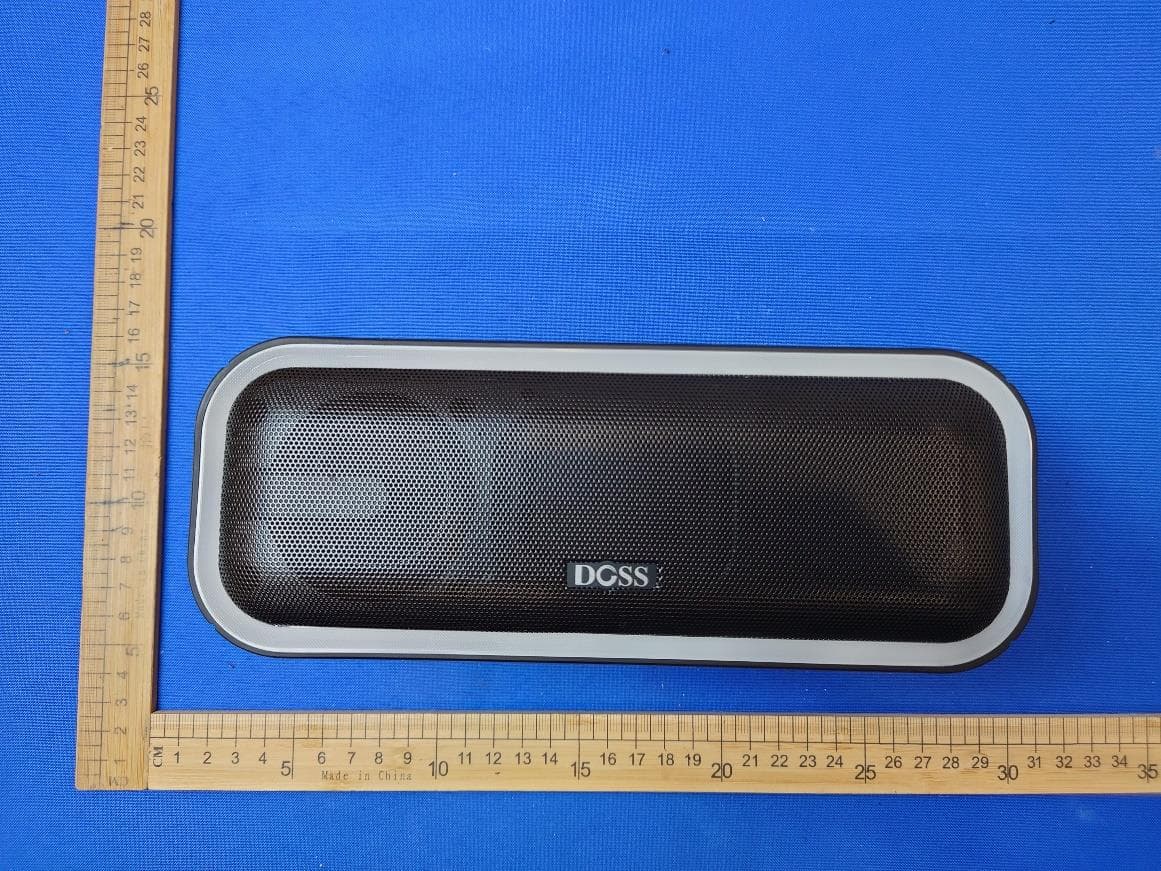
WC2-WB20
May 09, 2024Wireless Bluetooth Speaker
Equipment Class
DSS - Part 15 Spread Spectrum Transmitter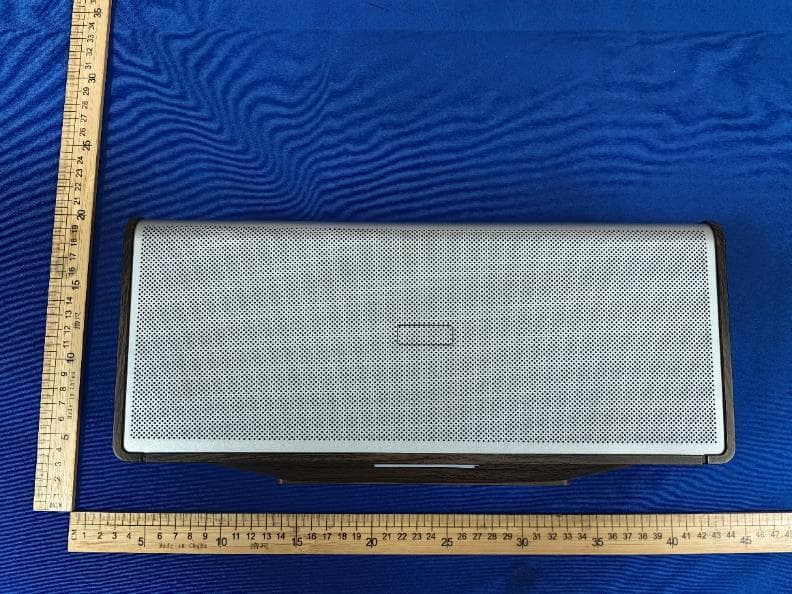
WC2-WB565
Dec 21, 2023Home Speaker
Equipment Class
DSS - Part 15 Spread Spectrum Transmitter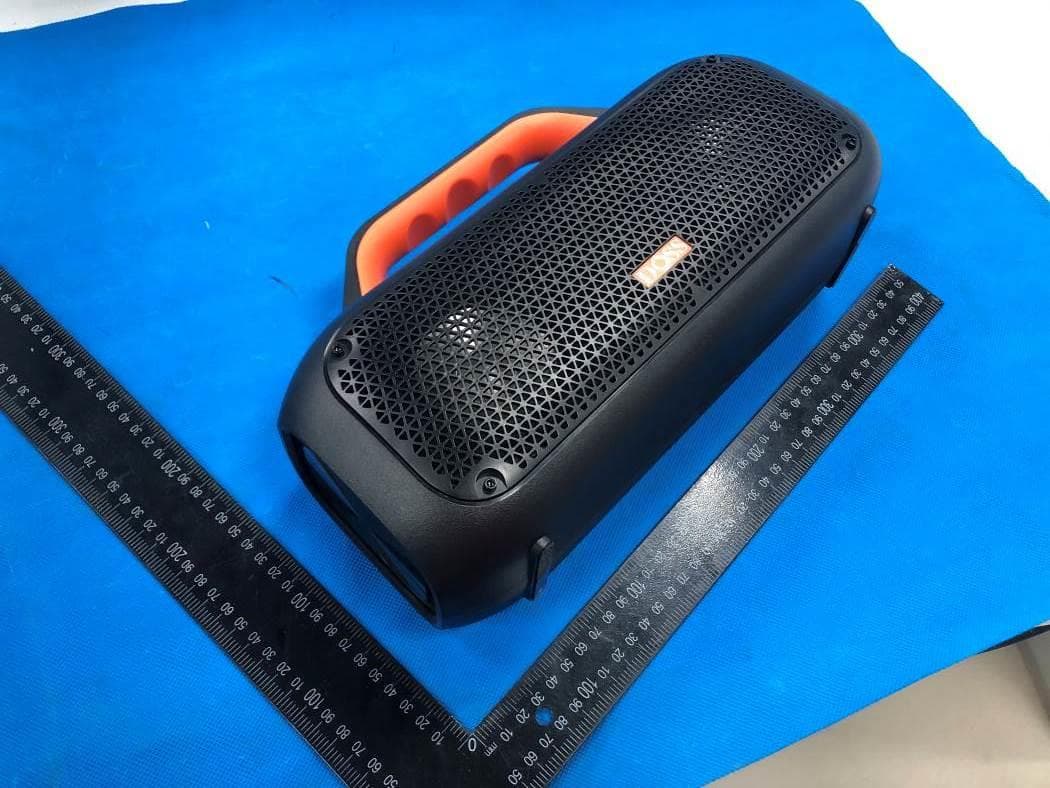
WC2-WB507
Jun 08, 2022Portable Waterproof Speaker
Equipment Class
DSS - Part 15 Spread Spectrum Transmitter
WC2-P1
Apr 07, 2022True Wireless Earbuds
Equipment Class
DXX - Part 15 Low Power Communication Device Transmitter
WC2-WB206
May 10, 2020Wireless Bluetooth Speaker
Equipment Class
DSS - Part 15 Spread Spectrum Transmitter