WC2DS-1155Bluetooth Speaker
Wonders Technology Co., Ltd.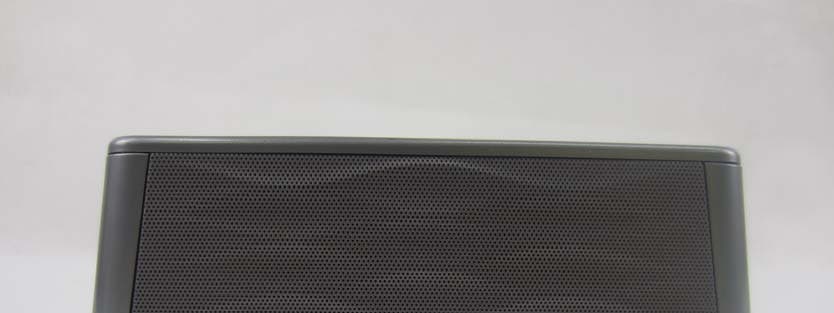
Click to zoom
Application Details
- Equipment Class
- DXX - Part 15 Low Power Communication Device Transmitter
- Date of Grant
- Jul 29, 2014
- Application Purpose
- Original Equipment
- Date of Application
- Jul 29, 2014
- Equipment Note
- Bluetooth Speaker
- Frequency Range
- 2402.00000000 - 2480.00000000
- Company
- Wonders Technology Co., Ltd.
- Country
- China
Documents & Files
Document Text
Text extracted from the exhibit documents filed with the FCC. Open a document above to read the original.
Users Manual
1 BLUETOOTH SPEAKER DS-1155 Thank you to have chosen our product. This product has been created by our professional team and according to the US regulation. For a better use of your new device, we recommend you to read carefully this user manual and keep it for record. 2 Specifications • Model No.: DS-1155 • Bluetooth A2DP function • Rechargeable Li-ion battery included • Battery capacity: 3.7V 2200mAh • Sensitive touch key • Micro USB jack, power by USB cable (USB cable included) • 3.5mm Aux jack for connection to other MP3, CD, Laptop... • Output power: 2W X 2 (THD=10%) • Working distance: 33 Feet Product sketch map All the switch buttons are sensitive and will display after turn on the speaker 1 2 3 4 5 6 1. Rewind 2. Pause/Play/Hand-Free 3. Next Forward 4. Mode indicator 5. Volume Down 6. Volume Up 3 7 8 9 10 7. AUX IN 8. Battery charging indicator 9. Micro USB charging jack 10. Power Switch Pairing a Bluetooth Speaker 1. Press the to turn on the speaker. The Mode indicator Light will flash blue quickly. 2. Turn on your Bluetooth device, search and select the “Bauhn” in your Bluetooth Setting to pair. If your device enquires a password, enter the default password’0000’. 3. When successfully paired and connected, the Mode indicator light will change from quick flashing to solid blue and there will be an indicator sound. After initial pairing, Both the speaker and your Bluetooth device will store the device name. Next time, when you use the same Bluetooth device to connect the speaker, it will automatically connect. 4. When not in use, please turn off the speaker. NOTE: Status Indicator Bluetooth pairing Blue light flash quickly Paired Solid Blue Aux-in mode Red Charging red light Fully charged Green 4 Hold the button around 3 seconds, the bluetooth connection will be terminated. Playing Audio Wirelessly 1. Follow the instruction of Pairing A Bluetooth Device 2. Adjust the volume by press or hold the Vol-/+ buttons or native controls on the Bluetooth device. 3. Press Play/Pause on the speaker to play/pause the tune or just control the tune by press Play/Pause on the Bluetooth device. 4. Press Rewind or Next Forward to change the songs. 5. Press the Hand-Free to answer incoming calls, streaming music will pause. Then press the Hand-Free to end calls, streaming music will resume. Using the 3.5mm Audio Input 1. Plug one end of a 3.5mm Audio input cable into the 3.5mm Audio Input on the unit. The mode indicator light will display a red light. 2. Plug another end of the 3.5mm Audio input cable into the audio output/headphone output on an MP3 Player or other audio devices. 3. Turn on the speaker, Audio will play through the connected device and will now be heard through the speakers. 4. Press and hold the Volume Up and Volume Down to adjust the volume. 5. If you want to Play/pause the tune, just control the native buttons on your MP3 player. IMPORTANT SAFETY INSTRUCTIONS 1. Read these Instructions. 2. Keep these Instructions. 3. Heed all Warnings. 4. Follow all instructions. 5. Do not use this apparatus near water. 6. Clean only with a dry cloth. 7. Do not block any ventilation openings. Install in accordance with the manufacturer’s instructions. 8. Do not install near any heat sources such as radiators, heat registers, stoves, or other apparatus (including amplifiers) that produce heat. 5 9. Do not defeat the safety purpose of the polarized or grounding - type plug. A polarized plug has two blades with one wider than the other. A grounding type plug has two blades and a third grounding prong. The wide blade or the third prong are provided for your safety. When the provided plug does not fit into your outlet, consult an electrician for replacement of the obsolete outlet. 10. Protect the power cord from being walked on or pinched particularly at plugs, convenience receptacles, and the point where they exit from the apparatus. 11. Only use attachments/accessories specified by the manufacturer. 12. Use only with a cart, stand, tripod, bracket, or table specified by the manufacturer, or sold with the apparatus. When a cart is used, use caution when moving the cart/apparatus combination to avoid injury from tip-over. Unplug this apparatus during lightning storms or when unused for long periods of time. 13. Refer all servicing to qualified service personnel. Servicing is required when the apparatus has been damaged in any way, such as power-supply cord or plug is damaged, liquid has been spilled or objects have fallen into the apparatus, the apparatus has been exposed to rain or moisture, does not operate normally, or has been dropped. FCC Warnings Warning: Changes or modifications to this unit not expressly approved by the party responsible for compliance could void the user’s authority to operate the equipment. NOTE: This device complies with part 15 of the FCC Rules. Operation is subject to the following two conditions: (1) This device may not cause harmful interference, and (2) this device must accept any interference received, including interference that may cause undesired operation. This equipment has been tested and found to comply with the limits for a Class B digital device, pursuant to Part 15 of the FCC Rules. These limits are designed to provide reasonable protection against harmful interference in a residential installation. This equipment generates, uses, and can radiate radio frequency energy and, if not installed and used in accordance with the instructions, may cause harmful interference to radio communications. However, there is no guarantee that interference will not occur in a particular installation. If this equipment does cause harmful interference to radio or television reception, which can be determined by turning the equipment off and on, the user is encouraged to try to correct the interference by one or more of the following measures: • Reorient or relocate the receiving antenna. • Increase the separation between the equipment and receiver. • Connect the equipment into …
Text truncated - open the document above for the full version.
Cover Letter(s)
Wonders Technology Co., Ltd. PHOENIX TEST-LAB GmbH Product Certification Königswinkel 10 D 32825 Blomberg Date: 28.07.2014 Authority to Act as an Agent We declare that the following representative (agent) Name Mark Wen Position General Manager Company Name Most Technology Service Co., Ltd. Address No.5, 2 nd Langshan Road, North District, Hi-Tech Industrial Park, Nanshan, Shenzhen, Guangdong, China Tel / Fax 86-755-86170306/86-755-86170310 E-Mail [email protected] to act on our behalf on all matters concerning the application and documents submitted to PHOENIX TEST-LAB for product certification below Product Name Bluetooth Speaker Model Name DS-1155 Brand Name N/A Yours sincerely, Signatory Name Liang bo Position Manager Company Name Wonders Technology Co., Ltd. Address DOSS Industrial Zone, Qiping Kengdu Industrial Area Guihua Village, Guanlan Town Baoan District, Shenzhen, China Tel / Fax 86-755-2752-0683/86-755-2752-0228 E-Mail [email protected] In case of FCC, we certify that we are not subject to a denial of Federal benefits, that include FCC benefits, pursuant to Section 5301 of the Anti-Drug Abuse Act of 1988, 21 U.S.C. §862 because of a conviction for possession or distribution of a controlled substance.
Cover Letter(s)
Wonders Technology Co., Ltd. Federal Communications Commission Equipment Authorization Branch 7435 Oakland Mills Road Columbia, MD 21046 Request for Confidentiality Company name: Wonders Technology Co., Ltd. FCC ID: WC2DS-1155 FCC Part 15 Certification Gentlemen, Pursuant to 47 CFR 0.457(d)(1)(ii) and 0.459 we hereby requests permanent confidentiality of the following documents for the subject application: Exhibit Type Description ☒ Schematics All circuitry of devices and component values ☒ Block Diagrams Details of device showing the frequency of all oscillators ☐ Bill Of Materials Parts list of the product for the radio device ☒ Operational Description Description of the circuit functions Note: Exhibit types that are commonly held confidential are: (1) Schematics, (2) Block Diagrams, (3) Bill Of Materials, (4) Operational Descriptions. Any exhibit NOT granted confidentiality is viewable on the FCC website as soon as a grant is issued. These documents contain detailed system and equipment description and related information about the product which we considers to be proprietary, confidential and a custom design and otherwise would not release to the general public. Since the design is a basis from which future technological products will evolve, we consider that this information would be of benefit to its competitors and that the disclosure of the information in these documents would give competitors an unfair advantage in the market. Yours sincerely, Signatory Name Liang bo Position Manager Company Name Wonders Technology Co., Ltd. Address DOSS Industrial Zone, Qiping Kengdu Industrial Area Guihua Village, Guanlan Town Baoan District, Shenzhen, China Tel / Fax 86-755-2752-0683/86-755-2752-0228 E-Mail [email protected]
External Photos
Model No.: DS-1155 FRONT VIEW OF SAMPLE BACK VIEW OF SAMPLE Model No.: DS-1155 LEFT VIEW OF SAMPLE RIGHT VIEW OF SAMPLE Model No.: DS-1155 UP VIEW OF SAMPLE DOWN VIEW OF SAMPLE Model No.: DS-1155 PHOTO OF THE ENTIRE SAMPLE
ID Label/Location Info
size:32 x 16mm 字体印白色 PANTONE 429C WC2DS-1155 WC2DS-1155
Internal Photos
Model No.: DS-1155 INTERNAL PHOTO OF SAMPLE - 1 INTERNAL PHOTO OF SAMPLE - 2 Model No.: DS-1155 INTERNAL PHOTO OF SAMPLE - 3 INTERNAL PHOTO OF SAMPLE - 4 Model No.: DS-1155 INTERNAL PHOTO OF SAMPLE - 5 INTERNAL PHOTO OF SAMPLE - 6 Model No.: DS-1155 INTERNAL PHOTO OF SAMPLE - 7 INTERNAL PHOTO OF SAMPLE - 8 Model No.: DS-1155 INTERNAL PHOTO OF SAMPLE - 9 INTERNAL PHOTO OF SAMPLE - 10 Model No.: DS-1155 INTERNAL PHOTO OF SAMPLE - 11
Test Report
FCC 47 CFR PART 15 SUBPART C TEST REPORT For Applicant: Wonders Technology Co., Ltd. Address: DOSS Industrial Zone, Qiping Kengdu Industrial Area Guihua Village, Guanlan Town Baoan District, Shenzhen, China Product Name: Bluetooth Speaker Model Name: DS-1155 Brand Name: N/A FCC ID: WC2DS-1155 Report No.: MTE/SAL/F14070896 Date of Issue: July 28, 2014 Issued by : Most Technology Service Co., Ltd. Address : No.5, Langshan 2nd Road, North District, Hi-tech Industrial Park, Nanshan, Shenzhen, Guangdong, China Tel : 86-755-8617 0306 Fax : 86-755-8617 0310 The report consists 53 pages in total. It may be duplicated completely for legal use with the approval of the applicant. It should not be reproduced except in full, without the written approval of our laboratory. The client should not use it to claim product endorsement by MOST. The test results in the report only apply to the tested sample. The test report shall be invalid without all the signatures of testing engineers, reviewer and approver. FCC ID: WC2DS-1155 Report No.: MTE/SAL/F14070896 Page 2 of 53 TABLE OF CONTENTS 1. VERIFICATION OF CONFORMITY.......................................................................................... 4 2. GENERAL INFORMATION....................................................................................................... 5 2.1 Product Information ................................................................................................................ 5 2.2 Objective ................................................................................................................................ 6 2.3 Test Standards and Results .................................................................................................... 6 2.4 Environmental Conditions....................................................................................................... 6 2.5 MEASUREMENT UNCERTAINTY ......................................................................................... 6 3. TEST FACILITY........................................................................................................................ 7 3.1TEST FACILITY....................................................................................................................... 7 3.2 Test Conditions ....................................................................................................................... 7 3.3 Channel List ........................................................................................................................... 8 3.4 Description of Test Modes ...................................................................................................... 8 3.5 Table of Parameters of Text Software Setting......................................................................... 9 3.6 FCC PART 15.205 RESTRICTED BANDS OF OPERATIONS............................................. 10 4. SETUP OF EQUIPMENT UNDER TEST.................................................................................11 4.1 SUPPORT EQUIPMENT .......................................................................................................11 4.2 TEST EQUIPMENT LIST...................................................................................................... 12 5. 47 CFR Part 15C 15.249 Requirements................................................................................. 13 5.1 Spurious Emission Test ........................................................................................................ 13 5.1.1 Requirement...................................................................................................................... 13 5.1.2 Test Description ................................................................................................................. 14 5.1.3 Test Description ................................................................................................................. 15 5.1.5 Test Result .....................................................................................................................16 5.2 Band Edge............................................................................................................................ 28 5.2.1 Requirement...................................................................................................................... 28 5.2.2 Test Description ................................................................................................................. 28 5.2.3Test Result.......................................................................................................................... 28 5.3 LINE CONDUCTED EMISSION TEST................................................................................. 41 5.3.1. LIMITS OF LINE CONDUCTED EMISSION TEST........................................................... 41 5.3.2. BLOCK DIAGRAM OF TEST SETUP............................................................................... 41 5.3.3. PRELIMINARY PROCEDURE OF LINE CONDUCTED EMISSION TEST ...................... 42 5.3.4. FINAL PROCEDURE OF LINE CONDUCTED EMISSION TEST .................................... 42 5.3.5. Test result ......................................................................................................................... 42 5.3.5. TEST RESULT OF LINE CONDUCTED EMISSION TEST .............................................. 42 5.4 20 dB Bandwidth .................................................................................................................. 45 5.4.1 Definition ........................................................................................................................... 45 FCC ID: WC2DS-1155 Report No.: MTE/SAL/F14070896 Page 3 of 53 5.4.2 Block Diagram Of Test Setup ............................................................................................ 45 5.4.3 Test Result..............................................................…
Text truncated - open the document above for the full version.
Test Setup Photos
Model No.: DS-1155 CE TEST SETUP RE TEST SETUP Model No.: DS-1155 SPURIOUS EMISSION TEST SETUP
Contact Information
Applicant
Bo Liang(Engineering Manager)
Test Firm
Most Technology Service Co., Ltd.Mark Wen
Technical Specifications
| # | Rule Parts | Frequency Range | Power Output |
|---|---|---|---|
| 1 | 15C | 2.40 GHz - 2.48 GHz | - |
Other Applications from Wonders Technology Co., Ltd.
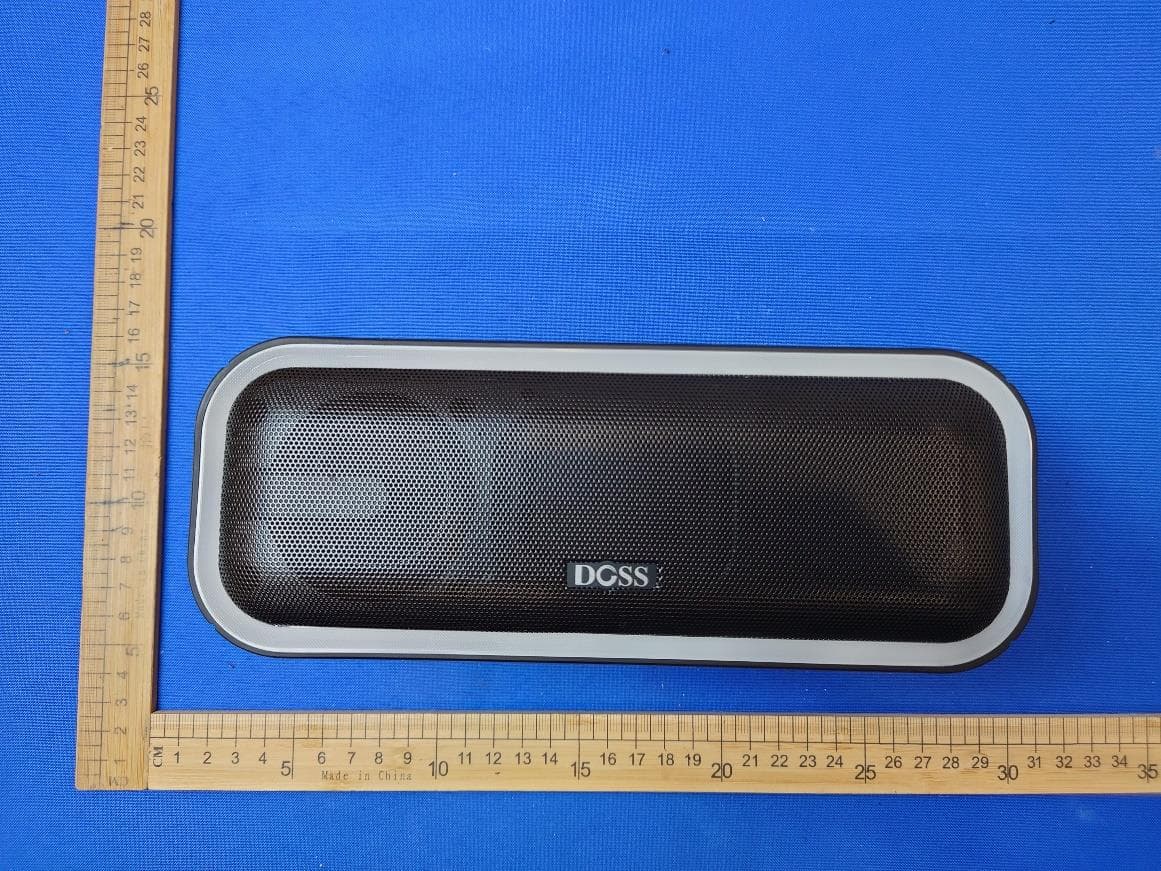
WC2-WB20
May 09, 2024Wireless Bluetooth Speaker
Equipment Class
DSS - Part 15 Spread Spectrum Transmitter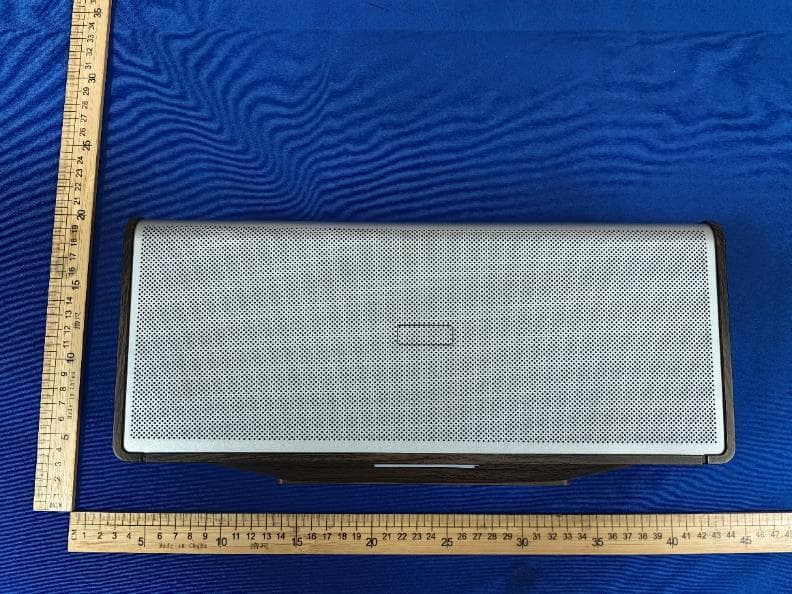
WC2-WB565
Dec 21, 2023Home Speaker
Equipment Class
DSS - Part 15 Spread Spectrum Transmitter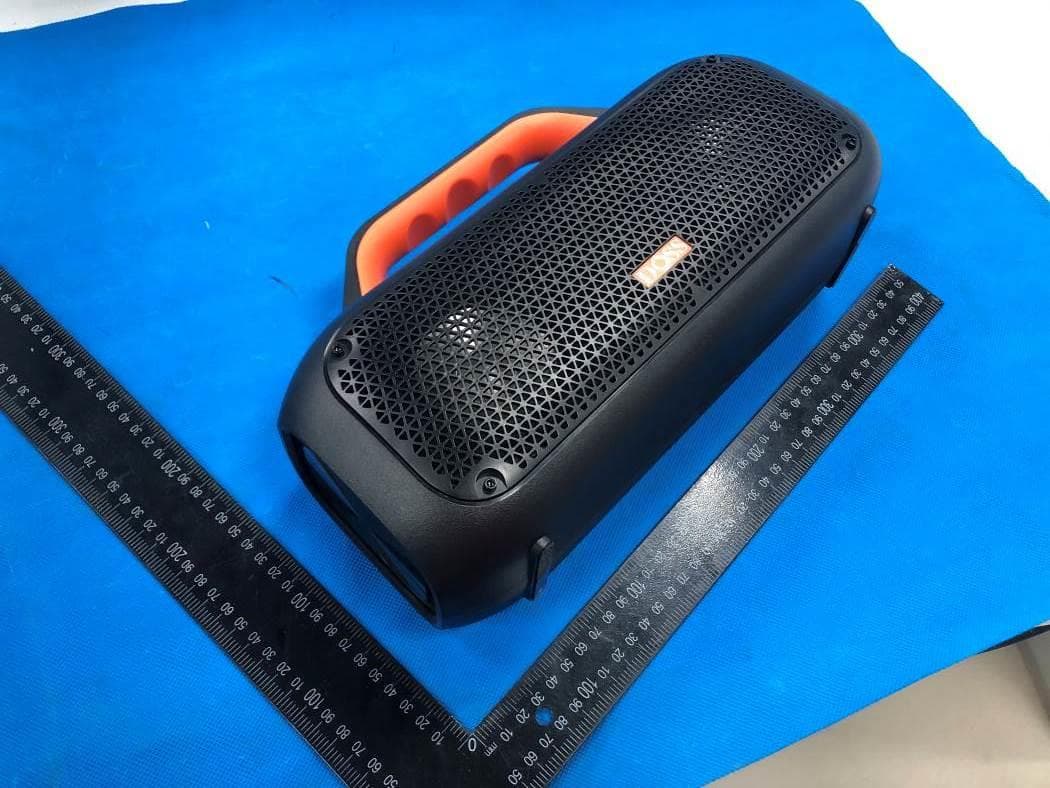
WC2-WB507
Jun 08, 2022Portable Waterproof Speaker
Equipment Class
DSS - Part 15 Spread Spectrum Transmitter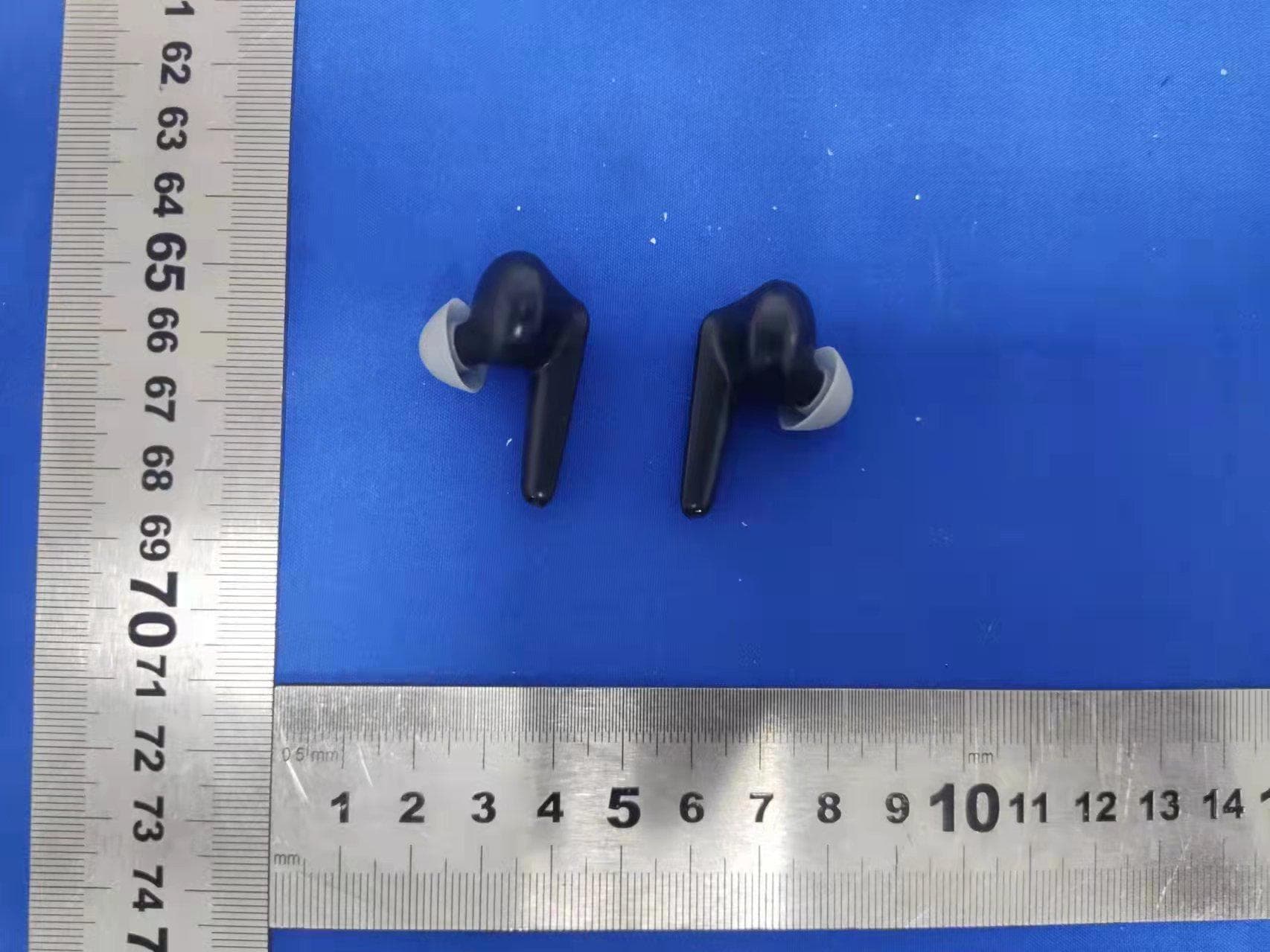
WC2-P1
Apr 07, 2022True Wireless Earbuds
Equipment Class
DXX - Part 15 Low Power Communication Device Transmitter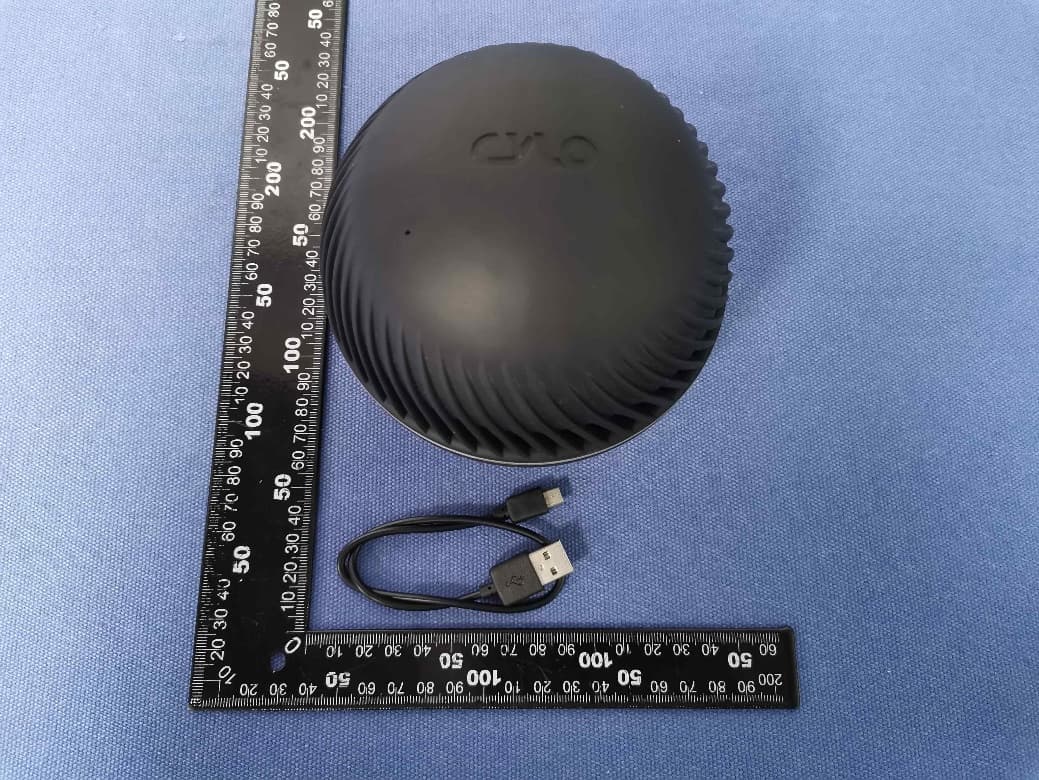
WC2-WB206
May 10, 2020Wireless Bluetooth Speaker
Equipment Class
DSS - Part 15 Spread Spectrum Transmitter