XJ4KB6119GSILICON BLUETOOTH KEYBOARD
HUIZHOU CHINFAI ELECTRONIC CO., LTD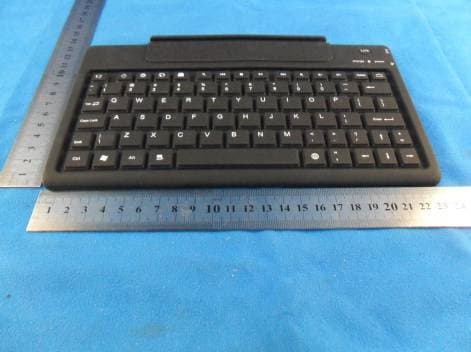
Click to zoom
Application Details
- Equipment Class
- DSS - Part 15 Spread Spectrum Transmitter
- Date of Grant
- Nov 02, 2011
- Application Purpose
- Original Equipment
- Date of Application
- Nov 01, 2011
- Equipment Note
- SILICON BLUETOOTH KEYBOARD
- Frequency Range
- 2402.00000000 - 2480.00000000
- Country
- China
Documents & Files
Document Text
Text extracted from the exhibit documents filed with the FCC. Open a document above to read the original.
Users Manual
Galaxy Tab 10.1” Wireless Bluetooth Keyboard User Guide Packing Contents: 1.Wireless Bluetooth Keyboard 2.PU Leather Case 3.USB Power Charging Cable 4.User Guide 1.Built-in Wireless Bluetooth 3.0 Silicone keyboard 2.Stylish protective PU leather Case designed for Galaxy Tab 10.1” display stand for easy viewing 3.Rechargeable lithium battery lasts for approximately 45 Hours per charge. 4.Special home screen key for one-touch access to variety of applications. 5.Light weight, quiet keystrokes, dust proof&spill-proof 6.Energy saving keyboard sleep mode 1.Bluetooth V3.0 interface Standard 2.Operating Distance : 10meters 3.Modulation System: GFSK 2.4G 4.Transmitting Power : Class 2 5.Operating Voltage:3.0-5.0 6.Working Current : <5.0mA 7.Standby Current :2.5mA 8.Sleeping Current: <200μA 9.Charging Current :>100mA 10.Standby time : 60 days 11.Uninterrupted working time:45hours 12.Lithium Battery Life :3 years 13.Lithium Battery Specifications : 47×25×4.5mm 14.Charging time :4-4.5hours 15.Lithium Battery Capacity :450mA 16.Key Dynamics : 80±10g 17.Key Life : 5 million strokes 18.Operating Temperature :-10°C-+55°C 19.Humidity :20%-50% Step1: Turn on the power switch .the Power and Bluetooth indicator light will be on for 5 seconds , then the lights will go off. Step2: Press on the “Link” button ,The Bluetooth indicator light will be blinking ,and the power indicator will be on.The Keyboard is now ready to be connected to Galaxy Tab 10.1”. Step3: Turn on and unlock Galaxy Tab 10.1”.In home screen, open app menu, touch “Apps” in the upper right corner Step4: Select the “Settings” icon ------ Wireless and networks ---- activate the Bluetooth -----Bluetooth settings---find nearby devices---scan for devices Step7: Wireless Bluetooth Keyboard connected successfully .”the connection indicator light will be off ,But the power indicator light will stay on until the keyboard is switched off The keyboard will kick into Sleep mode when it is inactive for 15 minutes,and the keyboard power indicator light will go off, To activate from sleep mode ,just press any key and wait 3 seconds ,the keyboard will come back on Clean the silicon keyboard with water ,alcohol, or alcohol based disinfectant. (A).Unable to connect 1.Make Sure the power switch is on. 2.Make Sure the keyboard is within the operting distance. 3.Make sure the battery is charged. 4.Make sure Galaxy Tab 10.1” Bluetooth is activate. 5.Make sure the Wireless Keyboard is connected to Galaxy Tab 10.1”. 6.Make sure the wireless keyboard has been paired with t Galaxy Tab 10.1”. (B). Unable to Charge keyboard Make Sure the USB power cable is connected properly to the keyboard and the power source. 1.Keep the item away sharp objects. 2.Do not placeheavy object on top of the keyboard. 3.Do not Microwave the item. 4.Do not force or distorted the keyboard. 5.Keep away form oil, chemical or any other organic liquid. The wireless keyboard can be connected to Galaxy Tab 10.1” ,iPad, iPhone4G ,and iPod Touch that had installed iOS 4.0 or later. For other Bluetooth enabled device ,please verify the Bluetooth standard&compatibility before attempting to connect to the keyboard Step5: Wireless keyboard found .click on the device to Pair Step6: Enter the number code displayed on screen with the bluetoothkeyboard. And press “Enter”key Link Button Power Switch [Apps] icon 1.0 Product Features: 4.0 Charging 5.0 Energy Saving Sleep mode 9.0 Special keys on the Galaxy Tab 10.1” 6.0 Safety Caution 7.0 Cleaning 2.0 Keyboard Specification3.0 Bluetooth Keyboard Pairing Bluetooth Keyboard Specification and Pairing Instruction Special Note: 8.0 Trou bleshooting C lick on the keyboard to connect Keyboard connected successfully When the battery power is low ,the “power” indicator light will start blinking .it is time to recharge the keyboard. Step1: Connect the USB power cable to the keyboard charging interface Step2: Connect the charging cable A port into USB power or USB Power Adapter. The “charge”red indicator light will stay on , when the keyboard is charging. Once it finished charging,the “charge”indicator light will turn off. Congratulations on your purchase of the Wireless Bluetooth Keyboard, Please read this instruction book first Enter password code using the wireless keyboard Return to the previous Adjust the devices volumeSearch key Return to the home screen Short press to lock, Long press for power off SettingsProgram submenuBrowser Email Input Switching . This device complies with Part 15 of the FCC Rules. Operation is subject to the following two conditions: (1) this device may not cause harmful interference, and (2) this device must accept any interference received, including interference that may cause undesired operation. Changes or modifications not expressly approved by the party responsible for compliance could void the user’s authority to operate the equipment. This equipment has been tested and found to comply with the limits for a Class B digital device, pursuant to Part 15 of the FCC Rules. These limits are designed to provide reasonable protection against harmful interference in a residential installation. This equipment generates, uses and can radiate radio frequency energy and, if not installed and used in accordance with the instructions, may cause harmful interference to radio communications. However, there is no guarantee that interference will not occur in a particular installation. If this equipment does cause harmful interference to radio or television reception, which can be determined by turning the equipment off and on, the user is encouraged to try to correct the interference by one or more of the following measures: --Reorient or relocate the receiving antenna. --Increase the separation between the equipment and receiver. --Connect the equipment into an outlet on a circuit different from that to which the receiver is connected. --Consult the dealer or an experienced radio/TV technician for help. Replaceable batteries If an equipment is provide…
Text truncated - open the document above for the full version.
Cover Letter(s)
Pursuant to FCC 47 CRF 0.457(d) and 0.459 and IC RSP-100, Section I 0, the applicanr requests that a part of the subject FCC application be held confidential. CHI}{FAI Date: 20!.8,30 Subject: Confi dentiality Request for: I sho*Term f] Sho* term I Sho* Term fl Short Term I Sho*term I Short Term Ll Snort terrn (HK) TECHNOLOGY CO. , LIMITED Request for Confidentialitv XJ4KB6I l9G Type of Confidentialit-v Requested I Short term ffi Permanent fl Short Term Exhibit Block Diagrams External Photos Intemal Photos Operation Description/Theory of Operation Parts List & Placement/BoM Tune-Up Procedure Schematics Test Setup Photos User's Manual I Permanent*2 ffi Permanent flPermanent I Permanent ffi Permanent I Permanent* *Note: (Insert Explanation as Necessary) ,u|:lll]{rAl tl-lKl I trl,l-ll\ULUtiY UU..LlMl I b,U has spent substantial effo* in developing this product and it is one of the first of its kind in industry. Having the subject information easily available to "competition" would negate the advantage they have achieved by developing this projuct. Not protecting the details of the design will result in financial hardship. Permanent Confidentiality: The applicant requests the exhibits listed above as permanently confidential be permanently withheld fiorn public review due to materials that contain trade secrets and proprietary information not customarily released to thl public. Short-Term Confi dentiality: The applicant requests the exhibits selected above as short term confidential be withheld from public view for a period of {speci& number of davs not to exceed 1 80)3- days from the date of the Crant of Equipment Authorization and prior to marketing. This is to avoid premature release of sensitive information prior to marketing or release of the product to the public. Applicant is also aware that they are responsible to notifu ACB in the eveni information regarding the product or the product is made available to the public. ACB will then release the documents listed above for public disclosure pursuant to FCC Public Notice DA 04-170S. NOTE for Industry Canada Applications: The applicant understands that u that IC distinguishes between Short.Term and permanent Confidentiality, either type o will simply be marked Confidentiai when submitted to lC. Sincerely, Li Zanxians. (Print name) ' - The asterisked items {*) require before permanent confidentiality wilt be allowed. These also cunently require review by the FCC under theirffii-Bui-Ask policy before the grant is'issued and can delay completion of an application' Further justification should be added to the note above. One such example for a potted device would be: ..The EUT is FULLY potted using a non-removable epoxy based material. Removal of potting material causes irreparable damage to internal circuitry. See photographs exhibirs that outline the device before and after potting.,, - Please refer to http://acbcert.com/documents/misc-dscs/Memo-Short-Term-vs-standard-Conddentialitv.pdf for complete details. - l\'tust be signed by.- applicant coniact givett ftlr applicnnt on rlre |(l(l site. tir b.v the *utirorized agent i1.a' app'i:priate authorized agent lettet has been plov-icLed. I-eilers slroultl be placeci on appropriale letterhead. 022311 *6 {s
Cover Letter(s)
CHINFAI (HK) TECHNOLOGY CO. , LIMITED Authoritv to Act-as Asent D4to:,,,?0.11,8,30 American Certifieation Body, Inc. 6731 Whittier Avenue Suite Cl10 Mcl-ean, VA 22rc1 To Whom It May Concern: is authorized to act on our behalf, until otherwise notified, for applications to American drtific"tio" Body, f".. teCgl. We certify that we are not subject to denial of federal benefits, that includes FCC benefits, pursuant to Section 5301 of the Anti-Drug Abuse Act of 1988, 21 U.S.C. 862. Further, no parry, as defined in 47 CFR 1.2002 (b). to the application is subject to denial of federal benefits, that includes FCC benefits. Thank you, Agency Agreement Expirat BYt,-. .' .' Titl€i l-''- ' t" On behalfoi f€lephone:,'t gr6,^T ,J Li Zanxiane (Print name) - s{ust be siped by applicant corltact given far applicant on the F{lC site. or by' the authorizecl agerrt if an apprapriate autlrorized ngent letter has been provitled. Letters shoLrltj be placed on appropriate letterhead. (GompanyName) 022311 -6
External Photos
1 Photographs - EUT Constructional Details Test model No.: KB-6119G
ID Label/Location Info
6119G 6119G 6119G
ID Label/Location Info
35mm 30mm 16mm 13mm 6119G 6119G 6119G
Internal Photos
1 Photographs - EUT Constructional Details Test model No.: KB-6119G
RF Exposure Info
SGS-CSTC Standards Technical Services Co., Ltd. No. 1 W orkshop, M-10, Middle Section, Science & Technology Park, Nanshan District, Shenzhen, China 518057 Telephone: +86 (0) 755 2601 2053 Fax: +86 (0) 755 2671 0594 Email: [email protected] Page: 1 of 1 FCC ID: XJ4KB6119G “This document is issued by the Company subject to its General Conditions of Service printed overleaf, available on request or accessible at www.sgs.com/terms_and_conditions.htm and, for electronic format documents, subject to Terms and Conditions for Electronic Documents at www.sgs.com/terms_e-document.htm. Attention is drawn to the limitation of liability, indemnification and jurisdiction issues defined therein. Any holder of this document is advised that information contained hereon reflects the Company’s findings at the time of its intervention only and within the limits of Client’s instructions, if any. The Company’s sole responsibility is to its Client and this document does not exonerate parties to a transaction from exercising all their rights and obligations under the transaction documents. This document cannot be reproduced except in full, without prior written approval of the Company. Any unauthorized alteration, forgery or falsification of the content or appearance of this document is unlawful and offenders may be prosecuted to the fullest extent of the law. Unless otherwise stated the results shown in this test report refer only to the sample(s) tested and such sample(s) are retained for 90 days only.” 1.1 RF Exposure Compliance Requirement 1.1.1 Standard requirement 15.247(b)(4) requirement: (4) The conducted output power limit specified in paragraph (b) of this section is based on the use of antennas with directional gains that do not exceed 6 dBi. Except as shown in paragraph (c) of this section. if transmitting antennas of directional gain greater than 6 dBi are used. the conducted output power from the intentional radiator shall be reduced below the stated values in paragraphs (b)(1). (b)(2). and (b)(3) of this section. as appropriate. by the amount in dB that the directional gain of the antenna exceeds 6 dBi. 1.1.2 EUT RF Exposure The Max Conducted Peak Output Power is -3.78dBm(0.4188mW) in Lowest channel; The best case gain of the antenna is 2.0dBi. 2.0dB logarithmic terms convert to numeric result is nearly 1.58 According to the formula. calculate the EIRP test result: EIRP= P x G = 0.4188mW x 1.58 = 0.6617mW ① SAR requirement: S= 60 / f(GHz) = 60/2.402 = 24.98mW ② ; ① < ②. So the SAR report is not required.
Contact Information
Applicant
Zanxiang Li(Manager)
Technical Contact
SGS-CSTC Standards Technical ServicesLtdLuo Sheek
[email protected]0755-2654 4119
No.1 Workshop, M-10, Middle Section, · Shenzhen · China
Test Firm
SGS-CSTC Standards Technical Services Co.,Ltd.June Zhang
Technical Specifications
| # | Rule Parts | Frequency Range | Power Output |
|---|---|---|---|
| 1 | 15C | 2.40 GHz - 2.48 GHz | 400.00 µW |
Other Applications from HUIZHOU CHINFAI ELECTRONIC CO., LTD
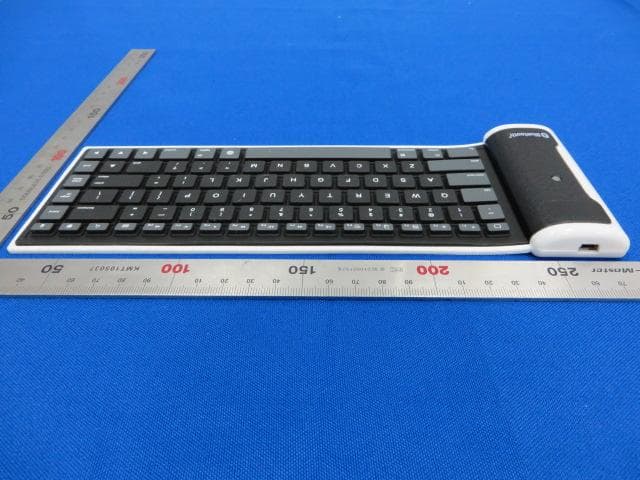
XJ4KB6113-2
Feb 17, 2014BLUETOOTH KEYBOARD
Equipment Class
DSS - Part 15 Spread Spectrum Transmitter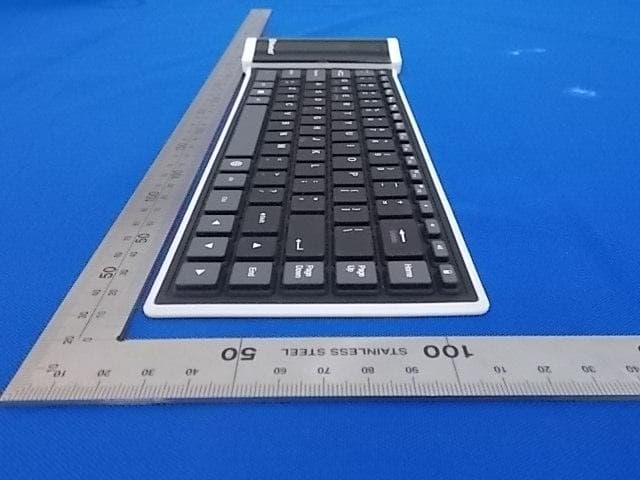
XJ4KB6303
Dec 30, 2013BLUETOOTH KEYBOARD
Equipment Class
DSS - Part 15 Spread Spectrum Transmitter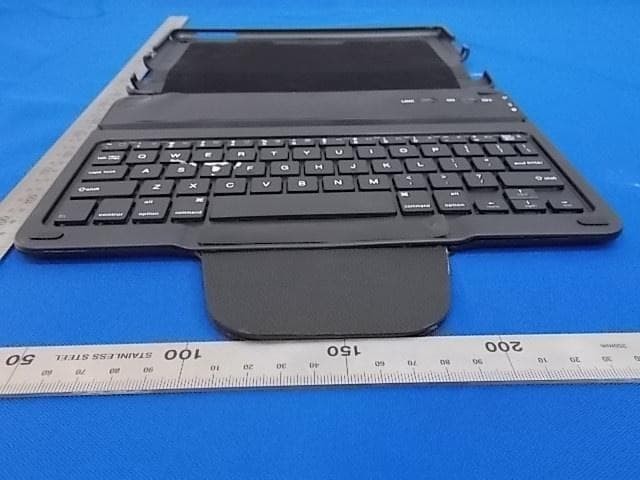
XJ4KB6226
Dec 30, 2013BLUETOOTH KEYBOARD
Equipment Class
DSS - Part 15 Spread Spectrum Transmitter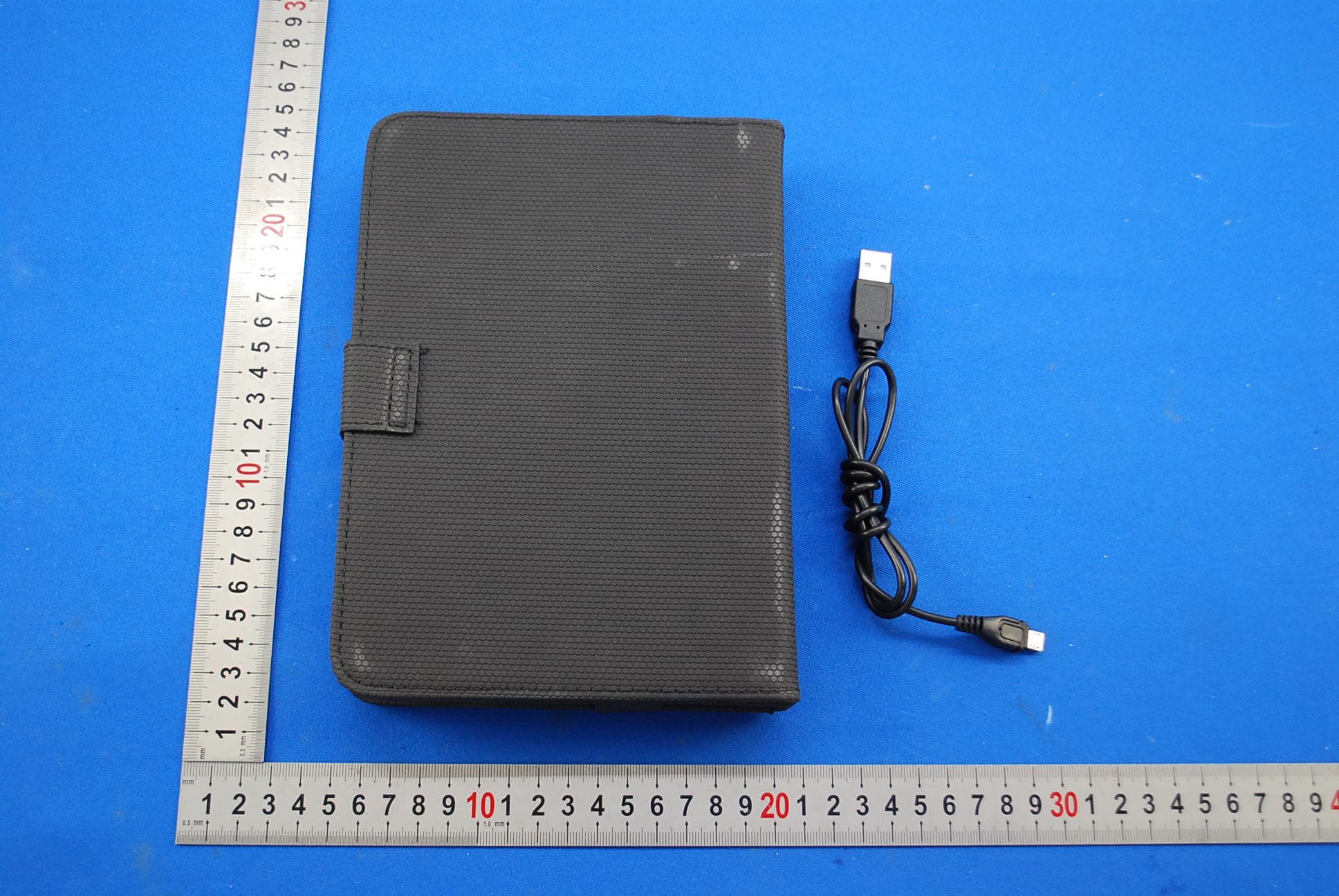
XJ4KB6219
Oct 24, 2013BLUETOOTH KEYBOARD
Equipment Class
DSS - Part 15 Spread Spectrum Transmitter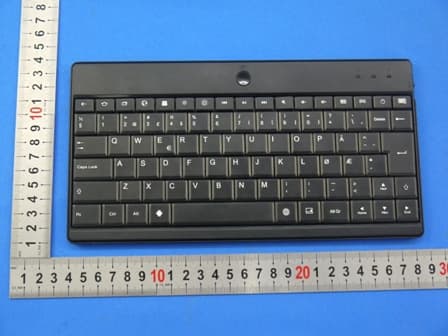
XJ4KB6300E
Aug 11, 2013Bluetooth Keyboard
Equipment Class
DSS - Part 15 Spread Spectrum Transmitter