YIZRT-MWK08MINI KEYBOARD
Shenzhen Riitek Technology Co., Ltd
Click to zoom
Application Details
- Equipment Class
- DXX - Part 15 Low Power Communication Device Transmitter
- Date of Grant
- Feb 15, 2012
- Application Purpose
- Original Equipment
- Date of Application
- Feb 15, 2012
- Equipment Note
- MINI KEYBOARD
- Frequency Range
- 2402.00000000 - 2480.00000000
- Country
- China
Documents & Files
Document Text
Text extracted from the exhibit documents filed with the FCC. Open a document above to read the original.
Users Manual
1 Mini Wireless Keyboard ---With Touchpad User’s Manual Ver:08RF/2.2 Safety Precautions Safety Matters To avoid injury,death of personnel or damage to the equipment the operator must refer to the explanations in this User’s Manual. Battery: There is a lithium-ion rechargeable battery in this device.Don’t water this device,or put it in a humid environment for a long time or the device will be damaged. Attention to traffic safety (CAR PC): Do not use the device while driving.When you want to use it,please park your car. Turn off this device on planes This Electronic wireless product can disturb the communications systems of planes.Please turn if off before boarding. In vicinity of dangerous goods to be shut down In gas station and close to fuel and chemical agents and other hazardous materials areas,please turn the device off. Turn off this device in hospital Please turn the device off in areas with “no wireless device”indication. Wireless devices may interfere with implanted cardiac pacemakers,hearing aids and other. Medical implant devices. Interference All wireless devices may be subject to interference, thus affecting the performance of this product. Accissories Only use factory specified parts.Please use the supplied travel charging cable.the use of other charging devices may be dangerous. Overview This is a wonderful combo,2.4GHz Mini Wireless QWERTY keyboard ,TouchPad combo,with USB interface Adapter For the lectuer, sales manager, presenter, from within a 30' radius make a presentation and operate PC wirelessly. Change slides and screen options, write on the screen, emphasize words and objects just by using this wireless Mini Keyboard and Mouse with Touch Pad. For people who want to watch internet TV play on their standard TV, via 2 broadband and a PC, like NBC,ABC,FOX and IPTV,Android TV Box, if use this wireless mini combo, who can sit in comfortable chair and select viewing pleasures without walking to computer to change channels or scroll through options. Introduction Product overview Touchpad This product was added to the innovative function Of the mouse wheel,when you press the Fn button With your fingers Touch anywhere in the sliding regionk,can facilitate the realization of the mouse wheel functions.This human design,it can be easier for to browse the web better,edit documents. Connecting the receiver Slide the receiver out from the side of keyboard, and insert to the devices with a standard USB interface. Once connected, slide the power switch to the "ON" position located on the left side of the unit to establish the connection. Auto sleep and wake feature The keyboard also features an auto sleep and auto wake mode. If there is a long period of inactivity, the keyboard will automatically go into a sleep mode. During the sleep mode, the user can wake the unit up by pressing any key. The 2.4 GHz receiver and keyboard’s RF indicator will continue to flash and will not power down. Switching off the keyboard after use After finishing using the keyboard,push the switch to the off position.This turns off the power,of the keyboard.The USB receiver should be plugged out from the PC and then inserted back in the keyboard so it is being kept safely. Charging the battery(Only for Configure A) 3 The device with built-in lithium-ion battery, please use only approved data lines and chargers. Fully charge the unit before operating for the first time. This device can be used when charging, but will extend the charging time; When the battery is low, the low-voltage light will flash to warn the user. The unit will automatically turn off if the battery has been depleted. Notes: This product has the configuration of A and B configuration can choose Configure A:lithium battery version, this version built in rechargeable lithium battery, additional charge USB line. Configure B:Install AAA * 2 battery, this version does not support the charging function. Appendix Technical parameters Specification ) Measurements (L x W x H): 146.8 x 97.5 x 19mm ) Weight (grams): 110g ) Operational Range: up to 10 meters ) Transmit power : +5db Max. ) Operation voltage: 3.3V ) Operation current: < 50mA ) Charging current: < 300mA ) Sleep current: < 1mA Computer system requirements ) Windows 2000 ) Windows XP ) Windows Vista ,Windows CE, Windows 7 ) Linux(Debian-3.1,Redhat-9.0 Ubuntu-8.10 Fedora-7.0 tested) Maintenance ) Do not attempt to disassemble the device or replace rechargeable battery. Doing so will void the warranty. ) The battery will discharge if stored for a long period of time without usage. ) Use the specified charger. Disconnect the device after the battery has been fully charged. Overcharging the battery will shorten the life span of the battery. ) Do not expose the device in extreme heat or cold. Extreme temperatures will cause the life span of the battery to shorten. ) Use only a damp cloth with mild soap to clean the device. Solvents and other cleaning agents may cause damage to the device. 4 Troubleshooting Below are some basic troubleshooting scenarios for the device. Please contact support from the place of purchase if you are unable to resolve any issues with the device. Problem Possible issue Solution Unit does not respond. 1、Low battery power. 2、Unit is not turned on. 1. Configure A:Charge the device for at least 15 minutes. Configure B:Replacement of the AAA * 2 battery 2. Check if the switch selected to the “ON” position. Keyboard cannot establish a connection to the receiver. 1、The receiver may not be inserted correctly. 1、Disconnect and reconnect the receiver to the USB port. The mouse pointer moves erratically and/or unresponsive. 1、Device may not be within optimal range of the receiver 2、Low voltage 3、Dust or oil on the touchpad. 1、Bring the unit closer to the receiver. 2、Please recharge(for Configure A) or replace the battery(for Configure B) 3、Clean the touchpad with a damp cloth. The unit does not charge(only for Configure A) 1、Defective battery. 2、Check connections. 1、Contact your…
Text truncated - open the document above for the full version.
Cover Letter(s)
Shenzhen Riitek Technology Co., Ltd. Feb 10, 2012 Federal Communications commission Authorization and Evaluation Division 7435 Oakland Mills Road Colunbla, MD 21046 To Whom It May Concern: We , Shenzhen Riitek Technology Co., Ltd Hereby authorize Most Technology Service Co., Ltd. Located at No.5, Langshan 2 nd Rd., North Hi-Tech Industrial Park, Nanshan, Shenzhen, Guangdong, China on our behalf, to apply to the Federal communications Commission on our equipment, Any and all acts carried out by Most Technology Service Co., Ltd. On our behalf shall have the same effect as acts of our own, This authorization expires on Feb 10, 2013 This is to advise that we are in full compliance with the Anti-Drug Abuse Act. We, Hybrinix Technology Sdn.Bhd. are not subject to a denial of federal benefits pursuant to section 5301 of the Anti-Drug Act of 1988, 21 usc853a, and no party to the application is subject to a denial of federal benefits pursuant to that section. Name: Juikui chen Title: (General Manager ) Company: Shenzhen Riitek Technology Co., Ltd Date: Feb 10, 2012
Operational Description
master control keyboard RF Module Touchpad Loop description: The Master Control reads the data from Keyboard, and collects signals from the Touc hpad, then launch out the data by RF Module. Among them, the Master Control integrates the AD and acquires theinformation from the capacitive touchpad directly.Power Management provides Power. Power management
Schematics
RT-MWK08 RIITEK A2 12 REV:SIZE:CODE: DRAWN:DATED: DATED:CHECKED: QUALITY CONTROL:DATED: DATED:RELEASED: COMPANY: TITLE: DRAWING NO: SHEET: OFSCALE: REVISION RECORD A B C D DATE: 123456 D C B A LTRECO NO:APPROVED: USB 写程序口 master control backlighting RF Module Power management Power management Power socket 1 Power socket 2 ndicator light Touchpad + C9 47UF/10V C10 0.1UF D1 充电指示 R8 1K 1 2 34 5 U3 TP4055 R3 3.3K C8 0.1UF 1 GND 2 VOUT 3 VIN U4 XC6206 + C14 47UF/10V C11 0.1UF BAT1 3.7V C15 0.1UF 1 GND 2 3 D+ 4 D- 5 V J2 1 P2.3 2 P2.1 3 P4.7 4 P4.5 5 P4.3 6 P4.1 7 P3.7 8 P3.5 9 P3.3 10 P3.1 11 P5.7 12 P5.5 13 P5.3 14 P5.1 15 P1.7 16 P1.5 17 P1.3 18 P1.1 19 VSS 20 D+ 21 D- 22 VDD 23 P7.7 24 P7.0 25 P1.0 26 P1.2 27 P1.4 28 P1.6 29 P5.0 30 P5.2 31 P5.4 32 P5.6 33 P3.0 34 P3.2 35 P3.4 36 P3.6 37 P4.0 38 P4.2 39 P4.4 40 P4.6 41 P2.0 42 P2.2 43 P2.4 44 P2.6 45 P0.0 46 P0.2 47 P0.4 48 P0.6 49 VDD 50 VSS 51 P0.7 52 P0.5 53 P0.3 54 P0.1 55 P2.7 56 P2.5 U1 CY8C24794 R43.3K C7 1nF 1 2 3 4 J1 2 2 1 1 3 GND K1 1 2 3 4 5 6 7 8 910111213141516 J3 1 IRQ 2 MISO 3 MOSI 4 SCK 5 CSN 6 CE 7 3.3V 8 GND J4 2401 D2 D3 R1 1K R2 1K 1 GND 2 VOUT 3 VIN U2 QX2304 12 L1 100UH D4 5819 C2 0.1UF 1 2 3 4 5 J5 PAN30 1 - 2 + J6 BAT-3V D5 R18 47R Q1 8550 R7 1K D6 LED D7 LED D8 LED D9 LED D10 LED D11 LED D12 LED D13 LED D14 LED D15 LED D16 LED D17 LED D18 LED D19 LED D20 LED D21 LED D22 LED D23 LED D24 LED D25 LED D26 LED D27 LED D28 LED D29 LED D30 LED D31 LED R10 0R + C3 47UF/10V C12 0.1UF + C6 47UF/10V + C1 47UF/10V C13 0.1UF C5 0.1UF 3.3V GND GND GND GND +5V X0 X1 X2 X3 X4 X5 C5C4C2 R5 R3 R1 R5 R3 R1 MISOMOSI IRQ RST GND GND GND NSSSCK BLLED 3.3V Y0 Y1 Y2 Y3 Y4 Y5 RF-LED Y6 Y7 X7 C8 C6 R6 R4 R2 R0 X6 R7 C3C1 C11 C10 CAPS-LED C0 Y0Y1Y2Y3Y4Y5Y6Y7 X0 X1 X2 X3 X4 X5 X6 X7 RST NSS SCK MOSI MISO IRQ 3.3V 3.3V RF-LED CAPS-LED BAT-IN 3.3V BAT-L BAT-L BAT-G BAT-IN DC3P3V BLLED C9 C7 BAT-G 002 RT-MWK08 RIITEK A2 22 REV:SIZE:CODE: DRAWN:DATED: DATED:CHECKED: QUALITY CONTROL:DATED: DATED:RELEASED: COMPANY: TITLE: DRAWING NO: SHEET: OFSCALE: REVISION RECORD A B C D DATE: 123456 D C B A LTRECO NO:APPROVED: 12 S1 Fn 12 S14 Shift 12 S27 Caps 12 S40 Tab 12 S53 Esc 12 S66 F1 12 S79 Mouse left 12 S80 Mouse right 12 S67 F2 12 S54 1 12 S41 Q 12 S28 A 12 S15 Z 12 S2 Ctrl 12 S3 Alt 12 S16 X 12 S29 S 12 S42 W 12 S55 2 12 S68 F3 12 S81 Next 12 S95 Media Playe 12 S82 V+ 12 S69 F4 12 S56 3 12 S43 E 12 S30 D 12 S17 C 12 S4 _ 12 S5 += 12 S18 V 12 S31 F 12 S44 R 12 S57 4 12 S70 F5 12 S83 PREV 12 S96 mail 12 S97 mute 12 S84 Pause 12 S71 F6 12 S58 5 12 S45 T 12 S32 G 12 S19 B 12 S6 |空格 12 S7 { 12 S20 N 12 S33 H 12 S46 Y 12 S59 6 12 S72 F7 12 S85 V- 12 S98 Mouse left 12 S99 Mouse right 12 S86 Down 12 S73 F8 12 S60 7 12 S47 U 12 S34 J 12 S21 M 12 S8 } 12 S9 ? 12 S22 < 12 S35 K 12 S48 I 12 S61 8 12 S74 F9 12 S87 Left 12 S100 IE 12 S101 My computer 12 S88 Enter 12 S75 F10 12 S62 9 12 S49 O 12 S36 L 12 S23 > 12 S10 ~ 12 S11 Alt 12 S24 ; 12 S37 Enter 12 S50 P 12 S63 0 12 S76 F11 12 S89 UP 12 S102 search 12 S90 Right 12 S77 F12 12 S64 Back 12 S51 | 12 S38 Pg Up 12 S25 " 12 S12 Pg Dn R0 R1 R2 R3 R4 R5 R6 R7 C0 C1 C2 C3 C4 C5C6 C8C11 C10C9 C7
Test Report
FCC 47 CFR PART 15 SUBPART C TEST REPORT For Applicant: Shenzhen Riitek Technology Co., Ltd Address: A1-4, A zone, Baoyunda Logistic Center, Avenue Xixiang, BaoAn District Shenzhen China Product Name: Mini keyboard Model Name: MWK08BT,MWK08RF,RT-MWK08+,MWK08,ZW-51009, ZW-51009BT,MT-1420,i8,Riimini i8,Rii800,Rii898 Brand Name: N/A FCC ID: YIZRT-MWK08 Report No.: MTE/EAH/D12020090 Date of Issue: Feb. 12, 2012 Issued by : Most Technology Service Co., Ltd. Address : No.5, Langshan 2nd Road, North District, Hi-tech Industrial Park, Nanshan, Shenzhen, Guangdong, China Tel : 86-755-8617 0306 Fax : 86-755-8617 0310 The report consists 28 pages in total. It may be duplicated completely for legal use with the approval of the applicant. It should not be reproduced except in full, without the written approval of our laboratory. The client should not use it to claim product endorsement by MOST. The test results in the report only apply to the tested sample. The test report shall be invalid without all the signatures of testing engineers, reviewer and approver. FCC ID: YIZRT-MWK08 Report No.: MTE/EAH/D12020090 Page 2 of 28 TABLE OF CONTENTS 1. VERIFICATION OF CONFORMITY ............................................................................................................... 3 2. GENERAL INFORMATION ............................................................................................................................ 4 2.1 Product Information ...................................................................................................................................... 4 2.2 Objective ...................................................................................................................................................... 5 2.3 Test Standards and Results .......................................................................................................................... 5 2.4 Environmental Conditions............................................................................................................................. 5 3. TEST FACILITY.............................................................................................................................................. 6 3.1TEST FACILITY............................................................................................................................................. 6 3.2 GENERAL TEST PROCEDURES ................................................................................................................ 6 3.3 FCC PART 15.205 RESTRICTED BANDS OF OPERATIONS..................................................................... 7 4. SETUP OF EQUIPMENT UNDER TEST ....................................................................................................... 8 4.1 SUPPORT EQUIPMENT.............................................................................................................................. 8 4.2 TEST EQUIPMENT LIST ............................................................................................................................. 9 5. 47 CFR Part 15C 15.249 Requirements....................................................................................................... 10 5.1 Spurious Emission Test .............................................................................................................................. 10 5.1.1 Requirement............................................................................................................................................ 10 5.1.2 Test Description ........................................................................................................................................11 5.1.3 Test Description ....................................................................................................................................... 12 5.1.4 Test Result............................................................................................................................................... 14 5.2 Band Edge ................................................................................................................................................. 22 5.2.1 Requirement............................................................................................................................................ 22 5.2.2 Test Description ....................................................................................................................................... 22 5.2.3Test Result................................................................................................................................................ 22 5.3 LINE CONDUCTED EMISSION TEST ............................................................................................... ........ 25 5.3.1. LIMITS OF LINE CONDUCTED EMISSION TEST ................................................................................ 25 5.3.2. BLOCK DIAGRAM OF TEST SETUP..................................................................................................... 25 5.3.3. PRELIMINARY PROCEDURE OF LINE CONDUCTED EMISSION TEST ............................................ 26 5.3.4. FINAL PROCEDURE OF LINE CONDUCTED EMISSION TEST .......................................................... 26 5.3.5. TEST RESULT OF LINE CONDUCTED EMISSION TEST .................................................................... 27 FCC ID: YIZRT-MWK08 Report No.: MTE/EAH/D12020090 Page 3 of 28 1. VERIFICATION OF CONFORMITY Equipment Under Test: Mini keyboard Brand Name: N/A Model Number: RT-MWK08 FCC ID: YIZRT-MWK08 Shenzhen Riitek Technology Co.,LTD Applicant: A1-4,A Zone,Baoyunda Logistic Center, Avenue Xixiang, BaoAn District, Shenzhen, China Shenzhen Riitek Technology Co.,LTD Manufacturer: A1-4,A Zone,Baoyunda Logistic Center, Avenue Xixiang, BaoAn District, Shenzhen, China Technical Standards: 47 CFR Part 15 Subpart C File Number: MTE/EAH/D12020090 Da…
Text truncated - open the document above for the full version.
Test Setup Photos
Test photo of Conducted emission Test photo of radiated emission (30MHz-1000MHz) Test photo of radiated emission(f>1GHz) CE TEST SETUP
Contact Information
Applicant
JunKui Chen
Test Firm
Most Technology Service Co., Ltd.Mark Wen
Technical Specifications
| # | Rule Parts | Frequency Range | Power Output |
|---|---|---|---|
| 1 | 15C | 2.40 GHz - 2.48 GHz | - |
Other Applications from Shenzhen Riitek Technology Co., Ltd
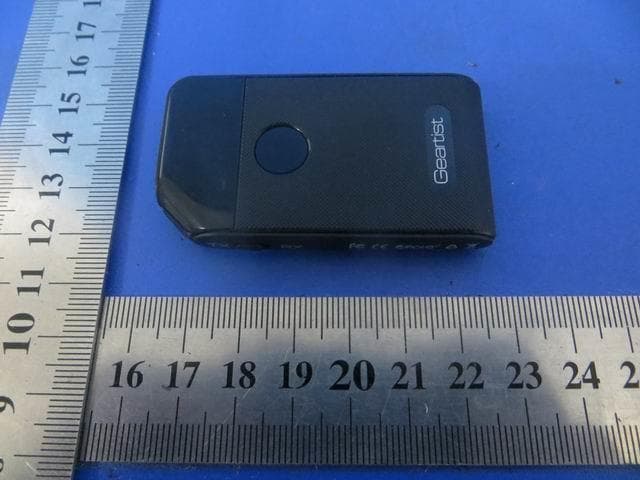
YIZRT419
Sep 13, 2015Dual mode Bluetooth Transceiver
Equipment Class
DSS - Part 15 Spread Spectrum Transmitter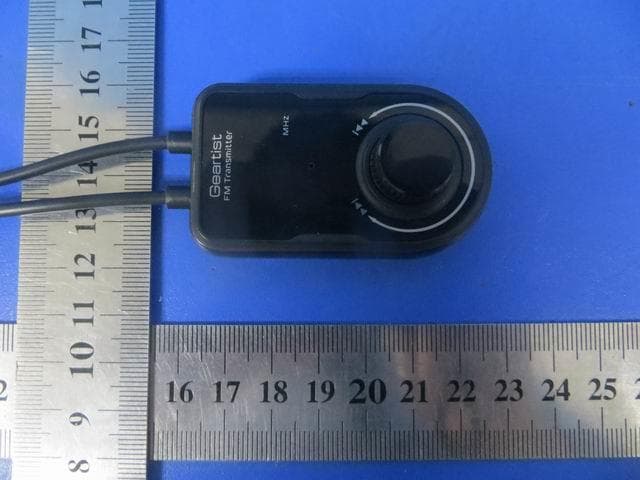
YIZRT507
Sep 12, 2015FM transmitter
Equipment Class
DXX - Part 15 Low Power Communication Device Transmitter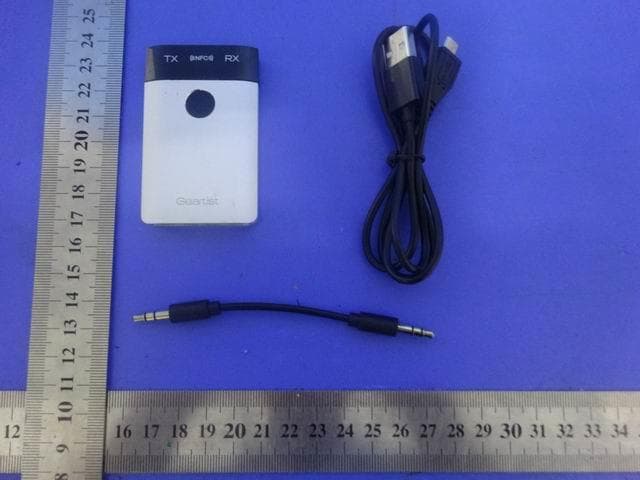
YIZRT418
Sep 10, 2015Dual mode Bluetooth Transceiver
Equipment Class
DSS - Part 15 Spread Spectrum Transmitter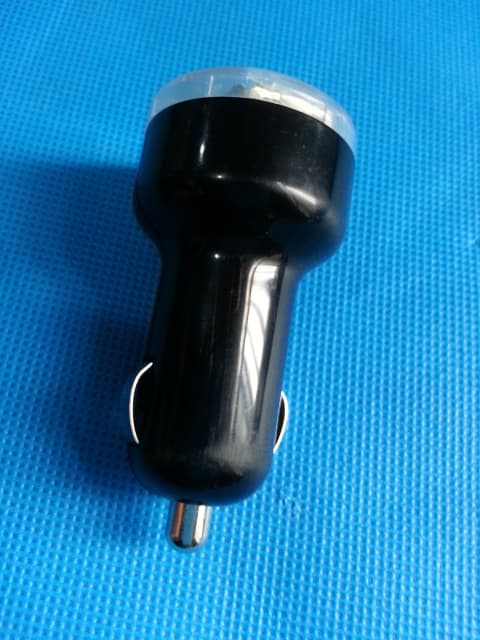
YIZGB01
Jan 15, 2015Bluetooth Car-Kit
Equipment Class
DSS - Part 15 Spread Spectrum Transmitter
YIZRE413
Dec 22, 2014Bluetooth Smart(Bluetooth activity tracker)
Equipment Class
DTS - Digital Transmission System