YK808GLBLUETOOTH EARPHONE
Earloomz LLC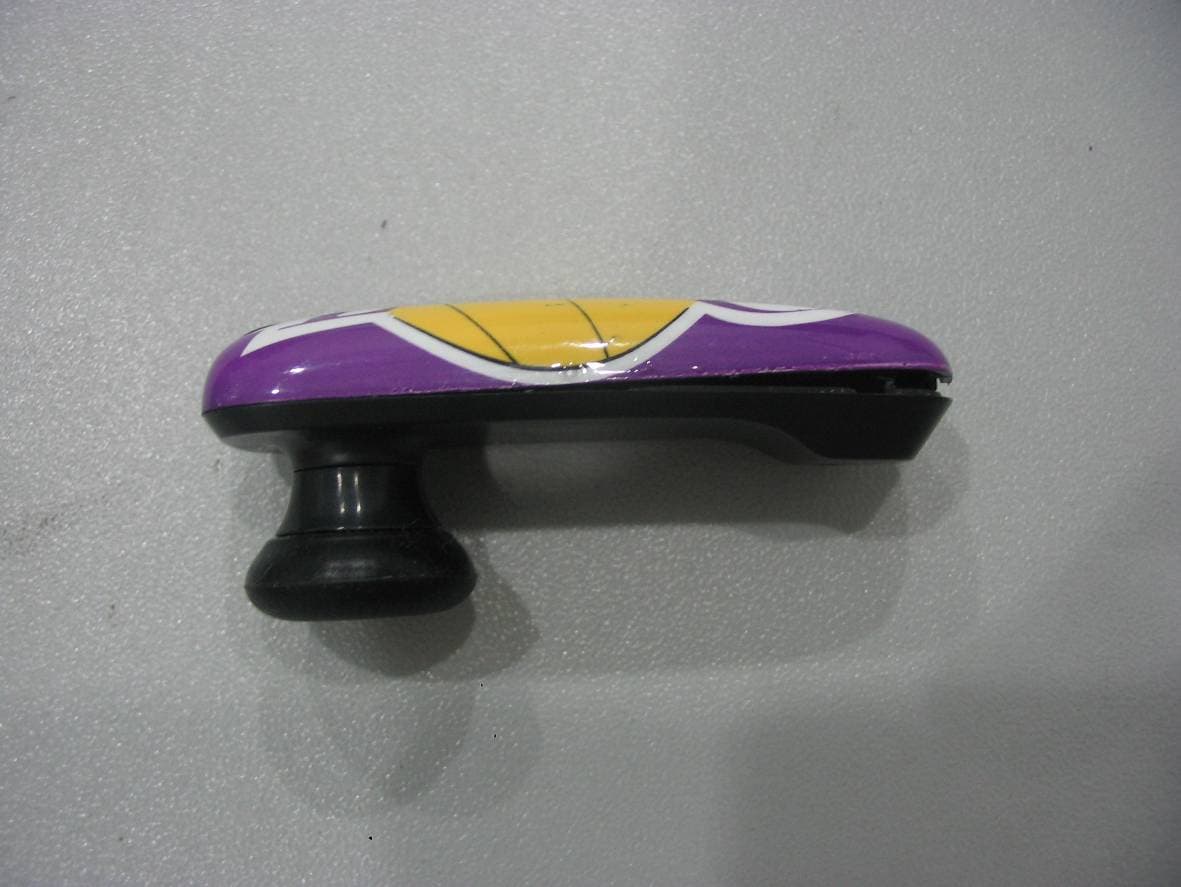
Click to zoom
Application Details
- Equipment Class
- DSS - Part 15 Spread Spectrum Transmitter
- Date of Grant
- Sep 27, 2010
- Application Purpose
- Original Equipment
- Date of Application
- Sep 26, 2010
- Equipment Note
- BLUETOOTH EARPHONE
- Frequency Range
- 2402.00000000 - 2480.00000000
- Company
- Earloomz LLC
- Country
- United States
Documents & Files
Document Text
Text extracted from the exhibit documents filed with the FCC. Open a document above to read the original.
Users Manual
Introduction Headset Call Controls Earloomz makes their Bluetooth headset easy. There is only one button, the On/Off, (which turns the phone on/off, answers and rejects calls, pairs your device and redials the last number called) volume and answering is controlled from your cell phone. 1. On/Off Button Note: Before use please read the Additional Information sections in this user guide. Note: Before use please read the Additional Information sections in this user guide. Charging your Headset Getting started. Charging of your Earloomz will take about 2 hours. Follow the procedure as follows: 1. Insert the Earloomz Wall Charger into a DC power source and/or the USB charger into your computer USB port. 2. Insert the plug into the bottom pin hole of the Earloomz with the charging cable into your headset, on next page: 3. The red “e” (Earloomz logo) light will stay solid while the Earloomz are being charged. 4. When charging is complete the red “e” light will turn off. 5. Remove the charger plug from the Earloomz then unplug the charger. Note: The rechargeable battery in the Earloom will take several complete charges till it reaches its optimum storage capacity. After charging the first time, use the Earloomz as normal until a ‘low battery’ is indicated. Charge again and repeat...!!! LED Earloomz logo “e” indicator chart Power On: Blue indicator light blinks twice and will blink every 4 seconds while on. Power Off: Blue indicator light blinks twice then will shut off Standby Mode: Blue indicator blinks once every 4 seconds Sniff Mode: Blue indicator rapidly blinks twice every 4 seconds Pairing Mode: Blue and Red indicator light blinks rapidly Incoming Call: Blue indicator blinks once per second Active Call: Blue indicator rapidly blinks 3 times every 4 seconds Charging: Red indicator is continuously ON Charging Complete: No light indicator turns OFF Reset: Blue indicator blinks twice Note: Sniff mode means your headset has a connection with your phone but is conserving power, and will wake up when any function is activated. Pairing with your Bluetooth Device Before you can use your headset, you must ‘link’ it with the device you wish to use. Step A: Put your headset in Pairing Mode 1. The headset needs to start in the off mode (no blinking light). Press and Hold the On/Off button until the light blinks Blue and Red. Then use your cell phone to pair your Earloomz. (please look at cell phone manual to search for wireless connections). Look for Earloomz; as this is the device you want to connect to. Step B: Pairing you headset to your phone/device 1. Turn on the Bluetooth function of your phone or device. 2. Perform a “Bluetooth device discovery” from your phone or device. 3. Select “GL or SL Earloomz” from the list of discovered devices. 4. Some phones require you to put in a Enter the Pin code/Passkey “0000”. Some phones will automatically pair. 5. Select the Earloomz from the list of paired devices and press Connect or Paired (please be aware that cellular phones use different verbage to establish a connection.) Note: Some devices will not require this last step Step C: Initial Test Your headset and your phone should now be paired and connected, ready to make and receive calls. Depending on your device, you may see that a headset symbol has appeared on you screen. To confirm they are successfully paired and operating properly please try the following. 1. On your phones keypad, dial a contact you wish to call. 2. Press Send on your phone to initiate the call. The call will be heard on the headset. Step D: Re-linking Headset to Phone/Device 1. If you unlinked your Earloomz Bluetooth because your cellular phone was linked to another type of Bluetooth device and you'd like to re-link the Earloomz back to your cellular phone, please follow these steps: Hold down the On/Off button for 4-5 seconds and the indicator light will blink rapidly in blue, release button immediately. A beep in your headset will sound and a message on your phone will pop up asking you if you want to link your device. Please click yes and your Earloomz will be linked to your cellular phone once again. Headset Functions 1. Power ON your headset: Press and Hold the On/Off button for about 3-4 seconds until the blue indicator flashes. After powering on, your headset will automatically connect to your last used phone if it is in operating range. If no paired phone is in range or no phone has been paired, the Earloomz will enter Standby mode. 2. Power OFF your headset: Press and Hold the On/Off button for about 3-4 seconds until the indicator is solid red and let go. 3. To Enter Pairing Mode: Hold the On/Off button until the “e” indicator light blinks rapidly in Blue and Red. 4. To Answer a call: Press the On/Off button or Press the Answer/Talk button on your phone/device once when there is an incoming call to answer. 5. To End a call: Press the On/Off button or Press the End button on your phone/device once when there is a call to be ended. 6. To Reject a call: Press the On/Off button twice or you may reject using your cell phone. 7. To Redial the last call: Press the On/Off button twice and wait for a beep to redial. 8. To Adjust the Volume: Adjust the volume by the volume controls on the phone. Adjust to the desired level. 9. To Voice Dial: press the On/Off button for 1 second, you will hear a beep and your phone will ask you to say a name or command. 10. To Re-Link Earloomz: If your headset loses connection, Press and hold the On/Off button for 4-5 seconds and the Blue indicator light will rapidly blink, release button immediately. A beep in the Headset will sound and a message on your phone will appear, follow the phone command and you will be able to re-link the device. 11. Low Battery: The Earloomz will beep loudly every 10 seconds to notify you of should charging your headset. 12. Service: The Earloomz will beep once when your phone goes out of service with a low decreasing beep. When returning to service the beep will have…
Text truncated - open the document above for the full version.
Cover Letter(s)
Earloomz LLC Date: 15 Sep, 2010 To: Federal Communications Commission, Authorization & Evaluation Division, 7435 Oakland Mills Road, Columbia, MD 21046 To Whom It May Concern: The Earloomz LLC, the undersigned, hereby authorizes Mr. Wu Xuewen from Shenzhen Morlab Communications Technology Co., Ltd., to act on the behalf of the Earloomz LLC solely in matters relating to the application for an FCC equipment authorization for FCC ID: YK808GL including the signing of documents in connection with this Application. Necessary acts carried out by Shenzhen Morlab Communications Technology Co., Ltd. on our behalf of the Earloomz LLC in connection with the Application shall have the same effect as acts of the Earloomz LLC. The Earloomz LLC also hereby certify that no party to this application is subject to a denial of benefits, including FCC benefits, pursuant to Section 5301 of the Anti-Drug Abuse Act of 1988, 21 U.S.C. 853(a). Michael Sherman / President Earloomz LLC
Cover Letter(s)
Earloomz LLC Date: 15 Sep, 2010 To: Federal Communications Commission, Authorization & Evaluation Division, 7435 Oakland Mills Road, Columbia, MD 21046 Re: Earloomz LLC FCC ID: YK808GL FCC Part 15C Certification Confidentiality Request Gentlemen: This letter is to comply with 47 CFR 0.457 and 0.459 pertaining to confidentiality material. Earloomz LLC requests that the following documents regarding this submission for FCC ID: YK808GL be kept confidential: Exhibit Type File Name Block Diagram CONF APPENDIX YK808GL_Block Diagram.pdf Schematics CONF APPENDIX YK808GL_Schematics.pdf Operational Description CONF APPENDIX YK808GL_Operational Description.pdf Part list CONF APPENDIX YK808GL_BOM.pdf Tune-Up-Procedure CONF APPENDIX YK808GL_Tune up procedure.pdf Those documents contain detailed system and equipment description and related information about the product which Earloomz LLC considers to be confidential proprietary, a custom design and, otherwise, not releasable to the general public. Since this design is a basis form which future technological products will evolve, Earloomz LLC considers this information would be of benefit to its competitors, and that the disclosure of the information in these documents would give competitors an unfair advantage in the market. Michael Sherman / President Earloomz LLC
External Photos
External Photos 1. Front View of EUT 2. Back View of EUT 3. Side View of EUT
Internal Photos
Internal Photos
Test Report
Report No.: SZ09120040E04 Page 2 of 36 TABLE OF CONTENTS 1. TEST CERTIFICATION ........................................................................................................... 4 2. GENERAL INFORMATION .................................................................................................... 5 2.1 EUT Description ......................................................................................................................... 5 2.2 Test Standards and Results ........................................................................................................ 6 2.3 Facilities and Accreditations ...................................................................................................... 7 2.3.1 Facilities .................................................................................................................................... 7 2.3.2 Test Environment Conditions .................................................................................................... 7 3. 47 CFR PART 15C REQUIREMENTS .................................................................................... 8 3.1 Number of Hopping Frequency ................................................................................................. 8 3.1.1 Requirement .............................................................................................................................. 8 3.1.2 Test Description ........................................................................................................................ 8 3.1.3 Test Result ................................................................................................................................. 8 3.2 Peak Output Power .................................................................................................................. 10 3.2.1 Requirement ............................................................................................................................ 10 3.2.2 Test Description ...................................................................................................................... 10 3.2.3 Test Result ............................................................................................................................... 10 3.3 20dB Bandwidth ....................................................................................................................... 13 3.3.1 Definition ................................................................................................................................ 13 3.3.2 Test Description ...................................................................................................................... 13 3.3.3 Test Result ............................................................................................................................... 13 3.4 Carried Frequency Separation ................................................................................................ 16 3.4.1 Definition ................................................................................................................................ 16 3.4.2 Test Description ...................................................................................................................... 16 3.4.3 Test Result ............................................................................................................................... 16 3.5 Time of Occupancy (Dwell time) ............................................................................................. 17 3.5.1 Requirement ............................................................................................................................ 17 3.5.2 Test Description ...................................................................................................................... 17 3.5.3 Test Result ............................................................................................................................... 17 3.6 Conducted Spurious Emissions ............................................................................................... 19 3.6.1 Requirement ............................................................................................................................ 19 3.6.2 Test Description ...................................................................................................................... 19 Report No.: SZ09120040E04 Page 3 of 36 3.6.3 Test Result ............................................................................................................................... 19 3.7 Band Edge ................................................................................................................................. 22 3.7.1 Requirement ............................................................................................................................ 22 3.7.2 Test Description ...................................................................................................................... 22 3.7.3 Test Result ............................................................................................................................... 23 3.8 Conducted Emission ................................................................................................................. 26 3.8.1 Requirement ............................................................................................................................ 26 3.8.2 Test Description ...................................................................................................................... 26 3.8.3 Test Result ............................................................................................................................... 27 3.9 Radiated Emission .................................................................................................................... 29 3.9.1 Requirement ..............................…
Text truncated - open the document above for the full version.
Test Setup Photos
Test Setup Photos 1. CE 2. CSE 3. RE 4. RSE
Contact Information
Applicant
Michael Sherman(President)
Test Firm
Shenzhen Morlab Communications Technology Co.,LtdShu Luan
Technical Specifications
| # | Rule Parts | Frequency Range | Power Output |
|---|---|---|---|
| 1 | 15C | 2.40 GHz - 2.48 GHz | 1.00 mW |
Other Applications from Earloomz LLC
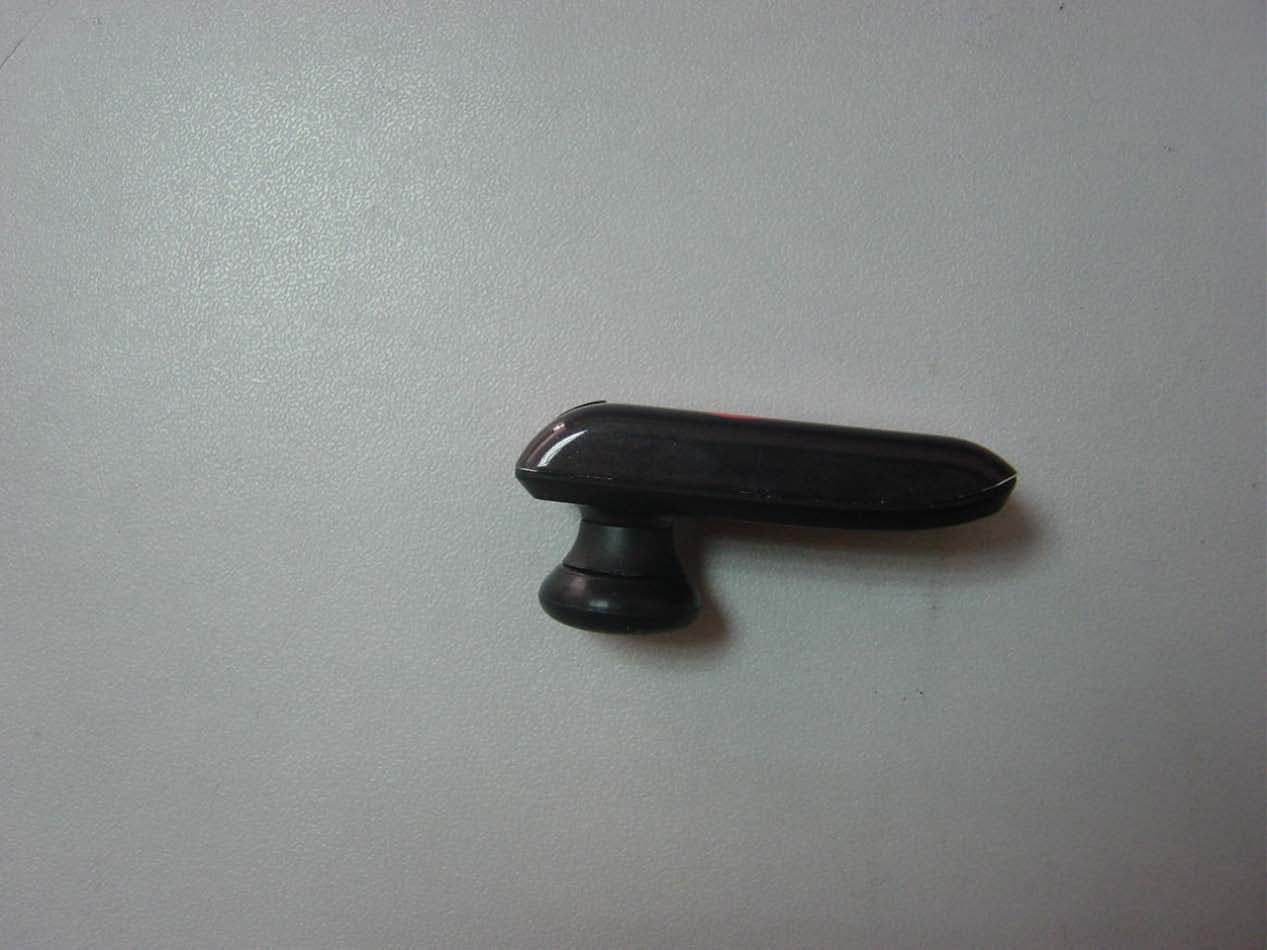
YK809SL
Mar 03, 2011BLUETOOTH EARPHONE
Equipment Class
DSS - Part 15 Spread Spectrum Transmitter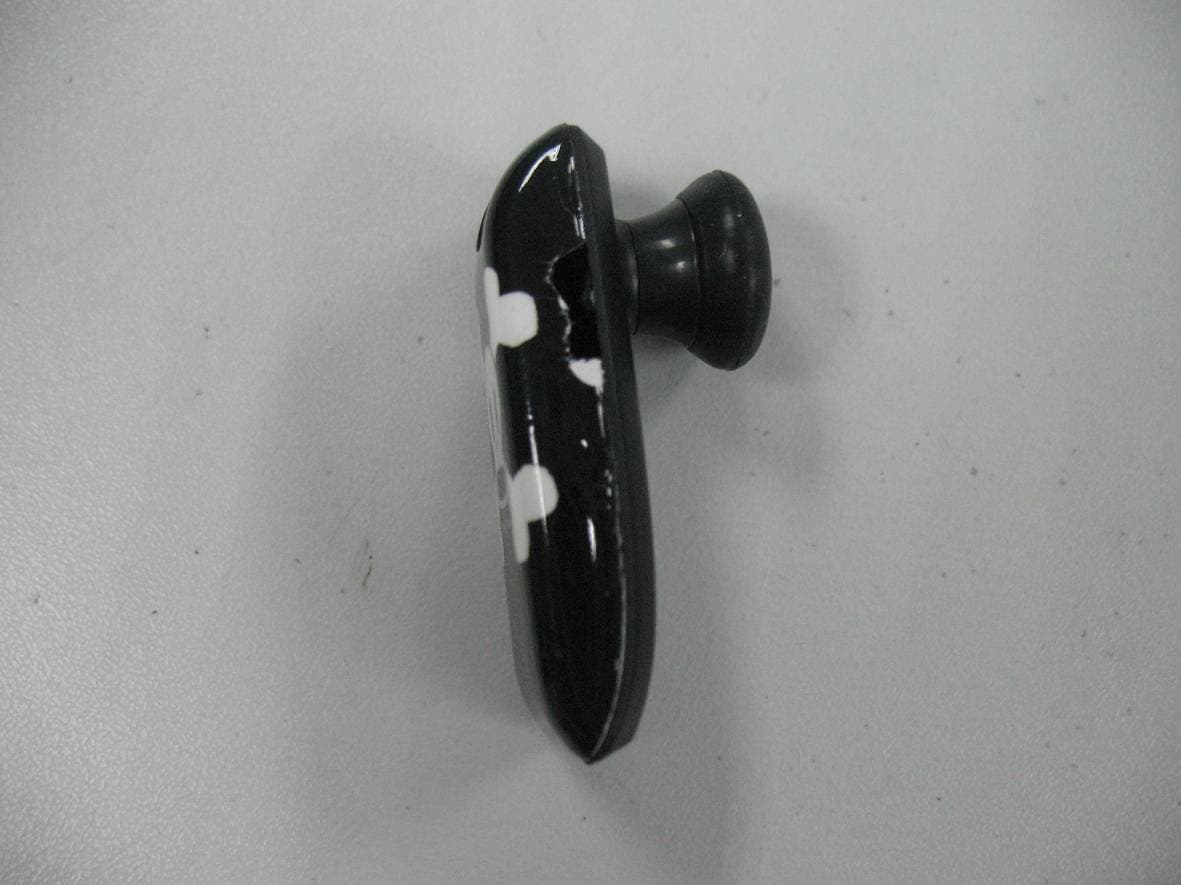
YK808SL
Sep 27, 2010BLUETOOTH EARPHONE
Equipment Class
DSS - Part 15 Spread Spectrum Transmitter