YPR73802Wireless Digital Microscope
Zhongshan Sunpet Plastics & Electronics Mfy. Ltd.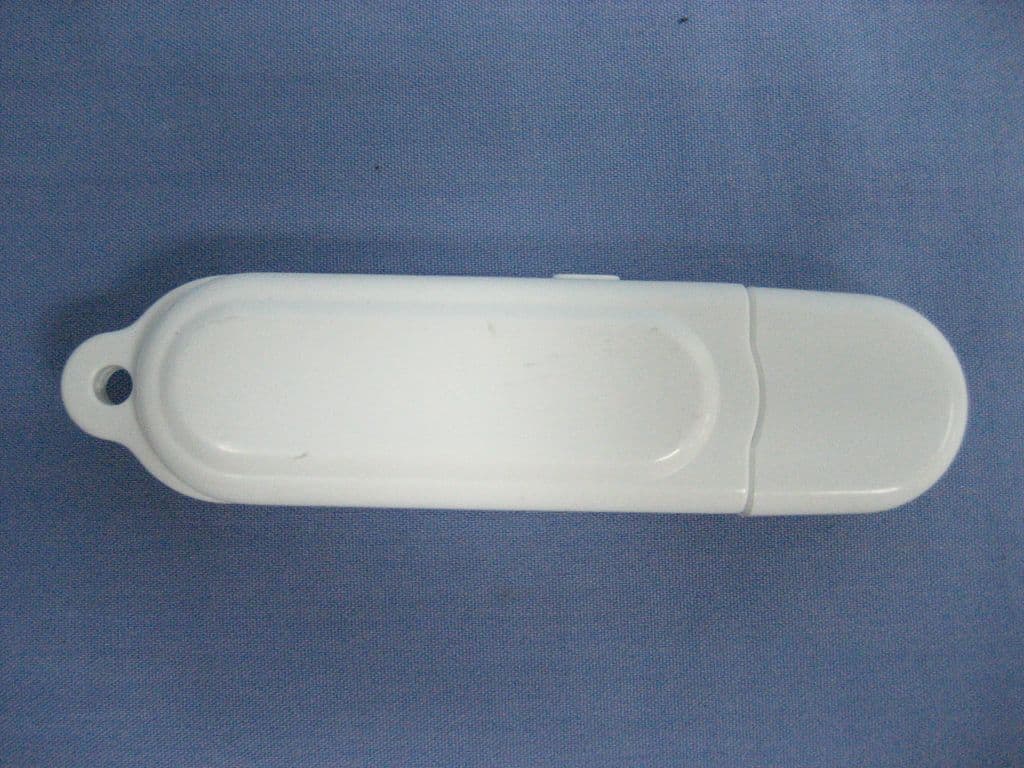
Click to zoom
Application Details
- Equipment Class
- DXX - Part 15 Low Power Communication Device Transmitter
- Date of Grant
- Aug 26, 2010
- Application Purpose
- Original Equipment
- Date of Application
- Aug 26, 2010
- Equipment Note
- Wireless Digital Microscope
- Frequency Range
- 2404.12500000 - 2478.37500000
- Country
- China
Documents & Files
Document Text
Text extracted from the exhibit documents filed with the FCC. Open a document above to read the original.
Users Manual
Easi-Scope 2 User Manual August 2010 Ver. 1.0 Table of Contents 1 Warnings....................................................................................... 1 2 Features ........................................................................................ 2 3 Package Contents ........................................................................ 2 4 Minimum Requirements ............................................................... 3 4.1 Supported Operating Systems ........................................... 3 5 Part and Control Locations .......................................................... 3 6 Installing Hardware Driver and Application................................. 4 6.1 Windows XP SP3 ................................................................ 4 6.2 Windows Vista / Windows 7 ............................................... 6 7 Using your Easi-Scope 2 ............................................................. 8 7.1 Charging your Easi-Scope 2 .............................................. 8 7.2 Start Up ............................................................................... 8 7.3 Pairing.................................................................................. 9 7.4 Pairing multiple Easi-Scope 2s ........................................ 10 8 Using the Easi-Scope 2 with Easi-Scope 2 Application ........... 11 8.1 Launching the Application ................................................ 11 8.2 Taking a Photo .................................................................. 12 8.3 Recording a Video ............................................................ 13 8.4 Advance Settings .............................................................. 16 8.4.1 Changing Resolution .................................................... 16 9 Support & Warranty ................................................................... 18 1 1 Warnings Please Read All Instructions Carefully Before Using Please retain these instructions for future reference Tuff-Cam 2 contains a non-replaceable, rechargeable battery Do not attempt to remove the battery In the event of an electro-static discharge, your Easi-Scope 2 may malfunction. In this case, please switch it off and then back on again Warranty is void if the case is opened for any reason The warranty does not cover any data loss nor any consequential loss of information FCC compliance NOTE: THE MANUFACTURER IS NOT RESPONSIBLE FOR ANY RADIO OR TV INTERFERENCE CAUSED BY UNAUTHORIZED MODIFICATIONS TO THIS EQUIPMENT. SUCH MODIFICATIONS COULD VOID THE USER AUTHORITY TO OPERATE THE EQUIPMENT NOTE: This equipment has been tested and found to comply with the limits for a Class B digital device, pursuant to Part 15 of the FCC Rules. These limits are designed to provide reasonable protection against harmful interference in a residential installation. This equipment generates, uses and can radiate radio frequency energy and, if not installed and used in accordance with the instructions, may cause harmful interference to radio communications. However, there is no guarantee that interference will not occur in a particular installation. If this equipment does cause harmful interference to radio or television reception, which can be determined by turning the equipment off and on, the user is encouraged to try to correct the interference by one or more of the following measures: Reorient or relocate the receiving antenna. Increase the separation between the equipment and receiver. Connect the equipment into an outlet on a circuit different from that to which the receiver is connected. Consult the dealer or an experienced radio/TV technician for help 2 2 Features Easi-Scope 2 is a USB Wireless Microscope which uses the 2.4GHz frequency band to transmit digital images of up to 640 x 480 resolution with a range of over 10m. The USB receiver of your Easi- Scope 2 can pair with up to four (4) Easi-Scope 2s simultaneously and allow you to switch between the multiple paired devices. 3 Package Contents 1. Easi-Scope 2 ×1 2. USB Receiver ×1 3. Installation CD ×1 4. User Manual ×1 5. USB Charging Cable ×1 3 4 Minimum Requirements 1.8 GHz Intel / AMD Processor; 256 Mbytes of RAM; USB Version 2.0; A Compact Disc Drive; 4.1 Supported Operating Systems Your Easi-Scope 2 is fully tested and support on Windows XP SP3, Windows Vista and Windows 7. 5 Part and Control Locations ○ 1 Snap Button ○ 2 Focusing Dial ○ 3 Power / Pairing Button ○4 USB Socket ○5 Objective Lens Tube ○6 LED Illumination ○7 Status Indicator ○8 Channel Indicator ○9 Channel Select/Pairing Button 4 6 Installing Hardware Driver and Application 6.1 Windows XP SP3 1. Plug your USB Receiver into your computer and wait for the automatic Windows hardware installation to finish. 2. Insert the Installation CD into your optical drive and the Easi- Scope 2 Installer should be launched automatically. If this doesn’t start, go to “My Computer”, select the CD drive and double click on setup.exe 3. When the Easi-Scope 2 InstallShield Wizard appears as shown below, Click Next. 5 4. Wait for installation to be completed and then click “Finish” to close the Easi-Scope 2 InstallShield Wizard. 6 6.2 Windows Vista / Windows 7 1. Plug your USB Receiver into your computer and wait for the automatic Windows hardware installation to finish. 2. Insert the Installation CD into your optical drive and the Easi- Scope 2 Installer should be launched automatically. If this doesn’t start, go to “My Computer”, select the CD drive and double click on setup.exe 3. When the Easi-Scope 2 InstallShield Wizard appears as shown below, Click Next. 7 4. Wait for installation to be completed, and then click “Finish”. To close the Easi-Scope 2 InstallShield Wizard. 8 7 Using your Easi-Scope 2 7.1 Charging your Easi-Scope 2 Your Easi-Scope 2 is equipped with a built-in rechargeable battery which is charged using the mini-USB connector on the side of your Easi-Scope 2. It is recommended that you fully charg…
Text truncated - open the document above for the full version.
Block Diagram
Authorization Letter Zhongshan Sunpet Plastics & Electronics Mfy. Ltd. 2010-8-04 To whom it may concern: We the undersigned, hereby authorize CTI employees Christy Chen to act on our behalf in all manners relating to application for equipment authorization, including signing of all documents relating to these matters. Any and all acts carried out by CTI employees Christy Chen on our behalf shall have the same affect as acts of our own. This authorization is valid until further written notice from Zhongshan Sunpet Plastics & Electronics Mfy. Ltd. Sincerely, Signature: (Youping Lian)
Cover Letter(s)
Ersteller: U Rodemeier Revision: 04 Erstelldatum: 03.08.01 Datum: 11.05.07 Seite 1 von 1 Request for Confidentiality PHOENIX TESTLAB GmbH Date: 2010-08-24 Product Certification Königswinkel 10 D 32825 Blomberg RE: Certification Application FCC ID: YPR73802 Confidentiality Request Pursuant to Sections 0.457 and 0.459 of the Commission’s Rule, the applicant hereby requests confidential treatment of information a ccompanying this application as outlined below: • Bill of material • Operation Description • Circuit Diagram • Block Diagram (XXXXX to be replaced by Schematics, Block Diagram, etc.) The above materials contain trade secrets and proprietary information not customarily released to the public. The public disclosure of these matters might be harmful to the applicant and provide unjustified benefits to its competitors. The applicant understands that pursuant to rule 0.457, disclosure of this application and all accompanying documentation will not be made before the date of the GRANT for this application. Thank you for your attention in this matter. Applicant’s Company: Centre Testing International Corporation address : Bldg. C, Hongwei Industrial Park, Block 70, Bao’an District, Shenzhen, Guangdong, China Signature : Job Title and Dept. :EMC Engineer, EMC Lab
ID Label/Location Info
FCC label information:
Test Report
Report No. : SZEE100727118405-2 Page 1 of 20 ELECTROMAGNETIC EMISSIONS COMPLIANCE REPORT INTENTIONAL RADIATOR CERTIFICATION Product Name : Wireless Digital Microscope Model Number : 738 Trade Name : N/A FCC ID : YPR73802 Report Number : SZEE100727118405-2 Date : Aug. 23, 2010 Prepared for Zhongshan Sunpet Plastics & Electronics Mfy. Ltd. 109 Zhongshan Port Avenue, Zhongshan Torch Development Zone, Zhongshan City, Guangdong Province, China, 528437 TEL: +86-760-85597525-8076 FAX: +86-760-85598800 Prepared by CENTRE TESTING INTERNATIONAL (SHENZHEN) CORPORATION Building C, Hongwei Industrial Zone, Baoan 70 District, Shenzhen, Guangdong, China TEL: 86-755-3368 3362 FAX: 86-755-3368 3368 This report shall not be reproduced, except in full, without the written approval of CENTRE TESTING INTERNATIONAL (SHENZHEN) CORPORATION Building C, Hongwei Industrial Zone, Baoan 70 District, Shenzhen Standards Results 47 CFR FCC Part 15 Subpart C 15.249 PASS Report No. : SZEE100727118405-2 Page 2 of 20 TABLE OF CONTENTS 1. GENERAL INFORMATION .........................................................................................3 2. TEST SUMMARY........................................................................................................4 3. MEASUREMENT UNCERTAINTY ..............................................................................4 4. PRODUCT INFORMATION.........................................................................................4 5. TEST EQUIPMENT LIST.............................................................................................5 6. SUPPORT EQUIPMENT LIST ....................................................................................5 7. 20DB BANDWIDTH MEASUREMENT........................................................................6 7.1 LIMITS............................................................................................................6 7.2 BLOCK DIAGRAM OF TEST SETUP............................................................6 7.3 TEST PROCEDURE.......................................................................................6 7.4 TEST RESULT................................................................................................6 8. RADIATED EMISSIONS MEASUREMENT ................................................................9 8.1 LIMITS............................................................................................................9 8.2 BLOCK DIAGRAM OF TEST SETUP............................................................9 8.4 TEST RESULT..............................................................................................11 9. BAND EDGE EMISSION MEASUREMENT..............................................................14 9.1 LIMITS..........................................................................................................14 9.2 BLOCK DIAGRAM OF TEST SETUP..........................................................14 9.3 TEST PROCEDURE.....................................................................................14 9.4 TEST RESULT..............................................................................................14 APPENDIX 1 PHOTOGRAPHS OF TEST SETUP .......................................................16 APPENDIX 2 PHOTOGRAPHS OF EUT ......................................................................18 (Note: N/A means not applicable) Report No. : SZEE100727118405-2 Page 3 of 20 1. GENERAL INFORMATION The above equipment was tested by CENTRE TESTING INTERNATIONAL (SHENZHEN) CORPORATION for compliance with the requirements set forth in FCC Rules and the measurement procedure according to ANSI C63.4-2009. The test results of this report relate only to the tested sample identified in this report. Prepared by : Christy Chen Reviewed by : Louisa Lu Approved by : Lily Yan Supervisor Date : Aug. 23, 2010 Applicant: Zhongshan Sunpet Plastics & Electronics Mfy. Ltd. 109 Zhongshan Port Avenue, Zhongshan Torch Development Zone, Zhongshan City, Guangdong Province, China, 528437 Manufacturer: Zhongshan Sunpet Plastics & Electronics Mfy. Ltd. 109 Zhongshan Port Avenue, Zhongshan Torch Development Zone, Zhongshan City, Guangdong Province, China, 528437 Sample Description: Wireless Digital Microscope Technical Date: DC 5V by USB port Model Name: 738 Trade Name: N/A FCC ID: YPR73802 Report Number: SZEE100727118405-2 Date of Test: Jul. 27, 2010 to Aug. 23, 2010 Report No. : SZEE100727118405-2 Page 4 of 20 2. TEST SUMMARY The complete list of measurements is given below: Clause Test Item Rule Result 7 20dB Bandwidth FCC 15.215(c) PASS 8 Radiated Emission FCC 15.209 FCC 15.249(a) (d) PASS 9 Out of Band Emission FCC 15.249 (d) PASS 3. MEASUREMENT UNCERTAINTY This uncertainty represents an expanded uncertainty expressed at approximately the 95% confidence level using a coverage factor of k=2. Measurement items Uncertainty Radiated Emissions / Band edge Emission 4.6 dB 4. PRODUCT INFORMATION Items Description Rating DC 5V by USB port Intentional Transceiver Intentional Transceiver Modulation GFSK Frequency Range 2404.125 ~ 2478.375 MHz Channel Number 64 (at intervals of 1.125MHz) Type PCB Antenna Connector fixed on board Gain 2.0dBi Channels Frequency 0~63 2404.125MHz; 2405.25MHz; 2406.375MHz; 2407.5MHz; 2408.625MHz; 2409.75MHz; 2410.875MHz; 2412MHz; 2413.125MHz; 2414.25MHz; 2415.375MHz; 2416.5MHz; 2417.625MHz; 2418.75MHz; 2419.875MHz; 2421MHz; 2423.25MHz; 2424.375MHz; 2425.5MHz; 2426.625MHz; 2427.75MHz; 2428.875MHz; 2430MHz; 2431.125MHz; 2432.25MHz; 2433.375MHz; 2434.5MHz; 2435.625MHz; 2436.75MHz; 2437.875MHz; 2439MHz; 2440.125MHz; 2442.375MHz; 2443.5MHz; 2444.625MHz; 2445.75MHz; 2446.875 MHz; 2448 MHz; 2449.125MHz; 2450.25MHz; 2451.375MHz; 2452.5MHz; 2453.625MHz; 2454.75MHz; 2455.875MHz; 2457MHz; 2458.125MHz; 2459.25MHz; 2461.5MHz; 2462.625MHz; 2463.75MHz; 2464.875MHz; 2466MHz; 2467.125MHz; 2468.25MHz; 2469.375MHz; 2470.5MHz; 2471.625MHz; 2472.75MHz; 2473.875MHz; 2475MHz; 2476.125MHz; 24…
Text truncated - open the document above for the full version.
Contact Information
Applicant
Youping Lian(Manager)
Test Firm
CENTRE TESTING INTERNATIONAL CORPORATIONChristy Chen
Technical Specifications
| # | Rule Parts | Frequency Range | Power Output |
|---|---|---|---|
| 1 | 15C | 2.40 GHz - 2.48 GHz | - |
Other Applications from Zhongshan Sunpet Plastics & Electronics Mfy. Ltd.
YPR738W
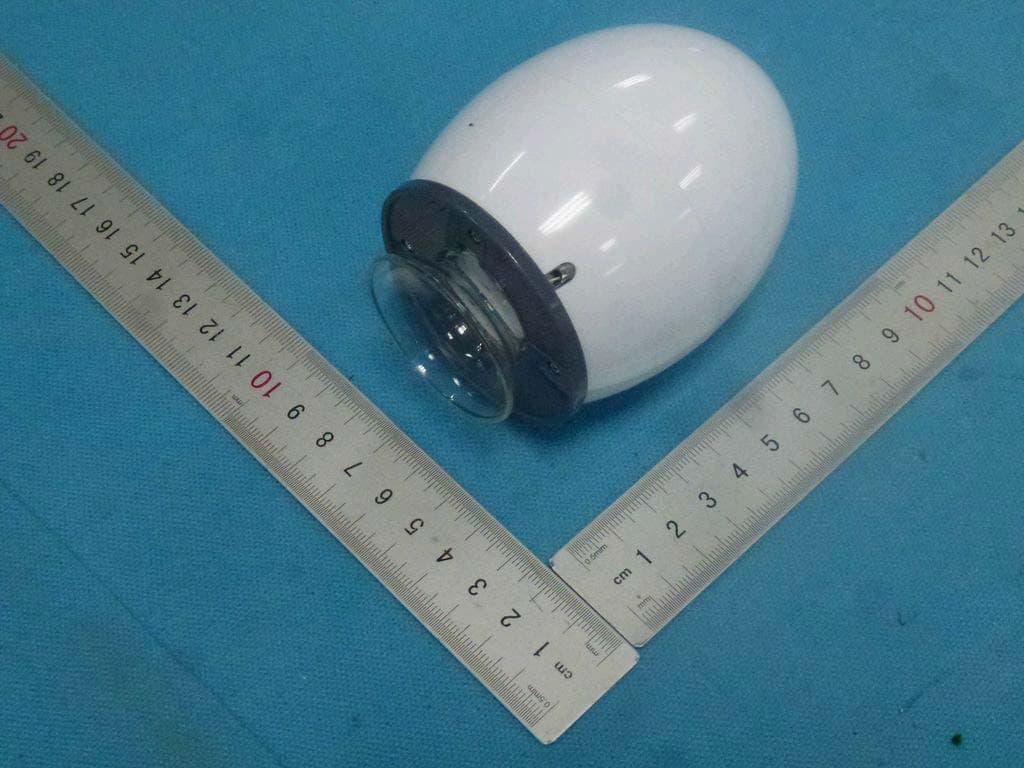
Aug 22, 2014WIFI Digital Microscope
Equipment Class
DTS - Digital Transmission System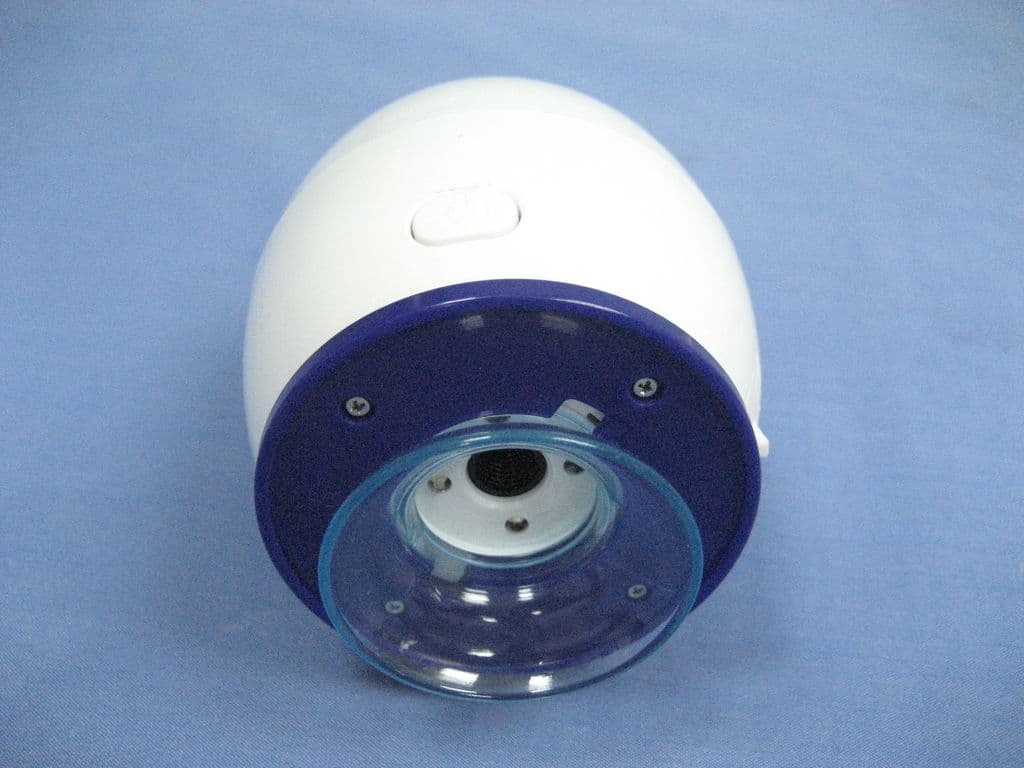
YPR73801
Aug 26, 2010Wireless Digital Microscope
Equipment Class
DXX - Part 15 Low Power Communication Device Transmitter