Z63-AONIBT101Bluetooth Headset
SHENZHEN AONI ELECTRONIC CO., LTD.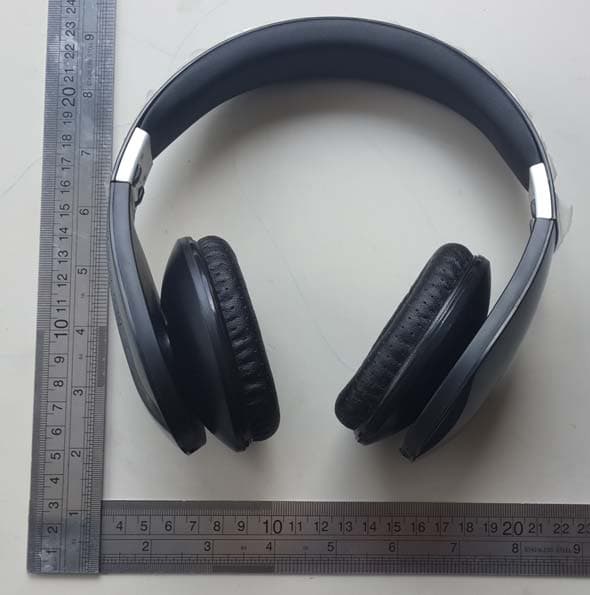
Click to zoom
Application Details
- Equipment Class
- DTS - Digital Transmission System
- Date of Grant
- Jun 19, 2014
- Application Purpose
- Original Equipment
- Date of Application
- Jun 19, 2014
- Equipment Note
- Bluetooth Headset
- Frequency Range
- 2402.00000000 - 2480.00000000
- Country
- China
Documents & Files
Document Text
Text extracted from the exhibit documents filed with the FCC. Open a document above to read the original.
Users Manual
Aoni‐883 Bluetooth Headset User Manual I.Introduction Thank you for purchasing the Aoni‐883 stereo Headset with Bluetooth® Wireless technology; we encourage you to read this quick installation guide thoroughly to get the most of this innovative wireless headset. Main features Enjoy hands free conversations and a clear signal reception up to 10 meters away from your computer or audio source. Compatible with other Bluetooth enabled devices, such as CD, DVD and MP3/4 players, desktop or laptop computers, smart phones, PDAs and iPods. Ideal for PC interactive game, internet voice chats and conferencing. Wide adjustable headband and leatherette ear pads provide comfortable listening for hours on end. Noise cancelling microphone for clear voice chats Li‐polymer rechargeable battery Battery status showing on Mobile device ,Like IPHONE . II.Product components 1. Power ON/OFF(press the button down for long time)/play/pause button. 2. Volume up/ Next track 3. Volume down/ Previous track 4. LED Light 5. Line in port 6. Microphone 7. USB interface for charging III‐Basic Operation Charge your headset Use the supplied USB cable to charge the battery directly from your PC. Make sure that your aoni‐883 headset is fully charged before using it for the first time. The headset battery has to be initially charged for at least for 4 hours. While charging, the LED is solid red. When the battery has reached full capacity, the solid red LED will go off. Turing your headset on and off 1. Press and hold the power button for several seconds to turn on the headset. 2. To power off the device, press and hold the power button again for a few seconds. IV‐Advanced operation Note: Before installing this product, please make sure your computer or laptop has the available built‐in Bluetooth feature. If your computer is not Bluetooth‐enabled, you must purchase a Bluetooth dongle, preferably version 2.1 or above. a. Pairing the headset with your laptop 1. Make sure the headset is off. 2. Activate the bluetooth program in your laptop to begin setup. 3. The “Search new device” screen will be displayed. 4. Place both devices not more than one meter away from each other. 5. Press the power button on the headset for about 4 seconds. When the blue and red LED will blink alternately, it indicates that the headset has entered pairing mode. 6. You will find the product name aoni‐883 occurs on your laptop, press “pairing”. 7. If the pairing is successful, the blue LED will blink every 3 seconds. b. Pairing the headset with your phone 1. Make sure the headset is off. 2. Set your bluetooth phone to “discover” the wireless headset. 3. Place both devices not more than one meter away from each other. 4. Press the power button on the headset for about 4 seconds. When the blue and red LED will blink alternately, it indicates that the headset has entered pairing mode. 5. You will find the product name aoni‐883 occurs on your laptop, press “pairing”. 6. If the pairing is successful, the blue LED will blink every 3 seconds. Please note: If your laptop/phone device is under version 2.1, please enter the passkey =”0000”(4 zero). Press the power button on the headset for about 2 seconds will enter pairing mode automatically when your device and the headset disconnected and the headset is on. Using the Bluetooth® wireless headset. 1. Answering and ending a call using your mobile phone. When there is an incoming call, the headset will ring. Briefly press the power button to answer an incoming call. You may also press the answer button on your cellular phone to receive the call in your headset. To end a call, simply tap the power button once again. Likewise, you may also end the call directly using your cell phone. Double‐click the power button can activate the voice command feature.(Please refer to your handset manual for more information about using the “voice dial feature”). You can also press the power button for about two seconds to redial the last call. 2. Initiating /answering and ending a call on VOIP To make a call, simply dial the number by using your internet calling application. When there is an incoming call, press the power button briefly. Music playback pauses temporarily. To answer an incoming call, press the power button briefly. Music playback pauses temporarily. To end a call, simply tap the power button once again. 3. Music play back. Adjust volume controls for a comfortable listening Level. Long press the volume up buttons to play the next track. Long press the volume down buttons to play the previous track. Shoot press the volume up buttons to increase the volume. Short press the volume down buttons to down the volume. Short press the power button music will be paused,press again will play When listening to music using your mobile phone, playback will resume automatically once the call is ended. Specifications Mic.Spec.: Microphone Unit : ¢4*1.5mm Directivity: omnidirectional S.P.L:‐42±3db Impedance:≤2.2KΩ Frequency response:20Hz‐20,000Hz Operating Voltage:2V Speaker Spec. Speaker diameter: ¢40mm Impedance:32Ω S.P.L:118±3dB S.P.L at 1KHZ Rated capability:20Mw Frequency response:20Hz‐20,000Hz POWER Battery type Built‐in 400mAh lithium‐polymer rechargeable battery Charging connector type Micro USB 5V/1A plug Run time UP to 12 hours of talk or music playback time Standby time Up to 168 hours Charging time Approximately 3 hours Operating temperature ‐10°C‐45°C Storage temperature ‐25°C‐60°C Precautions Do not drop, hit or shake the device. Do not disassemble, repair or modify the headset by yourself. Do not use cleaning products that contain benzene, solvents or alcohol. Do not expose headset to excessive heat or direct sunlight for long periods of time. Do not store the device in a place with high humidity or dust. Do not place heavy objects on top of the headset. Do not use near a microwave oven or wireless LAN products. Warnin…
Text truncated - open the document above for the full version.
Cover Letter(s)
ShenZhen Aoni Electronic Industry Co., Ltd. FCC Authorization Letter Number: CF304 Version: V03 Date: 01-08-2011 We, (the approval holder) Company name ShenZhen Aoni Electronic Industry Co., Ltd. Address HongHui Industrial Park,2nd LiuXian Road, Xin'An streets, District 68, Bao'an District, City ShenZhen Country China declare that the following representative (agent): Name (person) Edmund Company name Engineer Address Shenzhen Laker Testing Technology Co.,Ltd City 4D, Block 1, Sunshine Huayi Building, Nanhai West Road, Nanshan, Shenzhen, China Country China is hereby authorized to apply the following equipment for certification on our behalf: Product Description Bluetooth Headset Type or Model(s) 833, 303, 304, 306, 308, 309, 806, 860, 869, 872, 876, 877, 881, 894, 896, 897, AF36, Air-Fi Touch Tradename or Brand(s) ANC, Aoni We also authorize Teleconformity (Mr. M. Koop, Manager Certification, Address: Rietven 31, 7534NH Enschede, the Netherlands) to apply and sign this application for certification, registration or filing on our behalf (as representative agent or certifier). Attestation: City and Country: Date: Name: (this must be a person) Function:Signature: (or official company stamp) ShenZhen, China 2014-06-09 Owen Wong R&D Manager
Cover Letter(s)
ShenZhen Aoni Electronic Industry Co., Ltd. FCC Confidentiality Request Number: CF303 Version: V02 Date:17-06-2011 To: Federal Communications Commission Equipment Authorization Branch 7435 Oakland Mills Road Columbia, MD 21046 Pursuant to 47 CFR Section 0.459(a) & (b), we, (the applicant / grantee) Company name ShenZhen Aoni Electronic Industry Co., Ltd. Address HongHui Industrial Park,2nd LiuXian Road, Xin'An streets, District 68, Bao'an District, City ShenZhen Country China request for this certification filing under: Grantee Code Product Number FCC ID: Z63 -AONIBT101 to maintain permanent confidentiality for the following documents submitted within this application: (please cross what is applicable, or add other documents, provide the file name and description) Exhibit File Name Description Operational Description Z63-AONIBT101_Operational Description Block Diagrams Z63-AONIBT101_Block Diagram Schematics Diagrams Z63-AONIBT101_Schematic Diagram BT Module information Z63-AONIBT101_BT Module information Above materials contain secrets, proprietary and technical information, which would customarily be guarded from competitors under 47 CFR, section 0.457(d)(2). Disclosure or publication or any portion of this company confidential material to other parties could cause substantial competitive harm and provide unjustified benefits for competitors. We understand that pursuant to 47 CFR section 0.457(d)(1)(ii) disclosure of the applicant and all accompanying documentation will not be made before the date of the grant. The documents indicated as confidential above, are not publicly available elsewhere. Attestation: City and Country: Date: Name: (this must be a person) Function:Signature: (or official company stamp) ShenZhen, China 2014-06-09 Owen Wong R&D Manager
External Photos
External Photographs EUT –External Photos
ID Label/Location Info
Please sticker on here FCC-ID:Z63-AONIBT101 5 24
Internal Photos
Internal Photographs EUT –PCB View
RF Exposure Info
Report No. : LK14ER-0210E-3 Page 1 of 2 Shenzhen Laker Testing Technology Co.,Ltd 4D,Block 1,Sunshine Huayi Building,Nanhai West Road,Nanshan, Shenzhen, China TEL:0755-86307736 FAX:0755-86307356 RF Exposure MPE Report RF Exposure Compliance Requirement 1. Standard Requirement 15.247(b)(4) requirement: The conducted output power limit specified in paragraph (b) of this section is based on the use of antennas with directional gains that do not exceed 6dBi. Except as shown in paragraph (c) of this section. if transmitting antennas of directional gain greater than 6dBi are used. the conducted output power from the intentional radiator shall be reduced below the stated values in paragraphs (b)(1). (b)(2). and (b)(3) of this section. as appropriate. by the amount in dB that the directional gain of the antenna exceeds 6dBi. 2. Limits According to KDB447498 General RF Exposure Guidance v05 Report No. : LK14ER-0210E-3 Page 2 of 2 Shenzhen Laker Testing Technology Co.,Ltd 4D,Block 1,Sunshine Huayi Building,Nanhai West Road,Nanshan, Shenzhen, China TEL:0755-86307736 FAX:0755-86307356 3. EUT RF Exposure The Max Conducted Peak Output Power is -0.15dBm(0.97mW) in middle channel, and the Max Conducted Average Output Power is less than 0.88mW. The best case gain of the antenna is -0.6dBi. -0.6 dBi logarithmic terms convert to numeric result is nearly 0.25. According to the formula. calculate the EIRP test result: EIRP< P x G = 0.97mW x 0.25 = 0.24mW ① SAR requirement: Limit = 10mW @ 5mm ② ; ① < ②. So the SAR report is not required.
Test Report
Test Report of FCC Part 15 C for FCC Certificate On Behalf of Shenzhen Aoni Electronic Industry Co., Ltd FCC ID: Z63-AONIBT101 Product Description: Bluetooth Headset Test Model: 883 Supplement Model: 303, 304, 306, 308, 309, 806, 860, 869, 872, 876, 877, 881, 894, 896, 897, AF36, Air-Fi Touch Brand: ANC, Aoni Applicant: ShenZhen Aoni Electronic Industry Co., Ltd. HongHui Industrial Park,2nd LiuXian Road, Xin'An streets, District 68, Bao'an District,ShenZhen,China Manufacturer: ShenZhen Aoni Electronic Industry Co., Ltd. HongHui Industrial Park,2nd LiuXian Road, Xin'An streets, District 68, Bao'an District,ShenZhen,China Prepared by: Shenzhen Laker Testing Technology Co.,Ltd 4D, Block 1, Sunshine Huayi Building,Nanhai West Road, Nanshan, Shenzhen, China Tel: 86-755-86307736 Fax: 86-755-86307356 Report No.: LK14ER-0210E-2 Issue Date: May 30, 2014 Test Date: May 28~30,2014 Test by: Reviewed By: Owen Li Edmund Zou Report No.: LK14ER-0210E-2 Page 2 of 43 FCC ID: Z63-AONIBT101 TABLE OF CONTENTS 1. GENERAL INFORMATION .................................................................................................................................... 4 1.1 PRODUCT DESCRIPTION FOR EQUIPMENT UNDER TEST (EUT) ......................................................................... 4 1.2TEST FACILITY ....................................................................................................................................................... 5 1.3 RELATED SUBMITTAL(S) / GRANT (S) ................................................................................................................... 5 1.4 MEASUREMENT UNCERTAINTY ............................................................................................................................. 5 2. SYSTEM TEST CONFIGURATION ...................................................................................................................... 6 2.1 EUT CONFIGURATION .......................................................................................................................................... 6 2.2 EUT EXERCISE ..................................................................................................................................................... 6 2.3 GENERAL TEST PROCEDURES ............................................................................................................................. 6 2.4 LIST OF MEASURING EQUIPMENTS ....................................................................................................................... 7 2.5 LIST OF AUXILIARY DEVICE .................................................................................................................................... 9 3. SUMMARY OF TEST RESULTS ......................................................................................................................... 10 4. CONDCUTED EMISSION TEST ......................................................................................................................... 11 4.1 APPLICABLE STANDARD ..................................................................................................................................... 11 4.2 LIMITS.................................................................................................................................................................. 11 4.3 EUT TEST SETUP .............................................................................................................................................. 11 4.4 PROCEDURE OF CONDUCTED EMISSION TEST ................................................................................................. 12 4.5 TEST RESULT ...................................................................................................................................................... 12 5. POWER SPECTRAL DENSITY MEASUREMENT ........................................................................................... 15 5.1 APPLICABLE STANDARD ..................................................................................................................................... 15 5.2 EUT SETUP ........................................................................................................................................................ 15 5.3 TEST EQUIPMENT LIST AND DETAILS ................................................................................................................. 15 5.4 TEST PROCEDURE .............................................................................................................................................. 15 5.5 TEST RESULT ...................................................................................................................................................... 15 6. 6 DB SPECTRUM BANDWIDTH MEASUREMENT ........................................................................................ 18 6.1 APPLICABLE STANDARD ..................................................................................................................................... 18 6.2 EUT SETUP ........................................................................................................................................................ 18 6.3 TEST EQUIPMENT LIST AND DETAILS ................................................................................................................. 18 6.4 TEST PROCEDURE .............................................................................................................................................. 18 6.5 TEST RESULT ...................................................................................................................................................... 18 7. OCCUPIED BANDWIDTH .................................................................................................................................... 21 7.1 APPLICABLE STANDARD ..................................................................…
Text truncated - open the document above for the full version.
Test Setup Photos
TEST SETUP PHOTOGRAPHS Conducted Emission Test Radiated Emission Test
Contact Information
Applicant
tendy Dong
Technical Contact
Test Firm
Centre Testing International Group Co., LtdRita Xiao
Technical Specifications
| # | Rule Parts | Frequency Range | Power Output |
|---|---|---|---|
| 1 | 15C | 2.40 GHz - 2.48 GHz | 970.00 µW |
Other Applications from SHENZHEN AONI ELECTRONIC CO., LTD.
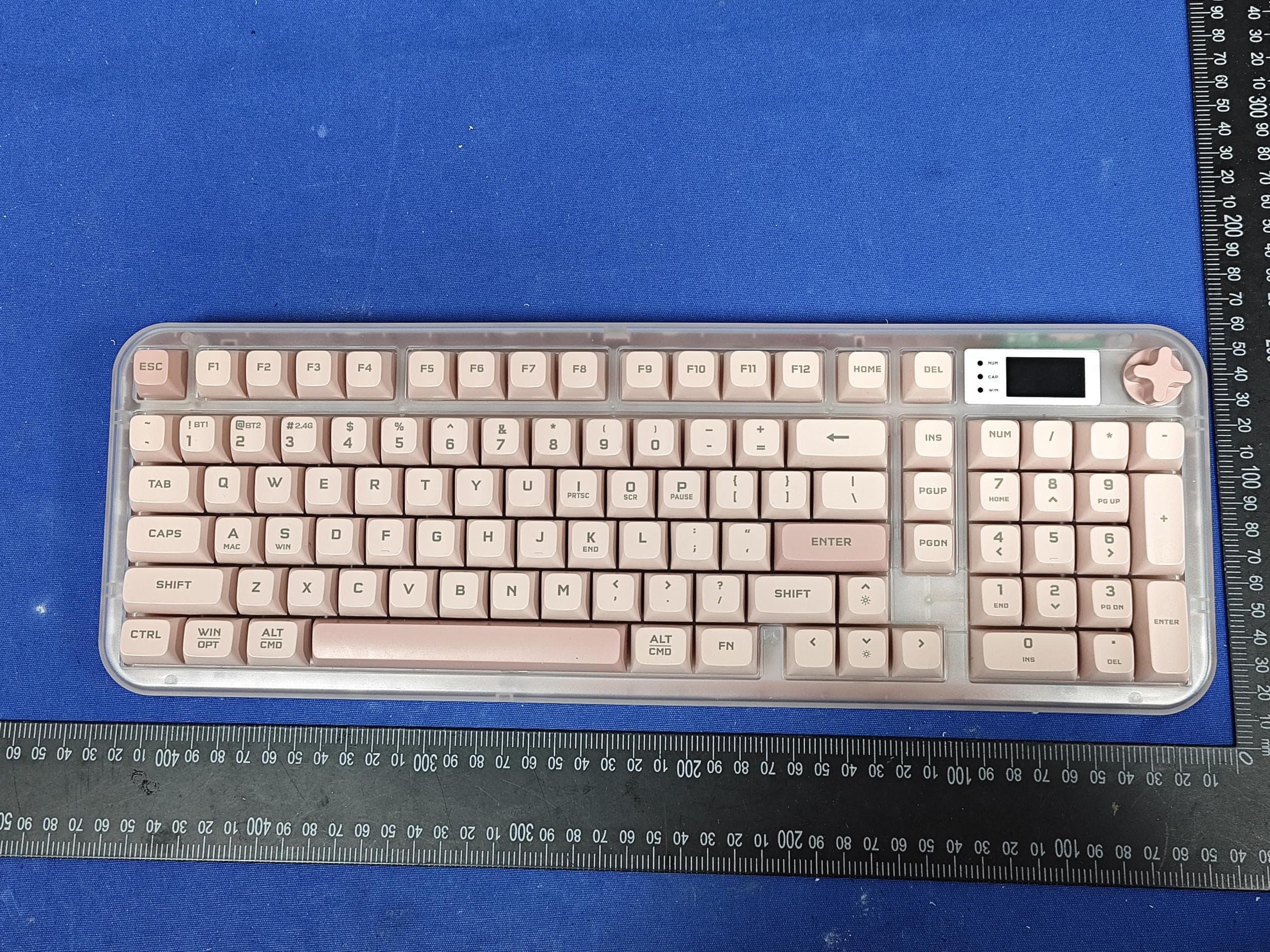
Z63-O6K98PRO
Mar 23, 2026Wireless Triple-Mode Keyboard
Equipment Class
DTS - Digital Transmission System
Z63-O6K98PROUSB
Mar 23, 2026WIRELESS MECHANICAL KEYBOARD-USB RECEIVER
Equipment Class
DTS - Digital Transmission System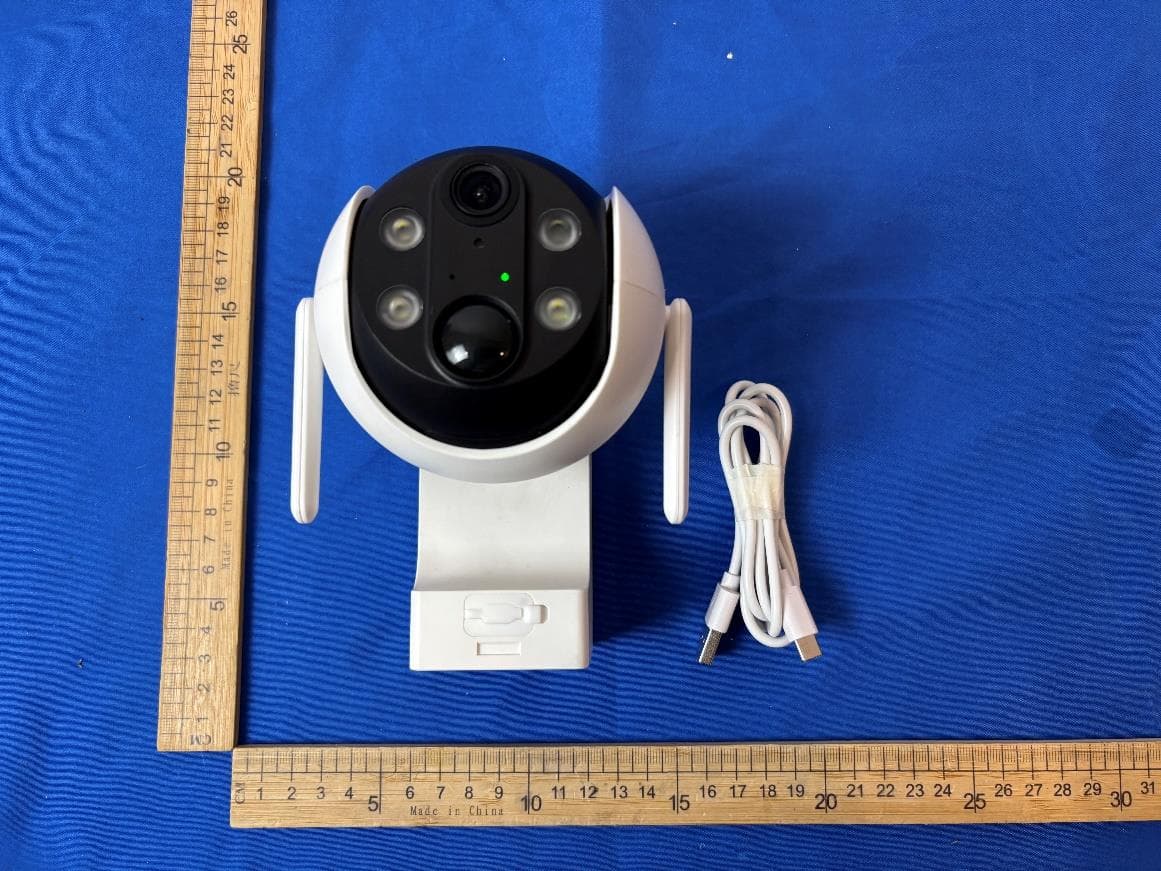
Z63-EL02302
Dec 15, 2025Smart Battery Wireless P/T Camera
Equipment Class
DTS - Digital Transmission System
Z63-ER02301
Nov 23, 2025Smart Battery Doorbell Camera
Equipment Class
DTS - Digital Transmission System
Z63-O5MATE98
Sep 22, 2025WIRELESS MECHANICAL KEYBOARD
Equipment Class
DTS - Digital Transmission System