Z63-BTEARBUDSBluetooth Earbuds
SHENZHEN AONI ELECTRONIC CO., LTD.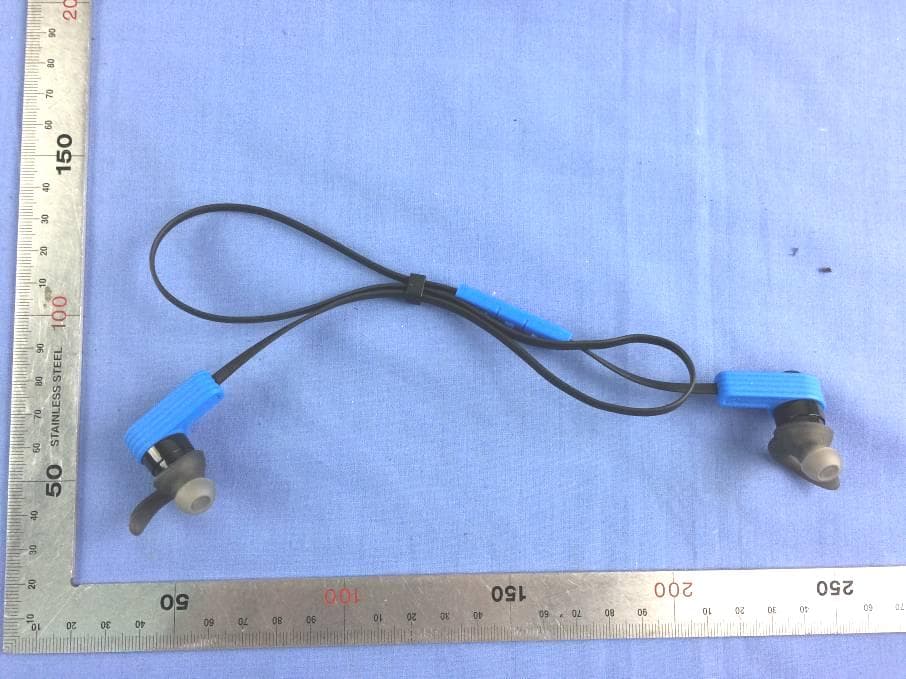
Click to zoom
Application Details
- Equipment Class
- DTS - Digital Transmission System
- Date of Grant
- Apr 06, 2015
- Application Purpose
- Original Equipment
- Date of Application
- Apr 06, 2015
- Equipment Note
- Bluetooth Earbuds
- Frequency Range
- 2402.00000000 - 2480.00000000
- Country
- China
Documents & Files
Document Text
Text extracted from the exhibit documents filed with the FCC. Open a document above to read the original.
Users Manual
aoni 940 Bluetooth Earbuds User Manual I.Introduction Thank you for purchasing the aoni 940 Bluetooth Earbuds; we encourage you to read this quick installation guide thoroughly to get the most of this innovative wireless headset. Main features z Enjoy hands free conversations and a clear signal reception up to 10 meters away from your computer or audio source. z Compatible with other Bluetooth enabled devices, such as CD, DVD and MP3/4 players, desktop or laptop computers, smart phones, PDAs and iPods. z Ideal for PC interactive game, internet voice chats and conferencing. z Wide adjustable headband and leatherette ear pads provide comfortable listening for hours on end. z Noise cancelling microphone for clear voice chats z Li‐polymer rechargeable battery II. Product components 1. Volume up/ Next track 2. Power ON/OFF(press the button down for long time)/play/pause button. 3. Volume down/ Previous track 4. Cable adjuster III‐Basic Operation Charge your headset z Use the supplied USB cable to charge the battery directly from your PC. z Make sure that your aoni 940 Bluetooth Earbuds is fully charged before using it for the first time. z The headset battery has to be initially charged for at least for 2 hours. z While charging, the LED is solid red. When the battery has reached full capacity, the LED will in blue. Turing your headset on and off 1. Press and hold the power button for 3 seconds to turn on the headset. You can hear “POWER ON” from the headset. 2. To power off the device, press and hold the power button again for 3 seconds. You can hear “POWER OFF” from the headset IV‐Advanced operation Note: Before installing this product, please make sure your computer or laptop has the available built‐in Bluetooth feature. If your computer is not Bluetooth‐enabled, you must purchase a Bluetooth dongle, preferably version 2.1 or above. a. Pairing the headset with your laptop 1. Make sure the headset is off. 2. Activate the bluetooth program in your laptop to begin setup. 3. The “Search new device” screen will be displayed. 4. Place both devices not more than one meter away from each other. 5. Press the power button on the headset for about 5 seconds, you can hear "PAIRING" from the headset. When the blue and red LED will blink alternately, it indicates that the headset has entered pairing mode. 6. You will find the product name aoni 940 Bluetooth Earbuds occurs on your laptop, press “pairing”. Then you can hear “YOU PHONE IS CONNECTED” from the headset. 7. If the pairing is successful, the blue LED will blink twice of each 5seconds. b. Pairing the headset with your phone 1. Make sure the headset is off. 2. Set your bluetooth phone to “discover” the wireless headset. 3. Place both devices not more than one meter away from each other. 4. Press the power button on the headset for about 5 seconds, you can hear "PAIRING" from the headset. When the blue and red LED will blink alternately, it indicates that the headset has entered pairing mode. 5. You will find the product name aoni 940 Bluetooth Earbuds occurs on your laptop, press “pairing”. Then you can hear “YOU PHONE IS CONNECTED” from the headset. 6. If the pairing is successful, the blue LED will blink twice of each 5seconds. Please note: If your laptop/phone device is under version 2.1, please enter the passkey =”0000”(4 zero) When the headset is disconnected, you can hear “YOU PHONE IS DISCONNECT” from the headset. When the Bluetooth headset is beyond the connected distance, there will be “DU DU” tone. The headset will be auto‐connected again when it within the connected distance. Using the Bluetooth® wireless headset. 1. Answering and ending a call using your mobile phone. z When there is an incoming call, the headset will ring. z Briefly press the power button to answer an incoming call. You may also press the answer button on your cell phone to receive the call in your headset. z To end a call, simply tap the power button once again. Likewise, you may also end the call directly using your cell phone. z To reject the incoming call, press the power button for 2 seconds. z Double‐click the power button can redial the last call 2. Initiating /answering and ending a call on VOIP z To make a call, simply dial the number by using your internet calling application. z When there is an incoming call, press the power button briefly. Music playback pauses temporarily. z To end a call, simply tap the power button once again. 3. Music play back. z Adjust volume controls for a comfortable listening Level. z Long press the volume up buttons to play the next track. z Long press the volume down buttons to play the previous track. Or it may be back to the start of the currently playing song, then press the volume down buttons again, it will play the previous track. Different performance depends on the different smart device. z Short press the volume up buttons to increase the volume. z Short press the volume down buttons to down the volume. z Short press the power button music will be paused, press again will play z When listening to music using your mobile phone, playback will resume automatically once the call is ended. 4. SIRI function When the headset is in pairing mode, press the volume up and volume down for a short time at same time, cell phone will in SIRI mode. Such as IPhone. To quit the SIRI press the volume up and volume down for a short time at same time again. 5. Low battery warning When the battery capacity is below 10%, you can hear warning tone from the bluetooth headset one time each one minute. Then the red LED blink 3 times each 2 seconds. Until the battery is below the 3.2V, the bluetooth headset will power off automatically. Specifications Mic.Spec.: z Microphone Unit : ¢4*1.5mm z Directivity: omnidirectional z S.P.L:‐42±3db z Impedance:≤2.2KΩ z Frequency response:100Hz‐10,000Hz z Operating Voltage:2V Speaker Spec. z Speaker diameter: ¢6mm z Impedance:16Ω z S.P.L:93±3dB S.P.L at 1KHZ z Rated capability:2mW z Frequency response:20Hz‐20…
Text truncated - open the document above for the full version.
Cover Letter(s)
STATEMENT The serial models which indicated in the certificate of FCC ID as followings: 940/918/924/934/937/938/939/941/942/943/944/945/946/947/948/949.We state that these serial name belong to technology ShenZhen Aoni Electronic Industry Co.,Ltd.There is not any difference in the product,please pay attention. Technology :ShenZhen Aoni Electronic Industry Co.,Ltd. 27 th march,2015
Cover Letter(s)
v v v
Cover Letter(s)
ShenZhen Aoni Electronic Industry Co., Ltd. No.5,Bldg., Honghui Industrial Park, 2nd Liuxian Road, Bao’an District, Shenzhen, P.R.China FCC Authorization Letter Number: CF304 Version: V03 Date: 01-08-2011 We, (the approval holder) Company name ShenZhen Aoni Electronic Industry Co., Ltd. Address No.5,Bldg.,Honghui Industrial Park, 2nd Liuxian Road, Bao'an District. City Shenzhen Country China declare that the following representative (agent): Name (person) Ruby.zhang Company name Compliance Certification Services Inc. Address No.10-1 Mingkeda Logistics park, No.18 Huanguan South Road. Guan Lan Town, Baoan District, Shenzhen, China City Shenzhen, Country China is hereby authorized to apply the following equipment for certification on our behalf: Product Description Bluetooth Earbuds Type or Model(s) 940/918/924/934/937/938/939/941/942/943/944/945/946/947/948/949 Tradename or Brand(s) ANC/aoni We also authorize Teleconformity (Mr. M. Koop, Manager Certification, Address: Rietven 31, 7534NH Enschede, the Netherlands) to apply and sign this application for certification, registration or filing on our behalf (as representative agent or certifier). Attestation: City and Country: Date: Name: (this must be a person) Function: Signature: (or official company stamp) Shenzhen 2015/3/10 Yin min Dong engineer
External Photos
Report No: C150204Z03 Page 1 / 2 External Photos of EUT Report No: C150204Z03 Page 2 / 2
ID Label/Location Info
Label and Location ANC9 940, etc: Label and location aoni 940, etc.
Internal Photos
Report No: C150204Z03 Page 1 / 7 Internal Photos of EUT Antenna Report No: C150204Z03 Page 2 / 7 RF Module Report No: C150204Z03 Page 3 / 7 Report No: C150204Z03 Page 4 / 7 Report No: C150204Z03 Page 5 / 7 Report No: C150204Z03 Page 6 / 7 Report No: C150204Z03 Page 7 / 7
RF Exposure Info
FCC RF Exposure FCC ID: Z63-BTEARBUDS Frequency: 2402-2480 MHz (40 Ch) Modulation: GFSK Mid-Channel or highest-measured Peak Power, Conducted: 4.32 dBm = 2.70mW Antenna Gain: G = 0 dBi Peak, Radiated = 4.32dBm + 0dBi = 4.32dBm = 2.70mW SAR Test Exclusion Thresholds specified in KDB447498 Appendix A: Evaluation: The Calculated Radiated Peak output power is taken as worst case, and this emission level appears to be under the maximum allowed emission level at even the closest distance for 2.4G device specified in this table. Conclusion: The emitted power appears to be (far) below the required limit, so PASS.
Test Report
Report No.: C150204Z03-RP1 FCC ID: Z63-BTEARBUDS Page 1 / 43 FCC 47 CFR PART 15 SUBPART C for Bluetooth Earbuds Model: 940,918,924,934,937,938,939,941,942, 943,944,945,946,947,948,949 Brand: ANC/aoni Test Report Number: C150204Z03-RP1 Issued for ShenZhen Aoni Electronic Industry Co., Ltd. No.5,Bldg., Honghui Industrial Park, 2nd Liuxian Road, Bao’an District, Shenzhen, P.R.China Issued by: Note: This report shall not be reproduced except in full, without the written approval of Compliance Certification Services Inc. This document may be altered or revised by Compliance Certification Services Inc. personnel only, and shall be noted in the revision section of the document. The client should not use it to claim product endorsement by TAF, A2LA, NVLAP, NIST, CNAS or any government agencies. The test results in the report only apply to the tested sample. Compliance Certification Services (Shenzhen) Inc. No.10-1, Mingkeda Logistics Park, No.18 Huanguan South Rd., Guan Lan Town, Baoan District, Shenzhen, China TEL: 86-755-28055000 FAX: 86-755-28055221 Issued Date: March 20, 2015 检 测 CNAS L4818 Report No.: C150204Z03-RP1 FCC ID: Z63-BTEARBUDS Page 2 / 43 This report shall not be reproduced except in full, without the written approval of Compliance Certification Services. Revision History Rev. Issue Data Revisions Effect Page Revised By 00 March 20, 2015 Initial Issue ALL Sinphy Xie Report No.: C150204Z03-RP1 FCC ID: Z63-BTEARBUDS Page 3 / 43 This report shall not be reproduced except in full, without the written approval of Compliance Certification Services. TABLE OF CONTENTS 1 TEST CERTIFICATION .............................................................................................. 4 2 TEST RESULT SUMMARY ........................................................................................ 5 3 EUT DESCRIPTION ................................................................................................... 6 4 TEST METHODOLOGY ............................................................................................. 7 4.1. DESCRIPTION OF TEST MODES ...................................................................................... 7 5 SETUP OF EQUIPMENT UNDER TEST .................................................................... 8 5.1. DESCRIPTION OF SUPPORT UNITS................................................................................. 8 5.2. CONFIGURATION OF SYSTEM UNDER TEST ................................................................. 8 6 FACILITIES AND ACCREDITATIONS ...................................................................... 9 6.1. FACILITIES .......................................................................................................................... 9 6.2. ACCREDITATIONS ............................................................................................................. 9 6.3. MEASUREMENT UNCERTAINTY ....................................................................................... 9 7 FCC PART 15.247 REQUIREMENTS ...................................................................... 10 7.1. POWER LINE CONDUCTED EMISSIONS MEASUREMENT ........................................... 10 7.2. SPURIOUS EMISSIONS MEASUREMENT....................................................................... 15 7.3. 6dB BANDWIDTH MEASUREMENT ................................................................................. 28 7.4. PEAK OUTPUT POWER ................................................................................................... 31 7.5. BAND EDGES MEASUREMENT ....................................................................................... 34 7.6. PEAK POWER SPECTRAL DENSITY MEASUREMENT .................................................. 40 Report No.: C150204Z03-RP1 FCC ID: Z63-BTEARBUDS Page 4 / 43 This report shall not be reproduced except in full, without the written approval of Compliance Certification Services. 1 TEST CERTIFICATION Product Bluetooth Earbuds Model 940,918,924,934,937,938,939,941,942,943,944,945,946,947,948,949 Brand ANC/aoni Tested January 27~March 20, 2015 Applicant ShenZhen Aoni Electronic Industry Co., Ltd. No.5,Bldg., Honghui Industrial Park, 2nd Liuxian Road, Bao’an District, Shenzhen, P.R.China Manufacturer ShenZhen Aoni Electronic Industry Co., Ltd. No.5,Bldg., Honghui Industrial Park, 2nd Liuxian Road, Bao’an District, Shenzhen, P.R.China APPLICABLE STANDARDS Standard Test Type Standard Test Type 15.207(a) Power Line Conducted Emissions 15.247(d) 15.209(a) Spurious Emissions Conducted Measurement Radiated Emissions 15.247(a)(2) 6dB Bandwidth Measurement 15.247(b)(3) 15.247(b)(4) Peak Power Measurement 15.247(d) Band Edges Measurement 15.247(e) Peak Power Spectral Density We hereby certify that: The above equipment was tested by Compliance Certification Services Inc. The test data, data evaluation, test procedures, and equipment configurations shown in this report were made in accordance with the procedures given in ANSI C63.4: 2009 and the energy emitted by the sample EUT tested as described in this report is in compliance with the requirements of FCC Rules Part 15.207, 15.209, 15.247. The test results of this report relate only to the tested sample EUT identified in this report. Approved by: Reviewed by: Sunday Hu Supervisor of EMC Dept. Compliance Certification Service Inc. Ruby Zhang Supervisor of Report Dept. Compliance Certification Service Inc. Report No.: C150204Z03-RP1 FCC ID: Z63-BTEARBUDS Page 5 / 43 This report shall not be reproduced except in full, without the written approval of Compliance Certification Services. 2 TEST RESULT SUMMARY APPLICABLE STANDARDS Standard Test Type Result Remark 15.247(a)(2) 6dB Bandwidth Measurement Pass Meet the requirement of limit. 15.247(b)(3) 15.247(b)(4) Peak Power Measurement Pass Meet the requirement of limit. 15.247(d) Band Edges Measurement Pass Meet the requirement of limit. 15.247(e) Peak Power Spectral Density Pass Meet the requireme…
Text truncated - open the document above for the full version.
Test Setup Photos
Report No.: C150204Z03-RP1 FCC ID : Z63-BTEARBUDS Page 1 / 2 PHOTOGRAPHS OF THE TEST CONFIGURATION RADIATED EMISSION TEST Report No.: C150204Z03-RP1 FCC ID : Z63-BTEARBUDS Page 2 / 2 CONDUCTED EMISSION TEST
Contact Information
Applicant
tendy Dong
Technical Contact
Test Firm
Compliance Certification Services (Shenzhen) Inc.Harry Li
Technical Specifications
| # | Rule Parts | Frequency Range | Power Output |
|---|---|---|---|
| 1 | 15C | 2.40 GHz - 2.48 GHz | 2.70 mW |
Other Applications from SHENZHEN AONI ELECTRONIC CO., LTD.
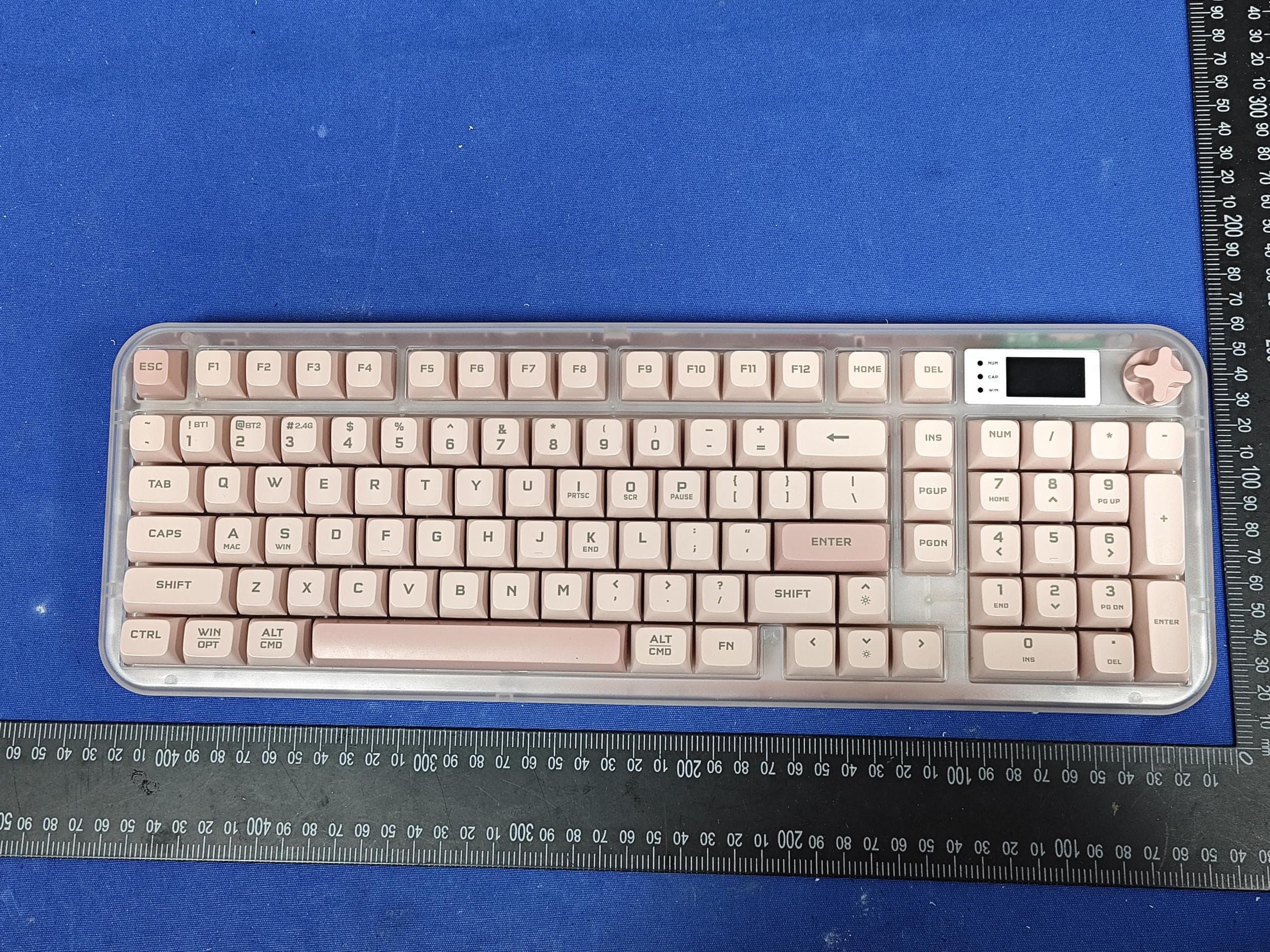
Z63-O6K98PRO
Mar 23, 2026Wireless Triple-Mode Keyboard
Equipment Class
DTS - Digital Transmission System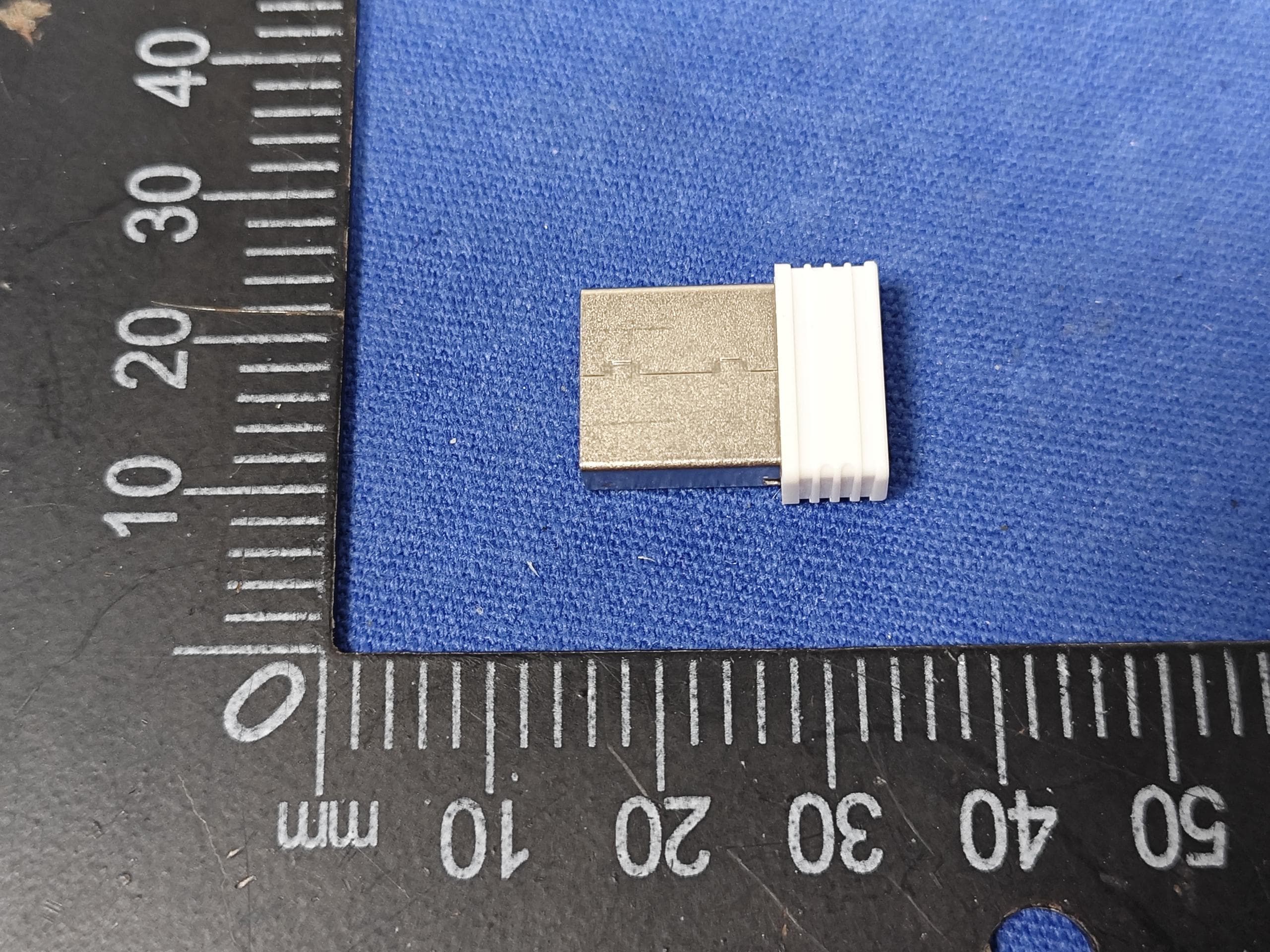
Z63-O6K98PROUSB
Mar 23, 2026WIRELESS MECHANICAL KEYBOARD-USB RECEIVER
Equipment Class
DTS - Digital Transmission System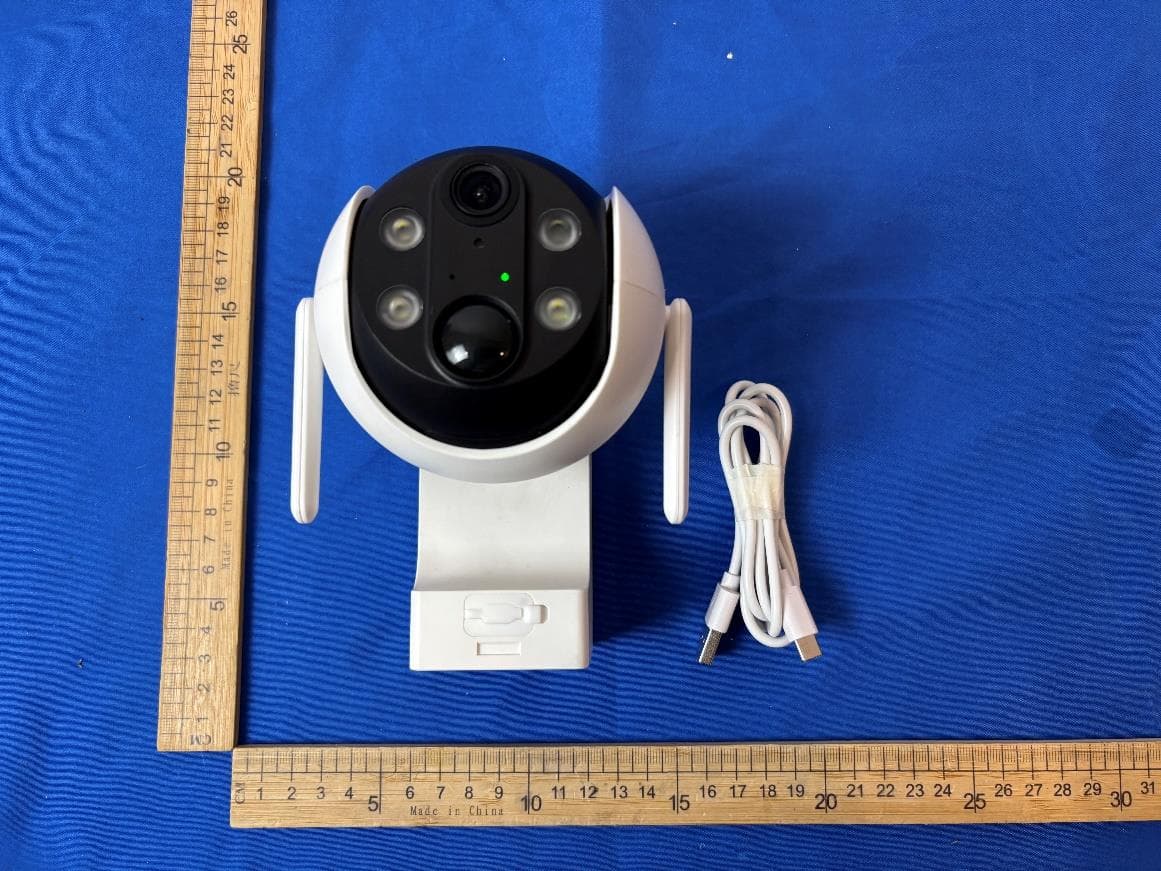
Z63-EL02302
Dec 15, 2025Smart Battery Wireless P/T Camera
Equipment Class
DTS - Digital Transmission System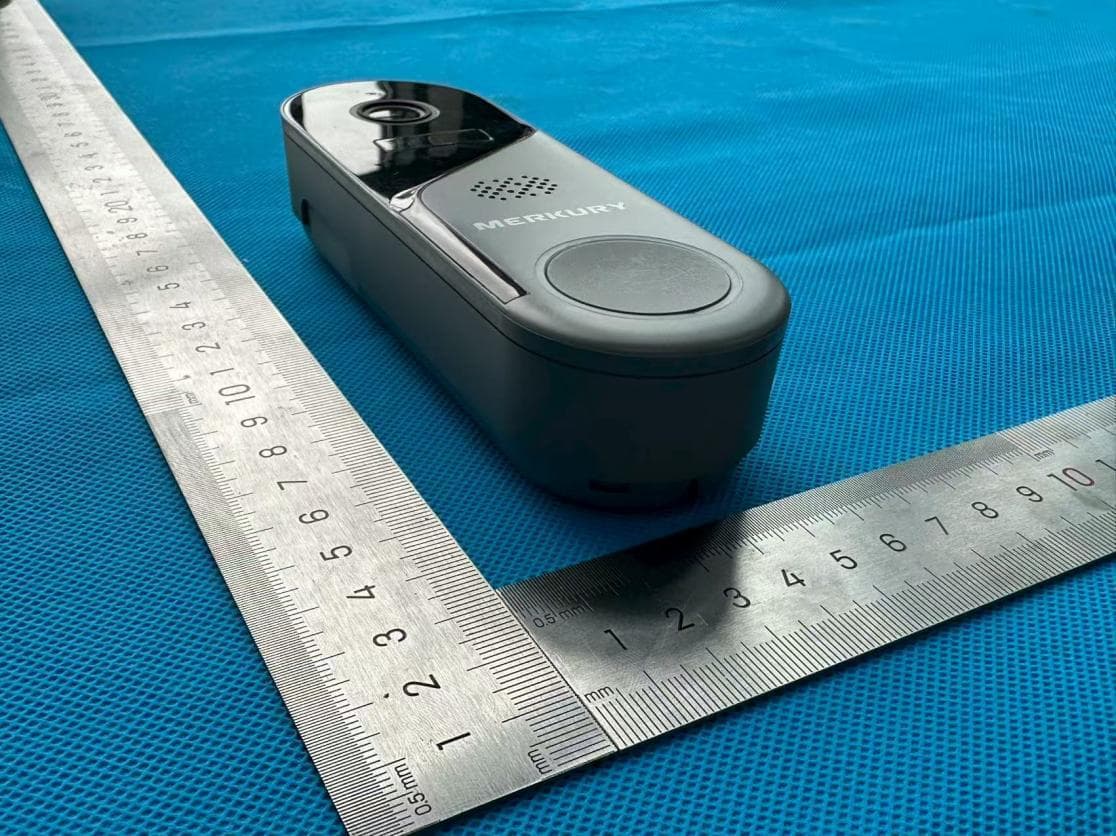
Z63-ER02301
Nov 23, 2025Smart Battery Doorbell Camera
Equipment Class
DTS - Digital Transmission System
Z63-O5MATE98
Sep 22, 2025WIRELESS MECHANICAL KEYBOARD
Equipment Class
DTS - Digital Transmission System