Z6RSMFB201GSM MOBILE PHONE
Social Mobile Telecommunications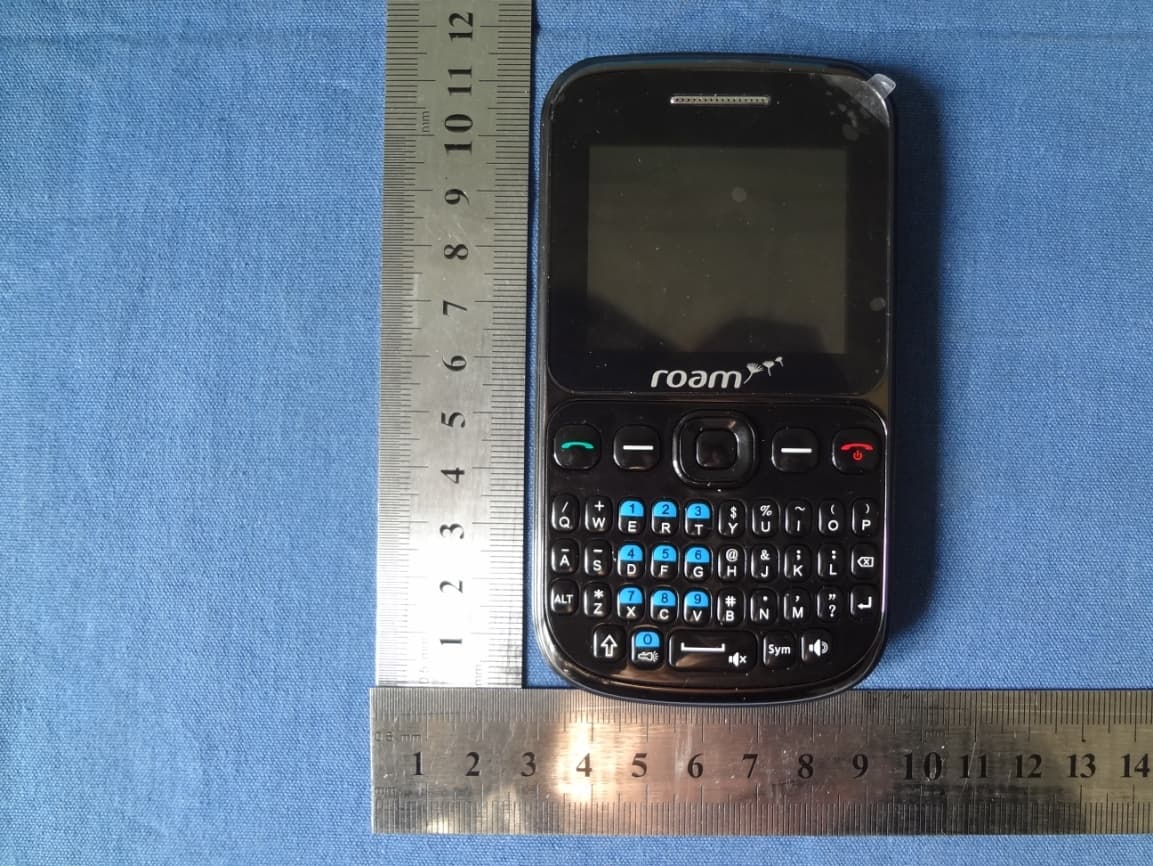
Click to zoom
Application Details
- Equipment Class
- DXT - Part 15 Low Power Transceiver, Rx Verified
- Date of Grant
- Jan 16, 2014
- Application Purpose
- Original Equipment
- Date of Application
- Jan 15, 2014
- Equipment Note
- GSM MOBILE PHONE
- Frequency Range
- 2402.00000000 - 2480.00000000
- Country
- United States
Documents & Files
Document Text
Text extracted from the exhibit documents filed with the FCC. Open a document above to read the original.
Users Manual
1 Mobile phone user documentation Safety precautions Using a mobile phone before, please read the following carefully and conscientiously abide by the rules. All the mobile phone may be susceptible to interference, thus affecting its performance. In marked do not use mobile phone near medical equipment and medical establishments, please turn off your mobile phone. In order to ensure the best performance, to avoid damage to the mobile phone, please use the original accessories and batteries, do not use non matching products. In the gas station and near fuels and chemicals and other dangerous goods place, please turn off the mobile phone, to avoid explosion. In order to avoid the interference of blasting operation, at the site of the explosion or post "turn off the two-way radio" icon place should close the mobile phone. Pay attention to and comply with all relevant rules or regulations. Do not burn the mobile phone battery or the battery as ordinary garbage treatment, to avoid the occurrence of danger to life and cause damage to the environment. Please observe the local government's environmental policy, timely treatment and recovery. When your mobile phone needs to be connected with other equipment, please read the user manual to ensure the safety of equipment. Some small parts (such as a memory card, etc.) should be placed in the reach of children, to prevent children swallowing or other dangers. Please store your backups of important information in the mobile phone or keep a written record, to prevent the loss of important information. Mobile phone communication network for the plane interference, please ensure that the mobile phone in the whole flight process shuts down or flight mode. 2 Preface.: Mobile phone users dear, thank you for your purchase of the mobile phone The use of the mobile phone will bring you a hitherto unknown surprise experience: the mobile phone support dual GSM card and dual standby function,Colorful, let you in memory. Professional MP3 music player, the MP4 image on the full range of multimedia sharing, whole body comfortable Install a memory card Your mobile phone supports T-Flash memory card, insert a memory card, you can browse, copy the file operation on the storage card by mobile phone, mobile phone storage space can be expanded. Remove the rear cover and battery, according to the direction of the open storage card that Kakage; The memory card with gold contacts side down, card the narrow end first into the card slot until the card slot, and fully consistent, close the card to complete the installation. The start-up and shutdown Boot Press and hold the button hang up about three seconds boot. Shutdown Press and hold the button hang up about three seconds off. Dial telephone Direct dial The standby mode, press the keyboard area, enter the area code and telephone number 3 According to (dial 1) chose to use the card 1 call, or choose to use the card 2 call. Use the mail list call Enter mail list, to find the information you need to record. Call press dial key. Redial recently dialed telephone number Entering the main menu, select [call records), select a phone number to dial. Answer or reject the call Answer the call A call, press the answer button Answer second calls If the mobile phone a call waiting, when you call second call in mobile phone prompt, you can: Press the answer key to answer a second call, then before the call set automatically to maintain the status Press the hang up button to reject second calls to the call. Rejecting calls A call, press the hang up button refuse to answer. In call menu During a call, select Options > < menu can make the following options operation: Preserve: keep the current call, can be carried out in second groups. End to end the current phone call: single line. 4 Main menu: into the main menu. Recording: call recording. Mute: the temporary closure of the microphone during a call. Quiet, you can hear each other's voices, but the other party can not hear your voice. Restoration calls selection (unmute) can restore. Volume: during a call, you can adjust the speaker volume Information The establishment of information: SMS edit Writing In box: storing the received information. Draft: a draft information storage. Outbox: out of the sending information in the outbox. Video camera Video camera: can take pictures and videos in the preview screen, press the navigation key switch photographic or video Music Player After starting to play music, choose to store music files in mobile phone or T-Flash player, in the settings menu can also customize the shuffle, repeat single player, all repeat and background play. File management Edit to memory card folder. In the file management, press the [options], you can perform the following operations: 5 Open: open the folder. The new folder: in the selected folder directory to the new folder. Rename: to rename the folder. Delete: delete the selected file or folder. Scene mode Standard mode, silent mode, the meeting mode, outdoor mode, you can set the switch machine ringing, ringing, ringing tone, manner, information adjust the ring volume etc.. Set up Mode: you can choose to use a single SIM or dual SIM card. Flash light:Click into the flashlight on or long press the OK key to open Mobile phone settings: enter the menu can be set the time and date, machine, the default language, input method, phonetic, standby menu. Network settings: choose network Security settings: for mobile phone lock, boot need to enter a password to boot (the default password: 1122) Notification settings: open the notification service, receive information popup remind. Restore factory settings: return to factory settings. (Code: 1122) Call center Call records: to view have been broadcast telephone, received calls, the missed call records. Call settings: call waiting, call forwarding, call restriction requires network support; in the advanced 6 settings can also be opened automatically replay, IP dialing, call time remind…
Text truncated - open the document above for the full version.
Cover Letter(s)
Social Mobile Telecommunications SCS-F18: Project and Product Certification Representative Authorization Letter Page 1 of 2 Rev 3.0 775 Montague Expressway Milpitas, CA 95035 Tel: 408-526-1188 Fax: 408-526-1088 Email: [email protected] Project and Product Certification Representative Authorization Letter Reason for Amendment (current / obsolete) Revision History Approved Date From To Initial Release (obsolete) 1.0 1.0 Nov-14-2006 Revised wording (obsolete) 1.0 2.0 Sept–25-2007 Updated company template (current) 2.0 3.0 Jan-31-2012 Social Mobile Telecommunications SCS-F18: Project and Product Certification Representative Authorization Letter Page 2 of 2 Rev 3.0 2014/01/06 To: SIEMIC, INC. 775 Montague Expressway, Milpitas, CA 95035 USA Dear Sir/Madam, Re: Project and Product Certification Representative Authorization Letter We, Social Mobile Telecommunications hereby authorize SIEMIC, INC. to act as a Certification Body for certifying for the following project(s): Product: GSM MOBILE PHONE Trade Name: Roam Model Name: FB201 Serial Model: N/A FCC ID Z6R SMFB201 We affirm that between SIEMIC and ___ Social Mobile Telecommunications ___, any difference in understanding, including test plan, measurement methods, applicable standards and relevant procedures and processes have been resolved prior to commencement of testing activities. Sincerely, ----------------------------- Client’s signature Client’s name / title : Robert Morcos/ Manger Contact information / address : 801 NE 167th, St. Suite#314, North Miami Beach, USA, FL33162
Cover Letter(s)
Social Mobile Telecommunications SCS-F19: Confidentiality Request Letter Page 1 of 2 Rev 3.0 775 Montague Expressway Milpitas, CA 95035 Tel: 408-526-1188 Fax: 408-526-1088 Email: [email protected] Confidentiality Request Letter Reason for Amendment (current / obsolete) Revision History Approved Date From To Initial Release (obsolete) 1.0 1.0 Nov-14-2006 Adding CFR 2.459 (obsolete) 1.0 2.0 August – 11 - 2008 Updated company template & Added text box (current) 2.0 3.0 Jan-31-2012 Social Mobile Telecommunications SCS-F19: Confidentiality Request Letter Page 2 of 2 Rev 3.0 2014/01/06 To: Federal Communications Commission Authorization and Evaluation Division 7435 Oakland Mills Road Columbia, MD Subject: Permanent Confidentiality Request for FCC ID: Z6R SMFB201 We hereby request confidential treatment of information accompanying this application as outlined below: - Block Diagram - Schematics - Operational Description - Bom and tune up The above materials contain trade secrets and proprietary information not customarily released to the public. The public disclosure of these materials may be harmful to the applicant and provide unjustified benefits to its competitors. The applicant understands that pursuant to Section 0.457 & 0.459 of the Rules, disclosure of this application and all accompanying documentation will not be made before the date of the Grant for this application. Sincerely, ----------------------------- Client’s signature Client’s name / title : Robert Morcos/ Manger Contact information / address : 801 NE 167th, St. Suite#314, North Miami Beach, USA, FL33162
External Photos
FCC ID: Z6R SMFB201 Report No.: 2013NT1212201E IC ID: 11423A- FB201 Page 27 of33 FRONT VIEW OF SAMPLE BACK VIEW OF SAMPLE FCC ID: Z6R SMFB201 Report No.: 2013NT1212201E IC ID: 11423A- FB201 Page 28 of 33 LEFT VIEW OF SAMPLE RIGHT VIEW OF SAMPLE FCC ID: Z6R SMFB201 Report No.: 2013NT1212201E IC ID: 11423A- FB201 Page 29 of 33 UP VIEW OF SAMPLE DOWN VIEW OF SAMPLE FCC ID: Z6R SMFB201 Report No.: 2013NT1212201E IC ID: 11423A- FB201 Page 30 of 33 PHOTO OF HEADPHONE PHOTO OF USB
Internal Photos
FCC ID: Z6R SMFB201 Report No.: 2013NT1212201E IC ID: 11423A- FB201 Page 31 of 33 INTERNAL PHOTO OF SAMPLE – 1 INTERNAL PHOTO OF SAMPLE -2 FCC ID: Z6R SMFB201 Report No.: 2013NT1212201E IC ID: 11423A- FB201 Page 32 of 33 INTERNAL PHOTO OF SAMPLE – 3 INTERNAL PHOTO OF SAMPLE – 4 FCC ID: Z6R SMFB201 Report No.: 2013NT1212201E IC ID: 11423A- FB201 Page 33 of 33 INTERNAL PHOTO OF SAMPLE – 5 --------END OF REPORT------
Test Report
Page 1 of 39 FCC 47 CFR PART 15 SUBPART C And Industry Canada RSS 210 Issue 8 TEST REPORT For Applicant: Social Mobile Telecommunications Address: 801 NE 167th, St. Suite#314, North Miami Beach, FL33162, USA Product Name: GSM MOBILE PHONE Model Name: FB201 Brand Name: Roam FCC ID: Z6RSMFB201 IC ID : 11423A-FB201 Report No.: 2013NT1212201F2 Date of Issue: January 14, 2014 Prepared for Social Mobile Telecommunications 801 NE 167th, St. Suite#314, North Miami Beach, FL33162, USA Prepared by NETK Testing Technology Co., Ltd 1/F, Building E, Fenda Science Park, Sanwei Community,Xixiang Street Bao’an District, Shenzhen P.R. China FCC ID: Z6RSMFB201 Report No.: 2013NT1212201F2 IC ID: 11423A-FB201 Page 2 of 39 TABLE OF CONTENTS 1. VERIFICATION OF CONFORMITY ......................................................................................... 4 2. GENERAL INFORMATION ....................................................................................................... 5 2.1 Product Information ................................................................................................................ 5 2.2 OBJECTIVE ........................................................................................................................... 6 2.3 TEST STANDARDS AND RESULTS ...................................................................................... 6 2.4 ENVIRONMENTAL CONDITIONS ......................................................................................... 6 3. TEST FACILITY ........................................................................................................................ 7 3.1 TEST FACILITY ...................................................................................................................... 7 2. MEASUREMENT UNCERTAINTY ......................................................................................... 7 3.3 FCC PART 15.205 RESTRICTED BANDS OF OPERATIONS ............................................... 7 4. SETUP OF EQUIPMENT UNDER TEST.................................................................................. 8 4.1 SUPPORT EQUIPMENT ........................................................................................................ 8 4.2 TEST EQUIPMENT LIST ........................................................................................................ 9 5. 47 CFR Part 15C 15.249 Requirements ................................................................................. 10 5.1 SPURIOUS EMISSION TEST .............................................................................................. 10 5.1.1 REQUIREMENT ................................................................................................................ 10 5.1.2 TEST DESCRIPTION ......................................................................................................... 11 5.1.3 TEST DESCRIPTION ........................................................................................................ 12 5.1.4 TEST RESULT .................................................................................................................. 13 5.2 BAND EDGE ........................................................................................................................ 18 5.2.1 REQUIREMENT ................................................................................................................ 18 5.2.2 TEST DESCRIPTION ........................................................................................................ 18 5.2.3 TEST RESULT .................................................................................................................. 18 5.3 LINE CONDUCTED EMISSION TEST ................................................................................. 23 5.3.1 LIMITS OF LINE CONDUCTED EMISSION TEST............................................................ 23 5.3.2 BLOCK DIAGRAM OF TEST SETUP ................................................................................ 23 5.3.3 PRELIMINARY PROCEDURE OF LINE CONDUCTED EMISSION TEST ....................... 24 5.3.4 FINAL PROCEDURE OF LINE CONDUCTED EMISSION TEST ..................................... 24 5.3.5 TEST RESULT OF LINE CONDUCTED EMISSION TEST ............................................... 24 5.4 20dB Bandwidth ............................................................................................................. 27 5.4.1 Definition ........................................................................................................................... 27 5.4.2 Test Description ................................................................................................................. 27 5.4.3 Test Result ......................................................................................................................... 27 APPENDIX 1 .............................................................................................................................. 29 PHOTOGRAPHS OF TEST SETUP ........................................................................................... 29 APPENDIX 2 .............................................................................................................................. 32 PHOTOGRAPHS OF EUT ......................................................................................................... 32 FCC ID: Z6RSMFB201 Report No.: 2013NT1212201F2 IC ID: 11423A-FB201 Page 3 of 39 Revision History Issue Date Reason for Revision 1.0 January 14, 2014 First edition FCC ID: Z6RSMFB201 Report No.: 2013NT1212201F2 IC ID: 11423A-FB201 Page 4 of 39 1. VERIFICATION OF CONFORMITY Applicant’s name ........... Social Mobile Telecommunications Address ........................... 801 NE 167th, St. Suite#314, North Miami Beach, FL33162, USA Manufacture's Name ..... Skynet Technology Limited Address ........................... Room 2906, Block C, Royal Plaza, Yitian Road, Futian District, She…
Text truncated - open the document above for the full version.
Test Setup Photos
Part 15B Part 22&24 Part 15C
Test Setup Photos
Antenna distance BT antenna GSMantenna 16mm
Contact Information
Applicant
Robert Morcos(Manager)
Test Firm
Shenzhen NTEK Testing Technology Co., Ltd.Jason Chen
Technical Specifications
| # | Rule Parts | Frequency Range | Power Output |
|---|---|---|---|
| 1 | 15C | 2.40 GHz - 2.48 GHz | - |
Other Applications from Social Mobile Telecommunications
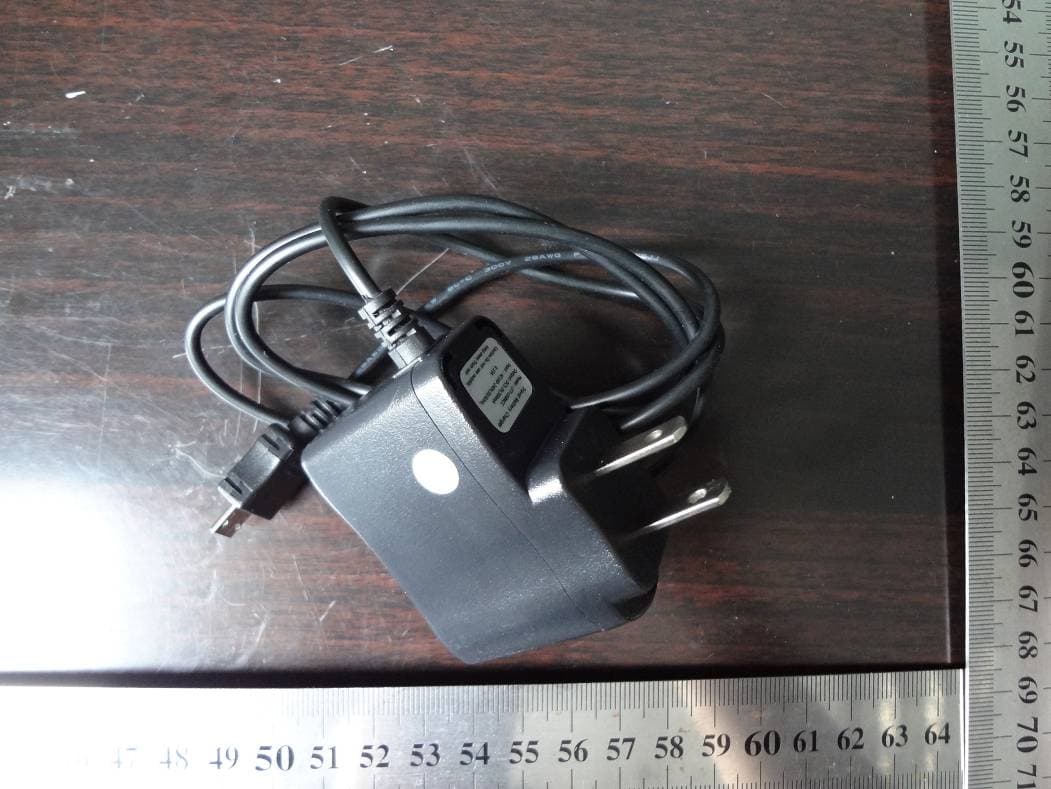
Z6RSMFB203A
Aug 07, 2013GSM MOBILE PHONE
Equipment Class
DSS - Part 15 Spread Spectrum Transmitter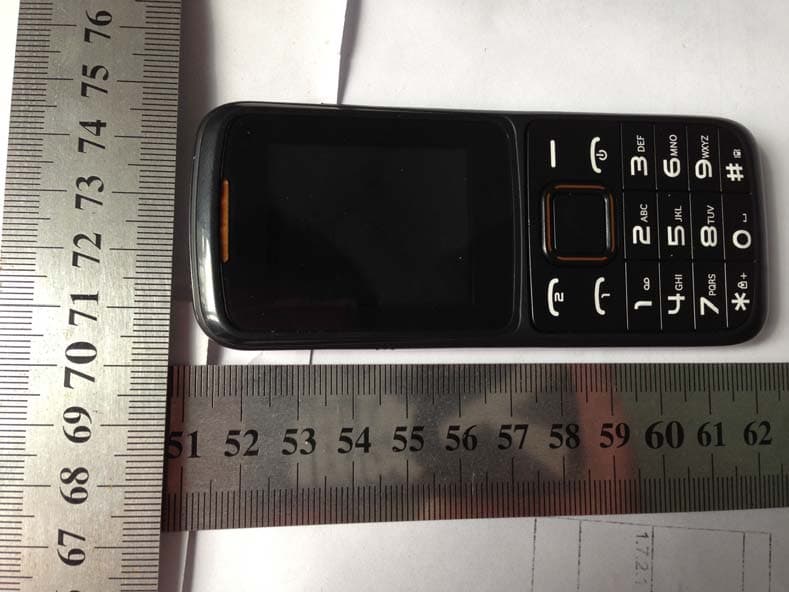
Z6RSMFB203
Apr 16, 2013Mobile Phone
Equipment Class
DXX - Part 15 Low Power Communication Device TransmitterZ6RSMFB101
Nov 12, 2012Mobile Phone
Equipment Class
PCE - PCS Licensed Transmitter held to ear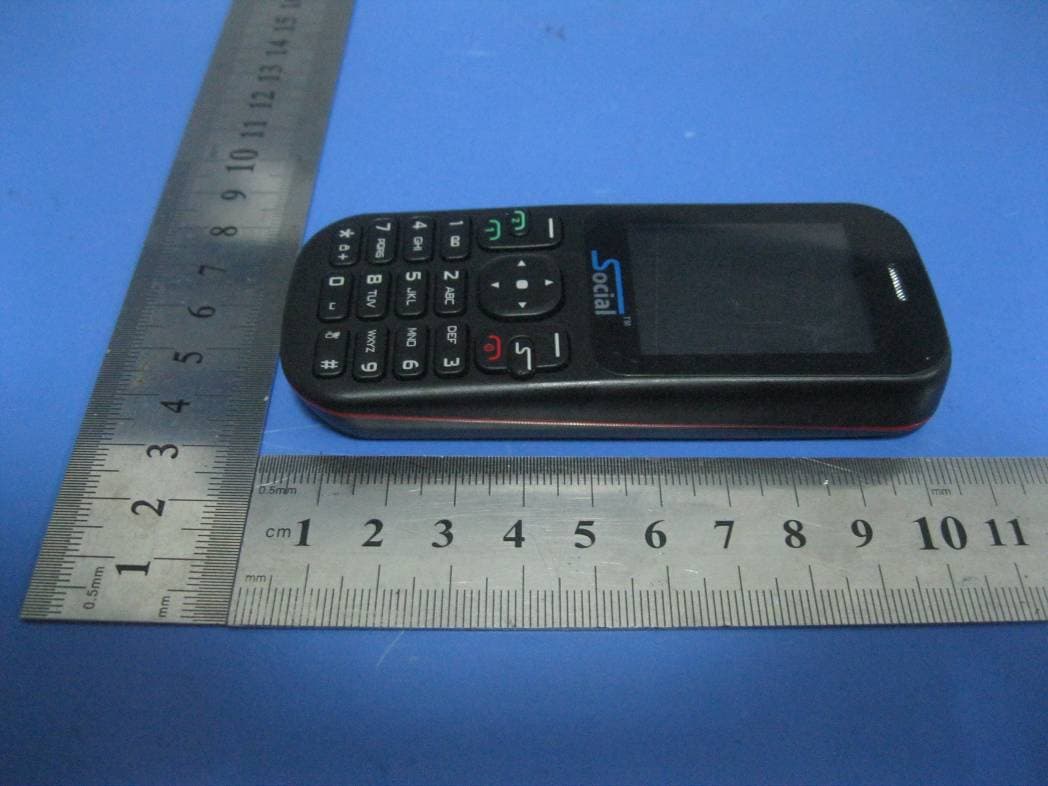
Z6RFOXFB103
Jul 17, 2012GSM Mobile Phone
Equipment Class
DSS - Part 15 Spread Spectrum Transmitter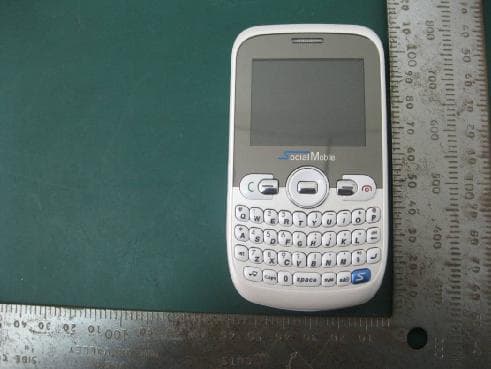
Z6RSMFB100
Nov 10, 2011GSM Mobile Phone
Equipment Class
JBP - Part 15 Class B Computing Device Peripheral