ZZRTM025GSM Phone - Bluetooth Portion
CDM Miami Inc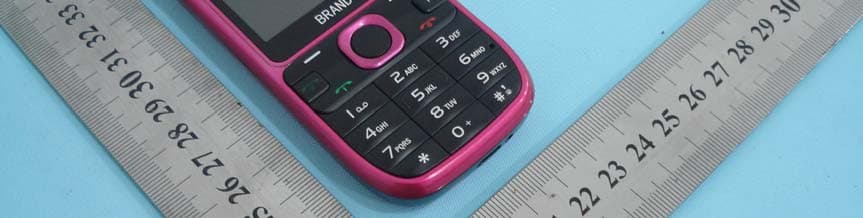
Click to zoom
Application Details
- Equipment Class
- DSS - Part 15 Spread Spectrum Transmitter
- Date of Grant
- Oct 19, 2011
- Application Purpose
- Original Equipment
- Date of Application
- Oct 19, 2011
- Equipment Note
- GSM Phone - Bluetooth Portion
- Frequency Range
- 2402.00000000 - 2480.00000000
- Company
- CDM Miami Inc
- Country
- United States
Documents & Files
Document Text
Text extracted from the exhibit documents filed with the FCC. Open a document above to read the original.
Users Manual
Mobile Phone User Manual 1 User Manual 1. Dials the telephone Cell phone sets completed, you can call or answer the phone, this section will provide you all the basic information. Attention: ¾ Use the headphones, please put the light, the headset jack 1.1. Telephone switch Call on You may through long press the end key to turn on the handset. If requests to input the PIN code, front please refer to the chapter narration Call off On standby state press the key to the end key phone interfaces. The interface appears down, down the clock and two options, choose shutdown will achieve shutdown ; choose to close down and, after the shutdown set the alarm will not be much. If you press the right soft keys, can exit and turn it off the interface. 1.2. Phone Call When the network operator’s words on the computer screen that appears when entering standby, now you can call or answer the phone. display the upper-left corner of the pictures were given the present network of signal intensity ( double with a signal that the network when the quality of the obstructions ). Speak more important, so in the mobile could effectively increase the strength of the signal from the screen. the standby on the phone there are two ways : a direct dialing, and dial the telephone book. 1.2.1. DID Direct In-Dialling Press any key enter dial the number of the interface. at the interface to make the following operation : 2 Dial the telephone Use the keyboard ( if the phone number is a domestic please place the area code and dialing ) key dial pay attention: When dialing display will show the name or phone number, the telephone is switched on display call time, phone number or name. You can use the options menu to achieve the following functions: dial, preservation, transmission function.. The international call Must dial the international call, you only need Long press 0 number key input symbol “+”, then inputs the national code which and the complete telephone number you must dial. Model: Must dial France's telephone, Long press 0 number keys, until the mark “+” the appearance, enters Call process In the telephone conversation process, you may realize the following function through the option menu: Exempted raises, the static sound, maintains, the conclusion telephone conversation, the volume, the double sound multi-frequencies, the sound recording, the communication book, the information Attention: In because the telephone conversation process the SIM card different will differ from to call's operation, the following menu can have the change. Speaker:To make a phone call from ; mute:Close phone mike, will not hear your voice ; hold:To keep the current, now call on both sides unable to hear each other. the phone keep you to option or menu in the end to receive ; end call:Conclusion current telephone conversation. volume:Adjust the volume of the speakers or headphones DTMF:you decide tone on / off. record:Will be content to the store. During the process, in accordance with the key to achieving the recording feature 3 phonebook:May enter the electricity story-telling script window, and carries on the corresponding operation, facilitates in the process which dials telephones inquires the telephone number. messages:Into the information in the edit window, and complete the corresponding operation. You can dial to get into the interface or the address book and opened the new telephone call. 1.3. Emergency call In any one of the use of digital GSM network, if you are in the network coverage area, you should be able to call for emergency services. If you occupy in the network coverage area, even if you don’t have the SIM card you can also be able to carry on the emergency call. 2. Messages This chapter describes GSM networks provide information service, and some services may not be local or roaming and support network. 2.1. Create new This section will introduce to you how to use the phone to send sms and multimedia message. 2.1.1. SMS Enters the short note edition contact surface, you may Chinese which, English, the digit and the punctuation mark you wants through the keyboard entry.when edits the short note, you may realize the following operation through the option menu: Increases the addressee, to save for the rough draft, the insertion, transforms Cheng Cai the letter, the transmission option, the input method. Add recipient:Enters increases the addressee contact surface. copy to draft:This short news depositing in rough draft box. 4 insert:You may interpolate into the picture, the sound, the video frequency, the model for painting, the contact person, the program in the short note content convert to mms:Transforms Cheng Caixin this short note the form. Input menu:May insert the mark, the duplication or the glue short note content, the cut input method, the cut language 3. Phonebook This chapter related in detail address book each kind of function, the user has been possible searches rapidly through the Pinyin or the Book of Hundred Surnames retrieval mode corresponds the contact person. 3.1. SIM cards and mobiles in the address book In this handset's address book, deposits in SIM in the card and handset's contact person, will be demonstrated in the different detailed list. Depositing in the SIM card's contact person, can only deposit a telephone number and the name, in the future you when will replace the new handset, these contact person data might along with the SIM card replacement, enable you also to preserve these contact person material on the new handset. Saves in the SIM card the contact person number of classes, will be decided by each SIM card different limit. depositing in handset's contact person, then may deposit the name, the handset, the family, the office, other, the group, the picture, the ting, the company, the department, the title, the address email, the website, the memorandum, these records will replace the novice machine-hour in the future in you, will be unable to follow the SIM card the replacement…
Text truncated - open the document above for the full version.
Cover Letter(s)
SCS-F18: Project and Product Certification Representative Authorization Letter Page 1 of 2 Rev 2.0 2206 Ringwood Avenue San Jose, CA 95131 Tel: 408-526-1188 Fax: 408-526-1088 Email: [email protected] Project and Product Certification Representative Authorization Letter Revision History Reason for Amendment (current / obsolete) From To Approved Date Initial Release (current) 1.0 1.0 Nov-14-2006 Revised wording (current) 1.0 2.0 Sept–25-2007
Cover Letter(s)
SCS-F19: Confidentiality Request Letter Page 1 of 2 Rev 2.0 2206 Ringwood Avenue San Jose, CA 95131 Tel: 408-526-1188 Fax: 408-526-1088 Email: [email protected] Confidentiality Request Letter Revision History Reason for Amendment (current / obsolete) From To Approved Date Initial Release (current) 1.0 1.0 Nov-14-2006 Adding CFR 2.459 1.0 2.0 August – 11 - 2008
External Photos
Dongguan NTC CO., LTD. FCC ID: ZZRTM025 Report No.: WB1108011F Dongguan NTC CO., LTD. FCC ID: ZZRTM025 Report No.: WB1108011F
External Photos
Dongguan NTC CO., LTD. FCC ID: ZZRTM025 Report No.: WB1108011F Bluetooth and GSM Antenna separation is 7.7cm. GSM Antenna Bluetooth Antenna
ID Label/Location Info
Dongguan NTC CO., LTD. FCC ID: ZZRTM025 Report No.: WB1108011F FCC Lable Lable Location
Internal Photos
Dongguan NTC CO., LTD. FCC ID: ZZRTM025 Report No.: WB1108011F Dongguan NTC CO., LTD. FCC ID: ZZRTM025 Report No.: WB1108011F Dongguan NTC CO., LTD. FCC ID: ZZRTM025 Report No.: WB1108011F
Test Report
Dongguan NTC CO., LTD. FCC ID: ZZRTM025 Report No.: WB1108011F Page 1 of 34 FCC PART 15 SUBPART C MEASURMENT AND TEST REPORT For CDM Miami Inc 1825 NW 112 AVE Unit 158, Miami, FL 33172, USA E.U.T.: GSM Phone Model Name: T8, T10, T10L, X5, X9, RUMBA, TV PLUS, RIM16, TV XL, LIMUS Trade name: OLA, FUN, ALLO FCC ID: ZZRTM025 Report Number: WB1108011F Test Date(s): August 23 2011 to September 19 2011 Report Date(s): September 19, 2011 Prepared by Dongguan NTC Co., Ltd. Building D, Gaosheng Science and Technology Park, Hongtu Road, Nancheng District, Dongguan City, Guangdong Province, China Tel: +86-769-22022444 Fax: +86-769-22022799 Approved By Sunm Lv / Q.A. Director Dongguan NTC Co., Ltd. Note: This test report is for the customer shown above and their specific product only. It may not be duplicated or used in part without prior written consent from Dongguan NTC Co., Ltd. The test results referenced from this report are relevant only to the sample tested. Dongguan NTC CO., LTD. FCC ID: ZZRTM025 Report No.: WB1108011F Page 2 of 34 Table of Contents 1. GENERAL INFORMATION............................................................................................................ 4 1.1 PRODUCT DESCRIPTION FOR EQUIPMENT UNDER TEST.......................................................................... 4 1.2 RELATED SUBMITTAL(S) / GRANT (S)......................................................................................................... 4 1.3 TEST METHODOLOGY................................................................................................................................. 5 1.4 SPECIAL ACCESSORIES.............................................................................................................................. 5 1.5 EQUIPMENT MODIFICATIONS...................................................................................................................... 5 1.6 TEST FACILITY............................................................................................................................................. 5 1.7 SUMMARY OF TEST RESULTS..................................................................................................................... 6 2. SYSTEM TEST CONFIGURATION............................................................................................... 7 2.1 EUT CONFIGURATION................................................................................................................................7 2.2 TEST PROCEDURE...................................................................................................................................... 7 3. DESCRIPTION OF TEST MODES................................................................................................ 7 4. CONDUCTED EMISSIONS TEST................................................................................................. 8 4.1 TEST SET-UP (BLOCK DIAGRAM OF CONFIGURATION)........................................................................... 8 4.2 TEST CONDITIATION.................................................................................................................................... 8 4.3 MEASURMENT RESULTS............................................................................................................................. 8 5. RADIATED EMISSION TEST...................................................................................................... 11 5.1 TEST SET-UP (BLOCK DIAGRAM OF CONFIGURATION)......................................................................... 11 5.2 MEASUREMENT RESULT........................................................................................................................... 12 6. CHANNEL SEPARATION TEST................................................................................................. 16 6.1 MEASUREMENT PROCEDURE................................................................................................................... 16 6.2 TEST SET-UP (BLOCK DIAGRAM OF CONFIGURATION)......................................................................... 16 6.3 MEASUREMENT RESULTS:........................................................................................................................ 16 7. 20DB BANDWIDTH....................................................................................................................... 19 7.1 MEASUREMENT PROCEDURE................................................................................................................... 19 7.2 TEST SET-UP (BLOCK DIAGRAM OF CONFIGURATION)......................................................................... 19 7.3 MEASUREMENT RESULTS:........................................................................................................................ 19 8. HOPPING CHANNEL NUMBER................................................................................................. 22 8.1 MEASUREMENT PROCEDURE................................................................................................................... 22 8.2 TEST SET-UP (BLOCK DIAGRAM OF CONFIGURATION)......................................................................... 22 8.3 MEASUREMENT RESULTS:........................................................................................................................ 22 9. TIME OF OCCUPANCY (DWELL TIME)................................................................................... 24 9.1 MEASUREMENT PROCEDURE................................................................................................................... 24 9.2 MEASUREMENT RESULTS:........................................................................................................................ 24 Dongguan NTC CO., LTD. FCC ID: ZZRTM025 Report No.: WB1108011F Page 3 of 34 10. MAXIMUM PEAK OUTPUT POWER....................................................................................... 27 10…
Text truncated - open the document above for the full version.
Test Setup Photos
Dongguan NTC CO., LTD. FCC ID: ZZRTM025 Report No.: WB1108011F Conducted Emission Dongguan NTC CO., LTD. FCC ID: ZZRTM025 Report No.: WB1108011F Radiated Emission (Below 1GHz) Radiated Emission (Above 1GHz)
Contact Information
Applicant
Dennis Tang(Marketing Director)
Test Firm
Dongguan NTC Co.,Ltd.,sunm lv sunm lv
[email protected]86-769-22022444
Technical Specifications
| # | Rule Parts | Frequency Range | Power Output |
|---|---|---|---|
| 1 | 15C | 2.40 GHz - 2.48 GHz | 1.09 mW |
Other Applications from CDM Miami Inc

ZZRTM3458
Jan 05, 2014GSM Cell Phone
Equipment Class
DTS - Digital Transmission System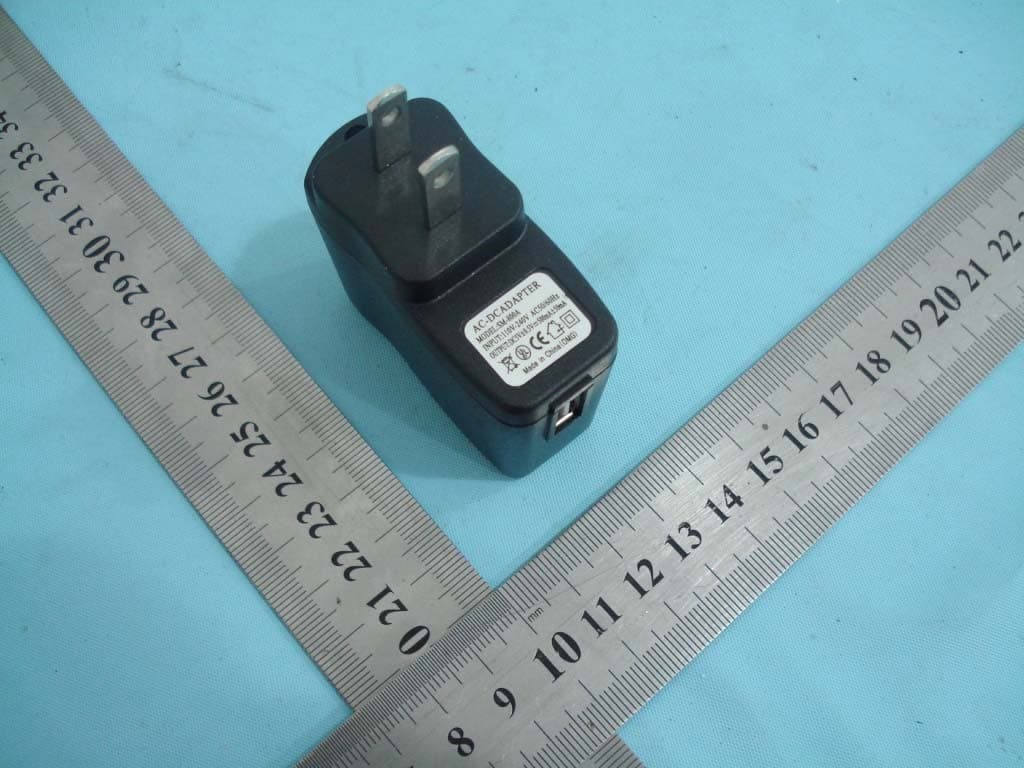
ZZRTM707
Dec 01, 2011GSM Phone �Bluetooth Portion
Equipment Class
DSS - Part 15 Spread Spectrum Transmitter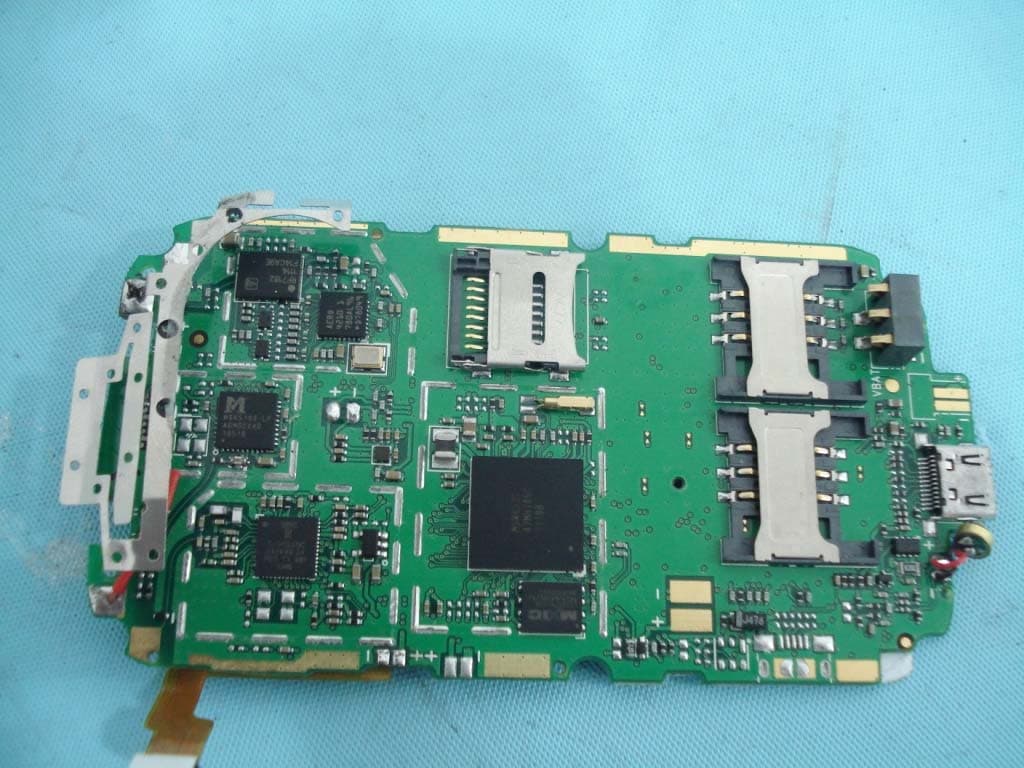
ZZRTM003
Oct 19, 2011GSM Mobile Phone
Equipment Class
PCE - PCS Licensed Transmitter held to ear