2A2T9-KB05111Bluetooth Keyboard
Shenzhen Inateck Technology Co., Ltd.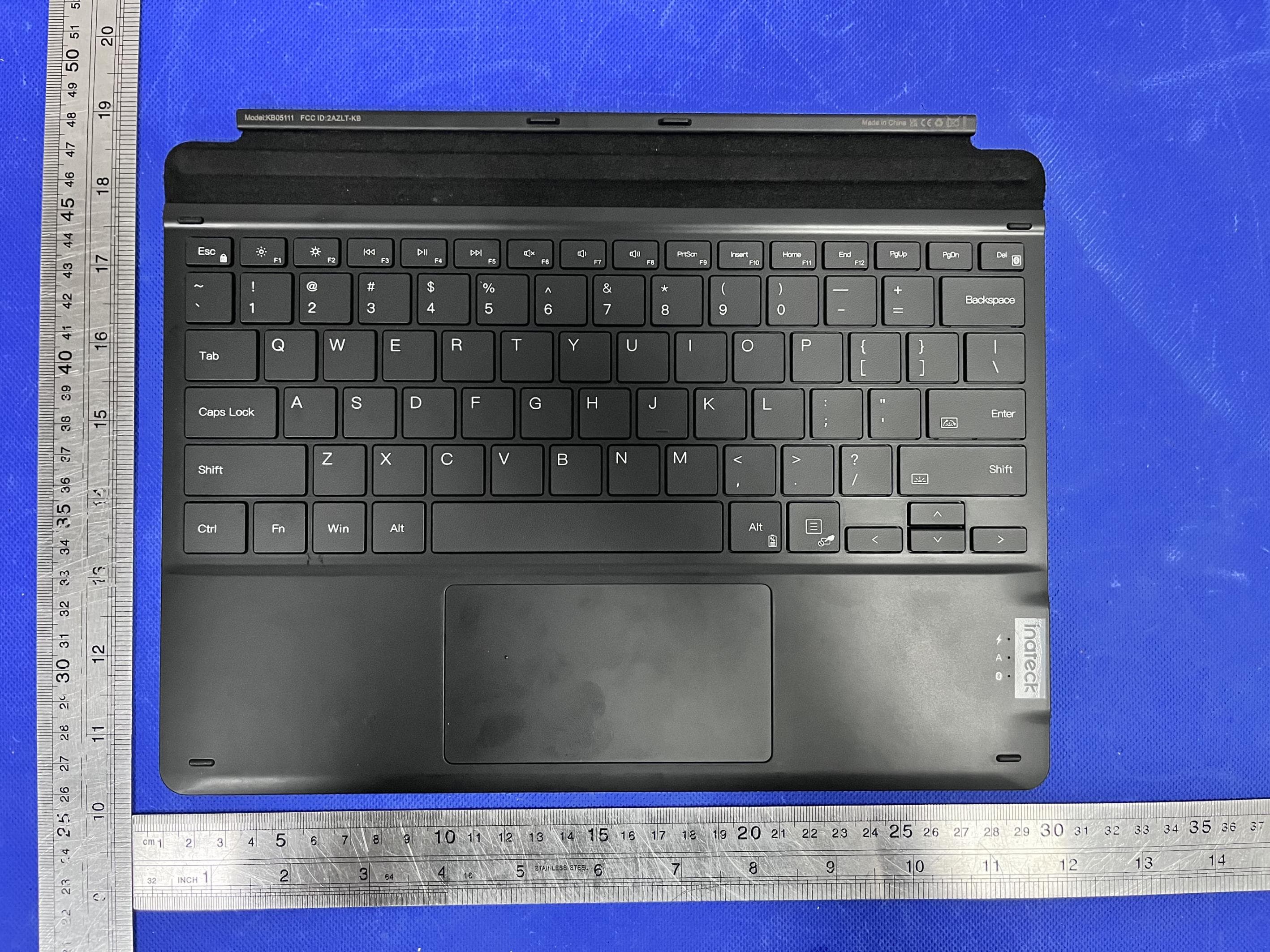
Click to zoom
Application Details
- Equipment Class
- DTS - Digital Transmission System
- Date of Grant
- Jul 02, 2022
- Application Purpose
- Original Equipment
- Date of Application
- Jun 30, 2022
- Equipment Note
- Bluetooth Keyboard
- Frequency Range
- 2402.00000000 - 2480.00000000
- Country
- China
Documents & Files
Document Text
Text extracted from the exhibit documents filed with the FCC. Open a document above to read the original.
Users Manual
1. Product Overview 2. Power ON/OFF KB05111 Power ON: Toggle the switch to ON. Power OFF: Toggle the switch to OFF. 3. To pair KB05111 with a Surface Pro Step 1: For the first time you pair KB05111 with a Surface Pro whose operating system is Windows 10, you just need to toggle the switch on the KB05111 to "ON" position and KB05111 will enter into Bluetooth pairing mode automatically. To enter into the Bluetooth pairing mode, you can also press the xx + xx simultaneously and hold for 3 seconds. It means that KB05111 is under pairing mode when the blue light flashes. Note: For the first time you pair KB05111 with a Surface Pro whose operating system is Windows 8.1, you need to toggle the switch on KB05111 to "ON" position and then simultaneously press xx + xx, and hold for 3 seconds. It means that KB05111 is under pairing mode when the blue light flashes. Step 2: On the Surface Pro, select All Settings - Devices - Add Bluetooth or Other Device - Bluetooth. The Surface Pro will display “Inateck KB05111” as an available device. Step 3: Select "Inateck KB05111" on Surface Pro. Step 4: When the blue light keeps on, it means that the KB05111 has been successfully paired with the Surface Pro 4. Troubleshooting in Bluetooth Pairing Step 1: Delete all the Bluetooth pairing records related to KB05111 on the Surface Pro Step 2: Press xx + xx simultaneously and hold for 5 seconds. The 3 indicator lights will simultaneously flash 3 times and then the blue light flashes, which means the keyboard has entered into Bluetooth pairing mode. Under this mode please re-pair the keyboard with the Surface Pro. 5. Indicator Note: “Flash” means the light alternates between on and off status quickly, 3 times a second. 6. How to Adjust the Keyboard Backlight 1) Press xx + xx simultaneously to adjust the color of the backlight. There are 7 colors available in total. 2) Press xx + xx simultaneously to adjust the brightness of the backlight. 3 levels of brightness are at choice. Note: 1) When the battery level is lower than 15%, the backlight turns off automatically. 2) The backlight will go off automatically if the keyboard is left idle for two minutes. You can wake it up by pressing a single key. 7. How to Use the Function Keys 7-1. How to Use F1-F12 You may press the xx + xx keys to lock the Fn key. A repeated operation can unlock the Fn key. (The keyboard disables the Fn key lock by default. ) Fn Lock enabled: Press xx+xx to enable/disable the Fn lock, When the Fn lock is enabled: Press xx can trigger the functionality owned by F1 key; Press the combination of xx+xx will dim the brightness of the screen; This method applies to all F Keys (F1-F12) . When the Fn lock is disabled(Default Status): Press the xx+xx combination can disable the Fn lock. When the Fn key is unlocked, press the xx key to dim the brightness of the screen. Press the xx+xx simultaneously to use the functionality owned by F1 key. 7-2. The combination of Fn and other keys: 8. How to Restore Factory Setting If you are unsure what settings you have made on KB05111, you may restore the factory setting. To do that, press xx+xx simultaneously and hold for 5 seconds. Note: After restoring the factory mode, all settings including the Bluetooth pairing on KB05111 will be set to the original status. 9. To Check Battery Status Press xx+xx simultaneously to check the battery level. (Only in non-charging mode) 10. Charging When the battery level is under 20%, the red indicator will flash. Please recharge the KB05111 in time. The recommended charging voltage and current are 5V and 250mA respectively. To charge KB05111, you can use the charger of a cellphone or connect it to the USB port of a computer. It takes about 4 to 5 hours for KB05111 to be fully charged. Note: It is not recommended to charge KB05111 by using a fast charger. 11. Sleeping Mode 1) When KB05111 is left idle for 2 minutes, its backlight becomes off. 2) When KB05111 is left idle for 2 hours, it goes into deep sleep mode. The Bluetooth connection will be disrupted. The connection recovers if you press any key on KB05111. Note: 1) To wake up the keyboard in sleep mode, press one of the keys please. Touch on the touchpad cannot wake it up. 2) Suppose that you want to adjust the time interval the backlight goes off and that the keyboard enters into sleep mode, please contact our customer service. We can provide you with firmware upgrade service as per your needs. 12. Product Specification 13. Packing list KB05111 *1 Type-C Charging Cable *1 Instruction Manual *1 FCC Note This device complies with part 15 of the FCC Rules. Operation is subject to the following two conditions: (1) This device may not cause harmful interference, and (2) this device must accept any interference received, including interference that may cause undesired operation. Note: This equipment has been tested and found to comply with the limits for a Class B digital device, pursuant to part 15 of the FCC Rules. These limits are designed to provide reasonable protection against harmful interference in a residential installation. This equipment generates, uses and can radiate radio frequency energy and, if not installed and used in accordance with the Users, may cause harmful interference to radio communications. However, there is no guarantee that interference will not occur in a particular installation. If this equipment does cause harmful interference to radio or television reception, which can be determined by turning the equipment off and on, the user is encouraged to try to correct the interference by one or more of the following measures: -Reorient or relocate the receiving antenna. -Increase the separation between the equipment and receiver. -Connect the equipment into an outlet on a circuit different from that to which the receiver is connected. -Consult the dealer or an experienced radio/TV technician for help. Note: The Grantee is not responsible for any changes or modifications not expressly approved by the party res…
Text truncated - open the document above for the full version.
Attestation Statements
ShenzhenInateckTechnologyCo.,Ltd. ModelDifference Productdescription:BluetoothKeyboard Modelname:KB05111 KB05112,KB05113 TradeName:Inateck FCCID:2A2T9-KB05111 AllthemodelarethesamecircuitandRFmodule,onlyformodelname. Regards Sincerely Client’ssignature: Client’sname/title:HarveyYan(N/A) Contactinformation/address:Rm.2507,Bldg.11,TianAnCloudPark,BantianStreet,Longgang District,Shenzhen
Cover Letter(s)
C5266091_X8_Ed.1 1/1 LetterofAuthorization <ShenzhenInateckTechnologyCo.,Ltd.> Company:ShenzhenInateckTechnologyCo.,Ltd. Address:Rm.2507,Bldg.11,TianAnCloudPark,BantianStreet,Longgang District,Shenzhen ProductName:BluetoothKeyboard ModelNumber:KB05111 KB05112,KB05113 FCCIdentifier:2A2T9-KB05111 WeauthorizeLGAITechnologicalCenterS.A.,RondadelaFontdelCarme,s/n, 08193Bellaterra,Spain,toactonourbehalfonallmattersconcerningthe abovenamedequipment. AnyindividualwithinLGAITechnologicalCenterS.A.isauthorizedtoactonour behalfandtakeactionontheapplication. WedeclarethatauthorizeLGAITechnologicalCenterS.A.,RondadelaFontdel Carme,s/n,08193Bellaterra,Spain,isallowedtoforwardallinformation relatedtotheapprovalprojecttotheFederalCommunicationCommissionand todiscussanyissuesconcerningtheapprovalapplication.Anyandallacts carriedoutbyLGAITechnologicalCenterS.A.onourbehalfshallhavethe sameeffectasactsofourown. Name:HarveyYanDate:2022-06-27 Title:N/A Signatureofapplicant:
Cover Letter(s)
C5266091_X10_Ed.1 1/1 <ShenzhenInateckTechnologyCo.,Ltd.> OfficeofEngineeringTechnology FederalCommunicationsCommission 7435OaklandMillsRoad Columbia,MD21046 Date:2022-06-27 Subject:RequestforConfidentiality FCCID:2A2T9-KB05111 ToWhomItMayConcern, PursuanttotheprovisionsofSections0.457and0.459ofCommission'srules (47CFR0.457,0.459),wearerequestingtheCommissiontowithholdthefollowing attachment(s)asconfidentialdocumentfrompublicdisclosure. ExhibitsLong-Term Confidentiality Short-Term Confidentiality IDLabel/LocationNoNo AttestationStatementNoNo ExternalPhotosNo BlockDiagram Schematics TestReportNoNo TestSetupPhotosNo User’sManual InternalPhotos PartsList/TuneUp RFExposureInfo OperationalDescription CoverLetter(s)NoNo SDRSoftware/SecurityInfoNo Abovementioneddocumentcontainsdetailedsystemandequipmentdescriptionare consideredasproprietaryinformationinoperationoftheequipment.Thepublic disclosureofabovedocumentsmightbeharmfultoourcompanyandwouldgive competitoranunfairadvantageinthemarket. Itisourunderstandingthatallmeasurementtestreports,FCCIDlabelformatand correspondentduringcertificationreviewprocesscannotbegrantedasconfidential documentsandthoseinformationwillbeavailableforpublicreviewoncethegrantof equipmentauthorizationisissued. Sincerely, Signature: Name:HarveyYan Title:N/A
External Photos
EUTPHOTO(ExternalPhotos) ※※※※※ENDOFREPORT※※※※※
ID Label/Location Info
Labelandlabellocation BluetoothKeyboard FCCID:2A2T9-KB05111
Internal Photos
EUTPHOTO(InternalPhotos) ANT ※※※※※ENDOFREPORT※※※※※
RF Exposure Info
FCCID:2A2T9-KB05111 RFExposureEvaluation AccordingtoKDB447498D01GeneralRFExposureGuidancev06andpart2.1093 , UnlessspecificallyrequiredbythepublishedRFexposureKDBprocedures,standalone 1-gheadorbodyand10-gextremitySARevaluationforgeneralpopulationexposure conditions,bymeasurementornumericalsimulation,isnotrequiredwhenthe correspondingSARTestExclusionThresholdcondition(s),listedbelow,is(are)satisfied. For100MHzto6GHzandtestseparationdistances≤50mm,the1-gand10-gSARtest exclusionthresholdsaredeterminedbythefollowing: [(max.powerofchannel,includingtune-uptolerance,mW)/(min.testseparationdistance, mm)]·[√f (GHz) ]≤3.0for1-gSAR,and≤7.5for10-gextremitySAR,where f (GHz) istheRFchanneltransmitfrequencyinGHz PoweranddistanceareroundedtothenearestmWandmmbeforecalculation Theresultisroundedtoonedecimalplaceforcomparison Here, ForBLE MaxPower(dBm)MaxPower(mW)Frequency(MHz)Min.distance(mm)Calc.thresholdslimit -0.7940.83240250.258183.0 SoaSARtestisnotrequired
Test Report
ProjectNo.:ZKT-2206023739E Page 1 of 38 FCCTESTREPORT FCCID:2A2T9-KB05111 ReportNumber. .................................... : ZKT-2206023739E DateofTest ....................................................... : Jun.02,2022toJun.30,2022 Dateofissue ......................................... : Jul.01,2022 Totalnumberofpages..........................38 TestResult..........................................: PASS TestingLaboratory............................: ShenzhenZKTTechnologyCo.,Ltd. Address...............................................: 1/F,No.101,BuildingB,No.6,TangweiCommunityIndustrial Avenue,FuhaiStreet,Bao'anDistrict,Shenzhen,China Applicant'sname.............................: ShenzhenInateckTechnologyCo.,Ltd. Address...............................................: Rm.2507,Bldg.11,TianAnCloudPark,BantianStreet,Longgang District,Shenzhen Manufacturer'sname......................: ShenzhenInateckTechnologyCo.,Ltd. Address...............................................: Rm.2507,Bldg.11,TianAnCloudPark,BantianStreet,Longgang District,Shenzhen Testspecification: Standard ................................................ : FCCCFRTitle47Part15SubpartCSection15.247 ANSIC63.10:2013 Testprocedure.....................................: / Non-standardtestmethod................:N/A TestReportFormNo........................: TRF-EL-111_V0 TestReportForm(s)Originator ..... : ZKTTesting MasterTRF ........................................ : Dated:2020-01-06 ThisdevicedescribedabovehasbeentestedbyZKT,andthetestresultsshowthattheequipmentunder test(EUT)isincompliancewiththeFCCrequirements.Anditisapplicableonlytothetestedsample identifiedinthereport. Thisreportshallnotbereproducedexceptinfull,withoutthewrittenapprovalofZKT,thisdocumentmay bealteredorrevisedbyZKT,personalonly,andshallbenotedintherevisionofthedocument. Productname ..................................... :BluetoothKeyboard Trademark ........................................... : Inateck Model/Typereference......................:KB05111 KB05112,KB05113 Ratings..................................................: Input:DC5VorBatteryDC3.7V ProjectNo.:ZKT-2206023739E Page 2 of 38 Testingprocedureandtestinglocation: TestingLaboratory ....................................... :ShenzhenZKTTechnologyCo.,Ltd. Address ............................................................ :1/F,No.101,BuildingB,No.6,TangweiCommunity IndustrialAvenue,FuhaiStreet,Bao'anDistrict, Shenzhen,China JimLiu Testedby(name+signature).......................: JacksonFang Reviewer(name+signature) ....................... : LakeXie Approved(name+signature) ....................... : ProjectNo.:ZKT-2206023739E Page 3 of 38 TableofContents Page 1.VERSION5 2.SUMMARYOFTESTRESULTS6 2.1TESTFACILITY7 2.2MEASUREMENTUNCERTAINTY7 3.GENERALINFORMATION8 3.1GENERALDESCRIPTIONOFEUT8 3.2DESCRIPTIONOFTESTMODES9 3.3BLOCKDIGRAMSHOWINGTHECONFIGURATIONOFSYSTEMTESTED9 3.4DESCRIPTIONOFSUPPORTUNITS(CONDUCTEDMODE)10 3.5EQUIPMENTSLISTFORALLTESTITEMS11 4.EMCEMISSIONTEST12 4.1CONDUCTEDEMISSIONMEASUREMENT12 4.1.11POWERLINECONDUCTEDEMISSIONLIMITS12 4.1.2TESTPROCEDURE12 4.1.3DEVIATIONFROMTESTSTANDARD13 4.1.4TESTSETUP13 4.1.5EUTOPERATINGCONDITIONS13 4.1.6TESTRESULTS13 4.2RADIATEDEMISSIONMEASUREMENT14 4.2.1RADIATEDEMISSIONLIMITS16 4.2.2TESTPROCEDURE17 4.2.3DEVIATIONFROMTESTSTANDARD17 4.2.4TESTSETUP17 4.2.5EUTOPERATINGCONDITIONS18 5.RADIATEDBANDEMISSIONMEASUREMENT23 5.1TESTREQUIREMENT:23 5.2TESTPROCEDURE23 5.3DEVIATIONFROMTESTSTANDARD23 5.4TESTSETUP24 5.5EUTOPERATINGCONDITIONS24 5.6TESTRESULT25 6.POWERSPECTRALDENSITYTEST26 6.1APPLIEDPROCEDURES/LIMIT26 6.2TESTPROCEDURE26 6.3DEVIATIONFROMSTANDARD26 6.4TESTSETUP26 ProjectNo.:ZKT-2206023739E Page 4 of 38 TableofContentsPage 6.5EUTOPERATIONCONDITIONS26 6.6TESTRESULTS27 7.CHANNELBANDWIDTH29 7.1APPLIEDPROCEDURES/LIMIT29 7.2TESTPROCEDURE29 7.3DEVIATIONFROMSTANDARD29 7.4TESTSETUP29 7.5EUTOPERATIONCONDITIONS29 7.6TESTRESULTS30 8.PEAKOUTPUTPOWERTEST32 8.1APPLIEDPROCEDURES/LIMIT32 8.2TESTPROCEDURE32 8.3DEVIATIONFROMSTANDARD32 8.4TESTSETUP32 8.5EUTOPERATIONCONDITIONS32 8.6TESTRESULTS33 9.CONDUCTEDBANDEDGEANDSPURIOUSEMISSION34 9.1APPLICABLESTANDARD34 9.2TESTPROCEDURE34 9.3DEVIATIONFROMSTANDARD34 9.4TESTSETUP34 9.5EUTOPERATIONCONDITIONS34 10.ANTENNAREQUIREMENT37 11.TESTSETUPPHOTO38 12.EUTCONSTRUCTIONALDETAILS38 ProjectNo.:ZKT-2206023739E Page 5 of 38 1.VERSION ReportNo.VersionDescriptionApproved ZKT-2206023739ERev.01InitialissueofreportJul.01,2022 ProjectNo.:ZKT-2206023739E Page 6 of 38 2.SUMMARYOFTESTRESULTS Testproceduresaccordingtothetechnicalstandards: FCCPart15(15.247),SubpartC Standard Section TestItemJudgmentRemark FCCpart15.203/15.247 (c) AntennarequirementPASS FCCpart15.207ACPowerLineConductedEmissionPASS FCCpart15.247(b)(3)ConductedPeakOutputPowerPASS FCCpart15.247(a)(2)ChannelBandwidth&99%OCBPASS FCCpart15.247(e)PowerSpectralDensityPASS FCCpart15.247(d)BandEdgePASS FCCpart15.205/15.209SpuriousEmissionPASS NOTE: (1)“N/A”denotestestisnotapplicableinthisTestReport ProjectNo.:ZKT-2206023739E Page 7 of 38 2.1TESTFACILITY ShenzhenZKTTechnologyCo.,Ltd. Add.:1/F,No.101,BuildingB,No.6,TangweiCommunityIndustrialAvenue,FuhaiStreet,Bao'an District,Shenzhen,China FCCTestFirmRegistrationNumber:692225 DesignationNumber:CN1299 ICRegisteredNo.:27033 2.2MEASUREMENTUNCERTAINTY Thereporteduncertaintyofmeasurementy±U , whereexpendeduncertaintyUisbasedonastandard uncertaintymultipliedbyacoveragefactorofk=2 , providingalevelofconfidenceofapproximately95 % 。 No.ItemUncertainty 1 3mcamberRadiatedspurious emission(9KHz-30MHz) U=4.5dB 2 3mcamberRadiatedspurious emission(30MHz-1GHz) U=4.8dB 3 3mchamberRadiatedspurious emission(1GHz-6GHz) U=4.9dB 4 3mchamberRadiatedspurious emission(6GHz-40GHz) U=5.0dB 5ConducteddisturbanceU=3.2dB 6RFBandEdgeU=1.68dB 7RFpowerconductedU=1.86dB 8RFconductedSpuriousEmissionU=2.2dB 9RFOccupiedBandwidthU=1.8dB 10RFPowerSpectralDensityU=1.75dB 11humidityuncertaintyU=5.3% 12Temperatureuncertainty U=0.59 °C ProjectNo.:ZKT-2206023739E Page 8 of 38 3.GENERALINFORMATION 3.1GENERA…
Text truncated - open the document above for the full version.
Test Setup Photos
EUTTESTPHOTO
Contact Information
Applicant
Fret Huang
Technical Contact
Non-Technical Contact
Shenzhen ZKT Technology Co., Ltd.Lake xie
[email protected]0086-400 000 9970
Test Firm
Shenzhen ZKT Technology Co., Ltd.Lake Xie
[email protected]0086-13620010775
Technical Specifications
| # | Rule Parts | Frequency Range | Power Output |
|---|---|---|---|
| 1 | 15C | 2.40 GHz - 2.48 GHz | 830.00 µW |
Other Applications from Shenzhen Inateck Technology Co., Ltd.
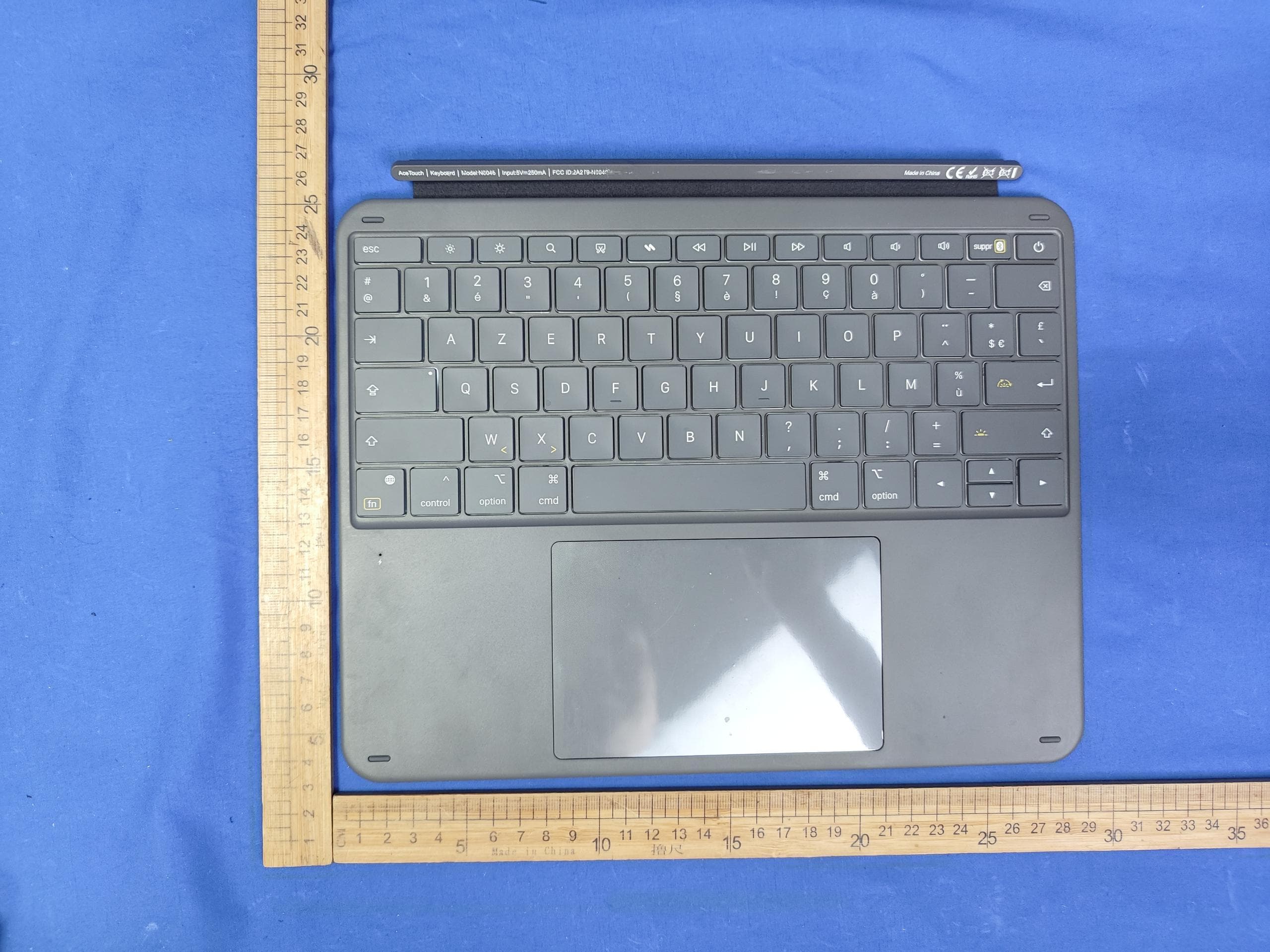
2A2T9-N0046
Jun 18, 2026Keyboard
Equipment Class
DTS - Digital Transmission System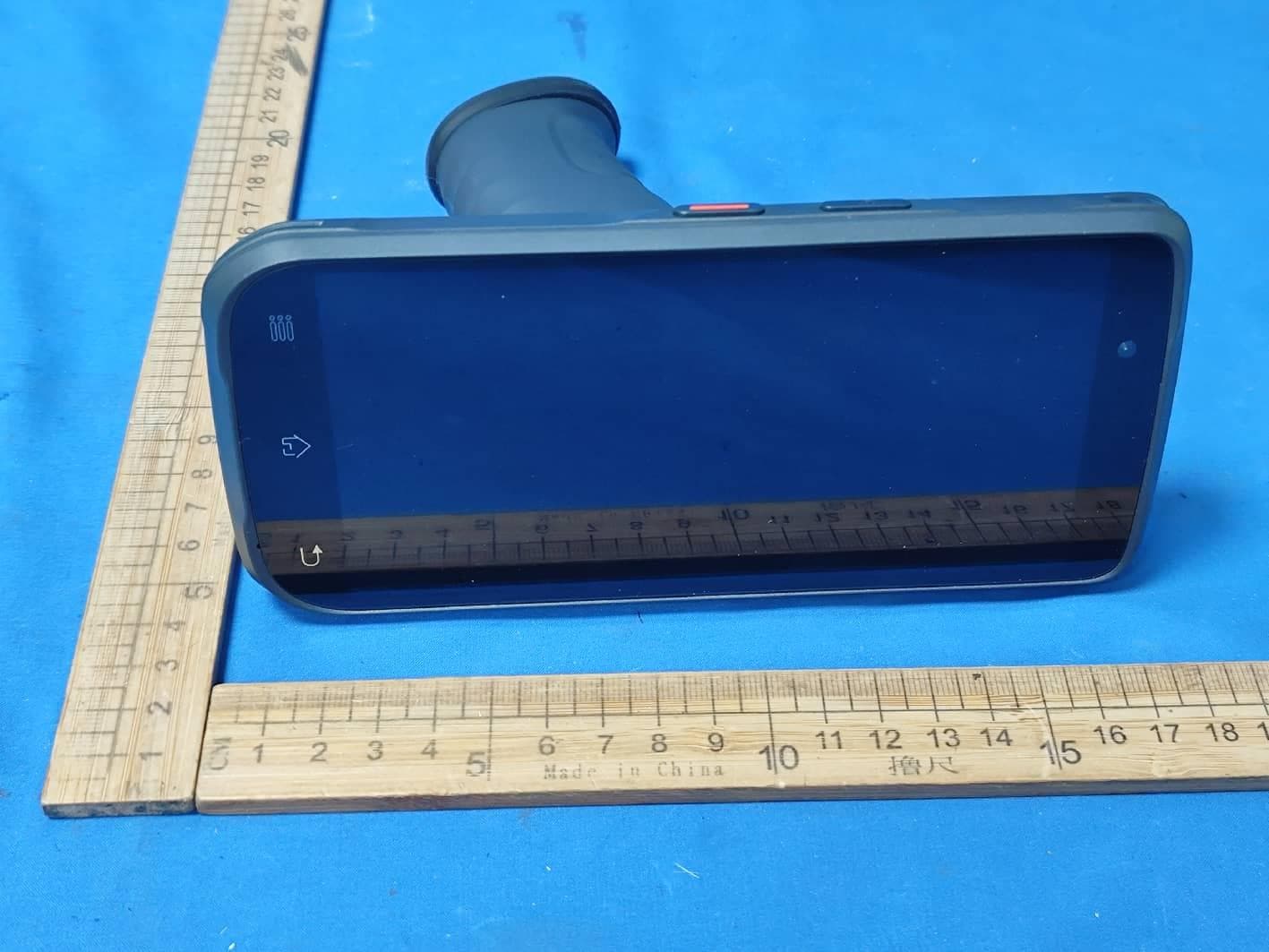
2A2T9-N6029
May 10, 2026Handheld Terminal
Equipment Class
DTS - Digital Transmission System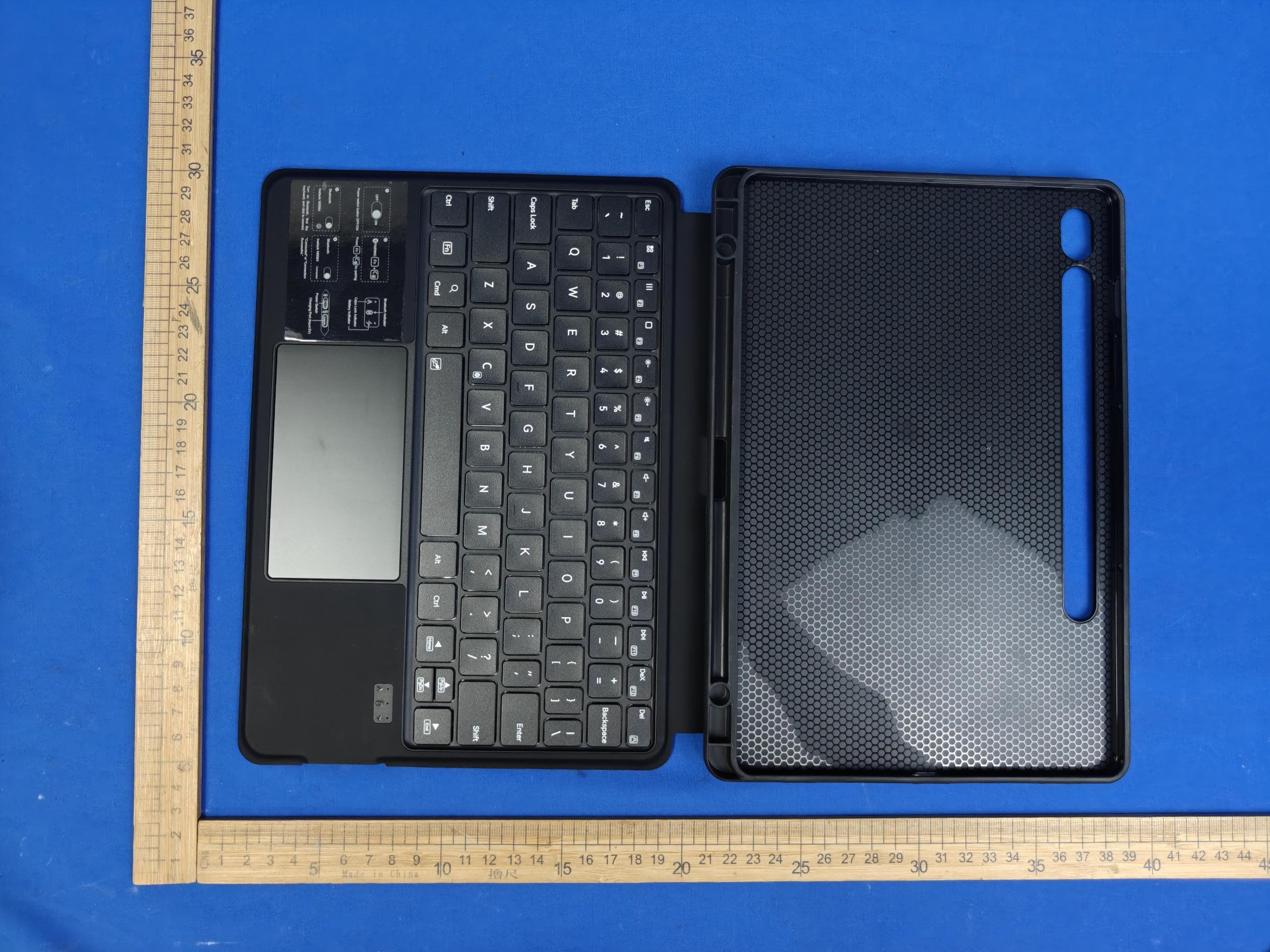
2A2T9-N0064
May 06, 2026Keyboard
Equipment Class
DTS - Digital Transmission System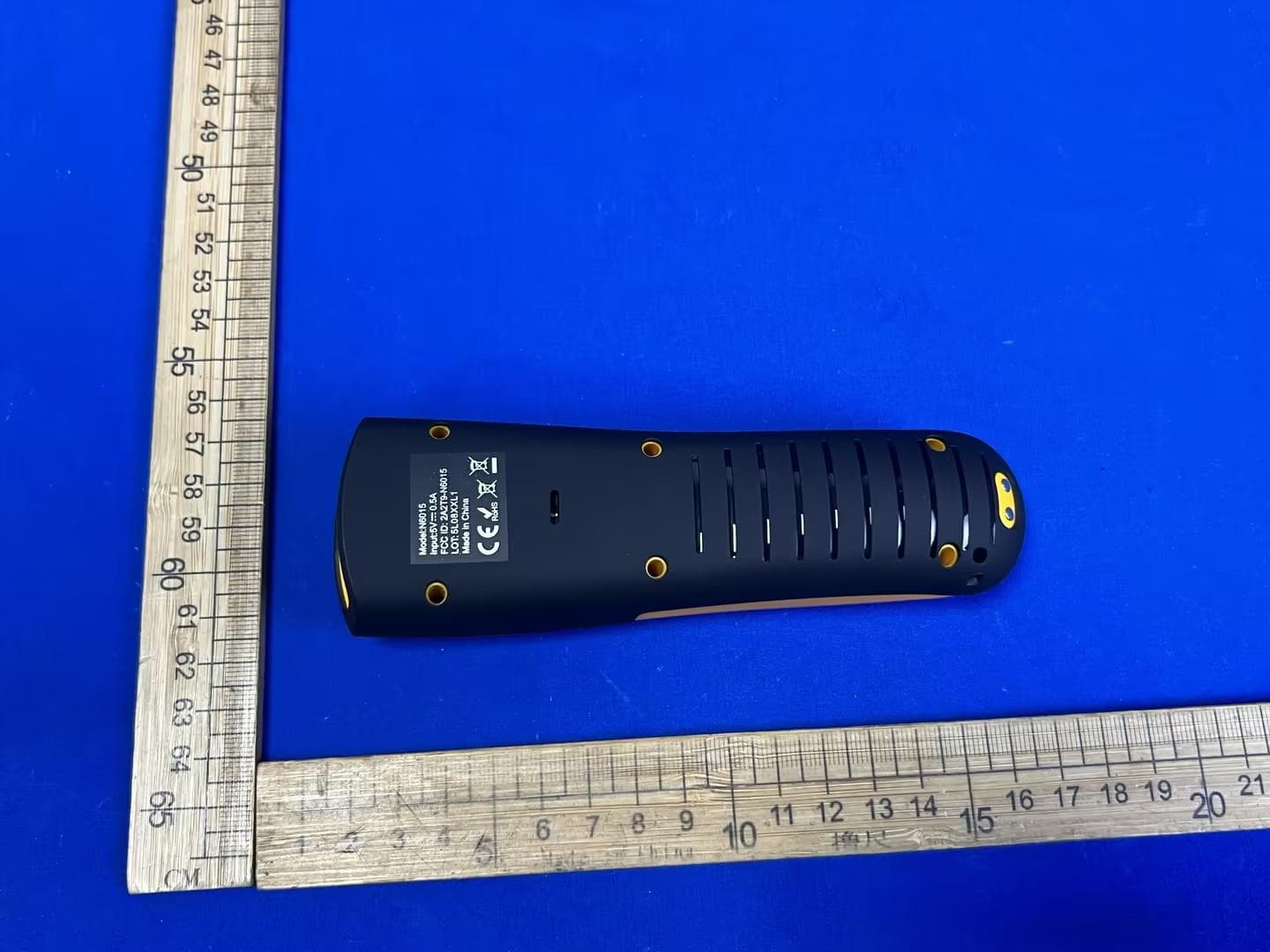
2A2T9-N6015
Mar 18, 2026Barcode Scanner
Equipment Class
DTS - Digital Transmission System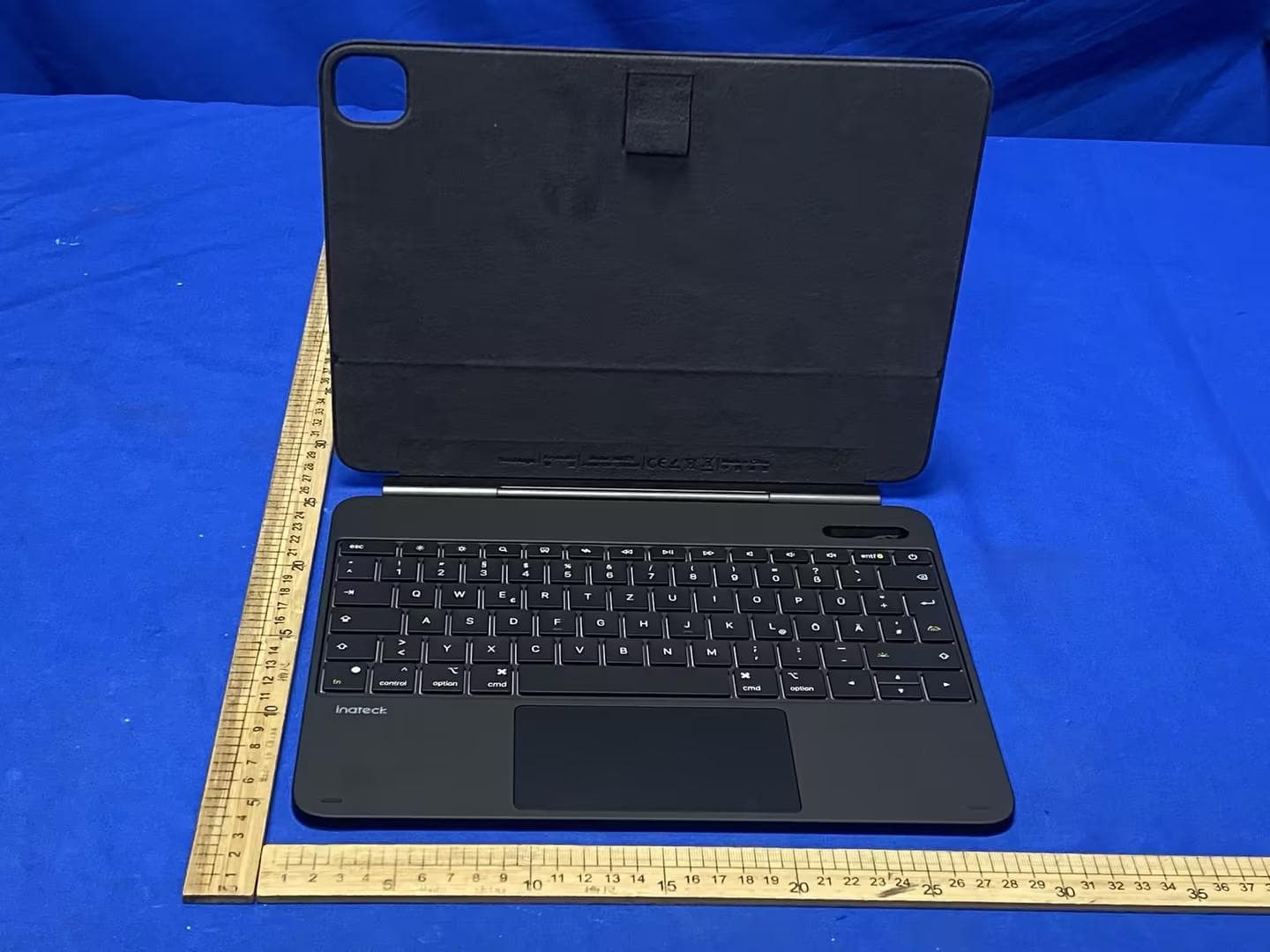
2A2T9-N0073
Jan 26, 2026Keyboard
Equipment Class
DTS - Digital Transmission System