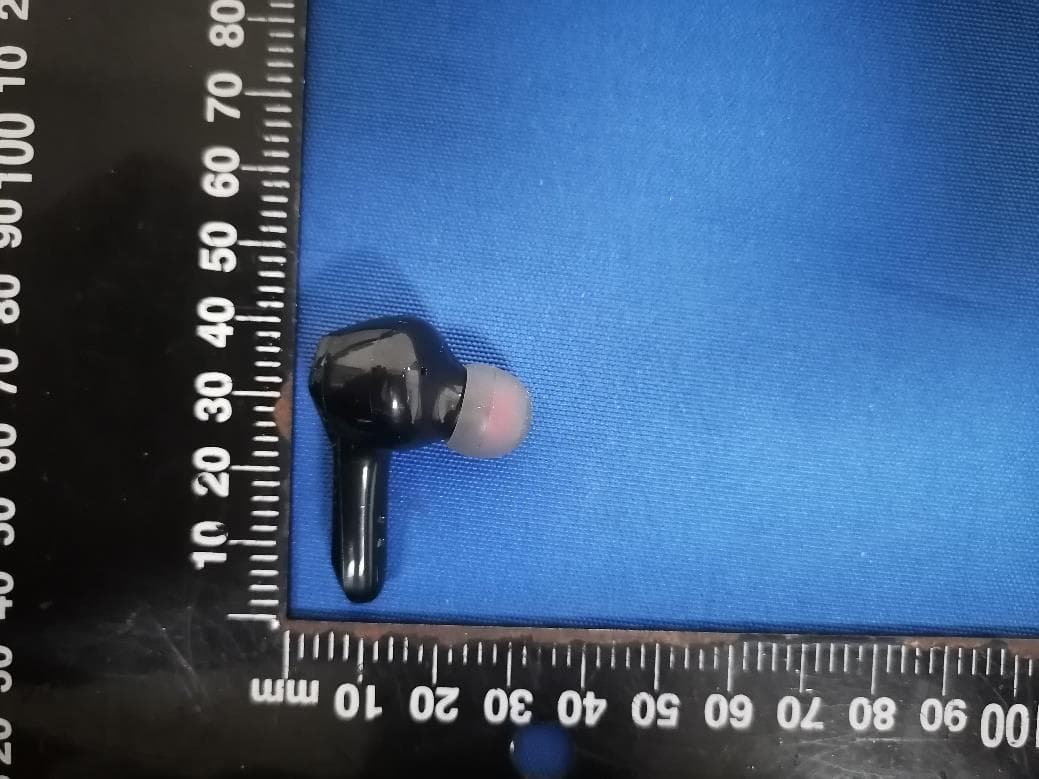
2A8NV-TC1600-09YTWS Hearing Aid Earbuds
Shenzhen E-Ran Technology Co., Ltd.Application Details
- Equipment Class
- DSS - Part 15 Spread Spectrum Transmitter
- Date of Grant
- Aug 06, 2023
- Application Purpose
- Original Equipment
- Date of Application
- Aug 06, 2023
- Equipment Note
- TWS Hearing Aid Earbuds
- Frequency Range
- 2402.00000000 - 2480.00000000
- Country
- China
Documents & Files
Select a file to view
Users Manual
Attestation Statements
Cover Letter(s)
External Photos
ID Label/Location Info
Internal Photos
RF Exposure Info
Test Report
Test Setup Photos
Document Text
Text extracted from the exhibit documents filed with the FCC. Open a document above to read the original.
Users Manual
TC1600-09Y User Manual Thank you very much for choosing the FT-09E hearing aid. To have a great experience, please read this manual carefully before use. TWS Hearing Aid Earbuds Product name: In-ear hearing aid Scope of application: Model: Suitable for mild to moderate heaing-impaired people Product Structure: The product consists of microphone, signal processor amplifier circuit,speaker, housing and embedded software (version V1.0). Product performance parameters: Model Output sound pressure value OSPL90 HFA OSPL 90 FOG50 HFA Full-on Gain Frequency response range 1、PRODUCT INTRODUCTION 1). Product parameters TC1600-09Y ≤113dB+3dB 107±3dBSPL 45±3dB 40±3dB ≤200Hz~≥8000Hz Call mode: 5h Music mode: 6h Hearing aid mode: 10h Bluetooth version Bluetooth protocol Working time Charging time Battery capacity 45mAh/400mAh 4 times ≤10m 5V/1A Charging base charging cycle time Working distance Input voltage/current Specification data are based on laboratory test result V5.2 A2DP AVRCP HFP HSP SPP Earbud: 1.5h Charging case: 2.5h Earbud *2 Charging case*1 3 pairs of silicone domes (S,M,L) Type-C charging cable*1 2、WHAT'S IN THE BOX? Remove the insulation sticker before use. 3、FEATURES 1). Automatically turned on when pick out from case, and turned off when put into case. 2). Manually turn on by long press for 3 seconds, and manually turn off by long press for 5 seconds. 3). When the charging case run out of battery, the device will be turned on automatically and make some pitch sound, please charge the case once it happens, or you can turn off the device manually if you do not use the device in a short time. 4、TURN ON AND OFF 5、OPERATION tap triple tap twice Switch to next listening program (Wait for indicator) Answer/Hang up phone call Touch area Hearing Enhancement Phone call Music Streaming Activate Siri Touch area Long press for two second to reject a call Long press for one second Control the music setting through your music APP on your phone. The same effect can be obtained with left ear or right ear operation. 6、HOW TO CONNECT HEARING AID WITH YOUR PHONE Search for“TC1600-09Y " and tap to connect . Pair automatically when taken out Enable Bluetooth on your phone TC1600-09Y 7、HOW TO WEAR 8、HEARING AID CHARGING INSTRUCTION Regularly clean and wipe the charging contacts of hearing aid and charging case; When the hearing aid is low power, you will hear a voice indicator"Battery low" . It can be used for at least half an hour. After charging for �� minutes, it can be used for another � hours. 1). Open the charging case and put the hearing aid into the relative left and right charging port and close the case. 2).If the charging case indicator is steady blue, it means that the hearing aid is charging. If the indicator is off, the hearing aid have been full-charged. 3). It takes about 1.5 hours to fully charge the hearing aid. StatuslegendHeadphone indicator light ChargingBlue light on Full charged Indicator light off blue 9、CHARGING THE CHARGING CASE 1). Insert the type-c charging cable into the charger port and connect the power supply. 2).Charging:white indicator light on, Full-charged: green indicator light on. 3).The charger can provides 3 times of recharge cycle for hearing aid. Statuslegend Indicator light charging White light on full charged Green light on White Green The specific product accessories are subject to the actual situation. If you have any questions, please contact the customer service in time. 11 10、HEARING AID MODE It will automatically enter the Hearing Aid mode� When Bluetooth is not connected, click the button � times to switch to the next Hearing Aid program, the program selection is shown in the following table �). Telphone mode When Bluetooth is paired; Double click:answer call/hang up. Press 2S:reject call; �). Music mode When Bluetooth is paired, please adjust the music volume through the mobile phone music APP. Hearing mode Applicable scenario Prompt indoormode one outdoormode two � � � Strong noise reduction mode three �). Siri Wake up iphone assistant “Siri” Press the power button for 1 second to activate Siri. �). Restore factory Settings Turn off and then long press the power button for 12S , when hear "du" twice, and both the blue and green indicator light flash 5 times ,it indicates that the earbuds is restored to factory settings successfully. When problems occur in the use of your device, please refer to the following table for simple treatment: Symptoms Possible Causehandling method �. The hearing aid is not wore in the right position �. High volume �. Excessive earwax in the ear canal scream �. Clean the ear canal �. Take the hearing aid out and put it on again �. Turn down the volume noise �. Charge the device �. Send to repair �. Low battery power �. The sound hole is blocked �. The touch switch is faulty �. Battery fault �. Charge the device �. Clean the sound holes �. Send to repair �. Send to repair �. Low battery power �. Battery fault no sound 11、GENERAL FAULT SELF-REFERENCE TABLE Check and clean the contact points of both hearing device and the charging case.Use the originally provided charging cable to recharge again. * Checking whether the ear dome is dirty, if so, clean or replace with a new one. * Check if the hearing aid is in low battery,recharge the device if needed. The whistling may be heard if the device is turned on but not positioned securely in your ear.Once properly inserted, whistling will stop.Try the following steps : Step�: Change another size dome which fits your canal. 12、TROUBLESHOOTING �). �). �). Unable to charge The voice becomes smaller Whistling happen and can not stop? �� 13、SAFETY AND PRECAUTIONS �). After removing the hearing aid, it should be placed in the charging case to avoid losing or falling. �). Do not place the hearing aid in high temperature (such as heat source, exposed fire source) and high humidity environment, otherwise the device may fail, catch fire or explode. �). Do not immerse the hearing aid in any liquid.…
Text truncated - open the document above for the full version.
Contact Information
Applicant
Robert Ruan
Technical Contact
Test Firm
Shenzhen ETR Standard Technology Co., Ltd.Smith Chen
[email protected]+86 755-85259392
Technical Specifications
| # | Rule Parts | Frequency Range | Power Output |
|---|---|---|---|
| 1 | 15C | 2.40 GHz - 2.48 GHz | 490.00 µW |
Other Applications from Shenzhen E-Ran Technology Co., Ltd.
2A8NV-ES29
Feb 08, 2023TWS Earbuds
Equipment Class
DSS - Part 15 Spread Spectrum Transmitter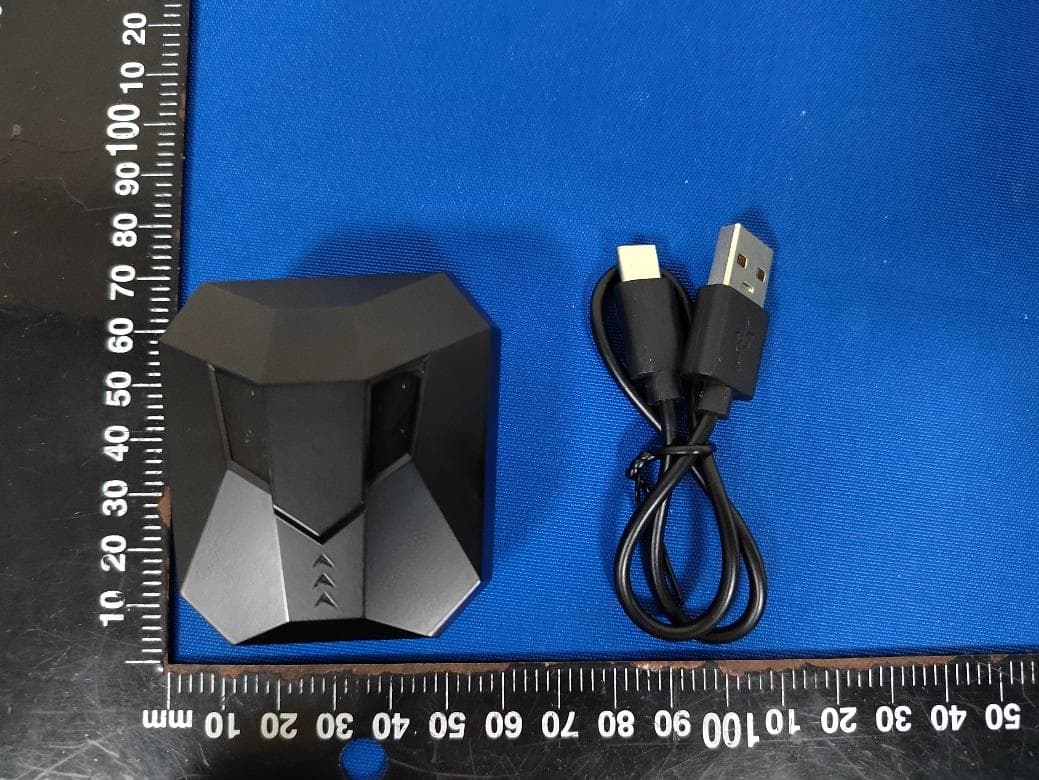
2A8NV-ES22
Feb 08, 2023TWS Earbuds
Equipment Class
DSS - Part 15 Spread Spectrum Transmitter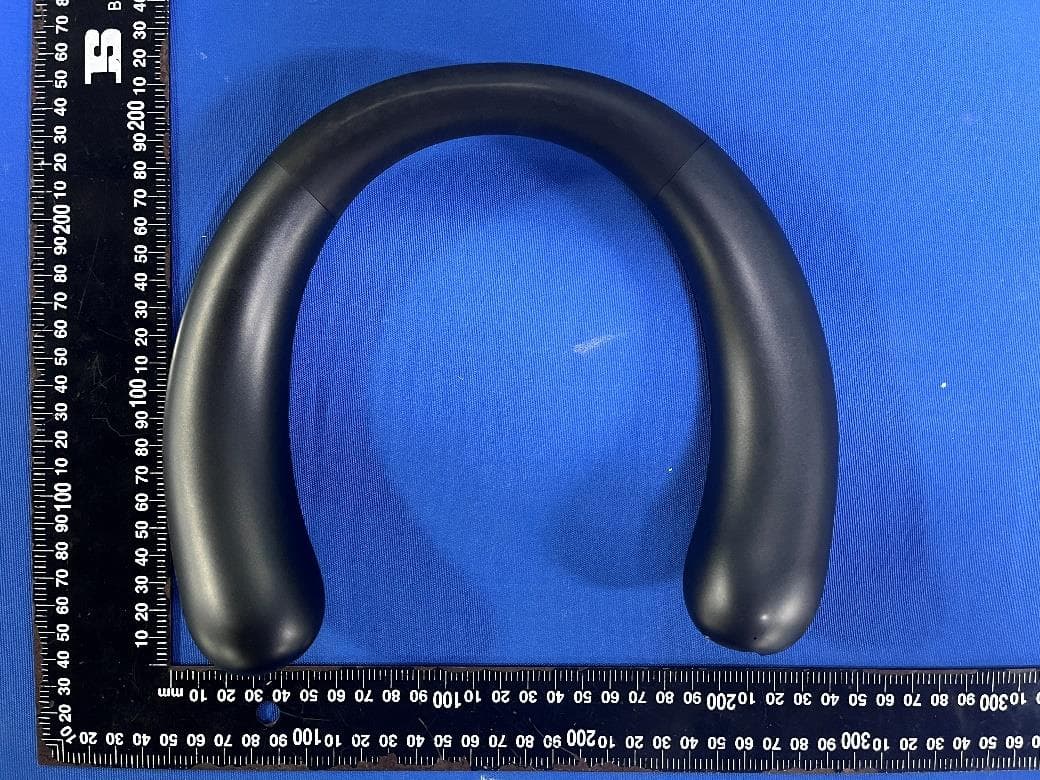
2A8NV-BS07A
Nov 10, 2022WIRELESS WEARABLE SPEAKER
Equipment Class
DSS - Part 15 Spread Spectrum Transmitter