2AAIB4680300Rukusfx PRO
Just Play (HK) Limited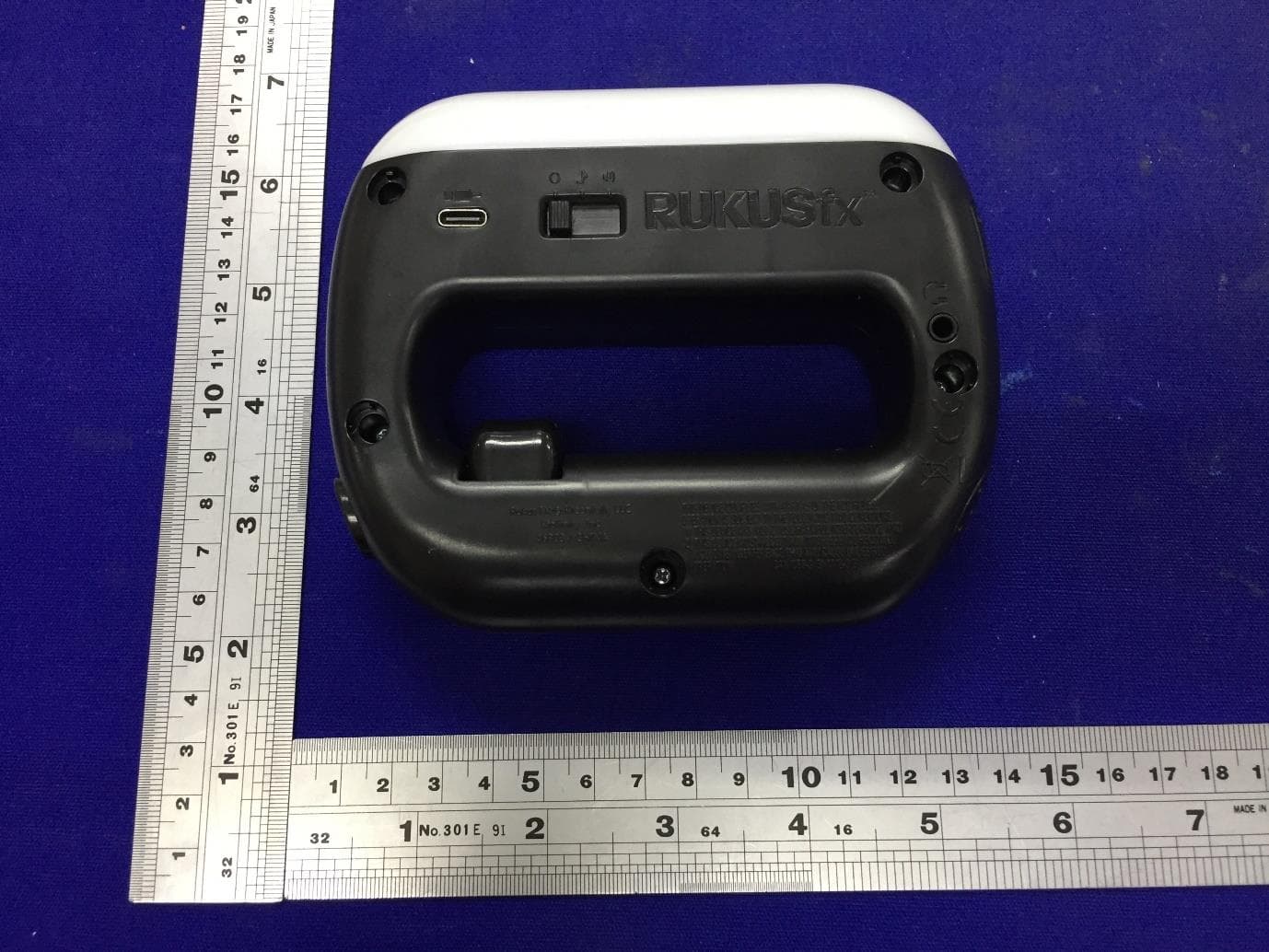
Click to zoom
Application Details
- Equipment Class
- DXX - Part 15 Low Power Communication Device Transmitter
- Date of Grant
- Jul 04, 2023
- Application Purpose
- Original Equipment
- Date of Application
- Jul 04, 2023
- Equipment Note
- Rukusfx PRO
- Frequency Range
- 2402.00000000 - 2480.00000000
- Company
- Just Play (HK) Limited
- Country
- Hong Kong
Documents & Files
Document Text
Text extracted from the exhibit documents filed with the FCC. Open a document above to read the original.
Users Manual
A few important things to know before getting started: 1) RUKUSfx PRO Is NOT rechargeable. It uses 3 AAA batteries that are either pre-installed in your unit or included in the package. Remember to change the batteries if you ever experience issues with RUKUSfx PRO. NOTE: The USB port does NOT charge your RUKUSfx PRO. 2) Download the RUKUSfx PRO STUDIO APP from the Apple or Android app stores. With the APP installed, you’ll be able to access all the advanced (and fun) features RUKUSfx PRO has to offer, including games, advanced DJ tools and much more! ® ® INSERT BATTERIES To insert the batteries, unscrew the battery door with a Phillips head screwdriver and insert 3AAAbatteries as shown on the inside of the battery door once removed. Be sure to insert the batteries as shown. 3 POSITION SWITCH: OFF/MUSIC/ SOUND EFFECTS There is a 3 position switch – OFF/MUSIC/SOUND EFFECTS. Please refer to the image above. In the MUSIC position, you can access the songs and instruments library. In the SOUND EFFECTS position, you can access the sound effects library. Swipe Twist Punch Flick BUTTON FUNCTIONS There are several buttons on your RUKUSfx PRO. What they do is shown above. To further understand what they can do and how to use them, please watch the video tutorial in the RUKUSfx PRO STUDIOAPP or atwww.rukusfx.com/tutorial FOUR SIMPLE MOVES The magic of RUKUSfx PRO is that movement creates music and sound effects. HOW you move is super important for RUKUSfx PRO to work the way it was designed. The four movements – PUNCH, SWIPE, FLICK, and TWIST-- are shown below. That said, it’s really difficult to show precise movements on paper...you know, because paper doesn’t move. So please watch the video tutorial for clear guidelines on how to perform each of the four moves. Watch tutorials on your RUKUSfx PRO STUDIOAPP or go to www.rukusfx.com/tutorial ® Page 1 Freestyle/AllStop Microphone BluetoothIndicator Freestyle/AllStop Off Music SoundEffects USB-CConnection Headphone Connection ALTTracks VolumeControl VoiceRecordButton PerformanceRecordButton NextSong PreviousSong BatteryCompartment Speaker Home Screen Track ManagementDJ Party Mixing Studio Studio Create your own Tracks Beat Drop Game Can you stay on beat? ® GETTHE FREE RUKUSfx PRO STUDIOAPP NOW Braniac Game Test your memory To the extreme Watch all the tutorials in the RUKUSfx PRO STUDIO APP or at www.rukusfx.com/tutorial Download the RUKUSfx PRO STUDIO APP now for in-depth tutorials, advanced features, games, and so much more. ® ® ® ® ® ® ® ®® ® CREATE A SONG Now that you’ve watched the tutorials (wink wink), you’re ready to create your first song! Flip the switch on the side of the device to the second position shown (Music Mode). Now, click the “Next Song” button indicated above and scroll through until you find a song that connects with your soul (or just until you find one you like). Next, try the four movements shown above. It might take a few tries to get them down perfectly, but the most important thing to remember is that your movements need to be clean and deliberate. If your PUNCH is more FLICK-Y than PUNCH-Y, then there’s a pretty good chance RUKUSfx PRO will interpret that move as a FLICK. ADVANCED FEATURES: ALT TRACKS Now that you’ve become a master of movement, you can effortlessly create songs with four different tracks. When you’re ready to take creating to the next level, just press and hold theALTTracks Button (Trigger button), perform one of the four basic moves - PUNCH, SWIPE, FLICK, or TWIST - and you’ll instantly have access to four new tracks. When you release theALTTracks button, you’ll be back to playing the first four tracks.After a few minutes, you’ll be mixing all eight tracks and creating songs seamlessly. ADVANCED FEATURES: FREESTYLE / ALL STOP Press and hold the Freestyle button to move freely without triggering a new music or sfx track. Now you can dance around to your hearts content without interrupting the current music track that is playing. Let go of the button and get back to creating music/sfx with motion. Double-tap the Freestyle button to immediately stop all music and sfx. ADVANCED FEATURES: RUKUSfx PRO STUDIO APP With RUKUSfx PRO connected to the STUDIOAPP you’ll have so many advanced features to explore. Music Layering Beat Snap Games and much more DJ Mixing Tools AdvancedAudio Editing New Song Creation ADVANCED FEATURES: RECORDING ToRECORD YOUR PERFORMANCES, select a song you would like to perform. Press the Performance Record button. You will hear three short beeps. As soon as you hear the last beep, start performing your song (using PUNCH, SWIPE, FLICK or TWIST). When you’re done, press the Performance Record button again. You will see a RED light followed by a series of colored lights prompting you to save your recording to one of the four basic moves (PUNCH, SWIPE, FLICK, or TWIST). Your recording will be saved into that position and you’ll be able to play it back whenever you want. NOTE: you must save your performance to one of the four moves before the lights stop flashing. Otherwise, your recording will not be saved. Repeat the above process to record up to 7 more performances (with and without pressing theALT Tracks Button). To access your recorded performances at any time, double press the Performance Record Button and you will be instantly brought to your recorded performances. Then PUNCH, SWIPE, FLICK, or TWIST to hear them. ToRECORD WITH MICROPHONE, press the Microphone Record button. You will hear three short beeps.As soon as you hear the last beep, start talking into the mic. When you’re finished, press the Microphone Record button again. You will see a RED light followed by a series of colored lights prompting you to save your recording using one of the four basic moves (PUNCH, SWIPE, FLICK, or TWIST). Your recording will be saved into that position and you’ll be able to play it back whenever you want. NOTE: You must save your recording to one of the four moves before the lights stop flashin…
Text truncated - open the document above for the full version.
Cover Letter(s)
10 th Floor | Mirror Tower No. 61 Mody Road | Tsim Sha Tsui East, Kowloon T: (852) 2164 3000 F: (852) 2164 3100 Date: 30 MAY, 2023 Federal Communications Commission 445 12 th Street SW Washington, DC 20554 Subject: Limited Agency Agreement Just Play (HK) Limited FCC ID: 2AAIB4680300 To Whom It May Concern: We, Just Play (HK) Limited, hereby authorized Intertek Testing Services to act as our Agent for the purpose of preparing application for FCC ID number 2AAIB4680300 under all applicable parts of the FCC rules and regulations. The effective date of this limited agency agreement is 30 MAY, 2023. The Limited Agency Agreement expires on 31 DEC, 2023, unless sooner terminated or extended by written notice to Intertek Testing Services and the Federal Communications Commission. This is to advise that we are in full compliance with the Anti-Drug Abuse Act. The applicant is not subject to a denial of federal benefits pursuant to Section 5301 of the Anti-Drug Act of 1988, 21 U.S.C. 862, and no party to the application is subject to a denial of federal benefits pursuant to that section. If you have any questions or comments, please do not hesitate to contact me. Sincerely, Date: 30 MAY, 2023 Name: Leo Koo Title: Senior QA / QC Manager Tel: 852-2164 3000 Fax: 852-2164 3100 Company: Just Play (HK) Limited Address: 10 th Floor, Mirror Tower, No. 61 Mody Rd, Tsim Sha Tsui East, Kln, HK Email: [email protected]
Cover Letter(s)
10 th Floor | Mirror Tower No. 61 Mody Road | Tsim Sha Tsui East, Kowloon T: (852) 2164 3000 F: (852) 2164 3100 Attention: Certification reviewer RE: Request for Confidentiality FCC ID: 2AAIB4680300 To Whom It May Concern: Permanent Confidentiality Request to withhold permanently from public review certain portions of the application for equipment certification for the referenced FCC identifiers. This request for confidentiality is made pursuant to 47 CFR 0.457(d) and 0.459 of the FCC Rules. In particular, the following sections of the application are to be kept permanently confidential: Schematics Block Diagrams Operational Description Rationale for request for confidentiality: We have invested considerable time and materials in research and development to produce the referenced product. Permanent confidentiality: Disclosure of the permanently confidential portions of this application to competitors would not only give them significant competitive advantages in developing similar products, but would also disclose successful implementation of unpublished, leading edge technology developed by us. If you have questions or need further information, please contact the undersigned. Sincerely, Date: 15 JUN, 2023 Name: Leo Koo Title: Senior QA / QC Manager Tel: 852-2164 3000 Fax: 852-2164 3100 Company: Just Play (H.K.) Ltd Address: 10 th Floor, Mirror Tower, No. 61 Mody Rd, Tsim Sha Tsui East, Kln, HK Email: [email protected]
External Photos
Page 1 of 2 External Photos Page 2 of 2
ID Label/Location Info
Label Artwork and Location Size: 39mm(W) x 13mm(H)
Internal Photos
Page 1 of 5 Internal Photos Page 2 of 5 Page 3 of 5 Page 4 of 5 Page 5 of 5
RF Exposure Info
1 INTERTEK TESTING SERVICES RF Exposure The equipment under test (EUT) is a Rukusfx PRO with Bluetooth BLE function operating in 2402-2480MHz. The EUT is powered by DC 4.5V (3 x 1.5V AAA batteries). For more detailed information pls. refer to the user manual. Antenna Type: Integral antenna. Antenna Gain: 0dBi. The normal radiated output power (e.i.r.p) is: -2.0dBm (tolerance: +/- 3dB). The normal conducted output power is -2.0dBm (tolerance: +/- 3dB). Modulation Type: GFSK. According to the KDB 447498: The Maximum peak radiated emission for the EUT is 93.0 dBμV/m at 3m in the frequency 2402MHz The EIRP = [(FS*D) ^2 / 30] mW = -2.23dBm which is within the production variation. The Minimum peak radiated emission for the EUT is 91.0 dBμV/m at 3m in the frequency 2440MHz The EIRP = [(FS*D) ^2 / 30] mW = -4.23dBm which is within the production variation. The maximum conducted output power specified is 1dBm= 1.259mW The source- based time-averaging conducted output power =1.259mW The SAR Exclusion Threshold Level: = 3.0 * (min. test separation distance, mm) / sqrt(freq. in GHz) = 3.0 * 5 / sqrt (2.480) mW = 9.54 mW Since the source-based time-averaging conducted output power is well below the SAR low threshold level, so the EUT is considered to comply with SAR requirement without testing. FCC ID: 2AAIB4680300
Test Report
Just Play(HK) Limited TEST REPORT SCOPE OF WORK FCC TESTING–46803 REPORT NUMBER SZHH01803879-001 ISSUE DATE [REVISED DATE] Jun 14, 2023 [---------------------] PAGES 23 DOCUMENT CONTROL NUMBER FCC ID 249_C © 2017 INTERTEK Intertek Report No.: SZHH01803879-001 This report is for the exclusive use of Intertek's Client and is provided pursuant to the agreement between Intertek and its Client. Intertek's responsibility and liability are limited to the terms and conditions of the agreement. Intertek assumes no liability to any party, other than to the Client in accordance with the agreement, for any loss, expense or damage occasioned by the use of this report. Only the Client is authorized to permit copying or distribution of this report and then only in its entirety. Any use of the Intertek name or one of its marks for the sale or advertisement of the tested material, product or service must first be approved in writing by Intertek. The observations and test results in this report are relevant only to the sample tested. This report by itself does not imply that the material, product, or service is or has ever been under an Intertek certification program. Intertek Testing Services Shenzhen Ltd. Longhua Branch 101, 201, Building B, No. 308 Wuhe Avenue, Zhangkengjing Community, GuanHu Subdistrict, LongHua District, ShenZhen, P.R. China Tel: (86 755) 8601 6288 Fax: (86 755) 8601 6751 Version: 01-November-2017 Page: 1 of 23 FCC ID 249_C Test Report Just Play(HK) Limited Application For Certification FCC ID: 2AAIB4680300 Rukusfx PRO Model: 46803 Additional Models: 46807, 46808, 46817 2.4GHz Transceiver Report No.: SZHH01803879-001 We hereby certify that the sample of the above item is considered to comply with the requirements of FCC Part 15, Subpart C for Intentional Radiator, mention 47 CFR [10-1-21] Prepared and Checked by: Approved by: Sign on file Terry Tang Assistant Supervisor Ryan Chen Project Engineer Date: Jun 14, 2023 Intertek Report No.: SZHH01803879-001 Version: 01-November-2017 Page: 2 of 23 FCC ID 249_C Test Report MEASUREMENT/TECHNICAL REPORT This report concerns (check one:) Original Grant X Class II Change Equipment Type: DXX - Part 15 Low Power Communication Device Transmitter Deferred grant requested per 47 CFR 0.457(d)(1)(ii)? Yes No X If yes, defer until: date Company Name agrees to notify the Commission by: date of the intended date of announcement of the product so that the grant can be issued on that date. Transition Rules Request per 15.37? Yes No X If no, assumed Part 15, Subpart C for intentional radiator − the new 47 CFR [10-1-21 Edition] provision. Report prepared by: Terry Tang Intertek Testing Services Shenzhen Ltd. Longhua Branch 101, 201, Building B, No. 308 Wuhe Avenue, Zhangkengjing Community, GuanHu Subdistrict, LongHua District, ShenZhen, P.R. China Tel / Fax: 86-755-8601 6288/86-755-8601 6751 Intertek Report No.: SZHH01803879-001 Version: 01-November-2017 Page: 3 of 23 FCC ID 249_C Test Report Table of Contents 1.0 Summary of Test Result ................................................................................................. 4 2.0 General Description ...................................................................................................... 5 2.1 Product Description .................................................................................................... 5 2.2 Related Submittal(s) Grants ......................................................................................... 5 2.3 Test Methodology ...................................................................................................... 5 2.4 Test Facility ............................................................................................................... 5 3.0 System Test Configuration ............................................................................................. 6 3.1 Justification ............................................................................................................... 6 3.2 EUT Exercising Software .............................................................................................. 6 3.3 Special Accessories ..................................................................................................... 6 3.4 Equipment Modification .............................................................................................. 6 3.5 Measurement Uncertainty .......................................................................................... 7 3.6 Support Equipment List and Description ........................................................................ 7 4.0 Emission Results ........................................................................................................... 8 4.1 Radiated Test Results .................................................................................................. 8 4.1.1 Field Strength Calculation ......................................................................................... 8 4.1.2 Radiated Emission Configuration Photograph .............................................................. 9 4.1.3 Radiated Emissions .................................................................................................. 9 4.1.4 Transmitter Spurious Emissions ............................................................................... 12 5.0 Equipment Photographs .............................................................................................. 16 6.0 Product Labelling ........................................................................................................ 16 7.0 Technical Specifications ............................................................................................... 16 8.0 Instruction Manual ..................................................................................................... 16 9.0 Miscellaneous Information ....................................................................................…
Text truncated - open the document above for the full version.
Test Setup Photos
Page 1 of 2 Radiated Photos Up to 1GHz (The EUT placed at the center of the turntable) Page 2 of 2 Above 1GHz (The EUT placed at the center of the turntable)
Contact Information
Applicant
Leo Koo(Manager)
Technical Contact
Intertek Testing Services Shenzhen Ltd. Longhua brWilliam Chen
[email protected]+8675586140627
101, 201, Building B, No. 308 Wuhe Avenue, Zhangke · Shenzhen · China
Non-Technical Contact
Intertek Testing Services Shenzhen Ltd. Longhua brWilliam Chen
[email protected]+8675586140627
Test Firm
Intertek Testing Services Shenzhen Ltd. Longhua BrHolly Ou
[email protected]+86 755 86140691
Technical Specifications
| # | Rule Parts | Frequency Range | Power Output |
|---|---|---|---|
| 1 | 15C | 2.40 GHz - 2.48 GHz | - |
Other Applications from Just Play (HK) Limited
2AAIB3880900
Jun 05, 2022Mickey Train Track Set
Equipment Class
DXX - Part 15 Low Power Communication Device Transmitter
2AAIB3289000
Aug 09, 2020Disney Frozen Find My Nose Olaf
Equipment Class
DXX - Part 15 Low Power Communication Device Transmitter
2AAIB4505000
Jun 04, 2015PEANUTS RC FLYING ACE
Equipment Class
DXX - Part 15 Low Power Communication Device Transmitter
2AAIB4331000
Jun 03, 2015Care Bears Sing-a-Long Bears (Cheer, Share, Grumpy, Funshine)
Equipment Class
DXX - Part 15 Low Power Communication Device Transmitter
2AAIB9054500
Jul 30, 2013DISNEY DOC MCSTUFFINS CHECK UP N GO MOBILE
Equipment Class
DXX - Part 15 Low Power Communication Device Transmitter