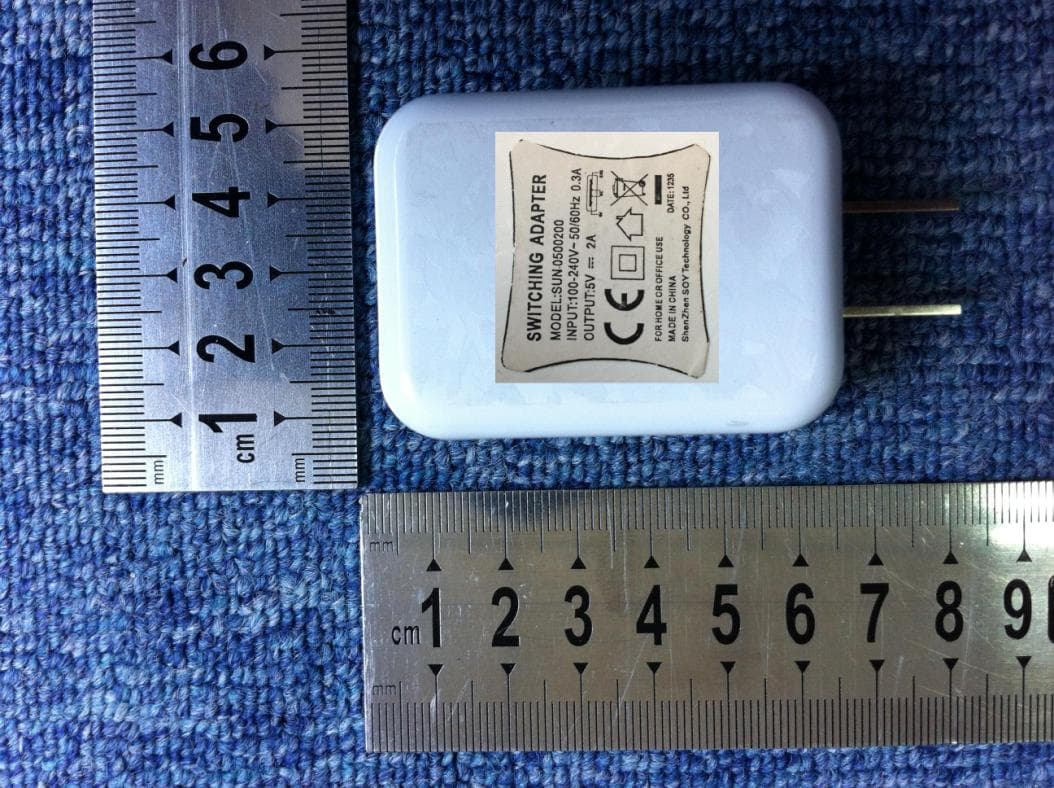
Click to zoom
Application Details
- Equipment Class
- DSS - Part 15 Spread Spectrum Transmitter
- Date of Grant
- Jan 09, 2014
- Application Purpose
- Original Equipment
- Date of Application
- Jan 09, 2014
- Equipment Note
- MID
- Frequency Range
- 2402.00000000 - 2480.00000000
- Country
- China
Documents & Files
Document Text
Text extracted from the exhibit documents filed with the FCC. Open a document above to read the original.
Users Manual
1 i8 MID User Manual ShenZhen Ramos Digital Technology Co.,Ltd 2 Thank you for your choosing and buying the i8 tablet. Please carefully read this operation manual before using the product. Precautions 1. Do not use alcohol, diluents or any other chemicals to clean the surface, otherwise, it will be corroded and even damaged. 2. If you have any questions about the tablet, please contact with the dealers. Attempt to disassemble the product may damage it and void your warranty. Users will be responsible for all the consequences caused by disassembling. 3. Performance and functionality of the product may be different if the version of software and hardware is different. Any change will be without notice. Our company reserves the right to improve the products. 3 Main Functions 8′′ 1280*800 capacitive touch screen. Based on the Android 4.2 operating system and supports WiFi and bluetooth function. Supports MP3/ AAC/OGG /WAV for audio. Supports automatic browse for picture in JPG/BMP/ JPEG /GIF. Supports AVI/ 3GP/MP4/ MKV/ MOV /TS/ FLV and up to 1080P for video. Supports OTG function, external mouse and keyboard. Supports gravity sensor, automatically switch landscape and portrait. Supports front and rear cameras. 4 Buttons Overview 1. Key function description. 1 TF card Slot 2 Volume Button 3 Power Button 4 Front Camera 5 USB/OTG/ 6 Earphone Jack 5 Charging Port 7 Speaker hole 8 Speaker hole 9 Rear Camera 2. Long press for 3 seconds to turn on/turn off. Short press for screen savers. Short press to wake up. 3. Press volume button to increase or decrease the volume. 4. Press the power and volume - button at the same time to capture a screen image. Basic Operations On/Off In the shutdown state, press the power button for 3s and the tablet displays the boot screen to enter the main screen. In the boot state, press the power button for 3s and an options menu pops up, select“Power off”. Connect to computer and file transfer When the tablet turns on, connect to the computer with the USB cable and use MTP mode, then can upload 6 and download data. Charging Connect the charger with the USB cable. Plug the charger into a power socket. Connect the USB with the tablet to start charging. When low power shows on the screen, please charge in time with the charger of i8 which has been approved by our company and has the icon . The tablet can also be charged under shutdown state. It will take about 5 hours for fully charged. Reset the tablet If the player crash or other abnormal problem happen, you can press the power button for 10 seconds to reset the tablet. 7 Home Screen Under any interface, Click the icon and return to the upper interface. Click the icon and return to the main screen. Click the icon and open the list of application which recently used. Status bar, It is used to show the current status of network connection, battery life and system time. Long press the power button for 3 seconds. When the tablet shows the boot screen, it enters the lock screen interface. Screen lock: Drag the lock icon to unlock direction, the tablet will be unlock and enter the main screen. As picture. 8 Slide left from the home screen and enter the application program interface. In the application program interface, the tablet will display all apps screen. Touch any application icon and 9 enter the relevant application program interface. Setting Touch the setting icon and enter the setting interface in all apps screen. WiFi Internet Settings The first step: open Wi-Fi and the system automatically scan the available network. The second step: select target network and input the correct network password. Select“Connect”. In this interface, you can search Bluetooth, view 10 Bandwidth Usage, Sound, Display, Storage, Battery, Apps, Security, Backup & Options, Date & Time, Language & Input, Accessibility, about tablet and so on. You can set according to your demand. As picture. ES File Explorer Tap the application icon and enter the ES file management interface. You can view all the folders or files of the internal memory and external memory card. 11 In the resource class interface, long press the target folder, the submenu pops up as follows: Note: In any interface, touch the icon , the system can pop-up submenu, the submenu includes many settings 12 and other operating functions. Technical specifications Viewing Screen 8′′、1280*800 CPU intel dual core Z2580 up to 2GHZ DDR 2GB DDR2 Operating System ANDROID 4.2.2 WIFI 802.11b/g/n G-Sensor Gravity test Language Simplified Chinese、Chinese Traditional、English and so on Operating Temperature -10°C--45°C 13 Trouble shooting The tablet cannot be turned on. Please charge it via the DC charger to check if the battery life is low. If no, please reset the tablet. For any other inquiries, please contact the distributors. Files cannot be downloaded. 1. Make sure the tablet connect the computer properly. 2. Check if the memory is full. 3. Please check if the USB cable is damaged. Serious Noise Please check if the audio files are damaged. You can play the other audio files to identify if the file has been damaged. The damage can cause the serious noise. The screen display messy code. Please check if you select the correct language. 14 FCC Statement This device complies with part 15 of the FCC Rules. Operation is subject to the following two conditions: (1) This device may not cause harmful interference, and (2) this device must accept any interference received, including interference that may cause undesired operation. Changes or modifications not expressly approved by the party responsible for compliance could void the user's authority to operate the equipment. This device and its antenna must not be located or operating in conjunction with any other antenna and transmitter. NOTE: This equipment has been tested and found to comply with the limits for a Class B digital device, pursuant to Part 15 of the FCC Rules. These limits are designed to p…
Text truncated - open the document above for the full version.
Cover Letter(s)
ShenZhen Ramos Digital Technology Co.,Ltd. Jan. 06, 2014 Federal Communications Commission Authorization and Evaluation Division FCC ID:2AANFI8 Confidentiality Request Pursuant to Sections 0.457 and 0.459 of the Commission’s Rules, the applicant hereby requests confidential treatment of information applied this application as outlined below: 1. Block Diagram CONF APPENDIX 2AANFI8_Block Diagram.pdf 2. Circuit Diagram CONF APPENDIX 2AANFI8_Schematics.pdf 3. Operational Description CONF APPENDIX 2AANFI8_Operational description.pdf 4. Tune up procedure CONF 2AANFI8_Tune up procedure.pdf 5. BOM List CONF 2AANFI8_BOM List .pdf The above materials contain trade secrets and proprietary information not customarily released to the public. The public disclosure of these matters might be harmful to the applicant and provide unjustified benefits to its competitors. The Applicant understands that pursuant to Rule 0.457, disclosure of this Application and all accompanying documentation will not be made before the date of the Grant for this application Sincerely, Signature Name/Title: Lai liqun / Manager Applicant: ShenZhen Ramos Digital Technology Co.,Ltd. ADDRESS: Room 1801-1805 & 1820, Block A XiNian Center, West of No. 9 Tairan Road, ShenNan Road, Shenzhen, P.R. China 518040 TEL: 61566931 FAX: 0755-28065460 Email: [email protected]
Cover Letter(s)
ShenZhen Ramos Digital Technology Co.,Ltd. Date: Jan 06, 2014 Subject: Ad Hoc Mode Function Declaration FCC ID: 2AANFI8 To Whom it may concern, This device is acting as master and operating on 2.4GHz band. Ad Hoc function is available on client mode and not able to work on non-US frequencies. Please contact the one signed below or the authorized agent for this filing. Thank you. Regards, Signature FCC grantee contact person information. Signature Name/Title: Lai liqun / Manager Applicant: ShenZhen Ramos Digital Technology Co.,Ltd. ADDRESS: Room 1801-1805 & 1820, Block A XiNian Center, West of No. 9 Tairan Road, ShenNan Road, Shenzhen, P.R. China 518040 TEL: 61566931 FAX: 0755-28065460 Email: [email protected]
External Photos
External Photo
Internal Photos
Internal Photos
Test Report
Report No.: SET2013-2014-00109 CCIC-SET/T(00) Page 1 of 74 RF TEST REPORT Report No.: SET2014-00109 Product Name: MID FCC ID: 2AANFI8 Model No. : i8 Applicant: Address: ShenZhen Ramos Digital Technology Co.,Ltd. Room 1801-1805 & 1820, Block A XiNian Center, West of No. 9 Tairan Road, ShenNan Road, Shenzhen, P.R. China 518040 Issued by: CCIC-SET Lab Location: Electronic Testing Building, Shahe Road, Xili, Nanshan District, Shenzhen, 518055, P. R. China Tel: 86 755 26627338 Fax: 86 755 26627238 This test report consists of 74 pages in total. It may be duplicated completely for legal use with the approval of the applicant. It should not be reproduced except in full, without the written approval of our laboratory. The client should not use it to claim product endorsement by CCIC-SET. The test results in the report only apply to the tested sample. The test report shall be invalid without all the signatures of testing engineers, reviewer and approver. Any objections must be raised to CCIC-SET within 20 days since the date when the report is received. It will not be taken into consideration beyond this limit. Report No.: SET2014-00109 CCIC-SET/T(00) Page 2 of 74 Test Report Product Name ....................... : MID Brand Name .......................... : ramos Trade Name ........................... : N/A Applicant ............................... : ShenZhen Ramos Digital Technology Co.,Ltd. Applicant Address ................ : Room 1801-1805 & 1820, Block A XiNian Center, West of No. 9 Tairan Road, ShenNan Road, Shenzhen, P.R. China 518040 Manufacturer......................... : ShenZhen Ramos Digital Technology Co.,Ltd. Manufacturer Address ......... : Room 1801-1805 & 1820, Block A XiNian Center, West of No. 9 Tairan Road, ShenNan Road, Shenzhen, P.R. China 518040 Test Standards ...................... : 47 CFR Part 15 Subpart C:Radio Frequency Devices ANSI C63.10:2009:American National Standard for Testing Unlicensed Wireless Devices DA 00-705: Filing and Measurement Guidelines for Frequency Hopping Spread Spectrum Systems Test date ................................ : Dec 30, 2013 - Jan 05, 2014 Test Result ............................ : PASS Tested by ............................. : 2014.01.06 Lu lei, Test Engineer Reviewed by ......................... : 2014.01.06 Shuangwen Zhang, Senior Egineer Approved by ......................... : 2014.01.06 Wu Li’an, Manager Report No.: SET2014-00109 CCIC-SET/T(00) Page 3 of 74 TABLE OF CONTENTS 1. GENERAL INFORMATION .................................................................................................... 4 1.1. EUT Description ....................................................................................................................... 4 1.2. Test Standards and Results ........................................................................................................ 5 1.3. Facilities and Accreditations ..................................................................................................... 6 2. 47 CFR PART 15C REQUIREMENTS .................................................................................... 7 2.1. Antenna requirement ................................................................................................................. 7 2.2. Number of Hopping Frequency ................................................................................................ 8 2.3. Peak Output Power.................................................................................................................. 11 2.4. 20dB Bandwidth ..................................................................................................................... 18 2.5. Carried Frequency Separation ................................................................................................. 25 2.6. Time of Occupancy (Dwell time) ........................................................................................... 28 2.7. Conducted Spurious Emissions ............................................................................................... 35 2.8. Band Edge ............................................................................................................................... 42 2.9. Conducted Emission ............................................................................................................... 59 2.10. Radiated Emission................................................................................................................... 63 2.11. RF exposure evaluation ........................................................................................................... 74 Change History Issue Date Reason for change 1.0 Jan 06, 2014 First edition Report No.: SET2014-00109 CCIC-SET/T(00) Page 4 of 74 1. General Information 1.1. EUT Description EUT Type ............................. : MID Serial No. .............................. : (n.a, marked #1 by test site) Hardware Version ................. : ANZHEN_MB_V2P0 Software Version .................. : Applicant .............................. : Manufacturer ........................ : 18700 ShenZhen Ramos Digital Technology Co.,Ltd. Room 1801-1805 & 1820, Block A XiNian Center, West of No. 9 Tairan Road, ShenNan Road, Shenzhen, P.R. China 518040 ShenZhen Ramos Digital Technology Co.,Ltd. Room 1801-1805 & 1820, Block A XiNian Center, West of No. 9 Tairan Road, ShenNan Road, Shenzhen, P.R. China 518040 Frequency Range .................. : The frequency range used is 2402MHz - 2480MHz (79 channels, at intervals of 1MHz); The frequency block is 2400MHz to 2483.5MHz. Modulation Type .................. : Bluetooth: GFSK (1Mbps), π/4-DQPSK( 2Mbps), 8-DPSK(3Mbps) Antenna Type ........................ : PCB Antenna Antenna Gain ........................ : 3.95dBi Note 1: The EUT is a MID, it contains Bluetooth Module operating at 2.4GHz ISM band; the frequencies allocated for the Bluetooth Module is F(MHz)=2402+1*n (0<=n<=78). The lowest, middle, highes…
Text truncated - open the document above for the full version.
Test Setup Photos
Radiated Emission Test setup photos 9K~30M 30M~1G 1G~18G 18G~25G Conducted Emission Test setup photo Conducted Test setup photo
Contact Information
Applicant
Lai liqun
Test Firm
CCIC-SETQi Zhu
Technical Specifications
| # | Rule Parts | Frequency Range | Power Output |
|---|---|---|---|
| 1 | 15C | 2.40 GHz - 2.48 GHz | 1.69 mW |
Other Applications from Shenzhen Ramos Digital Technology Co., Ltd.
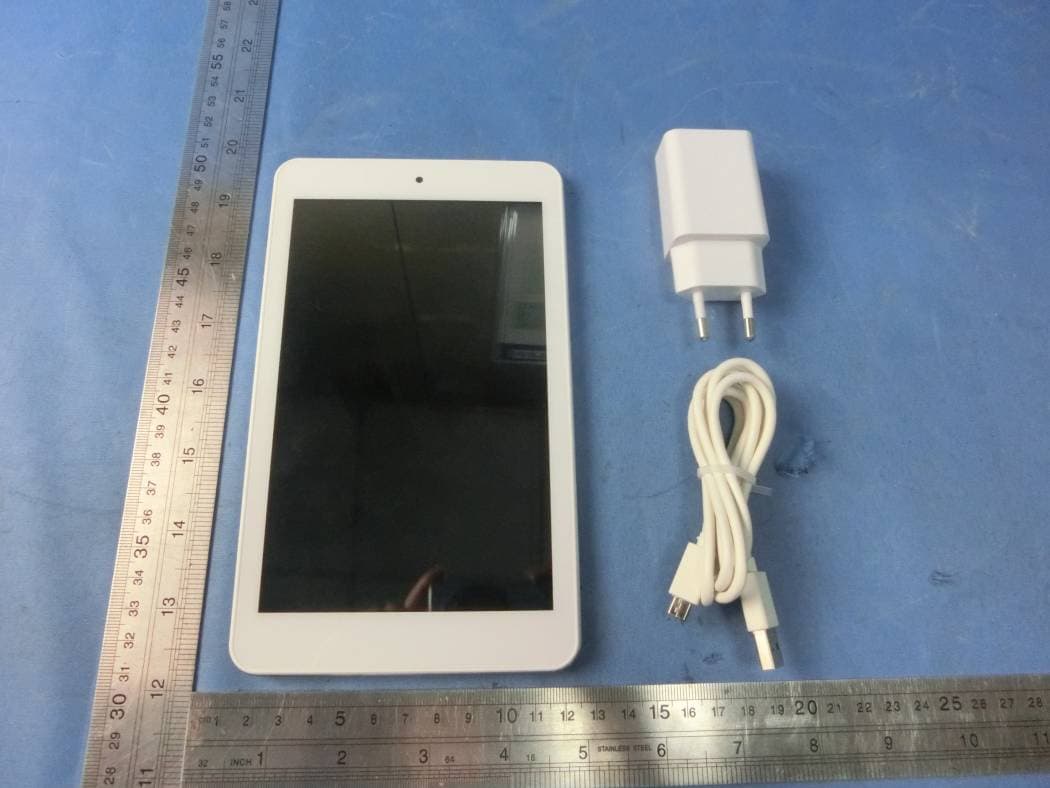
2AANF-I7HD
Oct 09, 2015MID
Equipment Class
DSS - Part 15 Spread Spectrum Transmitter2AANFI8S
Jan 27, 2015MID
Equipment Class
DSS - Part 15 Spread Spectrum Transmitter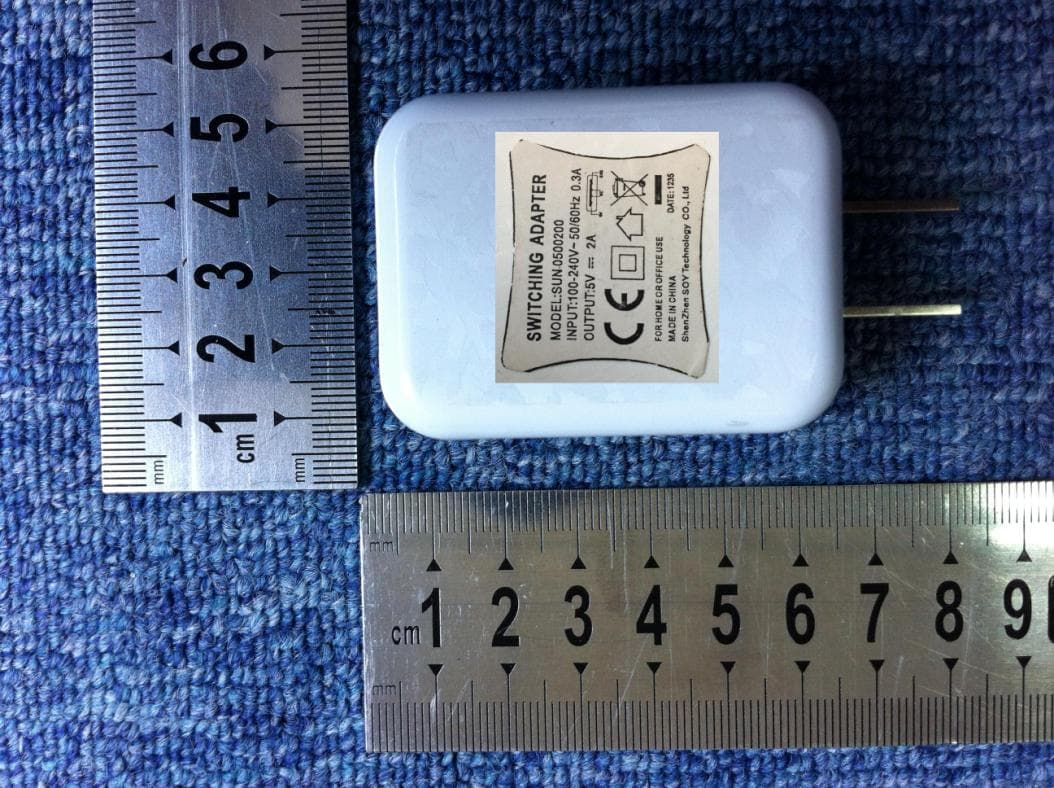
2AANFI9
Nov 20, 2013MID
Equipment Class
DTS - Digital Transmission System