2AANZKRK3Wireless Karaoke Speaker Mic
DGL Group LTD.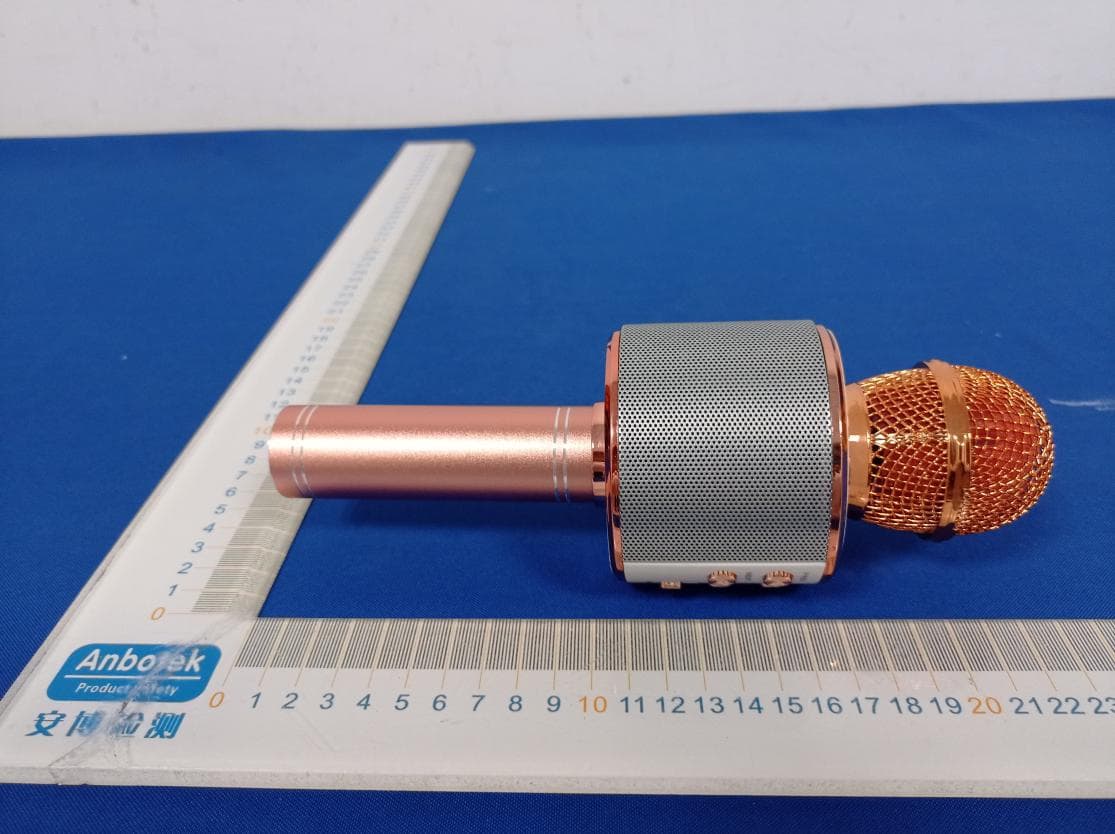
Click to zoom
Application Details
- Equipment Class
- DSS - Part 15 Spread Spectrum Transmitter
- Date of Grant
- May 20, 2021
- Application Purpose
- Original Equipment
- Date of Application
- May 20, 2021
- Equipment Note
- Wireless Karaoke Speaker Mic
- Frequency Range
- 2402.00000000 - 2480.00000000
- Company
- DGL Group LTD.
- Country
- United States
Documents & Files
Document Text
Text extracted from the exhibit documents filed with the FCC. Open a document above to read the original.
Users Manual
onment. 说明书材质: 125g 铜版纸 , 风琴折叠 SARINA Karaoke Wireless Mic +Built-in Speaker Operation Manual SA-KRK BT ID: D051448 MADE IN CHINA 阮nkyou for purchasing 1he Sarina Wireless Karaoke Wireless Mic/Speaker & Speaker. Please read al 1nstruct1ons carefully before using and retain this manual for future use and reference PACKAGE CONTENTS • Karaoke Wreless Mic/Speaker • Micro USS Charging Cable • Operation Manual KEY FEATURES • Compatible with Bluetooth®-enabled devices • Suitt一inrechargeable battery • Bu仆t-inspeaker • Vo<Jme and echo control SAFETY INSTRUCTIONS Keep the unit away from heat sources, di「eelsunlight, hum心ty,water and any olher liquids Do not operate the unit of it has been exposed to water, moisture or any other liquids to prevent against electric shock, explosion and/or叮uryto yourself and damcge to the unit Do not use the unit if it has been dropped or damaged in any woy. Repa吓to electrical equipment should only be performed by the mcnufacturer. Improper repairs may place the user al serious risk. Do not puncture or harm the exterior surface of the product in any wa y Keep the unit tree from dust, lint, etc Do no1 use this unit for anything other than its intended use or purpose. Doing so may damage the device 阳s p「oductis not a toy. Keep out of reach of children. Do not expose ba廿eries,battery pock. or batteries to installed to excessive heat. such as direct sunlight, or open flame. 13 1. Miaaphone 2. Play/Pause 3. Volume Up 4. Funny Voice 5. Volume Down 6.Bui店nSpeaker 7. Previous Track a. Ne灶Track 2345 6 9. Echo Switch 10. Microphone VokJme Switch 11. Micro USB Charge Port 12. 3.5mm Audio Out Port 13. On/off switch 14. Micro TF Card Port 15. USB Media Port 2 CHARGING THE KARAOKE WIRELESS MIC/SPEAKER The Karaoke Wireless Mic/Speaker comes with a buit,n rechO"geable battery. Before using it fa「 the first time. we recommend you charge the battery fully. Only use the supp l ied charge cable to charge the speaker. Connect the USB end to a computer USB port or a USB wall charger and the micro USB to the charge part on the karaoke mic. The red LED indicator will illuminate while the Karaoke Wireless Mic/Speaker is charging. A full charge of lhe battery takes around 3 hou飞.When lhe battery is fully charged, the LED indicator will tum off Discannect the Karaoke Wireless Mic/Speaker al this paint The Karaoke Wireless Mic/Speaker will then be ready for use. When the battery is low, the LED indicat()(will flash red and emit three tones every 20 seconds. When this occurs, please recharge the karaoke m,c. When using your Karaoke Wireless Mic/Speaker with an iPhone. the top right comer will ind<:ate your karaoke mic's battery life PROMPT NOTIFICATION • The Karaoke Wireless Mic/Speaker will notify you during "Power On" w1lh the sound of a beep. • The Karaoke Wireless Mic/Speaker will notify you during "Power off'with a prompt tone. • The Karaoke Wireless Mic/Speaker will notify you when "Poiring Successful" with the sound of o beep. PAIRING THE KARAOKE MIC/SPEAKER l. Ensure the Karaoke Wireless Mic/Speaker is turned off. If廿 is not, please lurn off lhe Karaoke Wireless Mic/Speaker frst before pairing 2. Press and hold lhe mullifunction button f()(3 seconds until the blue LED indicat()(flashes. This Will i心cateyour Karaoke Wireless Mic/Speaker is now in pairing mode. 3. Place the Karaoke Wireless Mic/Speaker and the Bluefoofh" device to which you would like to pair ,t within the operating distance. We recommend keeping the two devices no further than 3 feet apart. 4. Ensure Bluetooth is enabled on your device. Refer to the manufacturer's instructions for how to enoble Bluetoolh on your device 3 5. 0'1Ce you have activated Bluetooth on you-device, sekoct the Karaoke Wretess Mic/Speaker "SA-KRK" from the lisl of ava妇bleB!uetooth devices. 6.lfrecu如enfer the PIN code欢切四confimfhe entry. Note: �poring is unsuccessful, tum off the Karaoke Wreless Mic/Speaker的and re-poi'fol切ngthe aforementioned steps. Once you hove pored the Koraoke Wreless Mic/S沃欢er v,;th a device, the K勺ooke Wreless Mic/Speakerv,;1 remember this de欢:e ard wil poi'automoti::aly when the de沈e's Bluetooth配activatedand in range. 丫ou do not need to re-poi' any previously connected d函ces. f'NO WAYS CONNECTION Bluetooth Conec虹&Cable Connec沁n.You just need to connect your phone with cable or bluefooth, and then open lhe singing APP on your phone. The b北nclearly audio and vivdly sound effect can make you listen'ng and�nging anytime and anywhere. OPERATING lHE KARAOKE WIRELESS MIC/SPEAKER Pia泗musicwirelessty Once the Karaoke Wreless Mic/Speaker is pai「edto your de心e,you ccn stream music响esstyto the built-h specker Select the track you wish to isten to on your d的ceto ploy ftvough the speaker. Should you enc知归anyprab臼mswhie s1r如ing,please refer ta ycu device's user manual Adj四VoiceEcho Push the echo泣chup or down to adjust vOtCe echo. Adjust Microphone Voice Volume Push the volume沁tchup cr down to ad;ust voice volume Funny Voice Lorg press button: Switch ta strange mode 4 sounds. $心press:Switch ta accom区五menlmode. 4 SPECIFICATIONS Blletooth• Ve心n: Operating凶once: Pick Up: Speaker Output. Frequency Range: Se nsitivity: PlayTime: Batt的Type: Bal厄yCapacily: Charging Voltage· Charging lime: Charging lnferface: VS.I Upto 33ft(10mJ Capacitive 3W lSOHz-18吐 80db-115db Upto 4如 Lithu叩on 1200mAh DCSV Upto3Hours MiaoUSB D051448 BTID: CARE AND MAINTENANCE • Do not expose the utit to exes踵,9heal er humidify to avoid damage to the praducfs nlemo心cu的 • Donoluse o沁sivecleaning solvents to clean the unrr. • Do no! expose the unt lo extremely心如ow1emperatures as lh釭w,11 shorten the lrre of the electronic d8V1Ce, destroy the battery. and/or dislart certain plastic por ts • Do not d,pase al the un什m行eas they may e心ocleer combus1. • Do not expose the unit ta contact劝th sharp abjec朽as ths浏 cause scratches and damage. • Do not let the unit fo'I的mhigl places, as doing so may damage the inferno c忙uhy. • Donola廿emp1to disassemble the urit FCC STATEMENT : This device complies …
Text truncated - open the document above for the full version.
External Photos
APPENDIXII--EXTERNALPHOTOGRAPH
ID Label/Location Info
LabelLocationOnEUT Label ProductName:WirelessKaraokeSpeakerMic ModelNo.:SA-KRK-SLV FCCID:2AANZKRK3
Internal Photos
FCCID:2AANZKRK3 ANT
Operational Description
version01 DGLGroupLTD. DeclarationconcerningAntennaSpecification Itisherebydeclaredthattheproduct ModelNo.: SA-KRK-SLV,SA-KRK-GLD,SA-KRK-BLK,SA-KRK-RSE,SA-KRK-RED, SA-KRK-XXX FCCID:2AANZKRK3 fulfillstherequirementinFCCtestrelatingtotheantennatype. ThedevicespecifiedaboveconfirmstotheFCCrecommendationsfor internal antennatype(s) describedbelow: Bluetooth: ModelNo.ofantenna:N/A Typeofantenna:PCBAntenna Gainoftheantenna:-0.58dBi Frequencyrange:2402MHz~2480MHz Themountingoftheantennaisfixedtotheradiomoduleandnootherantennashouldbeused. Companyname:DGLGroupLTD. Address:195RaritanCenterParkway,Edison,NewJersey,UnitedStates08837 City:Edison ZIP/Postalcode:08837 Country:UnitedStates Place:Edison UnitedStates Date:2021-05-08 Signature:
RF Exposure Info
RFEXPOSUREEVALUATION FCCID:2AANZKRK3 AccordingtoFCC1.1310:Thecriterialistedinthefollowingtableshallbeused toevaluatetheenvironmentimpactofhumanexposuretoradiofrequency(RF) Radiationasspecifiedin§1.1307(b): RoutineSARevaluationreferstothatspecificallyrequiredby§2.1093,using measurementsorcomputersimulation.WhenroutineSARevaluationisnot required,portabletransmitterswithoutputpowergreaterthantheapplicable lowthresholdrequireSARevaluationtoqualifyforTCBapproval. TestResults:PASS. Channel (MHz) Maxoutput power (dBm) Tuneup tolerance (dBm) MaxTuneUp Power(dBm) Distance( mm) Calculation results Limit 2402-0.456 ±1 0.54450.3513 2441-1.115 ±1 -0.11550.3043 2480-0.681±10.31950.3393 2402-1.123±1-0.12350.3013 2441-1.844 ±1 -0.84450.2573 2480-3.597±1-2.59750.1733
Test Report
Report No.: 18220WC10064101 FCC ID: 2AANZKRK3 Page 1 of 60 Code:AB-RF-05-a FCC TEST REPORT Client Name : DGL Group, LTD. Address : 195 Raritan Center Parkway, Edison, New, Jersey, United States 08837 Product Name : Wireless Karaoke Speaker Mic Date : May 07, 2021 Shenzhen Anbotek Compliance Laboratory Limited Report No.: 18220WC10064101 FCC ID: 2AANZKRK3 Page 2 of 60 Code:AB-RF-05-a Contents 1. General Information ............................................................................................................................................ 5 1.1. Client Information ..................................................................................................................................... 5 1.2. Description of Device (EUT) ................................................................................................................... 5 1.3. Auxiliary Equipment Used During Test ................................................................................................. 6 1.4. Description of Test Modes ...................................................................................................................... 6 1.5. List of channels ........................................................................................................................................ 7 1.6. Description Of Test Setup ....................................................................................................................... 8 1.7. Test Equipment List ................................................................................................................................. 9 1.8. Measurement Uncertainty .................................................................................................................... 10 1.9. Description of Test Facility .................................................................................................................... 10 2. Summary of Test Results ................................................................................................................................. 11 3. Conducted Emission Test ................................................................................................................................ 12 3.1. Test Standard and Limit ........................................................................................................................ 12 3.2. Test Setup ............................................................................................................................................... 12 3.3. Test Procedure ....................................................................................................................................... 12 3.4. Test Data ................................................................................................................................................. 12 4. Radiation Spurious Emission and Band Edge .............................................................................................. 17 4.1. Test Standard and Limit ........................................................................................................................ 17 4.2. Test Setup ............................................................................................................................................... 17 4.3. Test Procedure ....................................................................................................................................... 18 4.4. Test Data ................................................................................................................................ ................. 19 5. Maximum Peak Output Power Test ................................................................................................................ 27 5.1. Test Standard and Limit ........................................................................................................................ 27 5.2. Test Setup ............................................................................................................................................... 27 5.3. Test Procedure ....................................................................................................................................... 27 5.4. Test Data ................................................................................................................................................. 27 6. 20DB Occupy Bandwidth Test ......................................................................................................................... 31 6.1. Test Standard ......................................................................................................................................... 31 6.2. Test Setup ............................................................................................................................................... 31 6.3. Test Procedure ....................................................................................................................................... 31 6.4. Test Data ................................................................................................................................................. 31 7. Carrier Frequency Separation Test................................................................................................................. 35 7.1. Test Standard and Limit ........................................................................................................................ 35 7.2. Test Setup ............................................................................................................................................... 35 7.3. Test Procedure ....................................................................................................................................... 35 7.4. Test Data ......................................................................................…
Text truncated - open the document above for the full version.
Test Setup Photos
FCCID:2AANZKRK3 PhotoofPowerLineConductedEmissionTest PhotoofRadiationEmissionTest
Contact Information
Applicant
Amy Chao
Test Firm
Shenzhen Anbotek Compliance Laboratory LimitedJeff Zhu
Technical Specifications
| # | Rule Parts | Frequency Range | Power Output |
|---|---|---|---|
| 1 | 15C | 2.40 GHz - 2.48 GHz | 910.00 µW |
Other Applications from DGL Group LTD.
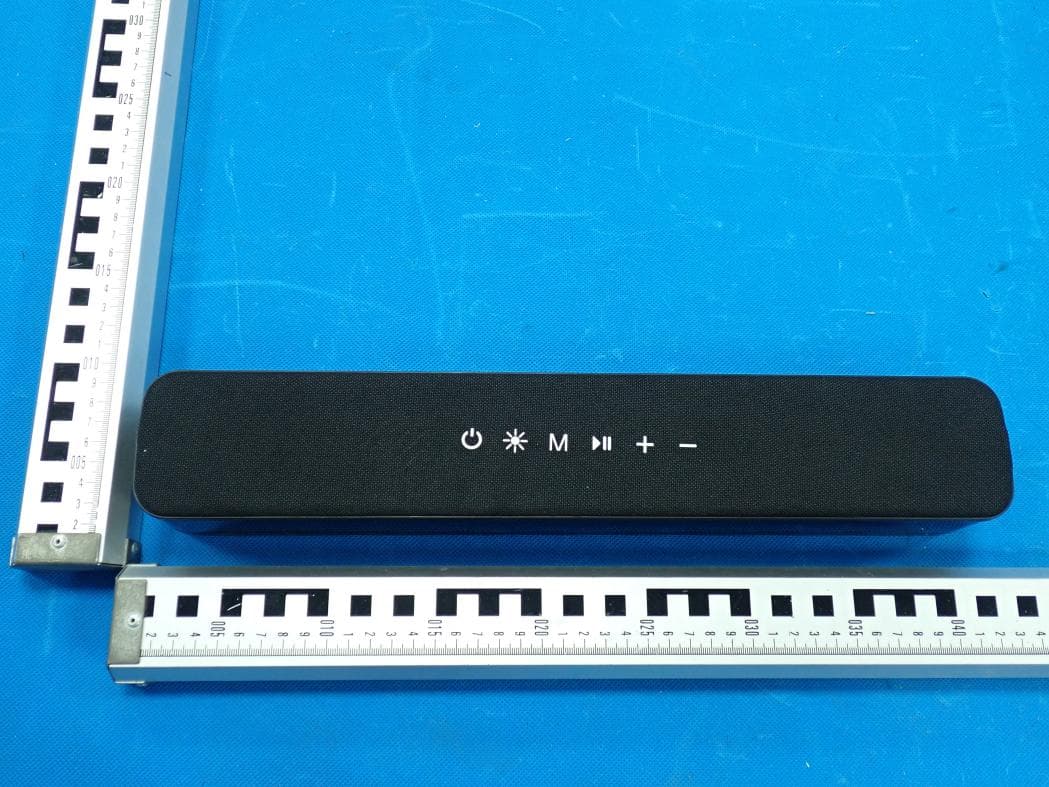
2AANZ-HYLSOBBLK
Jan 28, 2026LED Speaker Bar
Equipment Class
DSS - Part 15 Spread Spectrum Transmitter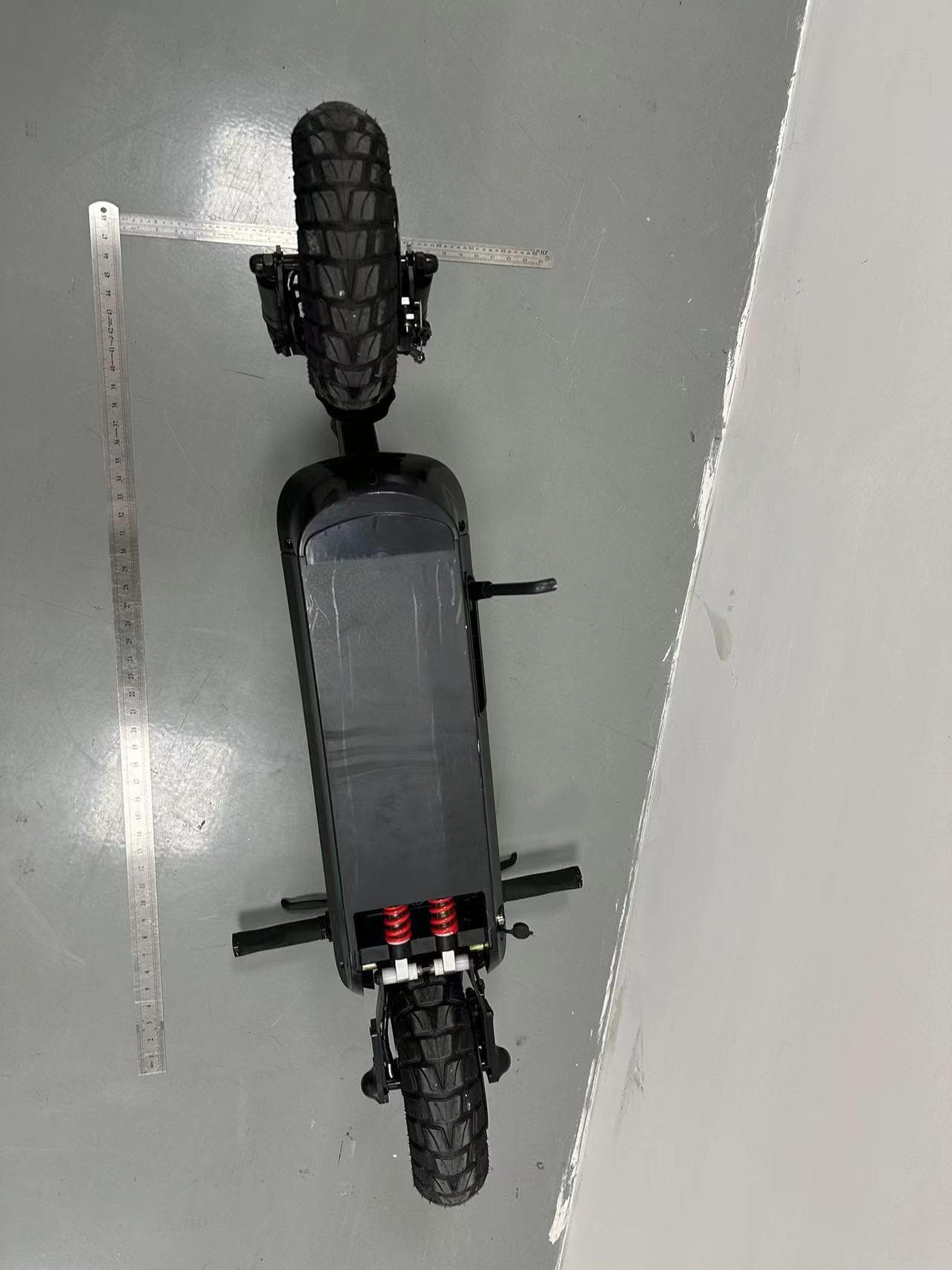
2AANZBSSDM
Oct 14, 2024HOVER-1 PRO SERIES
Equipment Class
DTS - Digital Transmission System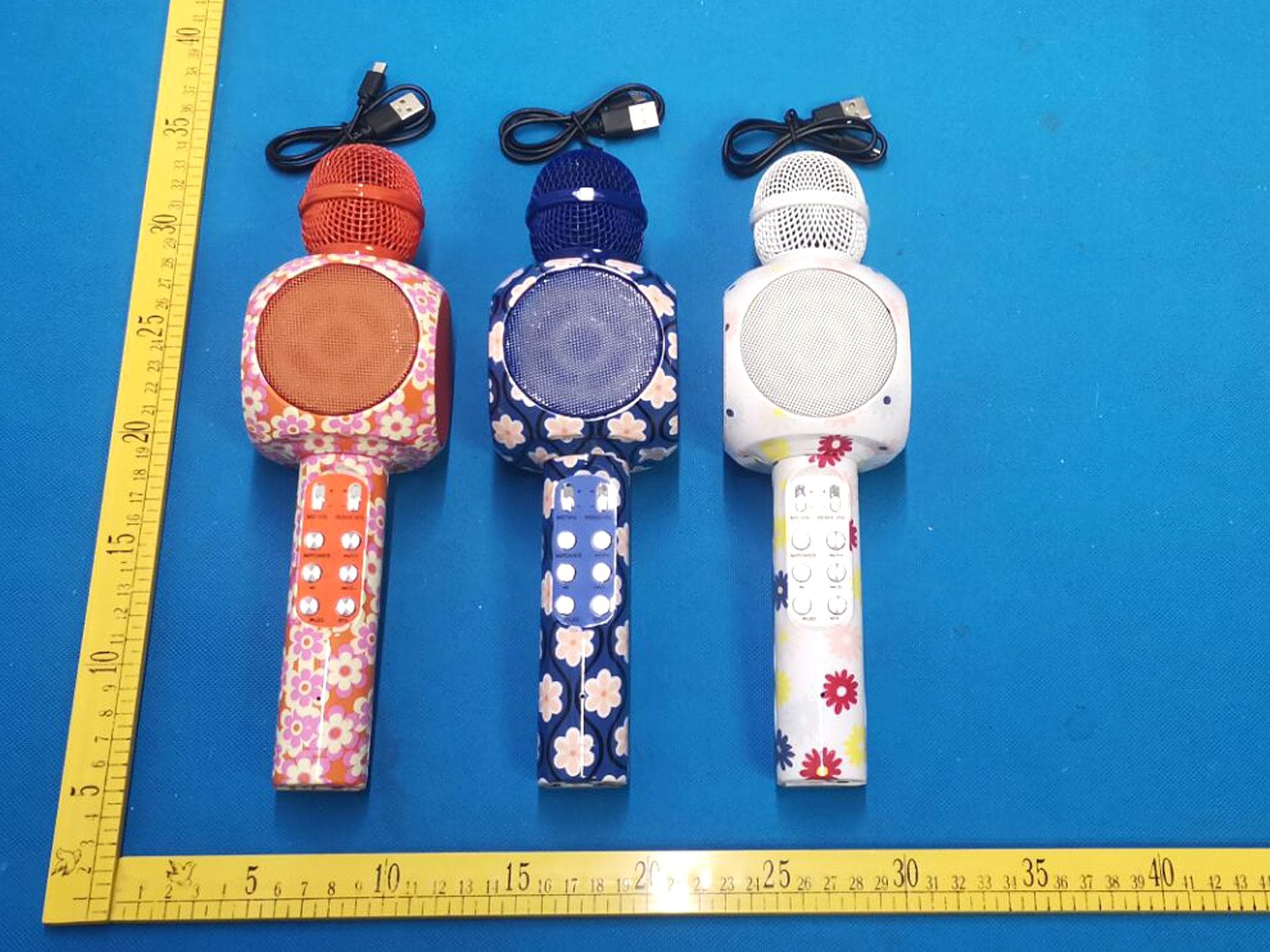
2AANZKRKFLR
Oct 10, 2024Light up Karaoke Mic with Built-in Wireless Speaker
Equipment Class
DTS - Digital Transmission System
2AANZPXLS2
Sep 26, 2024LED Pixie Light Strip
Equipment Class
DTS - Digital Transmission System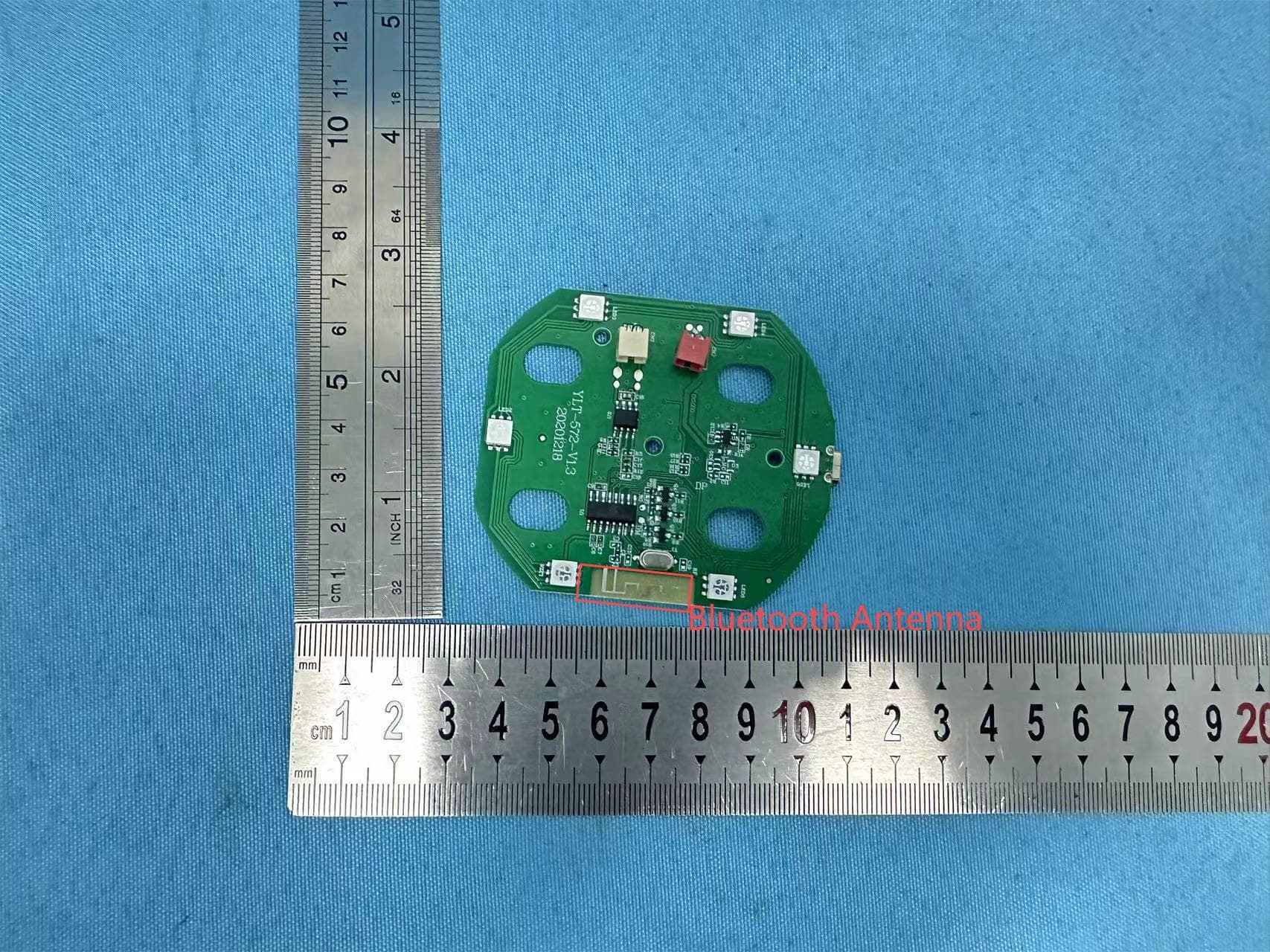
2AANZFLED1
Aug 06, 2024WIRELESS LED SPEAKER
Equipment Class
DSS - Part 15 Spread Spectrum Transmitter