2AAQFPH-BT2020BLUETOOTH SPEAKER
China Electronics Shenzhen Company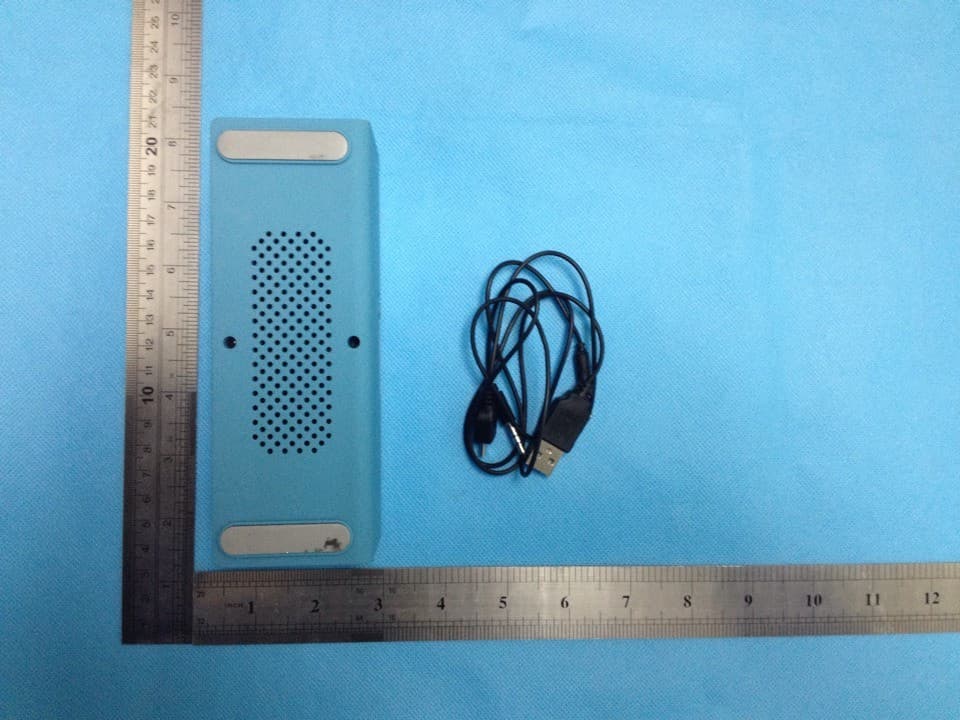
Click to zoom
Application Details
- Equipment Class
- DSS - Part 15 Spread Spectrum Transmitter
- Date of Grant
- Jan 27, 2014
- Application Purpose
- Original Equipment
- Date of Application
- Jan 27, 2014
- Equipment Note
- BLUETOOTH SPEAKER
- Frequency Range
- 2402.00000000 - 2480.00000000
- Country
- China
Documents & Files
Document Text
Text extracted from the exhibit documents filed with the FCC. Open a document above to read the original.
Users Manual
USER GUIDE PH-BT2020 PORTABLE BLUETOOTH SPEAKER Thank you for purchasing the PH-BT2020 and welcome to the Photive family! This product is designed to provide you with portable wireless high quality sound for your iPad, iPhone, iPod, computer or other Bluetooth audio devices. This instruction booklet explains the basic operations, specifications and care of the unit. Please read them carefully and keep for future reference. WELCOME PACKAGE FUNCTIONS CHARGING PAIRING HANDS-FREE SPEAKERPHONE LINE-IN OPERATION INSTRUCTION TROUBLESHOOTING SPECIFICATION SAFETY INFORMATION FCC INFORMATION WARRANTY INFORMATION 4 5 6 7 8 9 10 11 12 12 14 14 TABLE OF CONTENTS PACKAGE USB cable 3.5mm audio cable PH-BT2020 speaker 4 12 3 1 2 3 OFFONAUX MIC Input: 5V 1A Made in China PH-BT2020 FUNCTIONS Previous/Vol - Play/Pause Answer/Redial phone calls/Pair Next/Vol + OFF/ON AUX micro USB charging port MIC 5 Before using your PH-BT2020, please charge it using the micro USB charging cable included in the package. Please note: Most USB chargers are compatible with PH-BT2020. For optimal AC charging, please use a 1.0A USB charger. Plug the small micro USB pin into the charging port on the back of the speaker, and the other end of the cable (the standard USB 2.0 plug) into any standard USB port (such as a computer or USB charger). The LED light on the back will turn red when it is being charged. When it is fully charged, the LED indicator light will turn off. A full charge takes about 4-5 hours. The speaker can be charged while playing music. The battery of the speaker will be charged until the charging process completes. Once the battery is fully charged, The LED indicator will turn off. CHARGING 6 PAIRING Turn your speaker on. The Bluetooth LED indicator will flash blue. Enable your Bluetooth device such as cell phones, tablets or other Bluetooth media and make sure it is in searching mode. Select “PH-BT2020” in the list shown in the Bluetooth device. Note 1 If your Bluetooth device version is below V2.0, please enter password “0000” for a connection. 2 The speaker will automatically reconnect to the last connected Bluetooth enabled audio device. 3 IMPORTANT When you need to connect your speaker with another Bluetooth enabled audio device, hold the “ “ button until the Bluetooth LED indicator flashes quickly. This will put the speaker into pairing mode. 1 2 3 4 7 HANDS-FREE SPEAKERPHONE You can use PH-BT2020 as a portable speakerphone for incoming calls when connected wirelessly and outgoing calls via Bluetooth. Take your call by pressing the “ “. Press once again when ending the call. Music will resume automatically. To make a call, simply dial your cell phone and talk to the speaker. Once your call is connected, choose PH-BT2020 in the headset options. 1 2 3 8 LINE-IN If your device is not Bluetooth enabled you can still enjoy your music simply by using the Line- In Audio Jack. Connect the speaker with the audio cable that is included in the package to any device with a 3.5mm standard audio jack. Once connected the speaker can be used as a wired speaker. The default volume is at maximum level. To control the volume level, please use your device to control the volume. Please note: the Play/Pause, VOLUME + and VOLUME - buttons only work when connected wirelessly via Bluetooth. In the case of a wired connection, music can only be controlled on your device. The Bluetooth wireless music will be muted after the line-in connection is made. 1 2 3 9 OPERATION INSTRUCTION VOLUME ADJUSTMENT At any time during a phone call, or while playing music, the volume can be changed with the ” ” or “ “ button. To raise the volume press and hold the “ “ button for 3 seconds. To lower he volume press and hold the “ “ button for 3 seconds. There will be a tone from the speaker to indicate that the level has reached maximum or minimum volume. Please note: This function will only work properly when connected in Bluetooth mode. If listing to music via the Aux line in (Headphone Jack) the volume control on the speaker will not function. Control the volume from the device playing audio ie: Smartphone, Tablet. CHANGING TRACKS Simply press the “ “ or “ “ button for 1 second on the left side of the PH-BT2020 to change tracks on your music player. Please note: If listing to music via the Aux line in the track controls on the speaker will not function. Control the track from the device playing audio “ie: Smartphone, Tablet.” 10 No power Ensure the speaker is charged and with enough power for operation. The speaker can be used when it is in charging mode. No sound Ensure the speaker is on. Ensure your Bluetooth device is on. If the volume of the speaker is too low, adjust the volume to an appropriate level. Unable to connect Press the pairing button until the LED indicator flashes quickly. The Bluetooth speaker will go into pairing mode. Select PH-BT2020 on your Bluetooth enable device. Poor sound quality from the bluetooth device Ensure placing the speaker and Bluetooth device within 33-ft. (10m) sensing distance and with no barriers. Notes Clean the speaker with a soft, lint-free, dry cloth. Never use detergents or abrasive cleaners for cleaning. TROUBLESHOOTING 11 Speaker parameters Output power 3W x 2 Impedence 4Ω Frequency response 90 hz - 18khz Sensitive 80dB+/- 2dB S/N 70dB Bluetooth parameters Effective distance 33ft./10m Version 3.0+EDR Work environment Temperature -4ºf-140ºf (-20ºc/+60ºc) NOTES Do not expose the built-in battery to excessive heat, including direct sunlight and fire. In addition, do not expose it to rain, moisture and any kinds of liquid. This speaker is in compliance with the specified Bluetooth version. It does not guarantee compatibility of all functions on every Bluetooth enabled device. Please check with your mobile phone’s user manual for compatibility and functionality. SPECIFICATION WARNING Please read these safety warnings and cautions carefully to ensure your personal safety and prevent property damage. Fire and El…
Text truncated - open the document above for the full version.
Cover Letter(s)
x x x
External Photos
Report No.: ECT2014E01012 Page 1 of 2 Rev: None Shenzhen ECT Testing Technology Co., Ltd. No Room 808,Era Innovation Certer, Xixiang gushu second road,Baoan district, Shenzhen city, China External View of EUT Model: PH-BT2020 Photo 1 Model: PH-BT2020 Photo 2 Report No.: ECT2014E01012 Page 2 of 2 Rev: None Shenzhen ECT Testing Technology Co., Ltd. No Room 808,Era Innovation Certer, Xixiang gushu second road,Baoan district, Shenzhen city, China Model: PH-BT2020 Photo 3 Model: PH-BT2020 Photo 4
Internal Photos
Report No.: ECT2014E01012 Page 1 of 2 Rev: None Shenzhen ECT Testing Technology Co., Ltd. No Room 808,Era Innovation Certer, Xixiang gushu second road,Baoan district, Shenzhen city, China Internal View of EUT Model: PH-BT2020 Photo 1 Model: PH-BT2020 Photo 2 Report No.: ECT2014E01012 Page 2 of 2 Rev: None Shenzhen ECT Testing Technology Co., Ltd. No Room 808,Era Innovation Certer, Xixiang gushu second road,Baoan district, Shenzhen city, China Model: PH-BT2020 Photo 3 Model: PH-BT2020 Photo 4
Test Report
Report No.: ECT2014E01012 Page 1 of 53 Rev: None Shenzhen ECT Testing Technology Co., Ltd. No Room 808,Era Innovation Certer, Xixiang gushu second road,Baoan district, Shenzhen city, China FCC Test Report Part 15 subpart C Client Information: Applicant : CHINA ELECTRONICS SHENZHEN COMPANY Applicant add.: F35, ELECTRONICS SCIENCE AND TECHNOLOGY BUILDING, SHENNANZHONG ROAD, SHENZHEN, CHINA EUT Information: EUT Name : BLUETOOTH SPEAKER Model No. : PH-BT2020, BT-2029, WCC-BTS1 Brand Name : West Coast Customs, photive FCC ID : 2AAQFPH-BT2020 Prepared By: Shenzhen ECT Testing Technology Co., Ltd. Add. : No Room 808,Era Innovation Certer, Xixiang gushu second road, Baoan district, Shenzhen city, China Date of Receipt: Jan. 09, 2014 Date of Test: Jan. 09~ Jan. 13, 2014 Date of Issue: Jan. 13, 2014 Te s t R e s u l t : Pass Test procedure used: ANSI C63.4-2009 This device described above has been tested by Shenzhen ECT Testing Technology Co., Ltd., and the test results show that the equipment under test (EUT) is in compliance with the FCC requirements. And it is applicable only to the tested sample identified in the report. *This test report must not be used by the client to claim product endorsement by any agency of the U.S. government. Reviewed by: Approved by: Nancy Xu kelly Jiang Report No.: ECT2014E01012 Page 2 of 53 Rev: None Shenzhen ECT Testing Technology Co., Ltd. No Room 808,Era Innovation Certer, Xixiang gushu second road,Baoan district, Shenzhen city, China 1 Contents Page COVER PAGE 1 CONTENTS ...........................................................................................................................................................2 2 TEST SUMMARY ..................................................................................................................................................4 2.1 COMPLIANCE WITH FCC PART 15 SUBPART C .....................................................................................................4 2.2 MEASUREMENT UNCERTAINTY............................................................................................................................4 3 GENERAL INFORMATION ...................................................................................................................................5 3.1 GENERAL DESCRIPTION OF EUT ........................................................................................................................5 3.2 DESCRIPTION OF TEST CONDITIONS....................................................................................................................7 3.3 EUT PERIPHERAL LIST.......................................................................................................................................8 3.4 TEST PERIPHERAL LIST......................................................................................................................................8 4 EQUIPMENTS LIST FOR ALL TEST ITEMS .......................................................................................................9 5 TEST RESULT.....................................................................................................................................................10 5.1 ANTENNA REQUIREMENT..................................................................................................................................10 5.1.1 Standard requirement ............................................................................................................................10 5.1.2 EUT Antenna .........................................................................................................................................10 5.2 CONDUCTION EMISSIONS MEASUREMENT.........................................................................................................11 5.2.1 Applied procedures / Limit .....................................................................................................................11 5.2.2 Test procedure.......................................................................................................................................11 5.2.3 Test results ............................................................................................................................................12 5.3 RADIATED EMISSIONS MEASUREMENT..............................................................................................................14 5.3.1 Applied procedures / Limit .....................................................................................................................14 5.3.2 Test procedure.......................................................................................................................................14 5.3.3 Test Result .............................................................................................................................................15 5.3.4 TEST RESULTS (Restricted Bands Requirements)..............................................................................20 5.4 BANDWIDTH TEST.......................................................................................................................................21 5.4.1 Applied procedures / Limit .....................................................................................................................21 5.4.2 Test procedure.......................................................................................................................................21 5.4.3 Deviation from standard.........................................................................................................................21 5.4.4 Test setup ..............................................................................................................................................21 5.4.5 Test results .......................................................................................................................................…
Text truncated - open the document above for the full version.
Test Setup Photos
Report No.: ECT2014E01012 Page 1 of 2 Rev: None Shenzhen ECT Testing Technology Co., Ltd. No Room 808,Era Innovation Certer, Xixiang gushu second road,Baoan district, Shenzhen city, China Test Setup Photograph Conducted Measurement Photos Report No.: ECT2014E01012 Page 2 of 2 Rev: None Shenzhen ECT Testing Technology Co., Ltd. No Room 808,Era Innovation Certer, Xixiang gushu second road,Baoan district, Shenzhen city, China Radiated Measurement Photos 30MHz-1GHz 1GHz-25GHz
Contact Information
Applicant
xuning XIE(Certification Engineer)
Technical Contact
Test Firm
Dongguan Yaxu (AiT) Technology LimitedJackie Deng
Technical Specifications
| # | Rule Parts | Frequency Range | Power Output |
|---|---|---|---|
| 1 | 15C | 2.40 GHz - 2.48 GHz | 840.00 µW |
Other Applications from China Electronics Shenzhen Company
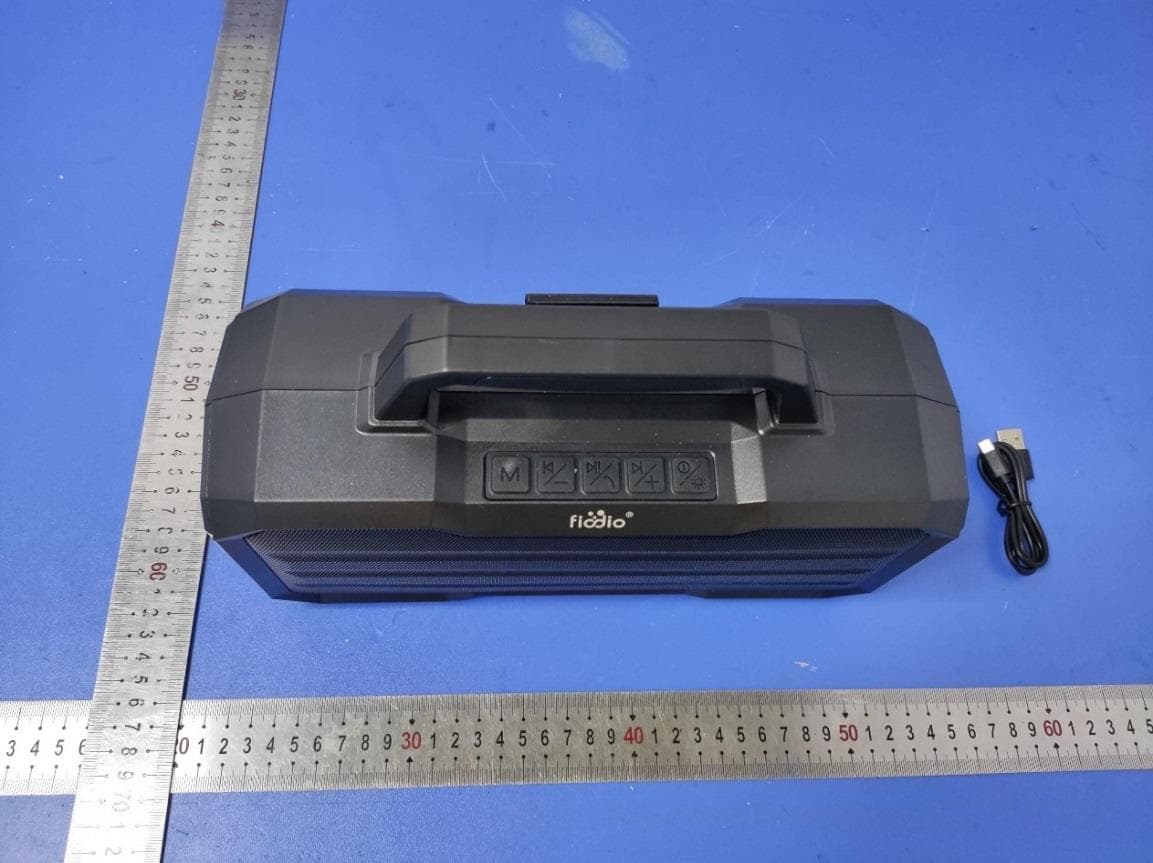
2AAQF-F-510
Apr 11, 2022BLUETOOTH SPEAKER
Equipment Class
DSS - Part 15 Spread Spectrum Transmitter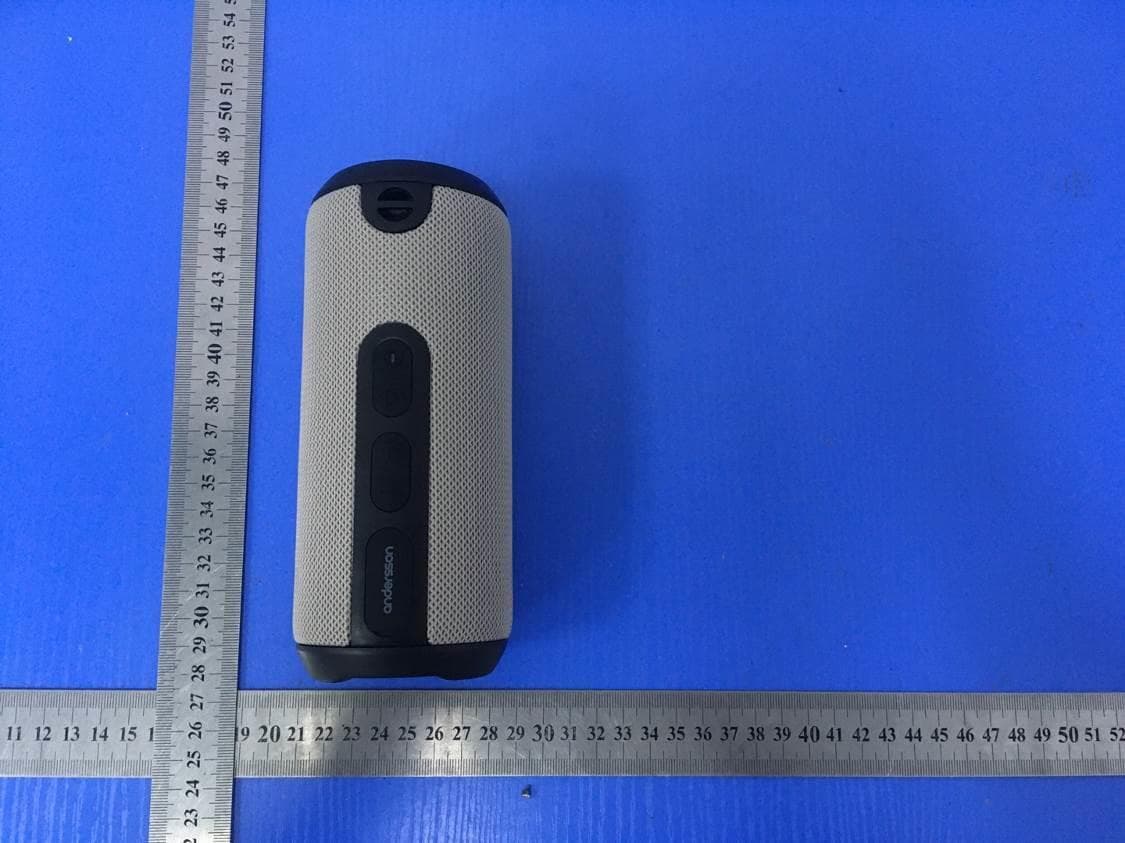
2AAQF-F400
Dec 29, 2020BLUETOOTH SPEAKER
Equipment Class
DSS - Part 15 Spread Spectrum Transmitter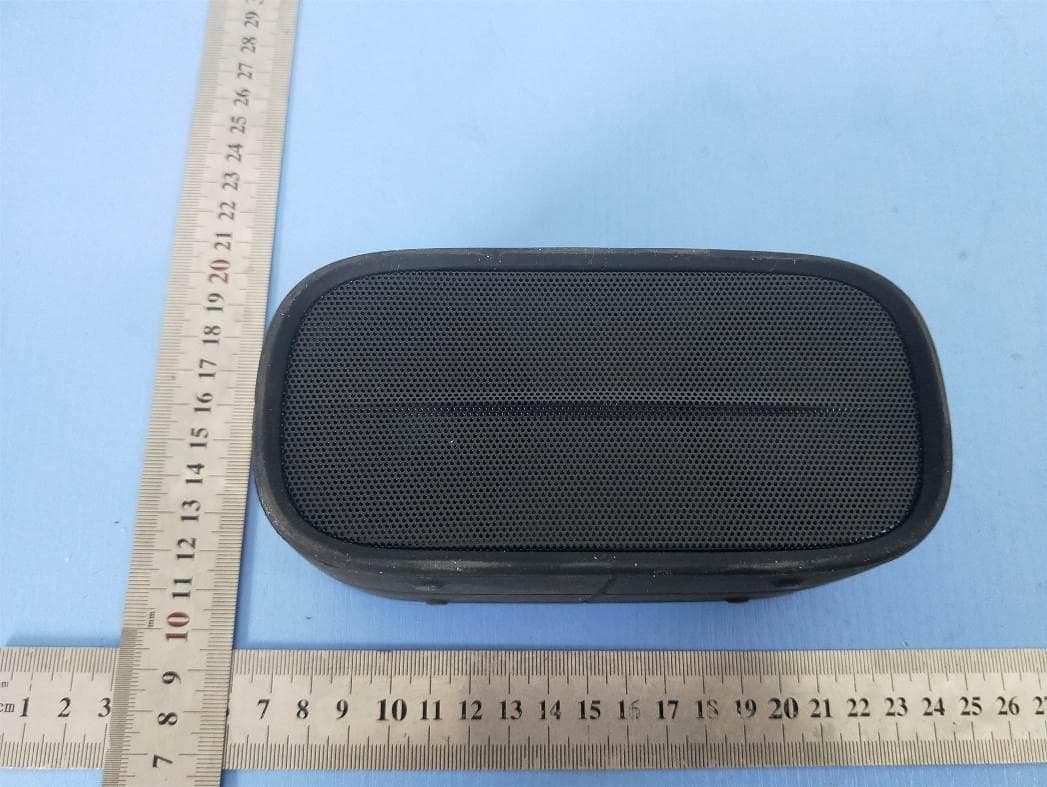
2AAQFQ8
Jan 06, 2020BLUETOOTH SPEAKER
Equipment Class
DSS - Part 15 Spread Spectrum Transmitter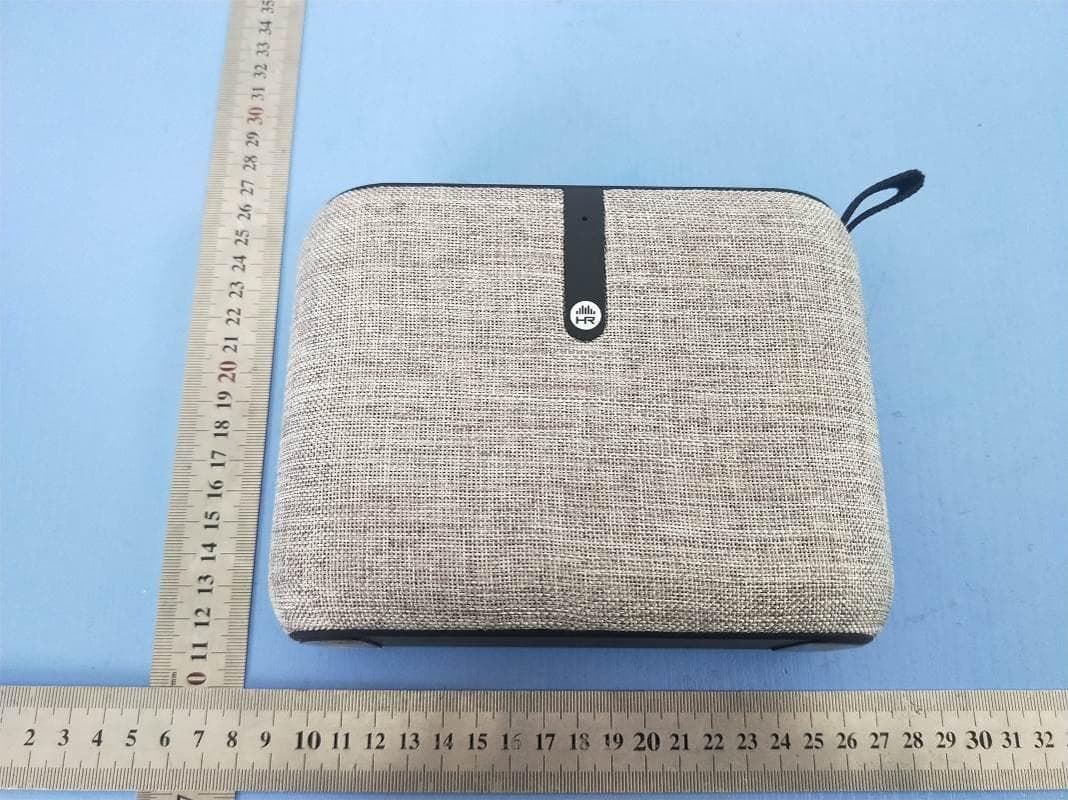
2AAQFB06
Jan 06, 2020BLUETOOTH SPEAKER
Equipment Class
DSS - Part 15 Spread Spectrum Transmitter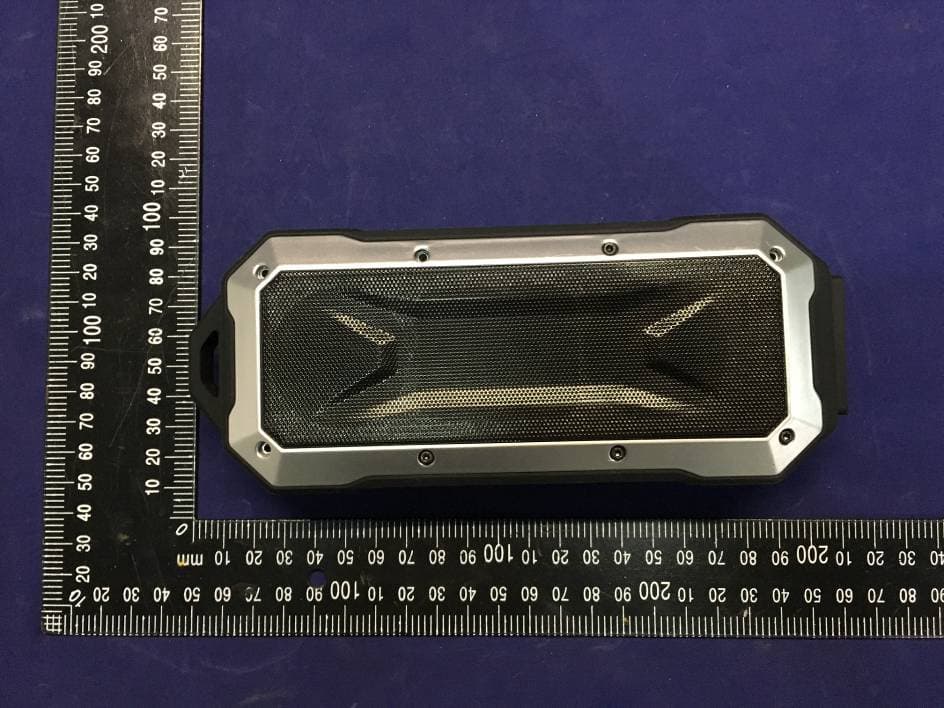
2AAQFX8
Jan 27, 2016BLUETOOTH SPEAKER
Equipment Class
DSS - Part 15 Spread Spectrum Transmitter