2AATXPJGC002Playjam Console
PlayJam Ltd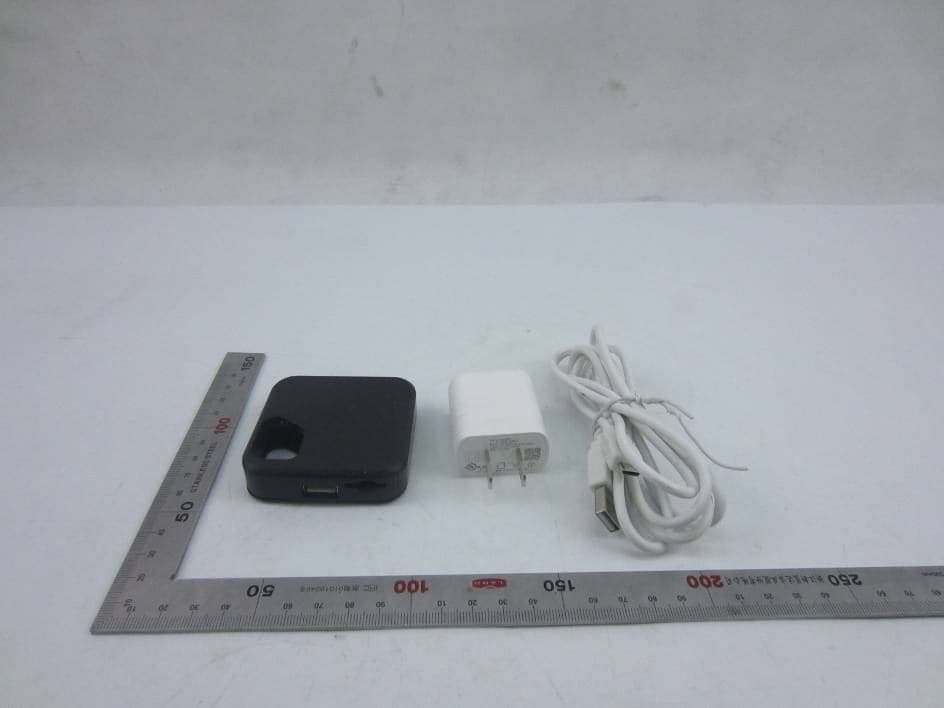
Click to zoom
Application Details
- Equipment Class
- DTS - Digital Transmission System
- Date of Grant
- May 13, 2015
- Application Purpose
- Original Equipment
- Date of Application
- May 13, 2015
- Equipment Note
- Playjam Console
- Frequency Range
- 2402.00000000 - 2480.00000000
- Company
- PlayJam Ltd
- Country
- United Kingdom
Documents & Files
Document Text
Text extracted from the exhibit documents filed with the FCC. Open a document above to read the original.
Users Manual
Software License, Warranty, Safety, and Regulatory Information 1 Safety and Regulatory Information IMPORTANT SAFETY INSTRUCTIONS Read This Before You Begin — When using your equipment, basic safety precautions should always be followed to reduce the risk of fire, electric shock, and injury to persons, including the following: • Read all of the instructions listed here and/or in the user manual before you operate this device. Give particular attention to all safety precautions. Retain the instructions for future reference. • This device must be installed and used in strict accordance with manufacturer’s instructions, as described in the user documentation that is included with the device. • Comply with all warning and caution statements in the instructions. Observe all warning and caution symbols that are affixed to this device. • To prevent fire or shock hazard, do not expose this device to rain or moisture. The device must not be exposed to dripping or splashing. Do not place objects filled with liquids, such as vases, on the device. • This device was qualified under test conditions that included the use of the supplied cables between system components. To ensure regulatory and safety compliance, use only the provided power and interface cables and install them properly. • Different types of cord sets may be used for connections to the main POWER supply circuit. Use only a main line cord that complies with all applicable device safety requirements of the country of use. • Installation of this device must be in accordance with national wiring codes and conform to local regulations. • Operate this device only from the type of power source indicated on the device’s marking label. If you are not sure of the type of power supplied to your home, consult your dealer or local power company. • Do not overload outlets or extension cords, as this can result in a risk of fire or electric shock. Overloaded AC outlets, extension cords, frayed power cords, damaged or cracked wire insulation, and broken plugs are dangerous. They may result in a shock or fire hazard. • Route power supply cords so that they are not likely to be walked on or pinched by items placed upon or against them. Pay particular attention to cords where they are attached to plugs and convenience receptacles, and examine the point where they exit from the device. • Place this device in a location that is close enough to an electrical outlet to accommodate the length of the power cord. • Place the device to allow for easy access when disconnecting the power cord of the device from the AC wall outlet. • Do not connect the plug into an extension cord, receptacle, or other outlet unless the plug can be fully inserted with no part of the blades exposed. • Place this device on a stable surface. Software License, Warranty, Safety, and Regulatory Information 2 • Avoid damaging the cable modem with static by touching the coaxial cable when it is attached to the earth-grounded coaxial cable-TV wall outlet. • Always first touch the coaxial cable connector on the cable modem when disconnecting or reconnecting the Ethernet cable from the cable modem or user’s PC. • It is recommended that the customer install an AC surge protector in the AC outlet to which this device is connected. This is to avoid damaging the device by local lightning strikes and other electrical surges. • Postpone installation until there is no risk of thunderstorm or lightning activity in the area. • Do not use this product near water: for example, near a bathtub, washbowl, kitchen sink or laundry tub, in a wet basement, or near a swimming pool. • Do not cover the device or block the airflow to the device with any other objects. Keep the device away from excessive heat and humidity and keep the device free from vibration and dust. • Wipe the device with a clean, dry cloth. Never use cleaning fluid or similar chemicals. Do not spray cleaners directly on the device or use forced air to remove dust. • For added protection, unplug the device from the wall outlet and disconnect the cables to avoid damage to this device due to lightning and power surges. • Upon completion of any service or repairs to this device, ask the service technician to perform safety checks to determine that the device is in safe operating condition. • Do not open the device. Do not perform any servicing other than that contained in the installation and troubleshooting instructions. Refer all servicing to qualified service personnel. • This device should not be used in an environment that exceeds 104º F (40º C). SAVE THESE INSTRUCTIONS Software License, Warranty, Safety, and Regulatory Information 3 RESTRICTIONS ON THE USE OF WIRELESS DEVICES In some situations or environments, the use of wireless devices may be restricted by the proprietor of the building or responsible representatives of the organization. For example, using wireless equipment in any environment where the risk of interference to other devices or services is perceived or identified as harmful. If you are uncertain of the applicable policy for the use of wireless equipment in a specific organization or environment, you are encouraged to ask for authorization to use the device prior to turning on the equipment. The manufacturer is not responsible for any radio or television interference caused by unauthorized modification of the devices included with this product, or the substitution or attachment of connecting cables and equipment other than specified by the manufacturer. Correction of the interference caused by such unauthorized modification, substitution, or attachment is the responsibility of the user. The manufacturer and its authorized resellers or distributors are not liable for any damage or violation of government regulations that may arise from failing to comply with these guidelines. SECURITY WARNING: This device allows you to create a wireless network. Wireless network connections may be accessible by unauthorized users. For more in…
Text truncated - open the document above for the full version.
Cover Letter(s)
MET Laboratories TCB Agent Authorization Letter 2015-03-23 MET Laboratories, Inc. 914 West Patapsco Avenue Baltimore, MD 21230 RE: LETTER OF AGENT AUTHORIZATION To Whom It May Concern: We, the undersigned, hereby authorize Most Technology Service Co., Ltd. to act on our behalf in all matters relating to application for equipment authorization, including the signing of all documents relating to these matters. We also hereby certify that no party to the application authorized hereunder is subject to the denial of benefits, including FCC benefits, pursuant to Section 5301 of the Anti-Drug Abuse Act of 1988, 21 U.S.C.853(a). This agreement expires one year from the current date. Sincerely, Name: Tim Slatford Position: Product Manager Company Name: Playjam Ltd. Address: 4th Floor 41-42, Eastcastle Street, London, London W1W 8DU, United Kingdom Tel / Fax +442033015324/+442033015324 E-Mail: [email protected];
Cover Letter(s)
MET Laboratories TCB Long Term Confidentiality Request Letter 2015-03-23 MET Laboratories, Inc. 914 West Patapsco Avenue Baltimore, MD 21230 RE: CONFIDENTIALITY REQUEST FOR (Playjam Console / PJGC002) To Whom It May Concern: This letter serves as an official request for confidentiality under sections 0.457 and 0.459 of CFR 47. We have requested that the - e.g. Block diagram - e.g. SCH - e.g. Operational Description required to be submitted with this application be permanently withheld from public review. SPECIFY REASON FOR REQUEST (i.e. the above documents are company proprietary information that could never get into the possession of your competition). Please contact me if there is any information you may need. Sincerely, Name: Tim Slatford Position: Product Manager Company Name: Playjam Ltd. Address: 4th Floor 41-42, Eastcastle Street, London, London W1W 8DU, United Kingdom Tel / Fax: +442033015324/+442033015324 E-Mail: [email protected]
External Photos
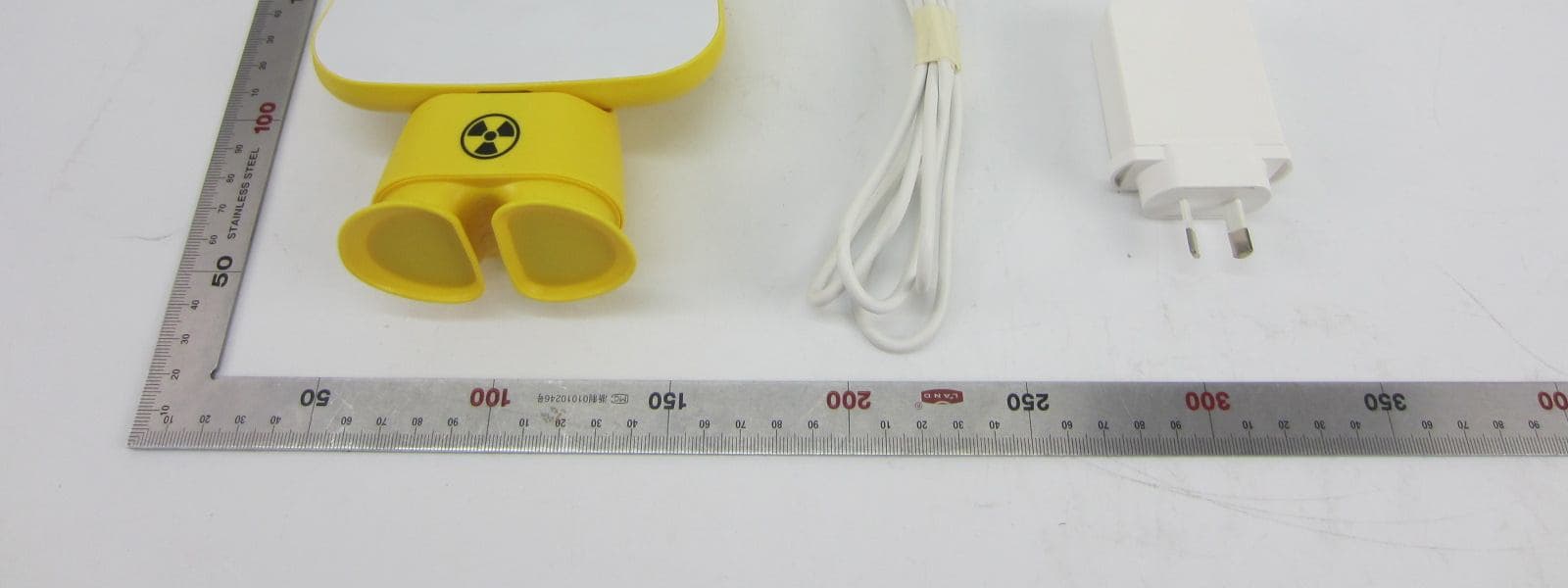
Model No.: PJGC002 FRONT VIEW OF SAMPLE BACK VIEW OF SAMPLE Model No.: PJGC002 UP VIEW OF SAMPLE DOWN VIEW OF SAMPLE Model No.: PJGC002 APPEARANCE VIEW PHOTO OF SAMPLE
ID Label/Location Info
Playjam Ltd. Product: PlayJam Console Model : DC 5V 1.5A 7.5W MADE IN CHINA FCC ID : 2AATXPJGC002 IC: 11079A-PJGC002 PJGC002 FCC ID Label Location
Internal Photos
Model No.: PJGC002 INTERNAL PHOTO OF SAMPLE - 1 INTERNAL PHOTO OF SAMPLE - 2 Model No.: PJGC002 INTERNAL PHOTO OF SAMPLE - 3 INTERNAL PHOTO OF SAMPLE - 4 Model No.: PJGC002 INTERNAL PHOTO OF SAMPLE - 5 INTERNAL PHOTO OF SAMPLE - 6 I Model No.: PJGC002 ADAPTOR LABEL PHOTO OF SAMPLE
Test Setup Photos
Model No.: ZBOX-PI320 CE TEST SETUP RE TEST SETUP Model No.: PJGC002 SPURIOUS EMISSION TEST SETUP
Contact Information
Applicant
Tim Slatford(Product Manager)
Technical Contact
Most Technology Service Co., Ltd.Mark Wen
[email protected]86-755-86170306
No.5, 2nd Langshan Road, North District, · Shenzhen, Guangdong · China
Test Firm
Most Technology Service Co., Ltd.Mark Wen
Technical Specifications
| # | Rule Parts | Frequency Range | Power Output |
|---|---|---|---|
| 2 | 15C | 2.40 GHz - 2.48 GHz | 900.00 µW |
Other Applications from PlayJam Ltd
2AATXPJMF001
Jul 05, 2015Playjam Controller
Equipment Class
DSS - Part 15 Spread Spectrum Transmitter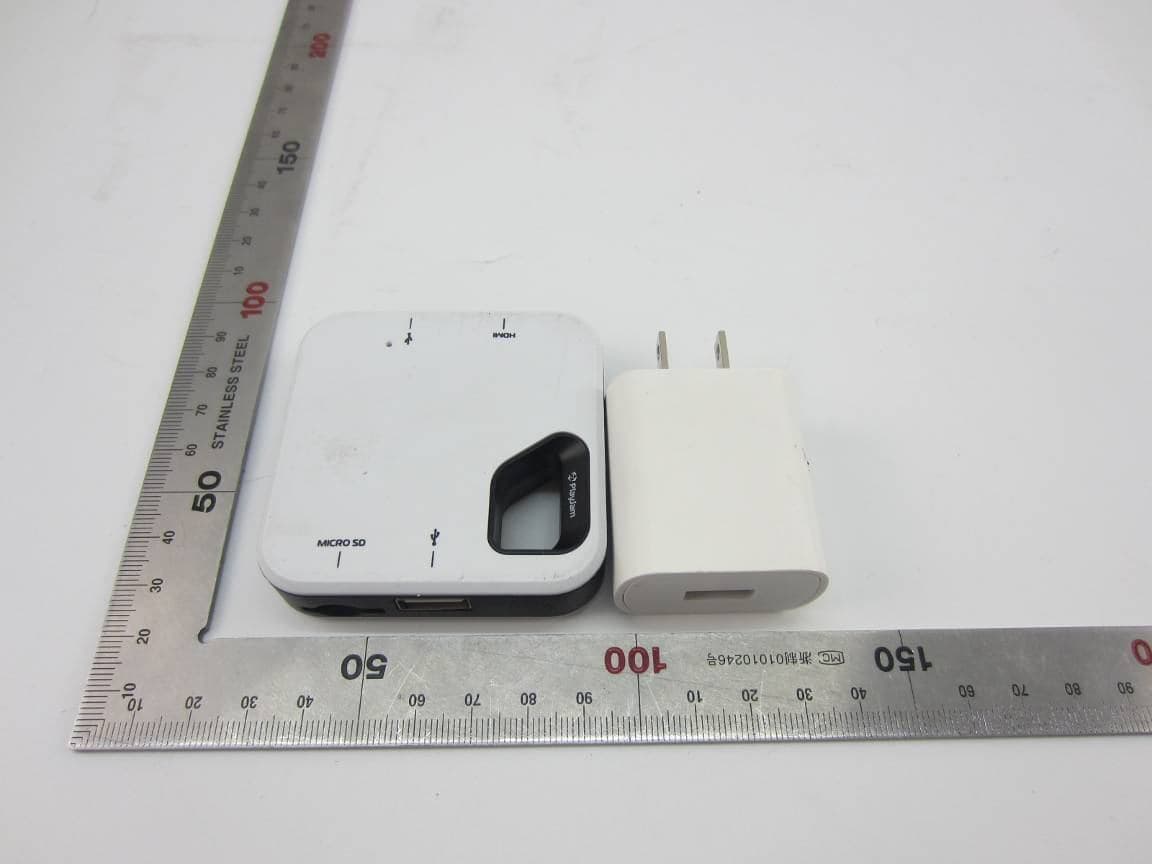
2AATXF1G1001
May 12, 2015Flare1GConsole
Equipment Class
DTS - Digital Transmission System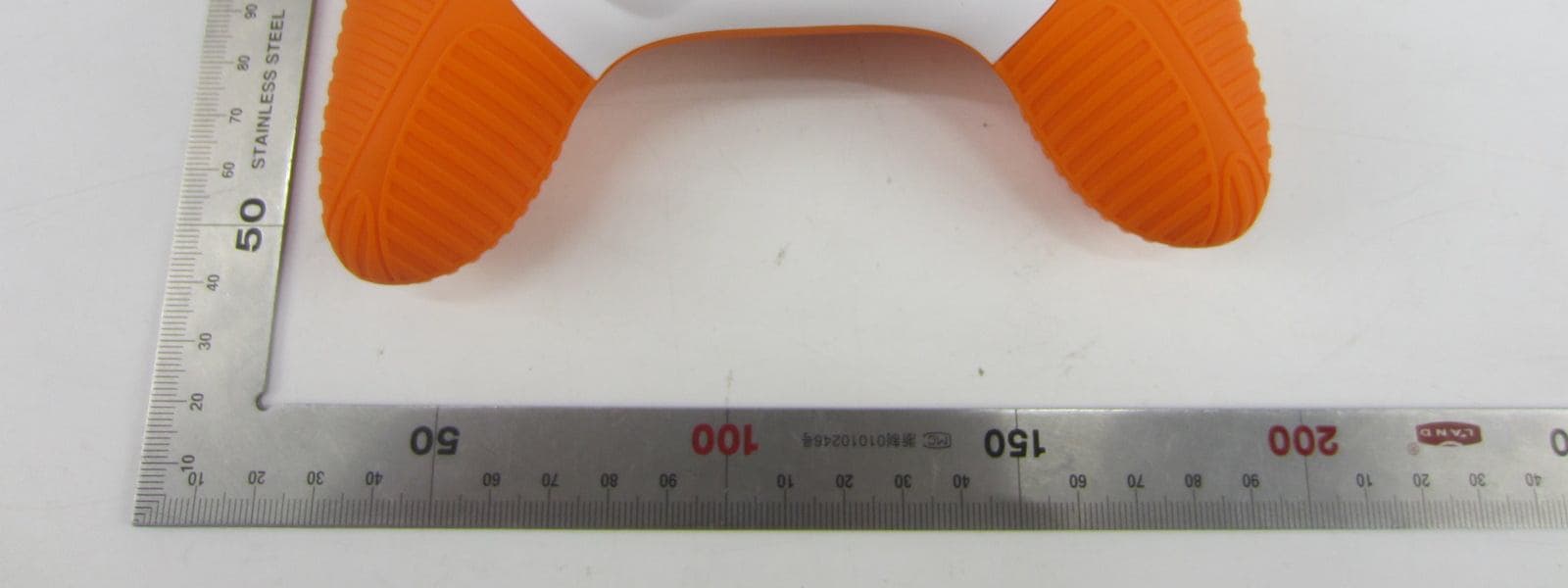
2AATXFC11001
Apr 26, 2015Flare Controller1
Equipment Class
DSS - Part 15 Spread Spectrum Transmitter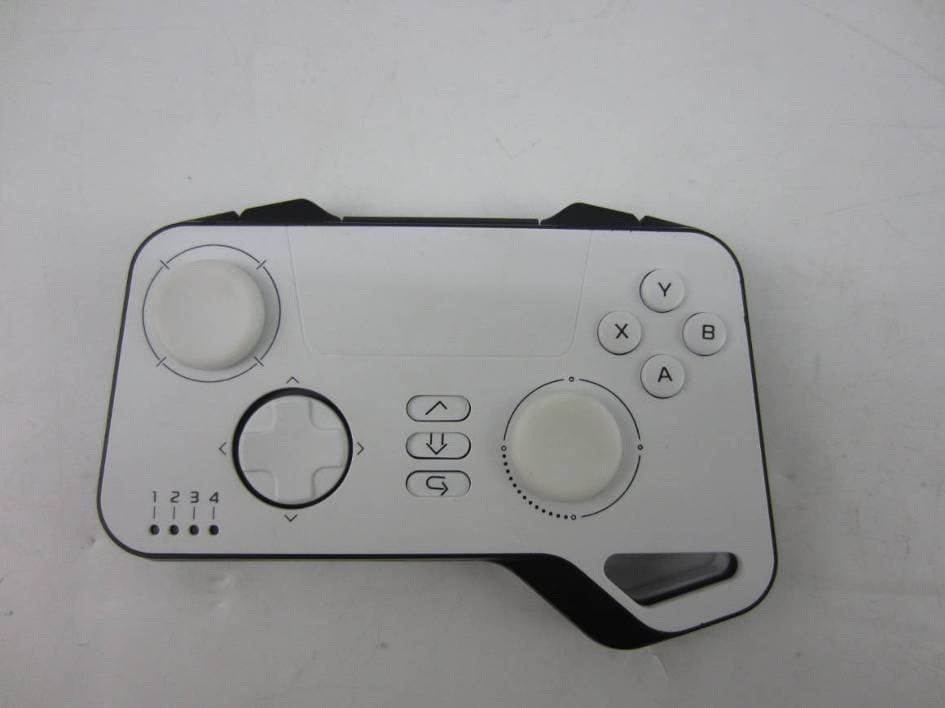
2AATXPJCT002
Feb 04, 2015Playjam Controller
Equipment Class
DXX - Part 15 Low Power Communication Device Transmitter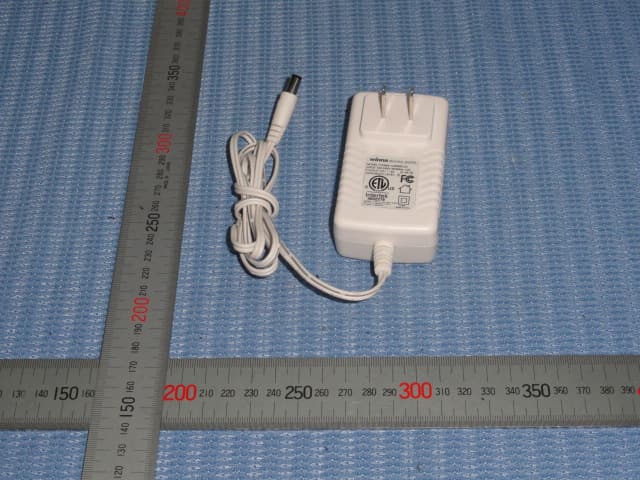
2AATX-GTPJ2369
Sep 29, 2013GameStick Dock
Equipment Class
DTS - Digital Transmission System