2AB48QZ01Wireless computer mouse
Quha Oy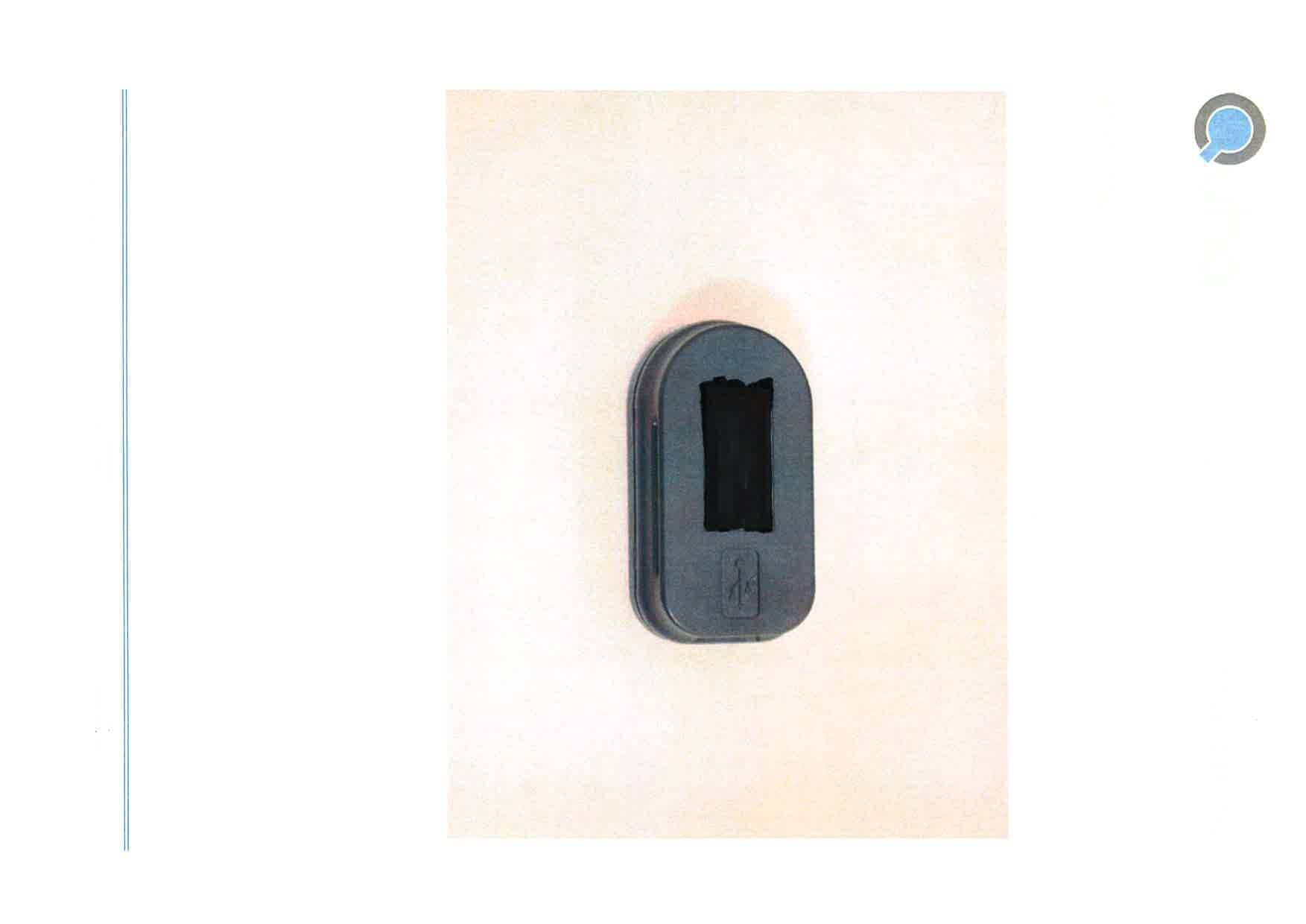
Click to zoom
Application Details
- Equipment Class
- DXX - Part 15 Low Power Communication Device Transmitter
- Date of Grant
- May 25, 2014
- Application Purpose
- Original Equipment
- Date of Application
- May 22, 2014
- Equipment Note
- Wireless computer mouse
- Frequency Range
- 2405.00000000 - 2480.00000000
- Company
- Quha Oy
- Country
- Finland
Documents & Files
Document Text
Text extracted from the exhibit documents filed with the FCC. Open a document above to read the original.
Users Manual
Quha Zono User Manual 2 3 Welcome to Quha Zono mouse. This user manual will guide you through the functions and features of your device. Please read these instructions carefully before using Quha Zono mouse. Mounting bracket USB port Power switch / Indicator light 4 General Quha Zono is a wireless computer mouse which does not require a flat sur- face. The mouse pointer is moved by rotating the mouse. It can be used in any position, and with any moving part of the user’s body. The mouse is fastened to the user’s body with the enclosed clip. The mouse does not require a separate driver or software. Getting started and charging the battery Quha Zono includes a mouse and USB connector. The mouse comes with a rechargeable battery, which needs to be charged before its first use. To charge the battery, connect the mouse to the computer USB port using the enclosed USB cable. When the battery is fully charged, the indicator light on the mouse will turn green. When the battery charge is low, the indicator light will flash red every few seconds. You should charge the battery before its next use. 5 Installing the USB receiver The product comes with a receiver which is connected to the computer’s USB port. The receiver is operational when connected to the USB port. Additional mouse buttons can be connected to the USB receiver. One mouse button is connected directly to the USB receiver and will work as the left button of the mouse. You can add two buttons by connecting the enclosed adapter to the USB receiver. The left mouse button is connected to the silver and the right button to the gold port . Connector for addi- tional buttons USB connector 6 Attaching the mouse and configuration The mouse comes with a clip which can be used to attach the mouse to a flexible band, hat, eyeglasses, sleeve, wrist watch etc. The default configura- tion for the mouse location is is on the right arm of the person’s eyeglasses. There are different types of clips available. Further information about the available accessories can be found at www.quha.com. 7 Using the mouse Quha Zono mouse uses a gyroscopic sensor to detect rotational movement. When the mouse is attached to the arm of the user’s eyeglasses, a turning head will produce the rotational movement detected by the device. Rotation- al movements translate to mouse pointer movements chosen by the user. Moving the mouse pointer is intuitive and adopted in a matter of a few sec- onds. The mouse can be used with any part of the body the user is able to control. Head-control is set as the default configuration. With just one click, you can use the enclosed software to choose many other programmed movements. The mouse can also be programmed to recognise user specific movements. 8 Switching the mouse on and off To turn on the mouse, press the power switch briefly. The indicator light will turn green for a second. To turn off the mouse, press the power switch brief- ly. The indicator light will turn red for a second. After auto turn-off, the mouse is turned on from the power switch. If the mouse pointer moves on the computer screen by itself after switching on, keep the mouse still for a few seconds. The device will automatically remove the additional movement and you can continue using the mouse. 9 Safety The device includes sensitive electronic components and the user should not try to open or service the mouse by themselves. Battery replacement should be done by any manufacturer recommended service points. The device cannot be used when connected to the USB port to charge the battery. This device is for indoor use only. Do not allow the device to get wet. Any modifications not approved by Quha could void the user’s authority to operate the device Compatibility The product is compatible with HID mouse protocol supported computers systems such as Windows Vista, Windows 7, Windows 8, Mac OS X and Linux. Many other operating systems are also HID compatible. 10 Indicator Lights The mouse power switch indicator light provides the device status. Table on page 11 describes the modes. The mouse enters automatic standby mode, if it is not moved within ten seconds. The indicator light turns off in standby mode. The mouse will re- sume from standby mode when it is moved again. Technical Information Measurements: Length 59 mm, width 33 mm, thickness 15 mm, weight 23 g Operating Temperature: +10 °C - +35 °C Storage temperature: +0 °C - +45 °C Wireless connection: 2,45 GHz, range up to 10 meters Battery: LiPo (Lithium Polymer) 240 mAh. Active usage time is about 30 hours, in the automatic standby mode up to 20 days. 11 Colour Indicator Light Status Device Status Green On The batter is fully charged. Green On for a second Power switch has been pressed. Device will turn on. Green Flashes. Flash rate 1 sec. Battery is charging. Green Short flash, every few seconds. The device is operational. Red On for a second Power switch has been pressed. Device will turn off. Red Short flash, every few seconds. The device is operational. Battery charge is low. Red Flashes fast for a minute. The device has a fault. Call for service. - Turned off. The device is turned off or in automatic standby mode. 12 PC Software Device settings can be changed using the PC Software. The mouse will work at the default settings without the software but we recommend that you in- stall the PC software and configure your personal settings. The software will run on computers installed with the latest Windows operating systems. Software installation Install the PC software from the enclosed CD. The installation program starts when the disc is inserted to the CD-ROM drive. If the installation pro- gram does not start automatically you can run setup.exe program manually and follow the on-screen instructions. When the installation is complete, you will have two programs on your com- puter; Quha Zono Initialisation and Quha Zono Settings. The motion config- uration is set with Quha Zono Initialisation program; any other set…
Text truncated - open the document above for the full version.
External Photos
CONFIDENTIAL QUHA OY EU VAT: FI24601425 Pirkkalaistie 1 FIN 37100 Nokia Finland www.quha.com [email protected] QUHA ZONO FCC: 2AB48QZ01 IC: 11870A-QZ01 EXTERNAL PHOTOS CONFIDENTIAL QUHA OY EU VAT: FI24601425 Pirkkalaistie 1 FIN 37100 Nokia Finland www.quha.com [email protected] TOP CONFIDENTIAL QUHA OY EU VAT: FI24601425 Pirkkalaistie 1 FIN 37100 Nokia Finland www.quha.com [email protected] FRONT CONFIDENTIAL QUHA OY EU VAT: FI24601425 Pirkkalaistie 1 FIN 37100 Nokia Finland www.quha.com [email protected] LEFT CONFIDENTIAL QUHA OY EU VAT: FI24601425 Pirkkalaistie 1 FIN 37100 Nokia Finland www.quha.com [email protected] BACK CONFIDENTIAL QUHA OY EU VAT: FI24601425 Pirkkalaistie 1 FIN 37100 Nokia Finland www.quha.com [email protected] RIGHT
RF Exposure Info
SAR EXCLUSION JUSTIFICATION Manufacturer Quha Oy Device Quha Zono FCC ID 2AB48QZ01 SAR EXCL USI ON JUSTI FIC ATI ON Guidance document reference: KDB447498 D01 General RF Exposure Guidance v05r02, page 11, paragraph 4.3.1(1). The 1-g and 10-g SAR test exclusion thresholds for 100 MHz to 6 GHz at test separation distances ≤ 50 mm are determined by: [(max. power of channel, including tune-up tolerance, mW) / (min. test separation distance, mm)] * [√f(GHz)] ≤ 3.0 for 1-g SAR and ≤ 7.5 for 10-g extremity SAR, where • f (GHz) is the RF channel transmit frequency in GHz • Power and distance are rounded to the nearest mW and mm before calculation • The result is rounded to one decimal place for comparison • 3.0 and 7.5 are referred to as the numeric thresholds in the step 2 below The test exclusions are applicable only when the minimum test separation distance is ≤ 50 mm and for transmission frequencies between 100 MHz and 6 GHz. When the minimum test separation distance is < 5 mm, a distance of 5 mm according to 5) in section 4.1 is applied to determine SAR test exclusion. These test exclusion conditions are based on source-based time-averaged maximum conducted output power of the RF channel requiring evaluation, adjusted for tune-up tolerance, and the minimum test separation distance required for the exposure conditions. CALC UL ATI ON S AND A SSUM PTI ONS Since the exact distance from the body may vary during use the worst possible distance where the device is in direct contact with the skin will be chosen as test separation distance in calculations. In this condition the antenna is 5 mm away from the body. Power with tune-up: , where E is the average value of field strength. Actual evaluation: √ CON CLU SIO N The analysis shows that the device qualifies for exemption from SAR testing. Date: May 6, 2014
Test Report
SGS Fimko EMC Oy Perkkaantie 11 P.O. Box 19 FI-02601 Espoo t +358 (0)42 454 541 www.sgs.fi Member of the SGS Group (SGS SA) TEST REPORT Date: ESPOO 24.03.2014 Page: 1 (18) Appendices Date of handing in: 19.03.2014 Number: 275987A No. 1 / 1 Tested by: Pekka Kälviäinen, Test Engineer Reviewed by: Timo Hietala, Test Specialist SORT OF EQUIPMENT: 2.4 GHz Transceiver MARKETING NAME: TYPE: Quha Zono MANUFACTURER: Quha Oy CLIENT: Quha Oy ADDRESS: Pirkkalaistie 1, FI-3700 Nokia, Finland TELEPHONE: +358 (0)400 339655 TEST LABORATORY: Nemko Oy FCC REG. NO. 359859 October 25, 2013 IC FILE NO. 2040F-1 November 22, 2012 SUMMARY: In regard to the performed tests the equipment under test fulfils the requirements defined in the test specifications, see page 2 for details The test results are valid for the tested unit only. Without a written permission of SGS Fimko EMC Oy it is allowed to copy this report as a whole, but not partially. Version f1.0 3 Type: Quha Zono Test report: 275987A Page 2 (18) Date 24.03.2014 Summary of performed tests and test results Section in CFR 47 Section in RSS-GEN or RSS-210, Issue 8 Result 15.249 (a) A2.9 Field strength of fundamental PASS 15.249 (d)(e), 15.209 A2.9 Band-edge compliance of RF emissions PASS 15.249 (d)(e), 15.209 A2.9 Spurious radiated emissions PASS 15.215 - 20 dB bandwidth X - 4.6.1 99% bandwidth X 15.207 7.2.2 AC power line conducted emissions N.A. Explanations: PASS The EUT passed that particular test. FAIL The EUT failed that particular test. N.A. The test not applicable, battery operated equipment X The measurement was done, but there is no applicable performance criteria. Disclaimer This test report is issued under SGS Fimko general terms of delivery (available on request and accessible at www.fi.sgs.com). Attention is drawn to the limitations of liability, indemnification and jurisdictional issues defined therein. Unless otherwise stated: (a) the results shown in this document refer only to the sample(s) tested and (b) such sample(s) are retained for three months. This document cannot be reproduced except in full, without prior approval of SGS Fimko. Any unauthorized alteration, forgery or falsification of the content or appearance of this report is unlawful and offenders may be prosecuted to the fullest extent of the law. Type: Quha Zono Test report: 275987A Page 3 (18) Date 24.03.2014 Contents Summary of performed tests and test results .......................................................................................... 2 1. EUT and Accessory Information ......................................................................................................... 4 1.1 EUT description ........................................................................................................................ 4 1.2 EUT and accessories ................................................................................................................ 4 1.3 Additional information related to testing ................................................................................... 4 2. Test setups .......................................................................................................................................... 5 3. Standards and measurement methods ............................................................................................... 6 4. Test results .......................................................................................................................................... 6 4.1 Field strength of fundamental ................................................................................................... 6 4.1.1 EUT operation mode ................................................................................................................. 6 4.1.2 Test method and limit ............................................................................................................... 6 4.1.3 Test results ............................................................................................................................... 7 4.2 Band-edge compliance of RF emissions .................................................................................. 8 4.2.1 EUT operation mode ................................................................................................................. 8 4.2.2 Test method and limit ............................................................................................................... 8 4.2.3 Test results ............................................................................................................................... 9 4.3 Spurious radiated emission .................................................................................................... 11 4.3.1 EUT operation mode ............................................................................................................... 11 4.3.2 Test method and limit ............................................................................................................. 11 4.3.3 Test results ............................................................................................................................. 13 4.4 20 dB and 99% bandwidths .................................................................................................... 14 4.4.1 EUT operation mode ............................................................................................................... 14 4.4.2 Test method and limit ............................................................................................................. 14 4.4.3 Test results ............................................................................................................................. 14 4.5 Duty cycle correction factor, Transmit time in 100 ms ............................................................ 16 4.5.1 Test data .............................................................................................…
Text truncated - open the document above for the full version.
Test Setup Photos
Type: Quha Zono S/N: 838861062, 838861061, 838861063 Appendix to Test report: 275987A Photographs Photograph 1. Radiated spurious emission test.
Contact Information
Applicant
Jussi Kujanpaa(Managing director)
Technical Contact
Non-Technical Contact
Quha OyJussi Matti Kujanpaa
[email protected]358503515141
Test Firm
SGS Fimko LtdJari Merikari
Technical Specifications
| # | Rule Parts | Frequency Range | Power Output |
|---|---|---|---|
| 1 | 15C | 2.40 GHz - 2.48 GHz | - |
Other Applications from Quha Oy
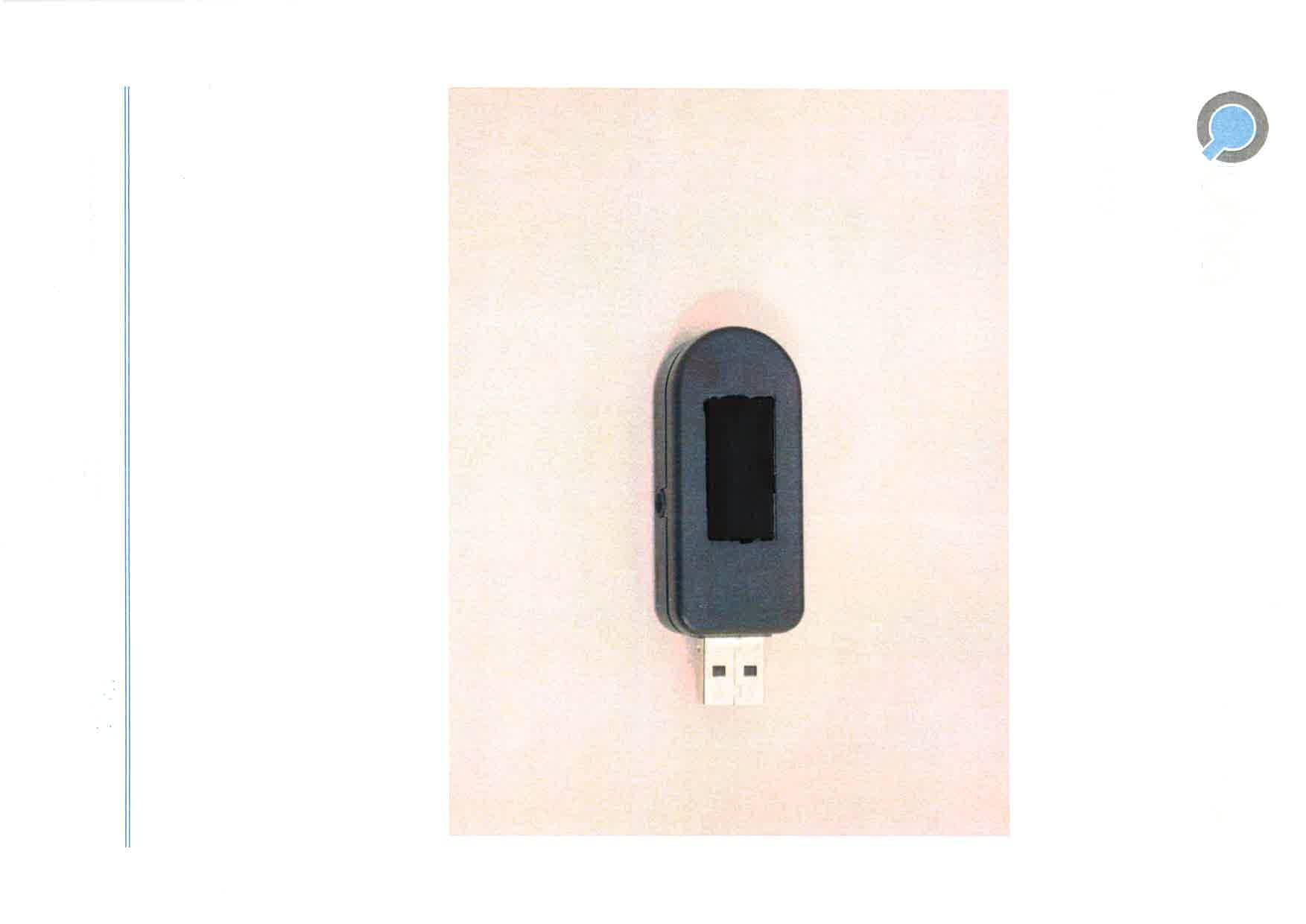
2AB48UR01
May 25, 2014Wireless computer mouse
Equipment Class
DXX - Part 15 Low Power Communication Device Transmitter