2ACNGQA1010TABLET PC
Colmei Technology International Limited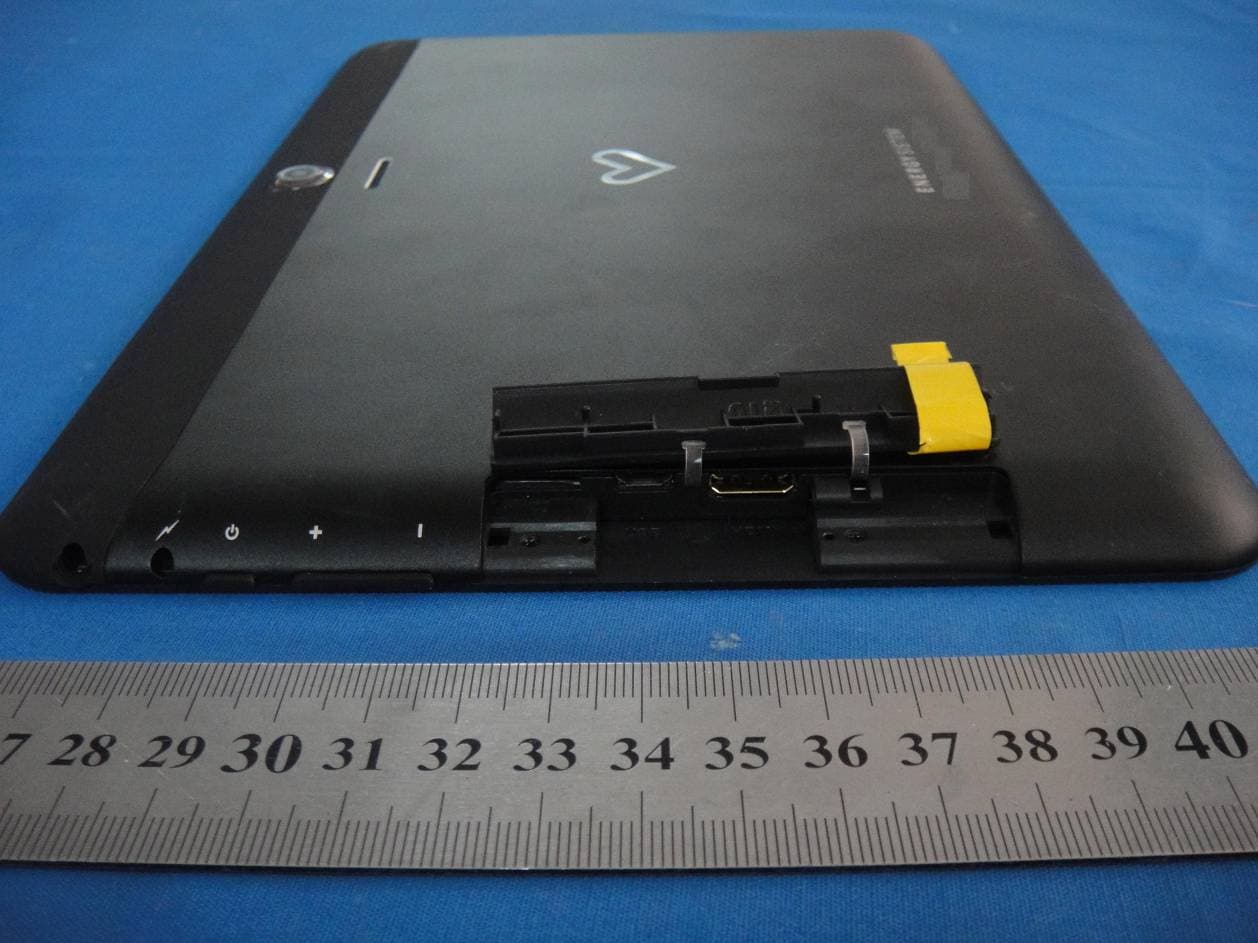
Click to zoom
Application Details
- Equipment Class
- DXX - Part 15 Low Power Communication Device Transmitter
- Date of Grant
- Jul 05, 2014
- Application Purpose
- Original Equipment
- Date of Application
- Jul 05, 2014
- Equipment Note
- TABLET PC
- Frequency Range
- 2402.00000000 - 2480.00000000
- Country
- China
Documents & Files
Document Text
Text extracted from the exhibit documents filed with the FCC. Open a document above to read the original.
Users Manual
User Operating Manual QA1010 Manufacturer: Shenzhen Crave Communication Co.,LTD Address: 3rd Floor, 8th Block, Dongfangming Industry Park, 33rd Baoan District, Shenzhen Contents Contents ....................................................................................................................................... - 2 - 1 Brief introduction for MID product ...........................................................................................1 1.1 Diagram for MID complete machine ...............................................................................1 1.2 Introduction to accessories of MID..................................................................................2 2 Quick start ..................................................................................................................................3 2.1 Key function.....................................................................................................................3 2.2 Homepage interface .........................................................................................................3 2.3 Access to application program .........................................................................................4 2.4 Character input.................................................................................................................5 3 Connection Establishment..........................................................................................................7 3.1 WIFI Connection .............................................................................................................7 3.2 Bluetooth Connection ......................................................................................................8 4 Troubleshooting .........................................................................................................................9 1 1 Brief introduction for MID product 1.1 Diagram for MID complete machine front view: Figure 1-1 2 underside view: Figure 1-2 1.2 Introduction to accessories of MID Packing list The following articles are included in your packing box of MID: z Complete machine of MID z Power adaptor z USB connecting line z User’s manual 3 2 Quick start 2.1 Key function Descriptions for key function: Power key z Press this key for a long time to start up z Under starting up state, press this key for a long time to pop up shutdown option z Under starting up state, press this key to close the screen z Under starting up state or when breakdown appears, press the power key for 7 seconds to make your device enter into shutdown state Vo l u m e k e y z Press it can increase or decrease machine volume 2.2 Homepage interface All application programs on the machine will be displayed on the main menu screen. You may use application program, shortcut and user-defined mode to set wallpape of your homepage interface 4 Figure 2-1 2.3 Access to application program How to visit aplication program of MID: 1. Please click application program menu. As shown in Figure 3-5. 2. Select the application program you want to visit. 3. If you want to exit the program interface, press the return key to the last interface, or press the homepage key to return homepage interface directly. wallpapers Connection state Application program menu Search bar Notice bar 5 Figure 2-2 2.4 Character input Use screen keyboard When you start the program or select text edit box needing to input characters or numbers, screen keyboard will show. The following input methods are provided for the keyboard to select. 1. Android keyboard 2. Input method of a third party (user can install them by himself) Select the input method you need to use According to presetting, MID will display Android keyboard when you want to inut characters. 1. Press menu key in homepage interface, then click setting. 2. Click language and keyboard. APPS WIDGETS 6 3. All of the input methods already installed on your MID will be listed in the text setting region. 4. Select the input method you want.. Use and switch input method 1. In the character input interface, click keyboard icon under the status bar, until popping up of editing text menu. 2. Select input method you need. Figure 2-3 1 Switch input capital and small letters 2 Switch character input mode and symbol/figure input mode 3 Click to insert space 4 Click to execute carriage return 5 Click and press on to delete characters on the left of the cursor ① ③ ⑤ ④ ② 7 3 Connection Establishment 3.1 WIFI Connection Your MID can be connected onto Wi-Fi network to connect the operation: 1. On the homepage interface, click and select the meun key and pop up the meun setting; 2. Click and select the System Setting; 3. Click Wi-Fi and open wi-fi switch; 4. After openingWi-Fi, the searched Wi-Fi network can be scanned automatically from the equipment in the windows on the right. 5. Select the Wi-Fi network required to be connected, if the password is added, pop up the password input windows and input the corresponding password. 6. Click the Connection Figure 3-1 Advanced Wifi setting option Click here and select WIFI network 8 3.2 Bluetooth Connection Application of bluetooth (Figure 3-2) 1. Setting procedure of entering into bluetooth: set -> bluetooth set, open the bluetooth equipment 2. Name of equipment: you can randomly change the name of bluetooth for your MID by pressing Menu key. 3. Detectability: open this function by clicking the place for name of bluetooth, which indicates that your MID bluetooth can be searched by other bluetooth equipments, this default time for this opening is of 120 seconds. 4. Scan and look for equipment: you can detect the equipment desired to be connected by utilizing this function. 5. Bluetooth: after employing the scan to look for the equipment, all bluetooth equipments searched by your MID can display under this function. Figure 3-2 Click this scan to search for the equipment Click this and open the detectability function 9 4 Tr…
Text truncated - open the document above for the full version.
Cover Letter(s)
Colmei Technology International Limited 2nd Floor, 8th Block,Dongfangming Industry park,33rd Baoan District,Shenzhen Confidentiality Request Letter Page 1 of 1 Rev 2.0 June 26, 2014 To: Federal Communications Commission Authorization and Evaluation Division 7435 Oakland Mills Road Columbia, MD Permanent Confidentiality Request Confidentiality Request regarding application for certification of FCC ID: 2ACNGQA1010 We hereby request confidential treatment of information accompanying this application as outlined below: - Block Diagram - Operational Description - Schematic - Tune up Procedure The above materials contain trade secrets and proprietary information not customarily released to the public. The public disclosure of these materials may be harmful to the applicant and provide unjustified benefits to its competitors. The applicant understands that pursuant to Section 0.457 & 0.459 of the Rules, disclosure of this application and all accompanying documentation will not be made before the date of the Grant for this application. Sincerely, Client’s signature: Client’s name / title: Wilson Wan/ Manager Contact information / address: 2nd Floor, 8th Block,Dongfangming Industry park,33rd Baoan District,Shenzhen TEL: 86-755-33051999-8039 FAX: 86-755-29112836 E-mail: [email protected]
External Photos
External Photo
ID Label/Location Info
FCC Certification Label FCC ID: 2ACNGQA1010 Label Location on EUT label size:high 1cm, Wide:2 cm EUT View/ FCC ID Label Location
Internal Photos
Internal Photo WIFI/BTAntenna
Test Report
FCC PART 15.249 EMI MEASUREMENT AND TEST REPORT For Colmei Technology International Limited 2nd Floor, 8th Block,Dongfangming Industry park,33rd Baoan District,Shenzhen FCC ID: 2ACNGQA1010 June 27, 2014 This Report Concerns: Original Report Equipment Type: TABLET PC Test Engineer: Lisa Chen Report No.: BSL13071013c Receive EUT Date/Test Date: June 12, 2014 / June 12- June 27, 2014 Reviewed By: Sky Zhang Prepared By: BSL Testing Co.,LTD. NO. 24, ZH Park, Nantou, Shenzhen, 518000 China Tel: 86- 755-26508703 Fax: 86- 755-26508703 Note: The test report is specially limited to the above company and this particular sample only. It may not be duplicated without prior written consent of BSL Testing Co.,LTD. This report must not be used by the client to claim product certification,approval,or endorsement by NVLAP, NIST or any agency of the US Government. FCC ID: 2ACNGQA1010 BSL13071013c Page 2/25 TABLE OF CONTENTS 1. GENERAL INFORMATION ....................................................................................................3 1.1. Report information ............................................................................................................3 1.2. Measurement Uncertainty .................................................................................................3 2. PRODUCT DESCRIPTION ......................................................................................................4 2.1. EUT Description ...............................................................................................................4 2.2. Block Diagram of EUT Configuration..............................................................................5 2.3. Support Equipment List ....................................................................................................5 2.4. Test Conditions .................................................................................................................5 3. TEST RESULTS SUMMARY ...................................................................................................6 Modifications ................................................................................................................................6 4. TEST EQUIPMENT USED .......................................................................................................7 5. ANTENNA REQUIREMENT ...................................................................................................8 5.1. Standard Applicable..........................................................................................................8 5.2. Antenna Connected Construction .....................................................................................8 5.3. Result ................................................................................................................................8 6. CONDUCTED POWER LINE TEST .......................................................................................9 6.1. Test Equipment .................................................................................................................9 6.2. Test Procedure ..................................................................................................................9 6.3. Test Setup..........................................................................................................................9 6.4. Conducted Power line Emission Limits............................................................................9 6.5. Conducted Power Line Test Result.................................................................................10 7. RADIATED EMISSION TEST ...............................................................................................12 7.1. Test Equipment ...............................................................................................................12 7.2. Test Procedure ................................................................................................................12 7.3. Radiated Test Setup ........................................................................................................12 7.4. Radiated Emission Limit.................................................................................................14 7.5. Radiated Emission Test Result .......................................................................................15 8. BAND EDGE .............................................................................................................................20 8.1. Test Equipment ...............................................................................................................20 8.2. Test Procedure ................................................................................................................20 8.3. Band Edge FCC 15.249(d) Limit ....................................................................................20 8.4. Band Edge Test Result ....................................................................................................21 9. 20-DB BANDWIDTH ...............................................................................................................22 9.1. Test Equipment ...............................................................................................................22 9.2. Test Procedure ................................................................................................................22 9.3. Limit................................................................................................................................22 9.4. Test Result /Plots ............................................................................................................22 FCC ID: 2ACNGQA1010 BSL13071013c Page 3/25 1. GENERAL INFORMATION 1.1. Report information 1.1.1.This report is not a certificate of quality; it only applies to the sample of the specific product/equipment given at the time of its testing. The r…
Text truncated - open the document above for the full version.
Test Setup Photos
Conducted emissions test Radiated emissions test
Contact Information
Applicant
Wilson Wan(Manager)
Test Firm
BSL Testing Co.,LTD.Boss Deng
Technical Specifications
| # | Rule Parts | Frequency Range | Power Output |
|---|---|---|---|
| 1 | 15C | 2.40 GHz - 2.48 GHz | - |
Other Applications from Colmei Technology International Limited
2ACNGQR1001
Feb 10, 2015TABLET PC
Equipment Class
DTS - Digital Transmission System
2ACNGDA701
Feb 10, 2015TABLET PC
Equipment Class
DSS - Part 15 Spread Spectrum Transmitter
2ACNGQA701
Jan 29, 2015TABLET PC
Equipment Class
DTS - Digital Transmission System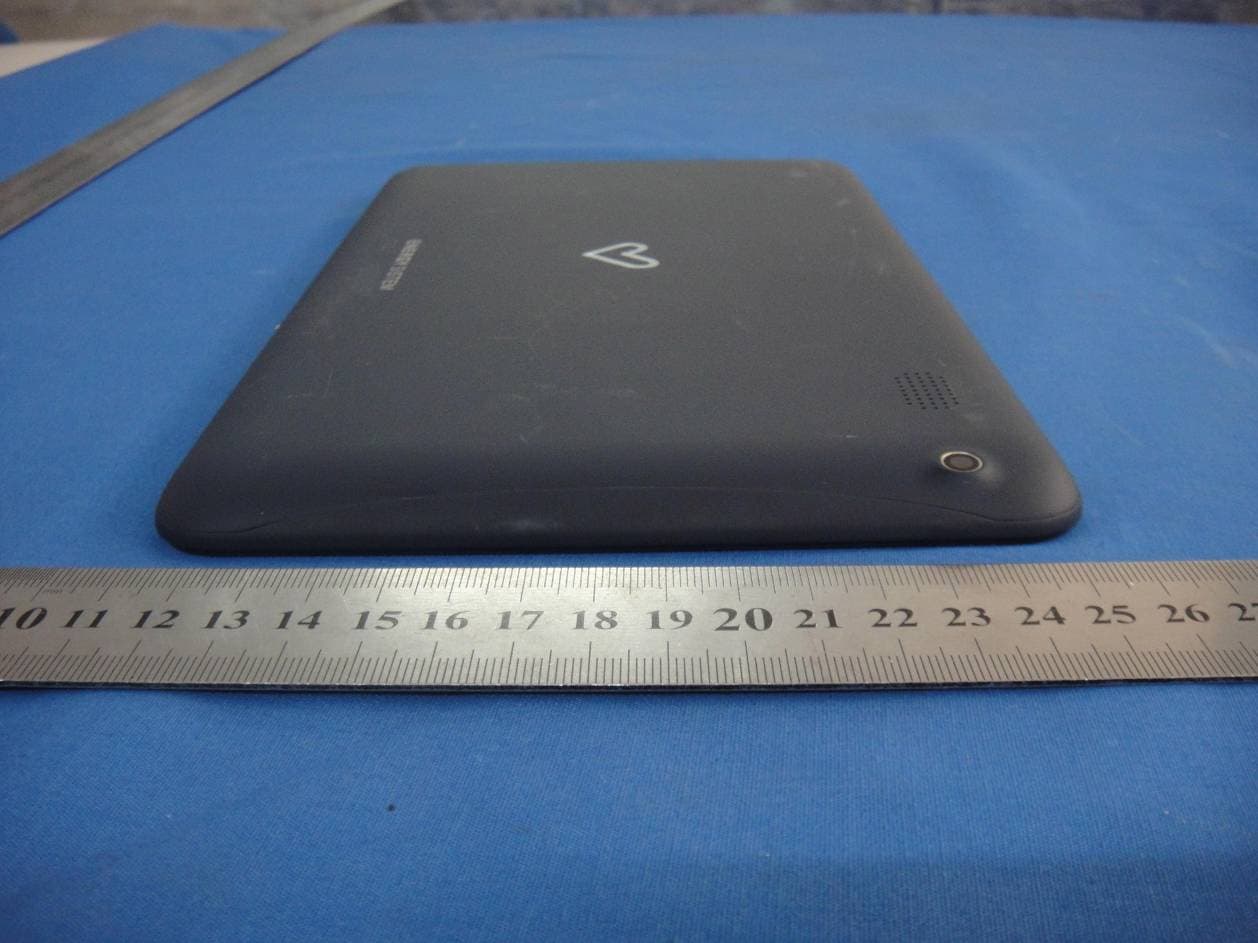
2ACNGQA910
Jul 07, 2014TABLET PC
Equipment Class
DXX - Part 15 Low Power Communication Device Transmitter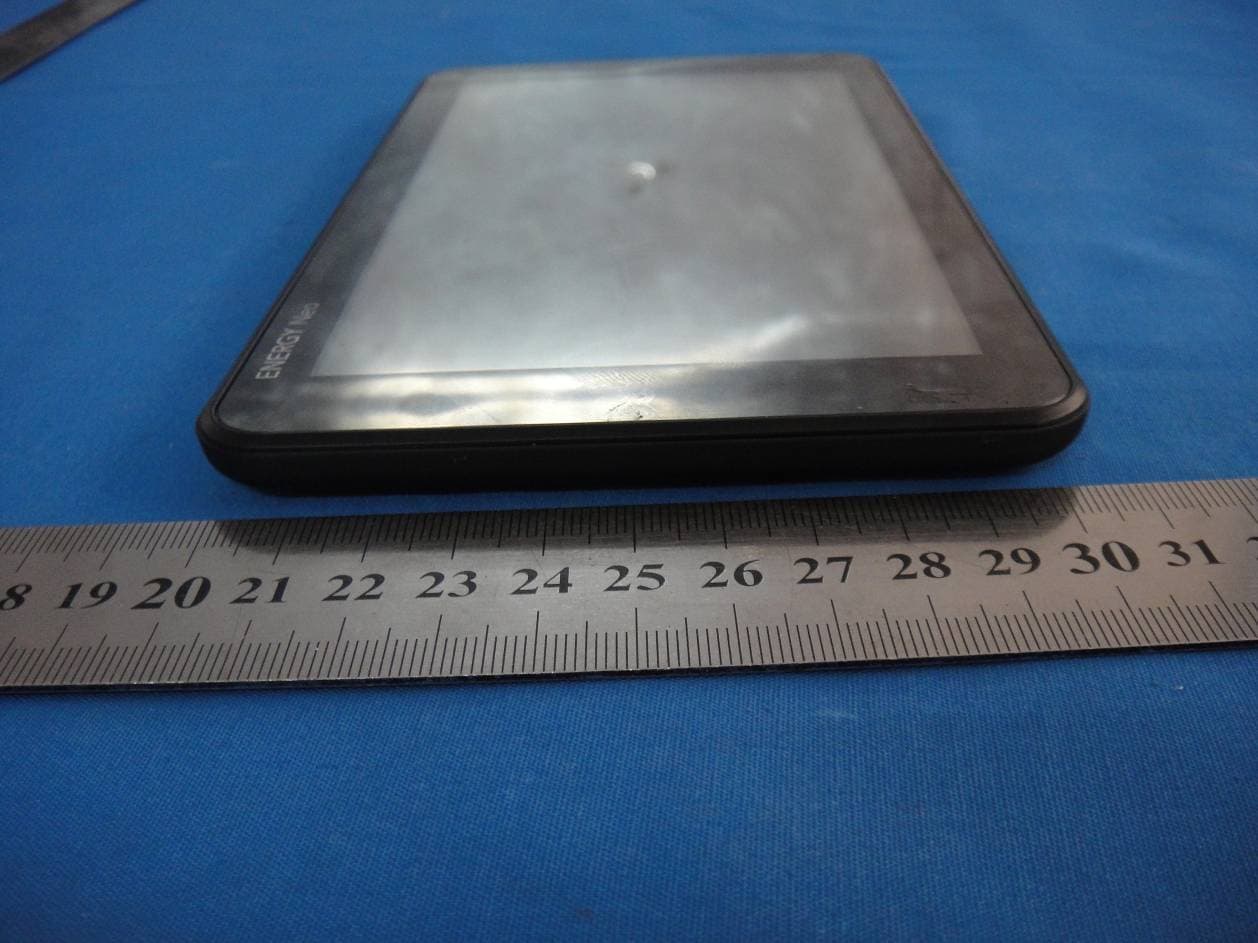
2ACNGDR710
Jul 02, 2014TABLET PC
Equipment Class
DTS - Digital Transmission System