2ACYPYN560-TXManual Flash Controller
SHENZHEN YONGNUO PHOTOGRAPHIC EQUIPMENT CO., LTD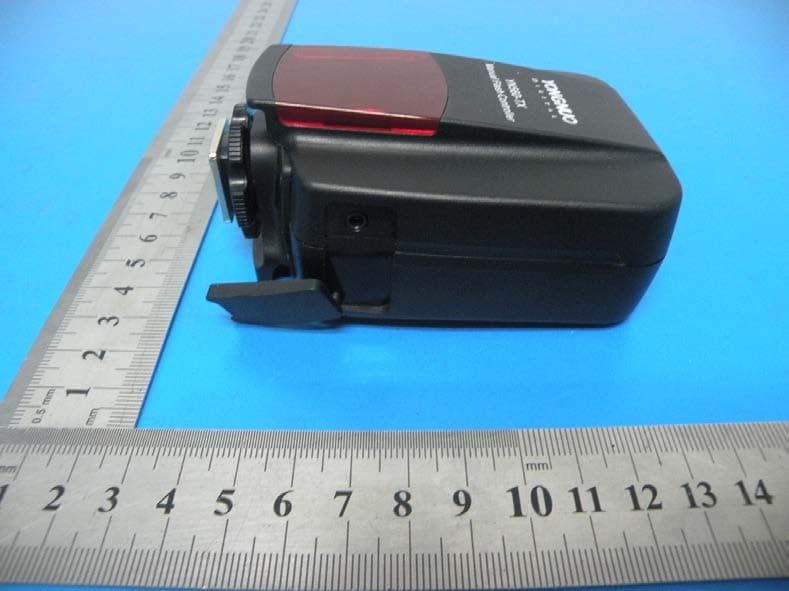
Click to zoom
Application Details
- Equipment Class
- DXX - Part 15 Low Power Communication Device Transmitter
- Date of Grant
- Aug 21, 2014
- Application Purpose
- Original Equipment
- Date of Application
- Aug 21, 2014
- Equipment Note
- Manual Flash Controller
- Frequency Range
- 2402.50000000 - 2456.50000000
- Country
- China
Documents & Files
Document Text
Text extracted from the exhibit documents filed with the FCC. Open a document above to read the original.
Users Manual
Supports all the YONGNUO YN560 III Flashes Released since January of 2013 Two Flash Modes: M/Multi Remote control of Flash Output and Zoom per group, up to 6 groups. Compatible with RF602/RF603/RF603 II 16 Channels Large and Clear Screen, User Friendly Interface. Transmission Range: 100 Meters. Wireless Shutter Receiver of RF603/RF603 II vPlease activate the group function of YN560-III with YN560-TX before use, and then remote control the flash mode (flash output) and zoom setup of each group with this controller YN560-TX. It's no need to operate directly on the flash. The flash screen will synchronously display the parameter which is set on the corresponding group of the controller. 1).Install two AA batteries. 2).Install this controller on the hot-shoe of the camera. 3).Turn on the power, and the power indicator light will light. 4).Communication mode (RF602/RF603) setup: Long press [Hz/FN] button, the screen will display the current communication mode of the transceiver this controller is compatible with. The communication mode can be set as RF602 or RF603. Press [OK] button to save and exit. 1).Set communication mode and channel: Set YN560 III as RX slave flash mode, and set its communication mode (RF602/RF603)and channel same as YN560-TX. 2).Activate group function of the flash: Press [ZOOM/CH] button and [Hz/FN] button on the controller simultaneously, the controller will display ACT (ACTIVATE); when the display screen of the flash displays as shown in the picture, press [OK] button on the flash, the group function of YN560 III will be activated. 3).Set flash groups: Press [MODE] button and [TRIG MODE] button on the flash simultaneously to set the flash groups (A-F). 1). Long pressing [ ] button to switch the page of A/B/C group or the page of D/E/F group. M mode: Adjust the flash output of the current group from 1/128 to 1/1 by pressing [RIGHT] button or [LEFT] button; fine tune the flash output (+0.3, +0.7) by pressing [UP] button or [DOWN] button. Multi Mode: Adjustment range of flash output is 1/128-1/4. Enter the zoom setup mode by short pressing [ZOOM/CH] button (setting range is 24-105MM), then save the settings and exit by short pressing [ZOOM/CH] button or [OK] button. 1). Test flash Press [TEST] button on this controller to test flash. 2). Shoot with YN560-TX(Wireless Triggering) When half pressing shutter release button on the camera, this controller will give a wake-up signal, the signal indicator light of this controller turns green and the signal indicator light of the flash turns blue. When full pressing shutter release button on the camera, Yn560 III will flash according to the mode (flash output) set on YN560-TX controller and the signal indicator lights of this controller and the flash turn red; when triggering RF602/RF603/RF603II, the flash output should be adjusted manually on the flash. The settings displayed on the flash are subject to the final settings set on the flash or this controller. Product Type: FSK 2.4G wireless controller Distance: 100M Wireless Channel: 16 Flash Mode: M/Multi Group Control: A/B/C/D/E/F Zoom Range: 24-105MM Shutter Interface: 2.5mm shutter interface Battery Type: AA*2 Stand-by Time: 120 hours Dimensions: 70mm*97.5mm*43mm Net Weight: 98g The functions of this manual are based on test conditions of our company. Further notice will not be given if the design and specifications change. The YONGNUO logo in this manual includes the registered trademark or trademark of SHENZHEN YONGNUO PHOTOGRAPHY EQUIPMENT Co., Ltd in China or/and other countries (regions). All other trademarks are the property of their respective owners. Group: A-F Channel:1-16 Flash Count Frequency Flash mode:M/Multi Flash output/zoom Flash output fine tune 1.The flash can't be triggered. 1).Check if the communication mode of this controller is set into the same mode as the flash (transceiver). 2).Check if the channel of this controller is set into the same channel as the flash (transceiver). 2. The flash groups of YN560 III can't be set. Re-activate the flash group of YN560 III with YN560-TX. Flash on the transceiver can be triggered synchronously. RF603 II should be set in “TRX” state. ①Status indicator light: Green light when waking up (focusing); red light when triggering (shutter). ②Display screen: Displays the current functions status clearly and visually. ③MODE: To set flash modes (M/Multi/- -). ④ : To elect groups (A/B/C/D/E/F). ⑤Interface for shutter release: To implement wireless shutter release function with a shutter release cable connected. ⑥Test button/Power indicator light: When turns on the power, the power indicator light will light on; press this button to test flash. ⑦Zoom/CH: Short press this button to adjust zoom settings (24-105MM); long press this button to set channels (1-16). ⑧Hz/FN: short press this button to adjust multi flash count or multi flash frequency; long press this button to set communication modes (RF602/RF603). ⑨Power switch: ON/OFF. ⑩Select/Setup button group: To set various parameter, [LEFT] button is to reduce, [RIGHT] button is to increase, [UP] button or [DOWN] button is to fine tune, and [OK] button in the middle is to confirm. More suitable for Canon cameras More suitable for Nikon cameras Press [MODE] button and [ZOOM/CH] button simultaneously till CLA (CLEAR) appeared on the display screen to restore factory settings of this controller. This controller supports using RF603/RF603 II transceiver which set in the same channel to wireless remote control shutter. 1).As shown in the picture, connect this controller to the camera shutter socket with a shutter cable(LS-2.5 series). 2).The camera will focus when you half press the multifunction button on the transceiver in hands, and the focusing indicator light will light (green); the camera will shoot when you full press the multifunction button, and the shutter indicator light will light (red). Before this product is connected or installed, please turn off the power o…
Text truncated - open the document above for the full version.
Cover Letter(s)
SHENZHEN YONGNUO PHOTOGRAPHIC EQUIPMENT CO., LTD Federal Communications Commission Equipment Authorization Branch 7435 Oakland Mills Road Columbia, MD 21046 Request for Confidentiality Company name: SHENZHEN YONGNUO PHOTOGRAPHIC EQUIPMENT CO., LTD FCC ID : 2ACYPYN560-TX FCC Part 15 Certification Gentlemen, Pursuant to 47 CFR 0.457(d)(1)(ii) and 0.459 we hereby requests permanent confidentiality of the following documents for the subject application: Exhibit Type Description ☒ Schematics All circuitry of devices and component values ☒ Block Diagrams Details of device showing the frequency of all oscillators ☒ Operational Description Description of the circuit functions Note: Exhibit types that are commonly held confidential are: (1) Schematics, (2) Block Diagrams, (3) Bill Of Materials, (4) Operational Descriptions. Any exhibit NOT granted confidentiality is viewable on the FCC website as soon as a grant is issued. These documents contain detailed system and equipment description and related information about the product which we considers to be proprietary, confidential and a custom design and otherwise would not release to the general public. Since the design is a basis from which future technological products will evolve, we consider that this information would be of benefit to its competitors and that the disclosure of the information in these documents would give competitors an unfair advantage in the market. Yours sincerely, Signatory Name salas Li Position Manager Company Name SHENZHEN YONGNUO PHOTOGRAPHIC EQUIPMENT CO., LTD Address B509 5/F, BUILDING 2, SAIGE SCIENCE AND TECHNOLOGY PARK, NORTH OF HUAQIANG ROAD, FUTIAN, SHENZHEN, CHINA. Tel +86-755-83762448 Fax +86-755-83762765 Email [email protected]
Cover Letter(s)
SHENZHEN YONGNUO PHOTOGRAPHIC EQUIPMENT CO., LTD Date: 16.08.2014 Authority to Act as an Agent We declare that the following representative (agent) Name Mark Zhu Position Manager Company Name Shenzhen Certification Technology Service Co., Ltd. Address 2F, Building B, East Area of Nanchang Second Industrial Zone, Gushu 2 nd Road, Bao’an District, Shenzhen 518126, P.R. China Tel / Fax 0755-86375541/0755-26736857 Email [email protected] to act on our behalf on all matters concerning the application and documents submitted to PHOENIX TEST-LAB for product certification below Product Name Manual Flash Controller Model Name YN560-TX Brand Name YONGNUO . Yours sincerely, Signatory Name salas Li Position Manager Company Name SHENZHEN YONGNUO PHOTOGRAPHIC EQUIPMENT CO., LTD Address B509 5/F, BUILDING 2, SAIGE SCIENCE AND TECHNOLOGY PARK, NORTH OF HUAQIANG ROAD, FUTIAN, SHENZHEN, CHINA. Tel +86-755-83762448 Fax +86-755-83762765 Email [email protected] In case of FCC, we certify that we are not subject to a denial of Federal benefits, that include FCC benefits, pursuant to Section 5301 of the Anti-Drug Abuse Act of 1988, 21 U.S.C. §862 because of a conviction for possession or distribution of a controlled substance.
ID Label/Location Info
Label Location
ID Label/Location Info
Size:5mm*15mm FCC ID: 2ACYPYN560-TX
Internal Photos
Antenna
Test Report
Shenzhen Certification Technology Service Co., Ltd 2F, Building B, East Area of Nanchang Second Industrial Zone, Gushu 2nd Road, Bao'an District, Shenzhen518126, P.R. China. TEST REPORT FCC ID: 2ACYPYN560-TX Applicant : SHENZHEN YONGNUO PHOTOGRAPHIC EQUIPMENT CO., LTD Address : B509 5/F, BUILDING 2, SAIGE SCIENCE AND TECHNOLOGY PARK, NORTH OF HUAQIANG ROAD, FUTIAN, SHENZHEN, CHINA . Equipment under Test (EUT): Name : Manual Flash Controller Model : YN560-TX Standards : FCC PART 15, SUBPART C : 2013 (Section 15.249) Report No. : CST-TCB140624031 Date of Test : August 03 - 08, 2014 Date of Issue : August 09, 2014 Test Result : PASS * * In the configuration tested, the EUT complied with the standards specified above Authorized Signature (Mark Zhu) General Manager The manufacture should ensure that all the products in series production are in conformity with the product sample detailed in this report. If the product in this report is used in any configuration other than that detailed in the report, the manufacturer must ensure the new system complies with all relevant standards. Any mention of Shenzhen Certification Technology Service Co., Ltd. Or test done by Shenzhen Certification Technology Service Co., Ltd. Approvals in connection with, distribution or use of the product described in this report must be approved by Shenzhen Certification Technology Service Co., Ltd. Approvals in writing. FCC ID: 2ACYPYN560-TX Page 1 of 37 Report No.: CST-TCB140624031 TABLE OF CONTENT Description Page 1 General Information ----------------------------------------------------------------------------------- 3 1.1 Description of Device (EUT) ---------------------------------------------------------------- 3 1.2 Description of Test Facility ------------------------------------------------------------------ 3 2 EMC Equipment List ------------------------------------------------------------------------------- 4 3 Test Procedure ---------------------------------------------------------------------------------------- 5 4 Summary of Measurement ------------------------------------------------------------------------ 6 4.1 Summary of test result ----------------------------------------------------------------------- 6 4.2 Test mode -------------------------------------------------------------------------------------- 6 5 POWER LINE CONDUCTED EMISSION --------------------------------------------------- 8 5.1 Conducted Emission Limits(15.209&249) ------------------------------------------------ 8 5.2 Test Setup -------------------------------------------------------------------------------------- 8 5.3 Test Procedure --------------------------------------------------------------------------------- 9 5.4 Test Results ------------------------------------------------------------------------------------ 9 6 Radiation Emission -------------------------------------------------------------------------------- 10 6.1 Radiation Emission Limits(15.209&249 (a)) -------------------------------------------- 10 6.2 Test Setup ------------------------------------------------------------------------------------- 11 6.3 Test Procedure -------------------------------------------------------------------------------- 12 6.4 Test Equipment Setting For emission test. ----------------------------------------------- 13 6.5 Test Condition -------------------------------------------------------------------------------- 13 6.6 Test Result ------------------------------------------------------------------------------------ 13 7 Occupied bandwidth ------------------------------------------------------------------------------- 19 7.1 Test limit -------------------------------------------------------------------------------------- 19 7.2 Method of measurement -------------------------------------------------------------------- 19 7.3 Test Setup ------------------------------------------------------------------------------------- 19 7.4 Test Results ----------------------------------------------------------------------------------- 19 8 Band Edge Check ---------------------------------------------------------------------------------- 22 8.1 Test limit -------------------------------------------------------------------------------------- 22 8.2 Test Procedure -------------------------------------------------------------------------------- 22 8.3 Test Setup ------------------------------------------------------------------------------------- 22 8.4 Test Result ------------------------------------------------------------------------------------ 22 9 Antenna Requirement ----------------------------------------------------------------------------- 27 9.1 Standard Requirement ----------------------------------------------------------------------- 27 9.2 Antenna Connected Construction ---------------------------------------------------------- 27 9.3 Result ------------------------------------------------------------------------------------------ 27 10 Photographs of Test Setup ------------------------------------------------------------------------ 28 11 Photographs of EUT ------------------------------------------------------------------------------- 30 FCCID: 2ACYPYN560-TX Page 2 of 37 Report No.: CST-TCB140624031 1 General Information 1.1 Description of Device (EUT) Trade Name : YONGNUO EUT : Manual Flash Controller Model No. : YN560-TX D I F F. : N/A Type of Antenna : PCB Antenna, Max. Gain: 1.5dBi Operation Frequency : 2402.5-2456.5MHz Channel number : 16 Modulation type : FSK Power Supply : DC 3V Supply by battery Applicant : SHENZHEN YONGNUO PHOTOGRAPHIC EQUIPMENT CO., LTD Address : B509 5/F, BUILDING 2, SAIGE SCIENCE AND TECHNOLOGY PARK, NORTH OF HUAQIANG ROAD, FUTIAN, SHENZHEN, CHINA . Manufacturer : SHENZHEN YONGNUO PHOTOGRAPHIC EQUIPMENT CO., LTD Address : B509 5/F, BUILDING 2, SAIGE SCIENCE AND TECHNOLOGY PARK, NORTH OF HUAQIANG ROAD, FUTIAN, SHENZHEN, CHINA . 1.2 Description of Test Facility Shenzhen Certification Technology Service Co., Ltd. …
Text truncated - open the document above for the full version.
Test Setup Photos
Photographs-Radiated Emission Test Setup in Chamber Below 1G Above 1G
Contact Information
Applicant
Dong Juan Liao(Project Supervisor)
Test Firm
Shenzhen Certification Technology Service Co., LtdMark Zhu
Technical Specifications
| # | Rule Parts | Frequency Range | Power Output |
|---|---|---|---|
| 1 | 15C | 2.40 GHz - 2.46 GHz | - |
Other Applications from SHENZHEN YONGNUO PHOTOGRAPHIC EQUIPMENT CO., LTD
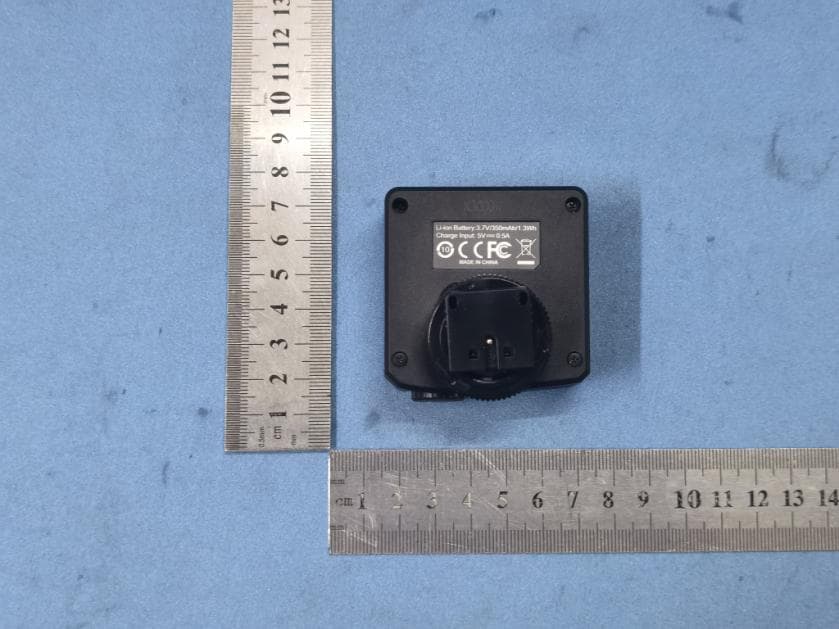
2ACYPYN32TX
Apr 22, 2022Wireless Flash Transmitter
Equipment Class
DXX - Part 15 Low Power Communication Device Transmitter
2ACYPYN600LII
Apr 22, 2022Pro LED Video Light
Equipment Class
DXX - Part 15 Low Power Communication Device Transmitter2ACYPYN685RF
Apr 22, 2022TTL SPEEDLITE
Equipment Class
DXX - Part 15 Low Power Communication Device Transmitter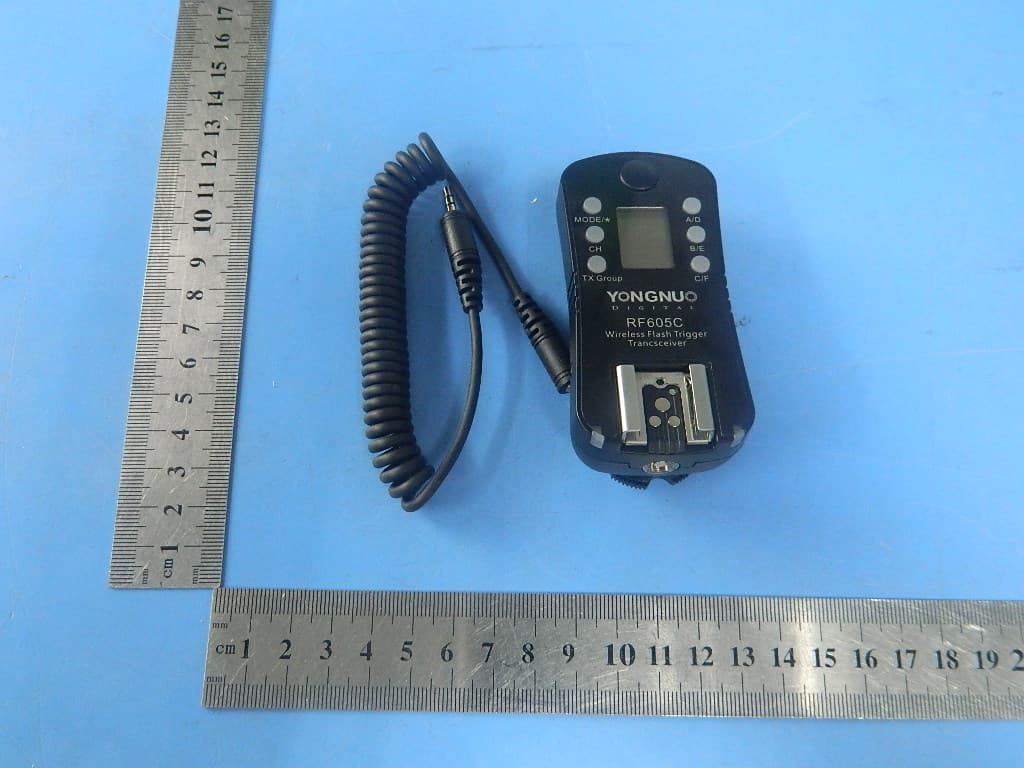
2ACYP-RF605C
Nov 28, 2014Wireless Flash Trigger
Equipment Class
DXX - Part 15 Low Power Communication Device Transmitter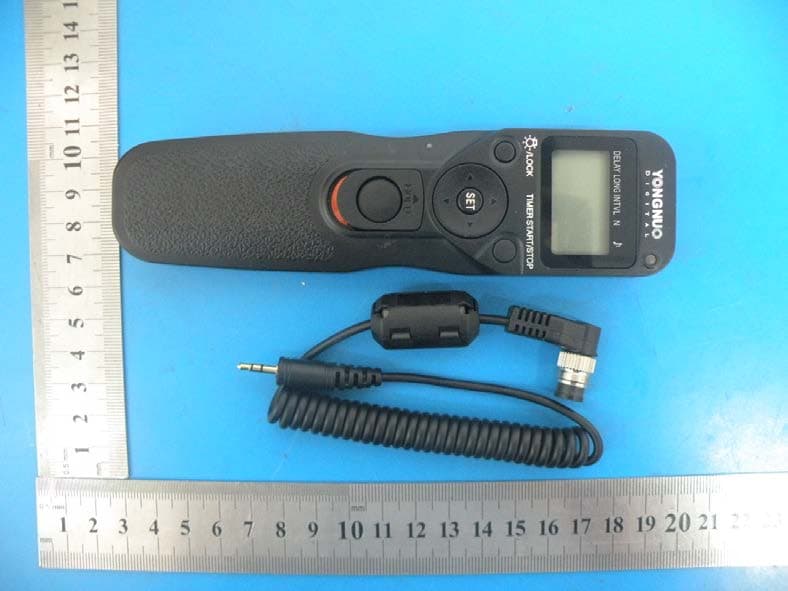
2ACYPMC-36R
Aug 28, 2014Wireless Timer Remote Controller
Equipment Class
DXX - Part 15 Low Power Communication Device Transmitter