2ACZK-PSL-16Wireless Remote Trigger
Gradus Group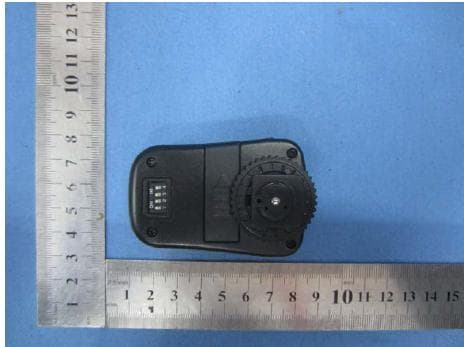
Click to zoom
Application Details
- Equipment Class
- DXX - Part 15 Low Power Communication Device Transmitter
- Date of Grant
- Apr 26, 2015
- Application Purpose
- Original Equipment
- Date of Application
- Apr 26, 2015
- Equipment Note
- Wireless Remote Trigger
- Frequency Range
- 2410.00000000 - 2410.00000000
- Company
- Gradus Group
- Country
- United States
Documents & Files
Document Text
Text extracted from the exhibit documents filed with the FCC. Open a document above to read the original.
Users Manual
2 IPrecautionsI. 3 IV.Package included 4 5 6 7 8 《》Receiver:C series and N series and the sameRECEIVER VII.How to use ALL 1234 ON V.Technical Parameters ALL 1234 ON Manual instruction Remote W ireless Trigger I.Features & Functions Firstly thanks so much for your buying the product,in order to make sure of using correctly and operating deftly,pleases understand this manual,as well as master how to use camera and speedlite correctly.You will get usage method and some key points of this product after reading the munual instruction. 1.Remote trigger(3in1)is using global free channel 2.4GHz,will be popular with many more countries. 2.FSK modulation system,which makes sure the speed,effective distance and stability 3.Operation distance is up to 100 meters 4.When use CANON & NIKON these professional series cameras to control speedlite, its sync speed will be up to 1/200 sec,and with wake-up function 5.Much more convenient combination: It is suggested to just buy the single receiver, so as to only one transmitter can fire several receivers 6.Much more multi-function: It is suggested to buy extri shutter release cables to control different kinds of cameras,so as to get the same function as remote shutter release in the course of shooting. 1.This product is electronic equipment accessory,it will cause unnormal phenomenons on camaras or even cause cameras can not work because of the outisde influences, but don't worry,this possibility will be very very low. 2.Please don't pull or draw the shutter release cable while connect the camera with cable 3.Please don't touch the metal contact point directly of receiver and transmitter,orelse it will cause damage 4.Please power off the receiver and transmitter switch,also take out of the batteries when no need to use for long time. 5.Don't place it understand the high temperature environment,such as into the enclosed car and control panel. 6.Keep the product dry,don't touch it directly with damp hands,as well as must not leave it into warter and rains,orelse it will not be used normally,even damaged. 7.Don't use it in the flammable environment,if go against the warning,will cause explosion or fire disaster. 8.As battery is refered to this product,pls use the battery according to the related disciplines strictly,orelse will cause property loss and personal security 9.It may cause the flash light self-flash or not flash when the battery capacity isn't enough. Change a new battery and the phenomenon will disappear. 1.1x Transmitter 2.1x Receiver 3.1x Safe seat for trigger (1)Hot shoe holder (2)Test button(shutter release button) (3)Transmitting indicator (4)Sync socket(Φ2.5) 《》TRANSMITTER 4.1x Strobe connecting cable(PE-Φ6.35) 5.1x Strobe connecting cable(PE-Φ3.5) 6.1x Sync cable(Φ2.5x30cm) Hot shoe holder Receiving indicator (10)Channel switch (13)Output socket (11)Power switch (14)Battery storage(set with battery 2X1.5V-AAA) (9)(12)(15)Battery hatch Strobe connecting cable (PE-Φ6.35) Safe seat for trigger Sync cable (Φ2.5x30cm) Strobe connecting cable (PE-Φ3.5) A.Fix the receiver(two ways for fixing) 1.Make use of the hotshoe block:can fix it on the flash holder and the support stand series with fixing clip 2.Make use of the hotshoe screw:can fix it on the supports and stands with 1/4 screw. B.Install the transmitter( C series is for Canon,N series is for Nikon) Install the transmitter on the camera hotshoe holder directly Triggering Frequency:FSK2.4GHZ Channel Qty:15+ALL Sync speed:1/200sec Operation distance:100m Transmitter battery:23A-12V Receiver battery:2x1.5v-AAA VI.Fixing&Installation 1.Set up same status of channel switches( )between transmitter and receiver, different channel status wont control 2.If the transmitter channel switches are set up like this( ),it can control all kinds of channel status of the receiver in effective area. 3.In order to avoid the signal disturbance from other remote controllers,please set up different channel status of transmitters and receivers,witch have different channle team. A.Set up the channel B.Control the speedlite 1.It is term to fix the receiver after the transmitter has been installed,firstly set up the battery(2x1.5v-AAA),then turn on the receiver power switch,as well as adjust the channel switchs.Set up the speedlite on the hotshoe holder after power off the speedlite,then lock it tightenly,when make sure that all parts have been installed stably,can power on the speedlite and camera. 2.Half press the camera shutter release button,camera starts to focus.If the speedlite is on the sleepy status,it will be waked up. 3.After finish the focus action,press the shutter release button of camera completedly, now the camera start to shoot,and speedlite is fired synchronously. C. Trigger the studio strobe 1.Plug the studio flash cable into the output socket of the receiver(firstly distinguish the direction of the cable,then plug) 2.Fixed the receiver well near the strobe,plug the connecting cable pin into sync socket of the strobe,as well as turn on the strobe. 3.Set up the transmitter on the camera hotshoe holder,the strobe and camera will be fired synchronously after press the camera shutter release button completedly. D.Control several flashes If need to achieve this function,extral receivers and connecting cables will need to buy,also need to adjust all the receivers and the transmitter channel switches at same status;Can control several speedlites or several studio strobes as well as speedlites and studio strobes combination,after start to shoot,all the flashes will be fired synchronously. 1.Fix the speedlite on the receiver hotshoe holder directly. 2.Connect the studio strobe with connecting cable 3.Set up the transmitter on the camera hotshoe holder,press the camera shutter release butoon completedly,all the studio strobes and speedlites are fired synchronously. E.Play as remote shutter release If need to achieve this function,extral shutter release cables will need to buy, choose different models of cables acc…
Text truncated - open the document above for the full version.
Cover Letter(s)
SCS-F18: Project and Product Certification Representative Authorization Letter Page 1 of 2 Rev 5.0 775 Montague Expressway Milpitas, CA 95035 Tel: 408-526-1188 Fax: 408-526-1088 Email: [email protected] Project and Product Certification Representative Authorization Letter Reason for Amendment (current / obsolete) Revision History Approved Date From To Initial Release (obsolete) 1.0 1.0 Nov-14-2006 Revised wording (obsolete) 1.0 2.0 Sept–25-2007 Updated company template (obsolete) 2.0 3.0 Jan-31-2012 Updated letter information (obsolete) 3.0 4.0 May-23-2014 Added FCC ID field (current) 4.0 5.0 Sept 16 2014 SCS-F18: Project and Product Certification Representative Authorization Letter Page 2 of 2 Rev 5.0 (Gradus Group) (2015-4-16) To: SIEMIC, INC. 775 Montague Expressway, Milpitas, CA 95035 USA Dear Sir/Madam, Re: Product Certification Representative Authorization Letter We, _____ Gradus Group _____hereby authorize SIEMIC, Inc. to act as a Certification Body for certifying for the following project(s): (Wireless Remote Trigger, model number: PSL-16, PSL-16C, PSL-16N, PSL-16R FCC ID: 2ACZK-PSL-16 Sincerely, Client’s signature : Client’s name / title : Jacob Frankl/ CEO Contact information / address: 375 West 35th Street, New York, NY 10001
Cover Letter(s)
SCS-F19: Confidentiality Request Letter Page 1 of 3 Rev 4.0 775 Montague Expressway Milpitas, CA 95035 Tel: 408-526- 1188 Fax: 408-526-1088 Email: [email protected] Confidentiality Request Letter Reason for Amendment (current / obsolete) Revision History Approved Date From To Initial Release (obsolete) 1.0 1.0 Nov-14-2006 Adding CFR 2.459 (obsolete) 1.0 2.0 August – 11 - 2008 Updated company template & Added text box (obsolete) 2.0 3.0 Jan-31-2012 Added IC confidentiality letter form (current) 3.0 4.0 March-26-2015 SCS-F19: Confidentiality Request Letter Page 2 of 3 Rev 4.0 (Gradus Group) (2015-4-16) To: Federal Communications Commission Authorization and Evaluation Division 7435 Oakland Mills Road Columbia, MD Subject: Permanent Confidentiality Request for FCC ID: 2ACZK-PSL-16 We hereby request confidential treatment of information accompanying this application as outlined below: - Block Diagram - Schematics - Operational Description The above materials contain trade secrets and proprietary information not customarily released to the public. The public disclosure of these materials may be harmful to the applicant and provide unjustified benefits to its competitors. The applicant understands that pursuant to Section 0.457 & 0.459 of the Rules, disclosure of this application and all accompanying documentation will not be made before the date of the Grant for this application. Sincerely, Client’s signature : Client’s name / title : Jacob Frankl/ CEO Contact information / address: 375 West 35th Street, New York, NY 10001
Cover Letter(s)
Gradus Group 375 West 35th Street, New York, NY 10001 Statement We, Gradus Group Product: Wireless Remote Trigger FCC ID: 2ACZK-PSL-16 Model: PSL-16, PSL-16C, PSL-16N, PSL-16R PSL-16C:for Canon camera PSL-16N:for Nikon camera Each trigger set includes transmitter and receiver, the transmitter fixed on camera, and receiver fixed on speedlite, once press camera shutter release ,receiver will get signal from transmitter.PSL-16C and PSL-16N have exactly same receiver with same exterior appearance and function and model name PSL-16R; PSL-16C and PSL-16N also have same transmitter with same function and exterior appearance except only one small hot shoe-contact not at the same position. Your assistance on this matter is highly appreciated. Yours sincerely, Signature: Name / title: Jacob Frankl/ CEO Contact information / address: 375 West 35th Street, New York, NY 10001
ID Label/Location Info
Wireless Remote Trigger Model: PSL-16 FCC ID: 2ACZK-PSL-16 Rating: Transmitter: 23A-12V Receiver: AAA 1.5V*2 This device complies with Part 15 of the FCC Rules. Operation is subject to the following two conditions: 1. This device may not cause harmful interference, and 2. This device must accept any interference received, including interference that may cause undesired operation. Gradus Group
ID Label/Location Info
Label Location
Contact Information
Applicant
Jacob Frankl
Test Firm
Global United Technology Service Co., LtdRobinson Lo
Technical Specifications
| # | Rule Parts | Frequency Range | Power Output |
|---|---|---|---|
| 1 | 15C | 2.41 GHz - 2.41 GHz | - |
Other Applications from Gradus Group
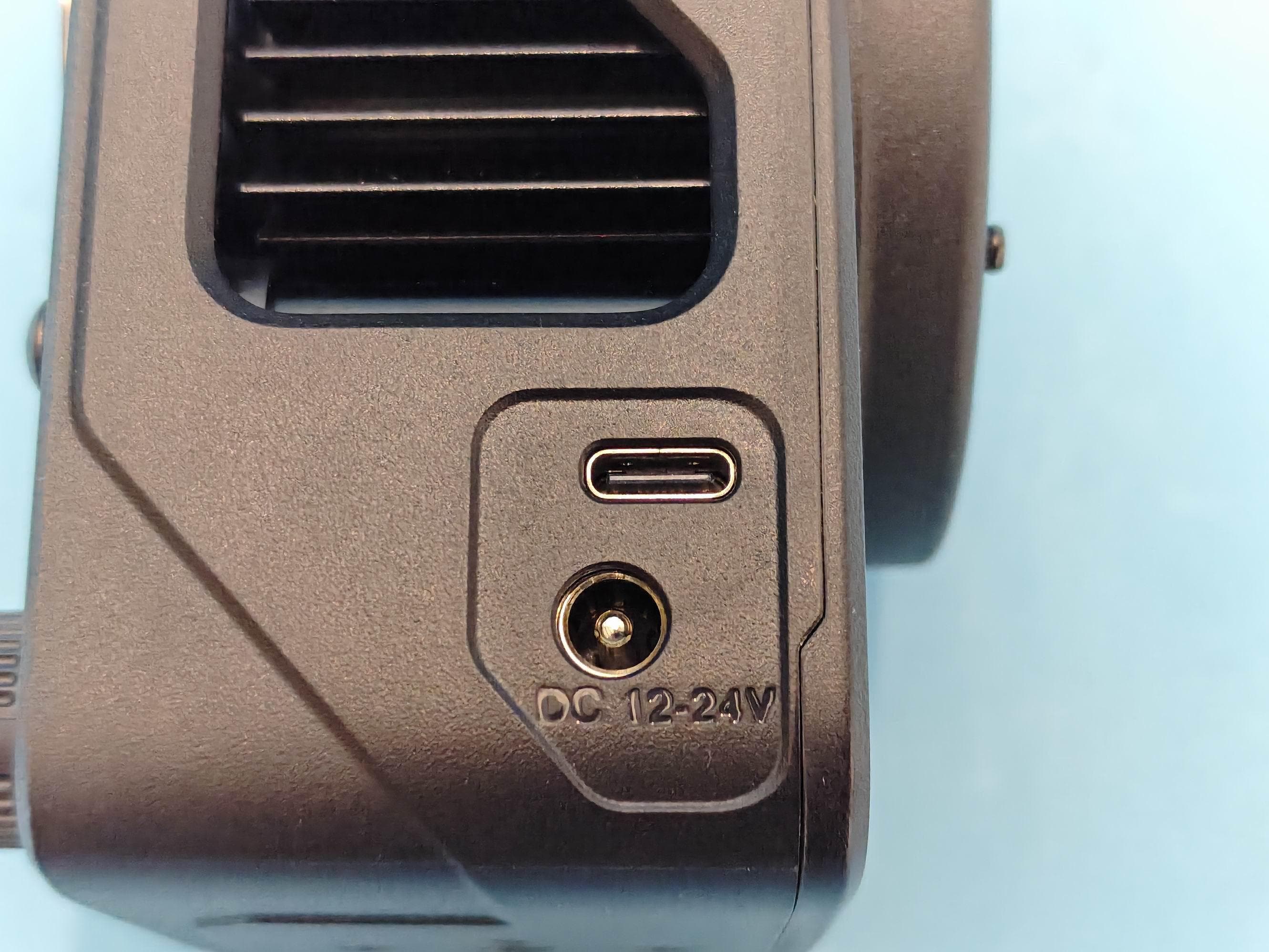
2ACZK-150W-BI-K1
Jun 22, 2026Compact 150W Monolight
Equipment Class
DTS - Digital Transmission System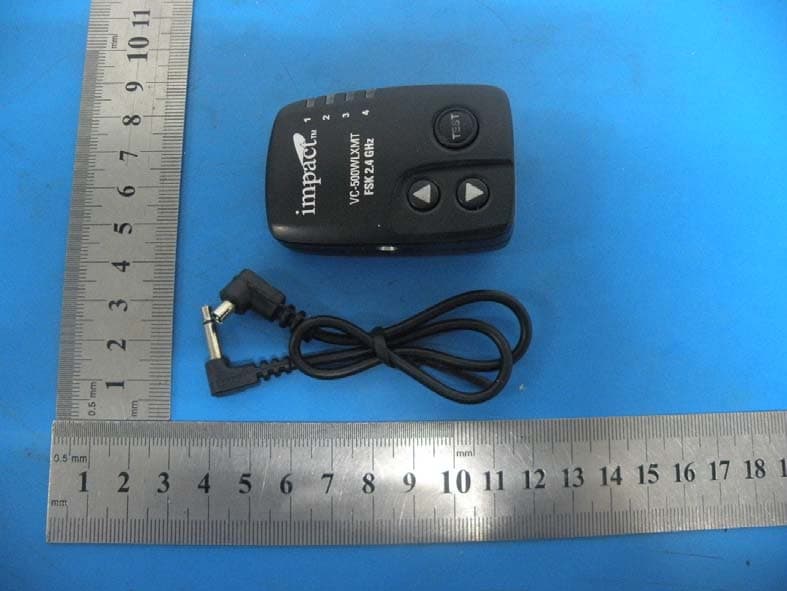
2ACZK-VC500
Aug 21, 2014remote controller
Equipment Class
DXX - Part 15 Low Power Communication Device Transmitter