2AEL6PHK-SWC-H3-01Smart window curtain
Phytrex Technology Corp.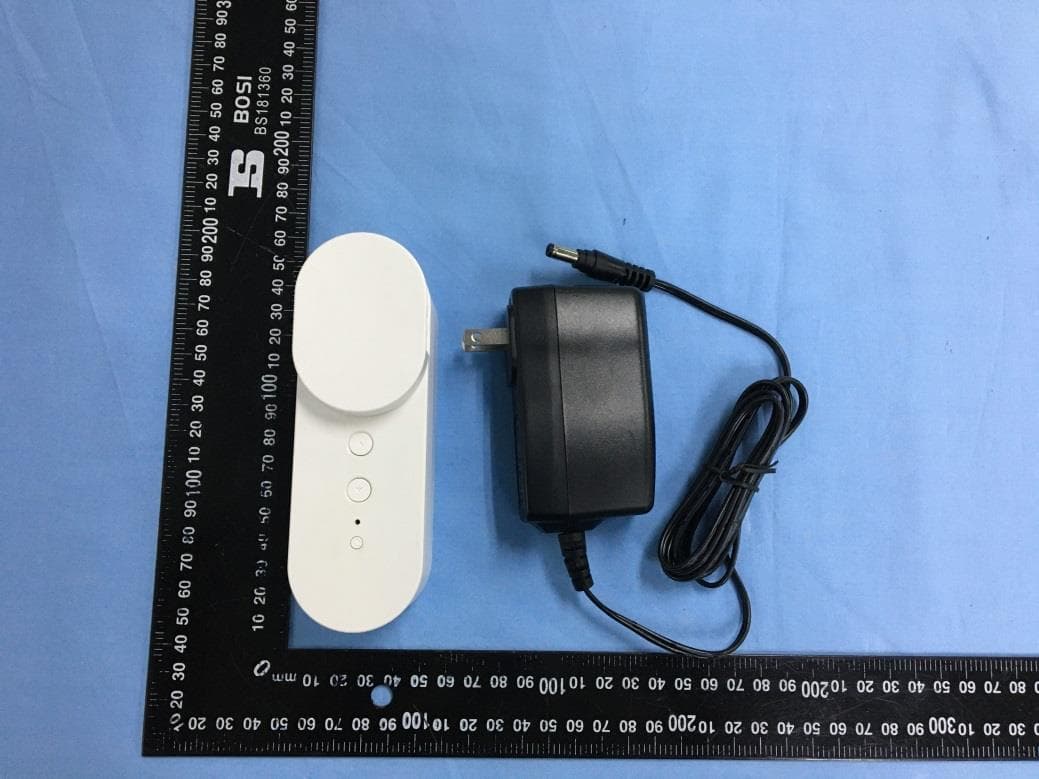
Click to zoom
Application Details
- Equipment Class
- DTS - Digital Transmission System
- Date of Grant
- May 31, 2020
- Application Purpose
- Original Equipment
- Date of Application
- May 31, 2020
- Equipment Note
- Smart window curtain
- Frequency Range
- 2412.00000000 - 2462.00000000
- Company
- Phytrex Technology Corp.
- Country
- Taiwan
Documents & Files
Document Text
Text extracted from the exhibit documents filed with the FCC. Open a document above to read the original.
Users Manual
www.waciao.com Smart Window Curtain User manual █ Features Siri Voice Control Auto Length DetectionAutomation Scheduling Remote / Location Control Dual Positioning Installation Physical or App Control █ Specifications Product Name Model Number Rated Voltage Rated Current Power Consumption Motor Torque Motor Speed Wi-Fi Spec. Wi-Fi Security Working Temperature Operating Humidity Storage Temperature Dimension (mm) Weight(g) Smart Window Curtain PHK-SWC-H3-01 DC 15V / 2.6A 2A 2.4GHz (only),IEEE 802.11 b/g/n WEP / WPA-PSK / WPA2-PSK 36W (Max.) 1.96 N.m 41 RPM 0 ~ 50°C 10% ~ 90% Relative humidity 5% ~ 95% Relative humidity 140(L)*48(W)*54(H) (mm) 270g EN █ Product Diagram 1 2 3 7 4 5 6 1. Front Panel 2. Blind Gear 3. Raise Button 4. Lower Button 5. Status Indicator 6. Factory Reset Button 7. Motor Hinge █ Function List LED Light Indication Green LED: Power On / Raise or lower Blind Blue LED: Wi-Fi Status (Blinking) Factory Reset ButtonLong press for 5 seconds Motor Rotation Adjustment Setup Hold up and down key for 5 seconds and the motor will rotate clockwise or counter-clockwise █ Package Contents Smart Window Curtain x1 Wall Holder Plate x1 Positioning Sticker x1 Wall Holder Plate Sticker x1 Large Beads Gear x1 Cord & Small Beads Gear x1 Screws x4 Expansion screws x4 Bead Connector x2 Quick Installation x1 Power Adaptor x1 EN █ Compatible Types Roll ShadesCombi Blinds Horizontal Blinds Vertical BlindsRoman ShadesCurtains of Draperies Curtains █ Blind Cords Compatibility 1.3 mm - 4.7 mm 6 mm - 6.6 mm Cord & Small Beads Gear Large Beads Gear Curtain overall weight recommend to be less than 2Kg when using nylon material cord. EN █ Installation Diagram 1 2 Positioning Sticker Wall Holder Plate Screws Smart Window Curtain Beads Gear Front Panel Use screws to install the device to the wall: 1. Place the positioning sticker to the wall. 2. Following the sticker indication and screw into the wall with expansion screws. 3. Screw the wall holder plate to the wall with included screws. 4. Install the device to the holder plate. 5. Select the suitable beads gear and put on the front panel once installed. 6. Adjust the length of the beads cord to ensure the string strengths when rotation. 7. Caution: Do not connect the power source during the installation. EN █ Positioning Setup Bead Connector Bead Connector 1 2 Caution: It will automatically detect the positioning of the blind for full raise and low when the first time setting up once it is connected to the power source. Please ensure the installation is completed before connecting the power. 1. Manually raise the blind to full up to install the beads connector for positioning as diagram 1. 2. Manually lower the blind to full down to install the beads connector for positioning as diagram 2 . 3. Once completed, power on the device and it will start detecting the positioning for fulling raise and low. It will devide into 100% and indicates inside the app when controlling later on. █ App Setup 1. Download "waciao' app from the App Store. 2. Connect your iPhone/iPad to the Wi-Fi you wish the Smart Window Curtain to connect to. EN █ 3. Turn on "waciao" app and select "Add accessory". Scan the QR code on the device and follow on screen instruction to complete the setup. █ Firmware Update 1. Turn on "waciao" app and select the device wish to firmware update. 2. Select "Details" once inside the accessory function page. 3. Select "Firmware Update" and proceed. EN Caution: Please do NOT remove the power source of the device during firmware update. FCC Warning This device complies with Part 15 of the FCC Rules. Operation is subject to the following two conditions: (1) This device may not cause harmful interference, and (2) This device must accept any interference received, including interference that may cause undesired operation. This equipment has been tested and found to comply with the limits for a Class B digital device, pursuant to part 15 of the FCC Rules. These limits are designed to provide reasonable protection against harmful interference in a residential installation. This equipment generates, uses and can radiate radio frequency energy and, if not installed and used in accordance with the instructions, may cause harmful interference to radio communications. However, there is no guarantee that interference will not occur in a particular installation. If this equipment does cause harmful interference to radio or television reception, which can be determined by turning the equipment off and on, the user is encouraged to try to correct the interference by one or more of the following measures: - Reorient or relocate the receiving antenna. - Increase the separation between the equipment and receiver. - Connect the equipment into an outlet on a circuit different from that to which the receiver is connected. - Consult the dealer or an experienced radio/TV technician for help. Any changes or modifications to this unit not expressly approved by the party responsible for compliance could void the user's authority to operate the equipment. This equipment complies with the FCC RF radiation exposure limits set forth for an uncontrolled environment. This equipment should be installed and operated with a minimum distance of 20cm between the radiator and any part of your body. █ 產品特色 Siri語音控制 自動偵測長度自動化排程 遠端/定位控制 正/反轉控制 手動/APP控制 █ 產品規格 產品名稱 產品型號 額定電壓 額定電流 額定功率 馬達扭力 馬達轉速 Wi-Fi規格 Wi-Fi安全規範 工作溫度 操作濕度 保存濕度 產品尺寸 產品重量 智慧窗簾機 PHK-SWC-H3-01 DC 15V / 2.6A 2A 2.4GHz (only),IEEE 802.11 b/g/n WEP / WPA-PSK / WPA2-PSK 36W (Max.) 1.96 N.m 41 RPM 0 ~ 50°C 10% ~ 90% 相對溼度 5% ~ 95% 相對濕度 140(L)*48(W)*54(H) (mm) 270g █ 1 2 3 7 4 5 6 LED █ 功能說明 LED指示燈號 綠燈:電源開啟狀態 / 上下捲動 藍燈:Wi-Fi狀態(閃爍) 恢復原廠重置鍵按住按鍵約5秒左右 馬達軸承正/反轉 同時按住上升鍵與下降鍵約5秒, 馬達立即正/反向旋轉 █ 產品內容物 █ 適用窗簾類型 捲簾式 調光簾(斑馬簾)百葉簾 垂直百葉簾羅馬簾窗簾 或 帷幔 對開式窗簾 █ 齒輪類型與適用珠簾線機型 1.3 mm - 4.7 mm 6 mm - 6.6 mm 繩子與小珠簾齒輪 大珠簾齒輪 使用尼龍線等繩子型式之窗簾,窗簾布 總重量建議在2Kg以內。 █ 安裝方式 1 2 牆面 定位貼紙 固定支架 螺絲釘 窗簾機 齒輪 前蓋板 使用螺絲釘方式固定於牆面: 1. 將定位貼紙黏貼於牆面。 2. 按照定位貼紙孔位鑽孔,並將擴張螺絲打入牆內。 3. 將牆壁固定支架利用螺絲釘固…
Text truncated - open the document above for the full version.
External Photos
Model: PHK-SWC-H3-01 Report No.: WTX20X04023950W-1 FCC Part 15.247 EXHIBIT 2 - EUT EXTERNAL PHOTOGRAPHS EUT View 1 EUT View 2 Model: PHK-SWC-H3-01 Report No.: WTX20X04023950W-1 FCC Part 15.247 EUT View 3 EUT View 4 Model: PHK-SWC-H3-01 Report No.: WTX20X04023950W-1 FCC Part 15.247 EUT View 5 EUT View 6 Model: PHK-SWC-H3-01 Report No.: WTX20X04023950W-1 FCC Part 15.247 EUT View 7
ID Label/Location Info
Model: PHK-SWC-H3-01 Report No.: WTX20X04023950W-1 FCC Part 15.247 EXHIBIT 1 - PRODUCT LABELING Proposed FCC ID Label Format FCC ID: 2AEL6PHK-SWC-H3-01 Specifications: Text is black in color and justified. Labels are printed in indelible ink on permanent adhesive silk-screened onto the EUT or shall be affixed at a conspicuous location on the EUT. Proposed Label Location on EUT FCC ID Label Location
Test Report
Model: PHK-SWC-H3-01 Report No.: WTX20X04023950W-1 Page 1 of 62 FCC Part 15.247 FCC Part 15C Measurement and Test Report For Phytrex Technology Corp. 3F-2, No.189, Sec. 2 Keelung Rd., Taipei, Taiwan FCC ID: 2AEL6PHK-SWC-H3-01 FCC Rule(s): FCC Part 15.247 Product Description: Smart window curtain Tested Model: PHK-SWC-H3-01 Report No.: WTX20X04023950W-1 Sample Receipt Date: Apr.30, 2020 Tested Date: Apr.30, 2020 to May.14, 2020 Issued Date: May.14, 2020 Tested By: Mike Shi / Engineer Reviewed By: Lion Cai / RF Manager Approved & Authorized By: Silin Chen / Manager Prepared By: Waltek Testing Group (Shenzhen) Co., Ltd. 1/F., Room 101, Building 1, Hongwei Industrial Park, Liuxian 2nd Road, Block 70 Bao'an District, Shenzhen, Guangdong, China Tel.: +86-755-33663308 Fax.: +86-755-33663309 Website: www.semtest.com.cn Note: This test report is limited to the above client company and the product model only. It may not be duplicated without prior permitted by Waltek Testing Group (Shenzhen) Co., Ltd. Model: PHK-SWC-H3-01 Report No.: WTX20X04023950W-1 Page 2 of 62 FCC Part 15.247 TABLE OF CONTENTS 1. GENERAL INFORMATION ................................................................................................................................... 4 1.1 PRODUCT DESCRIPTION FOR EQUIPMENT UNDER TEST (EUT) ............................................................................... 4 1.2 TEST STANDARDS ................................................................................................................................................... 5 1.3 TEST METHODOLOGY ............................................................................................................................................. 5 1.4 TEST FACILITY ....................................................................................................................................................... 5 1.5 EUT SETUP AND TEST MODE ................................................................................................................................. 6 1.6 MEASUREMENT UNCERTAINTY .............................................................................................................................. 7 1.7 TEST EQUIPMENT LIST AND DETAILS ..................................................................................................................... 8 2. SUMMARY OF TEST RESULTS ......................................................................................................................... 10 3. RF EXPOSURE ....................................................................................................................................................... 11 3.1 STANDARD APPLICABLE ....................................................................................................................................... 11 3.2 TEST RESULT........................................................................................................................................................ 11 4. ANTENNA REQUIREMENT ................................................................................................................................ 12 4.1 STANDARD APPLICABLE ....................................................................................................................................... 12 4.2 EVALUATION INFORMATION ................................................................................................................................ 12 5. POWER SPECTRAL DENSITY ........................................................................................................................... 13 5.1 STANDARD APPLICABLE ....................................................................................................................................... 13 5.2 TEST PROCEDURE ................................................................................................................................................. 13 5.3 SUMMARY OF TEST RESULTS/PLOTS .................................................................................................................... 13 6. DTS BANDWIDTH ................................................................................................................................................. 18 6.1 STANDARD APPLICABLE ....................................................................................................................................... 18 6.2 TEST PROCEDURE ................................................................................................................................................. 18 6.3 SUMMARY OF TEST RESULTS/PLOTS .................................................................................................................... 18 7. RF OUTPUT POWER ............................................................................................................................................ 23 7.1 STANDARD APPLICABLE ....................................................................................................................................... 23 7.2 TEST PROCEDURE ................................................................................................................................................. 23 7.3 SUMMARY OF TEST RESULTS/PLOTS .................................................................................................................... 23 8. FIELD STRENGTH OF SPURIOUS EMISSIONS ............................................................................................. 29 8.1 STANDARD APPLICABLE ....................................................................................................................................... 29 8.2 TEST PROCEDURE ................................................................................................................................................. 29 8.3 CORRECTED AMPLITUDE & MARGIN CALCULATION .......................................…
Text truncated - open the document above for the full version.
Test Setup Photos
Model: PHK-SWC-H3-01 Report No.: WTX20X04023950W-1 FCC Part 15.247 EXHIBIT 4 - TEST SETUP PHOTOGRAPHS Conducted Emission Test Setup Radiation Emission Test Setup (Below 30MHz) Model: PHK-SWC-H3-01 Report No.: WTX20X04023950W-1 FCC Part 15.247 Radiation Emission Test Setup (30MHz to 1GHz) Radiation Emission Test Setup (1GHz to 18GHz) Model: PHK-SWC-H3-01 Report No.: WTX20X04023950W-1 FCC Part 15.247 Radiation Emission Test Setup (Above 18GHz)
Contact Information
Applicant
Ace Liu(Senior Director)
Test Firm
Waltek Testing Group (Shenzhen) Co., Ltd.Jandy So
Technical Specifications
| # | Rule Parts | Frequency Range | Power Output |
|---|---|---|---|
| 1 | 15C | 2.41 GHz - 2.46 GHz | 46.45 mW |
Other Applications from Phytrex Technology Corp.
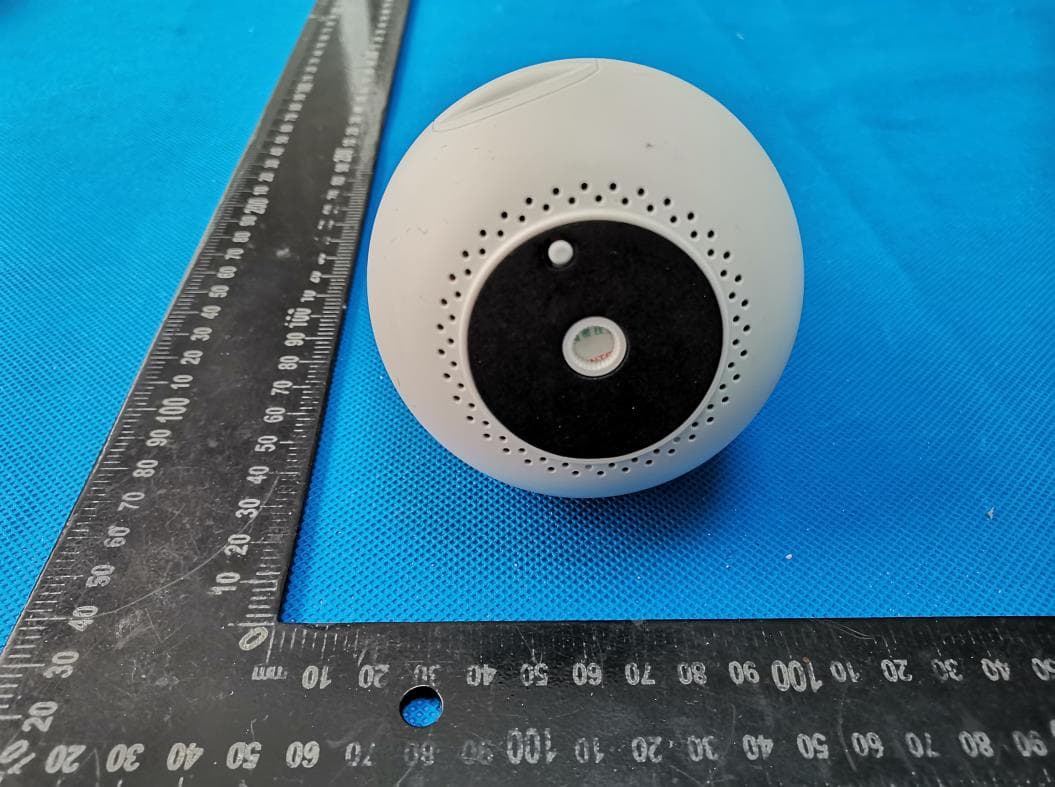
2AEL6-JUPCAM
Dec 30, 2020Wireless IP Cam
Equipment Class
DTS - Digital Transmission System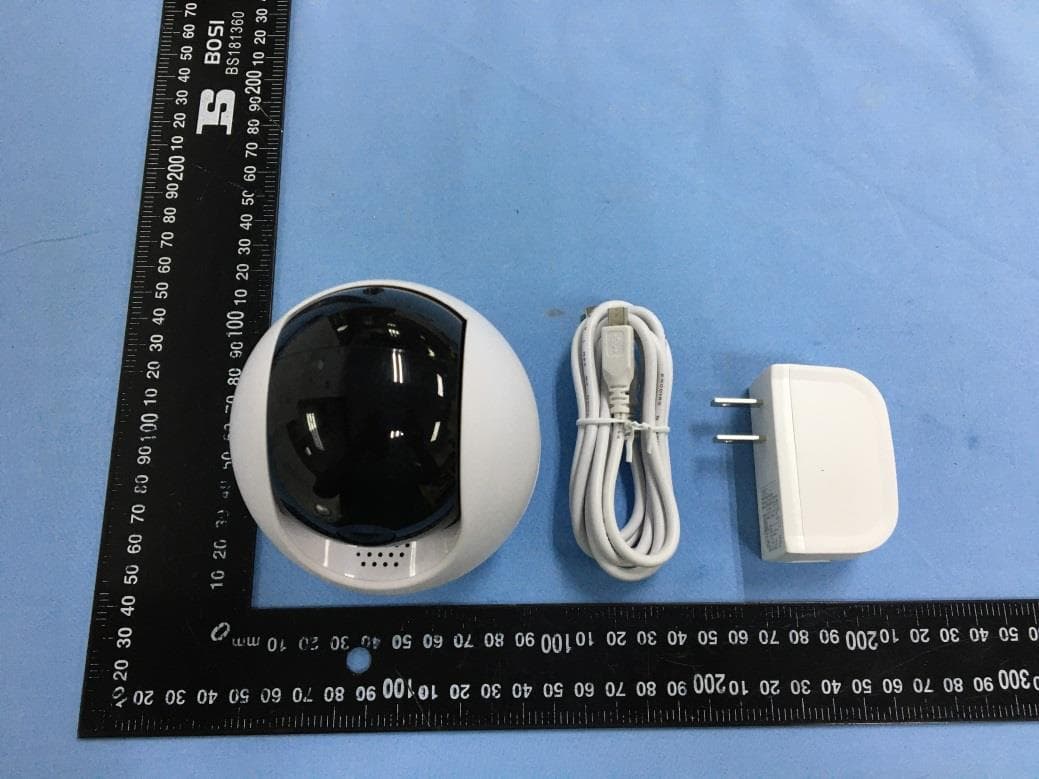
2AEL6PHK-IPC-H2-02
Jun 21, 2020IPCAM
Equipment Class
DTS - Digital Transmission System