2AG7X-XF3Translation bar
Shenzhen Hengbida Electronic Technology Co., Ltd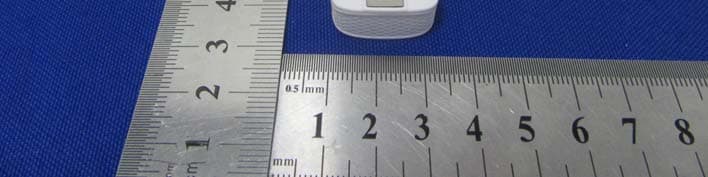
Click to zoom
Application Details
- Equipment Class
- DSS - Part 15 Spread Spectrum Transmitter
- Date of Grant
- Aug 23, 2020
- Application Purpose
- Original Equipment
- Date of Application
- Aug 23, 2020
- Equipment Note
- Translation bar
- Frequency Range
- 2402.00000000 - 2480.00000000
- Country
- China
Documents & Files
Document Text
Text extracted from the exhibit documents filed with the FCC. Open a document above to read the original.
Users Manual
Bluetooth AI Translation Stick User Guide Bluetooth AI translation stick Please read carefully before use user's manual Download and connect to the app 1. Scan the QR code below with your mobile phone to install the translation and communication APP Switch machine. Press and hold the power button to switch the translation stick. Dialogue translation 1. Press and hold the A key to speak, and release it to translate the language corresponding to the A key in the APP; Please switch the language at the top of the APP: 2. Press and hold the B key to speak, and release it to translate the language corresponding to the APPB middle key. Language switch selection Repeat 1. Short press the M button to play and repeat the last translation content, and you can listen to the repeat while following it. Long press the M button to enter the AI assistant function, which can conduct encyclopedia questions and answers, play nursery rhymes, listen to opera comics, and more than 40 AI artificial intelligence skills. How to use: Long press the M key to speak the question you need to know, and after releasing it, the corresponding answer or corresponding audio content will be played. 1. Short press the A button to increase the volume; 1. Switch the Bluetooth of the mobile phone again; 2. Close the APP in the background and reopen it; 3. Try to connect the translation stick after restarting the phone. 1. Please turn the phone and translation stick to the maximum; 2. (IOS) Please go to the Bluetooth settings and confirm that the AUD Bluetooth device has been connected, and the audio data needs to be connected to transfer to the translation stick. 1. Check whether the battery is exhausted, connect the charger and charge it for 2 minutes and check whether the red light is on. 2. Short press the B button to decrease the volume. 1. The red light is on in the charging state; 2. The blue light is on after fully charged; 3. The red light flashes in the low power state; 4. The blue light keeps flashing slowly when the Bluetooth is not connected when the device is turned on; 5. The blue light goes out after successful Bluetooth connection; 6. Turn off the voice broadcast without lighting; 7. Press the A/B button to pick up the sound and turn on the blue light, let go and start translating and turn off the light; 8. To repeat the last sentence, press the M button and the blue light will flash once to start repeating. Volume addition and subtraction State of work light Troubleshooting The translation stick often disconnects from the phone The translation stick is silent after connecting to the app 时,可能会出现短暂的服务延时,提示系 2. Open the mobile APP and register an account with the mobile account to log in. 3. Follow the operation steps to complete the connection with the translation stick. Main: Location/Bluetooth/Microphone /Notification and other permissions need to be selected and allowed; IOS system mobile phone needs to manually connect to the Bluetooth device prefixed with AUD in the Bluetooth settings. AI assistant Can not boot Warr anty Warranty Ter ms Pr ec autions ★ Do not r andom discar d the machine or place it in a fire, as it may cause danger because of built -in polymer batter y. ★ The charging voltag e of this machine is 5V. When charging this machine, use a 5V charger . If you charge this machine with a charger higher than 5V, it will burn out the chip inside the ma- chine and cause the machine to malfunction. The f ollowing conditions are no t c over ed by the warr anty: ★ 1. due to improper use of the user, and self- rep airing caused by artificial disassembly; ★ 2. Failur e c aused by irresis tible fac tors (such as flood, fire, e arthquake, lightning, etc.) aft er purchase; ★ 3. no produc t w arr anty car d, v alid purchase certificate, Don’t match the produc t model. 1 ye ar w arr anty Since pur chasing this produc t, the user enjoys free w arr anty servic e when the machine fails according to the user manual oper ation instruc tion. When applying the warr anty , the user needs to pr esent a valid proof of purchase to the local de aler , and the dealer will cont ac t the manu- fac tur er f or r ep airs. During the warr anty period, the manufac tur er will charge a r easonable raw material fee or maintenance f ee b ased on the specific failur e in the following circums tanc es: 1. Damage c aused by improper stor ag e, im- pr oper use, fall off , or failur e t o use as requir - ed after purchase. 2. Damage c aused by disassembly, mainten- anc e, and cleaning of the machine without permission. 3. the appear anc e of scratches during use, artificial damage and other circums tanc es need to r eplac e the new shell. 4. The use of fas t cha rging causes the machine t o malfunction (including fas t charging head and f as t charging cable), please use the cha- rging cable that c omes with the machine to char ge. Warr anty Card Thank you for purchasing our produc ts, ple ase fill in the following cont ent when purchasing and save this car d pr operly . User profile ★ W arr anty with this car d No te: The comp any has the WARRANTY CARD Cont ac t person: Contact number : Date of purchase : Pur chase address: cont ac t address: Remark: Pr oduc t F unc tion Description FCC Caution: This device complies with part 15 of the FCC Rules. Operation is subject to the following two conditions: (1) This device may not cause harmful interference, and (2) this device must accept any interference received, including interference that may cause undesired operation. Any Changes or modifications not expressly approved by the party responsible for compliance could void the user's authority to operate the equipment. Note: This equipment has been tested and found to comply with the limits for a Class B digital device, pursuant to part 15 of the FCC Rules. These limits are designed to provide reasonable protection against harmful interference in a residential installation. This equipment generates uses and can radiate radio frequency energy an…
Text truncated - open the document above for the full version.
Cover Letter(s)
Shenzhen Hengbida Electronic Technology Co., Ltd 2020.8.18 Eurofins MET Labs 914 West Patapsco Avenue Baltimore, MD 21230 RE: CONFIDENTIALITY REQUEST FOR EUT NAME: Translation bar Trademark: N/A FCC ID: 2AG7X-XF3 MODEL : XF3 To Whom It May Concern: This letter serves as an official request for confidentiality under sections 0.457 and 0.459 of CFR 47. We have requested that the - Block Diagram - Schematics - Operational Description required to be submitted with this application be permanently withheld from public review. The above materials contain trade secrets and proprietary information not customarily released to the public. The public disclosure of these materials may be harmful to the applicant and provide unjustified benefits to its competitors. Please contact me if there is any information you may need. Sincerely, Client’s signature: Client’s name / title : Jianxi Liu /Manager Contact information / address: Building D, 4/F, Shanghe Industrial Park Nanchang Rd, Xixiang Street, Ban'an District, Shenzhen, China
Cover Letter(s)
Shenzhen Hengbida Electronic Technology Co., Ltd 2020.8.18 Eurofins MET Labs 914 West Patapsco Avenue Baltimore, MD 21230 RE: LETTER OF AGENT AUTHORIZATION To Whom It May Concern: We, the undersigned, hereby authorize Shenzhen BCTC Testing Co., Ltd to act on our behalf in all matters relating to application for equipment authorization, including the signing of all documents relating to these matters. We also hereby certify that no party to the application authorized hereunder is subject to the denial of benefits, including FCC benefits, pursuant to Section 5301 of the Anti-Drug Abuse Act of 1988, 21 U.S.C.853(a). This agreement expires one year from the current date. Sincerely, Client’s signature: Client’s name / title : Jianxi Liu /Manager Contact information / address: Building D, 4/F, Shanghe Industrial Park Nanchang Rd, Xixiang Street, Ban'an District, Shenzhen, China
External Photos
External Photos
ID Label/Location Info
20*10mm Label Location Translation bar FCC ID: 2AG7X-XF3
Internal Photos
Internal Photos Antenna
RF Exposure Info
Shenzhen BCTC Testing Co., Ltd. FCC ID: 2AG7X-XF3 Portable device According to §15.247(e)(i) and §1.1307(b)(1), systems operating under the provisions of this section shall be operated in a manner that ensures that the public is not exposed to radio frequency energy level in excess of the Commission’s guidelines. According to KDB447498 D01 General RF Exposure Guidance V06 The 1-g SAR and 10-g SAR test exclusion thresholds for 100 MHz to 6 GHz at test separation distances ≤ 50 mm are determined by: [(max. power of channel, including tune-up tolerance, mW)/(min. test separation distance, mm)]·[√f(GHZ)] ≤ 3.0 for 1-g SAR and ≤ 7.5 for 10-g extremity SAR, where: • f(GHZ) is the RF channel transmit frequency in GHz • Power and distance are rounded to the nearest mW and mm before calculation • The result is rounded to one decimal place for comparison When the minimum test separation distance is < 5 mm, a distance of 5 mm is applied to determine SAR test exclusion. Modulation Channel Freq. (GHz) Conduct ed power (dBm) Conducte d power (mW) Tune-up power (dBm) Max tune-up power (dBm) Max tune-up power (mW) Distance (mm) Result calculatio n SAR Exclusion threshold SAR test exclusion GFSK2.480-0.040.990±11.001.26<50.396513.00YES Pi/4 DQPSK 2.4802.711.872±13.002.00<50.628433.00YES 8DPSK2.4803.282.133±14.002.51<50.791143.00YES Conclusion: For the max result : 0.79114<3.0, the SAR testing is not required.
Test Report
Shenzhen BCTC Testing Co., Ltd. Report No.: BCTC2007001667E Test Report Tel: 400-788-9558 Web: https://www.bctc-lab.com BCTC/RF-EMC-007 Ver.:A.0 Page 1 of 68 FCC Part 15C Test Report FCC ID: 2AG7X-XF3 Product Name: Translation bar Trademark: N/A Model Name : XF3 Prepared For : Shenzhen Hengbida Electronic Technology Co., Ltd Address : Building D, 4/F, Shanghe Industrial Park Nanchang Rd, Xixiang Street, Ban'an District, Shenzhen, China Prepared By : Shenzhen BCTC Testing Co., Ltd. Address : BCTC Building & 1-2F, East of B Building, Pengzhou Industrial, Fuyuan 1st Road, Qiaotou Community, Fuyong Street, Bao’an District, Shenzhen, China Test Date: Jul. 29, 2020 – Aug. 05, 2020 Date of Report : Aug. 05, 2020 Report No.: BCTC2007001667E Shenzhen BCTC Testing Co., Ltd. Report No.: BCTC2007001667E Test Report Tel: 400-788-9558 Web: https://www.bctc-lab.com BCTC/RF-EMC-007 Ver.:A.0 Page 2 of 68 TEST RESULT CERTIFICATION Applicant’s name ............. : Shenzhen Hengbida Electronic Technology Co., Ltd Address .............................. : Building D, 4/F, Shanghe Industrial Park Nanchang Rd, Xixiang Street, Ban'an District, Shenzhen, China Manufacture's Name ........ : Shenzhen Hengbida Electronic Technology Co., Ltd Address .............................. : Building D, 4/F, Shanghe Industrial Park Nanchang Rd, Xixiang Street, Ban'an District, Shenzhen, China Product description Product name..................... : Translation bar Trademark ......................... : N/A Model and/or type reference XF3 Standards ......................... : FCC Part15.247 ANSI C63.10:2013 This device described above has been tested by BCTC, and the test results show that the equipment under test (EUT) is in compliance with the FCC requirements. And it is applicable only to the tested sample identified in the report. This report shall not be reproduced except in full, without the written approval of BCTC, this document may be altered or revised by BCTC, personal only, and shall be noted in the revision of the document. Prepared by(Engineer): Willem Wang Reviewer(Supervisor): Eric Yang Approved(Manager): Zero Zhou Shenzhen BCTC Testing Co., Ltd. Report No.: BCTC2007001667E Test Report Tel: 400-788-9558 Web: https://www.bctc-lab.com BCTC/RF-EMC-007 Ver.:A.0 Page 3 of 68 Table of Contents Test Report Declaration Page 1. TEST SUMMARY ...................................................... 5 2. TEST FACILITY ....................................................... 6 3. MEASUREMENT UNCERTAINTY........................................ 6 4. GENERAL INFORMATION .............................................. 7 4.1 GENERAL DESCRIPTION OF EUT ....................................... 7 4.2 Test Setup Configuration ................................................ 8 4.3 Support Equipment ..................................................... 8 4.4 Channel List ........................................................... 9 4.5 Test Mode ............................................................ 10 5. TEST FACILITY AND TEST INSTRUMENT USED ........................ 11 5.1 Test Facility ........................................................... 11 5.2 Test Instrument Used .................................................. 11 6. CONDUCTED EMISSIONS ............................................. 13 6.1 Block Diagram Of Test Setup ........................................... 13 6.2 Limit ................................................................. 13 6.3 Test procedure ........................................................ 13 6.4 Test Result ........................................................... 15 7. RADIATED EMISSIONS ............................................... 17 7.1 Block Diagram Of Test Setup ........................................... 17 7.2 Limit ................................................................. 18 7.3 Test procedure ........................................................ 18 7.4 Test Result ........................................................... 20 7.5 RADIATED BAND EMISSION MEASUREMENT AND RESTRICTED BANDS OF OPERATION ........................................................... 24 8. CONDUCTED EMISSION .............................................. 27 8.1 Block Diagram Of Test Setup ........................................... 27 8.2 Limit ................................................................. 27 8.3 Test procedure ........................................................ 27 8.4 Test Result ........................................................... 28 9. 20 DB BANDWIDTH .................................................. 37 9.1 Block Diagram Of Test Setup ........................................... 37 9.2 Limit ................................................................. 37 9.3 Test procedure ........................................................ 37 9.4 Test Result ........................................................... 38 10. MAXIMUM PEAK OUTPUT POWER .................................... 43 10.1 Block Diagram Of Test Setup .......................................... 43 10.2 Limit ................................................................ 43 10.3 Test procedure ....................................................... 43 10.4 Test Result .......................................................... 44 11. HOPPING CHANNEL SEPARATION .................................... 49 11.1 Block Diagram Of Test Setup .......................................... 49 Shenzhen BCTC Testing Co., Ltd. Report No.: BCTC2007001667E Test Report Tel: 400-788-9558 Web: https://www.bctc-lab.com BCTC/RF-EMC-007 Ver.:A.0 Page 4 of 68 11.2 Limit ................................................................ 49 11.3 Test procedure ....................................................... 49 11.4 Test Result .......................................................... 50 12. NUMBER OF HOPPING FREQUENCY .................................. 55 12.1 Block Diagram Of Test Setup ......................................…
Text truncated - open the document above for the full version.
Test Setup Photos
Co R She onducted Radiated M enzhen BCT Measure m Measurem TC Testing C ment Phot ent Photo o., Ltd. tos os R She Radiated M enzhen BCT Measurem TC Testing C ent Photo o., Ltd. os
Contact Information
Applicant
Jianxi Liu(Manager)
Technical Contact
Shenzhen BCTC Testing Co., Ltd.Alan Mei
[email protected]86-755-36882589
BCTC Bldg&1-2F,East of B Bldg, Pengzhou Industrial · Baoan District, Shenzhen · China
Test Firm
Shenzhen BCTC Testing Co., Ltd.Sally He
[email protected]15999690624
Technical Specifications
| # | Rule Parts | Frequency Range | Power Output |
|---|---|---|---|
| 1 | 15C | 2.40 GHz - 2.48 GHz | 2.13 mW |
Other Applications from Shenzhen Hengbida Electronic Technology Co., Ltd
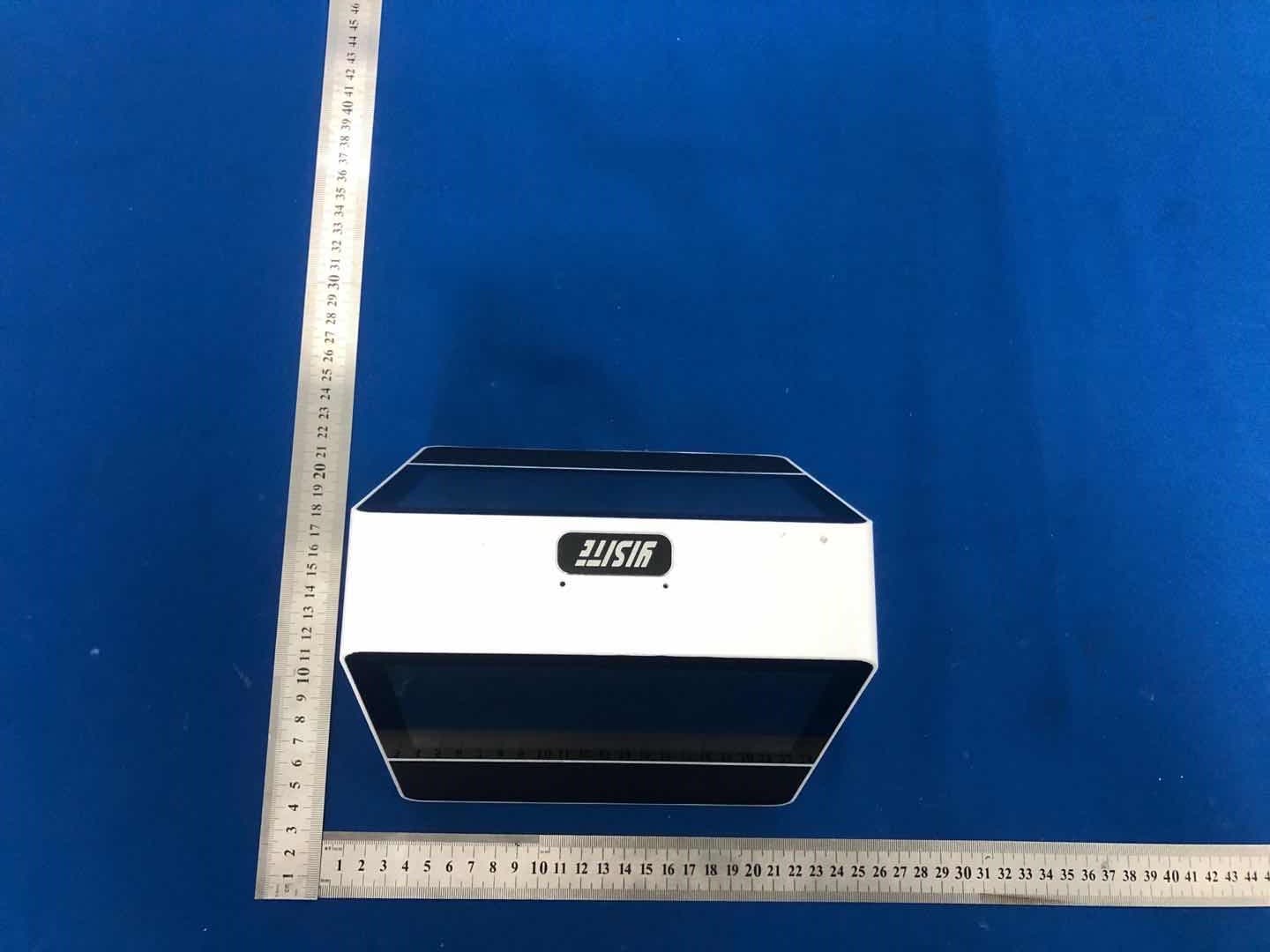
2AG7X-XF4
Nov 17, 2020Double screen translator
Equipment Class
DSS - Part 15 Spread Spectrum Transmitter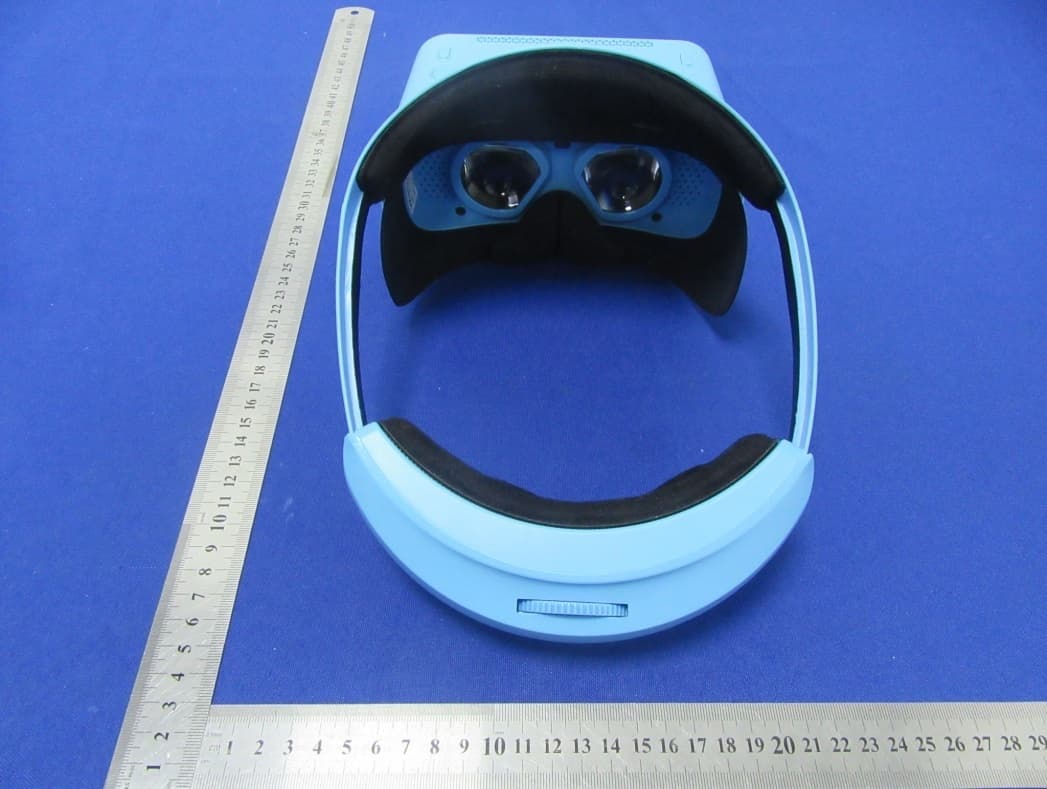
2AG7X-V30
Nov 01, 2020All-in-one VR
Equipment Class
DSS - Part 15 Spread Spectrum Transmitter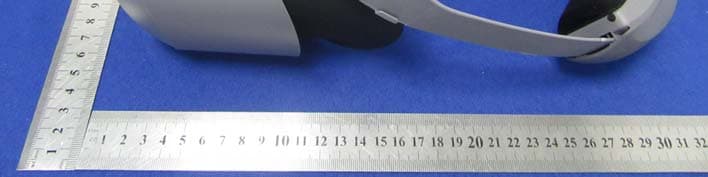
2AG7X-V21
Oct 08, 2020All-in-one VR
Equipment Class
NII - Unlicensed National Information Infrastructure TX
2AG7X-ZY1
Aug 31, 2020AI CLASSES
Equipment Class
DTS - Digital Transmission System