2AHFT335Smart Sports Watch
Shenzhen DO Intelligent Technology Co., Ltd.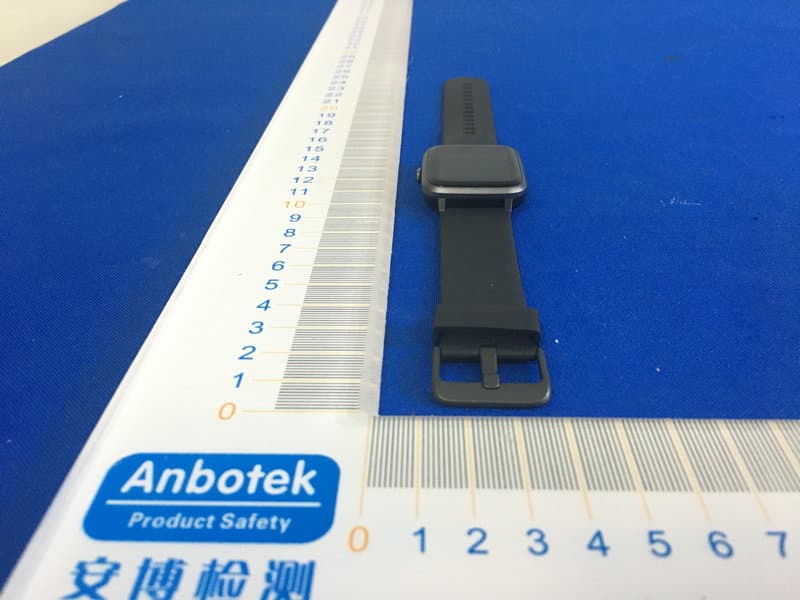
Click to zoom
Application Details
- Equipment Class
- DTS - Digital Transmission System
- Date of Grant
- Jul 07, 2020
- Application Purpose
- Original Equipment
- Date of Application
- Jul 07, 2020
- Equipment Note
- Smart Sports Watch
- Frequency Range
- 2402.00000000 - 2480.00000000
- Country
- China
Documents & Files
Document Text
Text extracted from the exhibit documents filed with the FCC. Open a document above to read the original.
Users Manual
ID205G Smart Sports Watch Operation Manual Thanks for purchasing this product. Please read this Manual carefully before use. Manufacturer name Shenzhen DO Intelligent Technology Co., Ltd. 11th Floor, 3# Building, Guole Tech Park, Dalang Sub-district, Longhua District, Shenzhen Municipality, China. Dieses Dokument dient nur als Referenz und stellt in keiner Weise eine Verpflichtung dar. Model Battery capacity Charging Time Waterproof level Operating Temperature Product Frequency ID205G 210mAh about 2.5 hours 5ATM 10°C-45°C 2402-2480MHz Screen Type Charging Voltage Battery Life Weight of Product Bluetooth Version Max. transmission Power Consumption 1.3" -inch color screen 5V±0.2v - 35g BLE4.2 0dBm Turn on the APP and Bluetooth. Search and select the device in the APP (or scan the QR code of the device manually). Finally, bind the device in the APP or confirm binding on the device. EN 2. Power On/Off Physical Button 1. Know the Device Physical button Magnetic charging por HR LED Press the physical button 1. To return to the previous page; or 2. To turn on the screen in screen-off state. Power On When you start charging the device, it will be turned on automatically. Swipe the screen up/down 1. To switch among pages at the same level; or 2. To view long text or details. Swipe the screen left/right 1. To switch among pages at the same level. Press and hold the physical button 1. To turn on the device in power-off state; or 2. In charging state, press and hold the physical button for 5s to reset the program without clearing data. Note: the device must be charged and activated before the first use; please always use the original charger to charge the device. Power Off Shutdown path: [Setup]→[Power Off]. Press and hold the physical button to turn on the device. 1. Download the APP Scan the following QR code to download “VeryFitPro” or search for and download “VeryFitPro” in “APP Store”on your phone. 2. Pairing ID205G supports multiple sports modes, GPS movement track records, women's health, watch face wallpaper, heart rate monitoring, sleep monitoring, notifications, etc.; for the use and FAQs of each function, please scan the following QR code to check operating instructions or start the APP to find answers. Below are three recommendations on wearing and maintenance: 1. Keep the device clean; 2. Keep the device dry; 3. Do not wear the device too tight. * Do not use household cleaners to clean the device. Use soap-free cleaners instead. * For stains that are difficult to remove, it is recommended to scrub with alcohol. Waterproof performance: the device is not suitable for diving, swimming in the sea or sauna; it is suitable for swimming pool, shower (cold water) and swimming in shallows. Click the screen 1. To go to the sub-page; or 2. To complete the corresponding action, depending on which on-screen button is clicked. Click and hold the screen 1. To change the watch face wallpaper. Screen Button To prevent device failure, fire and explosion, never place the device or its accessories in any extremely-high-temperature or extremely-low-temperature area. To prevent device damage, accessory damage and device failure, always protect the device against strong impact or shock. Do not disassemble or modify the device or its accessories without authorization. Any device failure should be referred to our after-sales service personnel. Quick Start Downloading and Pairing Screen Operations Functions Safety Maintenance アプリを起動し、Bluetooth機能をオンにします。アプリ上でデバ イスの検索と選択を行います(または、デバイスのQRコドを手動 で読み取ってください)。アプリ上でデバイスと接続するか、もしく はデバイスから接続の許可を行えば、完了です。 JP 2. 電源オン/オフ 物理ボタン 1. ウォッチの説明 物理ボタン 磁気充電ポト HR LED 物理ボタンを押します 1. 前のペジに戻る、または 2. オフ状態の画面をオンにする。 電源オン ウォッチの充電を始めると、自動的にオンになります。 画面を上下にスワイプ 1. 同じ位置でペジを切り替える、または 2. 長いテキストや詳細を表示する。 画面を左右にスワイプ 1. 同じ位置でペジを切り替える。 物理ボタンを押したままにします 1. 電源オフ状態のウォッチをオンにする、または 2. 充電状態で、5秒ボタンを押したままにすると、デタを消去せ ずにプログラムをリセットできます。 注: 初めてウォッチを使うときは充電をしてから、起動してください。必ずオリジ ナルの充電器をお使いください。 電源オフ シャットダウンの手順: [設定]→[電源オフ]。 ボタンを押したままにすると、ウォッチ の電源が入ります。 1. アプリのダウンロド 次のQRコドをスキャンして VeryFitPro をダウンロ ドするか、携帯電話の APPストア で VeryFitPro を 検索してダウンロドしてください。 2. ペアリング ID205G には、複数のスポツモド、GPS 移動追跡記録、女性の 健康、文字盤の壁紙、心拍数監視、睡眠監視、通知などがサポト されています。各機能の使用方法やよくある質問については、次の QR コドをスキャンして操作手順を確認するか、アプリを起動し て回答を見つけてください。 ウォッチの着用とメンテナンスでは次の 3 つのことを守ってください。 1. ウォッチを清潔に保つ、 2. ウォッチを乾燥させておく、 3. ウォッチをきつく着用しない。 * 家庭用クリナを使用してウォッチを清掃しないでください。代わ りに洗剤を含まないクリナをお使いください。 * 取り除くのが難しい汚れについては、アルコルで拭き取ることを お勧めします。 防水性能:ウォッチは、ダイビング、海水浴、サウナには適していま せん。スイミングプル、シャワ(冷たい水)と浅瀬での水泳に対 応しています。 画面をクリック 1. 下位ペジに移動する、または 2. どの画面上のボタンがクリック されたかにより、様な動きを する。 クリックして画面を押さえる 1. 文字盤の壁紙を変更する。 画面 ボタン ウォッチの故障、火災、爆発を防ぐために、ウォッチまたはその 付属品を極端な高温または低温の場所に置かないで下さい。 ウォッチや附属品の損傷、ウォッチの故障を防ぐために、常に強 い衝撃や衝撃からウォッチを保護してください。 ウォッチまたはその付属品を、許可なく分解または改造しないで ください。ウォッチが故障したら、アフタサビスの担当者に お問い合わせください。 クイック スタト ダウンロドとペアリング 画面操作 機能 メンテナンス メンテナンス Schalten Sie das App und Bluetooth ein. Suchen und wählen Sie das Gerät in der App aus (oder scannen Sie den QR-Code des Geräts manuell). Zum Schluss verknüpfen Sie das Gerät in der App oder bestätigen Sie die Verknüpfung auf dem Gerät. DE 2. Ein- und ausschalten Taste 1. Smartwatch kennenlernen Taste Magnetischer Ladeanschluss HR LED Taste drücken: 1. Rückkehr zur vorherigen Seite oder 2. Display einschalten. Einschalten Bei Beginn des Ladezyklus schaltet sich die Smartwatch automatisch ein. Aufwärts/abwärts wischen 1. Seiten auf gleicher Ebene umblättern oder 2. Lange Texte oder Details anzeigen. Links/rechts wischen 1. Seiten auf gleicher Ebene umblättern. Taste gedrückt halten: 1. Smartwatch einschalten oder 2. Während des Ladens müssen Sie die physikalische Taste für 5 Sekunden gedrückt halten, um das Programm zurückzusetzen, ohne die Daten zu löschen. Hinweis: Vor Erstgebrauch muss die Smartwatch geladen und aktiviert werden. Verwenden Sie ausschließlich das Original-Ladegerät. Ausschalten Herunterfahren: [Einrichtung]→[Ausschalten]. Halten Sie die Taste gedrückt, um die Smartwatch einzuschalten. 1. App herunterladen Scannen Sie den nachstehenden QR-Code, um „VeryF…
Text truncated - open the document above for the full version.
External Photos
FCC ID: 2AHFT335
ID Label/Location Info
Label Location On EUT Label FCC ID: 2AHFT335 Product Name: Smart Sports Watch Model No.:ID205G
Internal Photos
FCC ID: 2AHFT335 ANT
Operational Description
version01 Shenzhen DO Intelligent Technology Co., Ltd. Declaration concerning Antenna Specification It is hereby declared that the product Model No.: ID205G, Uwatch3 GPS FCC ID : 2AHFT335 fulfills the requirement in FCC test relating to the antenna type. The device specified above confirms to the FCC recommendations for internal antenna type(s) described below: Model No. of antenna: ID205G Type of antenna:monopole Antenna Gain of the antenna: -1.41 dBi Frequency range:2402-2480MHz The mounting of the antenna is fixed to the radio module and no other antenna should be used. Company name: Shenzhen DO Intelligent Technology Co., Ltd. Address: 11th Floor, 3# Building, Guole Tech Park, Lirong Road, Dalang, Longhua District, Shenzhen China City:Shenzhen ZIP / Postal code: Country:China Place:ChinaDate: 2020-07-07 Signature:
RF Exposure Info
RF EXPOSURE EVALUATION FCC ID: 2AHFT335 According to FCC 1.1310: The criteria listed in the following table shall be used to evaluate the environment impact of human exposure to radio frequency(RF) Radiation as specified in §1.1307(b): Routine SAR evaluation refers to that specifically required by §2.1093, using measurements or computer simulation. When routine SAR evaluation is not required, portable transmitters withoutput power greater than the applicable low threshold require SAR evaluation to qualify for TCB approval. Channel (MHz) Maximum output power (dBm) Tune up tolerance (dBm) Max Tune Up Power (dBm) Distance (mm) Calculation results Limit Operating Mode 2402-0.612 -0.612±1 0.38850.3393 BLE2440-0.613 -0.613±10.38750.3423 2480-1.009 -1.009±1 -0.00950.3143 Test Results:PASS.
Test Report
Report No.: 18220WC00042401FCC ID: 2AHFT335Page 1 of 49 Code:AB-RF-05-a FCC TEST REPORT Client Name: Shenzhen DO Intelligent Technology Co., Ltd. Address: 11th Floor, 3# Building, Guole Tech Park, Lirong Road, Dalang, Longhua District, Shenzhen China Product Name: Smart Sports Watch Date: Jul. 07, 2020 Shenzhen Anbotek Compliance Laboratory Limited Report No.: 18220WC00042401FCC ID: 2AHFT335Page 2 of 49 Code:AB-RF-05-a Contents 1. General Information ............................................................................................................................................... 5 1.1. Client Information ....................................................................................................................................... 5 1.2. Description of Device (EUT) ..................................................................................................................... 5 1.3. Auxiliary Equipment Used During Test ................................................................................................... 5 1.4. Description of Test Modes ........................................................................................................................ 6 1.5. List of channels ........................................................................................................................................... 6 1.6. Description Of Test Setup ......................................................................................................................... 7 1.7. Test Equipment List .................................................................................................................................... 8 1.8. Measurement Uncertainty ......................................................................................................................... 9 1.9. Description of Test Facility ........................................................................................................................ 9 2. Summary of Test Results ................................................................................................................................... 10 3. Conducted Emission Test ................................................................................................................................... 11 3.1. Test Standard and Limit .......................................................................................................................... 11 3.2. Test Setup .................................................................................................................................................. 11 3.3. Test Procedure .......................................................................................................................................... 11 3.4. Test Data .................................................................................................................................................... 11 4. Radiation Spurious Emission and Band Edge ................................................................................................ 14 4.1. Test Standard and Limit .......................................................................................................................... 14 4.2. Test Setup .................................................................................................................................................. 14 4.3. Test Procedure .......................................................................................................................................... 15 4.4. Test Data .................................................................................................................................................... 16 5. Maximum Peak Output Power Test .................................................................................................................. 24 5.1. Test Standard and Limit .......................................................................................................................... 24 5.2. Test Setup .................................................................................................................................................. 24 5.3. Test Procedure .......................................................................................................................................... 24 5.4. Test Data .................................................................................................................................................... 24 6. 6DB Occupy Bandwidth Test ............................................................................................................................. 27 6.1. Test Standard and Limit .......................................................................................................................... 27 6.2. Test Setup ............................................................................................................................... ................... 27 6.3. Test Procedure .......................................................................................................................................... 27 6.4. Test Data .................................................................................................................................................... 27 7. Power Spectral Density Test .............................................................................................................................. 30 7.1. Test Standard and Limit .......................................................................................................................... 30 7.2. Test Setup .................................................................................................................................................. 30 7.3. Test Procedure ...................................................................................................................…
Text truncated - open the document above for the full version.
Test Setup Photos
FCC ID: 2AHFT335 Photo of Conducted Emission Measurement Photo of Radiation Emission Test
Contact Information
Applicant
Wu Dajun
Test Firm
Shenzhen Anbotek Compliance Laboratory LimitedJeff Zhu
Technical Specifications
| # | Rule Parts | Frequency Range | Power Output |
|---|---|---|---|
| 1 | 15C | 2.40 GHz - 2.48 GHz | 900.00 µW |
Other Applications from Shenzhen DO Intelligent Technology Co., Ltd.
2AHFT7932
Sep 15, 2024Smart Watch
Equipment Class
DTS - Digital Transmission System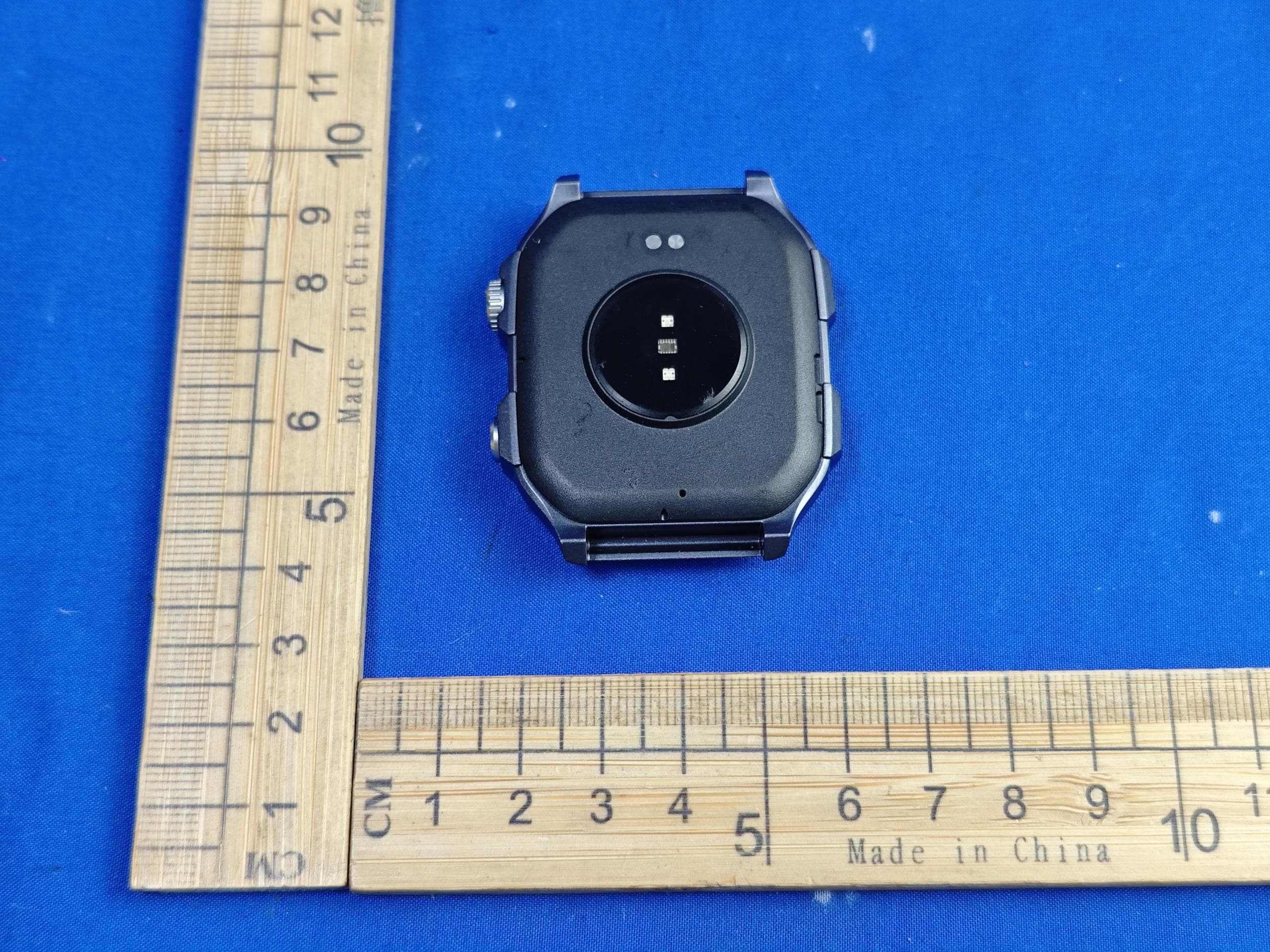
2AHFT853
Aug 13, 2024Smart Watch
Equipment Class
DTS - Digital Transmission System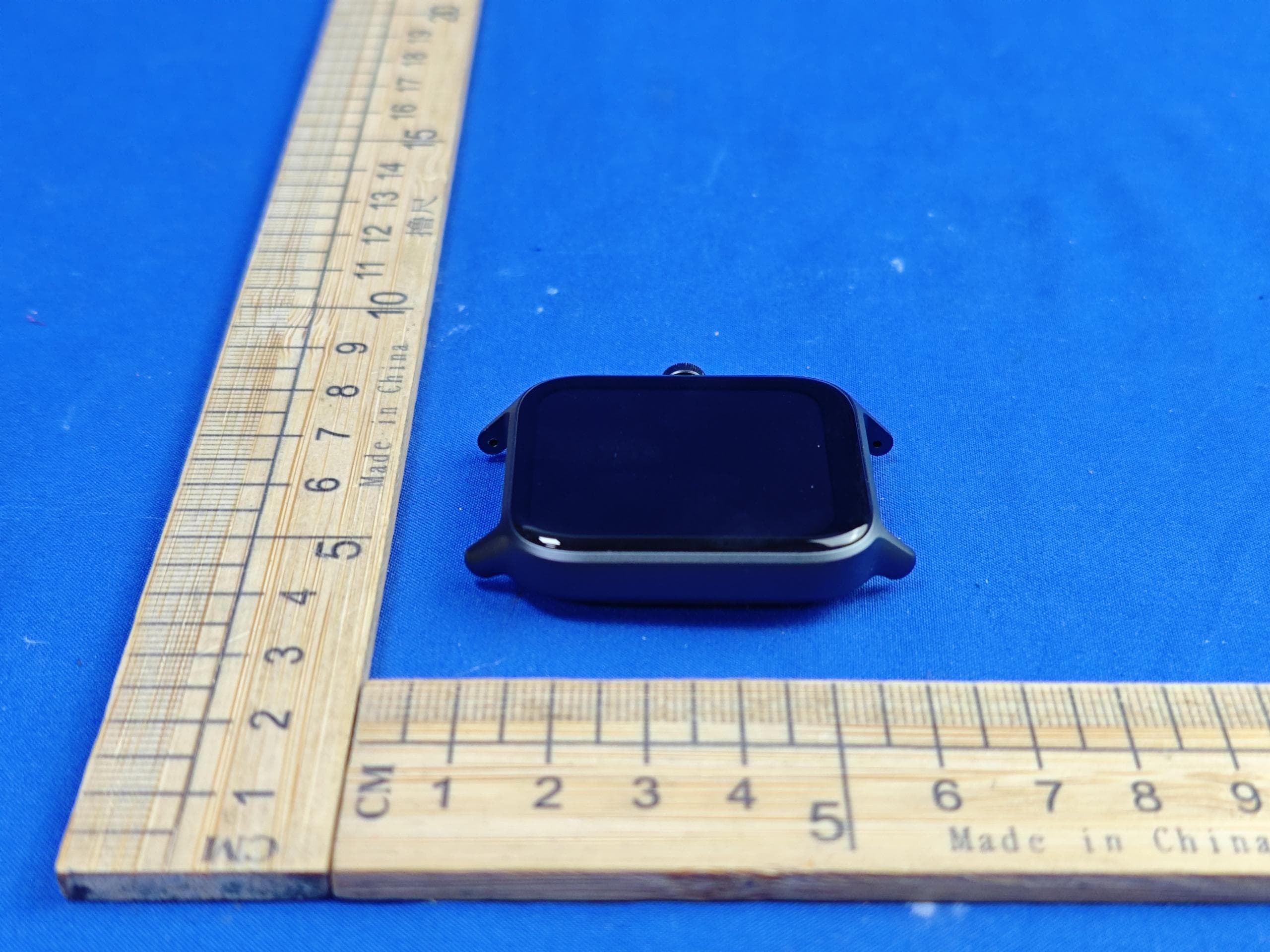
2AHFT7604
Aug 01, 2024Smart Watch
Equipment Class
DTS - Digital Transmission System2AHFT7854
Jun 16, 2024TD-LTE Wireless Data Terminal
Equipment Class
PCE - PCS Licensed Transmitter held to ear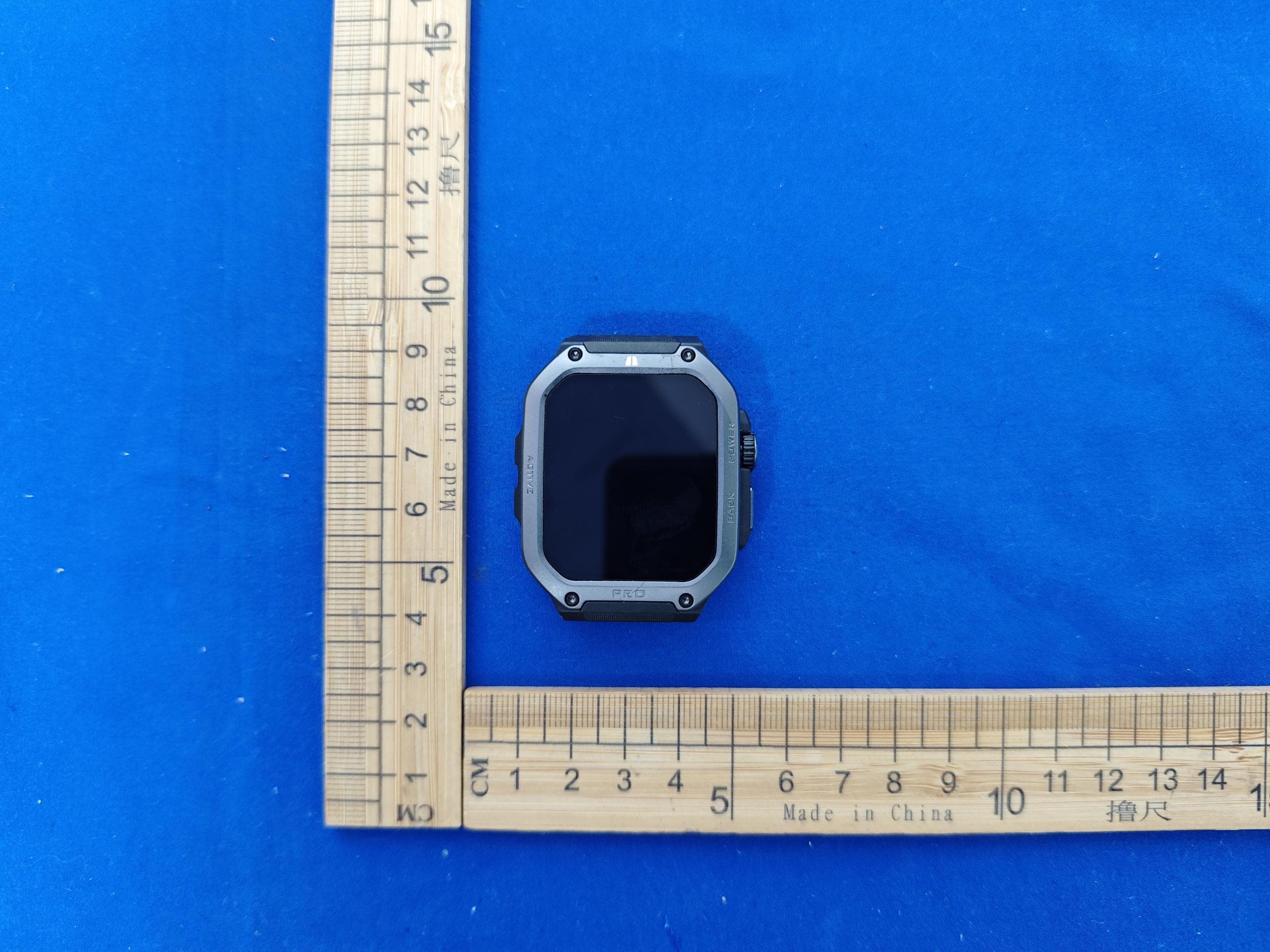
2AHFT544
Mar 24, 2024Smart Watch
Equipment Class
DSS - Part 15 Spread Spectrum Transmitter