2AHZ5W03SmartWatch
Shenzhen Huafurui Technology Co., Ltd
Click to zoom
Application Details
- Equipment Class
- DTS - Digital Transmission System
- Date of Grant
- Feb 02, 2021
- Application Purpose
- Original Equipment
- Date of Application
- Feb 02, 2021
- Equipment Note
- SmartWatch
- Frequency Range
- 2402.00000000 - 2480.00000000
- Country
- China
Documents & Files
Document Text
Text extracted from the exhibit documents filed with the FCC. Open a document above to read the original.
Users Manual
Please carefully read the user manual to ensure safety. Instruction Manual English Deutsch Français Español Italiano Português Русский 01 08 15 22 29 36 43 Download and Log into APP ● APP installation requires you to turn Bluetooth on; ● APP Download (a)IOS: search and download “GloryFit on the APP Store (or you can scan the QR code displayed on the bracelet to download); (b)Android: search and download “GloryFit” on the Google Play Store (or you can scan the QR code displayed on the bracelet to download) (c)Compatible with IOS10.0 and more advanced systems / Android 5.0 and more advanced systems. ● After a successful installation, please register and log into your account according to prompts. How to Charge Close the magnetic charging cable to the bracelet, then it will automatically attach to the charging Port to charge (just as shown right; input voltage: 5V/1A or 5V/2A) English 01 Bluetooth Pairing Open APP settings to set your personal information Click “Device” → “Add Devices”→Start Choose the corresponding model “W03” Finish Button Display Heart rate test Charging port English 02 How to Operate 1、Slide the dial interface from top to bottom to enter the shortcut interface; 2、Slide the dial interface from bottom to top to enter the information list interface; 3、Slide the dial interface from left to right to enter the menu style interface; 4、Slide the dial interface from right to left to enter interfaces such as step counting, heart rate and sleep. Sports Data Click the data icon to enter sports data interface and check the corresponding date for the day: steps, distance and calorie; Notification Push Notification:all notifications ofyour phone will be automatically synchronized to the bracelet after a successful connection between the bracelet and APP (the bracelet can save unread notifications up to 15); Weather Push Weather: all whether information will be automatically synchronized to APP after a successful connection between the bracelet and APP; Sleep Monitoring The interface shows your sleep conditions for the day. Data is updated per day and meanwhile synchronized to APP; English 03 Stopwatch Blood Pressure Monitoring Time: click the triangle icon to start and click again to pause (the left icon means resetting); Music Play Music: After a successful connection, open music player to control; Blood Oxygen Monitoring After a successful switch, it starts to measure after the bottom green light is on; it takes about 30~60s to measure and the measuring value is based on PPG technology; After a successful switch, it starts to measure after the bottom green light is on; it takes about 30~60s to measure and the measuring value is based on PPG technology; Heart Rate Monitoring After a successful switch, it starts to measure after the bottom green light is on; it takes about 30~60s to measure and the measuring value is based on PPG technology; Sports Mode Enter Sports Mode to enjoy various exercise modes: hiking, running, climbing, cycling, basketball, yoga and elliptical machine; English 04 On/Off Long press “On/Off” key for 3s to power on. The bracelet will automatically power on when it is charging. Click the “Off” icon to power off; System Information Check the bracelet’s information such as Bluetooth name, Mac address, firmware version and UI version; Restore Factory Settings All personal data will be removed if you confirm to restore factory settings. Adjust Brightness Settings - Brightness - Adjust Brightness (“+” and “-” can be used to control); Dial Switch Long press dial plates to switch (4 styles are available); support to push dial plates; English 05 Parameters Please read the instruction manual carefully, ensuring your safe and correct use. ● All data offered by the product is only a reference for health management. Please don’t take it as medical data! Be subject to all hospital test results in case of any abnormal data. ● Thanks to its IP68 waterproof grade, you can use the bracelet when washing hands or when it is raining. To avoid any damage, please: (a)Don’t immerse the product in hot water; (b)Don’t press keys underwater or wear it during diving; (c)Don’t touch corrosive liquid. ● The company reserves the right to make changes to the contents of this manual without any notice. Some functions are different in a specific software version, which is normal. Waterproof Grade: IP68 Sensor: 3 Axis G-sensor Battery Capacity: 210mAh Synchronizing Method: Bluetooth Resolution Ratio: 240*240 Display: 1.28” TFT Full-touch Color Screen Working Period: About 5-7 Days Working Temperature: -10°C~ 50°C Packing List: Host, Charging Cable Compatible Systems: IOS 10.0 and More Advanced Systems; Android 5.0 and More Advanced Systems English 06 FCC Caution: Any changes or modifications not expressly approved by the party responsible for compliance could void the user's authority to operate this equipment. This device complies with Part 15 of the FCC Rules. Operation is subject to the following two conditions: (1) This device may not cause harmful interference, and (2) this device must accept any interference received, including interference that may cause undesired operation. The device has been evaluated to meet general RF exposure requirements. The device can be used in portable exposure conditions without restriction. NOTE: This equipment has been tested and found to comply with the limits for a Class B digital device, pursuant to Part 15 of the FCC Rules. These limits are designed to provide reasonable protection against harmful interference in a residential installation. This equipment generates, uses and can radiate radio frequency energy and, if not installed and used in accordance with the instructions, may cause harmful interference to radio communications. However, there is no guarantee that interference will not occur in a particular installation. If this equipment does cause harmful interference to radio or television reception, which can be determined by turning the equipment …
Text truncated - open the document above for the full version.
External Photos
S21010602206 Model: W03 ATTACHMENT PHOTOGRAPHS OF EUT Photo 1 Photo 2 S21010602206 Model: W03 Photo 3 Photo 4 S21010602206 Model: W03 Photo 5 Photo 6
ID Label/Location Info
S H E N Z H E N H U A F U R U I T E C H N O L O G Y C O . , L T D . 5 1 8 0 5 5 , P R C M A D E I N C H I N A F C C I D : 2 A H Z 5 W 0 3
Internal Photos
S21010602206 Model: W03 Photo 7 Photo 8 S21010602206 Model: W03 Photo 9 Photo 10 BT Ant S21010602206 Model: W03 Photo 11 Photo 12 S21010602206 Model: W03 Photo 13 Photo 14 S21010602206 Model: W03 Photo 15 Photo 16
RF Exposure Info
FCC ID: 2AHZ5W03 Portable device According to §15.247(e)(i) and §1.1307(b)(1), systems operating under the provisions of this section shall be operated in a manner that ensures that the public is not exposed to radio frequency energy level in excess of the Commission’s guidelines. According to KDB447498 D01 General RF Exposure Guidance V06 The 1-g SAR and 10-g SAR test exclusion thresholds for 100 MHz to 6 GHz at test separation distances ≤ 50 mm are determined by: [(max. power of channel, including tune-up tolerance, mW)/(min. test separation distance, mm)]·[√f(GHZ)] ≤ 3.0 for 1-g SAR and ≤ 7.5 for 10-g extremity SAR, where: • f(GHZ) is the RF channel transmit frequency in GHz • Power and distance are rounded to the nearest mW and mm before calculation • The result is rounded to one decimal place for comparison When the minimum test separation distance is < 5 mm, a distance of 5 mm is applied to determine SAR test exclusion. GFSK: Antenna Type : Cable Antenna Antenna Gain: 0 dBi Modulation Channel Freq. (GHz) Conduct ed power (dBm) Conducte d power (mW) Tune-up power (dBm) Max tune-up power (dBm) Max tune-up power (mW) Distance (mm) Result calculatio n 1g SAR Exclusion threshold SAR test exclusion 2.402-10.71 0.085-10±1 -9 0.126<50.039023.00YES 2.44 -7.0660.197-7±1 -6 0.251<50.078473.00YES 2.480 -8.0370.157-8±1 -7 0.200<50.062843.00YES GFSK Conclusion: For the max result : 0.07847≤ 3.0 for 1-g SAR, No SAR is required. Signature: Date: 2021-01-29 NAME AND TITLE (Please print or type): Alex Li /Manager COMPANY (Please print or type): Shenzhen NTEK Testing Technology Co., Ltd./ 1/F, Building E, Fenda Science Park, Sanwei Community, Xixiang Street Bao’an District, Shenzhen 518126 P.R. China
Test Report
Report No.: S21010602206001 Version.1.3 Page 1 of 47 RADIO TEST REPORT FCC ID: 2AHZ5W03 Product: SmartWatch Trade Mark: CUBOT,HAFURY Model No.: W03 Family Model: N/A Report No.: S21010602206001 Issue Date: 22 Jan. 2021 Prepared for Shenzhen Huafurui Technology Co., Ltd. Unit 1401 14/F, Jin qi zhi gu mansion Liu xian street ,Xili, Nan shan district Shenzhen, China Prepared by Shenzhen NTEK Testing Technology Co., Ltd. 1/F, Building E, Fenda Science Park, Sanwei Community, Xixiang Street Bao’an District, Shenzhen 518126 P.R. China Tel. 400-800-6106, 0755-3699 5508 Website: http://www.ntek.org.cn Report No.: S21010602206001 Version.1.3 Page 2 of 47 TABLE OF CONTENTS 1 TEST RESULT CERTIFICATION ...................................................................................................................... 3 2 SUMMARY OF TEST RESULTS ......................................................................................................................... 4 3 FACILITIES AND ACCREDITATIONS ............................................................................................................. 5 3.1 FACILITIES..................................................................................................................................................... 5 3.2 LABORATORY ACCREDITATIONS AND LISTINGS ................................................................................. 5 3.3 MEASUREMENT UNCERTAINTY ............................................................................................................... 5 4 GENERAL DESCRIPTION OF EUT .................................................................................................................. 6 5 DESCRIPTION OF TEST MODES ..................................................................................................................... 8 6 SETUP OF EQUIPMENT UNDER TEST ........................................................................................................... 9 6.1 BLOCK DIAGRAM CONFIGURATION OF TEST SYSTEM ....................................................................... 9 6.2 SUPPORT EQUIPMENT ............................................................................................................................... 10 6.3 EQUIPMENTS LIST FOR ALL TEST ITEMS .............................................................................................. 11 7 TEST REQUIREMENTS .................................................................................................................................... 13 7.1 CONDUCTED EMISSIONS TEST ............................................................................................................... 13 7.2 RADIATED SPURIOUS EMISSION ............................................................................................................ 16 7.3 6DB BANDWIDTH ....................................................................................................................................... 25 7.4 DUTY CYCLE ............................................................................................................................................... 26 7.5 PEAK OUTPUT POWER .............................................................................................................................. 28 7.6 POWER SPECTRAL DENSITY ................................................................................................................... 29 7.7 CONDUCTED BAND EDGE MEASUREMENT......................................................................................... 31 7.8 SPURIOUS RF CONDUCTED EMISSIONS ................................................................................................ 32 7.9 ANTENNA APPLICATION .......................................................................................................................... 33 8 TEST RESULTS ................................................................................................................................................... 34 8.1 MAXIMUM CONDUCTED OUTPUT POWER ....................................................................................................... 34 8.2 OCCUPIED CHANNEL BANDWIDTH .................................................................................................................. 36 8.3 MAXIMUM POWER SPECTRAL DENSITY LEVEL ............................................................................................... 40 8.4 BAND EDGE .................................................................................................................................................... 42 8.5 CONDUCTED RF SPURIOUS EMISSION ............................................................................................................. 44 Report No.: S21010602206001 Version.1.3 Page 3 of 47 1 TEST RESULT CERTIFICATION Applicant’s name ......................... : Shenzhen Huafurui Technology Co., Ltd. Address ....................................... : Unit 1401 14/F, Jin qi zhi gu mansion Liu xian street ,Xili, Nan shan district Shenzhen, China Manufacturer's Name .................. : Shenzhen Huafurui Technology Co., Ltd. Address ....................................... : Unit 1401 14/F, Jin qi zhi gu mansion Liu xian street ,Xili, Nan shan district Shenzhen, China Product description Product name .............................. : SmartWatch Model and/or type reference ..... : W03 Family Model ............................... : N/A Measurement Procedure Used: APPLICABLE STANDARDS APPLICABLE STANDARD/ TEST PROCEDURE TEST RESULT FCC 47 CFR Part 2, Subpart J FCC 47 CFR Part 15, Subpart C ANSI C63.10-2013 KDB 558074 D01 15.247 Meas Guidance v05r02 Complied This device described above has been tested by Shenzhen NTEK Testing Technology Co., Ltd., and the test results show that the equipment under test (EUT) is in compliance with the FCC requirements. And it is applicable only to the tested sample identified in the report. This report shall no…
Text truncated - open the document above for the full version.
Test Setup Photos
FCC ID: 2AHZ5W03 Radiated Measurement Photos FCC ID: 2AHZ5W03 Conducted Measurement Photos
Contact Information
Applicant
Paul Liu
Test Firm
Shenzhen NTEK Testing Technology Co., Ltd.Alex Li
[email protected]+86-755-6115-9384
Technical Specifications
| # | Rule Parts | Frequency Range | Power Output |
|---|---|---|---|
| 1 | 15C | 2.40 GHz - 2.48 GHz | 200.00 µW |
Other Applications from Shenzhen Huafurui Technology Co., Ltd
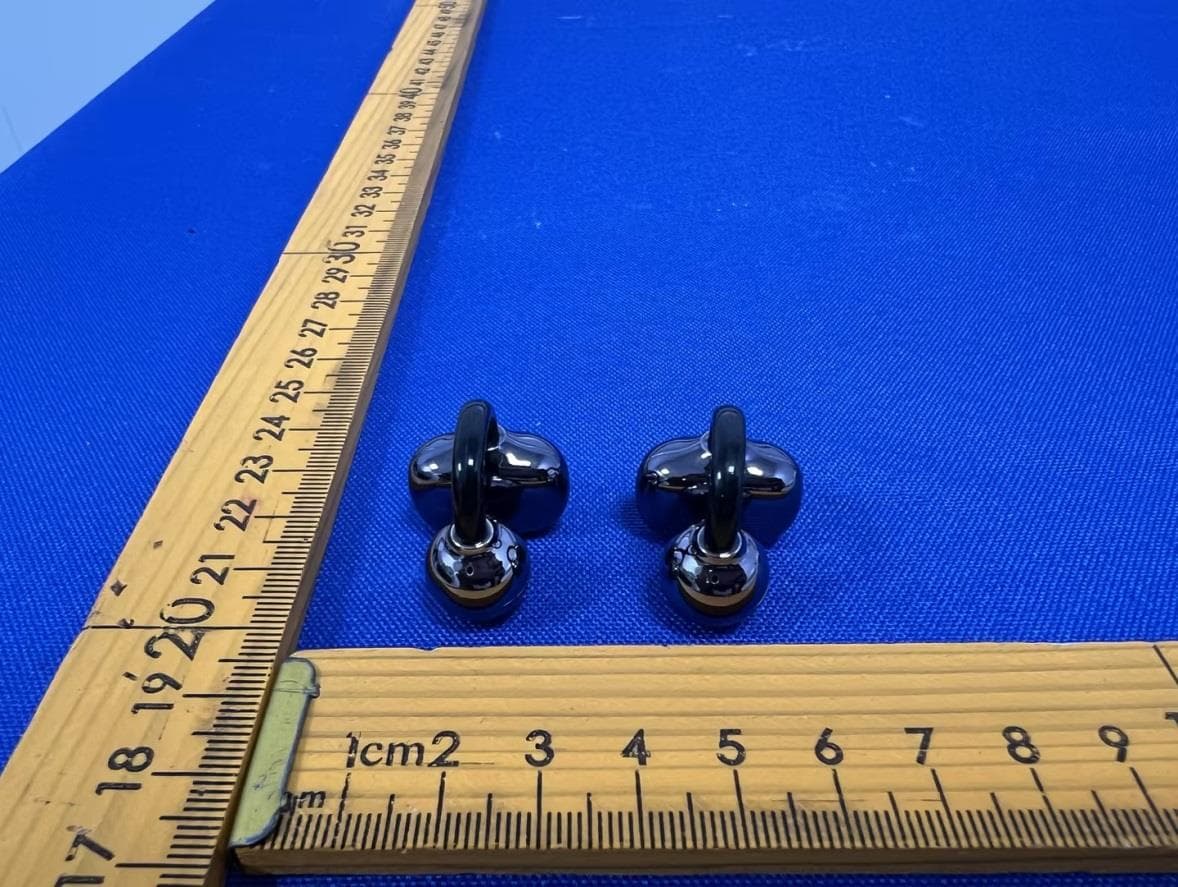
2AHZ5-NEO-A
Jun 11, 2026Wireless Earphone
Equipment Class
DSS - Part 15 Spread Spectrum Transmitter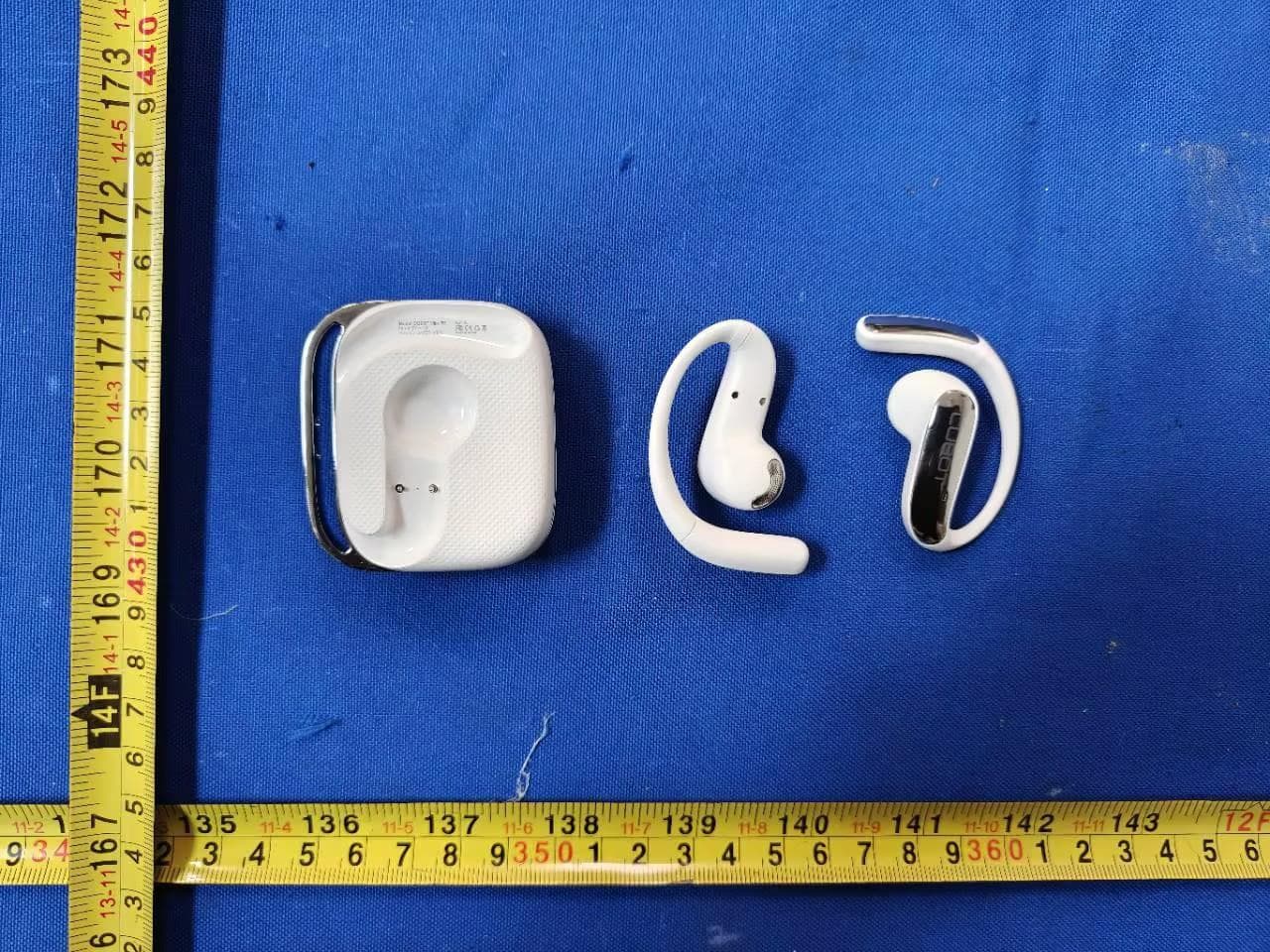
2AHZ5-VR5
Jun 11, 2026Wireless Earphone
Equipment Class
DTS - Digital Transmission System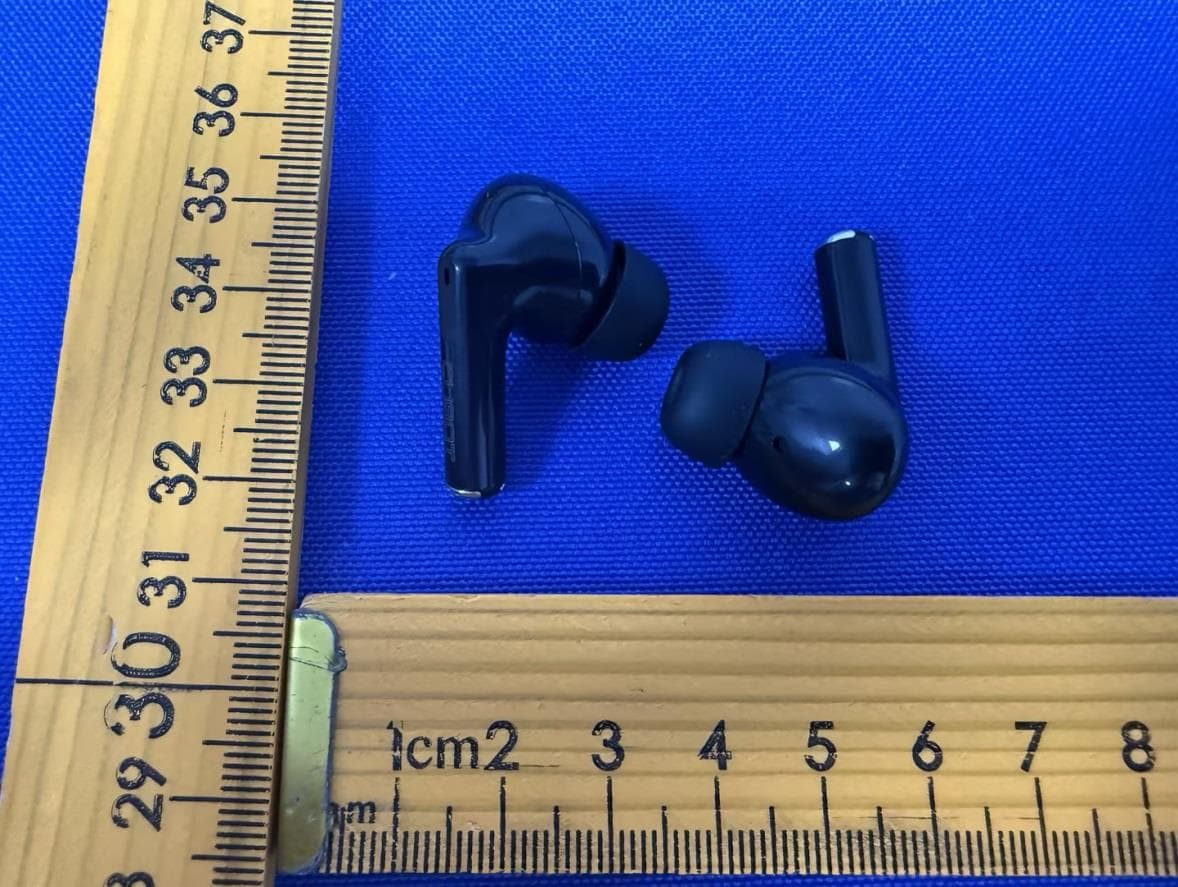
2AHZ5-BUDS
Jun 11, 2026Wireless Earphone
Equipment Class
DSS - Part 15 Spread Spectrum Transmitter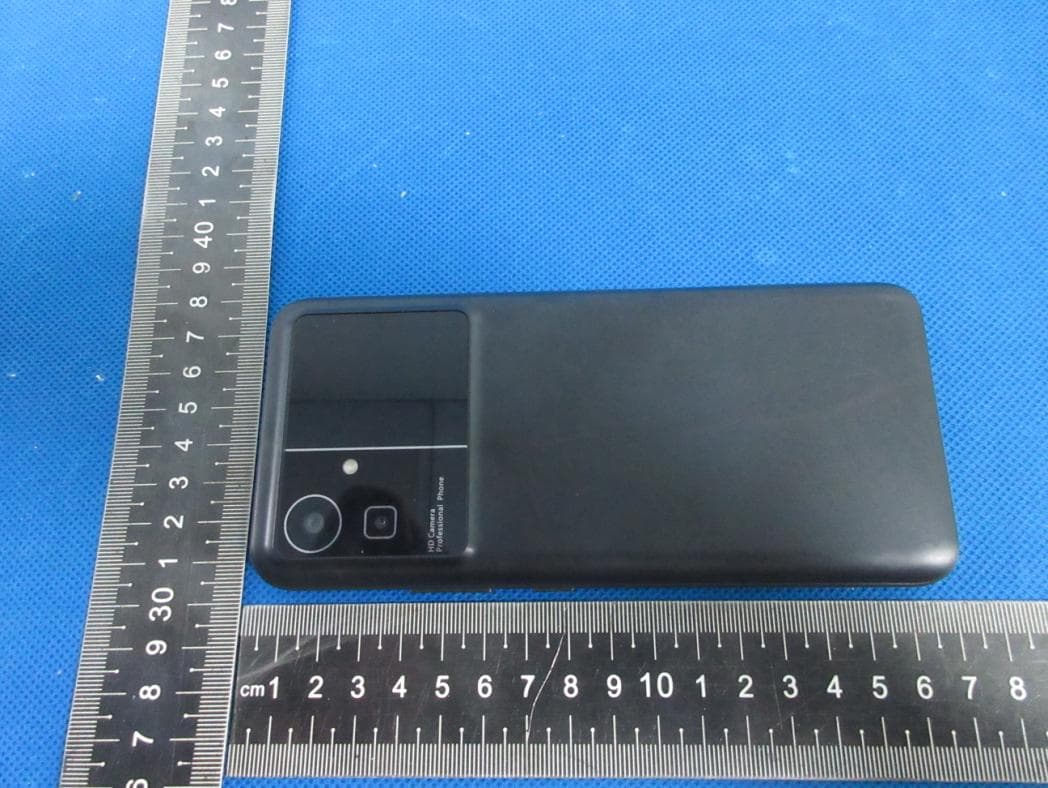
2AHZ5N21
Jul 19, 2023Smartphone
Equipment Class
NII - Unlicensed National Information Infrastructure TX
2AHZ5N50
Jun 25, 2023Smartphone
Equipment Class
DSS - Part 15 Spread Spectrum Transmitter