2AJ2D-MS80Intelligent Motorcycle Scanner
OBDSTAR Technology Co., Ltd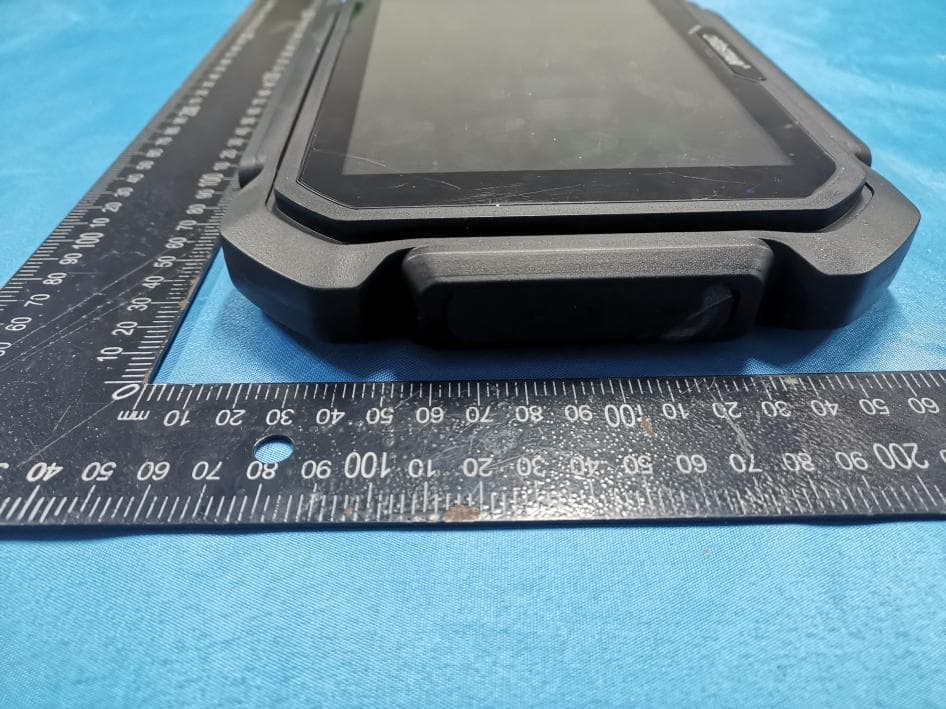
Click to zoom
Application Details
- Equipment Class
- DXX - Part 15 Low Power Communication Device Transmitter
- Date of Grant
- Jan 03, 2021
- Application Purpose
- Original Equipment
- Date of Application
- Dec 23, 2020
- Equipment Note
- Intelligent Motorcycle Scanner
- Frequency Range
- 2402.00000000 - 2480.00000000
- Company
- OBDSTAR Technology Co., Ltd
- Country
- China
Documents & Files
Document Text
Text extracted from the exhibit documents filed with the FCC. Open a document above to read the original.
Users Manual
1 PRODUCT PROFILE This device is a new Android-based vehicle trouble diagnostic device developed for Internet applications. It inherits from OBDSTAR advanced diagnosing technology and it is characterized by covering wide range of vehicles, featuring powerful function, and providing precise result. Through motorcycle diagnostic OBD connector and variant mobile intelligent terminals, it achieves motorcycle trouble diagnosis for full car model and full system vehicle. Meanwhile, taking advantage of mobile Internet, this device integrates all product resources and service of OBDSTAR. 2 F EAT U R E S 1. Diagnostic function: ● Diagnose the electronic control system of prevailing vehicle models covering Asian, European, American and Chinese. Diagnosis functions include: Read DTCS, Clear DTCS, Read data stream, Special functions etc. ● Specially designed for Android platform with clear and user-friendly interface; 2. Support Center: equipped with powerful database. USERMANUAL Product:IntelligentMotorcycleScanner Model:MS80 Revised30October2020 Large number of videos help users to operate device easily. 3. Personal center: User information and the device’s configuration information. 4. Upgrade: built-in WIFI mode can realize application downloading and diagnostic function by one key upgrade. 5. System setting: set VCI formation, language, unit, Workshop information, About and Network test etc. 6. Remote assistance: achieve remote assistance by this function. 3 KNOWLEDGE OF THIS DEVICE 3.1 The whole set This device is composed of the tablet computer, main test cable and kinds of cables. 3.2 The tablet computer 4 TECHNICAL PARAMETERS ●Operation system: Android 5.1.1 ●CPU: Exynos4418 Quad Core ARM Cortex A9 1.4GHz ●Battery: 3700mA, rechargeable polymer lithium battery ●Extension memory card: 32G Micro SD (TF) card supported ●Storage capacity: 32GB ●LCD: 8. 0 inch ●LCD resolution: 1280*800 ●Touch screen: Capacitive touch screen ● Camera: 5 mega rear-view camera ●Wi-Fi: supported ●Working temperature: -10°C ~ 55°C (14°F ~ 131°F) ●Storage temperature: -20°C ~ 70°C (-4°F ~ 158°F) ●Weight: about 1.0 Kg ●Dimension: 254mm*174*mm*35mm 5 ACCESSORIES(Standard Configuration) 5.1 Main test cable 5.2 Other Connectors Other connectors are used to connect the diagnosis socket of non OBD II vehicles. To choose the connector according to the vehicle brand and models. Common connectors are as below: 5.3 P001 Programmer Unit P001 Programmer is used for key transponder renewing and EEPROM reading and writing functions, the wiring of key renewing (specific function operation is helpful in software) is as shown below; Note: Not all configurations include P001 Programmer accessories. 5.4 Others accessories DC Power Adapter (Output DC 12V/2A) To power up the tablet via connecting with outside power Supply. 6 CHARGE THIS DEVICE 1. Connect the included USB cable with charger. 2. Plug the charger into AC outlet. 3. When it connects to charger, battery logo indicates , it indicates that the battery is in charging. 4. When battery logo changes into , it indicates that the battery is fully charged and then disconnect charger from AC outlet. 5. Unplug USB cable on the charger from this device. 7 USING BATTERY ● If the battery keeps unused for a long time or battery is completely discharged, it is normal if it cannot be turned on while being charged. Please charge it for a period and then turn it on. ●Using data service will cause more power consumption and shorten the stand by time. ● The charging time of battery varies with temperature condition and battery consumption status. ● While this device has low battery, a beep will sound. If it is very low, this device will be switched off automatically. Note: Do one of the followings to save power: 1. When this device keeps unattended, press POWER key to turn off the LCD. 2. Shorten the standby time: Enter main menu, choose “Settings” > “DEVICE”> “Display” > “Sleep” to select a shorter standby time. 3. Decrease the brightness of LCD display: Enter main menu, choose “Settings” > “DEVICE” > “Display” > “Brightness”, and then drag the slider to adjust it. 4. Change “Live wallpaper” into “Gallery”. 5. Set Bluetooth off: Enter main menu, choose “Settings” > “Wireless &Network” > “Bluetooth”, and then toggle the switch to OFF. 6. Press VOLUME key to decrease the volume. 8 POWER ON/POWER OFF THIS DEVICE 8.1 Power on Press and hold Power button for three seconds to turn on this device. Note:Set date, time and time zone. 8.2 Power off Press and hold Power button for three seconds to turn off this device. 9 ABOUT DESKTOP The screen is shown as blow: A. Print screen: make a quick screenshot and save it to gallery B. Back button: go back to previous interface or exit program. C. Home button: return to the desktop D. Touch screen menu button: select desired item E. DP button: enter diagnose and program interface F. VIC button: enter system settings 10 CUSTOMIZE YOUR DESKTOP 10.1 Add items on the desktop On the main menu, hold and press the desired item, the system will automatically enter the desktop and place the icon into the circle. Hint: If many applications occupy the desktop, hold and press the desired one to move it to other extension desktop. 10.2 Move items on the desktop 1. Hold and press the item to be moved. 2. After a movable circle appears on the screen, drag it to the target location. 10.3 Delete items on the desktop 1. Hold and press the desired item, “X Delete” appears in the upper middle of the screen. 2. Dragon the item to “X Delete”. 3. When the item and icon turn red and then release it. 10.4 Change your wallpaper 1. Hold and press a blank area on the desktop, a pop- up wallpaper will be shown on the screen. 2. Choose desired wallpaper. 3. Click upper left corner “√ to set wallpaper”. 10.5 Create a folder on the desktop 1. Drag one icon to another icon, the system will create a folder. 2. Input the folder name. 11 ON USING TOUCH SCREEN ● Tap: use your finger to tap desired ite…
Text truncated - open the document above for the full version.
Attestation Statements
OBDSTARTechnologyCo.,Ltd Modeldifferences We: OBDSTARTechnologyCo.,LtdStatementthatAllthemodel“MS80,D80,D80Lite,D80Basic,D80 Pro,D80Max,M80,M80Lite,M80Basic,M80Pro,M80Max,D800,D800Lite,D800Basic,D800Pro,D800 Max,D85,D85Lite,D85Basic,D85Pro,D85Max,MS80,MS80Lite,MS80Basic,MS80Pro,MS80 Max,MD80,MD80Lite,MD80Basic,MD80Pro,MD80Max,MS800,MS800Lite,MS800Basic,MS800 Pro,MS800Max,MD800,MD800Lite,MD800Basic,MD800Pro,MD800Max,MS VIII ,MotorScanner VIII ,KeyMasterMax,X300Max,KeyMasterDPMax,X300DPMax”areidenticalexceptmodelname. AllabovemodelsareidenticalinthesamePCBlayout,interiorstructureandelectricalcircuits. Theonlydifferenceismodelnameforcommercialpurpose. CityandCountry:Date:Name: (thismustbeaperson) Function:Signature: (orofficialcompanystamp) Shenzhen2020/12/21RendingquanMajordomo
Cover Letter(s)
C5266091_X8_Ed.1 1/1 Letter of Authorization OBDSTAR Technology Co., Ltd Company: OBDSTAR Technology Co., Ltd Address: West Block 4 floor,NO. 8 building of Xinwu,industrial areas,Taoyuan street,Nanshan District, Shenzhen,China Product Name: Intelligent Motorcycle Scanner Model Number: MS80, D80, D80 Lite, D80 Basic, D80 Pro, D80 Max, M80, M80 Lite, M80 Basic, M80 Pro, M80 Max, D800, D800 Lite, D800 Basic, D800 Pro, D800 Max, D85, D85 Lite, D85 Basic, D85 Pro, D85 Max, MS80, MS80 Lite, MS80 Basic, MS80 Pro, MS80 Max, MD80, MD80 Lite, MD80 Basic, MD80 Pro, MD80 Max, MS800, MS800 Lite, MS800 Basic, MS800 Pro, MS800 Max, MD800, MD800 Lite, MD800 Basic, MD800 Pro, MD800 Max, MS VIII, Motor Scanner VIII, Key Master Max, X300 Max, Key Master DP Max, X300 DP Max FCC Identifier: 2AJ2D-MS80 We authorize LGAI Technological Center S.A., Ronda de la Font del Carme, s/n, 08193 Bellaterra, Spain, to act on our behalf on all matters concerning the above named equipment. Any individual within LGAI Technological Center S.A. is authorized to act on our behalf and take action on the application. We declare that authorize LGAI Technological Center S.A., Ronda de la Font del Carme, s/n, 08193 Bellaterra, Spain, is allowed to forward all information related to the approval project to the Federal Communication Commission and to discuss any issues concerning the approval application. Any and all acts carried out by LGAI Technological Center S.A. on our behalf shall have the same effect as acts of our own. Name: Ren ding quan Date: 2020.12.21 Title: Majordomo Signature of applicant:
Cover Letter(s)
C5266091_X10_Ed.1 1/1 OBDSTARTechnologyCo.,Ltd WestBlock4floor,NO.8buildingofXinwu,industrialareas,Taoyuanstreet,Nanshan District,Shenzhen,China Date:2020.12.21 Subject:RequestforConfidentiality FCCID:2AJ2D-MS80 ToWhomItMayConcern, PursuanttotheprovisionsofSections0.457and0.459ofCommission'srules (47CFR0.457,0.459),wearerequestingtheCommissiontowithholdthefollowing attachment(s)asconfidentialdocumentfrompublicdisclosure. ExhibitsLong-Term Confidentiality Short-Term Confidentiality IDLabel/LocationNoNo AttestationStatementNoNo ExternalPhotosNo BlockDiagram Schematics TestReportNoNo TestSetupPhotosNo User’sManualNoNo InternalPhotosNoNo PartsList/TuneUp RFExposureInfo OperationalDescription CoverLetter(s)NoNo SDRSoftware/SecurityInfoNo Abovementioneddocumentcontainsdetailedsystemandequipmentdescriptionare consideredasproprietaryinformationinoperationoftheequipment.Thepublic disclosureofabovedocumentsmightbeharmfultoourcompanyandwouldgive competitoranunfairadvantageinthemarket. Itisourunderstandingthatallmeasurementtestreports,FCCIDlabelformatand correspondentduringcertificationreviewprocesscannotbegrantedasconfidential documentsandthoseinformationwillbeavailableforpublicreviewoncethegrantof equipmentauthorizationisissued. Sincerely, Name:RendingquanDate:2020.12.21 Title:Majordomo Signatureofapplicant:
External Photos
FCCID:2AJ2D-MS80 EUT
ID Label/Location Info
FCCIDLABELINGANDLOCATION FCCIDLabel FCCIDLabelLocation Thelabelshownshallbepermanentlyaffixedataconspicuouslocationonthedeviceandbe readilyvisibletotheuseratthetimepurchase(Labelingrequirementsper2.925) IntelligentMotorcycleScanner FCCID:2AJ2D-MS80
Internal Photos
FCCID:2AJ2D-MS80 RFCHIP:Model:AP6212AManufacturer:AMPAK IPEXAntenna RFCHIP
Test Report
Global United Technology Services Co., Ltd. Report No.: GTSL202012000081F01 Authorized Signature: Robinson Lo Laboratory Manager This results shown in this test report refer only to the sample(s) tested, this test report cannot be reproduced, except in full, without prior written permission of the company. The report would be invalid without specific stamp of test institute and the signatures of compiler and approver. + TEST REPORT Applicant: OBDSTAR Technology Co., Ltd Address of Applicant: West Block 4 floor,NO. 8 building of Xinwu,industrial areas,Taoyuan street,Nanshan District, Shenzhen,China Manufacturer: OBDSTAR Technology Co., Ltd Address of Manufacturer: West Block 4 floor,NO. 8 building of Xinwu,industrial areas,Taoyuan street,Nanshan District, Shenzhen,China Equipment Under Test (EUT) Product Name: Intelligent Motorcycle Scanner Model No.: MS80,D80,D80 Lite,D80 Basic,D80 Pro,D80 Max,M80, M80 Lite,M80 Basic,M80 Pro,M80 Max,D800,D800 Lite, D800 Basic,D800 Pro,D800 Max,D85,D85 Lite,D85 Basic, D85 Pro,D85 Max,MS80,MS80 Lite,MS80 Basic,MS80 Pro, MS80 Max,MD80,MD80 Lite,MD80 Basic,MD80 Pro, MD80 Max,MS800,MS800 Lite,MS800 Basic,MS800 Pro, MS800 Max,MD800,MD800 Lite,MD800 Basic,MD800 Pro, MD800 Max,MS VIII,Motor Scanner VIII,Key Master Max, X300 Max,Key Master DP Max,X300 DP Max Trade Mark: N/A FCC ID: 2AJ2D-MS80 Applicable standards: FCC CFR Title 47 Part 15 Subpart C Section 15.249 Date of sample receipt: Dec. 07, 2020 Date of Test: Dec. 07, 2020 ~ Dec. 17, 2020 Date of report issued: Dec. 21, 2020 Test Result : PASS * * In the configuration tested, the EUT complied with the standards specified above. Report No.: GTSL202012000081F01 Global United Technology Services Co., Ltd. No. 123-128, Tower A, Jinyuan Business Building, No.2, Laodong Industrial Zone, Xixiang Road, Baoan District, Shenzhen, Guangdong, China 518102 Telephone: +86 (0) 755 2779 8480 Fax: +86 (0) 755 2779 8960 Page 2 of 37 2 Version Version No. Date Description 00 Dec. 21, 2020 Original Prepared By: Date: Dec. 21, 2020 Project Engineer Check By: Date: Dec. 21, 2020 Reviewer Report No.: GTSL202012000081F01 Global United Technology Services Co., Ltd. No. 123-128, Tower A, Jinyuan Business Building, No.2, Laodong Industrial Zone, Xixiang Road, Baoan District, Shenzhen, Guangdong, China 518102 Telephone: +86 (0) 755 2779 8480 Fax: +86 (0) 755 2779 8960 Page 3 of 37 3 Contents Page 1 COVER PAGE ............................................................................................................................................ 1 2 VERSION .................................................................................................................................................. 2 3 CONTENTS .............................................................................................................................................. 3 4 TEST SUMMARY ..................................................................................................................................... 4 4.1 MEASUREMENT UNCERTAINTY ............................................................................................................ 4 5 GENERAL INFORMATION ...................................................................................................................... 5 5.1 GENERAL DESCRIPTION OF EUT ......................................................................................................... 5 5.2 TEST MODE ........................................................................................................................................ 7 5.3 DESCRIPTION OF SUPPORT UNITS ....................................................................................................... 7 5.4 DEVIATION FROM STANDARDS ............................................................................................................. 7 5.5 ABNORMALITIES FROM STANDARD CONDITIONS ................................................................................... 7 5.6 TEST FACILITY .................................................................................................................................... 8 5.7 TEST LOCATION ................................................................................................................................. 8 5.8 ADDITIONAL INSTRUCTIONS ................................................................................................................. 8 6 TEST INSTRUMENTS LIST ..................................................................................................................... 9 7 TEST RESULTS AND MEASUREMENT DATA .................................................................................... 11 7.1 ANTENNA REQUIREMENT ................................................................................................................... 11 7.2 CONDUCTED EMISSIONS ................................................................................................................... 12 7.3 RADIATED EMISSION METHOD ........................................................................................................... 15 7.3.1 Field Strength of The Fundamental Signal ................................................................................ 17 7.3.2 Spurious emissions .................................................................................................................... 18 7.4 20DB OCCUPY BANDWIDTH .............................................................................................................. 24 8 TEST SETUP PHOTO ............................................................................................................................ 27 9 EUT CONSTRUCTIONAL DETAILS ..................................................................................................... 29 Report No.: GTSL202012000081F01 Global United Technology Services Co., Ltd. No. 123-128, Tower A, Jinyuan Business Building, No.2, Laodong Industrial Zone, Xixiang Ro…
Text truncated - open the document above for the full version.
Test Setup Photos
FCCID:2AJ2D-MS80 CE RE
Contact Information
Applicant
Hongtao Wang
Technical Contact
Global United Technology Services Co., Ltd.Robinson Lo
[email protected]86-0-755-2779-8480
Shenzhen · China
Non-Technical Contact
Global United Technology Services Co., Ltd.Robinson Lo
[email protected]86-0-755-2779-8480
Test Firm
Global United Technology Services Co. Ltd.Robinson Lo
Technical Specifications
| # | Rule Parts | Frequency Range | Power Output |
|---|---|---|---|
| 1 | 15C | 2.40 GHz - 2.48 GHz | - |
Other Applications from OBDSTAR Technology Co., Ltd
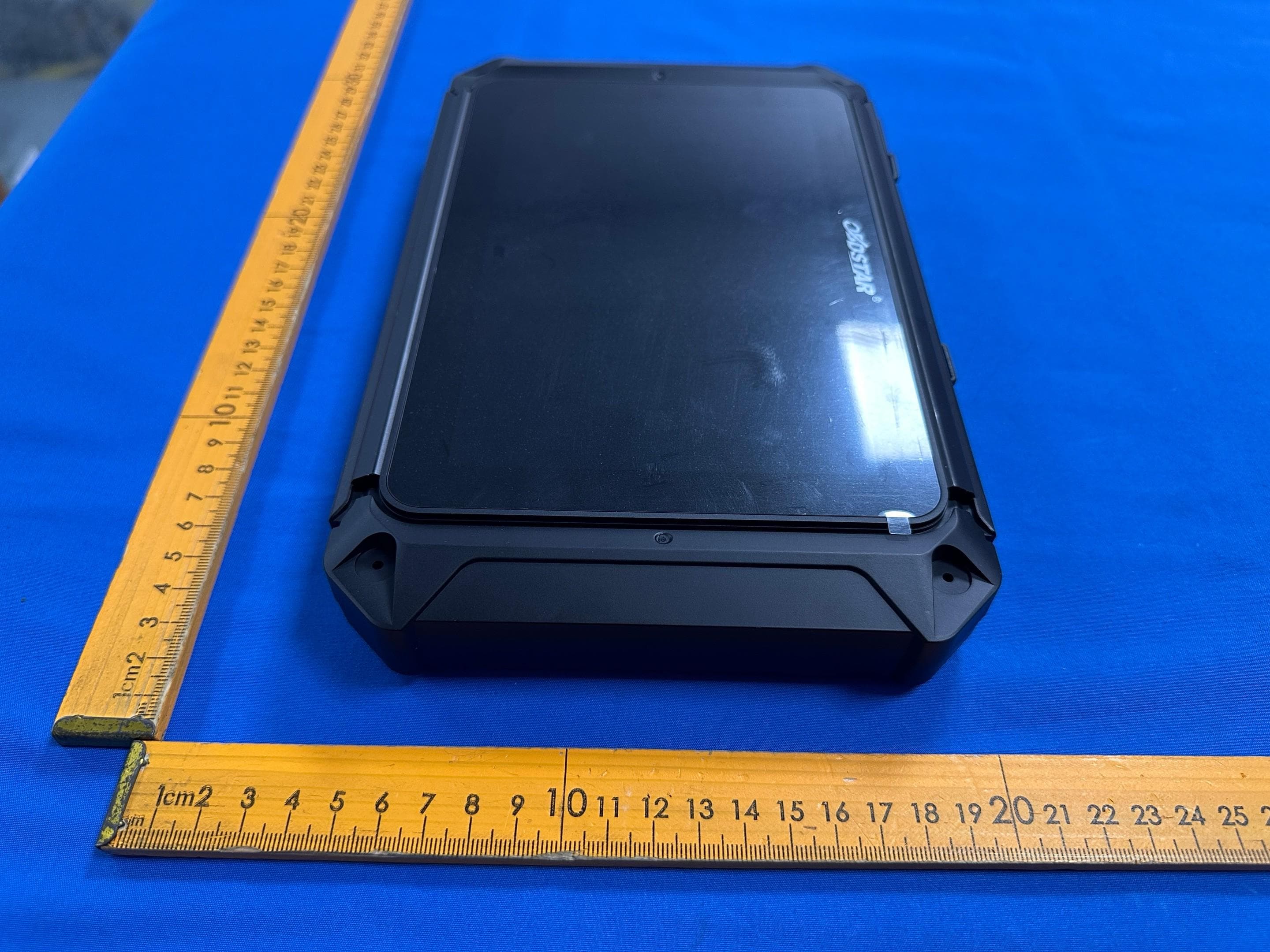
2AJ2D-MS80PRO
Aug 06, 2026Motorcycle Diagnostic Tool
Equipment Class
DSS - Part 15 Spread Spectrum Transmitter2AJ2D-MS75
Jan 24, 2024Diagnostic Tool
Equipment Class
DTS - Digital Transmission System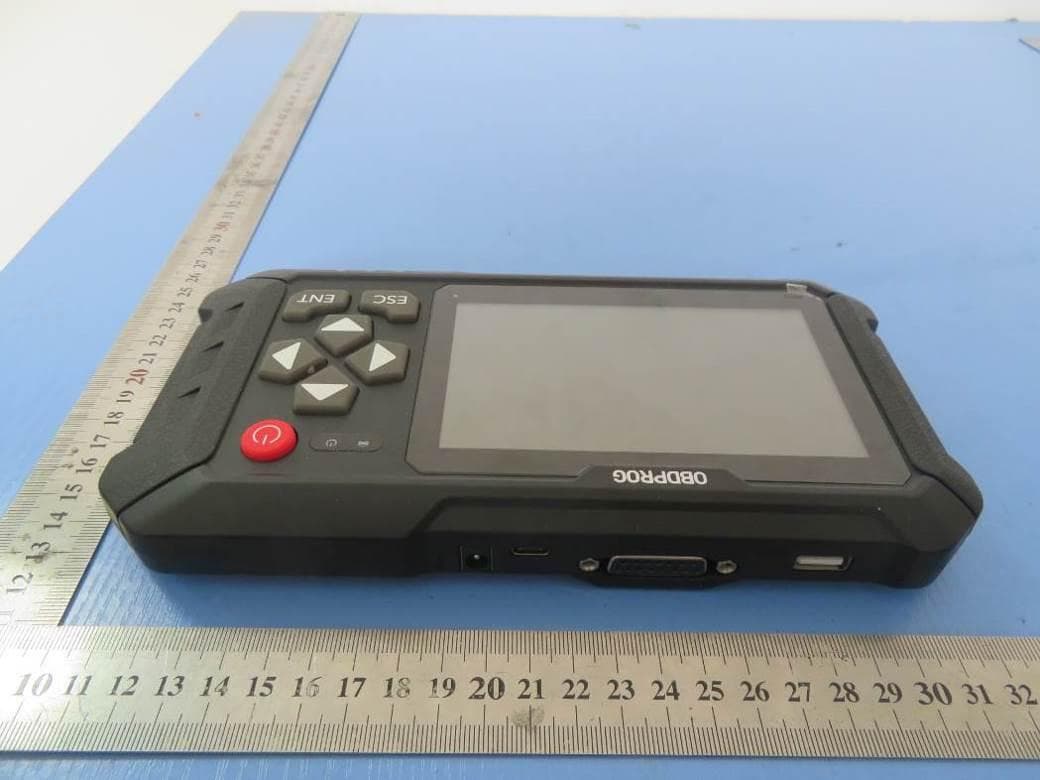
2AJ2D-DOCTORM500
Mar 11, 2020DP50-1
Equipment Class
DSS - Part 15 Spread Spectrum Transmitter