2AKDT-MT0962BDrawing Tablet
XPPEN Technology CO.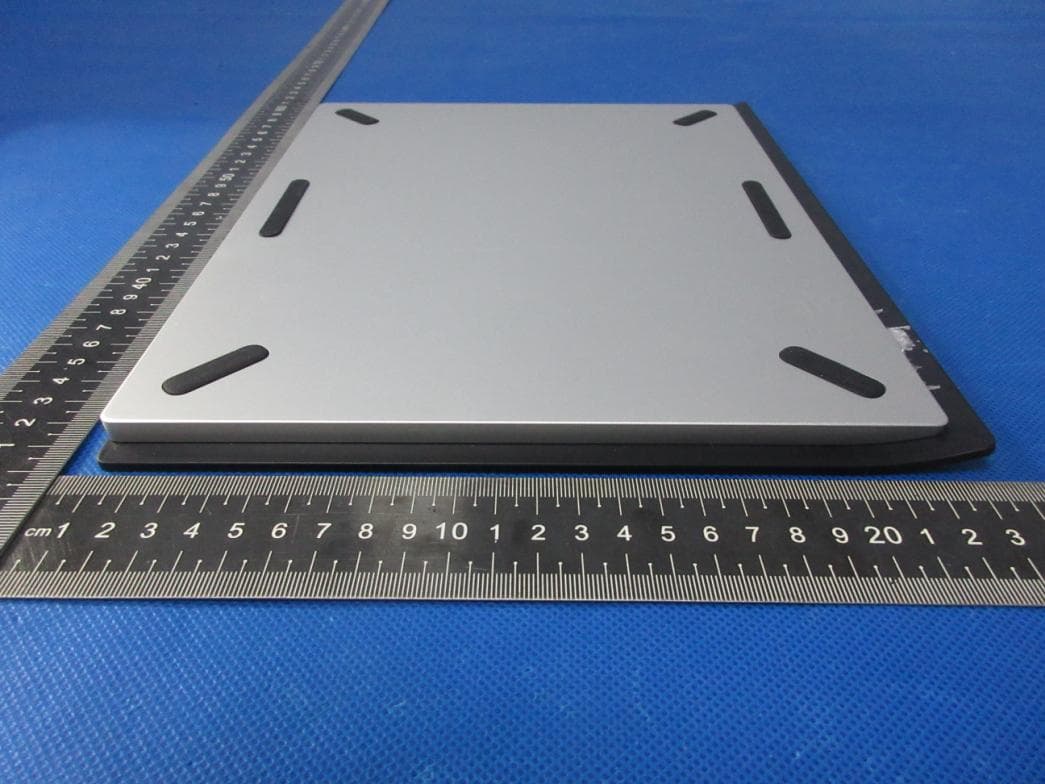
Click to zoom
Application Details
- Equipment Class
- DTS - Digital Transmission System
- Date of Grant
- May 04, 2023
- Application Purpose
- Original Equipment
- Date of Application
- May 04, 2023
- Equipment Note
- Drawing Tablet
- Frequency Range
- 2402.00000000 - 2480.00000000
- Company
- XPPEN Technology CO.
- Country
- United States
Documents & Files
Document Text
Text extracted from the exhibit documents filed with the FCC. Open a document above to read the original.
Users Manual
1 Quick Guide Drawing Tablet (2nd Gen) 2 I. Overview Drawing Tablet 1. PowerKey a. Long press for 3 seconds:Power on or off b. Long press for 6 seconds:Bluetooth pairing mode 2. Bluetooth Switching Button 3. USB -C port 4. Indicator 1 In blue status: a. Flashing slowly: No Bluetooth connected b. Flashing quickly: Waiting for Bluetoothpairing(Long press the Power Key for 6 seconds) c. Always On: Successfully paired 3 In red status: a. Flashing: Low battery (≤ 20%) b. Always On: Charging c. Off: Fully charged The purple status indicates that the red and blue indicators are both On simultaneously 5. Indicator 2 a. Off: The stylus is beyond the active area b. Always On: The stylus is in contact with the active area 6. Active Area II. Accessories X3 Pro StylusX1 Pen Nib X4 Felt Nib X4 Pen Case X1 USB-C to USB-C Cable X1 USB-C to USB-A Cable X1 Glove X1 Wireless Shortcut Remote X1 Bluetooth Receiver X1(for adaption to wireless shortcut remote) * All descriptions and pictures shown are for reference only and may differ from the actual products. Due to different product specifications, the wireless shortcut remote may not be included. Please refer to the actual product received. Due to different product specifications, the Bluetooth receiver may not be included. Please refer to the actual product received. Wireless Shortcut Remote 4 1. Power Slide Switch 2. Indicator Light In blue status: a. Flashing slowly: No Bluetooth connected b. Flashing quickly: Waiting for Bluetooth pairing c. Always on: Successfully paired (Always on for 30 seconds and then off) In red status: a. Flashing: Low battery (≤20%) b. Always on: Charging C. Off: Fully charged The purple status indicates that the red and blue indicators are both On simultaneously 3. Roller 4. USB -C Port 5. Shortcut Key Group The Wireless Shortcut Remote can be customized in four modes, witheach mode customizing 10 keys. You can disable them if you don't need them. One mode is enabled by default, and K1 is the toggle key. Click to switch between different key groups. * All descriptions and pictures shown are for reference only and may differ from the actual products. 5 III. Connection Wired Connection Drawing Tablet Please connect the USB-C to USB-C cable or the USB-C to USB-A cable to the USB port on the computer and the USB-C port on the tablet side respectively. Wireless Shortcut Remote Please connect the USB-C to USB-C cable or the USB-C to USB-A cable to the USB port on the computer and the USB-C port on the wireless shortcut remote respectively. 6 Android Smartphone or Tablet 1. Pleaseconnect the XPPen pen tabletviaUSB-CCable to the Android smartphone or tablet. 2. Please rotate your pen tablet and Android device to vertical,open an Android app that can support pen pressure. 3. Disable the rotate screen function and make sure the Android device remain vertical. *XPPen pen tablet only supports vertical mode for Android devices. The tablet will not work if the Android device is in horizontal mode Wireless connection A.Direct Bluetooth Connection Drawing Tablet 1. Press and hold the power switch for 3 seconds to turn on the drawing tablet, and the indicator light 1 flashes in blue; then long press the power switch for 6 seconds to enter the waiting state for pairing, and the indicator light 1 flashes in blue quickly. 2. Turn on the Bluetooth on the computer, add Bluetooth device, search for the device name "Deco Pro XX", and click to complete the Bluetooth pairing, with the 7 blue indicator light 1 always on. 3. Press and hold the power switch for 3seconds to shut down. Wireless Shortcut Remote 1. Slide the power switch and the blue indicator light flashes slowly. Then long press the K1 shortcut key for 3 seconds to enter Bluetooth pairing and the blue indicator light flashes quickly. 2. Turn on the Bluetooth on the computer, add Bluetooth device, search for device name“Shortcut Remote” and complete Bluetooth pairing by clicking the device name “Shortcut Remote”, with the blue indicator always on. The indicator will be off after 30 seconds. 3. Slide the power switch again to turn off. B.Bluetooth Receiver Connection Only Wireless Shortcut Remote Plug the Bluetooth receiverinto the computer and slide the power switch, with the 8 indicator light always on in blue. The blue indicator will be off after 30 seconds. IV.Bluetooth Device Switching The drawing tablet supports connection to two Bluetooth devices 1. Toggle the Bluetooth switch button to button 1, long press the power button for 6seconds, and the drawing tabletis paired with device 1. 2. Toggle the Bluetooth switch button to button 2, press and hold the power key for 6seconds, and the drawing tablet is paired with device 2. 3. Toggle the Bluetooth switch button to switch the Bluetooth connection between the two devices. 9 V.Support system Drawing Tablet Wired Connection Windows 7 (or later), macOS X 10.10 (or later), Android 10.0 (or later), Chrome OS 88 (or later), Harmony OS, Linux. Bluetooth Connection: Windows 10 (or later), macOSX 10.10 (or later). Wireless Shortcut Remote Wired or Dongle Connection: Windows 7 (or later), macOS X 10.10 (or later), Linux. Bluetooth Connection: Windows 10 (or later), macOS X 10.10 (or later). IV. Download and Install the Driver 1. Make sure your equipment is connected correctly to the computer. 2. Visit the XPPen website (www.xp-pen.com), click on the Support section and then Download. Choose a product model and download the latest driver according to your computer system. 3. Follow the prompts to finish the driver installation. Notes: 1. Before installation, please close all anti-virus software and graphics software. 2. If the computer has already installed the drivers of other brands, please uninstall them first. 3. Please restart your computer after the installation is complete. 4. For the best performance of your device, it is recommended that you use the latest version of the driver. FCC WARNING This device complies with part 15 of the FCC Rules.…
Text truncated - open the document above for the full version.
Attestation Statements
XPPEN Tech nology CO. U.S. Agent Letter of Attestation To: Federal Communications Commission 7435 Oakland Mills Road, Columbia, MD 21046, USA Date: 4/14/2023 Ref: Attestation Statement – Part2.911(d)(7) filing FCC ID: 2BALXNT-P801 XPPEN Technology CO. (“the applicant”) certifies that, as of the date of the filing of the application, XPPEN Technology CO. (“the agent”) is our designated U.S. agent for service of process for the abovereference FCC ID. The applicant accepts to maintain an agent for service of process in the United States forno less than one year after either the grantee has permanently terminated all marketing and importation of theapplicable equipment within the U.S., or the conclusion of any Commission-related administrative or judicialproceeding involving the equipment, whichever is later. The applicant further acknowledges it is ourresponsibility to inform the FCC whenever the agent information changes. XPPEN Technology CO. ("the agent) understand it is the agent's obligation to accept service of process in the United States for matters related to the applicable equipment, and at the physical U.S. address and email address. Designated U.S. Agent Company Name: XPPEN Tech nology CO. FRN: 0026040436 GC: 2AKDT Address: 15350 Fairfield Ranch Road, Chino Hills, CA, 91709, US Signature: Contact Perso n: Tiger Li Tel: +1-562-325-5204Email: lsb @ugee.co m.cn Applicant Company Name: XPPEN Tech nology CO. Address: 15350 Fairfield Ranch Road, Chino Hills, CA, 91709, US Signature: Contact Perso n: Tiger Li Tel: +1-562-325-5204Email: lsb @ugee.co m.cn
Attestation Statements
Rev1/26/2023 XPPENTechnologyCO. 15350FairfieldRanchRoad,ChinoHills,CA,91709,US FederalCommunicationsCommission AuthorizationandEvaluationDivision 7435OaklandMillsRoad Columbia,MD21046 USA Date:4/14/2023 Ref:AttestationStatementsPart2.911(d)(5)(i)Filing FCCID:2AKDT-MT0962B [XPPENTechnologyCO.](“theapplicant”)certifiesthattheequipmentforwhichauthorizationissought isnot“covered”equipmentprohibitedfromreceivinganequipmentauthorizationpursuanttosection 2.903oftheFCCrules. Sincerely, (Applicantsignature) (Applicantprintedname)TigerLi Rev1/26/2023 XPPENTechnologyCO. 15350FairfieldRanchRoad,ChinoHills,CA,91709,US FederalCommunicationsCommission AuthorizationandEvaluationDivision 7435OaklandMillsRoad Columbia,MD21046 USA Date:4/14/2023 Ref:AttestationStatementsPart2.911(d)(5)(ii)Filing FCCID:2AKDT-MT0962B [XPPENTechnologyCO.](“theapplicant”)certifiesthat,asofthedateofthefilingoftheapplication,the applicantisnotidentifiedontheCoveredListasanentityproducing“covered”equipment. Sincerely, (Applicantsignature) (Applicantprintedname)TigerLi
Cover Letter(s)
C5266091_X8_Ed.1 1/1 Le tter of Author iz ation <XPPEN Technology CO.> Company:XPPEN Technology CO. Address:15350 Fairfield Ranch Road, Chino Hills, CA, 91709, US Product Name: Drawing Tablet Model Number: MT0962B FCC Identifier: 2AKDT-MT0962B We authori ze LGAI Technological Ce nter S.A., Ro nda de la Font delCa rm e, s/n, 08193 Bellaterra , Spain, to act on our behalf on all mattersconcern ing the above named equipment. Any individual within LGAI Technological Ce nter S.A. is authori zed to act on our behalf and take action on the application. We declare that authori ze LGAI Technological Ce nter S.A., Ro nda de la Font del Ca rm e, s/n, 08193 Bellaterra , Spain, is allowed to forw ardall inform ation re lated to the appro v al pro ject to the Federa l Co mmunication Co mmission and to discuss any issues concern ing the appro val application. Any and all acts carri ed out by LGAI Technological Ce nter S.A. on our behalf shall have the same effect as acts of our own. Na me: Tiger LiDate: 14/04/2023 Title: gene ral mana ger Signa tur e of applicant :
Cover Letter(s)
C5266091_X10_Ed.2 1/1 < XPPENTechnologyCO. > OfficeofEngineeringTechnology FederalCommunicationsCommission 7435OaklandMillsRoad Columbia,MD21046Date:14/04/2023 Subject:RequestforConfidentiality FCCID:2AKDT-MT0962B ToWhomItMayConcern, PursuanttotheprovisionsofSections0.457and0.459ofCommission'srules (47CFR0.457,0.459),wearerequestingtheCommissiontowithholdthefollowing attachment(s)asconfidentialdocumentfrompublicdisclosure. ExhibitsLong-Term Confidentiality Short-Term Confidentiality NOTE2 IDLabel/Location AttestationStatement ExternalPhotos BlockDiagram Schematics TestReport TestSetupPhotos User’sManual NOTE 1 InternalPhotos NOTE 1 PartsList/TuneUp/BOMList RFExposureInfo OperationalDescription CoverLetter(s) FCCSoftwareSecurity RequirementsforUNIIdevices NOTE1:Long-TermConfidentialitymaybepermittedunderspecialconditions(SeeII.LONG-TERMCONFIDENTIALITY,Section3of KDB726920,uselastinforce) NOTE2:Short-TermConfidentialitycanberequestedforamaximumof180daysfromthedateofthegrant. Abovementioneddocumentcontainsdetailedsystemandequipmentdescriptionare consideredasproprietaryinformationinoperationoftheequipment.Thepublic disclosureofabovedocumentsmightbeharmfultoourcompanyandwouldgive competitoranunfairadvantageinthemarket. Incaseofshort-termConfidentiality,theapplicantrequeststheexhibitsselected abovearewithheldfrompublicviewforaperiodof_180_daysfromthedateofthe GrantofEquipmentAuthorizationandpriortomarketing. C5266091_X10_Ed.2 1/1 Itisourunderstandingthatallmeasurementtestreports,FCCIDlabelformatand correspondentduringcertificationreviewprocesscannotbegrantedasconfidential documentsandthoseinformationwillbeavailableforpublicreviewoncethegrantof equipmentauthorizationisissued. Sincerely, Signature: Name:TigerLi Title:generalmanager
External Photos
ATTACHMENT PHOTOGRAPHS OF EUT Photo 1 Photo 2 Photo 3 Photo 4 Photo 5 Photo 6 Photo 7 Photo 8
ID Label/Location Info
D eco Pro MW Drawing Tablet (Gen 2) Model: MT0962B Input: 5V 2A FC C ID: 2AKDT-MT0962B IC:28577-MT0962B Designed by XPPEN Technology CO. in California, Made in China R-R-UG5-MT0962B 220-JP6036
Internal Photos
Photo 9 Photo 10 Photo 11 Photo 12 ANT 1 Photo 13 (Battery 1) Photo 14 (Battery 2)
RF Exposure Info
FCC ID: 2AKDT-MT0962B Portable device According to §15.247(e)(i) and §1.1307(b)(1), systems operating under the provisions of this section shall be operated in a manner that ensures that the public is not exposed to radio frequency energy level in excess of the Commission’s guidelines. According to KDB447498 D01 General RF Exposure Guidance V06 The 1-g SAR and 10-g SAR test exclusion thresholds for 100 MHz to 6 GHz at test separation distances ≤ 50 mm are determined by: [(max. power of channel, including tune-up tolerance, mW)/(min. test separation distance, mm)]·[√f(GHZ)] ≤ 3.0 for 1-g SAR and ≤ 7.5 for 10-g extremity SAR, where: • f(GHZ) is the RF channel transmit frequency in GHz • Power and distance are rounded to the nearest mW and mm before calculation • The result is rounded to one decimal place for comparison When the minimum test separation distance is < 5 mm, a distance of 5 mm is applied to determine SAR test exclusion. BLE: Antenna Type: PIFA Antenna Antenna Gain: 3.87 dBi Modulation Channel Freq. (GHz) Conduct ed power (dBm) Conducte d power (mW) Tune-up power (dBm) Max tune-up power (dBm) Max tune-up power (mW) Distance (mm) Result calculatio n 1g SAR Exclusion threshold SAR test exclusion 2.402 0.68 1.1690.5±11.51.413<50.437843.00YES 2.440 1.39 1.3770.5±11.51.413<50.441293.00YES 2.480 1.25 1.3340.5±11.51.413<50.444893.00YES 2.402 0.96 1.2470.5±11.51.413<50.437843.00YES 2.440 1.5 1.4130.5±11.51.413<50.441293.00YES 2.480 1.23 1.3270.5±11.51.413<50.444893.00YES GFSK(1M ) GFSK(2M ) Conclusion: For the max result : 0.44489≤ 3.0 for 1-g SAR, No SAR is required. Signature: Date: 2023-04-17 NAME AND TITLE (Please print or type): Alex /Manager COMPANY (Please print or type): Shenzhen NTEK Testing Technology Co., Ltd./ 1/F, Building E, Fenda Science Park, Sanwei Community, Xixiang Street Bao’an District, Shenzhen 518126 P.R. China
Test Report
Report No.: S23030101510001 Version.1.3 Page 1 of 61 RADIO TEST REPORT FCC ID: 2AKDT-MT0962B Product: Drawing Tablet Trade Mark: XPPen Model No.: MT0962B Family Model: N/A Report No.: S23030101510001 Issue Date: Mar 28, 2023 Prepared for XPPEN Technology CO. 15350 Fairfield Ranch Road, Chino Hills, CA, 91709, US Prepared by Shenzhen NTEK Testing Technology Co., Ltd. 1/F, Building E, Fenda Science Park, Sanwei Community, Xixiang Street Bao’an District, Shenzhen 518126 P.R. China Tel. 400-800-6106, 0755-2320 0050, 0755-2320 0090 Website: http://www.ntek.org.cn Report No.: S23030101510001 Version.1.3 Page 2 of 61 TABLE OF CONTENTS 1 TEST RESULT CERTIFICATION ...................................................................................................................... 3 2 SUMMARY OF TEST RESULTS ......................................................................................................................... 4 3 FACILITIES AND ACCREDITATIONS ............................................................................................................. 5 3.1 FACILITIES..................................................................................................................................................... 5 3.2 LABORATORY ACCREDITATIONS AND LISTINGS ................................................................................. 5 3.3 MEASUREMENT UNCERTAINTY ............................................................................................................... 5 4 GENERAL DESCRIPTION OF EUT .................................................................................................................. 6 5 DESCRIPTION OF TEST MODES ..................................................................................................................... 8 6 SETUP OF EQUIPMENT UNDER TEST ........................................................................................................... 9 6.1 BLOCK DIAGRAM CONFIGURATION OF TEST SYSTEM ....................................................................... 9 6.2 SUPPORT EQUIPMENT............................................................................................................................... 10 6.3 EQUIPMENTS LIST FOR ALL TEST ITEMS .............................................................................................. 11 7 TEST REQUIREMENTS .................................................................................................................................... 13 7.1 CONDUCTED EMISSIONS TEST ............................................................................................................... 13 7.2 RADIATED SPURIOUS EMISSION ............................................................................................................ 16 7.3 6DB BANDWIDTH ....................................................................................................................................... 25 7.4 DUTY CYCLE ............................................................................................................................................... 26 7.5 PEAK OUTPUT POWER .............................................................................................................................. 28 7.6 POWER SPECTRAL DENSITY ................................................................................................................... 29 7.7 CONDUCTED BAND EDGE MEASUREMENT......................................................................................... 31 7.8 SPURIOUS RF CONDUCTED EMISSIONS................................................................................................ 32 7.9 ANTENNA APPLICATION .......................................................................................................................... 33 8 TEST RESULTS ................................................................................................................................................... 34 8.1 1M .................................................................................................................................................................. 34 8.2 2M .................................................................................................................................................................. 48 Report No.: S23030101510001 Version.1.3 Page 3 of 61 1 TEST RESULT CERTIFICATION Applicant’s name ......................... : XPPEN Technology CO. Address ....................................... : 15350 Fairfield Ranch Road, Chino Hills, CA, 91709, US Manufacturer's Name .................. : Hanvon Ugee Technology Co., Ltd. Address ....................................... : 2/F, West of 3/F, 4/F, No.4 Building, Fulongte Industrial Park, Huaxing Road, Langkou Community, Dalang Street, Longhua District, Shenzhen Product description Product name .............................. : Drawing Tablet Trademark .................................. : XPPen Model and/or type reference ...... : MT0962B Family Model ............................... : N/A Test Sample Number ................... : S230301015010 Measurement Procedure Used: APPLICABLE STANDARDS APPLICABLE STANDARD/ TEST PROCEDURE TEST RESULT FCC 47 CFR Part 2, Subpart J FCC 47 CFR Part 15, Subpart C ANSI C63.10-2013 KDB 558074 D01 15.247 Meas Guidance v05r02 Complied This device described above has been tested by Shenzhen NTEK Testing Technology Co., Ltd., and the test results show that the equipment under test (EUT) is in compliance with the FCC requirements. And it is applicable only to the tested sample identified in the report. This report shall not be reproduced except in full, without the written approval of Shenzhen NTEK Testing Technology Co., Ltd., this document may be altered or revised by Shenzhen NTEK Testing Technology Co., Ltd., personnel only, and shall be noted in the revision of the document. The test results of this report relate only to the tested sample identified i…
Text truncated - open the document above for the full version.
Test Report
Shenzhen Hanwang Youji Technology Co., Ltd.-Acknowledgment Letter (Electronic) HWYG-4-DC-023 A0 catalog 1. 1. BOM/material certificate 2. 2. QC engineering drawing 3. 3. 2D drawing/package drawing 4. 4. Material specification 5. 5. Environmental report list & environmental information 6. 6. Packaging and shipping method 7. 7. Reliability Report 8. 8. Supplier inspection report (dimensions, appearance) 9. 9. Sample test report (Hanwang Youji self-test, review) Manufacture: SHENZHEN FREERULE COMMUMNICATION TECHNOLOGY CO., LTD Model: BPH0902B Shenzhen Hanwang Youji Technology Co., Ltd.-Acknowledgment Letter (Electronic) HWYG-4-DC-023 A0 1: Material proof Coaxial cable: 0.81mm double-tin wire, third-generation terminal, total length 43mm FPC: green oil on copper foil surface, total thickness 0.15mm, size 31.2*17mm 2:QC engineering drawing FPC and coaxial cable welding 3: 2D diagram/package diagram Antenna physical picture 4:Material specification Cut the wire according to the total length Assembling RF terminals Tin without terminals QC inspection Pack age to ship Inspection of FPC incoming materials Inspection coaxial line incoming material Welding according to design requirements QC testing Packing and shipping Shenzhen Hanwang Youji Technology Co., Ltd.-Acknowledgment Letter (Electronic) HWYG-4-DC-023 A0 43 ± 1.5 Shenzhen Hanwang Youji Technology Co., Ltd.-Acknowledgment Letter (Electronic) HWYG-4-DC-023 A0 Shenzhen Hanwang Youji Technology Co., Ltd.-Acknowledgment Letter (Electronic) HWYG-4-DC-023 A0 6: Packing method As shown in the picture above: 200 pieces per small package 7: Reliability Report As shown in the picture above: each large package is subject to the order quantity Shenzhen Hanwang Youji Technology Co., Ltd.-Acknowledgment Letter (Electronic) HWYG-4-DC-023 A0 (VSWR): Antenna Efficiency Gain: Test Point ID Freq(Mhz) Efficiency(%) Gain(dBi) 1 2400 45.3% 2.54 2 2410 45.6% 2.87 3 2420 46.6% 2.89 4 2430 48.3% 3.12 5 2440 48.9% 3.24 6 2450 48.1% 3.46 7 2460 49.6% 3.52 8 2470 49.8% 3.87 9 2480 49.0% 3.05 10 2490 47.8% 2.77 11 2500 46.2% 2.13 Antenna pattern(2470MHz) 8: Supplier inspection report (size, appearance)
Test Setup Photos
Radiated Measurement Photos Conducted Measurement Photos
Contact Information
Applicant
Tiger Li(general manager)
Technical Contact
Non-Technical Contact
Shenzhen NTEK Testing Technology Co., Ltd.Alex Li
[email protected]86-755-6115 6588
Test Firm
Shenzhen NTEK Testing Technology Co., Ltd.Alex Li
[email protected]+86-755-6115-9384
Technical Specifications
| # | Rule Parts | Frequency Range | Power Output |
|---|---|---|---|
| 1 | 15C | 2.40 GHz - 2.48 GHz | 1.41 mW |
Other Applications from XPPEN Technology CO.
2AKDT-MS1601
Jul 24, 2026Drawing Laptop Magic Stuido 16
Equipment Class
DTS - Digital Transmission System2AKDT-ACD02G
Apr 14, 2026Dongle
Equipment Class
DTS - Digital Transmission System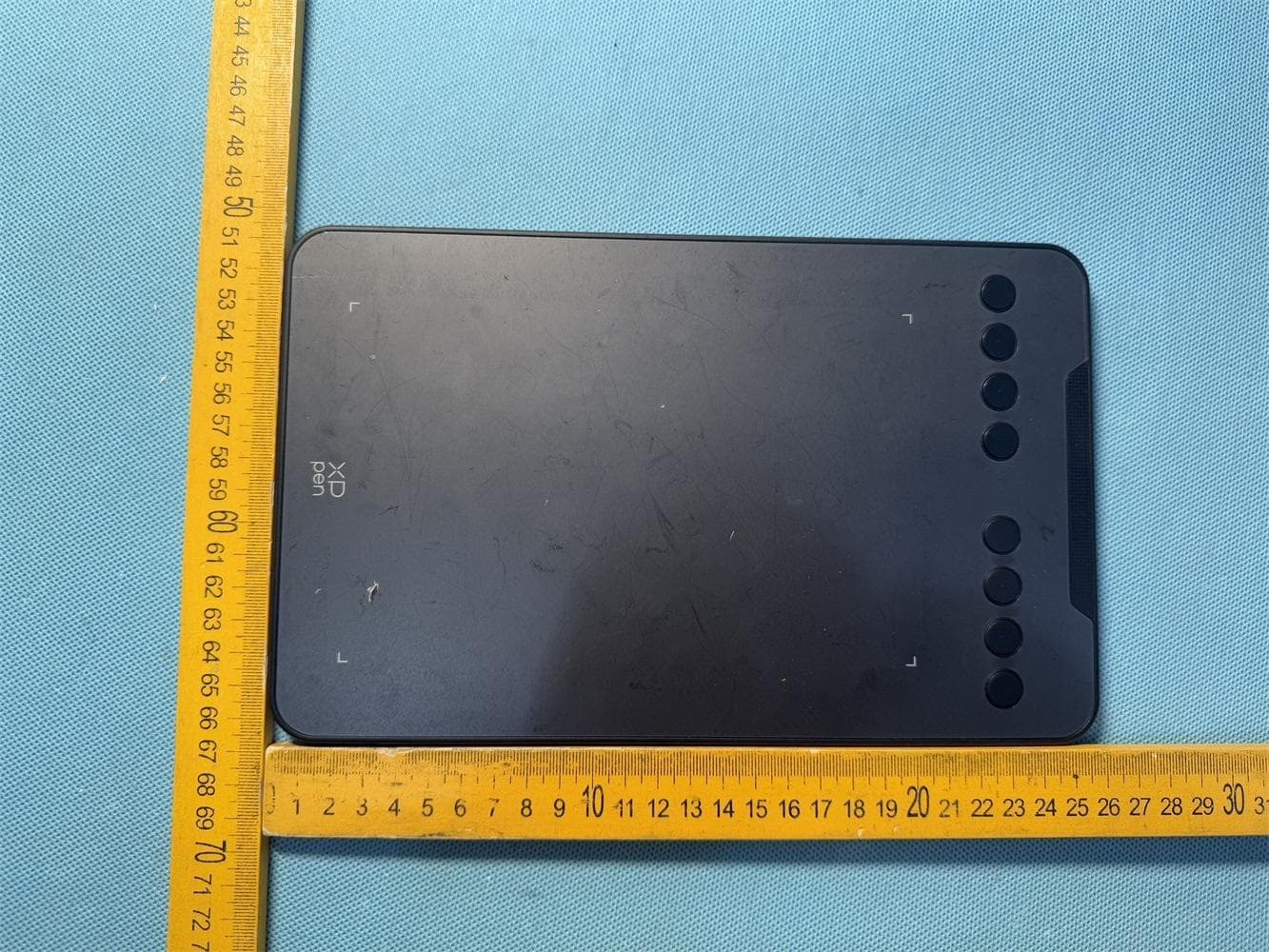
2AKDT-DECOMINI7WV2
Dec 12, 2025Drawing Tablet
Equipment Class
DTS - Digital Transmission System2AKDT-ACK05B
Apr 26, 2024Wireless Shortcut Remote
Equipment Class
DTS - Digital Transmission System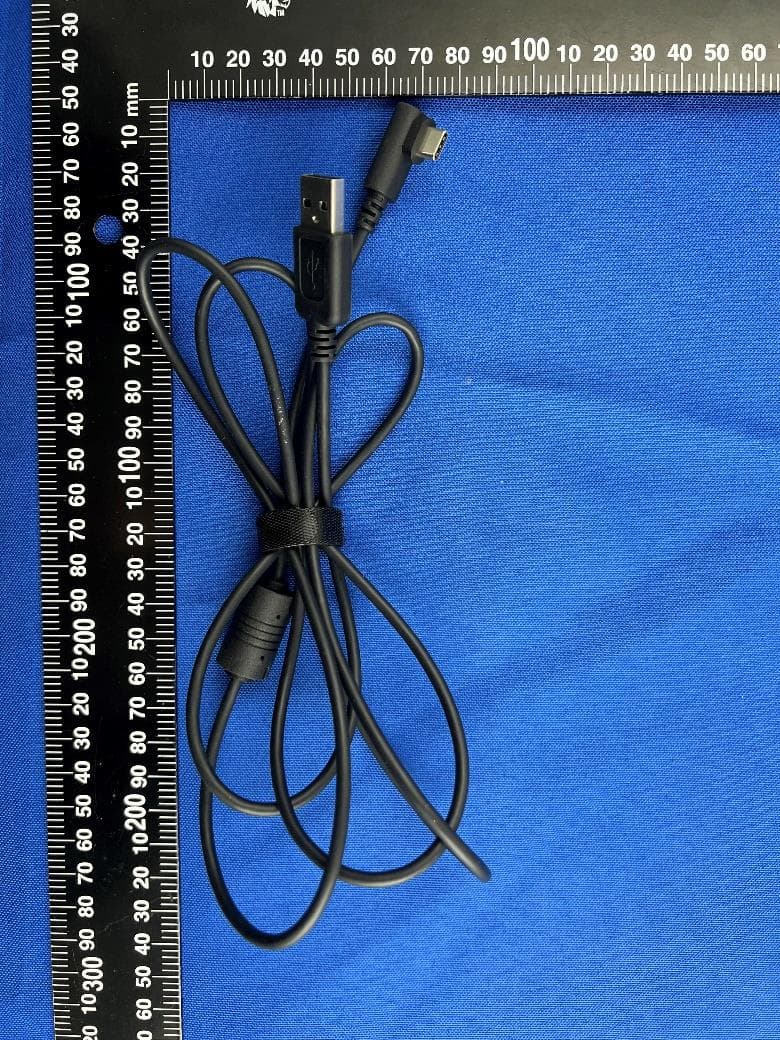
2AKDT-MT1172B
May 04, 2023Drawing Tablet
Equipment Class
DTS - Digital Transmission System