2AMC6-PRODIGY-AIR2TRUE WIRELESS EARBUDS
Aiwa Corporation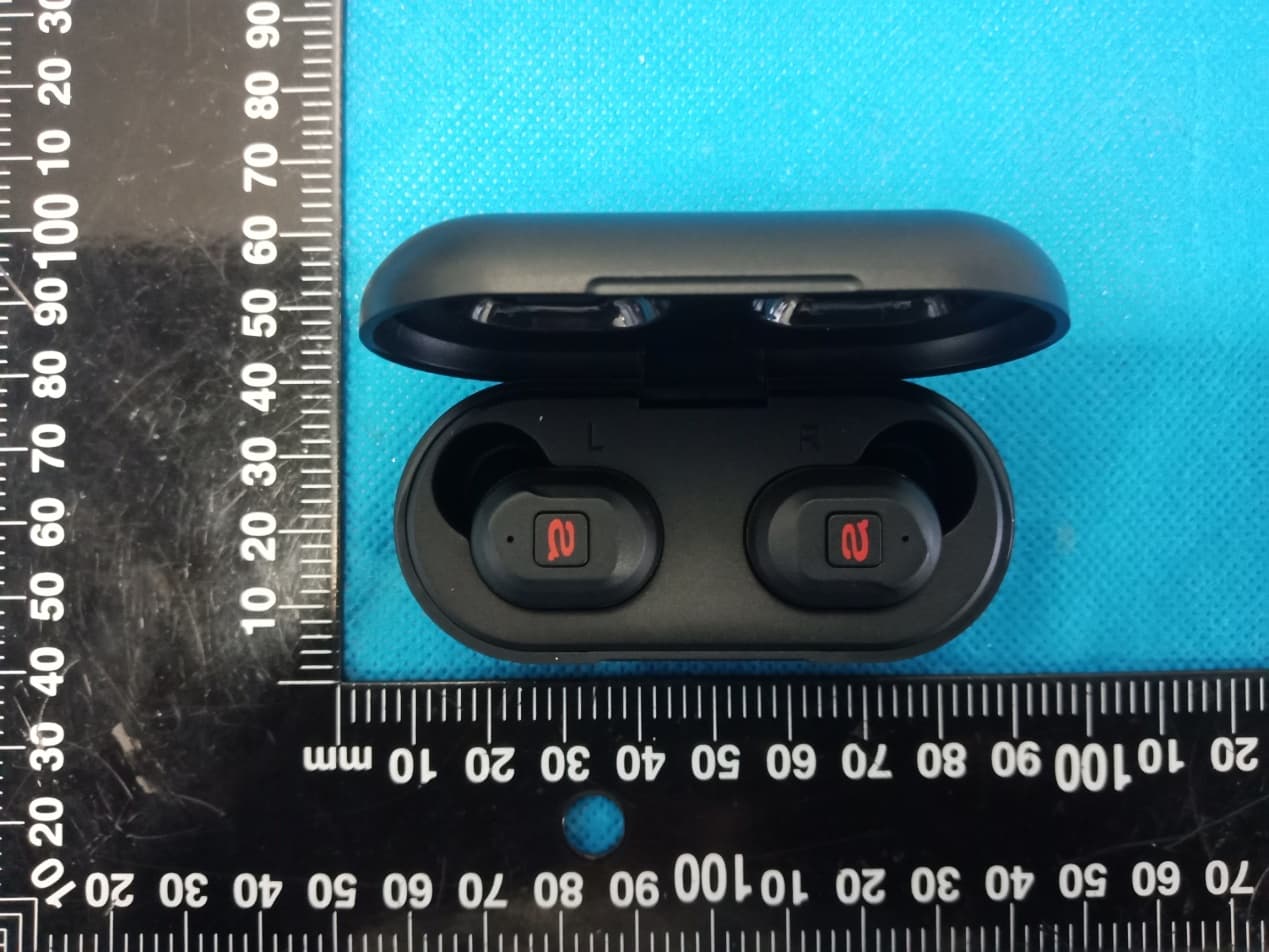
Click to zoom
Application Details
- Equipment Class
- DSS - Part 15 Spread Spectrum Transmitter
- Date of Grant
- May 26, 2021
- Application Purpose
- Original Equipment
- Date of Application
- May 26, 2021
- Equipment Note
- TRUE WIRELESS EARBUDS
- Frequency Range
- 2402.00000000 - 2480.00000000
- Company
- Aiwa Corporation
- Country
- United States
Documents & Files
Document Text
Text extracted from the exhibit documents filed with the FCC. Open a document above to read the original.
Users Manual
Prodigy Air 2 TRUE WIRELESS EARBUDS User Guide PRINTING SPECIFICATION: Book folded finish size: 110mm x 90mm (H x W) book (Perfect Bound) Printed: 4 colour Stock: 100gsm white matt paper Number of pages: 56 Spread page size: 110 x 180mm (H x W) Contents Box contents ...........................................................................1 Getting started .......................................................................2 Pairing your audio device .....................................................4 Adjust the volume ..................................................................6 Change tracks .........................................................................6 Activate voice assistant .........................................................7 Staying charged ......................................................................7 Earbud control functions ....................................................10 Technical specifications.......................................................12 Troubleshooting ...................................................................13 Safety instructions ...............................................................14 Recycle ...................................................................................16 Customer service .................................................................16 (DE) Benutzerhandbuch ......................................................17 (FR) Guide d’utilisation......................................................... 35 Additional languages can be found on: www.aiwa.eu.com/en/support/ 1 Box contents What’s in the box? AIWA Prodigy Air 2 True Wireless Earbuds Portable charging case Ear cushions – 6 pairs small, medium and large (S, M, L) USB Type C charging cable 23 Left Multi-function Button Earbud LED Lights / Microphone Right Multi-function Button Portable Charging Case Charging Case LED Light Indicators USB Type C Charging Case Port Open the case and place the tip of your index finger between the earbuds. Gently push the earbud you wish to remove to the side and it will pop out of the charge case enabling you to easily remove it. Front 4 Back 6 5 1 2 3 4 5 6 3 2 1 4 Getting started Pairing your audio device Remove both earbuds from the Portable Charging Case they will automatically turn on and the Earbud LED Lights will start to flash BLUE and RED. You may hear ‘Power on, pairing’ and a ‘beep’ as confirmation the earbuds have paired together. One of the Earbud LED Lights will continue to flash BLUE and RED. The other earbud will flash BLUE intermittently. Go to the Bluetooth settings on your audio device and select ‘AIWA Prodigy Air 2’ from the list. Once paired successfully with your audio device you will hear ‘Connected’ and both Earbud LED Lights will flash BLUE. You can now enjoy your music. After this initial pairing, the earbuds will seamlessly reconnect to the last used Bluetooth audio device it was paired with and will confirm by saying ‘Connected’. Place both earbuds (or either one) back in the Portable Charging Case to power them off. If there is no Bluetooth connection after 3 minutes the earbuds will automatically turn off and will confirm with ‘Power off’. Note: If you see two ‘AIWA Prodigy Air 2’ appear on your Bluetooth menu list please wait 4 seconds for the earbuds to connect to each other before pairing with your audio device. If there is still no connection simply ‘forget’ both earbuds in your Bluetooth settings, place them back in the Portable Charging Case and start again. 45 2 2 2 4 4 4 Adjust the volume Press and hold for 1 second the right Multi-function Button on the earbud to increase the volume by 1 level. Press and hold for 1 second the left Multi-function Button on the earbud to decrease the volume by 1 level. Change Tracks Double press the right Multi-function Button on the earbud to skip the track. Double press the left Multi-function Button on the earbud for the previous track. 6 2 4 3 3 1 1 Activate voice assistant Pair your Bluetooth audio device with your earbuds. Triple press either Multi-function Button or on the earbuds. Listen for the familiar Voice Assistant ‘beep’ to confirm connection with Siri or Google Assistant.* You can now ask Google Assistant or Siri a question or state a command. *Google Assistant or Siri may not be available in all languages. Staying charged The Earbuds The AIWA Prodigy Air 2 earbuds are charged using the Portable Charging Case . While in the charging case each earbud LED Light will be RED. When fully charged the LED Lights will turn OFF. Secure the earbuds by closing the charging case lid. 2 7 3 2 1 13 Each LED charging indicator represents 25% charge on the case. The first LED Light indicator will flash WHITE while charging and once it reaches its 25% charge, it will then remain a solid WHITE as the next LED indicator light begins to flash and so on. When all 4 LED indicators are a solid WHITE and remain on then the charging case is fully charged. This should take approximately 1 – 2 hours. 5 25% charged 50% charged 75% charged 100% charged 89 5 5 The Portable Charging Case Viewing the Charge Case LED Indicator Lights will show you how much charge you have remaining on the case. The LED Indicator Lights will power on for 6 seconds, each time the earbuds are placed in or out of the charging case or when the case is being charged. If there are no WHITE LED Indicator Lights on when you remove or insert the earbuds then it is time to recharge the Portable Charging Case . Always charge the case using a suitable power source such as, a USB wall charger, computer USB port or power bank using the USB Type C charging cable supplied. 4 5 5 5 54 Portable charging case (front) Earbud control functions First time pairing Remove both earbuds from the Portable Charging Case. They will automatically pair with each other and will confirm with ‘Power on, pairing’. Go to the Bluetooth settings on your audio device to select ‘AIWA Prodigy Air 2…
Text truncated - open the document above for the full version.
Cover Letter(s)
Co m Ad d Pr o Mo d 002 Pr o We act We an d issu our Sig Na m Title Com mpany: Aiw dress: 965 oduct Name del Numbe 2-E, PA-002 oduct Desc authorize M on our beha declare tha d certificatio ues concern behalf shal nature: me: e: mpany: wa Corpora W. Chica e: TRUE W er(s): AIWA 2-F, PA-002 ription: TR MiCOM Lab alf on all ma at MiCOM L n of equipm ning the app ll have the s Nan Tesk e Manager Aiwa Corp Agen ation go Ave., C IRELESS E A Prodigy A 2-G, PA-002 RUE WIREL bs Inc., 575 atters conce Labs Inc. is ment to the r proval applic same effect e poration Aiwa Corp nt Auth Chicago, I EARBUDS Air 2, PA-00 2-H, PA-002 LESS EARB Boulder Co erning the c allowed to f regulatory a cation. Any t as acts of poration horizat llinois 606 02-A, PA-00 2-I, PA-002 BUDS ourt, Pleasa certification forward all i agencies as and all acts our own. tion 642 United 02-B, PA-00 2-J anton, Califo of above na information s required a s carried ou Date: d States 02-C, PA-0 ornia 94566 amed equip related to t nd to discu ut by MiCOM May. 26, 20 02-D, PA- 6, USA, to pment. the approva ss any M Labs on 021 al
Cover Letter(s)
Office o Federa 7435 O Columb USA Subjec t FCC ID To Wh o Pursua are req u docume These d propriet might b It is ou r corresp docume authoriz Sincer e Signat u Name: Title: M of Engineeri l Communic Oakland Mills bia, MD 210 t; Request f D: 2AMC6-P om It May C nt to the pro uesting the ents from pu documents tary informa be harmful to Schema Block D Parts Lis Operatio r understand pondence du ents and thi zation is iss ely, ure: Nan Teske anage r ing Techno cations Com s Road 046 for Confiden PRODIGY-A Concern, ovisions of t Commissio ublic disclos contain det ation in ope o our comp atic Diagram iagram st onal Descri ding that all uring the ce s informatio sued. A logy mmission ntiality AIR2 the Commis on to withho sure indefin tailed syste ration of th e any and wo m ption l measurem ertification re on will be av Aiwa Corpor ssion’s rule old the follow nitely. m and equi e equipmen ould give co ment test rep eview proce vailable for ration s Title 47 S wing attach pment desc nt. The publ ompetitors a ports, FCC ess cannot public revi e Sections §0. hment(s) as criptions an ic disclosu r an unfair ad ID label for be granted ew once the Date: May. 457 and §0 confidentia d are consi re of these d vantage in mat and as confide n e grant of eq 26, 2021 0.459, we al dered as documents the market . ntial quipment .
Cover Letter(s)
Model Difference Declaration To Whom It May Concern, We, Aiwa Corporation(TRUE WIRELESS EARBUDS) Trademark:aiwa; Model Number:AIWA Prodigy Air 2, PA-002-A, PA-002-B, PA-002-C, PA-002-D, PA-002-E, PA-002-F, PA-002-G, PA-002-H, PA-002-I, PA-002- J;All model’s the function, software and electric circuit are the same, only with a product color, appearance and model named different for commercial purpose. Test sample model: AIWA Prodigy Air 2. Please contact me if you have any question. Name: Nan Teske Date: May. 26, 2021 Title: Manager Signature of applicant:
External Photos
Annex A External Photos Report No.: HK2105101423‐E Page 1 of 4 Report No.: HK2105101423‐E Page 2 of 4 Report No.: HK2105101423‐E Page 3 of 4 Report No.: HK2105101423‐E Page 4 of 4
ID Label/Location Info
FCC ID LABEL: Ca. 5mm x 10mm Label Location FCC ID: 2AMC6-PRODIGY-AIR2
Internal Photos
Annex B Internal Photo Report No.:HK2105101423-E Page 1 of 4 Antenna Antenna Report No.:HK2105101423-E Page 2 of 4 Report No.:HK2105101423-E Page 3 of 4 Report No.:HK2105101423-E Page 4 of 4
RF Exposure Info
FCC RF Exposure EUT Description: TRUE WIRELESS EARBUDS Model No.: AIWA Prodigy Air 2 FCC ID: 2AMC6-PRODIGY-AIR2 1. Limits According to KDB 447498 D01 General RF Exposure Guidance v06 The 1‐g and 10‐g SAR test exclusion thresholds for 100 MHz to 6 GHz at test separation distances ≤50 mm are determined by: [(max power of channel, including tune‐up tolerance, mW)/(min. test separation distance, mm)]·[√f(GHz)]≤3.0 for 1‐g SAR and ≤ 7.5 for 10‐g extremity SAR, Where: Result=P/D*√F F= the RF channel transmit frequency in GHz P=Maximum turn‐up power in mw D=Min. test separation distance in mm 2. Test Result of RF Exposure Evaluation 2.4G Output power (dBm) Tune Up Power (dBm) Max Tune Up power mW Min test separati on distance mm Result Limit SAR Te s t Exclusio n EDR -5.304 -5±1(-4) 0.398 5 0.125 3.0 Pass Note: PK Output power= conducted power. Conducted power see the test report HK2105101423-E antenna gain=0dBi Per KDB 447498 D01, when the minimum test separation distance is < 5 mm, a distance of 5 mm is applied to determine SAR test exclusion. The test exclusion threshold is 0.125 which is<= 3, SAR testing is not required. Note: Exclusion Thresholds Results=[(max. power of channel, including tune-up tolerance, mW)/(min. test separation distance, mm)] ·[√f (GHz)] f(GHz) is the RF channel transmit frequency in GHz Distance=5mm
Test Report
Page 1 of 48 Report No.: HK2105101423-E TEST REPORT FCC PART 15 SUBPART C 15.247 T est report On Behalf of Aiwa Corporation For TRUE WIRELESS EARBUDS Model No.: AIWA Prodigy Air 2, PA-002-A, PA-002-B, PA-002-C, PA-002-D, PA-002-E, PA-002-F, PA-002-G, PA-002-H, PA-002-I, PA-002-J FCC ID: 2AMC6-PRODIGY-AIR2 Prepared For : Aiwa Corporation 965 W. Chicago Ave., Chicago, Illinois 60642 United States Prepared By : Shenzhen HUAK Testing Technology Co., Ltd. 1-2/F., Building B2, Junfeng Zhongcheng Zhizao Innovation Park, Heping, Fuhai Street, Bao'an District, Shenzhen, Guangdong, China Date of Test: May. 10, 2021 ~ May. 24, 2021 Date of Report: May. 24, 2021 Report Number: HK2105101423-E Page 2 of 48 Report No.: HK2105101423-E TEST RESULT CERTIFICATION Applicant’s name ....... Aiwa Corporation Address ....................... . 965 W. Chicago Ave., Chicago, Illinois 60642 United States Manufacture's Name . . Aiwa Corporation Address ........................ 965 W. Chicago Ave., Chicago, Illinois 60642 United States Product description Trade Mark: aiwa Product name ................ TRUE WIRELESS EARBUDS Model and/or type reference ................... . AIWA Prodigy Air 2, PA-002-A, PA-002-B, PA-002-C, PA-002-D, PA-002-E, PA-002-F, PA-002-G, PA-002-H, PA-002-I, PA-002-J Standards ................... . 47 CFR FCC Part 15 Subpart C 15.247 This publication may be reproduced in whole or in part for non-commercial purposes as long as the Shenzhen HUAK Testing Technology Co., Ltd. is acknowledged as copyright owner and source of the material. Shenzhen HUAK Testing Technology Co., Ltd. takes no responsibility for and will not assume liability for damages resulting from the reader's interpretation of the reproduced material due to its placement and context. Date of Test ................................. . Date (s) of performance of tests ... .May. 10, 2021 ~ May. 24, 2021 Date of Issue ................................ .May. 24, 2021 Test Result .................................... . Pass Prepared by: Project Engineer Reviewed by : Project Supervisor Approved by : Technical Director Page 3 of 48 Report No.: HK2105101423-E Table of Contents Page 1. SUMMARY............................................................................................................................................................ 5 1.1. TEST STANDARDS ..................................................................................................................................................... 5 1.2. TEST DESCRIPTION ................................................................................................................................................... 5 1.3. TEST FACILITY ........................................................................................................................................................... 6 1.4. STATEMENT OF THE MEASUREMENT UNCERTAINTY ............................................................................................... 6 2. GENERAL INFORMATION ....................................................................................................................................... 7 2.1. ENVIRONMENTAL CONDITIONS ............................................................................................................................... 7 2.2. GENERAL DESCRIPTION OF EUT ............................................................................................................................... 7 2.3. DESCRIPTION OF TEST MODES AND TEST FREQUENCY ............................................................................................ 8 2.4. EQUIPMENTS USED DURING THE TEST .................................................................................................................... 9 2.5. RELATED SUBMITTAL(S) / GRANT (S) ........................................................................................................................ 9 2.6. MODIFICATIONS ...................................................................................................................................................... 9 2.7. DESCRIPTION OF TEST SETUP ................................................................................................................................ 10 3. TEST CONDITIONS AND RESULTS ......................................................................................................................... 11 3.1. CONDUCTED EMISSIONS TEST ............................................................................................................................... 11 3.2. RADIATED EMISSIONS AND BAND EDGE ................................................................................................................ 14 3.3. MAXIMUM PEAK CONDUCTED OUTPUT POWER ................................................................................................... 25 3.4. 20DB BANDWIDTH ................................................................................................................................................ 26 3.5. FREQUENCY SEPARATION ...................................................................................................................................... 30 3.6. NUMBER OF HOPPING FREQUENCY ...................................................................................................................... 32 3.7. TIME OF OCCUPANCY (DWELL TIME) ..................................................................................................................... 34 3.8. OUT‐OF‐BAND EMISSIONS ..................................................................................................................................... 38 3.9. PSEUDORANDOM FREQUENCY HOPPING SEQUENCE ........................................................................................... 44 3.10. ANTENNA REQUIREMENT...................................................................................................................................... …
Text truncated - open the document above for the full version.
Test Setup Photos
Conducted Emission Radiated Emissions
Contact Information
Applicant
Nan Teske(Manager)
Technical Contact
Test Firm
Shenzhen HUAK Testing Technology Co., Ltd.Jason Zhou
[email protected]+86-755-23029901
Technical Specifications
| # | Rule Parts | Frequency Range | Power Output |
|---|---|---|---|
| 1 | 15C | 2.40 GHz - 2.48 GHz | 290.00 µW |
Other Applications from Aiwa Corporation
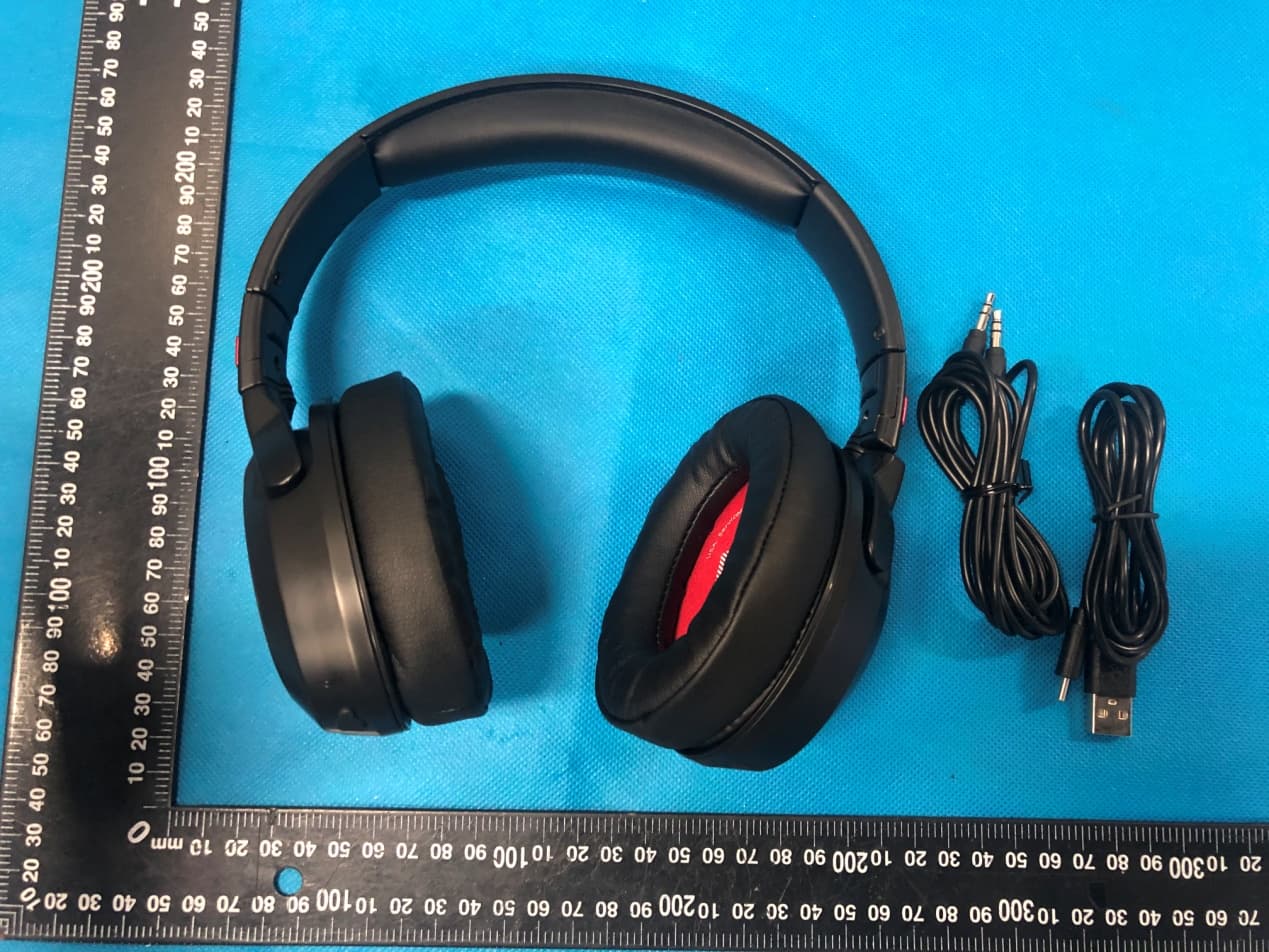
2AMC6-ARC1ANC
Oct 13, 2020Bluetooth Headphone
Equipment Class
DSS - Part 15 Spread Spectrum Transmitter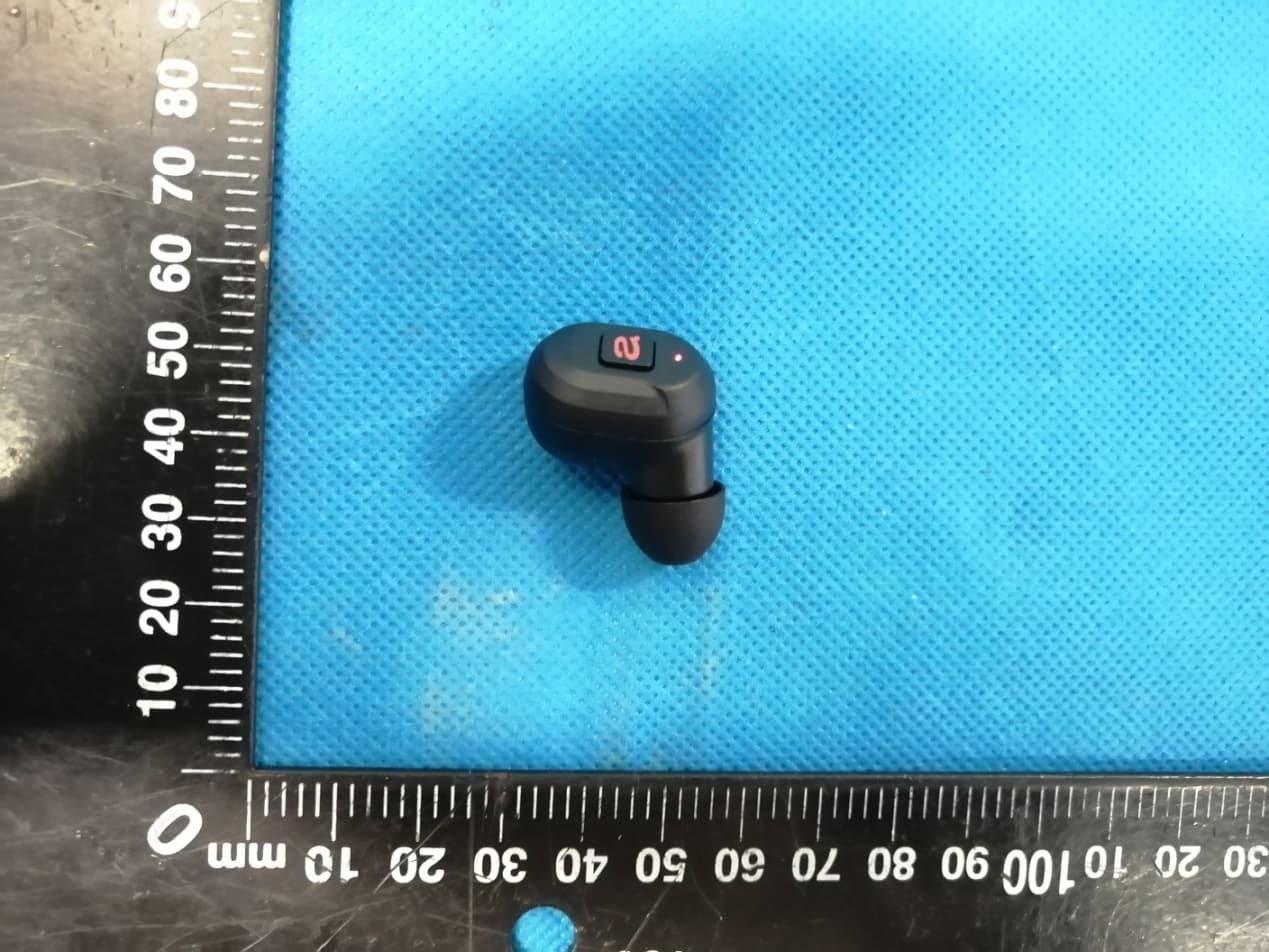
2AMC6-AIR2
Sep 23, 2020TRUE WIRELESS EARBUDS
Equipment Class
DSS - Part 15 Spread Spectrum Transmitter