2AMPLNE-980True Wireless Earbuds
Dongshun Tech Development Limited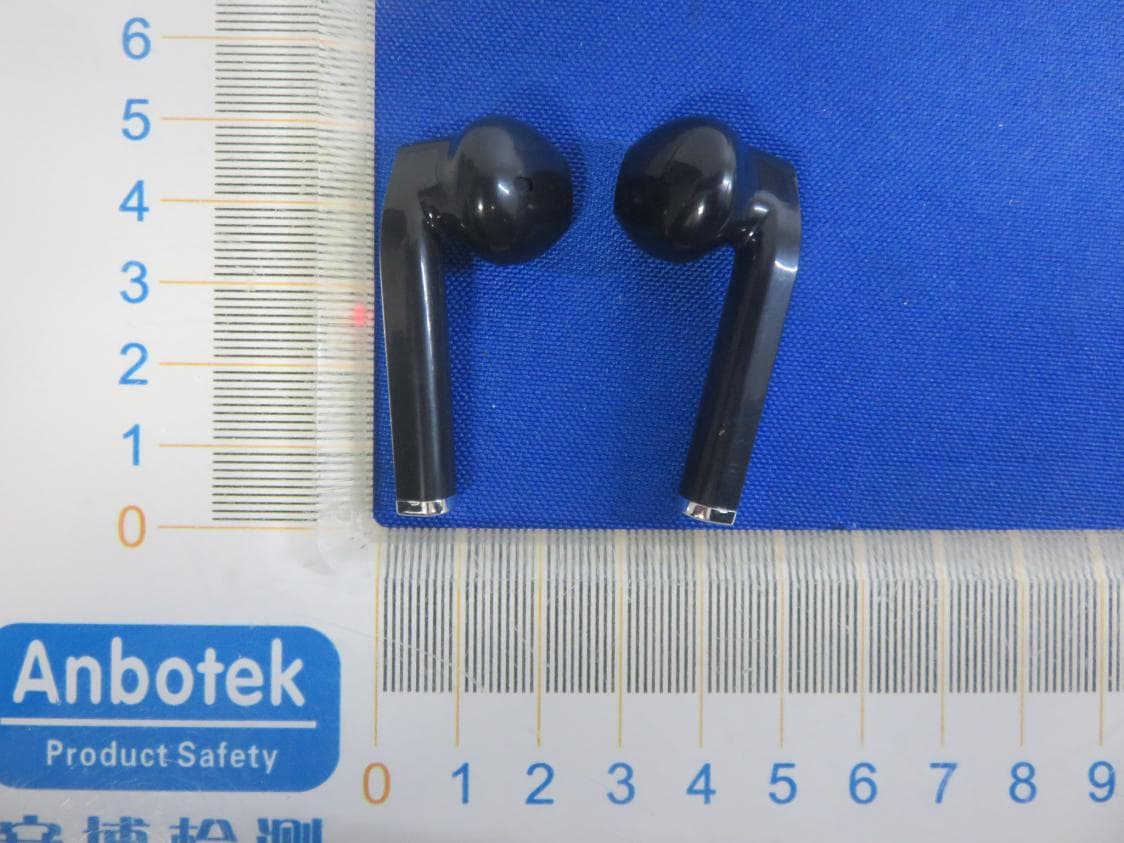
Click to zoom
Application Details
- Equipment Class
- DSS - Part 15 Spread Spectrum Transmitter
- Date of Grant
- Feb 17, 2020
- Application Purpose
- Original Equipment
- Date of Application
- Feb 17, 2020
- Equipment Note
- True Wireless Earbuds
- Frequency Range
- 2402.00000000 - 2480.00000000
- Country
- China
Documents & Files
Document Text
Text extracted from the exhibit documents filed with the FCC. Open a document above to read the original.
Users Manual
True Wireless Earphones & Charging Case NE-980 Instruction Manual Please read before operating product 2 Table of Contents Introduction..............................................3 Package Contents...................................3 Safety Instructions...................................4 Product Breakdown.................................6 How to Use..............................................7 LED Overview........................................12 Specifications.........................................13 Support..................................................15 23 Congratulations, and thank you for choosing Naxa’s True Wireless Bluetooth® Earphones & Charging Case. This manual will help you operate your new device, but first you should familiarize yourself with the Bluetooth functionality of your mobile phone or other external devices before using the Naxa True Wireless Bluetooth® Earphones & Charging Case. Introduction Package Contents • NE-980 • USB Charging Cable • Instruction Manual 4 Safety Instructions Before using the device, read the operating instructions very carefully. Keep this operation manual for later reference. 1. Do not use an appliance for any purpose other than its intended use. 2. Warning: Do not expose the appliance to extreme temperatures, to strong temperature fluctuations, direct sunlight or humidity. 3. To prevent any potential auditory damage, do not listen to music at high volumes for long periods. 4. No naked flame sources, such as lit candles, should be placed on the appliance. 5. This appliance should be used in temperate climate only. 6. Electric and electronic equipment should be disposed of separately. Do not discard used electric and electron- ic equipment with unsorted municipal waste but have them collected separately. 7. Attention should be drawn to the environmental aspects of battery disposal. 8. The appliance contains a battery or batteries that are non-replaceable. 45 9. Batteries (battery pack or batteries installed) shall not be exposed to excessive heat such as sunshine, fire or the like. 10. The battery must be removed from the appliance before it being disposed of properly. 11. Only remove the rechargeable battery when you intend to dispose of the appliance. Have the recharge- able battery removed by trained professionals. 12. CAUTION! Risk of explosion if battery is replaced by an incorrect type of battery. 13. Dispose of used batteries according to the instruc- tions 6 Product Breakdown 1 2 3 4 5 6 7 1. Multi-Function Button 2. LED Indicator (Earphones) 3. Charging Case 4. LED Indicator 1 (Charging Status of Earphone) 5. LED Indicator 2 (Charging Status of Case) 6. Power Button 7. Micro USB Port 67 How to Use Unpack all parts and check for damage that may have occurred during transportation. If any parts are dam- aged or missing, contact our after-sales service team. Clean the appliance and its components. • Fully charge the earphones and the case before first use. • Charge the case first, or insert the earphones into the case to charge both at the same time via the micro- USB charging cable. •Disconnect the USB cable after charging. WARNING: Never use detergent, solvents/abrasive products, scouring pads, abrasive cleaners, sharp objects or wire brushes to clean the product. Storage: • Store the earphones in the charging case. • Recharge the case regularly when not using it for extended periods of time (e.g. more than 6 months). 8 Bluetooth® Operation 1. Remove the earphones from the charging case. 2. Press and hold the Multifunction button (1) on both earphones for 2 seconds until you hear the voice prompt “POWER ON” and the blue and red LEDs (2) start to blink alternately on both earphones (Pairing Mode). 3. Turn on Bluetooth on your connecting (mobile) device. Search for the earphones on your device and choose the name “NAXA NE-979” to connect. 4. After pairing is successful, the blue LEDs (2) on both earphones will blink slowly, and you will hear the voice prompt “CONNECTED”. Note: If you have paired the earphones successfully, the earphones will automatically reconnect to the paired device the next time you turn them on within range of each other and when Bluetooth is enabled on your mobile device. Low battery may result in a poor Bluetooth connection. If the Bluetooth connection is lost, recharge the batter- ies and follow the steps above to pair them again. 89 Playback 1. To play a song through your bluetooth earbuds from your mobile phone, press the multi-function button once. 2. To pause a song, press the multi-function button once again. Answering Calls 1. To answer incoming calls, briefly press the multi-function button once. 2. To end a call, briefly press the multi-function button again. 3. To reject an incoming call, press and hold the multi-function button for 2 seconds. 4. To redial a number, press the multi-function button twice. 10 .Charging Earbuds 1. Open the lid of the charging case. 2. Insert the earphones into the case. 3. Press the power button (6) on the bottom of the charging case. The earphones will start to charge. 4. The LEDs (2) will show the charging status of the earphones: Red – charging Off – fully charged Note: When the earphone batteries are low, an alert tone will indicate a low battery and the blue LED indica- tors (2) will blink slowly. Charging Case When fully charged, the case provides 2.5 full charges to the earphones. 1. Insert the micro-USB connector into the micro-USB charging port (8) on the back of the case. 2. Connect the USB-A plug on the cable into your 11 computer or a USB power adapter plugged into a wall socket. 3. The LED (4) on the charging case will show the charging status of the earphones when they are in the case: Blue – charging 4. The LED (5) on the charging case will show the charging status of the case: Red and blinking – charging Red – fully charged 5. Disconnect the USB cable when charging is complete. Note: When the earphone batteries are low, a voice prompt will indic…
Text truncated - open the document above for the full version.
External Photos
FCC ID: 2AMPLNE-980
ID Label/Location Info
Label Location On EUT LeftRight Label FCC ID: 2AMPLNE-980
Internal Photos
FCC ID: 2AMPLNE-980 ANT
Operational Description
version01 Dongshun Tech Development Limited Declaration concerning Antenna Specification It is hereby declared that the product Model No.: NE-980, NE-977, NE-978, NE-979, NE-981, NE-982, NE-983, NE-984, NE-985, NE-986, NE-987, Mini Q, Mini M, Mini One, Pandora, Q2, Q-box, i11 FCC ID : 2AMPLNE-980 fulfills the requirement in FCC test relating to the antenna type. The device specified above confirms to the FCC recommendations for internal antenna type(s) described below: Model No. of antenna: NE-980 Type of antenna:Ceramic Antenna Gain of the antenna: 0 dBi Frequency range: 2402MHz~2480MHz The mounting of the antenna is fixed to the radio module and no other antenna should be used. Company name: Dongshun Tech Development Limited Address: FLAT/RM 704, 7/F BRIGHT WAY TOWER 33 MONG KOK ROAD, MONG KOK, KL, HONGKONG, China City:HONGKONG ZIP / Postal code: N.A. Country:China Place:HONGKONG Date: 2020-02-17 Signature:
RF Exposure Info
RF EXPOSURE EVALUATION FCC ID: 2AMPLNE-980 According to FCC 1.1310: The criteria listed in the following table shall be used to evaluate the environment impact of human exposure to radio frequency(RF) Radiation as specified in §1.1307(b): Routine SAR evaluation refers to that specifically required by §2.1093, using measurements or computer simulation. When routine SAR evaluation is not required, portable transmitters withoutput power greater than the applicable low threshold require SAR evaluation to qualify for TCB approval. Channel (MHz) Maximum output power (dBm) Tune up tolerance (dBm) Max Tune Up Power (dBm) Distance (mm) Calculation results Limit Operating Mode 2402-3.992 -3.992±1 -2.99250.1563 BDR+EDR 2441-3.841 -3.841±1 -2.84150.1623 2480-4.570 -4.570±1 -3.57050.1383 2402-3.232 -3.232±1 -2.23250.1853 2441-3.039 -3.039±1 -2.03950.1953 2480-3.734 -3.734±1 -2.73450.1683 Test Results:PASS.
Test Report
Report No.: SZAWW191210001-01FCC ID: 2AMPLNE-980Page 1 of 65 Code:AB-RF-05-a FCC TEST REPORT Client Name: Dongshun Tech Development Limited Address: FLAT/RM 704, 7/F BRIGHT WAY TOWER 33 MONG KOK ROAD, MONG KOK, KL, HONGKONG, China Product Name: True Wireless Earbuds Date: Jan. 17, 2020 Shenzhen Anbotek Compliance Laboratory Limited Report No.: SZAWW191210001-01FCC ID: 2AMPLNE-980Page 2 of 65 Code:AB-RF-05-a Contents 1. General Information ............................................................................................................................................... 5 1.1. Client Information ....................................................................................................................................... 5 1.2. Description of Device (EUT) ..................................................................................................................... 5 1.3. Auxiliary Equipment Used During Test ................................................................................................... 6 1.4. Description of Test Modes ........................................................................................................................ 6 1.5. List of channels ........................................................................................................................................... 7 1.6. Description Of Test Setup ......................................................................................................................... 8 1.7. Test Equipment List .................................................................................................................................... 9 1.8. Measurement Uncertainty ....................................................................................................................... 10 1.9. Description of Test Facility ...................................................................................................................... 10 2. Summary of Test Results ................................................................................................................................... 11 3. Conducted Emission Test ................................................................................................................................... 12 3.1. Test Standard and Limit .......................................................................................................................... 12 3.2. Test Setup .................................................................................................................................................. 12 3.3. Test Procedure .......................................................................................................................................... 12 3.4. Test Data .................................................................................................................................................... 12 4. Radiation Spurious Emission and Band Edge ................................................................................................ 15 4.1. Test Standard and Limit .......................................................................................................................... 15 4.2. Test Setup .................................................................................................................................................. 15 4.3. Test Procedure .......................................................................................................................................... 16 4.4. Test Data .................................................................................................................................................... 17 5. Maximum Peak Output Power Test .................................................................................................................. 25 5.1. Test Standard and Limit .......................................................................................................................... 25 5.2. Test Setup .................................................................................................................................................. 25 5.3. Test Procedure .......................................................................................................................................... 25 5.4. Test Data .................................................................................................................................................... 25 6. 20DB Occupy Bandwidth Test ........................................................................................................................... 29 6.1. Test Standard ............................................................................................................................................ 29 6.2. Test Setup .................................................................................................................................................. 29 6.3. Test Procedure .......................................................................................................................................... 29 6.4. Test Data .................................................................................................................................................... 29 7. Carrier Frequency Separation Test ................................................................................................................... 33 7.1. Test Standard and Limit .......................................................................................................................... 33 7.2. Test Setup .................................................................................................................................................. 33 7.3. Test Procedure ................................................................................................................................…
Text truncated - open the document above for the full version.
Test Setup Photos
FCC ID: 2AMPLNE-980 Photo of Conducted Emission Measurement Photo of Radiation Emission Test
Contact Information
Applicant
Roi Fang
Test Firm
Shenzhen Anbotek Compliance Laboratory LimitedJeff Zhu
Technical Specifications
| # | Rule Parts | Frequency Range | Power Output |
|---|---|---|---|
| 1 | 15C | 2.40 GHz - 2.48 GHz | 500.00 µW |
Other Applications from Dongshun Tech Development Limited
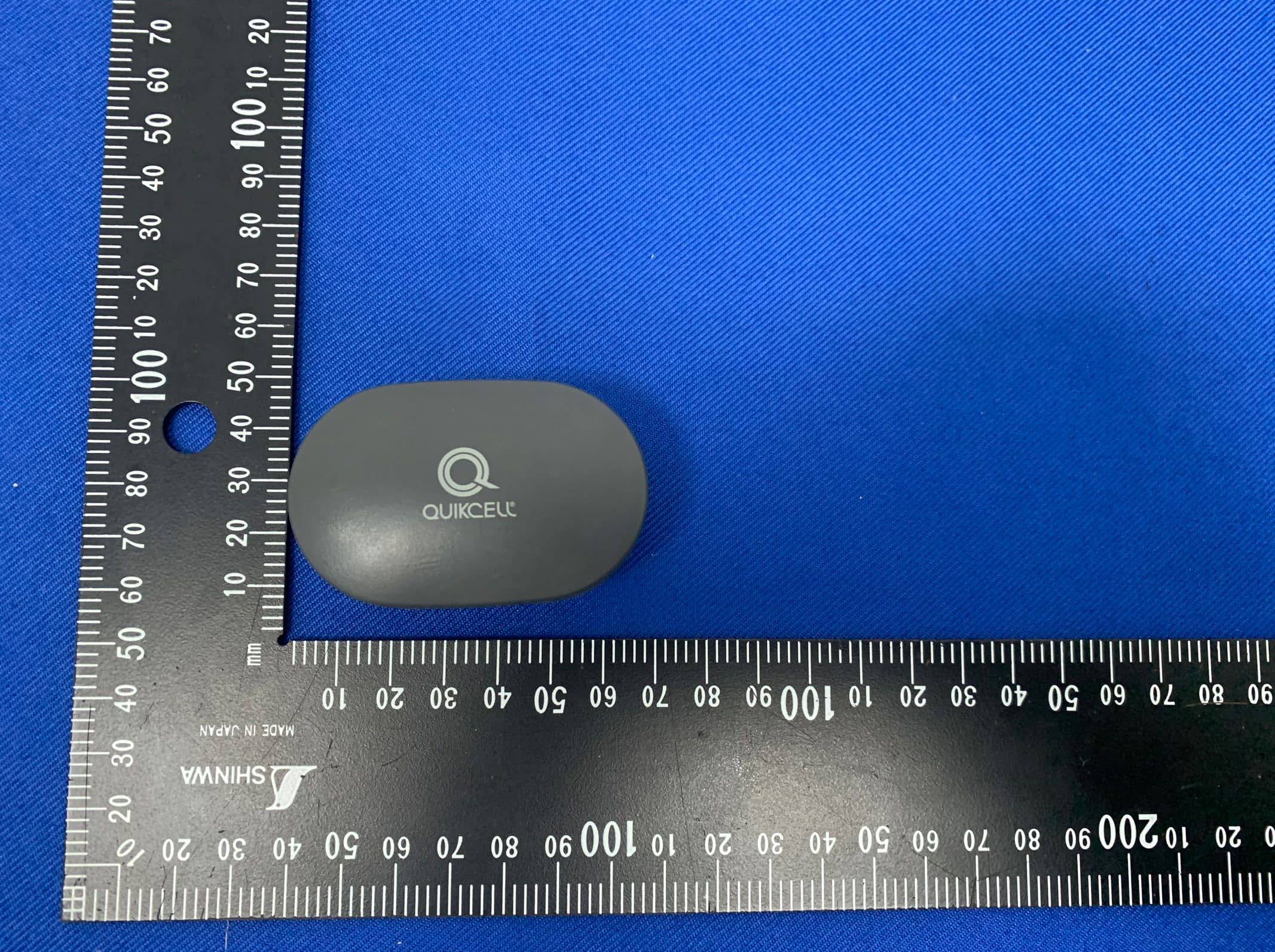
2AMPL-QCBUD
Nov 19, 2023Ture Wireless Earbuds
Equipment Class
DSS - Part 15 Spread Spectrum Transmitter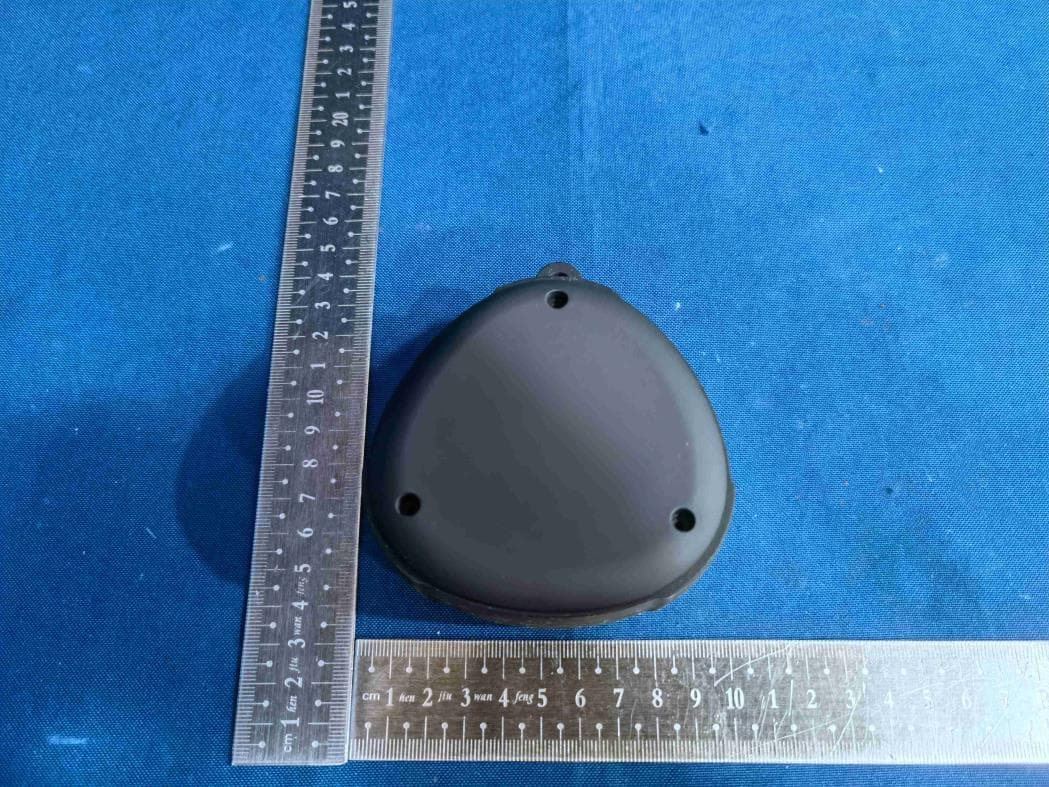
2AMPL-MA129
Jun 05, 2023Tag Along Wireless Key Chain Speaker
Equipment Class
DSS - Part 15 Spread Spectrum Transmitter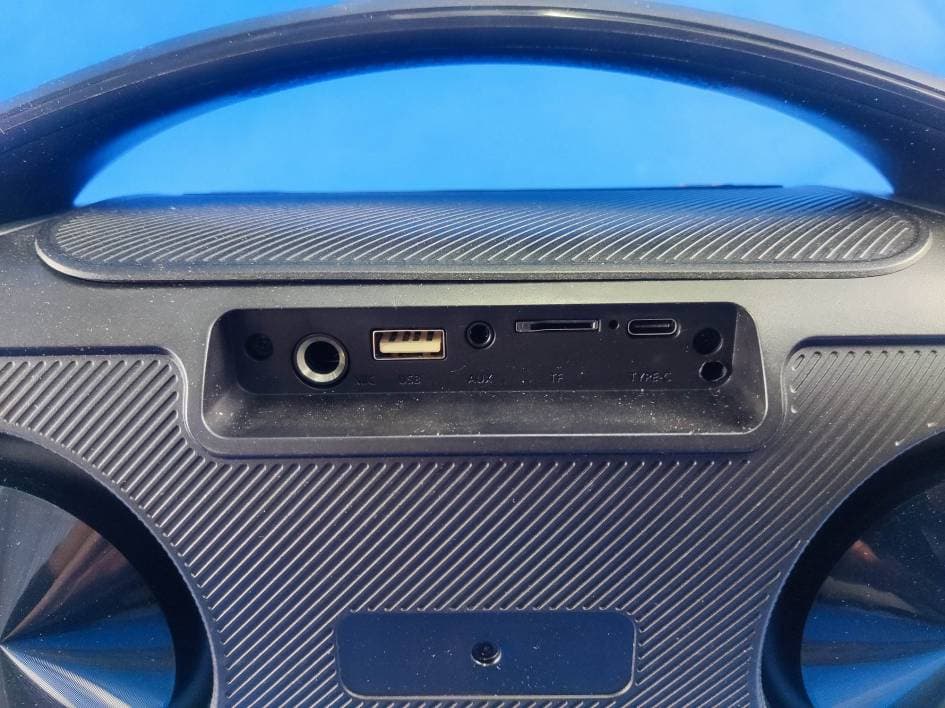
2AMPL-IQ-3530RGB
Mar 26, 2023Portable Bluetooth Speaker
Equipment Class
DSS - Part 15 Spread Spectrum Transmitter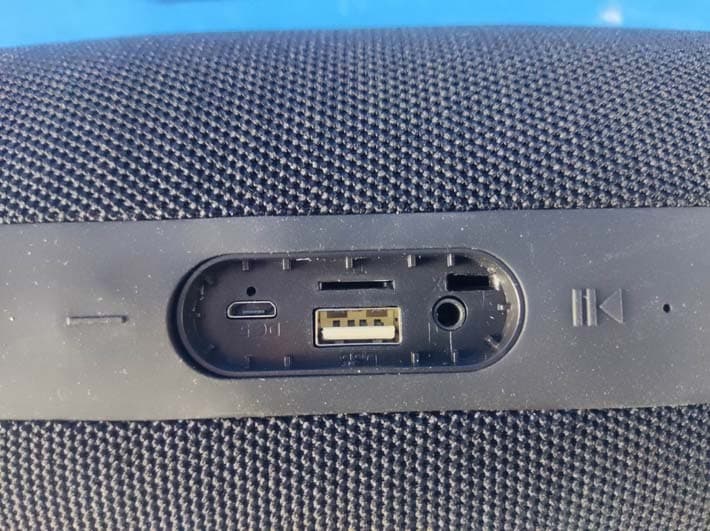
2AMPL-EAS-3000
Dec 15, 2022Portable Bluetooth Speaker
Equipment Class
DSS - Part 15 Spread Spectrum Transmitter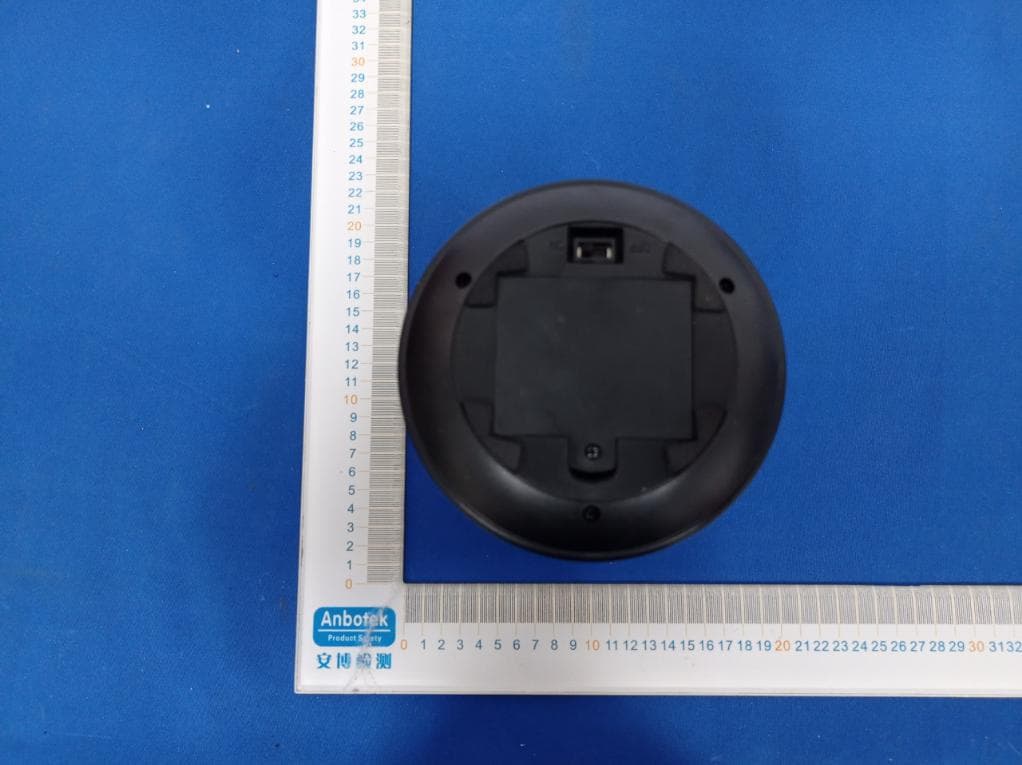
2AMPL-IJLSLA017
Feb 05, 2021IJOY LUMINAWIRELESS SPEAKER
Equipment Class
DSS - Part 15 Spread Spectrum Transmitter