2AMSOBT3500Wireless Headphone
Summit Electronics LLC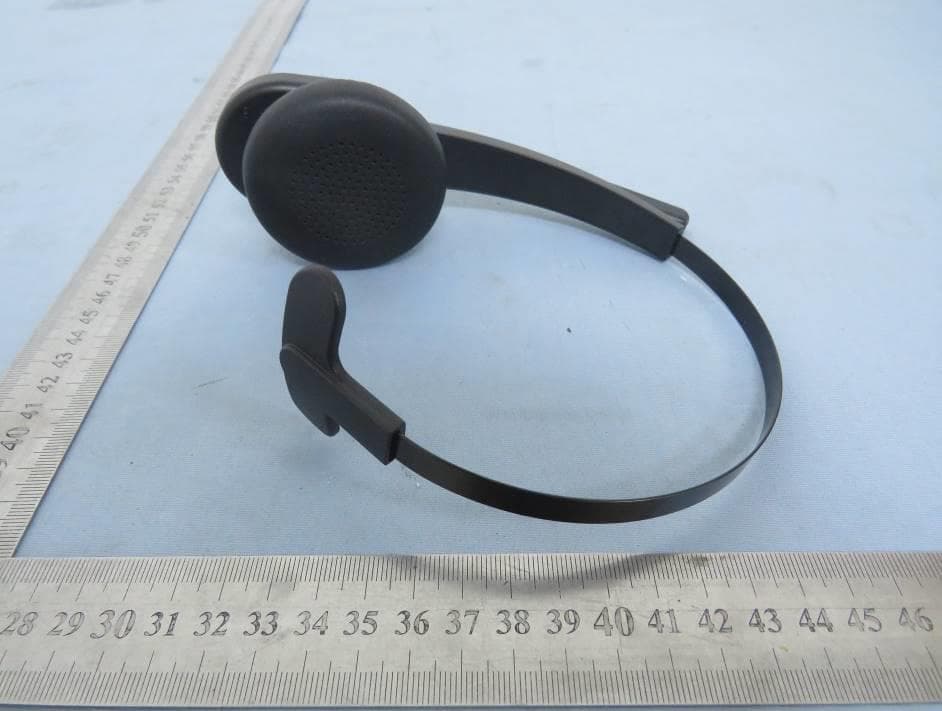
Click to zoom
Application Details
- Equipment Class
- DSS - Part 15 Spread Spectrum Transmitter
- Date of Grant
- Feb 24, 2022
- Application Purpose
- Original Equipment
- Date of Application
- Feb 24, 2022
- Equipment Note
- Wireless Headphone
- Frequency Range
- 2402.00000000 - 2480.00000000
- Company
- Summit Electronics LLC
- Country
- United States
Documents & Files
Document Text
Text extracted from the exhibit documents filed with the FCC. Open a document above to read the original.
Users Manual
User Manual Manual de usuario BT3500 EN ES ... ... 1 8 ® EN 1 User Manual Overview Adjustable headband Next Track / Volume Up Button Previous Track / Volume Down Button Play / Pause / Power Button Microphone Microphone Mute / Unmute Button Micro-USB Charging Port LED Indicator EN 2 To charge, connect one end of the supplied Micro-USB charging cable to the charging port of the headset, and then connect the other end to a USB power source such as a USB adapter or similar device. Charging LED light turns off Steady red Charging Fully charged Powering on/off Press and hold the “Play/Pause/Power” button for 1 second to turn the headset on. Powering on ON Off Alternately flashing blue and red Flashing red twice Power on tone notification Power off tone notification Press and hold the “Play/Pause/Power” button for 3 seconds to turn the headset off. 1. Turn on the headset and it will automatically enter Bluetooth pairing mode. 2. Turn on Bluetooth in your device’s settings and search for “BT3500”, then tap “BT3500” to connect. Powering off Case 1: If your headset has never been paired with any device: Bluetooth connection with your device Connection with one device ? ON EN 3 Alternately flashing red and blue The headset will automatically be paired with your last successfully connected media device the next time it is turned on. Pairing mode Connected to a device (Successfully paired with your media device). Connected tone notification Flashing blue once every 10 seconds 1. Press and hold the power button for 3 seconds until the LED indicator alternately flashes blue and red. 2. Turn on Bluetooth in your device’s settings and search for “BT3500”, then tap “BT3500” to connect. Case 2: If your headset has been paired before and you want to pair it with a different de- vice: This headset can be seamlessly connected to two different devices at once, allowing you to take calls from two phones without switching back and forth. 1. Press and hold the power button for 1 second to turn on the headset. The indicator will alternately flash blue and red. 2. Tap “BT3500” from the Bluetooth device list on Phone 1 to connect. 3. After it is successfully connected, proceed to disconnect it from the headset. Then turn off the headset, and press and hold its power button for 3 seconds until it alternately flashes blue and red. 4. Tap “BT3500” from the Bluetooth device list on your Phone 2 to connect. 5. After it is successfully connected, tap the headset’s name on Phone 1 again to connect. Now the headset is connected to both your phones. 1. Press and hold the power button for 3 seconds until the indicator alternately flashes blue and red. 2. Repeat from step 2 to step 5 in Case 1. 1. Press and hold the power button for 1 second to turn on the headset. It will automatically be paired with either one of your phone. 2. Tap “BT3500” from the Bluetooth device list on the other phone to connect. 1. Press and hold the power button for 3 seconds until the indicator alternately flashes blue and red. 2. Tap “BT3500” from the bluetooth device list on Phone 2 to connect. 3. Tap the headset name again on Phone 1 to connect. Now the headset is connected to both your phones. · To clear the Bluetooth paired device memory, ensure that the headset is powered on but not paired with any devices. Press and hold the Power Button, Volume Up button, and Volume Down button at the same time for 5 seconds until the LED indicator alternately flashes blue and red once. · When pairing, please make sure to turn off the Bluetooth of other previously paired devices. Case 1: If your headset has never been paired: Case 2: If your headset has been paired before, but not with either of these devices: Case 3: If your headset has been paired with both devices: Case 4: If your headset has been paired with one device, but not both: Connection with two devices EN 4 · When the headset is connected to two phones, you can stream media from Phone 1 to the headset. However, when Phone 2 receives a call, the headset will indicate this by playing the phone call ringtone. After you end the call, it will play the music again. · The voice assistant can only be activated on the first phone to connect to the headset. Controls Phone call mode Music mode Voice Assistant mode Press the “Next Track / Volume Up” button. Press and hold the “Play / Pause” button for 1 second. Press and hold the “Play / Pause” button for 1 second Press the “Play / Pause” button once. Press the “Play / Pause” button once. Press the “Play / Pause” button twice. Press the “Microphone Mute / Unmute” button once. Press and hold the “Previous Track / Volume Down” button. Press and hold the “Next Track / Volume Up” button. Press the “Previous Track / Volume Down” button.Volume down Answer/End a call Reject a call Mute / Unmute the microphone Exit voice assistant Activate voice assistant Volume up Play / Pause Next track Previous track Specifications I Model Name BT3500 Power InputDC 5V / 0.5A Charging time2 hours Playtime24 Hours at 50% Volume Battery TypeRechargeable Lithium Polymer Battery Capacity400 mAh Bluetooth Version V 5.0 Range33 ft (10 m) Weight2.8 oz (79 g) Specifications are subject to change without notice. DC 3.7V battery EN 5 Safety Precautions Hearing Safety 1. Avoid dropping. 2. Do not disassemble this device. 3. Do not expose this device to rain or moisture or submerge in water. 4. Ideal temperatures are 32°F to 95°F (0°C to 35°C). Avoid extreme temperatures. 5. Keep the device away from excessive heat, such as sunshine, fire or the like. 6. Do not use the device outdoors during thunderstorms. 7. Use original or certified cables. 8. Do not use any corrosive cleaner/oil to clean. 9. Keep out of reach of children. It contains small parts which may be a choking hazard. 10. Observe local laws and regulations while using the device. 11.To prevent damage to your device’s parts or internal circuits, do not use it in dusty, smoky, damp or dirty en- vironments. 12. Do not use, store or tr…
Text truncated - open the document above for the full version.
Cover Letter(s)
C5266091_X8_Ed.1 1/1 Letter of Authorization Company: Summit Electronics LLC Address: 1 Rewe Street, Brooklyn,New York,11211 United States Product Name: Wireless Headphone Model Number: BT3500 FCC Identifier: 2AMSOBT3500 We authorize LGAI Technological Center S.A., Ronda de la Font del Carme, s/n, 08193 Bellaterra, Spain, to act on our behalf on all matters concerning the above named equipment. Any individual within LGAI Technological Center S.A. is authorized to act on our behalf and take action on the application. We declare that authorize LGAI Technological Center S.A., Ronda de la Font del Carme, s/n, 08193 Bellaterra, Spain, is allowed to forward all information related to the approval project to the Federal Communication Commission and to discuss any issues concerning the approval application. Any and all acts carried out by LGAI Technological Center S.A. on our behalf shall have the same effect as acts of our own. Name: Moshe Dancikier Date: 2/20/2022 Title: Sourcing Signature of applicant:
Cover Letter(s)
C5266091_X10_Ed.1 1/1 Summit Electronics LLC Office of Engineering Technology Federal Communications Commission 7435 Oakland Mills Road Columbia, MD 21046 Date: 2/20/2022 Subject: Request for Confidentiality FCC ID: 2AMSOBT3500 To Whom It May Concern, Pursuant to the provisions of Sections 0.457 and 0.459 of Commission's rules (47CFR0.457, 0.459), we are requesting the Commission to withhold the following attachment(s) as confidential document from public disclosure. Exhibits Long-Term Confidentiality Short-Term Confidentiality ID Label/Location No No Attestation Statement No No External Photos No Block Diagram Schematics Test Report No No Test Setup Photos No User’s Manual Internal Photos Parts List / Tune Up RF Exposure Info Operational Description Cover Letter(s) No No SDR Software / Security Info No Above mentioned document contains detailed system and equipment description are considered as proprietary information in operation of the equipment. The public disclosure of above documents might be harmful to our company and would give competitor an unfair advantage in the market. It is our understanding that all measurement test reports, FCC ID label format and correspondent during certification review process cannot be granted as confidential documents and those information will be available for public review once the grant of equipment authorization is issued. Sincerely, Signature: Name: Moshe Dancikier Title: Sourcing
External Photos
FCC ID: 2AMSOBT3500 External photos FCC ID: 2AMSOBT3500 FCC ID: 2AMSOBT3500 FCC ID: 2AMSOBT3500
ID Label/Location Info
Wireless Headphone Model: BT3500 FCC ID: 2AMSOBT3500 Made in China 90677 18MM 14MM 12.5MM 10.5MM print color 877C Label & loction
Internal Photos
FCC ID: 2AMSOBT3500 Internal photos FCC ID: 2AMSOBT3500 RF Antenna RF Chip
RF Exposure Info
Dongguan Nore Testing Center Co., Ltd. Report No.: NTC2201310F-1 FCC ID: 2AMSOBT3500 RF EXPOSURE EVALUATION EUT Specification EUT Wireless Headphone Frequency band (Operating) WLAN: 2.412GHz ~ 2.462GHz WLAN: 5.18GHz ~ 5.32GHz / 5.50GHz ~ 5.70GHz WLAN: 5.745GHz ~ 5825GHz Others(Bluetooth: 2.402GHz ~ 2.480GHz) Device category Portable (<20cm separation) Mobile (>20cm separation) Others ___ Antenna diversity Single antenna Multiple antennas Tx diversity Rx diversity Tx/Rx diversity Max. output power 3.923dBm(2.47mW) Antenna gain 0 dBi Evaluation applied MPE Evaluation SAR Evaluation Standard Requirement Portable Device According to §15.247(i) and §1.1307b(1), systems operating under the provisions of this section shall be operated in a manner that ensures that the public is not exposed to radio frequency energy levels in excess of the Commission’s guidelines. See KDB 447498 D01 General RF Exposure Guidance v06, section 4.3.1. The 1-g and 10-g SAR test exclusion thresholds for 100 MHz to 6 GHz at test separation distances ≤ 50 mm are determined by: [(max. power of channel, including tune-up tolerance, mW)/(min. test separation distance, mm)] ·[√f(GHz)] ≤ 3.0 for 1-g SAR and ≤ 7.5 for 10-g extremity SAR, 16 where ·f(GHz) is the RF channel transmit frequency in GHz ·Power and distance are rounded to the nearest mW and mm before calculation17 ·The result is rounded to one decimal place for comparison The test exclusions are applicable only when the minimum test separation distance is ≤ 50 mm and for transmission frequencies between 100 MHz and 6 GHz. When the minimum test separation distance is < 5 mm, a distance of 5 mm is applied to determine SAR test exclusion. Dongguan Nore Testing Center Co., Ltd. Report No.: NTC2201310F-1 FCC ID: 2AMSOBT3500 Measurement Result Channel Channel Frequency (MHz) Max Output power (dBm) Max Output power (mW) Calculati on Value (Note 1) Threshold Value GFSK Low 2402 1.794 1.51 0.4680 3.0 Middle 2441 3.141 2.06 0.6437 3.0 High 2480 3.923 2.47 0.7780 3.0 π/4-DQPSK Low 2402 -0.024 0.99 0.3069 3.0 Middle 2441 1.552 1.43 0.4468 3.0 High 2480 2.306 1.70 0.5354 3.0 8DPSK Low 2402 0.360 1.09 0.3379 3.0 Middle 2441 1.950 1.57 0.4906 3.0 High 2480 2.779 1.90 0.5984 3.0 Note 1: Calculation Value =[(max. power of channel, mW)/(min. test separation distance, mm)] ·[√f(GHz)]. Fox example: 1.51/5*√2.402=0.4680 ≤ 3.0 According to KDB447498 D01 V06, threshold at which no SAR required is ≤3.0 for 1-g SAR, separation distance is 5mm, and no simultaneous SAR measurement is required.
Test Report
Report No.: NTC2201310FV00 Page 2 of 50 Table of Contents 1. Summary of Test Result ........................................................................................................................... 4 2. General Description of EUT ...................................................................................................................... 5 3. Test Channels and Modes Detail ............................................................................................................... 8 4. Configuration of EUT ................................................................................................................................ 8 5. Modification of EUT .................................................................................................................................. 8 6. Description of Support Device ................................................................................................................... 9 7. Test Facility and Location ....................................................................................................................... 10 8. Applicable Standards and References ..................................................................................................... 11 9. Deviations and Abnormalities from Standard Conditions ........................................................................... 11 10. Test Conditions .................................................................................................................................... 12 11. Measurement Uncertainty ..................................................................................................................... 13 12. Sample Calculations ............................................................................................................................. 14 13. Test Items and Results ......................................................................................................................... 15 13.1 Conducted Emissions Measurement .................................................................................................... 15 13.2 Radiated Spurious Emissions and Restricted Bands Measurement ....................................................... 19 13.3 Channel Separation test ...................................................................................................................... 26 13.4 20dB Bandwidth ................................................................................................................................. 29 13.5 Hopping Channel Number ................................................................................................................... 33 13.6 Time of Occupancy (Dwell Time) ......................................................................................................... 36 13.7 Maximum Peak Output Power ............................................................................................................. 39 13.8 Band Edge Conducted Spurious Emission Measurement ...................................................................... 43 13.9 Antenna Requirement ......................................................................................................................... 49 14. Test Equipment List .............................................................................................................................. 50 Report No.: NTC2201310FV00 Page 3 of 50 Revision History Report Number Description Issued Date NTC2201310FV00 Initial Issue 2022-02-23 Report No.: NTC2201310FV00 Page 4 of 50 1. Summary of Test Result FCC Rules Description of Test Result Remarks §15.247(a)(1) Channel Separation test PASS --- §15.247(a)(1) 20dB Bandwidth PASS --- §15.247(a)(1)(iii) Hopping Channel Number PASS --- §15.247(a)(1)(iii) Time of Occupancy (Dwell Time) PASS --- §15.247(b) Max Peak output Power test PASS --- §15.247(d) Band edge test PASS --- §15.207 (a) AC Power Conducted Emission PASS --- §15.247(d),§15.209, §15.205 Radiated Emission PASS --- §15.203 Antenna Requirement PASS --- §15.247(d) Conducted Spurious Emission PASS --- Report No.: NTC2201310FV00 Page 5 of 50 2. General Description of EUT Product Information Product Name: Wireless Headphone Main Model Name: BT3500 Additional Model Name: N/A Model Difference: N/A S/N: 2201-0333 Brand Name Hardware Version: V01 Software Version: V01 Rating: DC 3.7V li-ion battery, DC 5V come from USB port Typical Arrangement: Table-top I/O Port: USB Port*1 Accessories Information Adapter: N/A Cable: N/A Other: N/A Additional Information Note: N/A Remark: All the information above are provided by the manufacturer. More detailed feature of the EUT please refers to the user manual. Report No.: NTC2201310FV00 Page 6 of 50 Technical Specification Bluetooth Version: V5.0 Frequency Range: 2402-2480MHz Modulation Type: GFSK, π/4-DQPSK, 8DPSK Number of Channel: 79 (refer to following channel list for details) Channel Space: 1MHz Antenna Type: Chip antenna Antenna Gain: 0 dBi Note: The EUT does not support Bluetooth Low Energy feature. Report No.: NTC2201310FV00 Page 7 of 50 Channel List Channel Frequency (MHz) Channel Frequency (MHz) Channel Frequency (MHz) Channel Frequency (MHz) 1 2402 21 2422 41 2442 61 2462 2 2403 22 2423 42 2443 62 2463 3 2404 23 2424 43 2444 63 2464 4 2405 24 2425 44 2445 64 2465 5 2406 25 2426 45 2446 65 2466 6 2407 26 2427 46 2447 66 2467 7 2408 27 2428 47 2448 67 2468 8 2409 28 2429 48 2449 68 2469 9 2410 29 2430 49 2450 69 2470 10 2411 30 2431 50 2451 70 2471 11 2412 31 2432 51 2452 71 2472 12 2413 32 2433 52 2453 72 2473 13 2414 33 2434 53 2454 73 2474 14 2415 34 2435 54 2455 74 2475 15 2416 35 2436 55 2456 75 2476 16 2417 36 2437 56 2457 76 2477 17 2418 37 2438 57 2458 77 2478 18 2419 38 2439 58 2459 78 2479 19 2420 39 2440 59 2460 79 2480 20 2421 40 2441 60 2461 --- --- Report No.: NTC2201310FV00 Page 8 of 50 3. Test Channels and Modes Detail No. Mode Channel Frequenc…
Text truncated - open the document above for the full version.
Test Setup Photos
FCC ID: 2AMSOBT3500 Test Photo Radiated emission (Below 30MHz) Radiated emission (30-1000MHz) FCC ID: 2AMSOBT3500 Radiated emission (Above 1000MHz) Conducted emission
Contact Information
Applicant
Moshe Dancikier(Sourcing)
Technical Contact
Non-Technical Contact
Dongguan NTC Co., Ltd.Jees hong
[email protected]86-0769-22022444
Test Firm
Dongguan NTC CO., Ltd.Jees Hong
[email protected]+86-769-22022444
Technical Specifications
| # | Rule Parts | Frequency Range | Power Output |
|---|---|---|---|
| 1 | 15C | 2.40 GHz - 2.48 GHz | 2.47 mW |
Other Applications from Summit Electronics LLC
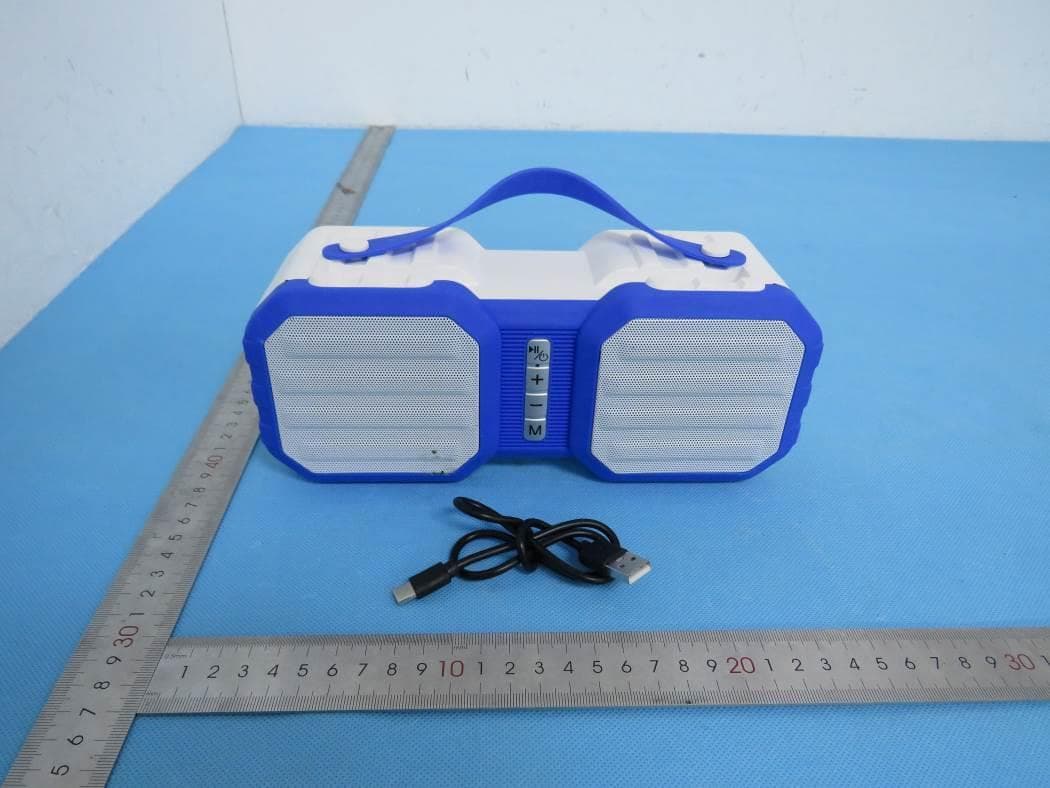
2AMSOCSTW43FD1
Sep 19, 2023True Wireless Rugged Speaker
Equipment Class
DSS - Part 15 Spread Spectrum Transmitter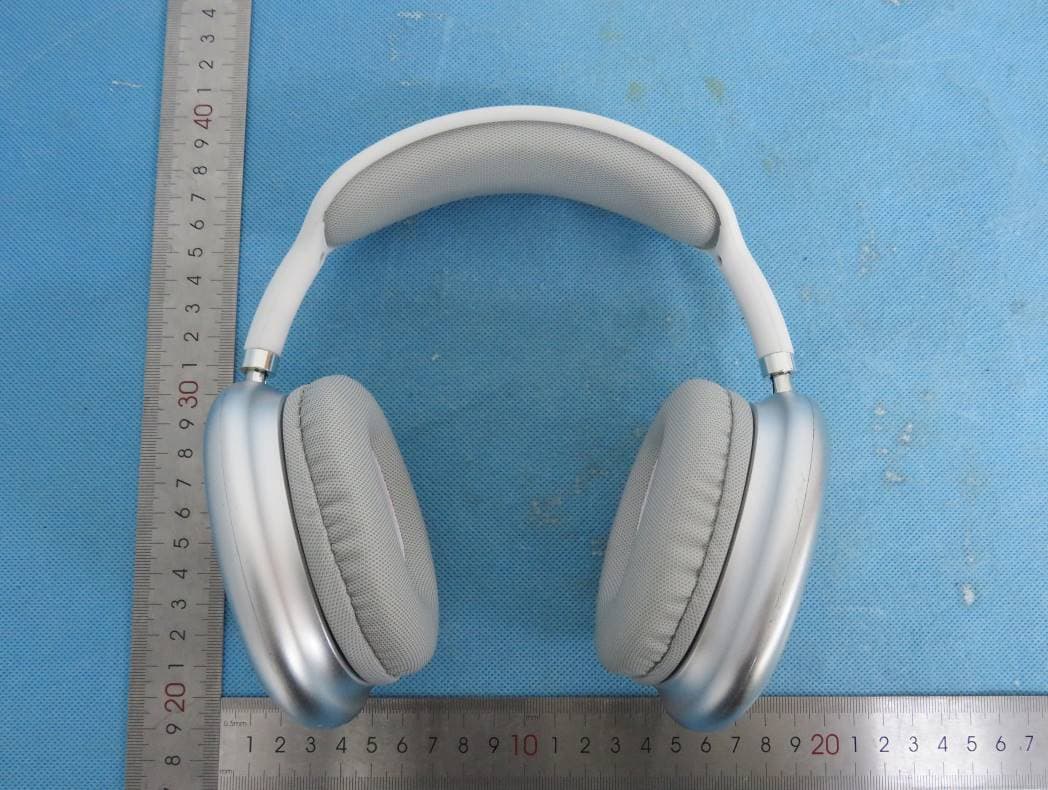
2AMSOCHBT84FD
Jul 17, 2023Wireless Headphone
Equipment Class
DSS - Part 15 Spread Spectrum Transmitter
2AMSOETW002
Jul 04, 2023Wireless Earbuds
Equipment Class
DSS - Part 15 Spread Spectrum Transmitter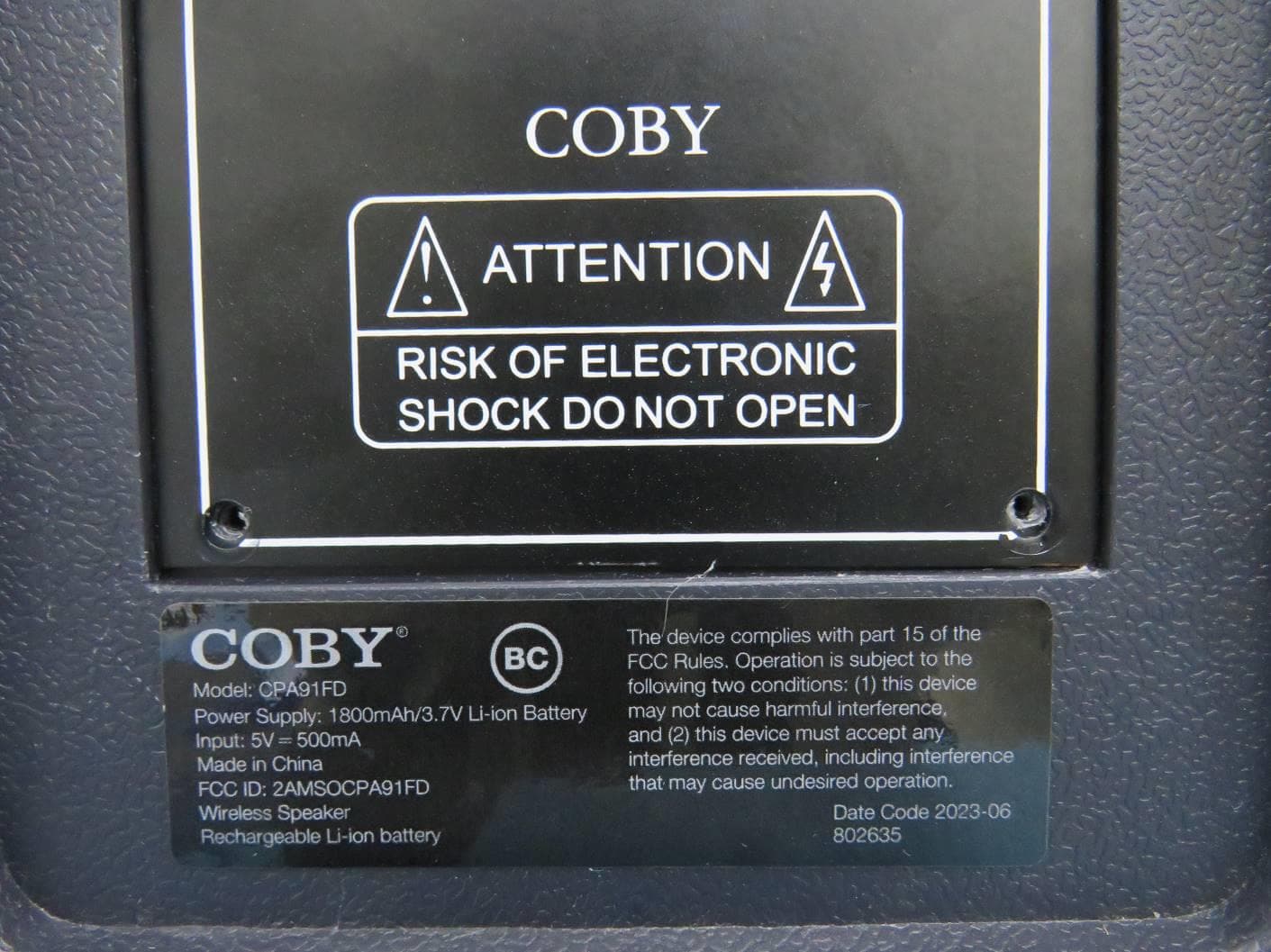
2AMSOCPA91FD
May 10, 2023True Wireless Party Speaker
Equipment Class
DSS - Part 15 Spread Spectrum Transmitter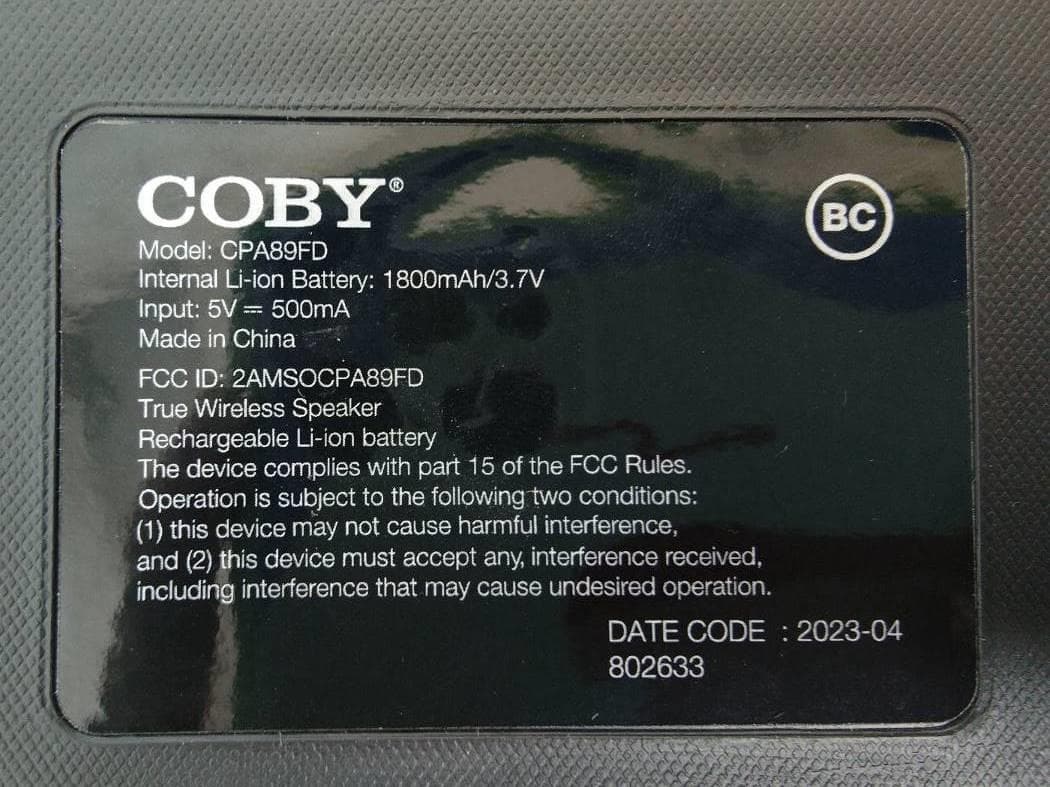
2AMSOCPA89FD
Feb 26, 2023True Wireless Speaker
Equipment Class
DSS - Part 15 Spread Spectrum Transmitter