2AMY9PS700Plug-In Switch
Golden Mark (HK) Limited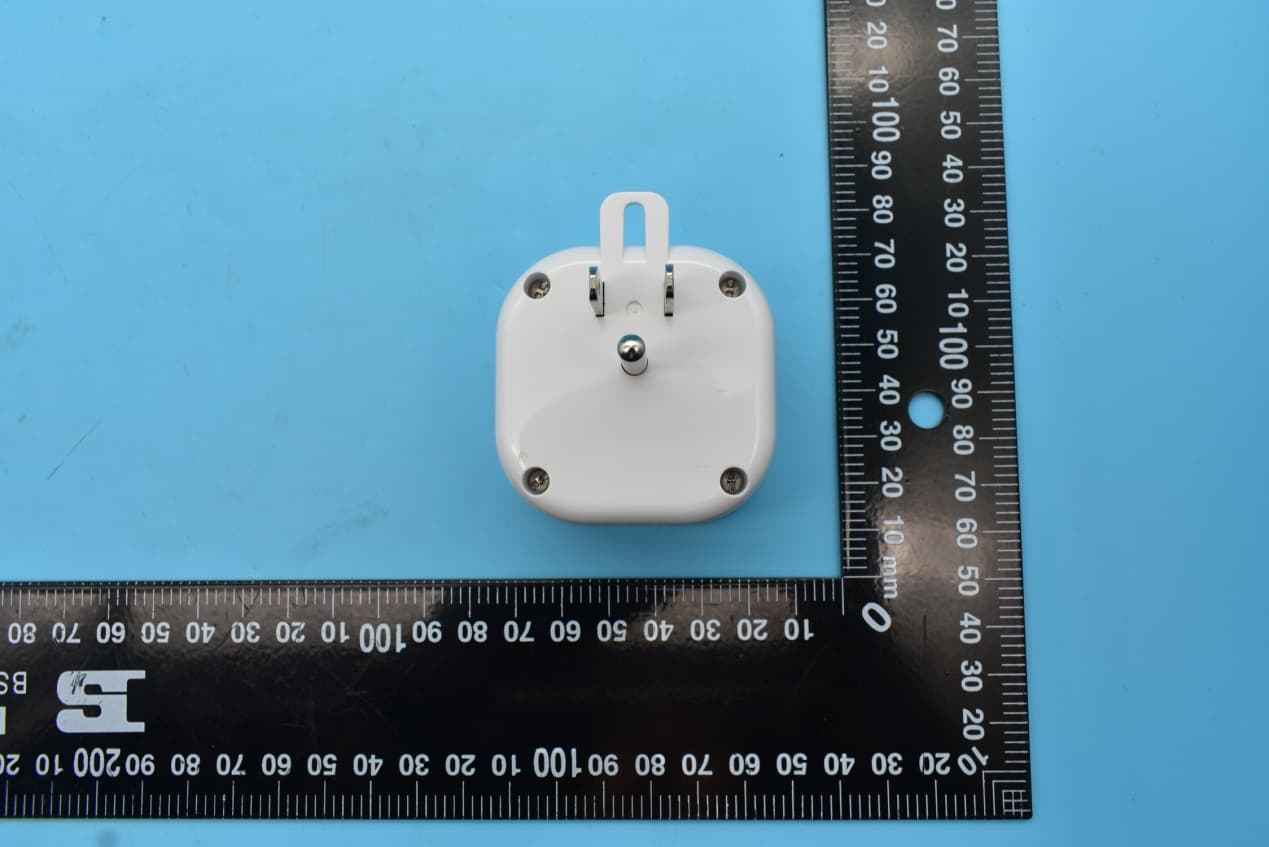
Click to zoom
Application Details
- Equipment Class
- DXX - Part 15 Low Power Communication Device Transmitter
- Date of Grant
- Dec 30, 2020
- Application Purpose
- Original Equipment
- Date of Application
- Dec 28, 2020
- Equipment Note
- Plug-In Switch
- Frequency Range
- 916.00000000 - 916.00000000
- Company
- Golden Mark (HK) Limited
- Country
- China
Documents & Files
Document Text
Text extracted from the exhibit documents filed with the FCC. Open a document above to read the original.
Users Manual
DRAFT PS700 Size: 5cm x 10 cm, total: 20cm x 30cm (H) PS700 is a Z-Wave Plus® cer�fied device with S2 security and SmartStart features. You can now add this device securely and with ease using QR code on the product with compa�ble gateways suppor�ng S2 and Smart Start. PS700 is a member of the Z-Wave family and communicates with other Z-Wave cer�fied devices in a control network. It can be used to turn On or Off lamps or AC operated appliances as well as monitor the energy consumed. Each Z-Wave device also serves as a node to repeat the signal in the network, thus, extending the overall Z-Wave mesh wireless network range. Different types and brands of Z-Wave devices can be associated with PS700 in your system and they will work together to op�mize and expand the coverage of your Z-Wave network. Turns ON/OFF incandescent, CFL, or LED lamps, and AC operated appliances 700 Series Z-Wave module Energy monitoring supported LED to indicate ON/OFF status Remotely or manually turns ON or OFF lights Controls appliances up to 15A Z-Wave Plus Cer�fied with S2 security and SmartStart (QR code on bo�om of device) Grounded 3-pin AC power receptacle to enhance safety Safety tab to secure unit to AC outlet Compact design - does not block the 2nd AC outlet Over-The-Air firmware upgrade available, if supported by controller Supports Network Wide Inclusion (through a repeater), if supported by controller Func�ons as a Z-Wave signal repeater INTRODUCTION FEATURES The connected appliance can be controlled manually with a push bu�on or wirelessly via the so�ware from your controller. A Z-Wave cer�fied controller is capable of se�ng up this product in your desired network. Once the device is added, you may assign it to a group. Please refer to the instruc�ons manual of your controller for details and procedures on how these se�ngs can be done. BASIC OPERATION Step 1 ! WARNING ! RISK OF FIRE, ELECTRICAL SHOCK & BURNS DO NOT USE WITH MEDICAL AND LIFE SUPPORT INSTRUMENT No user serviceable parts are in this module To reduce the risk of electric shock, this product has a grounding type plug that has a third (grounding) pin. This plug will only fit into a grounding type power outlet. If the plug does not fit into the outlet, contact a qualified electrician to install the proper outlet. Do not change the plug in any way. The appliance connected to this Z-Wave module must not exceed 900W incandescent, 200W CFL/LED, ½ horsepower motor and 15A, 1800W resis�ve load. SETUP Step 2 Insert the module's 3-pin plug into an AC outlet in the same room as your gateway. Plug in the AC power plug of the appliance to the receptacle of PS700. 3. Plug PS700 back into the AC outlet with the bu�on pressed A�er 3 seconds, release the bu�on. If you see the LED blink, that means that PS700 has been reset successfully and you may retry Step 3 in Setup to add the module into your network. Otherwise, please repeat the manual reset procedure. About the push bu�on: There is a single bu�on on PS700 for manual opera�on that: Manually turns the connected ligh�ng ON/OFF by pressing the bu�on. It func�ons as a toggle switch. Adds (Includes) or Removes (Excludes) your PS700 to/from your Z-Wave network. Please refer to the instruc�ons manual of your gateway or remote controller for detail procedures on how these ac�ons can be done. In the event of a power failure, the device will return to the last se�ng a�er the power is restored (refer to Advanced Configura�on sec�on to change the default). PS700 User Guide Brand • • • • • • • • • • • • • A) B) Manual Reset 2. Press and hold the bu�on on PS700. If Inclusion s�ll fails a�er the 2nd a�empt, you need to first reset PS700 before repea�ng the above step. The manual reset method is as follows: 1. Unplug PS700 from the AC outlet and also unplug the power plug of the appliance from the PS700 (if plugged in). Plug In Switch This product speaks with other Z-Wave cer�fied devices 1. Place your network controller into inclusion mode by following the controller manufacturer's instruc�ons. 2. When the controller is ready, single click the bu�on on the top of the PS700. The controller should indicate that the new device was added successfully. 3. Once PS700 has been successfully added to your home network, you can move it to the preferred loca�on in the home. If the controller shows it failed, repeat the procedure. Step 3 Inclusion/Exclusion: Add or remove the device into your network by a Z-Wave cer�fied controller. PS700 supports the latest S2 security and SmartStart offered by Z-Wave cer�fied controllers. If your controller supports S2 or SmartStart, please refer to the user guide of the controller for detailed instruc�ons on adding or removing devices to/from the network. You should be able to add PS700 into your network using the unique QR code or the DSK 5 digit pin located on the product or packaging. In addi�on, the device can be added or removed using the tradi�onal method for Z-Wave as follows: Note: If PS700 was previously Added (Included) in your network, rese�ng it locally does not mean it has been removed from your controller so�ware. If you wish to remove the PS700 from your controller so�ware you will need to remove (Exclude) the module from the network by your controller. If PS700 is removed from the network suppor�ng S2 security, the only way to add the device back into the network is using the QR code or the DSK code. Therefore, please store the QR code on the product as well as copy of the full DSK printed on the package in a safe loca�on. Use the manual reset procedure only in the event that the network primary controller is lost or otherwise inoperable. Model Add sec�on on energy monitoring 1 2 or DRAFTDRAFT PS700 Size: 5cm x 10 cm, total: 20cm x 30cm (H) Warranty period: limited 1 year from date of purchase. SPECIFICATIONS WARRANTY FCC ID: XXXXXXXXXX XXXXXX warrants to the original purchaser of this product that for the warranty period, this product will be free from material defects in mat…
Text truncated - open the document above for the full version.
Cover Letter(s)
Golden Mark (HK) Limited 6/F., Kimberley Plaza, 45-47 Kimberley Road, Tsim Sha Tsui, Kowloon, Hong Kong Telephone No.: (852) 3728 3130 Fax No.: (852) 3728 3604 Date: November 3, 2020 To: Federal Communications Commission, Authorization & Evaluation Division, 7435 Oakland Mills Road, Columbia, MD 21046 To Whom It May Concern: The Golden Mark (HK) Limited, the undersigned, hereby authorizes Mrs.Wendy Zhan from Shenzhen Morlab Communications Technology Co., Ltd., to act on the behalf of the Golden Mark (HK) Limited solely in matters relating to the application for an FCC equipment authorization for FCC ID: 2AMY9PS700 including the signing of documents in connection with this Application. Necessary acts carried out Shenzhen Morlab Communications Technology Co., Ltd. on our behalf of the Golden Mark (HK) Limited in connection with the Application shall have the same effect as acts of the Golden Mark (HK) Limited. Golden Mark (HK) Limited also hereby certify that no party to this application is subject to a denial of benefits, including FCC benefits, pursuant to Section 5301 of the Anti-Drug Abuse Act of 1988, 21 U.S.C. 862. Thank you for your attention to this matter. Yours Sincerely, Contact name: Poon Hoi Yan Title: Manager Tel: (852) 3728 3130 Email: [email protected] Company name: Golden Mark (HK) Limited
Cover Letter(s)
Golden Mark (HK) Limited 6/F., Kimberley Plaza, 45-47 Kimberley Road, Tsim Sha Tsui, Kowloon, Hong Kong Telephone No.: (852) 3728 3130 Fax No.: (852) 3728 3604 Date: November 3, 2020 To: Federal Communications Commission, Authorization & Evaluation Division, 7435 Oakland Mills Road, Columbia, MD 21046 Re: Golden Mark (HK) Limited FCC ID: 2AMY9PS700 FCC Part 15C Certification Confidentiality Request Gentlemen: This letter is to comply with 47 CFR 0.457 and 0.459 pertaining to confidentiality material. Golden Mark (HK) Limited requests that the following documents regarding this submission for FCC ID: 2AMY9PS700 be kept confidential: Exhibit Type File Name Block Diagram Block Diagram.pdf Schematics Circuit Diagram.pdf Operational Description Operational Description.pdf Part list BOM.pdf Those documents contain detailed system and equipment description and related information about the product which 2AMY9PS700 considers to be confidential proprietary, a custom design and, otherwise, not releasable to the general public. Since this design is a basis form which future technological products will evolve, Golden Mark (HK) Limited considers this information would be of benefit to its competitors, and that the disclosure of the information in these documents would give competitors an unfair advantage in the market. Yours Sincerely, Contact name: Poon Hoi Yan Title: Manager Tel: (852) 3728 3130 Email: [email protected] Company name: Golden Mark (HK) Limited
External Photos
FCC ID:2AMY9PS700, IC:22968-PS700 External Photos 1. EUT front view 2. EUT rear view 3. EUT left side view 4. EUT right side view 5. EUT top view 6. EUT bottom view
Internal Photos
FCC ID:2AMY9PS700, IC:22968-PS700 Internal Photos 1. EUT uncover view 2. Antenna view Z-wave Antenna
Test Setup Photos
FCC ID:2AMY9PS700, IC:22968-PS700 Test Setup Photos 1. Conducted emission main’s port front view 2. Conducted emission main’s port side view 3. Radiated emission (9KHz-30MHz) 4. Radiated emission (30MHz-1GHz) 5. Radiated emission (above 1GHz) 6. RF measurement setup (Z -wave)
Contact Information
Applicant
POON Hoi Yan
Technical Contact
Shenzhen Morlab Communications Technology Co., LtdWendy Zhan
[email protected]86 755 36698541
FL.1, Building A, FeiYang Science Park, · Shenzhen · China
Non-Technical Contact
Shenzhen Morlab Communications Technology Co., LtdWendy Zhan
[email protected]86 755 36698541
Test Firm
Shenzhen Morlab Communications Technology Co. Ltd.Mr. Su Feng
[email protected]+86 755 36698566
Technical Specifications
| # | Rule Parts | Frequency Range | Power Output |
|---|---|---|---|
| 2 | 15C | 916 MHz - 916 MHz | - |
Other Applications from Golden Mark (HK) Limited
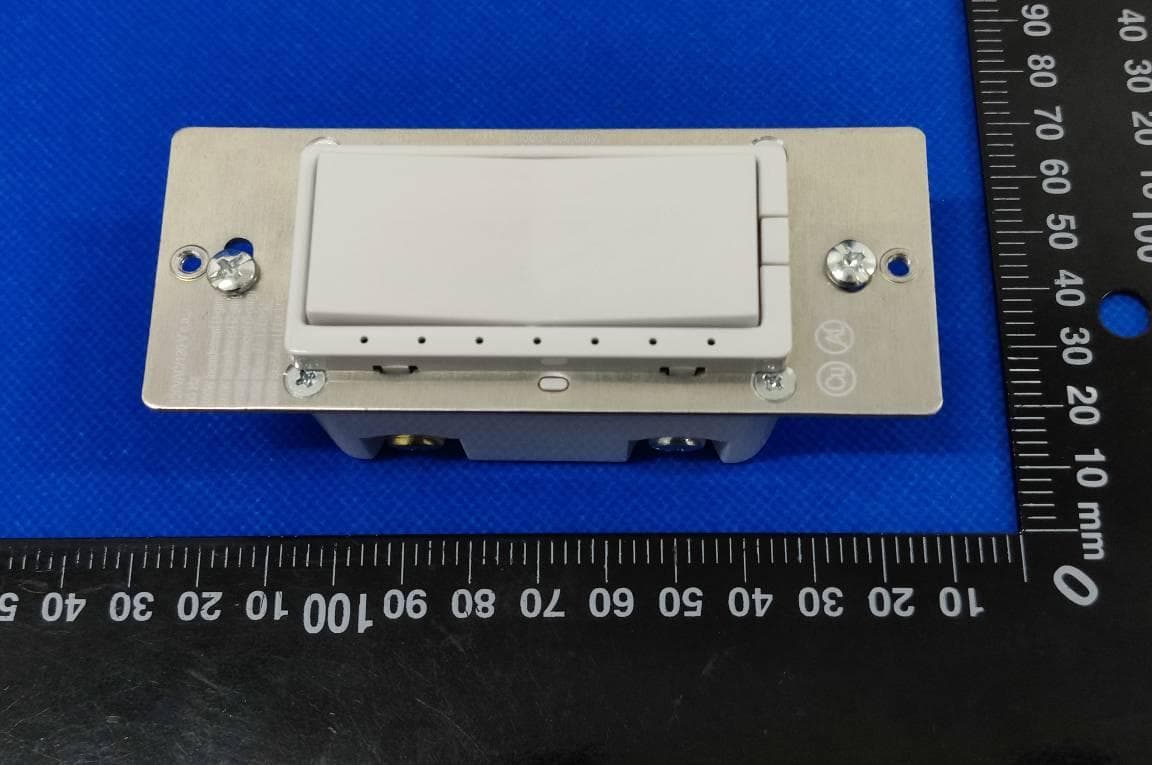
2AMY9WD800
Nov 22, 2022In-Wall Dimmer with Z-Wave
Equipment Class
DXX - Part 15 Low Power Communication Device Transmitter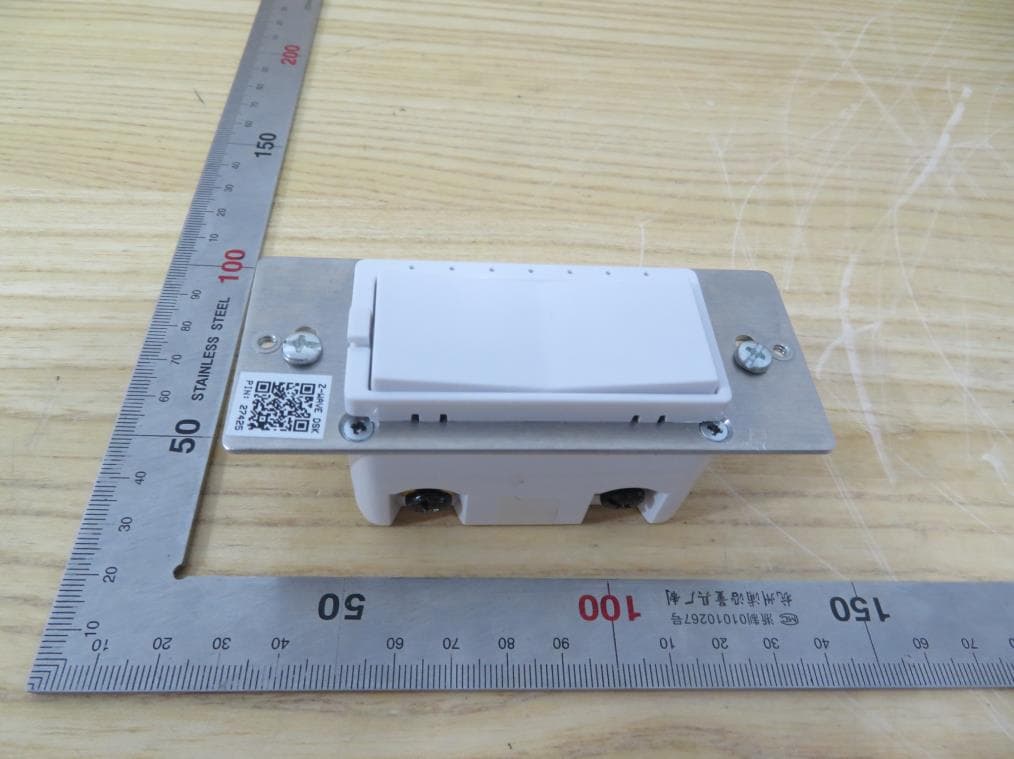
2AMY9WD700
Jul 27, 2021Z-Wave In-Wall Switch / Dimmer
Equipment Class
JAB - Part 15 Class B Digital Device
2AMY9PLUS450
Apr 19, 2021Smart Home Controller (WIFI, Zigbee and Z-Wave)
Equipment Class
DXX - Part 15 Low Power Communication Device Transmitter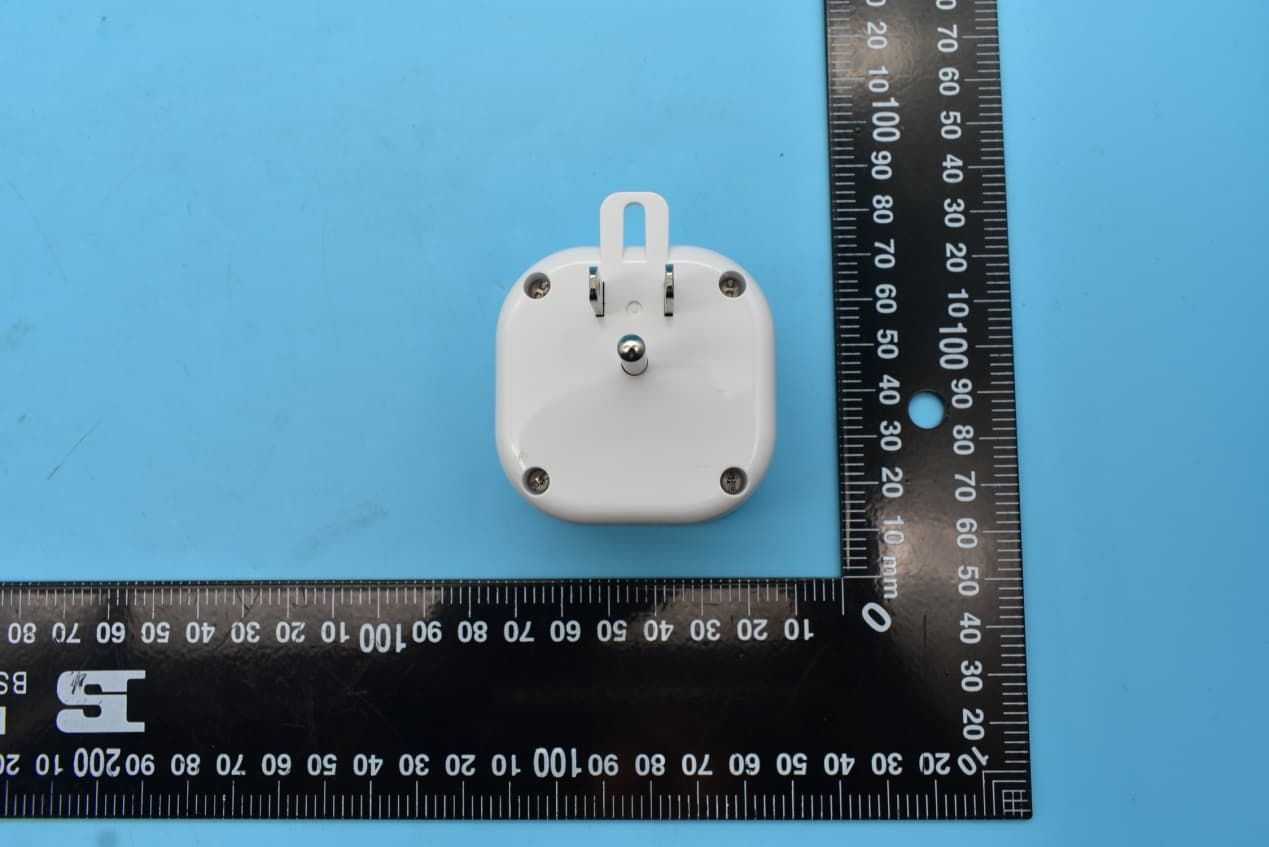
2AMY9PD700
Dec 30, 2020Plug-In Dimmer
Equipment Class
DXX - Part 15 Low Power Communication Device Transmitter