2ANDLTY-R8816Smart Camera
Hangzhou Tuya Information Technology Co.,Ltd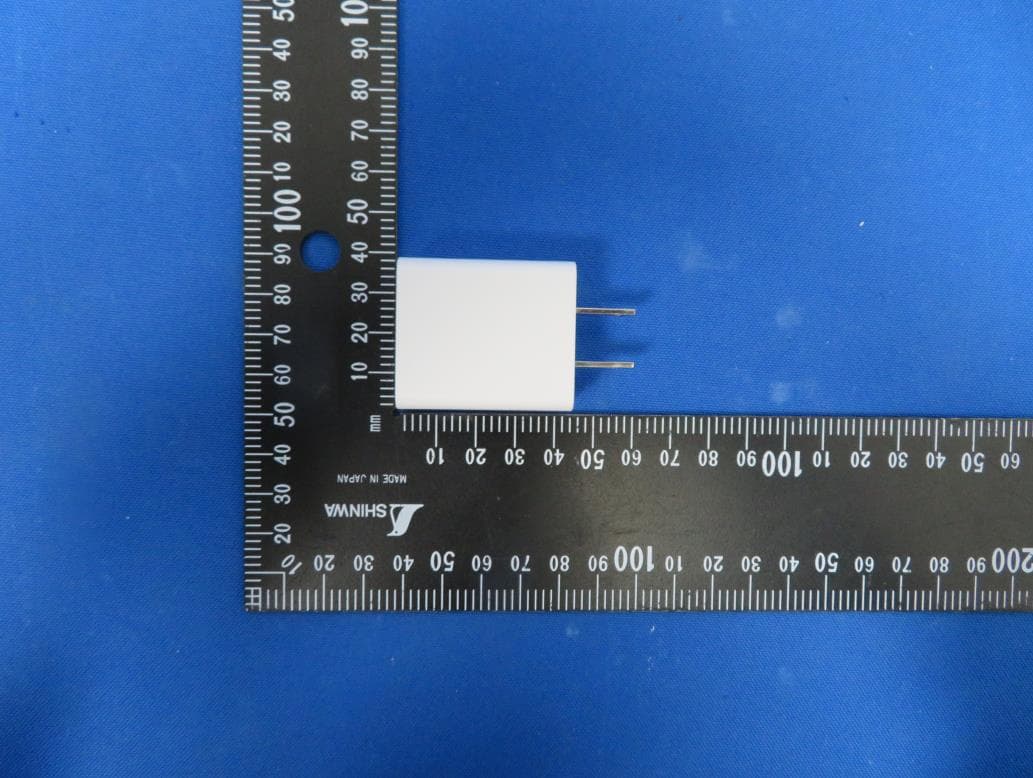
Click to zoom
Application Details
- Equipment Class
- DTS - Digital Transmission System
- Date of Grant
- Jul 21, 2020
- Application Purpose
- Original Equipment
- Date of Application
- Jul 20, 2020
- Equipment Note
- Smart Camera
- Frequency Range
- 2412.00000000 - 2462.00000000
- Country
- China
Documents & Files
Document Text
Text extracted from the exhibit documents filed with the FCC. Open a document above to read the original.
Users Manual
SMART C A M E RA USER MANUAL Thank you for purchasing Smart Camera. Get started using your new devices by downloading TuyaSmart, one convenient app that manages everything straight from your phone. Easily connect to your home Wi-Fi and control multiple devices from the touch of your fingertips. Contents Download & Register 2-4 Plug In 5 Connect (SmartConfig) 6-7 Connect (QR code net-pairing) 8-9 Questions, Troubleshooting, Notices 10-13 What’s in the Box • Smart Wi-Fi Camera • 2m USB Cable • Label for Location • Mounting Bracket • Power Adapter • User Manual • Screws Get Ready • Know your Wi-Fi network and password • Make sure your mobile device is running iOS ® 9 or higher or Android™ 4.1× or higher • Make sure you’re connecting to a 2.4GHz Wi-Fi network (It can’t connect to 5GHz networks) 1 Download the TuyaSmart app from App Store or Google Play. 2 Register an account on your TuyaSmart app STEP 1. Enter your mobile phone number or email address. STEP 2. Enter the verification code and create a password. 2 Register an account on your TuyaSmart app STEP 3. Login to the App. 3 Plug in How do I reset my device? Use the reset pin to press the Reset Button for several seconds until the camera starts to beep. Optional: Insert Micro SD card as shown What does the blinking light mean? 4 Add device. Method 1: SmartConfig STEP 1 In the app, on the top corner of the Devices screen, click (+). Choose “Smart Camera” STEP 2 Make sure the indicator light on the device is flashing Red, indicating the device is ready to connect. If not, follow instructions to Reset the device so that indicator light is flashing red. then press “Next Step”. 4 Add device. Method 1: SmartConfig STEP 3 Enter your Wi-Fi network and password. STEP 4 The app will try to connect your device. During this time, the camera will beep, start quickly blinking Red, and then turn solid Green. *If the connection fails, try to connect directly using QR Code Mode. Add device. Method 1: SmartConfig 5 Add device. Method 2: QR code net-pairing STEP 1 In the app, on the top corner of the Devices screen, click (Otherwise) STEP 2 Choose “QR code” 5 Add device. Method 2: QR code net-pairing STEP 3 Enter your Wi-Fi network and password. STEP 4 Scan the QR Code with the camera.” 10 Frequently Asked Questions 1.Can I share with family and friends? Yes, you can share your cameras with family and friends who will have access to view the camera and control your bulbs, plugs, and other devices. In the app, press the Profile button and click on the “Device Sharing” button, and you will be able to give or revoke sharing permissions. In order to share, the other user should already have downloaded the app and registered a new account. 2. What’s the Wireless Range? The range of your home Wi-Fi is heavily dependent on your home router and the conditions of the room. Check with your router specifications for exact range data. 3. The device appears offline or unreachable? Make sure your Wi-Fi router is online and in range. Make sure you have the latest app functionality by clicking “Check for firmware update” in your device settings. 4. Cannot connect to your Wi-Fi network. Make sure you entered the correct Wi-Fi password during the Wi-Fi setup. Check whether there are any Internet connection problems. If the Wi-Fi signal is too weak, reset your Wi-Fi router and try again. 5. How Many Cameras Can I Control? TuyaSmart app can control an unlimited amount of devices in an unlimited amount of locations. Your router may have a limit of how many devices can be connected to one router. System Requirements • Mobile device running iOS ® 9 or higher or Android™ 4.1x or higher • Existing Wi-Fi Network 12 Technical Specifications • RF frequency: 2.4 GHz,5GHz (Ch1-11 for US/CA,Ch1-13 for EU/CN) • Max Power RF: 17.5dBm EIRP • Model: SC114-WK2-V2 • Storage: supports up to 128G Micro SD card (not included) • Wi-Fi: IEEE 802.11b/g/n/ac, 2.4GHz/5GHz • Working temperature: -10°C-45°C, less than 95% RH • CE Notice: CE Products with the CE marking comply with the Radio Equipment Directive (2014/53/EU), the Electromagnetic Compatibility Directive (2014/30/EU), the Low Voltage Directive (2014/35/EU) – issued by the Commission of the European. Compliance with these directives implies conformity to the following European Standards: EN300328 V2.2.2 EN 301 489-1 V2.2.1 EN 301 489-17 V3.2.0 EN62368-1:2014+A11:2017 EN55032:2015+AC:2016(ClassB); EN55035:2017 EN62311:2008 WEEE This product must not be disposed of as normal household waste, in accordance with EU directive for waste electrical and electronic equipment (WEEE- 2012/19/EU). Instead,it should be disposed of by returning it to the point of sale, or to a municipal recycling collection point. FCC Notice: This device complies with Part 15 of the FCC Rules. Operation is subject to the following two conditions: (1) this device may not cause harmful interference, and (2) this device must accept any interference received, including interference that may cause undesired operation. The users manual or instruction manual for an intentional or unintentional radiator shall caution the user that changes or modifications not expressly approved by the party responsible for compliance could void the user's authority to operate the equipment. In cases where the manual is provided only in a form other than paper, such as on a computer disk or over the Internet, the information required by this section may be included in the manual in that alternative form, provided the user can reasonably be expected to have the capability to access information in that form. (b) For a Class B digital device or peripheral, the instructions furnished the user shall include the following or similar statement, placed in a prominent location in the text of the manual: NOTE: This equipment has been tested and found to comply with the limits for a Class B digital device, pursuant to Part 15 of the FCC Rules. These limits are designed to provide reasonable protection aga…
Text truncated - open the document above for the full version.
External Photos
Report No.: 2005RSU047-UE 1 of 6 EUT External Photograph (1) EUT Photo (2) EUT Photo Report No.: 2005RSU047-UE 2 of 6 (3) EUT Photo (4) EUT Photo Report No.: 2005RSU047-UE 3 of 6 (5) EUT Photo (6) EUT Photo Report No.: 2005RSU047-UE 4 of 6 (7) EUT Photo (8) EUT Photo Report No.: 2005RSU047-UE 5 of 6 (9) EUT Photo (10) EUT Photo Report No.: 2005RSU047-UE 6 of 6 (11) EUT Photo (12) EUT Photo
ID Label/Location Info
(Bottom of the camera)
Internal Photos
Report No.: 2005RSU047-UE 1 of 10 EUT Internal Photograph (1) EUT Photo (2) EUT Photo Report No.: 2005RSU047-UE 2 of 10 (3) EUT Photo (4) EUT Photo Report No.: 2005RSU047-UE 3 of 10 (5) EUT Photo (6) EUT Photo Report No.: 2005RSU047-UE 4 of 10 (7) EUT Photo (8) EUT Photo Report No.: 2005RSU047-UE 5 of 10 (9) EUT Photo (10) EUT Photo Report No.: 2005RSU047-UE 6 of 10 (11) EUT Photo (12) EUT Photo Report No.: 2005RSU047-UE 7 of 10 (13) EUT Photo (14) EUT Photo Report No.: 2005RSU047-UE 8 of 10 (15) EUT Photo (16) EUT Photo Report No.: 2005RSU047-UE 9 of 10 (17) EUT Photo (18) EUT Photo Report No.: 2005RSU047-UE 10 of 10 (19) EUT Photo (20) EUT Photo
RF Exposure Info
MRT Technology (Suzhou) Co., Ltd Report No.: 2005RSU047-U3 Phone: +86-512-66308358 Report Version: V01 Web: www.mrt-cert.com Issue Date: 07-17-2020 Page Number: 1 of 6 RF Exposure Evaluation Declaration FCC ID: 2ANDLTY-R8816 Applicant: Hangzhou Tuya Information Technology Co., Ltd Application Type: Certification Product: Smart Camera Model No.: SC114-WK2 Brand Name: TUYA FCC Classification: Digital Transmission System (DTS) Unlicensed National Information Infrastructure (UNII) Reviewed By: ( Jame Yuan ) Approved By: ( Robin Wu ) The test results relate only to the samples tested. The test results shown in the test report are traceable to the national/international standards through the calibration of the equipment and evaluated measurement uncertainty herein. The test report shall not be reproduced except in full without the written approval of MRT Technology (Taiwan) Co., Ltd. Report No.: 2005RSU047-U3 Page Number: 2 of 6 Revision History Report No. Version Description Issue Date Note 2005RSU047-U3 Rev. 01 Initial Report 07-17-2020 Valid Report No.: 2005RSU047-U3 Page Number: 3 of 6 1. PRODUCT INFORMATION 1.1. Equipment Description Product Name Smart Camera Model No. SC114-WK2 Brand Name TUYA Wi-Fi Specification 802.11a/b/g/n/ac Antenna Type: FPC Antenna Antenna Gain: 3.00dBi Report No.: 2005RSU047-U3 Page Number: 4 of 6 2. RF Exposure Evaluation 2.1. Limits According to FCC 1.1310: The criteria listed in the following table shall be used to evaluate the environment impact of human exposure to radio frequency (RF) radiation as specified in 1.1307(b) LIMITS FOR MAXIMUM PERMISSIBLE EXPOSURE (MPE) Frequency Range (MHz) Electric Field Strength (V/m) Magnetic Field Strength (A/m) Power Density (mW/cm 2 ) Average Time (Minutes) (A) Limits for Occupational / Control Exposures 300-1500 -- -- f/300 6 1500-100000 -- -- 5 6 (B) Limits for General Population / Uncontrolled Exposures 300-1500 -- -- f/1500 6 1500-100000 -- -- 1 30 f= Frequency in MHz Calculation Formula: P d = (P out *G)/(4*pi*r 2 ) Where P d = power density in mW/cm 2 P out = output power to antenna in mW G = gain of antenna in linear scale Pi = 3.1416 r = distance between observation point and center of the radiator in cm P d is the limit of MPE, 1mW/cm². If we know the maximum gain of the antenna and the total power input to the antenna, through the calculation, we will know the distance r where the MPE limit is reached. Report No.: 2005RSU047-U3 Page Number: 5 of 6 2.2. Test Result of RF Exposure Evaluation Product Smart Camera Test Item RF Exposure Evaluation Antenna Gain: 3.00dBi. Test Mode Frequency Band (MHz) Max Conducted Power (dBm) Max Conducted Power (mW) Max EIRP (mW) Power Density at R = 20 cm (mW/cm 2 ) Limit (mW/cm 2 ) 802.11b/g/n 2412 ~ 2462 13.38 21.78 43.45 0.0086 1 802.11a/ac 5180 ~ 5240 10.67 11.67 23.28 0.0046 1 5745 ~ 5825 Conclusion: 2.4G Wi-Fi and 5G Wi-Fi can’t transmit simultaneously. Therefore, the Safety Distance is 20 cm. The End Report No.: 2005RSU047-U3 Page Number: 6 of 6 Appendix A - EUT Photograph Refer to “2005RSU047-UE” file.
Test Report
MRT Technology (Suzhou) Co., Ltd Report No.: 2005RSU047-U1 Phone: +86-512-66308358 Report Version: V01 Web: www.mrt-cert.com Issue Date: 07-21-2020 Page Number: 1 of 86 FCC ID: 2ANDLTY-R8816 APPLICANT: Hangzhou Tuya Information Technology Co., Ltd Application Type: Certification Product: Smart Camera Model No.: SC114-WK2 Brand Name: TUYA FCC Classification: Digital Transmission System (DTS) FCC Rule Part(s): Part 15 Subpart C (Section 15.247) Test Procedure(s): ANSI C63.10-2013 Test Date: May 29 ~ July 02, 2020 MEASUREMENT REPORT FCC PART 15.247 WLAN 802.11b/g/n Reviewed By: ( Jame Yuan ) Approved By: ( Robin Wu ) The test results relate only to the samples tested. This equipment has been shown to be capable of compliance with the applicable technical standards as indicated in the measurement report and was tested in accordance with the measurement procedures specified in ANSI C63.10-2013. Test results reported herein relate only to the item(s) tested. The test report shall not be reproduced except in full without the written approval of MRT Technology (Suzhou) Co., Ltd. Report No.: 2005RSU047-U1 Page Number: 2 of 86 Revision History Report No. Version Description Issue Date Note 2005RSU047-U1 Rev. 01 Initial Report 07-21-2020 Valid Report No.: 2005RSU047-U1 Page Number: 3 of 86 CONTENTS Description Page General Information ........................................................................................................................ 5 1. INTRODUCTION ...................................................................................................................... 6 1.1. Scope ........................................................................................................................... 6 1.2. MRT Test Location ....................................................................................................... 6 2. PRODUCT INFORMATION ...................................................................................................... 7 2.1. Equipment Description ................................................................................................. 7 2.2. Product Specification Subjective to this Report ............................................................ 7 2.3. Working Frequencies for this report .............................................................................. 8 2.4. Test Mode .................................................................................................................... 8 2.5. Test Software ............................................................................................................... 8 2.6. Duty Cycle .................................................................................................................... 9 2.7. EMI Suppression Device(s)/Modifications ................................................................... 10 2.8. Labeling Requirements ............................................................................................... 10 3. DESCRIPTION of TEST ......................................................................................................... 11 3.1. Evaluation Procedure .................................................................................................. 11 3.2. AC Line Conducted Emissions .................................................................................... 11 3.3. Radiated Emissions .................................................................................................... 12 4. ANTENNA REQUIREMENTS................................................................................................. 13 5. TEST EQUIPMENT CALIBRATION DATE ............................................................................. 14 6. MEASUREMENT UNCERTAINTY ......................................................................................... 16 7. TEST RESULT ....................................................................................................................... 17 7.1. Summary .................................................................................................................... 17 7.2. 6dB Bandwidth Measurement ..................................................................................... 18 7.2.1. Test Limit ................................................................................................................ 18 7.2.2. Test Procedure used ............................................................................................... 18 7.2.3. Test Setting ............................................................................................................. 18 7.2.4. Test Setup .............................................................................................................. 18 7.2.5. Test Result .............................................................................................................. 19 7.3. Output Power Measurement ....................................................................................... 23 7.3.1. Test Limit ................................................................................................................ 23 7.3.2. Test Procedure Used .............................................................................................. 23 7.3.3. Test Setting ............................................................................................................. 23 7.3.4. Test Setup .............................................................................................................. 24 Report No.: 2005RSU047-U1 Page Number: 4 of 86 7.3.5. Test Result of Output Power ................................................................................... 25 7.4. Power Spectral Density Measurement ........................................................................ 26 7.4.1. Test Limit ................................................................................................................ 26 7.4.2. Te…
Text truncated - open the document above for the full version.
Test Setup Photos
Report No.: 2005RSU047-UT 1 of 3 RF Test Setup Photograph Description: Front View of Conducted Emission Test Setup for Power Port Description: Back View of Conducted Emission Test Setup for Power Port Report No.: 2005RSU047-UT 2 of 3 Description: Radiated Spurious Emission Test Setup for below 1GHz Description: Radiated Spurious Emission Test Setup for above 1GHz Report No.: 2005RSU047-UT 3 of 3 Description: Radiated Restricted Band Edge Test Setup (for 2.4G Wi-Fi) Description: Radiated Restricted Band Edge Test Setup (for 5G Wi-Fi)
Contact Information
Applicant
Linyun Li(Manager)
Test Firm
MRT Technology (Suzhou) Co., Ltd.Mr. Marlin Chen
[email protected]+86-512-66308358
Technical Specifications
| # | Rule Parts | Frequency Range | Power Output |
|---|---|---|---|
| 1 | 15C | 2.41 GHz - 2.46 GHz | 49.70 mW |
Other Applications from Hangzhou Tuya Information Technology Co.,Ltd
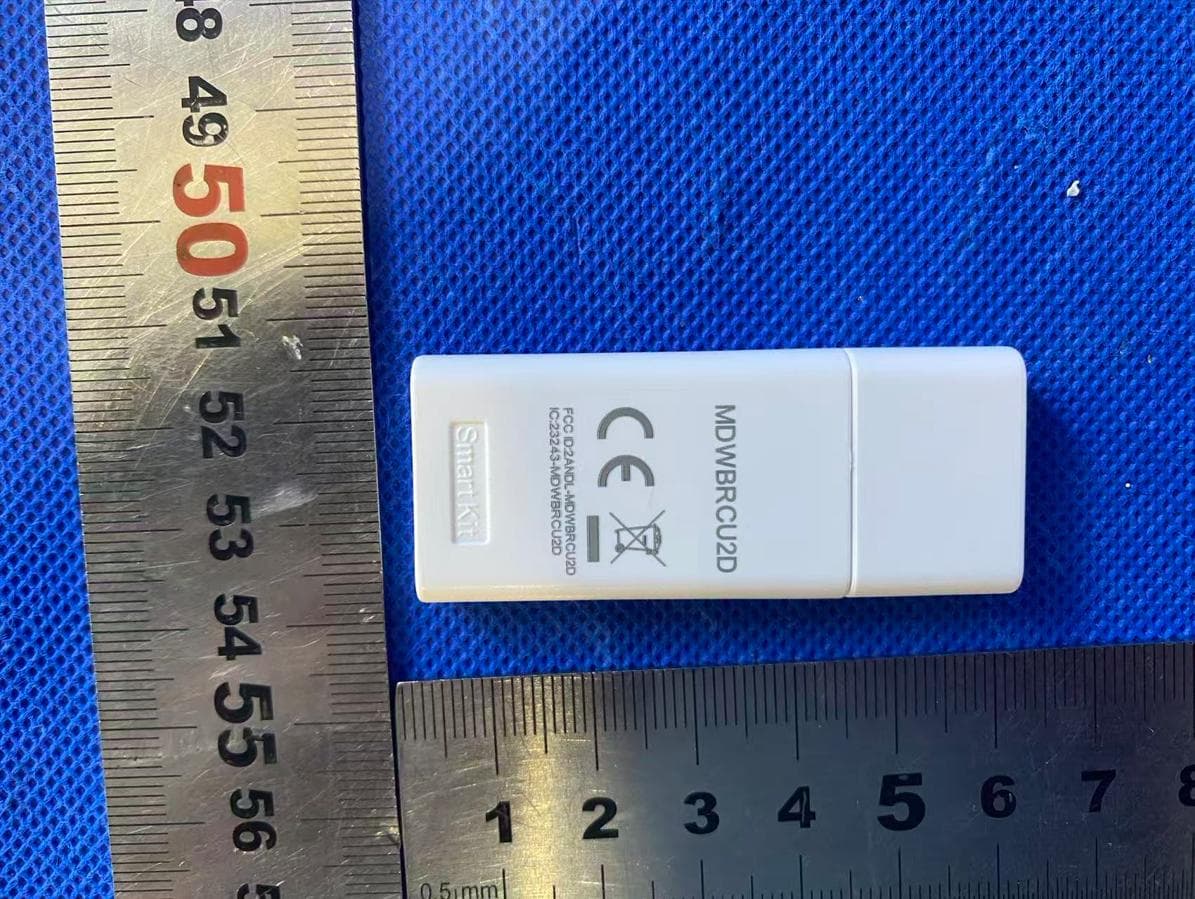
2ANDL-MDWBRCU2D
Aug 14, 2026Smart Kit
Equipment Class
DTS - Digital Transmission System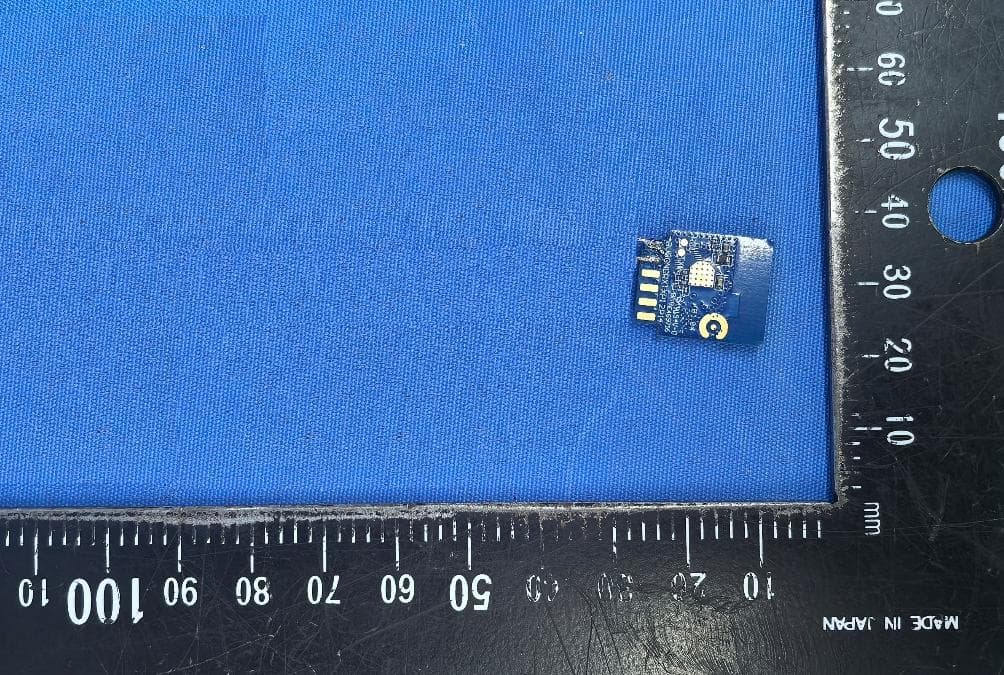
2ANDL-T72S
Jun 25, 2026Wi-Fi and Bluetooth Module
Equipment Class
NII - Unlicensed National Information Infrastructure TX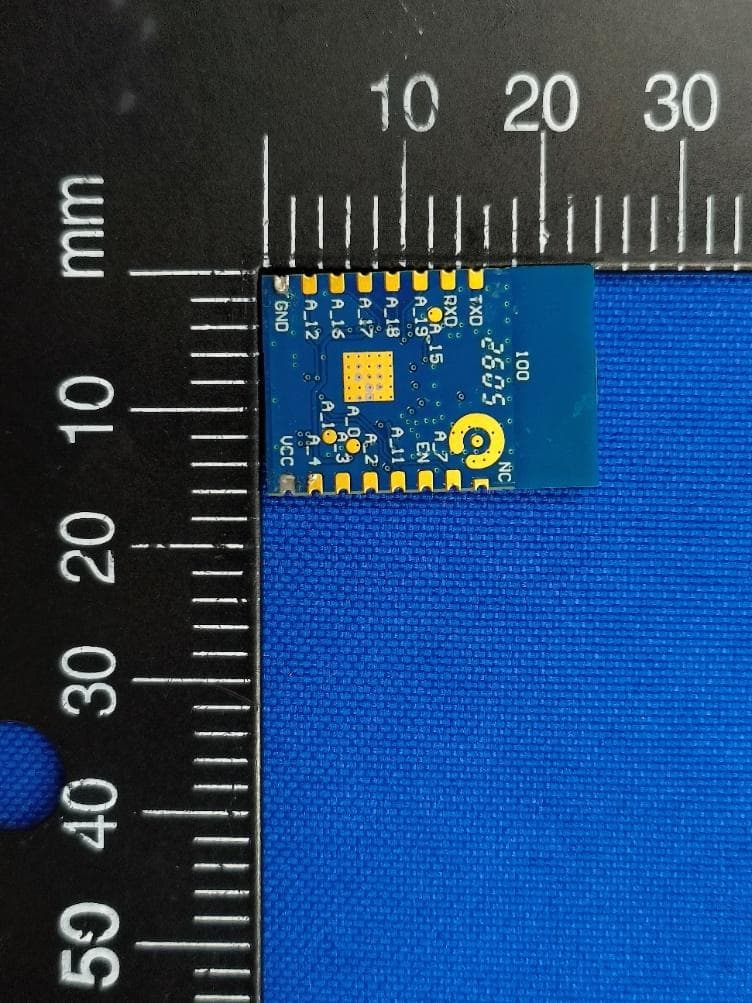
2ANDL-WBR3PRO
May 12, 2026Wi-Fi and Bluetooth Module
Equipment Class
DTS - Digital Transmission System2ANDL-WR113S
Apr 20, 2026Wi-Fi and Bluetooth Module
Equipment Class
NII - Unlicensed National Information Infrastructure TX2ANDL-T7U
Mar 27, 2026Wi-Fi and Bluetooth Module
Equipment Class
NII - Unlicensed National Information Infrastructure TX