2ANEUNEM-002NEM Plus
Tra Company Ltd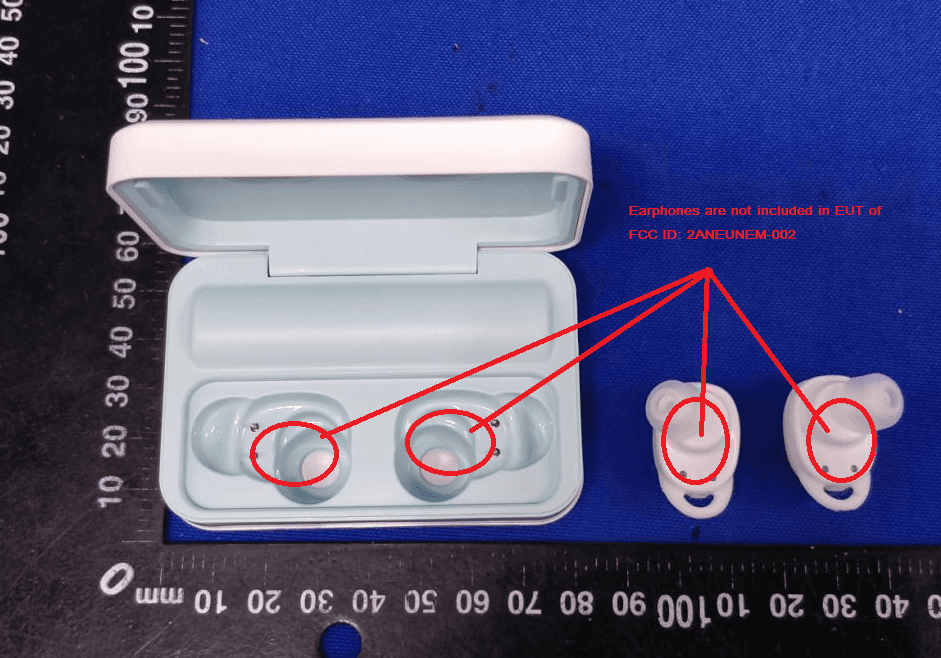
Click to zoom
Application Details
- Equipment Class
- DSS - Part 15 Spread Spectrum Transmitter
- Date of Grant
- Sep 11, 2020
- Application Purpose
- Original Equipment
- Date of Application
- Sep 11, 2020
- Equipment Note
- NEM Plus
- Frequency Range
- 2402.00000000 - 2480.00000000
- Company
- Tra Company Ltd
- Country
- Japan
Documents & Files
Document Text
Text extracted from the exhibit documents filed with the FCC. Open a document above to read the original.
Users Manual
NEM Plus usermanual NEM-002 ①touch control panel②microphone③earphones charging contacts④ear cap ⑤power button⑥type-c input port⑦charging case contacts⑧ wired headphone jack First use instructions ①Please remove the protective tape before use ②Use the right size which is most comfortable to you and put the earphones into the charging case Tip: When using it for the first time (or not using it for a long time), pleasemake sure to charge the earphones and charging box before use. Charging case and earphone charging ②Charging for earphones Make sure the charging case with enough battery power, then put the earphones into the charging case, they will enter into the charging mode and the lightwill be on after about 5s. LED indicator display status: •Charging ( a long red light of earphones when charging ) •Full charged(lights off), the charging case will power off automatically. Wearing Sketches ①Please wear the earphone marked "L" on the left ear and the one marked "R" on the right ear. ②Put earphones into auditory canal,turn the earphones to a firm and comfortable position. Power on 1.Auto power on:Take out the earphones from the charging case, the earphone will automatically power on. 2.Manual power on:If earphone is power off, and the charging case is not available, please tap earphones touch control for 2-3 seconds in the meantime until the blue lights flash. Long press 2‐3s to power on The earphone flashes blue light Power off: 1) Put the earphones into the charging case , they will enter into charging mode andpower off automatically. 2) If the charging case is not available, just disconnect the Bluetooth connection between your cell phone and earphones, the earphones will power off automatically after 10 minutes. Pairing ①Earphones pair connection a.Take two earphones out of the charging case b.The two earphones will power on and connect to each other automatically c.SearchtheBluetoothname“ NEMPlus Earphones-L” on the phone and click it to connect Tips: 1.The red & blue lights flash alternatively, waiting for connect with cellphone bluetooth. 2. The blue light flashes every 5 seconds, connected with cellphone. 3. While using earphones again, take the L/R earphones out of the charging case and the L/R earphones will power on and connect to each other automatically,also the master earphone will connect to the bluetooth device automatically. (The last connected Bluetooth device. ② Single earphone connection a.Takeanyearphoneoutofthechargingcaseandtheearphonelightentersthe red & blue flash after A few seconds b.Search the Bluetooth name “NEM Plus Earphones-L” on the phone and click it to connect Tips: 1. Left and right earphone can be used separately. 2. If you want to use both earphones when the earphone is in single connection mode, just need take the other earphone out of the charging case, the slave earphone will connect to the master earphone automatically. Functional operation Siri Active:After connect with cellphone, press the touch pad control ofleft or right earphone for 2 seconds and release to activate/close Siri.(In playing music, it can be activate while pause state) Incoming call prompt/number report:Phone ring tone and sound can be heard from Both earphones. Answer the phone:When calls come in, double-clickeither of earphones. (Sounds can be heard from both earphones.) Hang up the phone:During the call, double-clickeither of earphones. Reject a call:When calls come in,double-click the either of earphones for 2 seconds and release. Music play:During playing music, double-click the left earphone forprevious track; double-click the right earphone for next track; single-click the either of earphones for pause or play music. Decrease the volume(+):Long touch the left earphone over 3 seconds to turn the volume down. Increase the volume(-):Long touch the right earphone over 3 seconds to turn the volume up. Warm Tips: 1.The volume of the earphones is not synchronized with the volume of the phone. If the volume of the earphone cannot reach the desired effect, the volume can be adjusted by the phone. 2.Please use the earphone in reasonable volume and time, otherwise it will damage your hearing if you listen the music for long time in high volume. 3.In the Mono mode,earphones cannot adjust the volume.You can adjusted it by phone. Charge case: 1、Power on:Press the button of the right side for 2S. 2、Power-off Manual power-off : Press the button of the right side for 2S. Automatic power-off: It will automatic power off after 10 minutes music paused on conditional that not touch the screen. 3、 Headphone mode: Wired mode: After inserting the wired earphone into the headphone jack of the left side, turn on the wired headphone mode. Wireless mode: Turn on the BT,and connect wireless headphone. 4、Selection: BT mode: 1)Bluetooth on/off; 2)Search for device:Search the Bluetooth name“ NEM Plus Earphones-L”and click it to connect; 3) Device list. SLEEP mode: There are 20 songs , each song for 1 hour . REST mode: there are 10 songs, each song for 20 minutes . (note: When wired or wireless headphones are connected, the music can only be played.) 5、The home button in the upper left corner of the screen returns to the previous layer, the middle is the pause button, and the battery level is displayed in the upper right corner. 6、Charging for the charging case Use the charging cable of the packing box, connecting with the power adaptorto charge. LED indicator display status: •Charging (the battery level is displayed in the upper right corner) Note:please charge for the case with DC5V/1A charger or Computer USB (Must choose the formal charger certified by formal factory ); as the charging and discharging of the earphones increases, the battery performance will decrease, which is normal for all rechargeable batteries. (Don’t press the contact ofthe spring pin hard to avoid improper use.) 7、Stand-by mode: Do not touch the screen for 90 seconds, the case will enter stand-by mode; And touch again the screen w…
Text truncated - open the document above for the full version.
Cover Letter(s)
Tra Company Ltd 2020-09-02 Equipment Autorisation Division Federal Communications Commission 7435 Oakland Mills Road Columbia, MD 21046 FCC ID: 2ANEUNEM-002 Product Name: NEM Plus Request for Confidentiality Pursuant to Sections 0.457 and 0.459 of the commissions rules, we hereby request that the following documents be held confidential: Schematics Block diagram Operation description These materials contain trade secrets and proprietary information and are not customarily released to the public. The public disclosure of this information might be harmful to the company and provide unjustified benefits to our competitors. <Signature> Name: Ryo Higashi Title: GM Company: Tra Company Ltd
Cover Letter(s)
Tra Company Ltd 2020-09-02 Federal Communications Commission Authorization & Evaluation Division 7345 Oakland Mills Road Columbia, Maryland 21046 Authority to Act as Agent On our behalf, I appoint Shenzhen Tongce Testing Lab. / 1B/F., Building 1, Yibaolai Industrial Park, Qiaotou, Fuyong, Baoan District, Shenzhen, Guangdong, China (Name of Agent company name and address) to act as our agent in the preparation of this application for equipment certification. I certify that submitted documents properly describe the device or system for which equipment certification is sought. I also certify that each unit manufactured, imported or marketed, as defined in the Federal Communications Commission’s regulations will have affixed to it a label identical to that submitted for approval with this application. For instances where our authorized agent signs the application for certification on our behalf, I acknowledge that all responsibility for complying with the terms and conditions for certification, still resides with Tra Company Ltd / 6-6 Kitahama-higashi Chuo-ku Osaka-shi, Osaka 540-0031, Japan (Applicant Name and address) <Signature> Name: Ryo Higashi Title: GM Applicant Company: Tra Company Ltd
External Photos
Page 1 of 3 Appendix B: Photographs of EUT Product: NEM Plus Model: NEM-002 External Photos Page 2 of 3 Page 3 of 3
ID Label/Location Info
Label Artwork and Location Model: NEM-002 Label: Size: L*W=22*14mm NEM Plus Model: NEM-002 FCC ID:2ANEUNEM-002 Location
Internal Photos
Page 1 of 3 Appendix B: Photographs of EUT Product: NEM Plus Model: NEM-002 Internal Photos Antenna Page 2 of 3 Page 3 of 3
RF Exposure Info
RF exposure evaluation FCC ID: 2ANEUNEM-002 §2.1093 Radiofrequency radiation exposure evaluation: Portable Devices. According to§15.247(i) and§1.1307b(1), systems operating under the provisions of this section shall be operated in a manner that ensures that the public is not exposed to radio frequency energy level in excess of the commission’s guidance. The 1-g SAR test exclusion thresholds for 100 MHz to 6 GHz at test separation distances ≤ 50 mm are determined by: [(max. power of channel, including tune-up tolerance, mW) / (min. test separation distance, mm)] · [√f(GHz)] ≤ 3.0 for 1-g SAR, where f(GHz) is the RF channel transmit frequency in GHz Power and distance are rounded to the nearest mW and mm before calculation When the minimum test separation distance is < 5 mm, a distance of 5 mm according is applied to determine SAR test exclusion. The result is rounded to one decimal place for comparison Channel Frequency (GHz) Max. Power (dBm) Tune up Power (dBm) Max. Tune up Power (dBm) Max. Tune up Power (mW) Test distance (mm) Result exclusion thresholds for 1-g SAR CH 78 2.480 5.89 5.0±1 6.0 3.98 5 1.25 3.0 Result: Base on the calculation value, No SAR measurement is required.
Test Report
Hotline: 400-6611-140 Tel: 86-755-27673339 Fax: 86-755-27673332 http://www.tct-lab.com TEST REPORT FCC ID: 2ANEUNEM-002 Product: NEM Plus Model No.: NEM-002 Additional Model No.: N/A Trade Mark: Cheero Report No.: TCT200821E001 Issued Date: Sep. 01, 2020 Issued for : Tra Company Ltd 6-6 Kitahama-higashi Chuo-ku Osaka-shi, Osaka 540-0031, Japan Issued By: Shenzhen Tongce Testing Lab. 1B/F., Building 1, Yibaolai Industrial Park, Qiaotou, Fuyong, Baoan District, Shenzhen, Guangdong, China TEL: +86-755-27673339 FAX: +86-755-27673332 Note: This report shall not be reproduced except in full, without the written approval of Shenzhen Tongce Testing Lab. This document may be altered or revised by Shenzhen Tongce Testing Lab. personnel only, and shall be noted in the revision section of the document. The test results in the report only apply to the tested sample. Report No.: TCT200821E001 Page 2 of 63 Hotline: 400-6611-140 Tel: 86-755-27673339 Fax: 86-755-27673332 http://www.tct-lab.com TABLE OF CONTENTS 1. Test Certification ................................................................................................... 3 2. Test Result Summary ........................................................................................... 4 3. EUT Description .................................................................................................... 5 4. General Information ............................................................................................. 6 4.1. Test environment and mode ........................................................................................... 6 4.2. Description of Support Units .......................................................................................... 7 5. Facilities and Accreditations ............................................................................. 8 5.1. Facilities ............................................................................................................................... 8 5.2. Location ................................................................................................................................ 8 5.3. Measurement Uncertainty ............................................................................................... 8 6. Test Results and Measurement Data .............................................................. 9 6.1. Antenna requirement ........................................................................................................ 9 6.2. Conducted Emission ...................................................................................................... 10 6.3. Conducted Output Power .............................................................................................. 14 6.4. 20dB Occupy Bandwidth ............................................................................................... 19 6.5. Carrier Frequencies Separation .................................................................................. 24 6.6. Hopping Channel Number ............................................................................................. 29 6.7. Dwell Time ......................................................................................................................... 32 6.8. Pseudorandom Frequency Hopping Sequence ...................................................... 37 6.9. Conducted Band Edge Measurement ........................................................................ 38 6.10.Conducted SpuriousEmission Measurement ........................................................ 42 6.11.Radiated SpuriousEmission Measurement ............................................................ 46 Appendix A: Photographs of Test Setup Appendix B: Photographs of EUT Report No.: TCT200821E001 Page 3 of 63 Hotline: 400-6611-140 Tel: 86-755-27673339 Fax: 86-755-27673332 http://www.tct-lab.com 1. Test Certification Product:NEM Plus Model No.:NEM-002 Additional Model: N/A Trade Mark: Cheero Applicant:Tra Company Ltd Address:6-6 Kitahama-higashi Chuo-ku Osaka-shi, Osaka 540-0031, Japan Manufacturer:Tra Company Ltd Address:6-6 Kitahama-higashi Chuo-ku Osaka-shi, Osaka 540-0031, Japan Date of Test:Aug. 24, 2020 – Aug. 31, 2020 Applicable Standards: FCC CFR Title 47 Part 15 Subpart C Section 15.247 FCC KDB 558074 D01 15.247 Meas Guidance v05r02 ANSI C63.10:2013 The above equipment has been tested by Shenzhen Tongce Testing Lab . and found compliance with the requirements set forth in the technical standards mentioned above. The results of testing in this report apply only to the product/system, which was tested. Other similar equipment will not necessarily produce the same results due to production tolerance and measurement uncertainties. Tested By:Date:Aug. 31, 2020 Rleo Reviewed By: Date:Sep. 01, 2020 Beryl Zhao Approved By: Date:Sep. 01, 2020 Tomsin Report No.: TCT200821E001 Page 4 of 63 Hotline: 400-6611-140 Tel: 86-755-27673339 Fax: 86-755-27673332 http://www.tct-lab.com 2. Test Result Summary RequirementCFR 47 SectionResult Antenna Requirement§15.203/§15.247 (c)PASS AC Power Line Conducted Emission §15.207PASS Conducted Peak Output Power §15.247 (b)(1)PASS 20dB Occupied Bandwidth§15.247 (a)(1)PASS Carrier Frequencies Separation §15.247 (a)(1)PASS Hopping Channel Number§15.247 (a)(1)PASS Dwell Time§15.247 (a)(1)PASS Radiated Emission§15.205/§15.209PASS Band Edge§15.247(d)PASS Note: 1. PASS: Test item meets the requirement. 2. Fail: Test item does not meet the requirement. 3. N/A: Test case does not apply to the test object. 4. The test result judgment is decided by the limit of test standard. Report No.: TCT200821E001 Page 5 of 63 Hotline: 400-6611-140 Tel: 86-755-27673339 Fax: 86-755-27673332 http://www.tct-lab.com 3. EUT Description Product:NEM Plus Model No.:NEM-002 Additional Model:N/A Trade Mark:Cheero Bluetooth version:V4.1 Operation Frequency:2402MHz~2480MHz Transfer Rate:1/2/3 Mbits/s Number of Channel:79 Modulation Type:GFSK,π/4-DQPSK, 8DPSK M…
Text truncated - open the document above for the full version.
Test Setup Photos
Page 1 of 2 Appendix A: Photographs of Test Setup Product: NEM Plus Model: NEM-002 Radiated Emission Page 2 of 2 Conducted Emission
Contact Information
Applicant
Ryo Higashi
Test Firm
SHENZHEN TONGCE TESTING LABBeryl Zhao
[email protected]+8675527208735
Technical Specifications
| # | Rule Parts | Frequency Range | Power Output |
|---|---|---|---|
| 1 | 15C | 2.40 GHz - 2.48 GHz | 3.88 mW |
Other Applications from Tra Company Ltd
2ANEU-CHE-631
Mar 28, 2021Wireless Earphones
Equipment Class
DSS - Part 15 Spread Spectrum Transmitter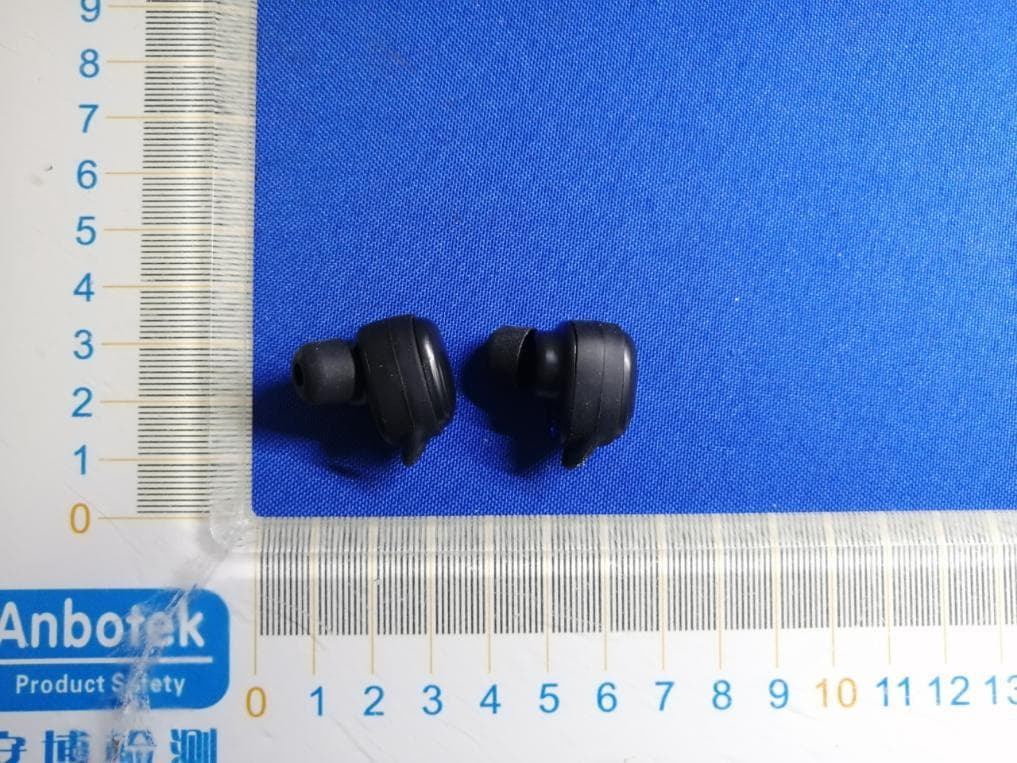
2ANEUCHE-629
Mar 15, 2021NYANBOARD EARPHONES
Equipment Class
DSS - Part 15 Spread Spectrum Transmitter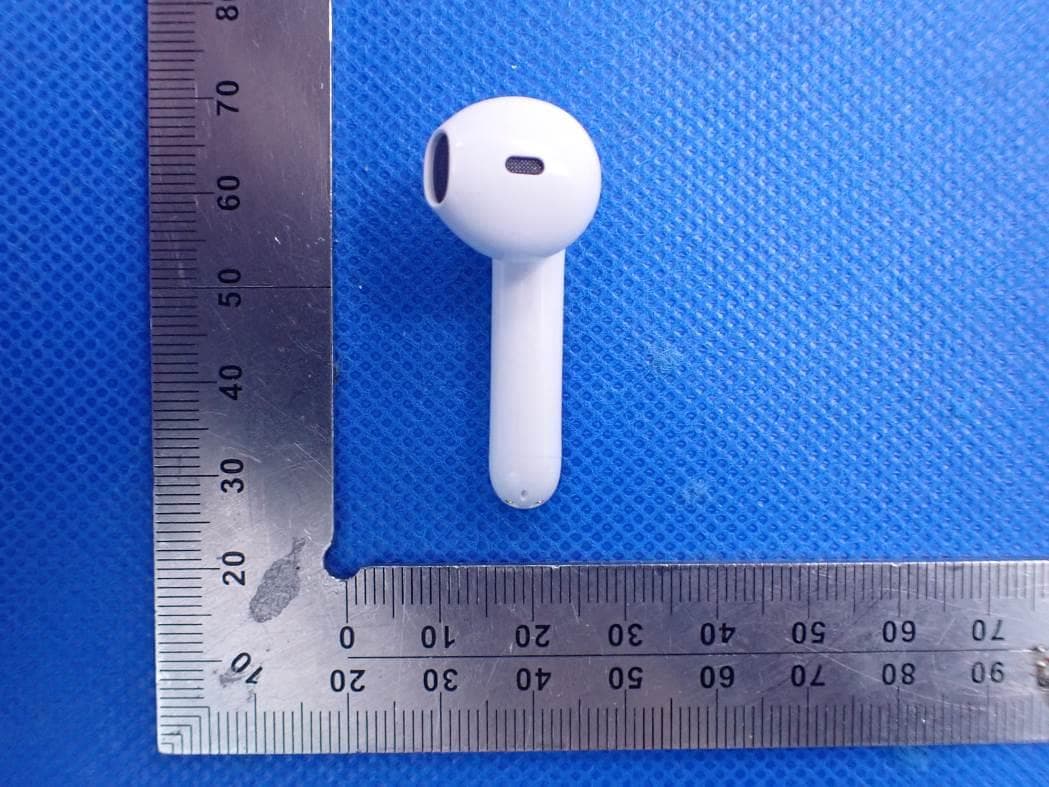
2ANEUCHE-632
Jan 30, 2021Bluetooth cheero Wireless Earphones Light Style 2
Equipment Class
DSS - Part 15 Spread Spectrum Transmitter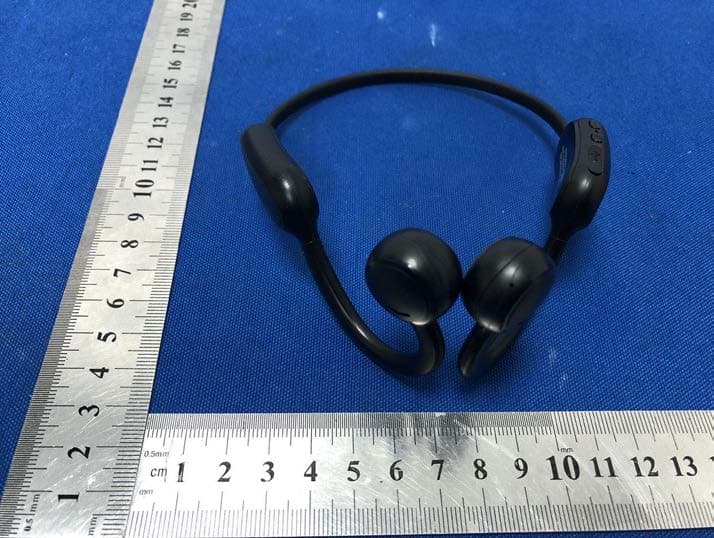
2ANEUCHE-630
Nov 18, 2020cheero pino
Equipment Class
DSS - Part 15 Spread Spectrum Transmitter
2ANEUNEM-001
Sep 14, 2020NEM
Equipment Class
DSS - Part 15 Spread Spectrum Transmitter