2AO2UH40HANDHELD GOLF GPS
KERTEC LLC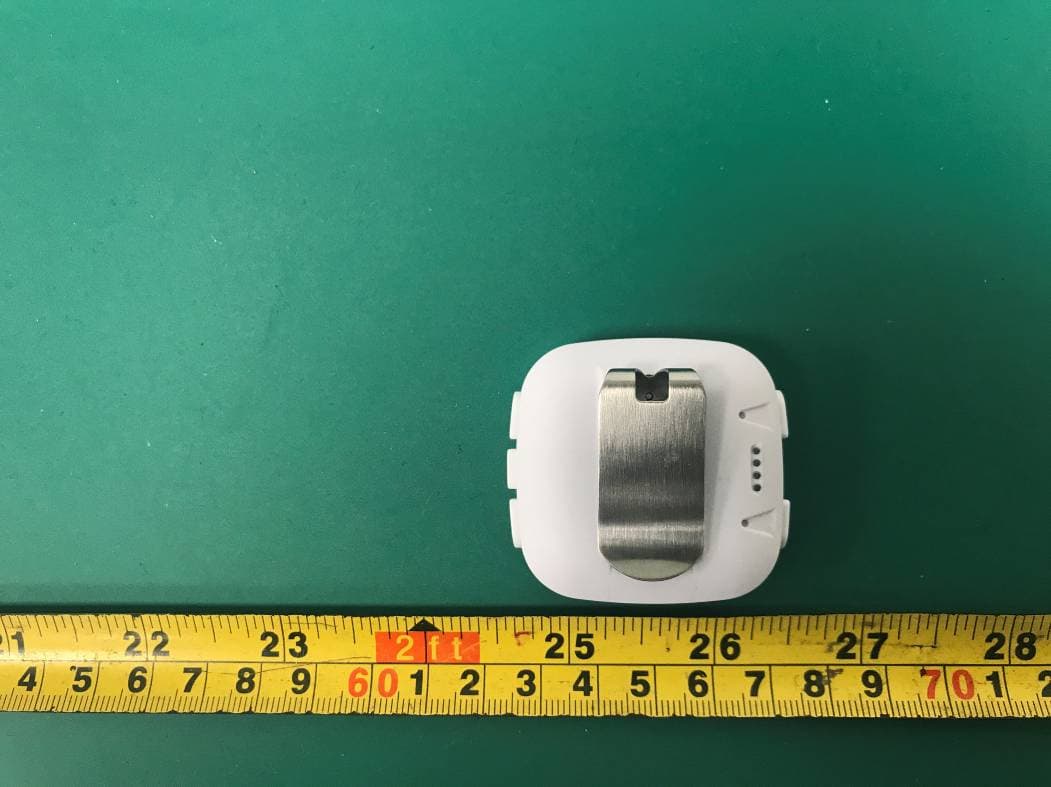
Click to zoom
Application Details
- Equipment Class
- DTS - Digital Transmission System
- Date of Grant
- May 21, 2021
- Application Purpose
- Original Equipment
- Date of Application
- May 21, 2021
- Equipment Note
- HANDHELD GOLF GPS
- Frequency Range
- 2402.00000000 - 2480.00000000
- Company
- KERTEC LLC
- Country
- United States
Documents & Files
Document Text
Text extracted from the exhibit documents filed with the FCC. Open a document above to read the original.
Users Manual
ULT-G GPS Handheld ENGLISH LOVE IT OR YOUR MONEY BACK! JUST OKAY IS NOT ACCEPTABLE WE WANT YOU TO BE HAPPY 4 WE PROUDLY STAND BEHIND OUR PRODUCTS (833) 383-2669 Monday to Friday (8AM to 2PM EST) HIGH-CLASS CUSTOMER SUPPORT 5 You have made a great choice with TecTecTec ! We truly care that you are happy with your purchase. Please read this manual before use to learn how to operate and care for your H40. If you have any ques- tions or any issues at all, email or call us, we will work with you until you’re happy! THANK YOU [email protected] 6 VISIT US us.tectectec.com CALL US (833) 383-2669 EMAIL US [email protected] facebook.com/tectectecusa instagram.com/tectectecusa twitter.com/tectectecusa FOLLOW US 7 REGISTER NOW! us.tectectec.com/register • 30 DAY MONEY BACK GUARANTEE • PRIORITY CUSTOMER SUPPORT • EXCLUSIVE DISCOUNTS EMAIL US [email protected] 8 THE DEVICE CANNOT BE USED WHILE IT IS CHARGING. BE SURE TO CHECK THE BATTERY LEVEL AND CHARGE THE DEVICE WELL IN ADVANCE OF YOUR NEXT TEE TIME. THE H40 WILL ONLY CONNECT TO THE SATELLITE IF YOU ARE OUTDOORS AND ABLE TO SEE THE SKY. ROOFS OR SHELTERS MAY INTERFERE WITH THE ABILITY TO CONNECT. TROUBLESHOOTINGWARNING 9 DO NOT DISASSEMBLE, MODIFY, OR REPAIR YOUR H40. PLACING OBJECTS, SUCH AS MAGNETIC STRIPE CARDS, INCLUDING CREDIT CARDS, PHONE CARDS, PASSBOOKS, AND BOARDING PASSES, NEXT TO THE DEVICE OR CHARGER MAY CAUSE DAMAGE TO THE CHARGER OR THE H40’S MAGNETIC FIELD. WARNING 10 CHARGING THE HANDHELD The rechargeable Li-Ion battery is charged using the clip-on charging dock and USB cable. The Handheld should be charged when the battery level has been depleted to one bar. 1. Attach the clip-on charging dock to the Handheld face of the device. Be sure that both guiding pins have been well inserted and that the four battery contacts are not blocked. 11 2. Plug the USB cable into a power source. When plugged into a computer the words "USB MODE" will appear. If plugged into a wall charger the words "CHARGING" will appear with a battery icon. 3. Select "BATTERY" from the menu at any time to view the level of battery life. Fully charged, the battery should last for 10 hours or 2.5 rounds. USB MODECHARGINGBATTERY 12 LET’S GET STARTED Set up your device for the first time. Satellite Menu Up Down Select 13 TURN THE H40 ON/OFF TURN ON 1. Hold the arrow Down button for 2 seconds to power the H40 on. TURN OFF 2. To turn the h40 off hold the arrow Down button for 5 seconds until you see the mes- sage "POWER OFF". 14 CHANGING THE TIME When the h40 is booted up for the first time, the date will be displayed as Monday, January 1st. To change the time and date: 1. Press the Menu button and then press the Down button to highlight "SETTINGS", and then press the Select button located in between the Up and Down arrow buttons. 2. Highlight "TIME" using the arrow buttons and then select it. 3. Highlight "SET TIME" using the arrow buttons and then select it. 4. Choose "BY GPS" to connect to the satellite and automatically set the time; Or choose "MANUALLY" to set the time of your choice. 4 MENU BLUETOOTH BATTERY SETTINGS SETTINGSLANGUAGE ENGLISH DEUTSCH FRANCAIS TIME UNITS LANGUAGE SETTIME BY GPS MANUALLY SETTIME AM PM 00:00 123 16 CHANGING THE LANGUAGE The operating language can be changed to English, French, German, Italian, or Spanish. To change the language: 1. Press the Menu button and then press the Down button to highlight "SETTINGS", and then press the Select button located in between the Up and Down arrow buttons. 17 2. Highlight "LANGUAGE" using the arrow buttons and then select it. 3. Highlight the language of your choice using the arrow buttons and then select it. MENU BLUETOOTH BATTERY SETTINGS SETTINGSLANGUAGE ENGLISH DEUTSCH FRANCAIS TIME UNITS LANGUAGE 123 18 BLUETOOTH 1. Download the TecTecTec ! Golf GPS Application ("App") for Android or iOS. 2. Open the TecTecTec ! Golf GPS App. You can create a new account; continue as a guest; or log into an existing account. You will be able to pair the device regardless of whether you’ve logged in or chosen to continue as a guest. GOLF GPS Follow the instructions provided on the screen and click on the button to "SIGN UP". To continue as a guest, click the text "CONTINUE AS A GUEST" If you have an existing account, enter your email and password to "LOG IN". GOLF GPS SIGN UP LOG IN Welcome to the TecTecTec Golf GPS Application. Your golf GPS device comes with free access to product and course updates. Email FORGOT PASSWORD?CONTINUE AS GUEST Password 20 Follow the instructions provided on screen and then click on the button to "SUBMIT". The "Device Serial Number" is located on the front of this Manual. JOIN NOW SUBMITCANCEL First Name Last Name Email Password Verify Password Device Serial Number ? 21 Alternatively, if you chose to continue as a guest, you also need to enter the "Device Serial Number". Then click on the button to "SUBMIT". SUBMIT GUEST ACCESS CANCEL Device Serial Number Guest access will allow free access to course updates for your golf gps device. For full product updates you will need to sign up for a free account. Having issues with your serial number? Contact Support 22 3. Ensure that your smartphone’s Bluetooth is activated. 4. On your H40, navigate to the Menu and then use the Up and Down buttons to highlight "BLUETOOTH", and then press the Select button located in between the Up and Down arrow buttons. Be sure that "ON" is selected. 4 MENU BLUETOOTH BATTERY BLUETOOTH OFF ON NEXTCANCEL On your smartphone, in the app click on the "NEXT" button to continue. PAIR YOUR DEVICE Follow the steps below to connect your device. 1. On your smart phone, make sure your Bluetooth is set to “on”. You will find Bluetooth under "Settings". 2. On your TecTecTec device, go to "Settings" menu and select Bluetooth. Make sure that your Bluetooth is set to "On". 5. The first time you attempt to pair with your H40, the TecTecTec ! Golf GPS App will ask: "Allow TecTecTec Golf GPS to access this device’s location?" Allow/…
Text truncated - open the document above for the full version.
Attestation Statements
KERTEC LLC Address: 10685-B HAZELHURST DR STE B 13324, houston, TX, United States, 77043 Tel: (323) 522-5553 Email: [email protected] Attestation Letter Date: 2021-04-29 FEDERAL COMMUNICATIONS COMMISSIONS Authorization and Evaluation Division 7435 Oakland Mills Road Columbia, MD 21046 Dear Sir or Madam: We, KERTEC LLC, hereby authorize Bay Area Compliance Laboratories Corp to act as a laboratory for testing and test report generation for the following project(s): (Product Name: HANDHELD GOLF GPS; Model: H40; FCC ID: 2AO2UH40) The chipset nRF51802 supports BLE_1M, BLE_2M and 2.4GHz Radio mode. But for this device, BLE_1M and 2.4GHz Radio mode were disabled by software, only use the BLE_2M mode. We confirm that all information above is true and we’ll be responsible for all the consequences. Please contact me if you have any question. Sincerely, Signature Renan Lore Director
Cover Letter(s)
KERTEC LLC Address: 10685-B HAZELHURST DR STE B 13324, houston, TX, United States, 77043 Tel: (323) 522-5553 Email: [email protected] FCC Confidential Authorization Date: 2021-04-29 FEDERAL COMMUNICATIONS COMMISSIONS Authorization and Evaluation Division 7435 Oakland Mills Road Columbia, MD 21046 Subject: Confidentiality Request regarding application for certification of FCC ID: 2AO2UH40 In accordance with Sections 0.457 and 0.459 of the Commission’s Rules, KERTEC LLC hereby requests long-term confidential treatment of information accompanying this application as outlined below: • Block Diagram • Schematics • Operation Description The above materials contain proprietary and confidential information not customarily released to the public. The public disclosure of these materials provides unjustified benefits to its competitors in the market. Sincerely Yours, Signature: Renan Lore Director
External Photos
Bay Area Compliance Laboratories Corp. (Shenzhen) Project No.: SZ1210407-10226E-RF Page 1 of 4 EXHIBIT B - EUT EXTERNAL PHOTOGRAPHS Bay Area Compliance Laboratories Corp. (Shenzhen) Project No.: SZ1210407-10226E-RF Page 2 of 4 Bay Area Compliance Laboratories Corp. (Shenzhen) Project No.: SZ1210407-10226E-RF Page 3 of 4 Bay Area Compliance Laboratories Corp. (Shenzhen) Project No.: SZ1210407-10226E-RF Page 4 of 4
ID Label/Location Info
Bay Area Compliance Laboratories Corp. (Shenzhen) Project No.: SZ1210407-10226E-RF EXHIBIT A - FCC ID LABEL AND LOCATION FCC ID Label FCC ID Label Location Information The label shown shall be permanently affixed at a conspicuous location on the device and be readily visible to the user at the time purchase (Labeling requirements per 2.925)
Internal Photos
Bay Area Compliance Laboratories Corp. (Shenzhen) Project No.: SZ1210407-10226E-RF Page 1 of 4 EXHIBIT C - EUT INTERNAL PHOTOGRAPHS Bay Area Compliance Laboratories Corp. (Shenzhen) Project No.: SZ1210407-10226E-RF Page 2 of 4 Bay Area Compliance Laboratories Corp. (Shenzhen) Project No.: SZ1210407-10226E-RF Page 3 of 4 GPS Antenna BT Anetnna Bay Area Compliance Laboratories Corp. (Shenzhen) Project No.: SZ1210407-10226E-RF Page 4 of 4
Test Report
Note: This report may contain data that are not covered by the A2LA accreditation and are marked with an asterisk “★”. BACL is not responsible for the authenticity of any test data provided by the applicant. Data included from the applicant that may affect test results are marked with an asterisk ’*’. Customer model name, addresses, names, trademarks etc. are not considered data. This report cannot be reproduced except in full, without prior written approval of the Company. Unless otherwise stated the results shown in this test report refer only to the sample(s) tested. This report is valid only with a valid digital signature. The digital signature may be available only under the Adobe software above version 7.0. FCC PART 15.247 TEST REPORT For KERTEC LLC 10685-B HAZELHURST DR STE B 13324,houston,Texas,United States,77043 FCC ID: 2AO2UH40 Report Type: Original Report Product Type: HANDHELD GOLF GPS Re port Number: SZ1210407-10226E-00 Re port Date: 2021-04-27 Reviewed B y: Jacob Kong RF Engineer Prepared By: Bay Area Compliance Laboratories Corp. (Shenzhen) 5F(B-West) ,6F,7F,the 3rd Phase of Wan Li Industrial Building D,Shihua Rd, FuTian Free Trade Zone, Shenzhen, China Tel: +86-755-33320018 Fax: +86-755-33320008 www.baclcorp.com.cn Bay Area Compliance Laboratories Corp. (Shenzhen) Report No.: SZ1210407-10226E-00 FCC Part 15.247 Page 2 of 37 TABLE OF CONTENTS GENERAL INFORMATION ....................................................................................................................................... 4 PRODUCT DESCRIPTION FOR EQUIPMENT UNDER TEST (EUT) ..................................................................................... 4 OBJECTIVE ................................................................................................................................................................... 4 TEST METHODOLOGY .................................................................................................................................................. 4 MEASUREMENT UNCERTAINTY .................................................................................................................................... 5 SYSTEM TEST CONFIGURATION .......................................................................................................................... 6 DESCRIPTION OF TEST CONFIGURATION ...................................................................................................................... 6 EQUIPMENT MODIFICATIONS ....................................................................................................................................... 6 EUT EXERCISE SOFTWARE .......................................................................................................................................... 6 DUTY CYCLE ................................................................................................................................................................ 6 SUPPORT EQUIPMENT LIST AND DETAILS .................................................................................................................... 7 EXTERNAL I/O CABLE .................................................................................................................................................. 7 BLOCK DIAGRAM OF TEST SETUP ................................................................................................................................ 7 SUMMARY OF TEST RESULTS ............................................................................................................................... 8 TEST EQUIPMENT LIST ........................................................................................................................................... 9 FCC§15.247 (i), §1.1307 (b) (1) & §2.1093 – RF EXPOSURE ..................................................................................... 10 APPLICABLE STANDARD ............................................................................................................................................ 10 FCC §15.203 - ANTENNA REQUIREMENT ........................................................................................................... 11 APPLICABLE STANDARD ............................................................................................................................................ 11 ANTENNA CONNECTOR CONSTRUCTION .................................................................................................................... 11 FCC §15.207 (a) – AC LINE CONDUCTED EMISSIONS ..................................................................................... 12 APPLICABLE STANDARD ............................................................................................................................................ 12 EUT SETUP ................................................................................................................................................................ 12 EMI TEST RECEIVER SETUP ....................................................................................................................................... 12 TEST PROCEDURE ...................................................................................................................................................... 12 CORRECTED FACTOR & MARGIN CALCULATION ....................................................................................................... 13 TEST DATA ................................................................................................................................................................ 13 FCC §15.209, §15.205 & §15.247(d) - SPURIOUS EMISSIONS ............................................................................. 16 APPLICABLE STANDARD ............................................................................................................................................ 16 EUT SETUP ................…
Text truncated - open the document above for the full version.
Test Setup Photos
Bay Area Compliance Laboratories Corp. (Shenzhen) Project No.: SZ1210407-10226E-RF EXHIBIT D - TEST SETUP PHOTOGRAPHS Conducted Emissions - Front View Conducted Emissions - Side View Bay Area Compliance Laboratories Corp. (Shenzhen) Project No.: SZ1210407-10226E-RF Radiated Emissions View (Below 1 GHz) Radiated Emissions View (Above 1 GHz)
Contact Information
Applicant
Renan Lore
Test Firm
Bay Area Compliance Laboratories Corp. (Shenzhen)Well Wang
[email protected]+86 (0) 755 33320018
Technical Specifications
| # | Rule Parts | Frequency Range | Power Output |
|---|---|---|---|
| 1 | 15C | 2.40 GHz - 2.48 GHz | 700.00 µW |
Other Applications from KERTEC LLC
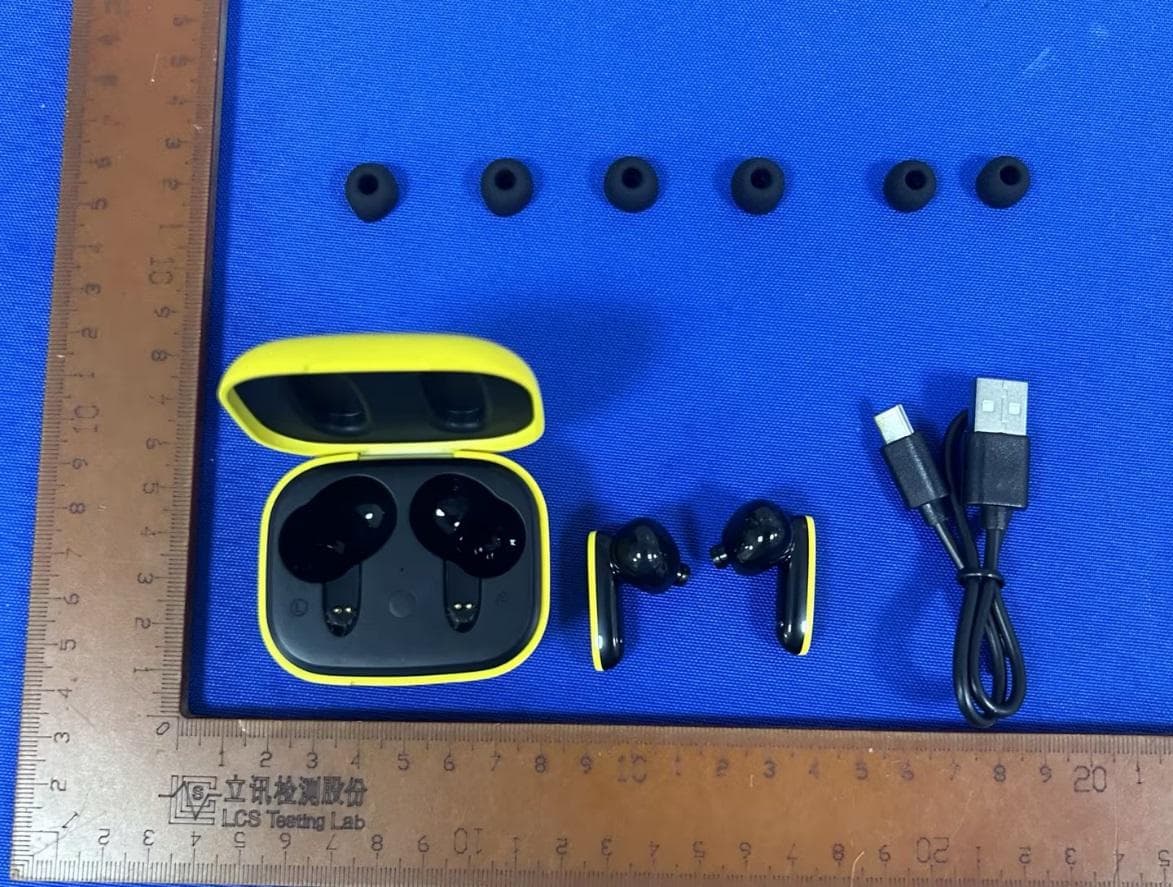
2AO2U-TEAM8E
Dec 03, 2023AUDIBLE GOLF GPS EARBUDS
Equipment Class
DSS - Part 15 Spread Spectrum Transmitter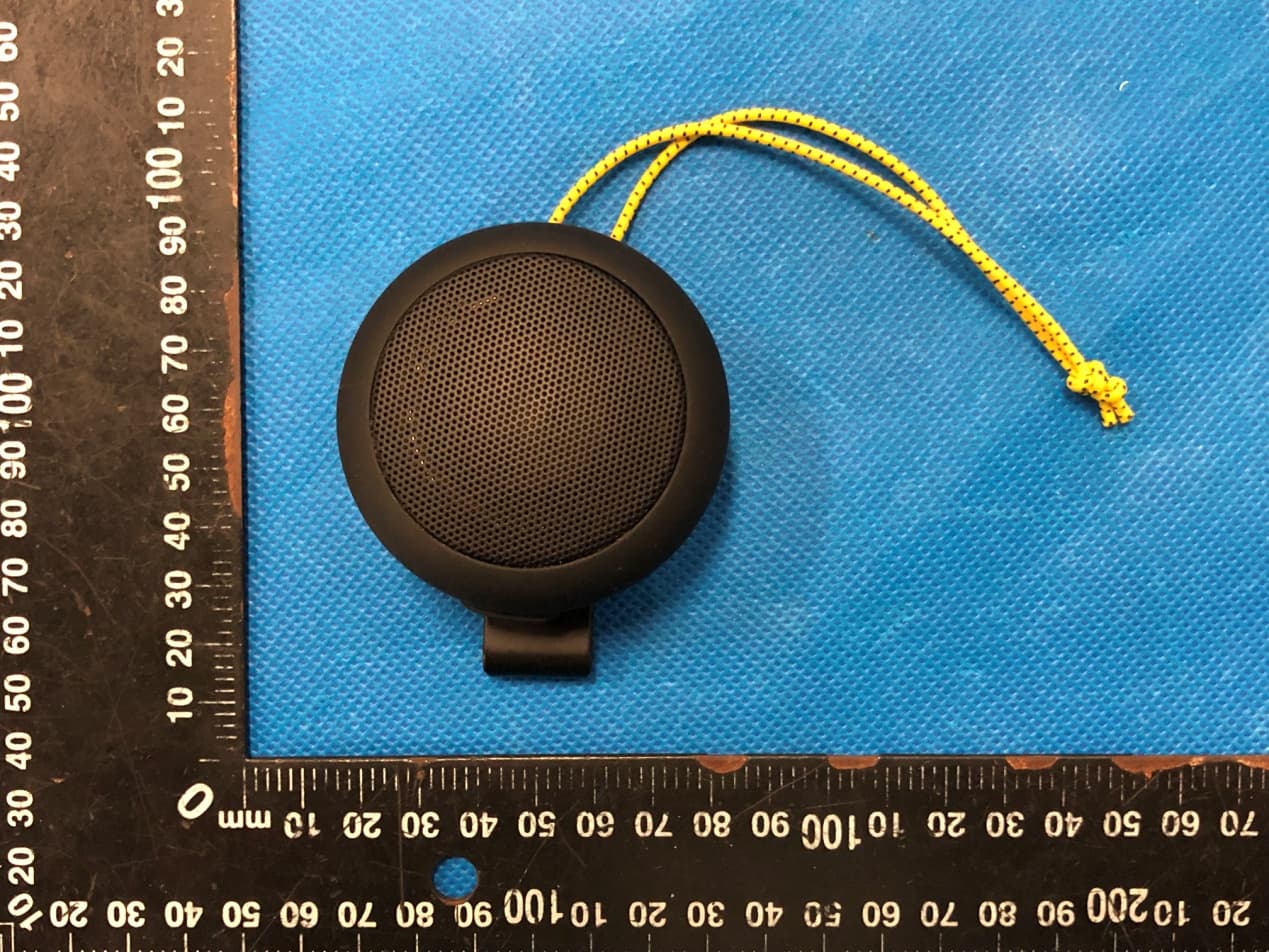
2AO2U-TEAM8
Nov 17, 2022Audible GPS Personal speaker
Equipment Class
DTS - Digital Transmission System